
Lecture 3 Use cases II UC description Systems

- Slides: 15
Lecture 3 : Use cases II (UC description) Systems Analysis & Design CT 1414 * Nouf Aljaffan The College Of Applied Studies And Community Services Instructor: Nouf Aljaffan 1 February 2012
Outline • Concept of Use Case Description • Reading and writing Use Case Descriptions CT 1414 * Nouf Aljaffan • Levels of Use Case Description 2
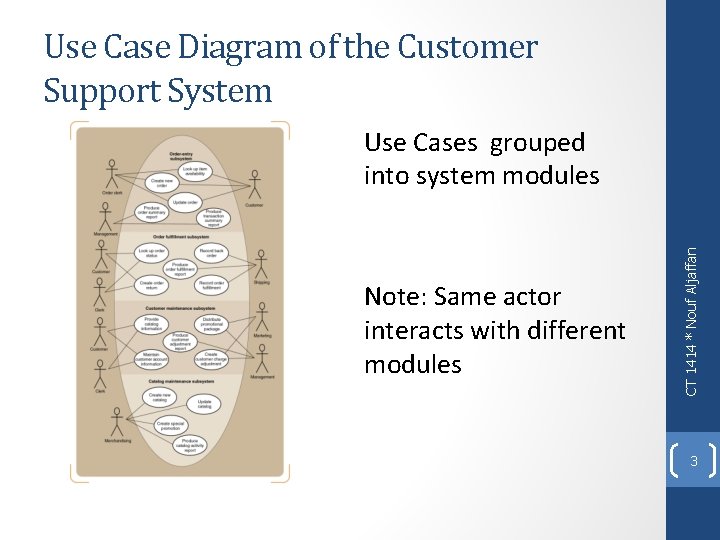
Use Case Diagram of the Customer Support System Note: Same actor interacts with different modules CT 1414 * Nouf Aljaffan Use Cases grouped into system modules 3
Use Case Description • A breakdown of a single use case (e. g. , sequence of steps included in the function “Look up item availability”); process logic included • In contrast to Use Case Diagram, Use Case Description captures variations of a Use Case • Example: “Create new order” can be done via phone+clerk and via Internet ordering – 2 scenarios (see slide 3) CT 1414 * Nouf Aljaffan • Complements Use Case Diagram 4
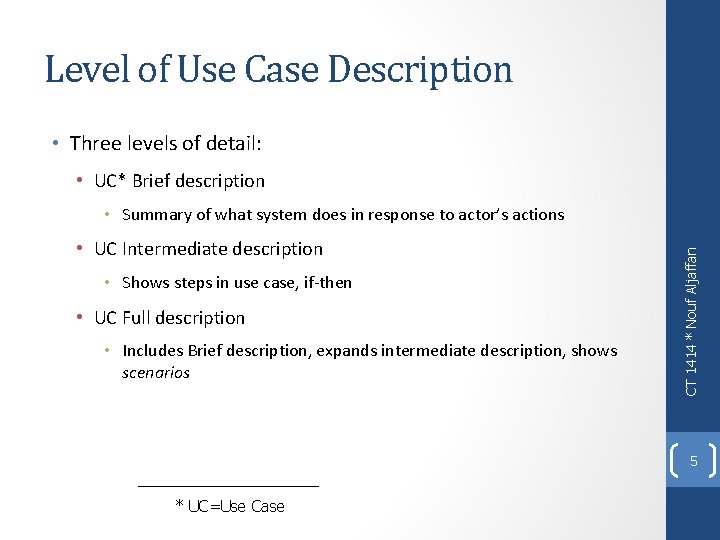
Level of Use Case Description • Three levels of detail: • UC* Brief description • UC Intermediate description • Shows steps in use case, if-then • UC Full description • Includes Brief description, expands intermediate description, shows scenarios CT 1414 * Nouf Aljaffan • Summary of what system does in response to actor’s actions 5 * UC=Use Case
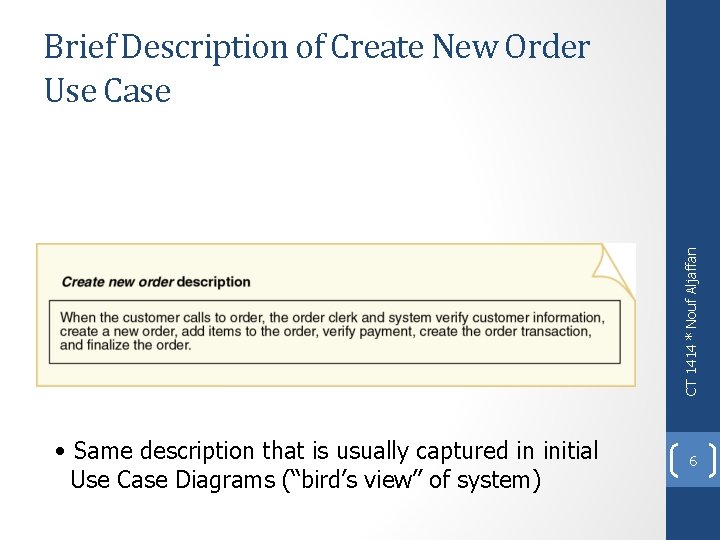
CT 1414 * Nouf Aljaffan Brief Description of Create New Order Use Case • Same description that is usually captured in initial Use Case Diagrams (“bird’s view” of system) 6
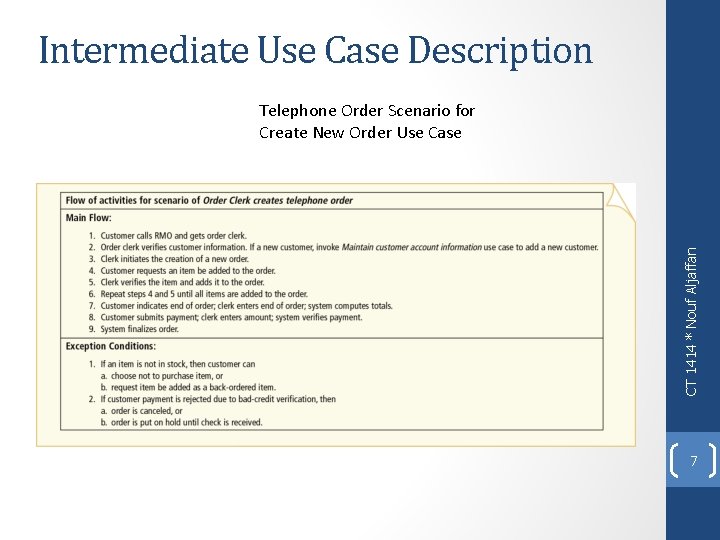
Intermediate Use Case Description CT 1414 * Nouf Aljaffan Telephone Order Scenario for Create New Order Use Case 7
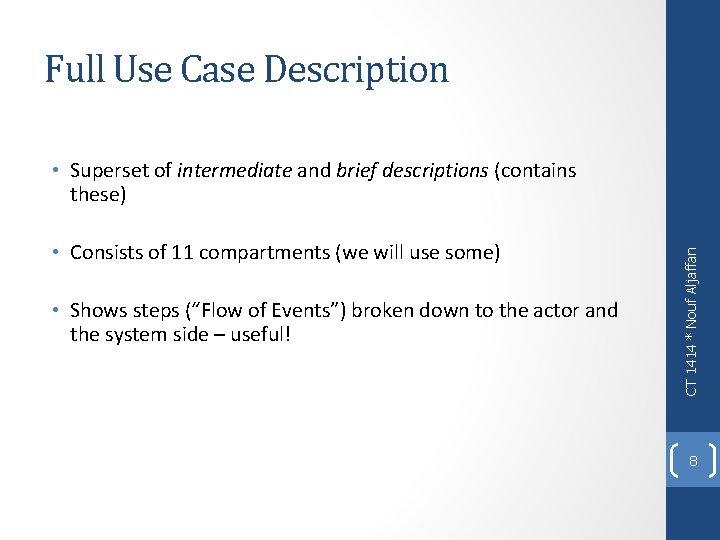
Full Use Case Description • Consists of 11 compartments (we will use some) • Shows steps (“Flow of Events”) broken down to the actor and the system side – useful! CT 1414 * Nouf Aljaffan • Superset of intermediate and brief descriptions (contains these) 8
Full Use Case Description Telephone Order Scenario for Create New Order Use Case CT 1414 * Nouf Aljaffan Computer System, Computer (steps encoded in software) 9
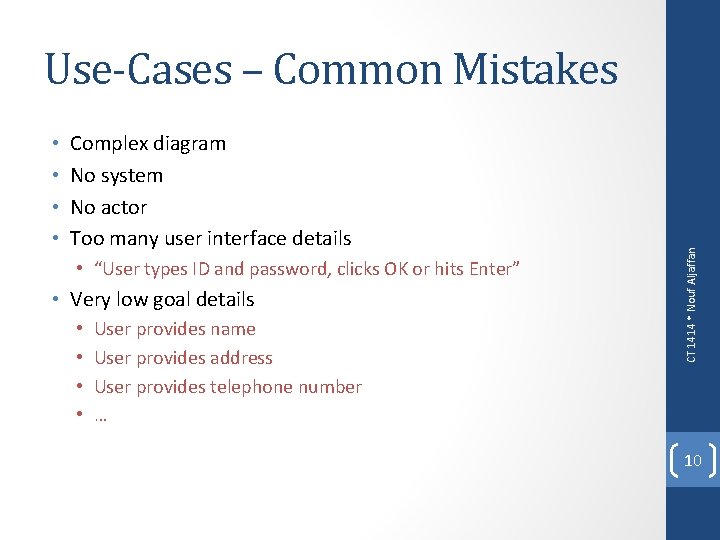
• • Complex diagram No system No actor Too many user interface details • “User types ID and password, clicks OK or hits Enter” • Very low goal details • • User provides name User provides address User provides telephone number … CT 1414 * Nouf Aljaffan Use-Cases – Common Mistakes 10
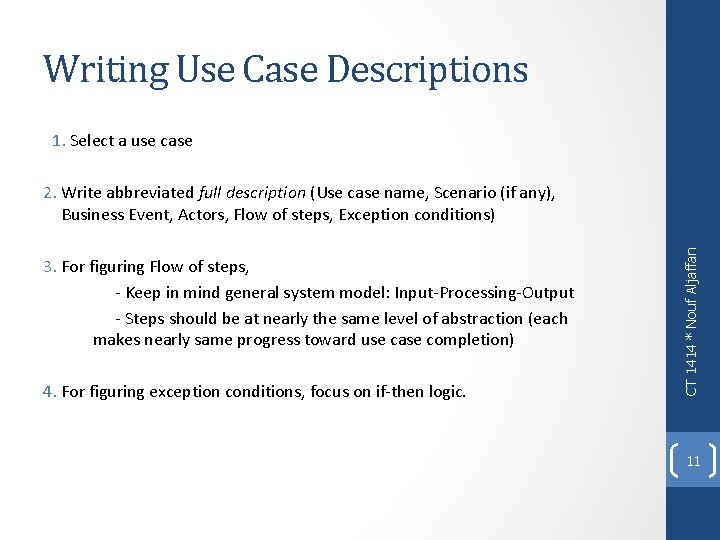
Writing Use Case Descriptions 1. Select a use case 3. For figuring Flow of steps, - Keep in mind general system model: Input-Processing-Output - Steps should be at nearly the same level of abstraction (each makes nearly same progress toward use case completion) 4. For figuring exception conditions, focus on if-then logic. CT 1414 * Nouf Aljaffan 2. Write abbreviated full description (Use case name, Scenario (if any), Business Event, Actors, Flow of steps, Exception conditions) 11
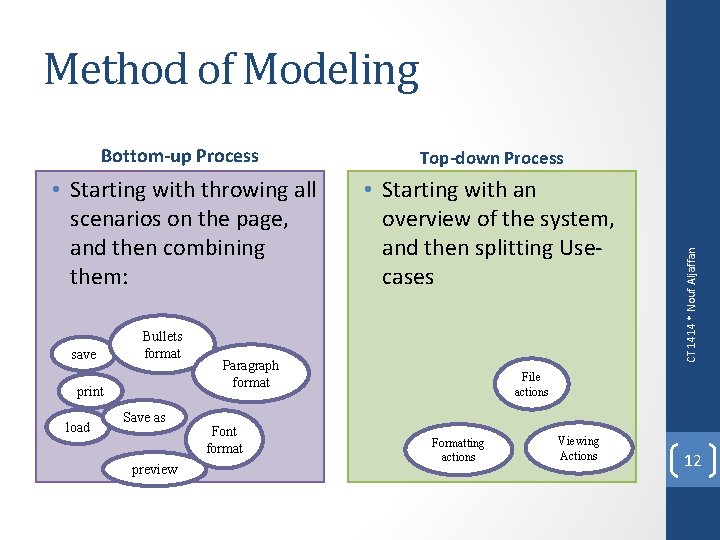
Bottom-up Process Top-down Process • Starting with throwing all scenarios on the page, and then combining them: • Starting with an overview of the system, and then splitting Usecases save Bullets format print load Save as preview Paragraph format Font format CT 1414 * Nouf Aljaffan Method of Modeling File actions Formatting actions Viewing Actions 12
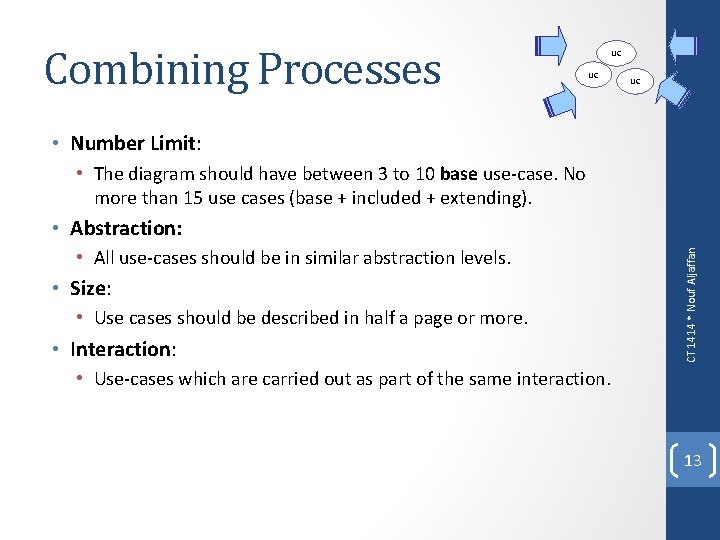
Combining Processes UC UC UC • Number Limit: • The diagram should have between 3 to 10 base use-case. No more than 15 use cases (base + included + extending). • All use-cases should be in similar abstraction levels. • Size: • Use cases should be described in half a page or more. • Interaction: CT 1414 * Nouf Aljaffan • Abstraction: • Use-cases which are carried out as part of the same interaction. 13
Dividing Processes UC • Size: • If a use-cases takes more than a page, consider include/extend • If the dependency between two parts of a use-case is weak, they should be divided. CT 1414 * Nouf Aljaffan • Weak dependency: 14
More Guidelines • If the usage is required use <<include>> • If the base use case is complete and the usage may be optional, consider use <<extend>> • A use case diagram should: • contain only use cases at the same level of abstraction • include only actors who are required CT 1414 * Nouf Aljaffan • Factor out common usages that are required by multiple use cases 15