
LECTURE 3 THE USES OF IMAGES IN MULTIMEDIA
- Slides: 42
LECTURE 3 THE USES OF IMAGES IN MULTIMEDIA Prepared By Razia Nisar Noorani 1
Objective q q What is an image? The types of image q Bitmap q Vector q 3 D models q Hardware used to acquire / edit images q Converting from one format to another 2
What is an image? q q An image is the graphical and visual representation of some information that can be displayed on a computer screen or printed out Images come in a variety of forms: q Photographs q Drawings q Paintings q Television and motion pictures q Semantics q Maps etc. 3
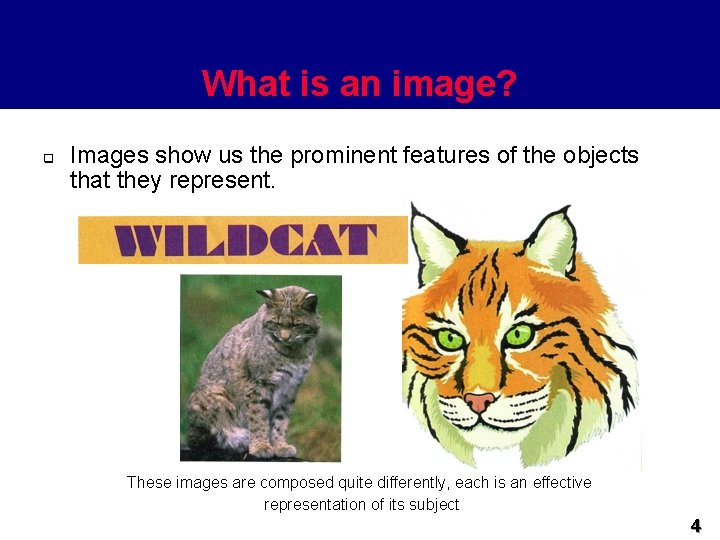
What is an image? q Images show us the prominent features of the objects that they represent. These images are composed quite differently, each is an effective representation of its subject 4
What is an image? q Images play an important part in multimedia q Navigation q User interface components q Help systems q Clip art 5
Image media types q q q Images can be generally divided into two formats: q Bitmapped or raster images q Vector graphics or Metafile images Bitmapped images are stored as an array of pixels Vector graphics are stored as the set of graphic primitives required to represent the image 6
Bitmaps Image q q A pixel is the smallest element of resolution on a computer screen (Screen Resolution) A pixel is the basic unit of a digital images. Digital image is a picture that may be stored in, displayed on, processed by a computer. As mentioned, bitmap is composed of a matrix elements called pixels Each pixel can be in a specific colour and each pixel consists of two or more colors. 7
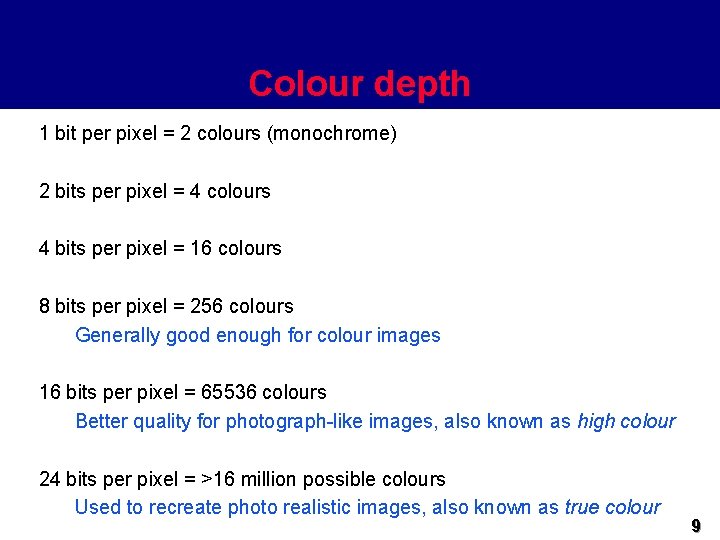
Bitmaps Image q q q The range of these colours is known as the colour depth. The color depth determined “How much data in bits used to determined the number of colors”. Colour depth is measured in bits per pixel q Remember: a bit (binary digit) is either 1 or 0 and that there are eight bits in a byte 8
Colour depth 1 bit per pixel = 2 colours (monochrome) 2 bits per pixel = 4 colours 4 bits per pixel = 16 colours 8 bits per pixel = 256 colours Generally good enough for colour images 16 bits per pixel = 65536 colours Better quality for photograph-like images, also known as high colour 24 bits per pixel = >16 million possible colours Used to recreate photo realistic images, also known as true colour 9
Bitmaps Image q q q The more colours that are allowed per pixel, the greater the size of the image The number of pixels is related to the size of file that required to store an image. Remember, two factors effect the size file bitmap are: q Resolution q Color Depth 10
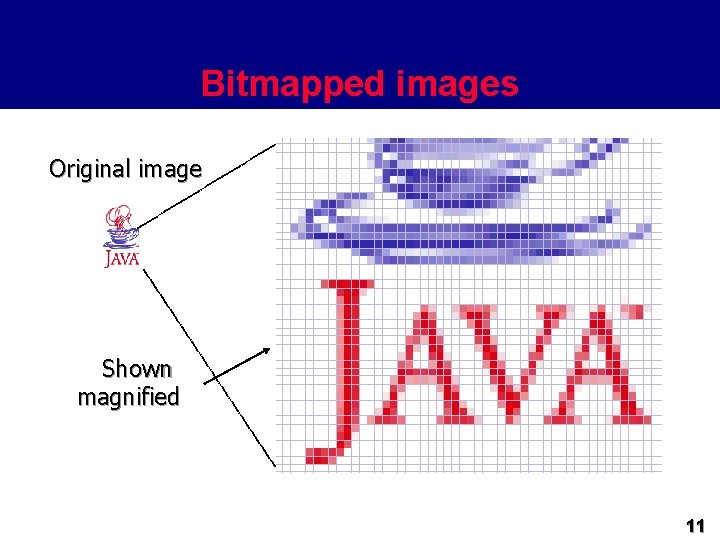
Bitmapped images Original image Shown magnified 11
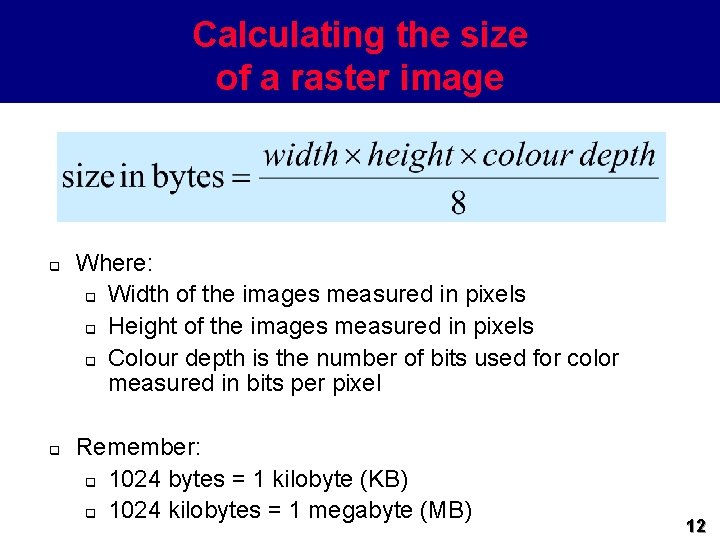
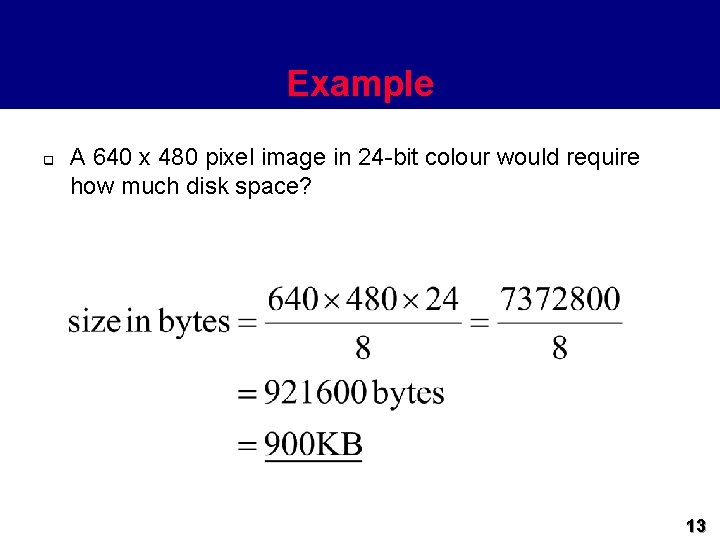
Calculating the size of a raster image q q Where: q Width of the images measured in pixels q Height of the images measured in pixels q Colour depth is the number of bits used for color measured in bits per pixel Remember: q 1024 bytes = 1 kilobyte (KB) q 1024 kilobytes = 1 megabyte (MB) 12
Example q A 640 x 480 pixel image in 24 -bit colour would require how much disk space? 13
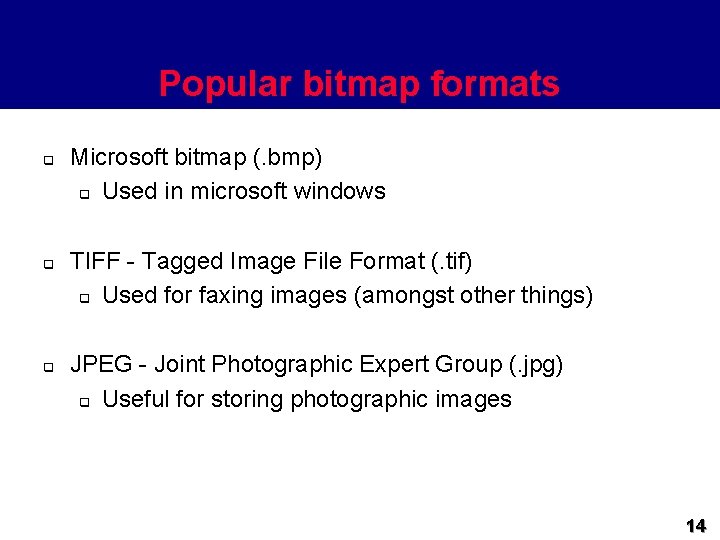
Popular bitmap formats q q q Microsoft bitmap (. bmp) q Used in microsoft windows TIFF - Tagged Image File Format (. tif) q Used for faxing images (amongst other things) JPEG - Joint Photographic Expert Group (. jpg) q Useful for storing photographic images 14
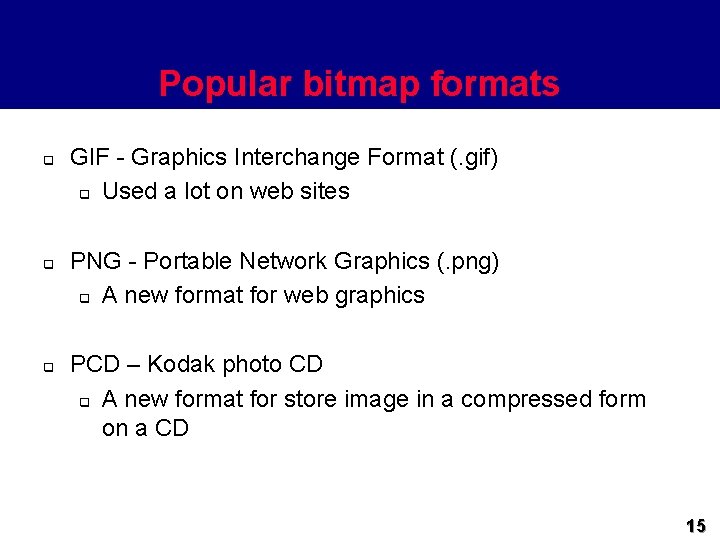
Popular bitmap formats q q q GIF - Graphics Interchange Format (. gif) q Used a lot on web sites PNG - Portable Network Graphics (. png) q A new format for web graphics PCD – Kodak photo CD q A new format for store image in a compressed form on a CD 15
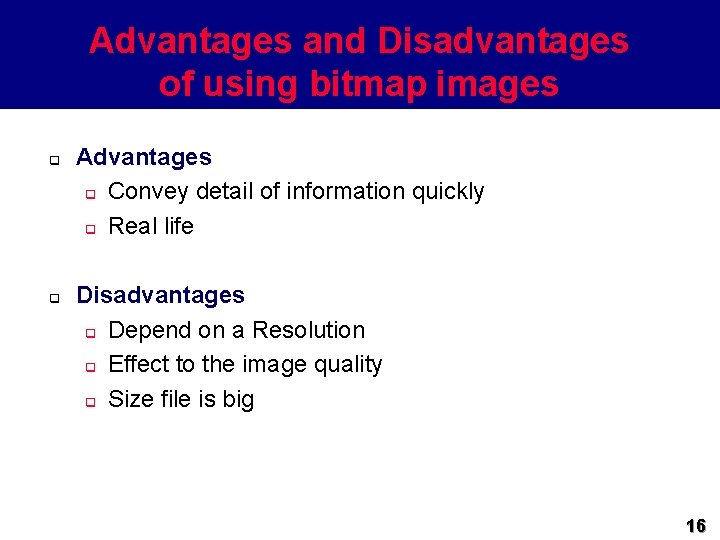
Advantages and Disadvantages of using bitmap images q q Advantages q Convey detail of information quickly q Real life Disadvantages q Depend on a Resolution q Effect to the image quality q Size file is big 16
Software to create bitmap images q Popular PC packages include: q Microsoft Paint q Included with microsoft windows q Microsoft Photo. Draw 2000 q http: //www. microsoft. com/office/photodraw/ q Adobe Photoshop q http: //www. adobe. com/products/photoshop/main. html q Paint Shop Pro q http: //www. jasc. com/psp 6. html q Macromedia Fireworks q http: //www. macromedia. com/software/fireworks/productinfo/ 17
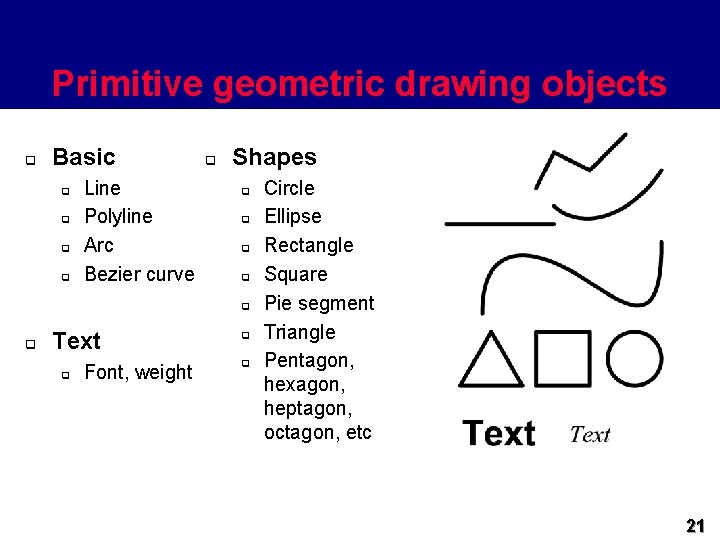
Vector images q q q Vector images are stored as the set of graphic primitives required to represent the image A graphic primitive is a simple graphic based on drawing elements or objects such as shape q e. g. square, line, ellipse, arc, etc. The image consists of a set of commands (mathematical equations) that are drawn the object when needed. 18
Vector images q q q Storing and representing images by mathematical equations is called vector graphics or Object Oriented graphics. Each primitive object has various attributes that go to make up the entire image q e. g. x-y location, fill colour, line style, etc. Example: q RECTANGLE : rectangle top, left, width, height, color is ( 0, 0, 200, red) 19
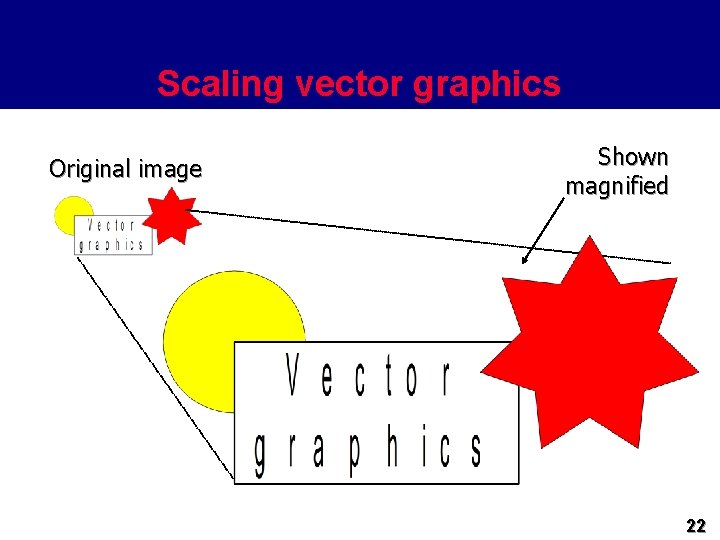
Vector images q q CIRCLE : circle top, left, radius, color LINE : Line x 1, y 1, x 2, y 2, color Vector image or vector graphics can be resized without losing the integrity of the original image. Scaling a vector is a mathematical operation - only the attributes change, the image is unaffected Q: Could you defined what the different between a digital image and Computer Graphics or graphics? 20
Primitive geometric drawing objects q Basic q q Line Polyline Arc Bezier curve q Shapes q q q Text q Font, weight q q Circle Ellipse Rectangle Square Pie segment Triangle Pentagon, hexagon, heptagon, octagon, etc 21
Scaling vector graphics Original image Shown magnified 22
Advantages and Disadvantages of using vector image q q Advantages q Relatively small amount of data required to represent the image. q Therefore, it does not required a lot of memory to store q Easier to manipulate Disadvantages q Limited level of detail than can be presented in an image 23
Software to create vector images q q Graphics programs are tools that allow an artist to create and edit designs used in multimedia applications. Generally, graphics programs can be categorized as: • Drawing programs – Creating draw type graphics – Provide freehand. Example geometric shape – Example : Adobe Illustrator, Corel Draw, Macromedia Freehand http: //www. adobe. com/products/illustrator/main. html 24
Software to create vector images q Paint programs - Those creating bitmaps - useful in creating original art - Example: Paint Shop Pro http: //www. jasc. com/psp 6. html q Image editing programs - Making changes to existing images, such as manipulating the brightness or contrast, applying textures, patterns. - Examples : Adobe Photoshop, Adobe Page Maker, 25
Vector formats q Windows metafile (. wmf) q q SVG - Scalable Vector Graphics (. svg) q q A new format devised for the web CGM - Computer Graphics Metafile (. cgm) q q Used by Microsoft Windows Older format commonly used for clip art Adobe Post. Script (. ps) q A page description language used to control printers 26
Vector formats q Adobe Portable Document Format (. pdf) q q Drawing Exchange Format (. dfx) q q A page description language common on the web Store 3 D image created by design program Auto. CAD Encapsulated Post. Script (. epf) q Professional printing: Illustration program, Adobe Systems, Desktop Publishing programs 27
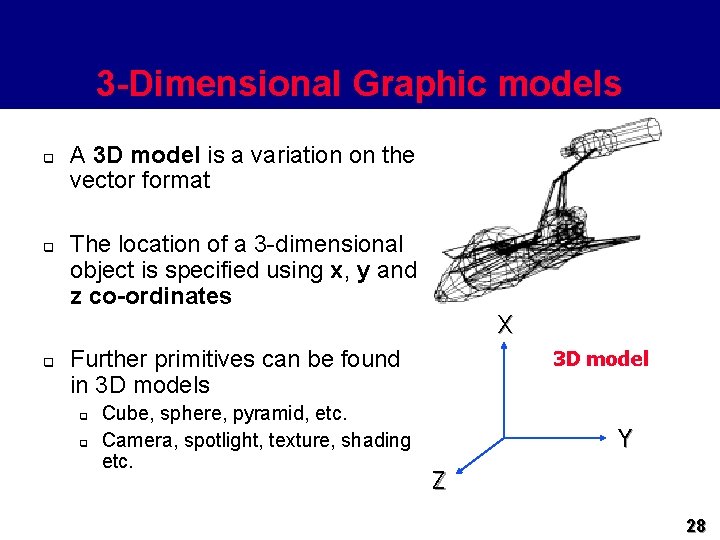
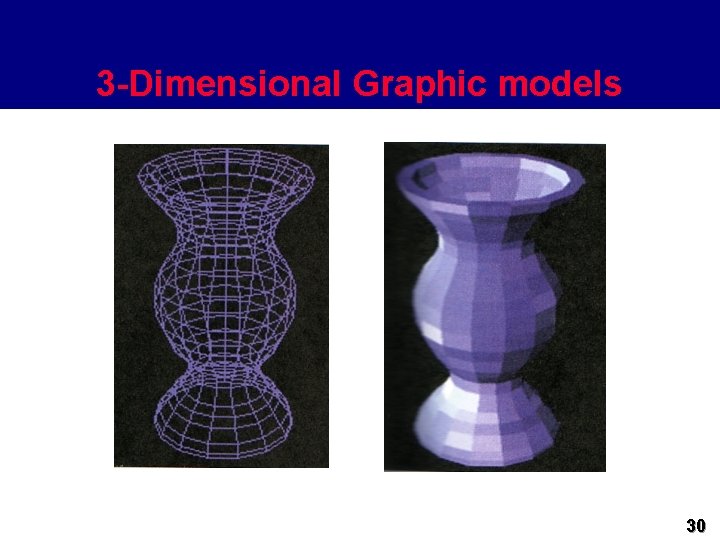
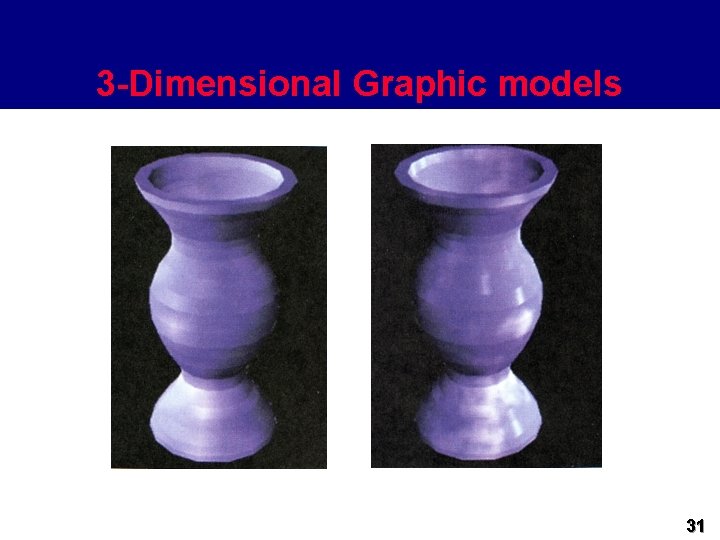
3 -Dimensional Graphic models q q A 3 D model is a variation on the vector format The location of a 3 -dimensional object is specified using x, y and z co-ordinates X q Further primitives can be found in 3 D models q q Cube, sphere, pyramid, etc. Camera, spotlight, texture, shading etc. 3 D model Y Z 28
3 -Dimensional Graphic models q q 3 D graphics offer the photorealistics effects that have you seen in TV, Computer Games Examples, Motion Picture films such as: q q Jurassic Park, Terminator 2, Lost World and Toy Story Examples 3 D programs: q q q Carigali Truespace 3 D Studio Max Infini-D 29
3 -Dimensional Graphic models 30
3 -Dimensional Graphic models 31
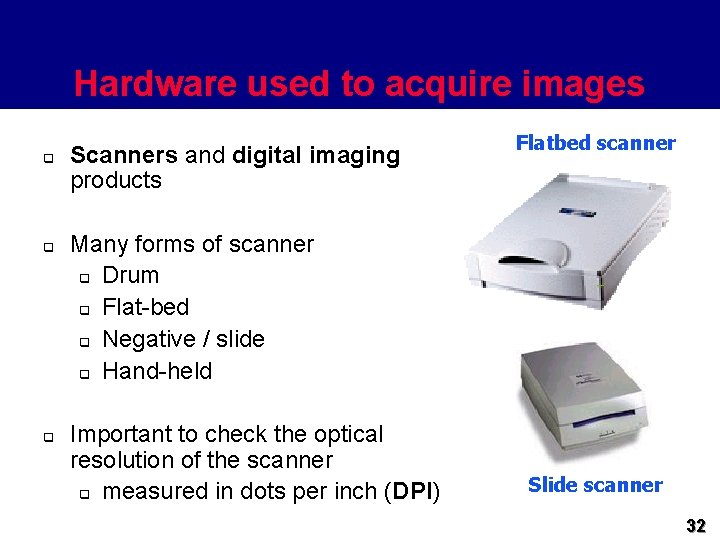
Hardware used to acquire images q q q Scanners and digital imaging products Flatbed scanner Many forms of scanner q Drum q Flat-bed q Negative / slide q Hand-held Important to check the optical resolution of the scanner q measured in dots per inch (DPI) Slide scanner 32
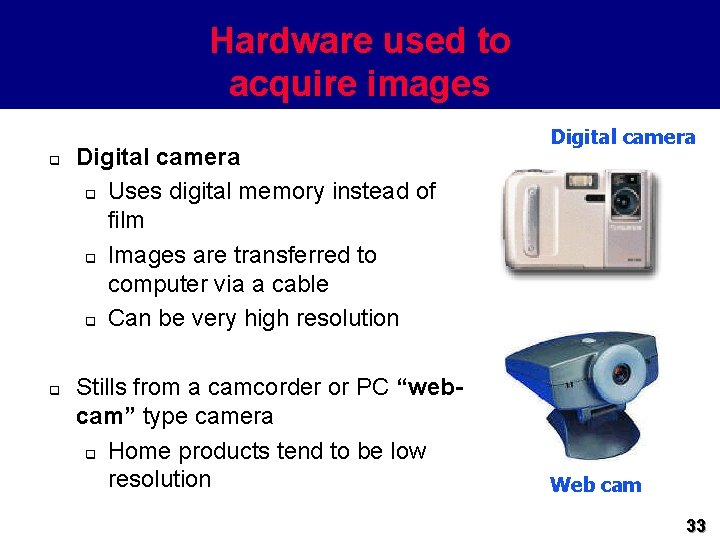
Hardware used to acquire images q q Digital camera q Uses digital memory instead of film q Images are transferred to computer via a cable q Can be very high resolution Stills from a camcorder or PC “webcam” type camera q Home products tend to be low resolution Digital camera Web cam 33
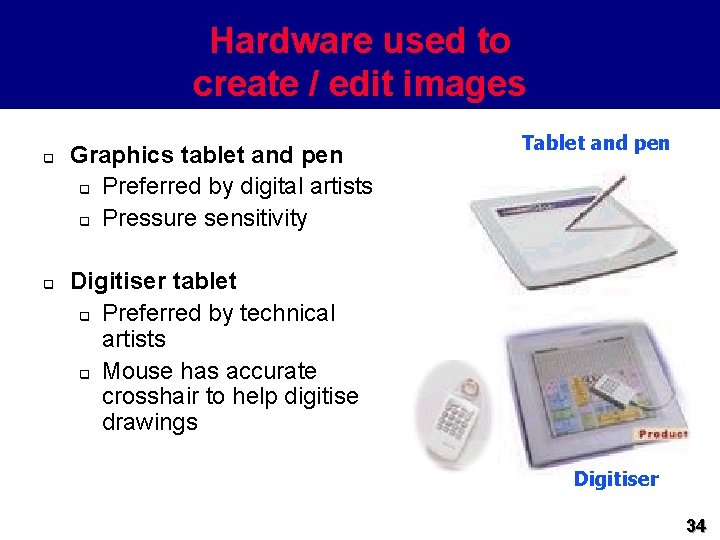
Hardware used to create / edit images q q Graphics tablet and pen q Preferred by digital artists q Pressure sensitivity Tablet and pen Digitiser tablet q Preferred by technical artists q Mouse has accurate crosshair to help digitise drawings Digitiser 34
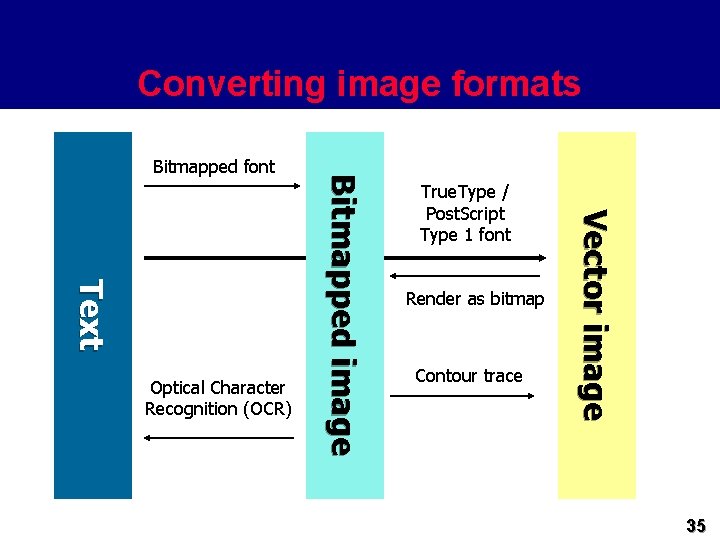
Converting image formats True. Type / Post. Script Type 1 font Render as bitmap Contour trace Vector image Text Optical Character Recognition (OCR) Bitmapped image Bitmapped font 35
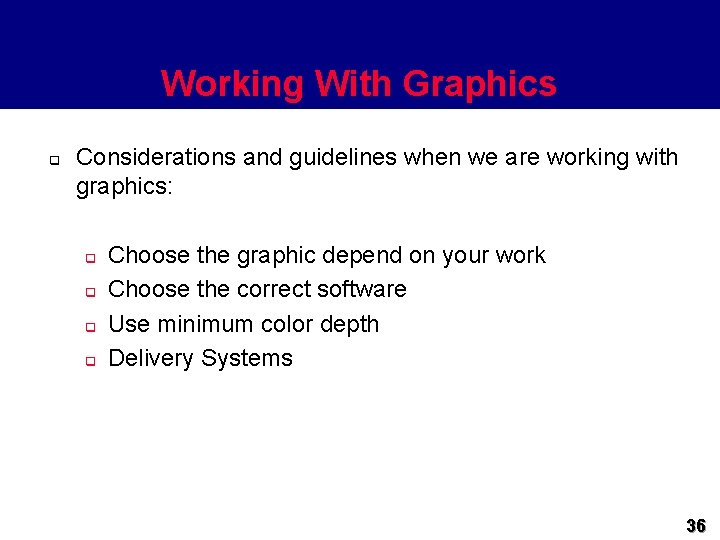
Working With Graphics q Considerations and guidelines when we are working with graphics: q q Choose the graphic depend on your work Choose the correct software Use minimum color depth Delivery Systems 36
How graphics/images can be used effectively q q Different types of graphics are used in different ways: Line drawing are graphical representations of physical objects. There are 3 kinds of line drawings: q q q Isometric - represent 3 -D objects without realistic perspective Orthographic - are 2 -D representations of objects Perspective - represent objects in their most realistic form 37
How graphics/images can be used effectively q q Graphs and Tables In just a glance, graphs can provide specific data, show general trends in data or depict the relationships between data and data trends Diagrams Help users conceptualize a process, flow or interrelationship. Examples of diagrams include: Flow charts, Schematic Drawings and Block Diagrams. 38
Advantages and Disadvantages of using images q Advantages q Convey a lot of information quickly q Add visual simulation and colour q Can communicate across language borders q Enhance other media 39
Advantages and Disadvantages of using texts q Disadvantages q Do not provide in-depth explanations q Graphics rarely suffice to convey a whole message in business, technical or safety settings q Can be misinterpreted q Graphics should be used carefully to make sure the message is not ambiguous or cryptic. 40
Summary q Today we have met the various types of image that are useful when creating multimedia applications q Pros and cons of bitmapped and vector images q What hardware is used to create each of these 41
Next lecture. . . We will look at digital Audio formats 42