
Lecture 3 Requirement Analysis System Analysis Concepts Modeling
- Slides: 53
Lecture 3 Requirement Analysis System Analysis Concepts Modeling Techniques 1
Disclaimer and Copyright Notice This work is subject to copyright. All rights are reserved. This course material is developed in conjunction with the courseware of Software Engineering: A Practitioner’s Approach, 5/e and are provided with permission by R. S. Pressman & Associates, Inc. , copyright © 1996, 2001. The material provided is for reference only. It should not be redistributed with prior written consent. Proceeding beyond this notice implies willingness to comply with the terms. 2
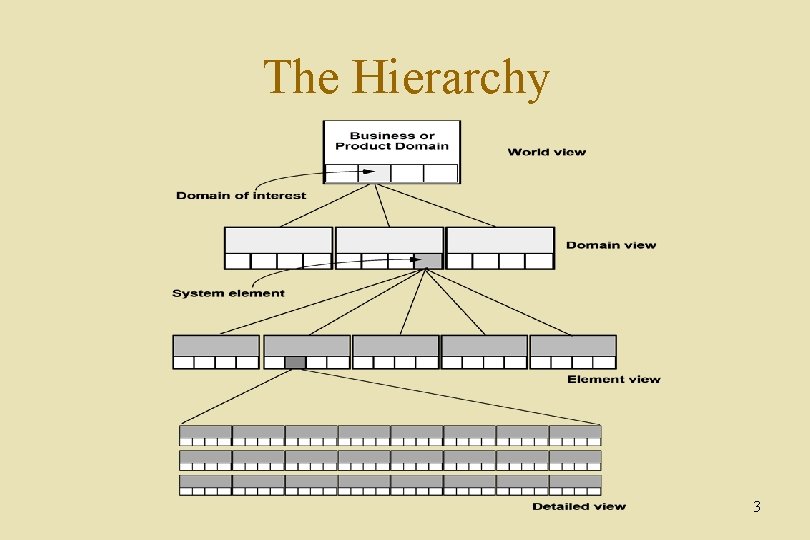
The Hierarchy 3
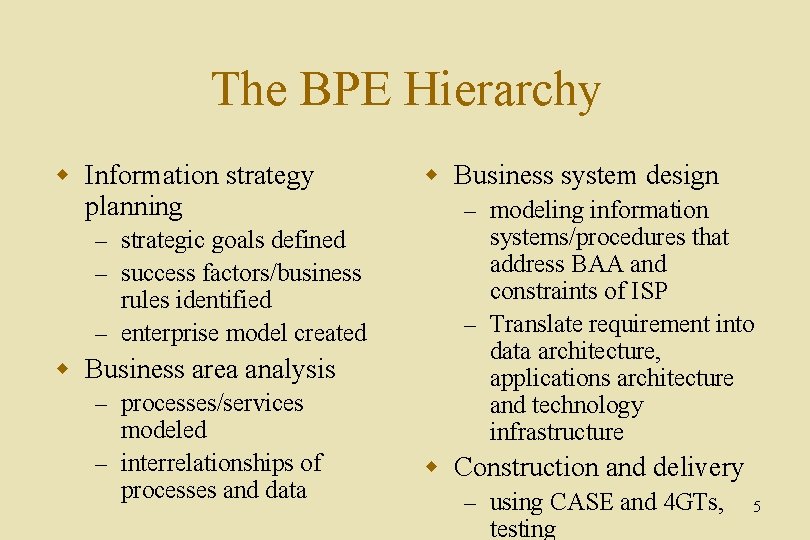
Business Process Engineering w uses an integrated set of procedures, methods, and tools to identify how information systems can best meet the strategic goals of an enterprise w focuses first on the enterprise and then on the business area w creates enterprise models, data models and process models w creates a framework for better information management distribution, and control 4
The BPE Hierarchy w Information strategy planning – strategic goals defined – success factors/business rules identified – enterprise model created w Business area analysis – processes/services modeled – interrelationships of processes and data w Business system design – modeling information systems/procedures that address BAA and constraints of ISP – Translate requirement into data architecture, applications architecture and technology infrastructure w Construction and delivery – using CASE and 4 GTs, testing 5
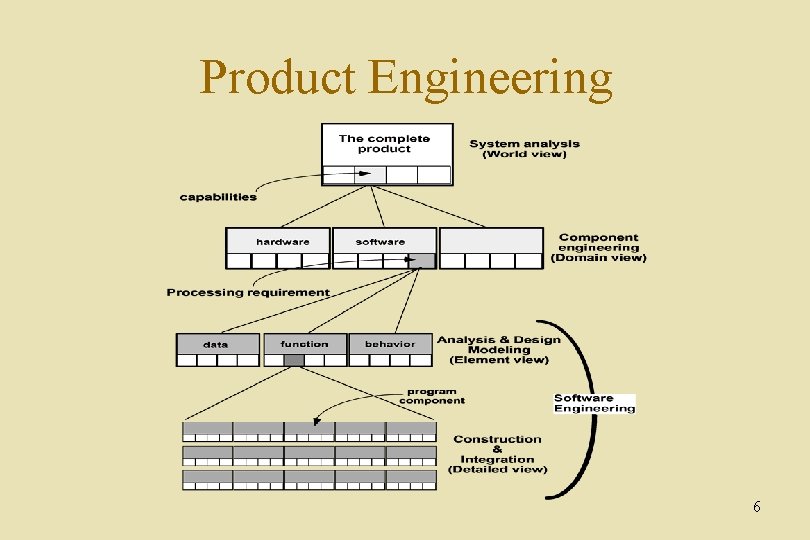
Product Engineering 6
Requirement Engineering 7
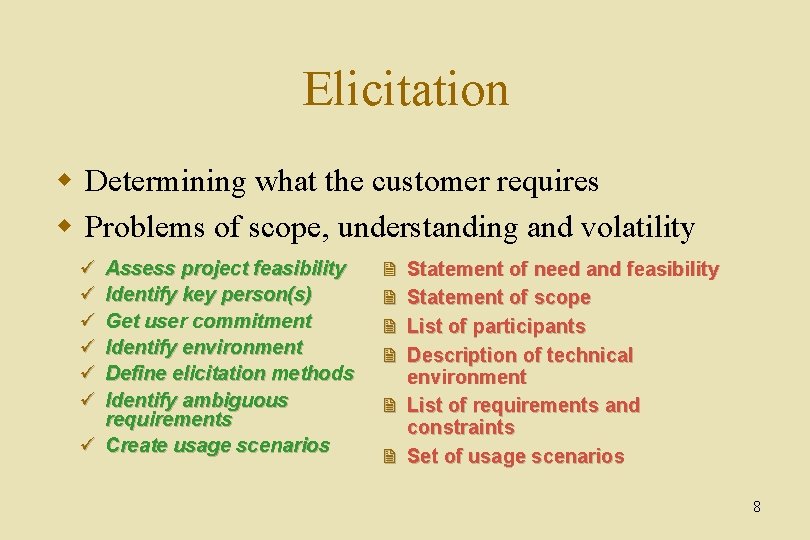
Elicitation w Determining what the customer requires w Problems of scope, understanding and volatility ü ü ü Assess project feasibility Identify key person(s) Get user commitment Identify environment Define elicitation methods Identify ambiguous requirements ü Create usage scenarios 2 2 Statement of need and feasibility Statement of scope List of participants Description of technical environment 2 List of requirements and constraints 2 Set of usage scenarios 8
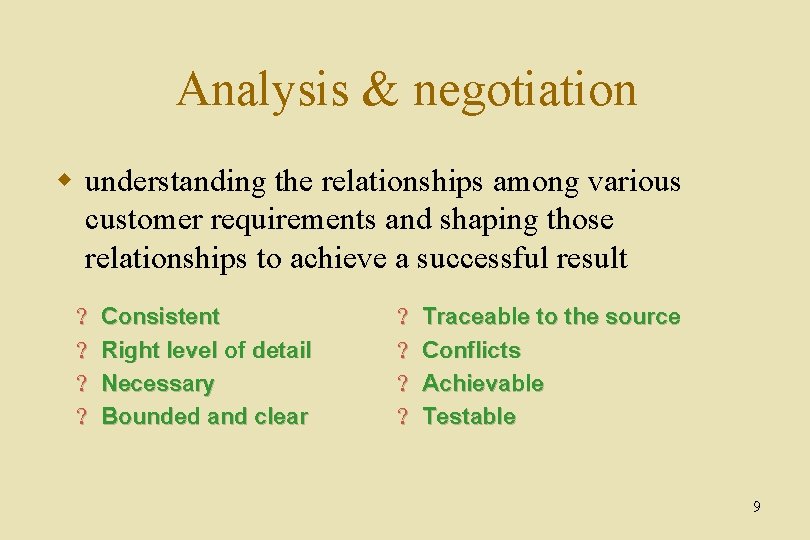
Analysis & negotiation w understanding the relationships among various customer requirements and shaping those relationships to achieve a successful result ? ? Consistent Right level of detail Necessary Bounded and clear ? ? Traceable to the source Conflicts Achievable Testable 9
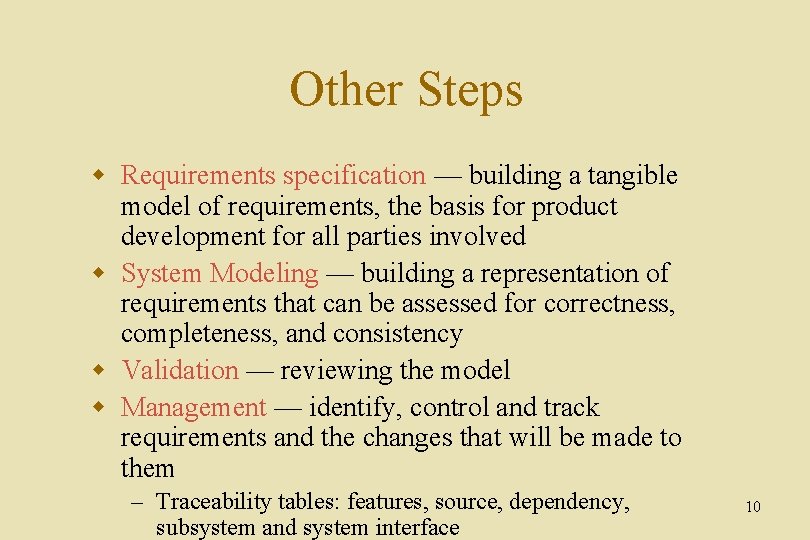
Other Steps w Requirements specification — building a tangible model of requirements, the basis for product development for all parties involved w System Modeling — building a representation of requirements that can be assessed for correctness, completeness, and consistency w Validation — reviewing the model w Management — identify, control and track requirements and the changes that will be made to them – Traceability tables: features, source, dependency, subsystem and system interface 10
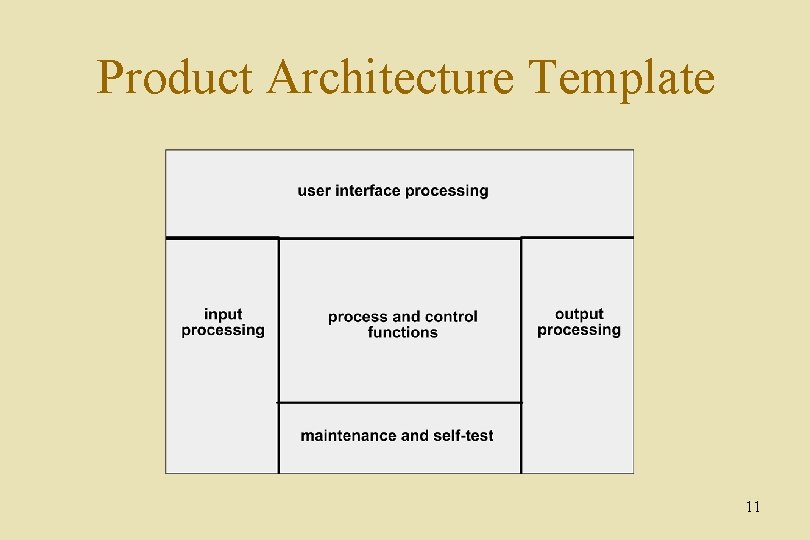
Product Architecture Template 11
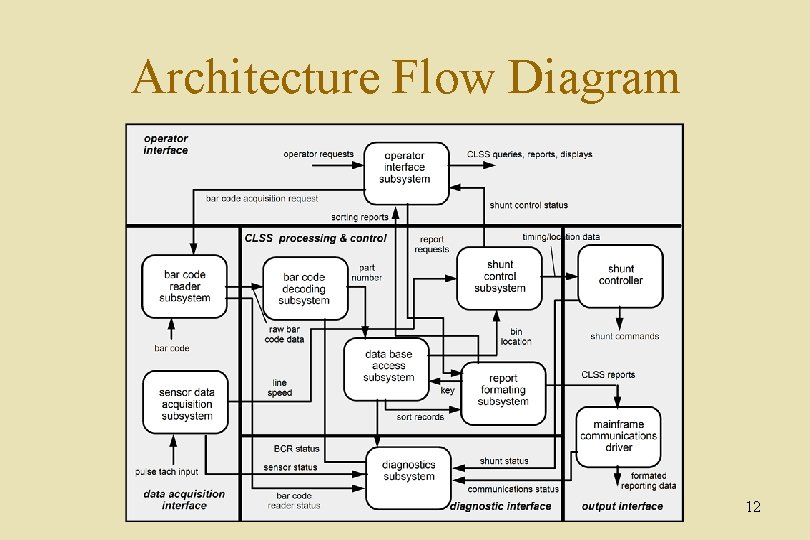
Architecture Flow Diagram 12
Systems Analysis Concepts 13
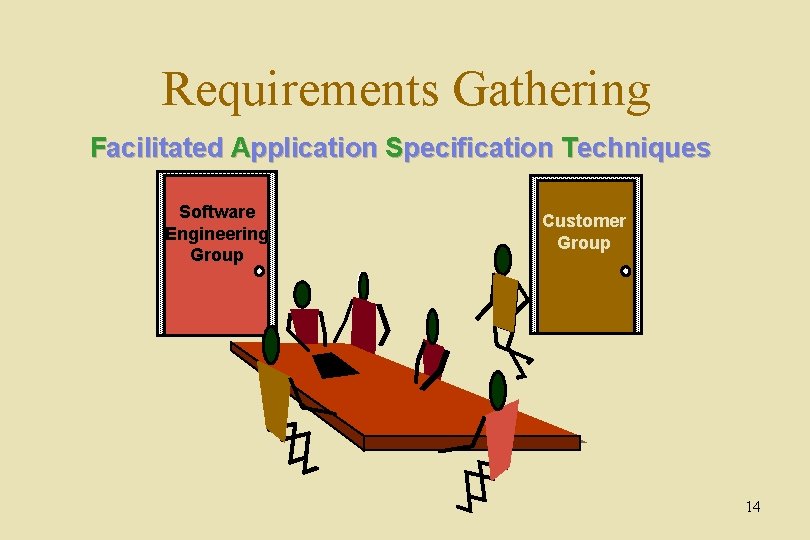
Requirements Gathering Facilitated Application Specification Techniques Software Engineering Group Customer Group 14
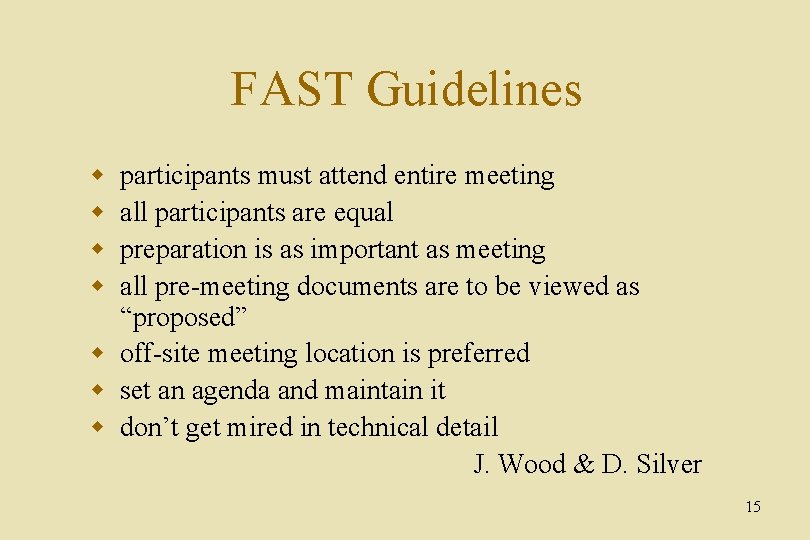
FAST Guidelines w w participants must attend entire meeting all participants are equal preparation is as important as meeting all pre-meeting documents are to be viewed as “proposed” w off-site meeting location is preferred w set an agenda and maintain it w don’t get mired in technical detail J. Wood & D. Silver 15
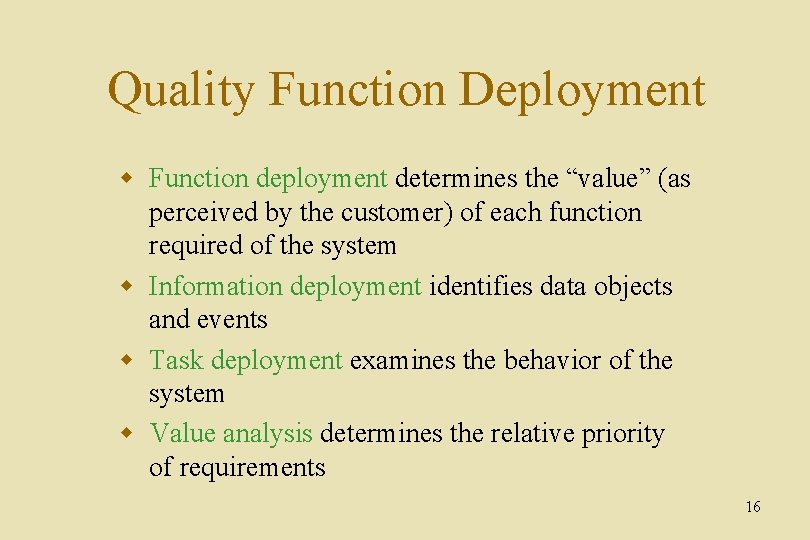
Quality Function Deployment w Function deployment determines the “value” (as perceived by the customer) of each function required of the system w Information deployment identifies data objects and events w Task deployment examines the behavior of the system w Value analysis determines the relative priority of requirements 16
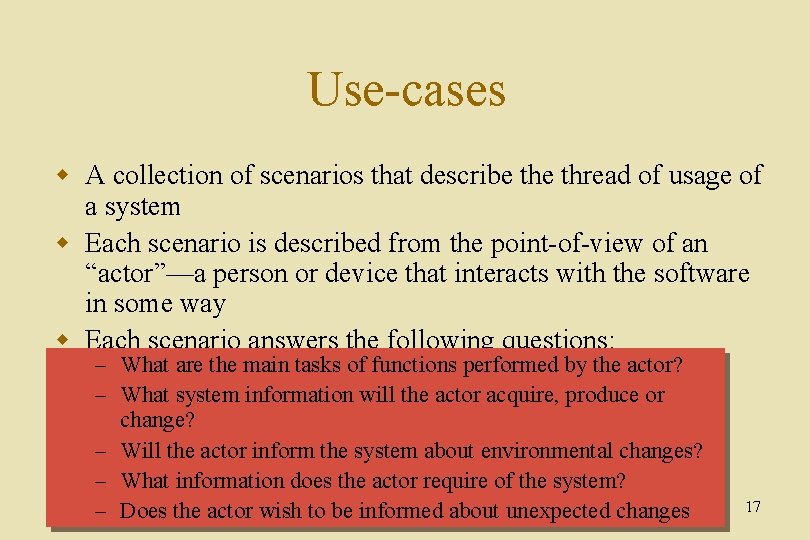
Use-cases w A collection of scenarios that describe thread of usage of a system w Each scenario is described from the point-of-view of an “actor”—a person or device that interacts with the software in some way w Each scenario answers the following questions: – What are the main tasks of functions performed by the actor? – What system information will the actor acquire, produce or change? – Will the actor inform the system about environmental changes? – What information does the actor require of the system? – Does the actor wish to be informed about unexpected changes 17
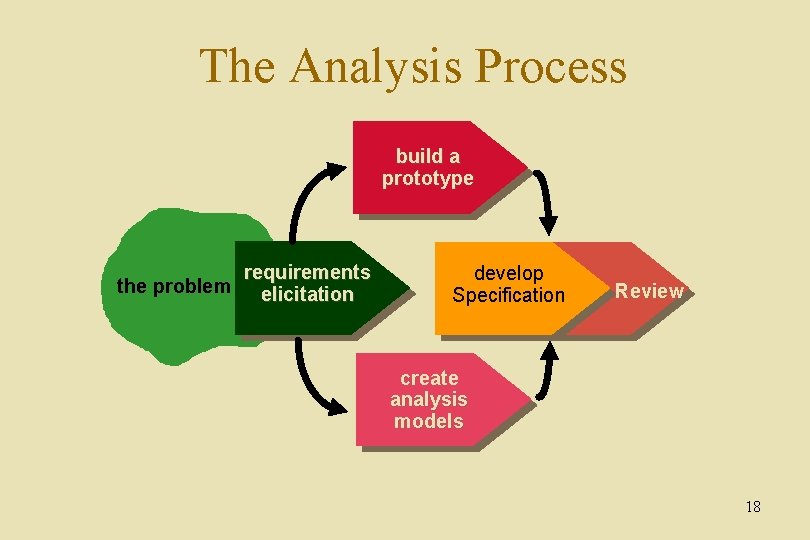
The Analysis Process build a prototype requirements the problem elicitation develop Specification Review create analysis models 18
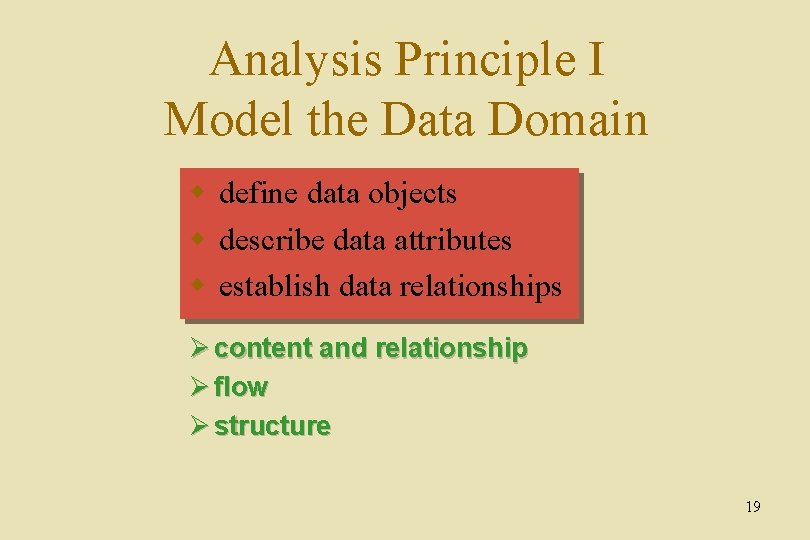
Analysis Principle I Model the Data Domain w define data objects w describe data attributes w establish data relationships Ø content and relationship Ø flow Ø structure 19
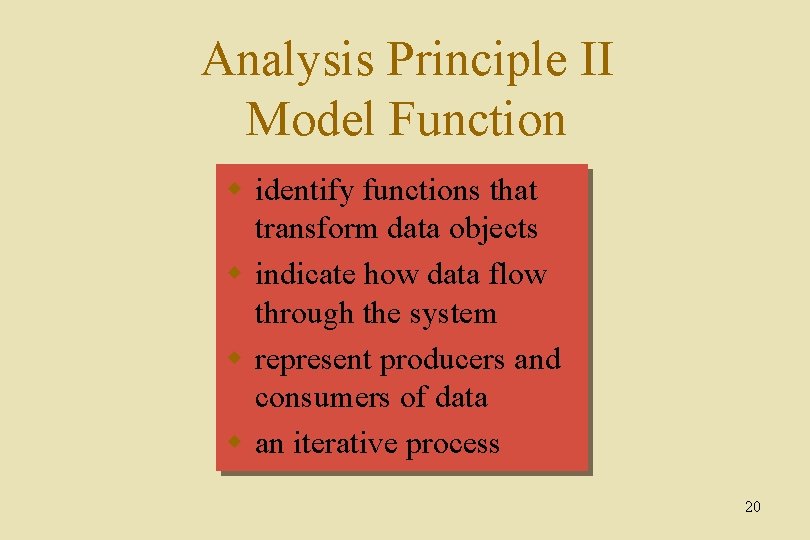
Analysis Principle II Model Function w identify functions that transform data objects w indicate how data flow through the system w represent producers and consumers of data w an iterative process 20
Analysis Principle III Model Behavior w indicate different states of the system w specify events that cause the system to change state 21
Analysis Principle IV Partition the Models w refine each model to represent lower levels of abstraction w refine data objects w create a functional hierarchy w represent behavior at different levels of detail 22
Analysis Principle V Essence w begin by focusing on the essence of the problem without regard to implementation details 23
Davis’ Principles w Understand the problem before you begin to create the analysis model. w Develop prototypes that enable a user to understand how human-machine interaction will occur. w Record the origin of and the reason for every requirement. w Use multiple views of requirements. w Prioritize requirements. w Work to eliminate ambiguity. 24
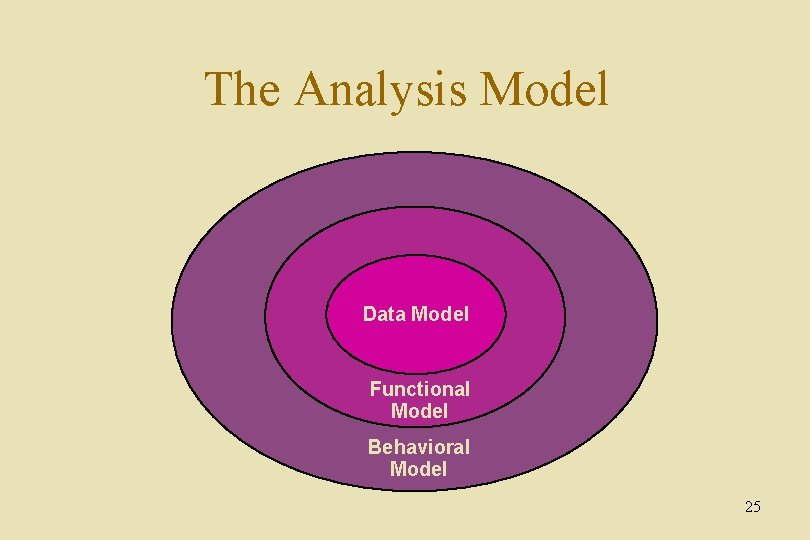
The Analysis Model Data Model Functional Model Behavioral Model 25
Analysis Modeling 26
Where to Begin? w A statement of scope can be acquired from: – the FAST working document – A set of use-cases w the statement of scope must be “parsed” to extract data, function and behavioral domain information 27
Statement of Scope w a relatively brief description of the system to be built – indicates data that are input and output and basic functionality – indicates conditional processing (at a high level) – implies certain constraints and limitations 28
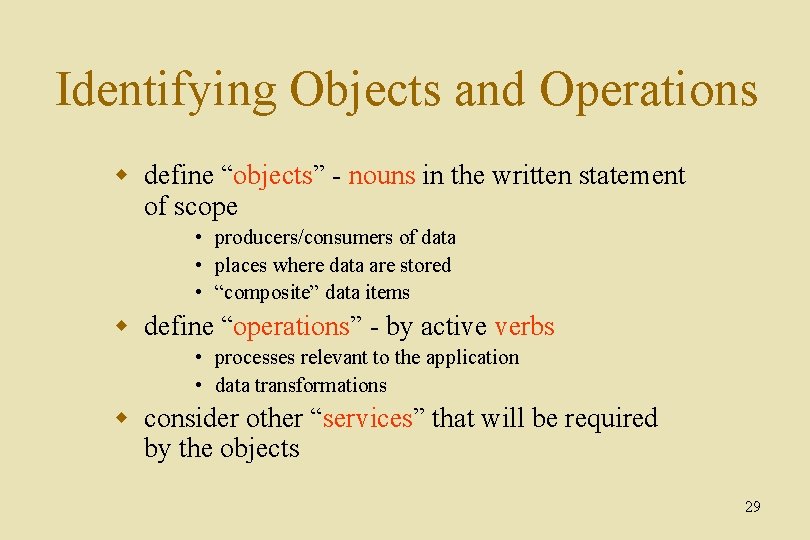
Identifying Objects and Operations w define “objects” - nouns in the written statement of scope • producers/consumers of data • places where data are stored • “composite” data items w define “operations” - by active verbs • processes relevant to the application • data transformations w consider other “services” that will be required by the objects 29
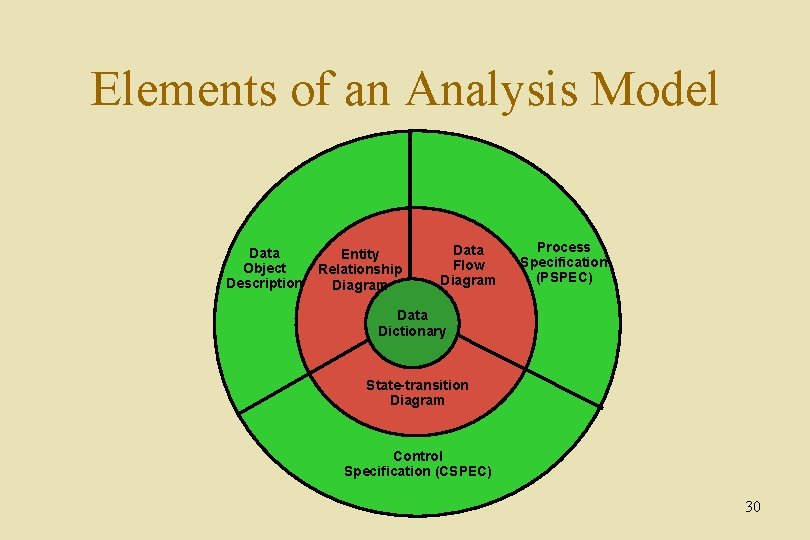
Elements of an Analysis Model Data Object Description Entity Relationship Diagram Data Flow Diagram Process Specification (PSPEC) Data Dictionary State-transition Diagram Control Specification (CSPEC) 30
Data Modeling and Entity Relationship Diagramming 31
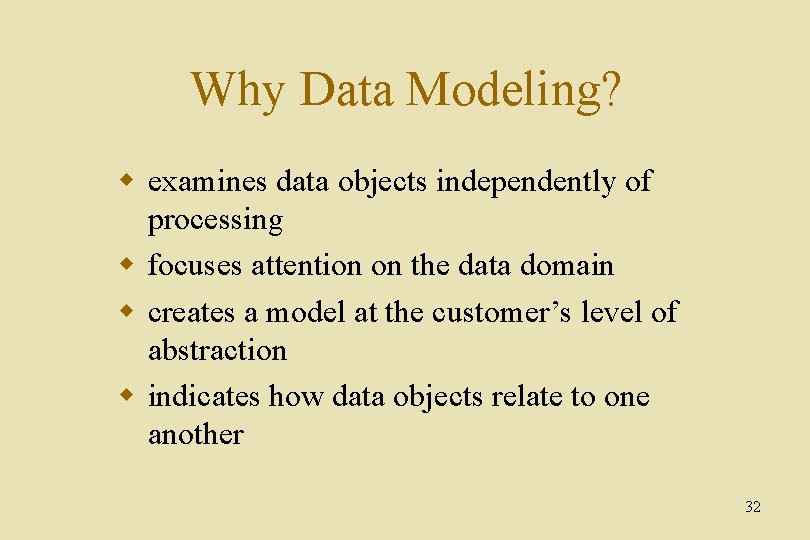
Why Data Modeling? w examines data objects independently of processing w focuses attention on the data domain w creates a model at the customer’s level of abstraction w indicates how data objects relate to one another 32
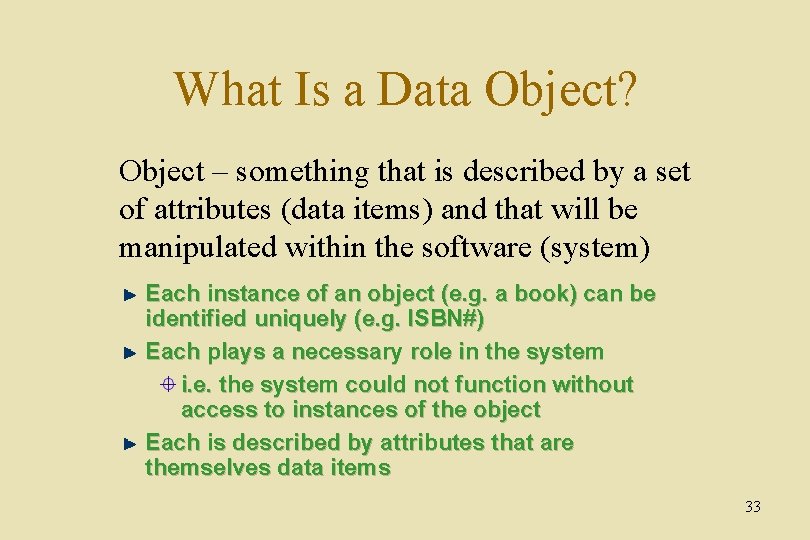
What Is a Data Object? Object – something that is described by a set of attributes (data items) and that will be manipulated within the software (system) Each instance of an object (e. g. a book) can be identified uniquely (e. g. ISBN#) Each plays a necessary role in the system i. e. the system could not function without access to instances of the object Each is described by attributes that are themselves data items 33
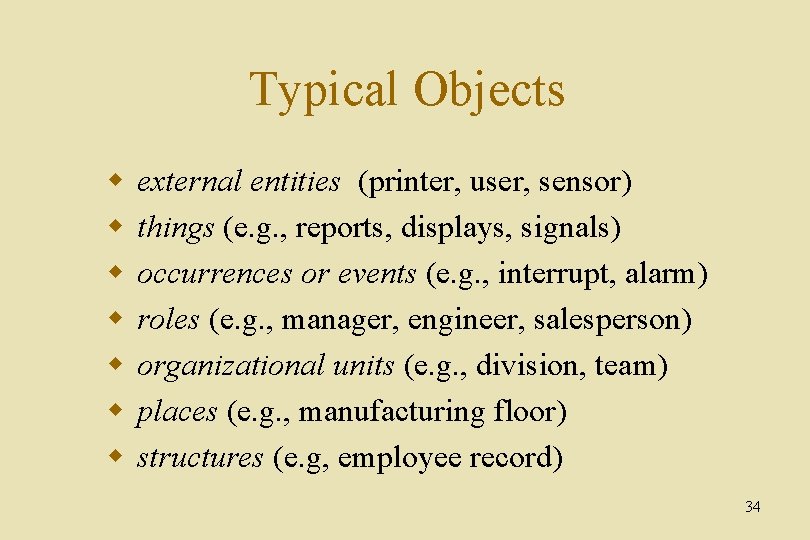
Typical Objects w w w w external entities (printer, user, sensor) things (e. g. , reports, displays, signals) occurrences or events (e. g. , interrupt, alarm) roles (e. g. , manager, engineer, salesperson) organizational units (e. g. , division, team) places (e. g. , manufacturing floor) structures (e. g, employee record) 34
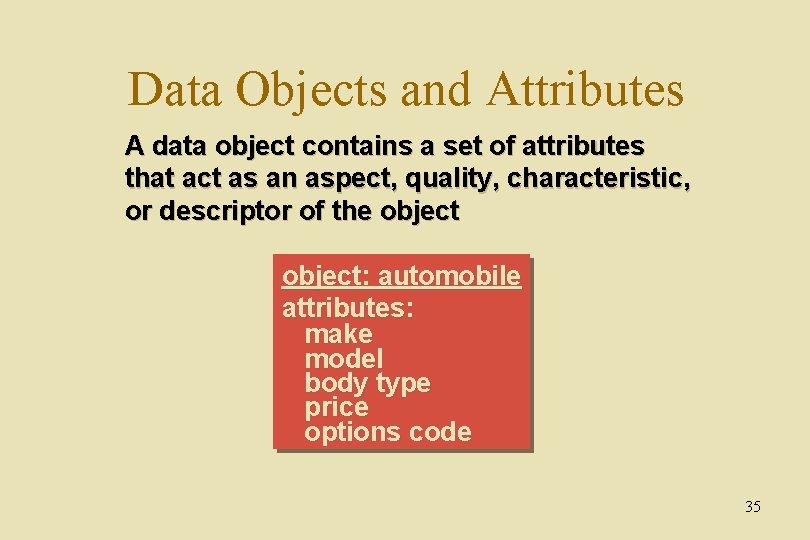
Data Objects and Attributes A data object contains a set of attributes that act as an aspect, quality, characteristic, or descriptor of the object: automobile attributes: make model body type price options code 35
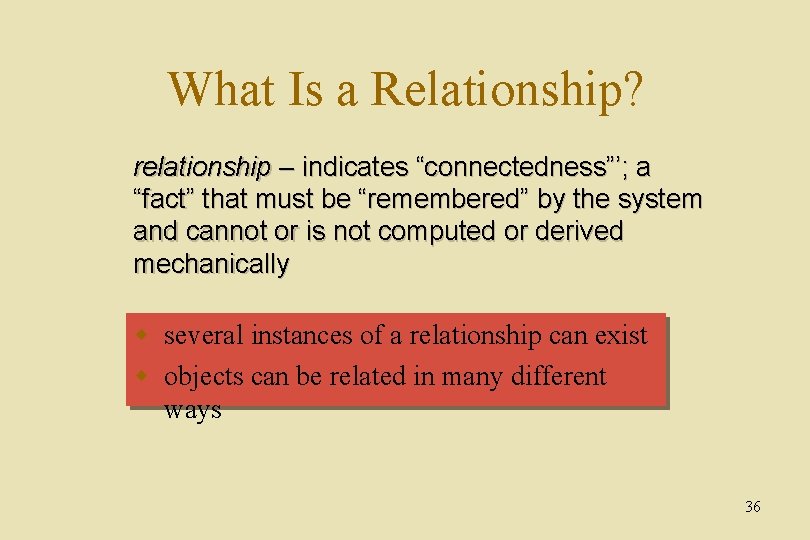
What Is a Relationship? relationship – indicates “connectedness”’; a “fact” that must be “remembered” by the system and cannot or is not computed or derived mechanically w several instances of a relationship can exist w objects can be related in many different ways 36
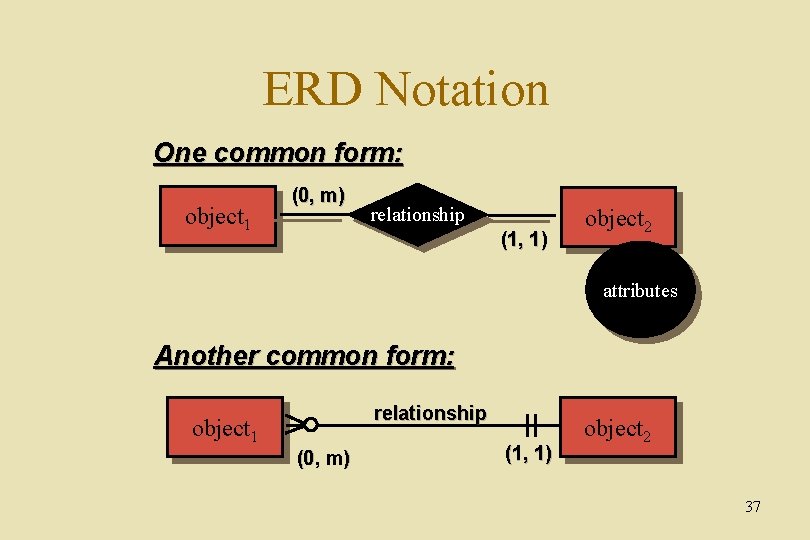
ERD Notation One common form: object 1 (0, m) relationship (1, 1) object 2 attributes Another common form: relationship object 1 (0, m) (1, 1) object 2 37
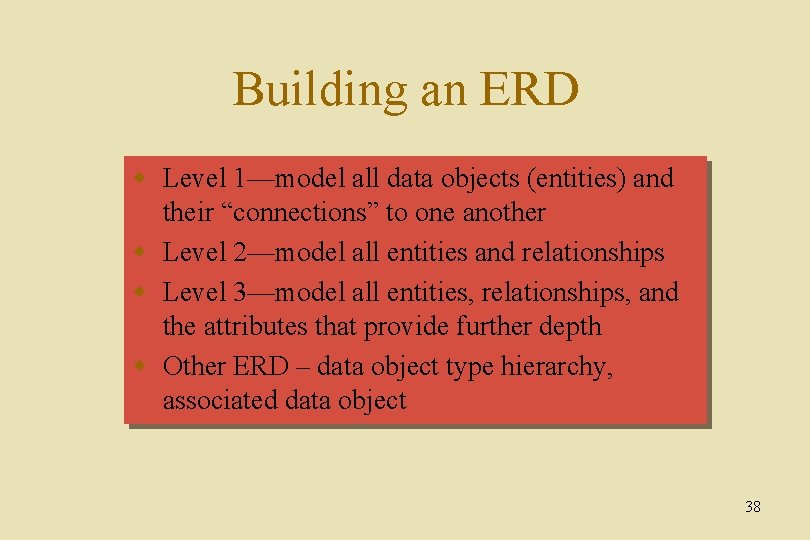
Building an ERD w Level 1—model all data objects (entities) and their “connections” to one another w Level 2—model all entities and relationships w Level 3—model all entities, relationships, and the attributes that provide further depth w Other ERD – data object type hierarchy, associated data object 38
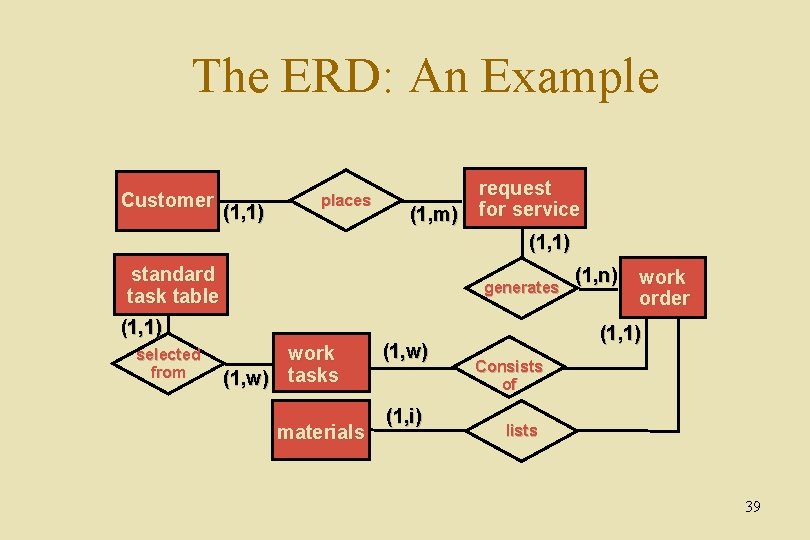
The ERD: An Example Customer (1, 1) places (1, m) request for service (1, 1) standard task table generates (1, 1) selected from work (1, w) tasks materials (1, w) (1, i) (1, n) work order (1, 1) Consists of lists 39
Creating a Flow Model 40
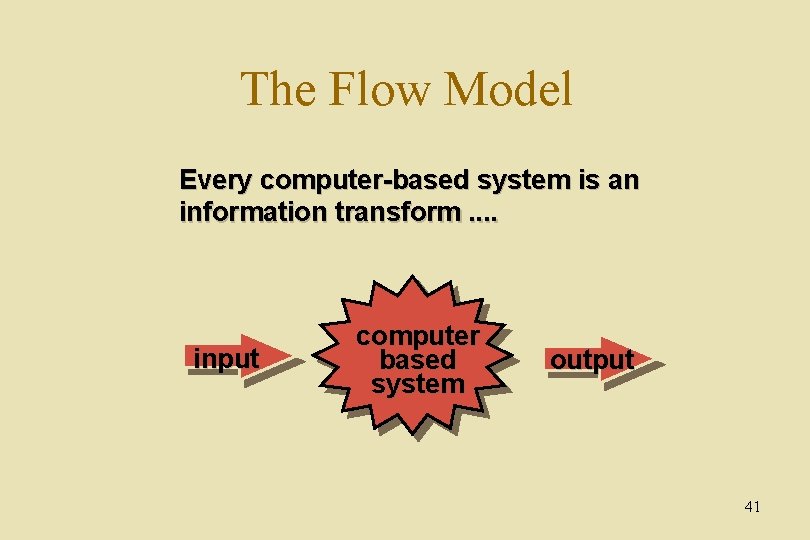
The Flow Model Every computer-based system is an information transform. . input computer based system output 41
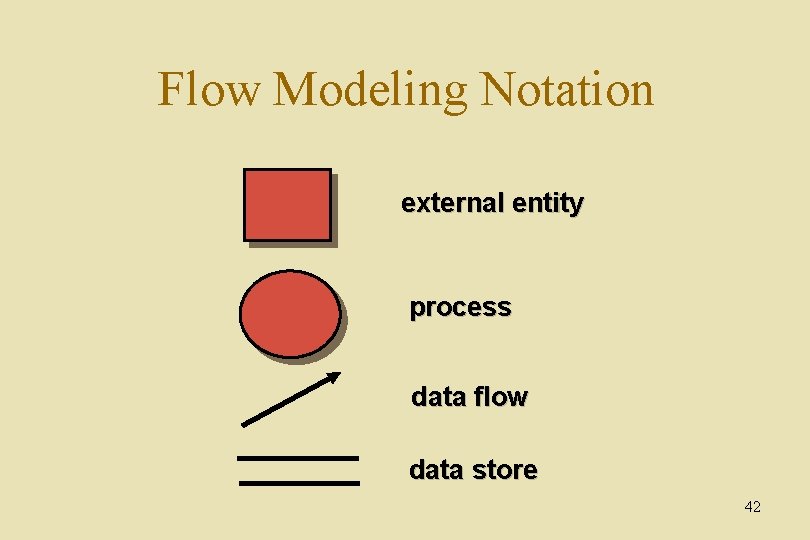
Flow Modeling Notation external entity process data flow data store 42
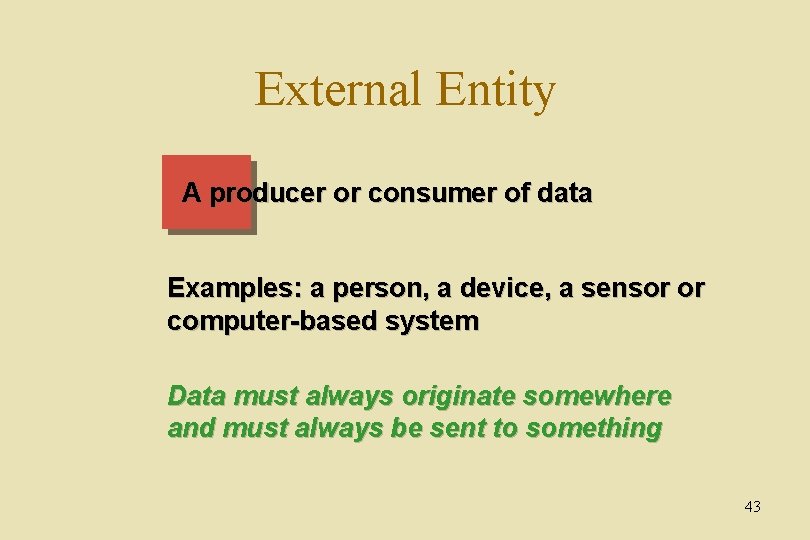
External Entity A producer or consumer of data Examples: a person, a device, a sensor or computer-based system Data must always originate somewhere and must always be sent to something 43
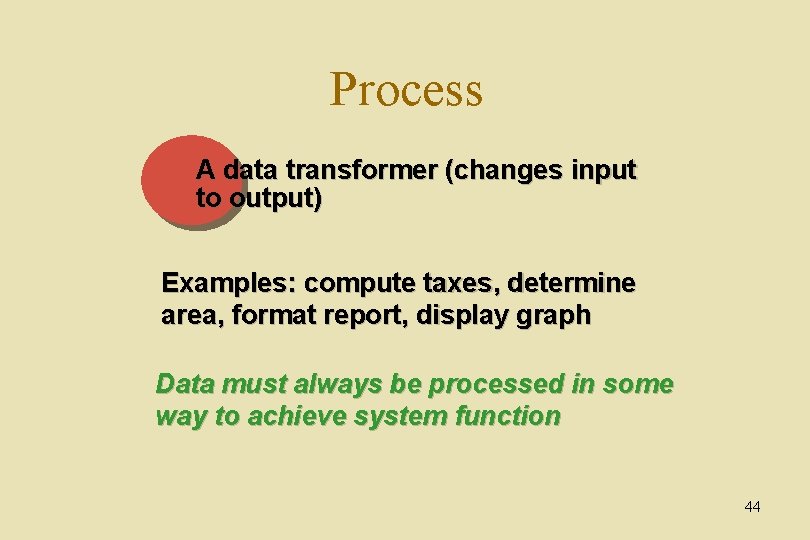
Process A data transformer (changes input to output) Examples: compute taxes, determine area, format report, display graph Data must always be processed in some way to achieve system function 44
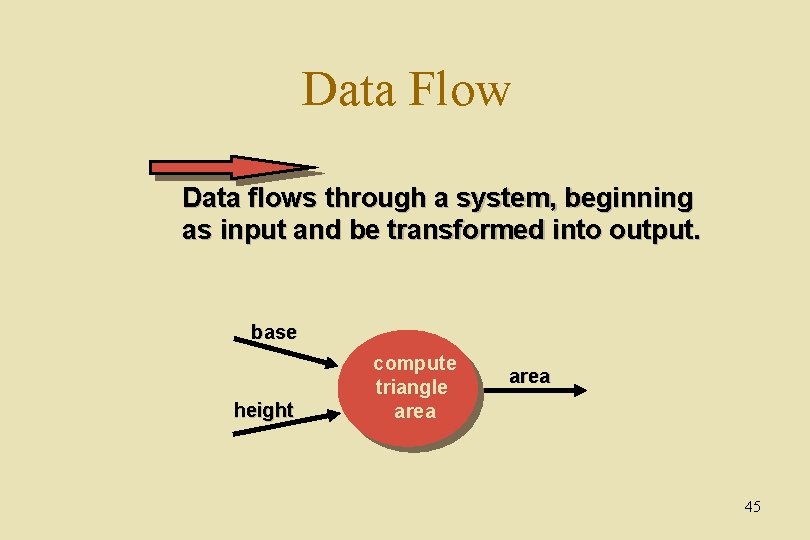
Data Flow Data flows through a system, beginning as input and be transformed into output. base height compute triangle area 45
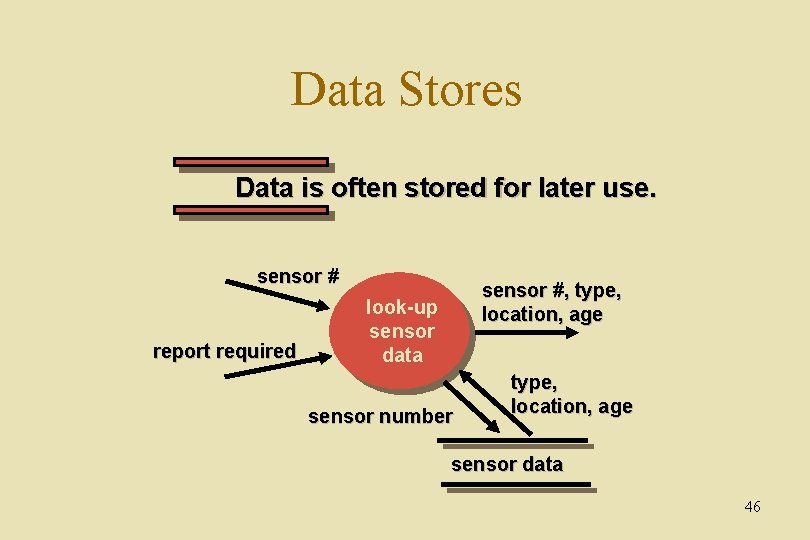
Data Stores Data is often stored for later use. sensor # report required sensor #, type, location, age look-up sensor data sensor number type, location, age sensor data 46
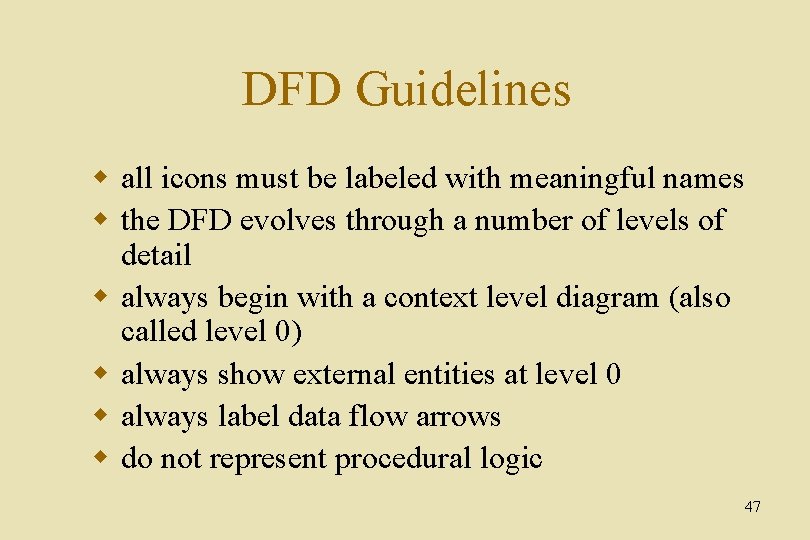
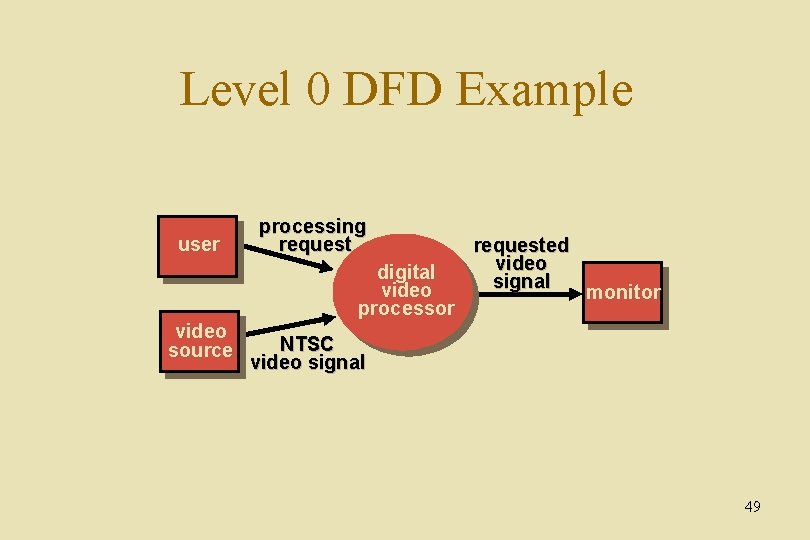
DFD Guidelines w all icons must be labeled with meaningful names w the DFD evolves through a number of levels of detail w always begin with a context level diagram (also called level 0) w always show external entities at level 0 w always label data flow arrows w do not represent procedural logic 47
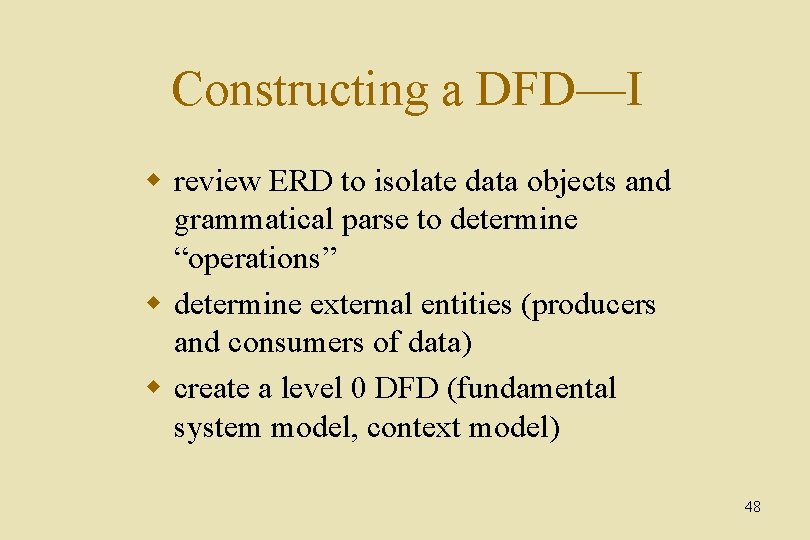
Constructing a DFD—I w review ERD to isolate data objects and grammatical parse to determine “operations” w determine external entities (producers and consumers of data) w create a level 0 DFD (fundamental system model, context model) 48
Level 0 DFD Example user processing request digital video processor video source requested video signal monitor NTSC video signal 49
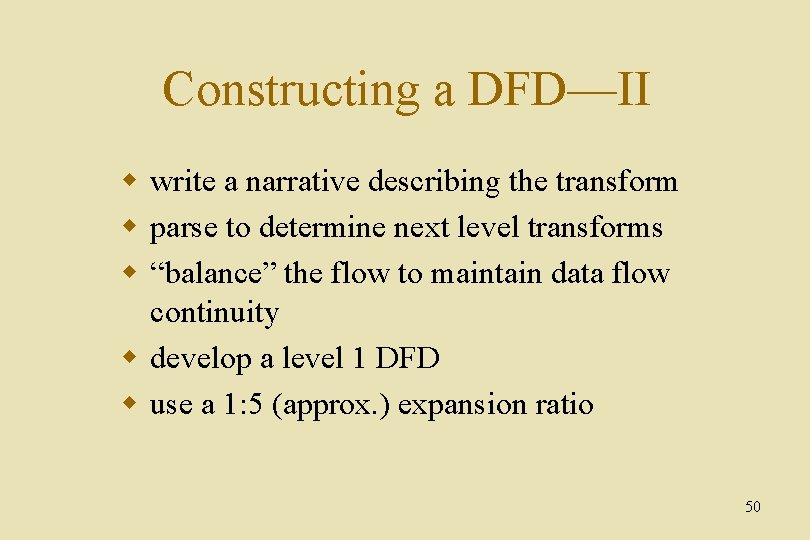
Constructing a DFD—II w write a narrative describing the transform w parse to determine next level transforms w “balance” the flow to maintain data flow continuity w develop a level 1 DFD w use a 1: 5 (approx. ) expansion ratio 50
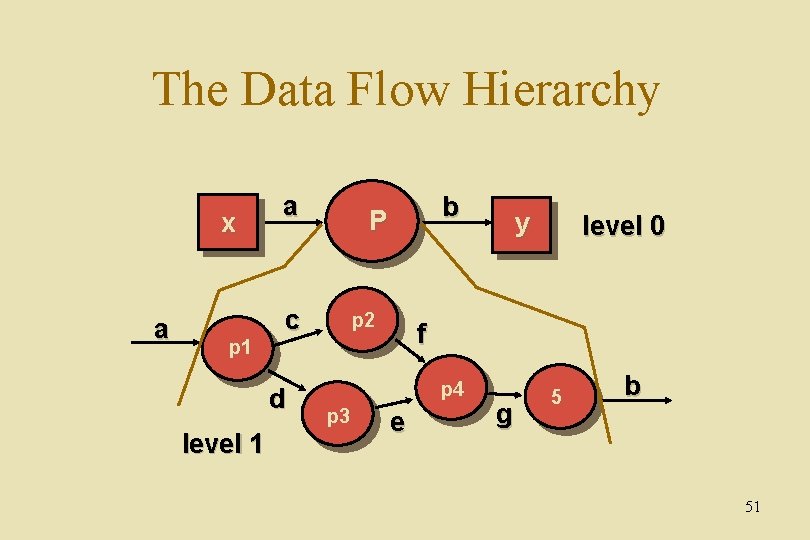
The Data Flow Hierarchy x a p 1 a c d level 1 b P p 2 level 0 f p 4 p 3 y e g 5 b 51
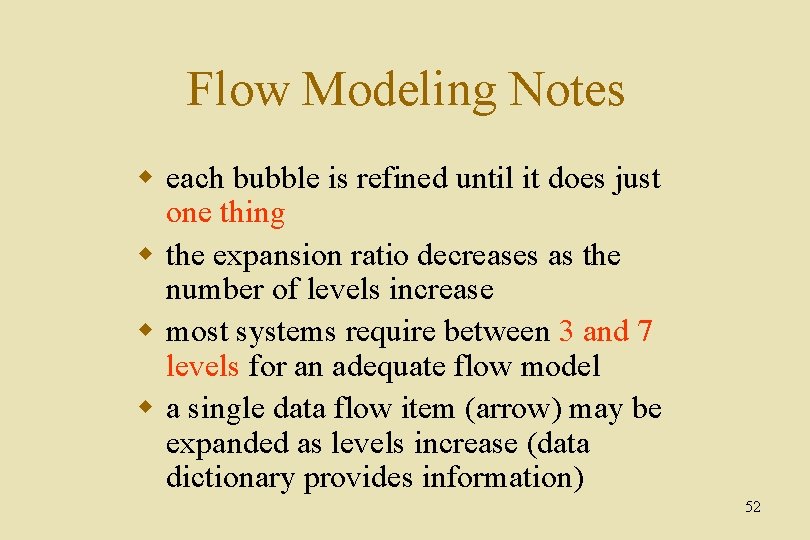
Flow Modeling Notes w each bubble is refined until it does just one thing w the expansion ratio decreases as the number of levels increase w most systems require between 3 and 7 levels for an adequate flow model w a single data flow item (arrow) may be expanded as levels increase (data dictionary provides information) 52
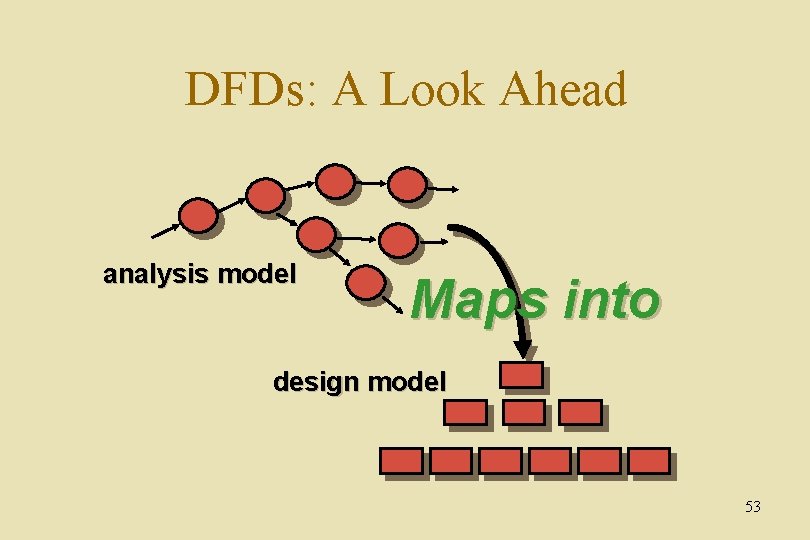
DFDs: A Look Ahead analysis model Maps into design model 53