
Lecture 3 Operators Expressions and Type Conversion NADA

- Slides: 38
Lecture 3: Operators, Expressions and Type Conversion NADA ALZAHRANI CS 2301
Outline • Operators and Operands • Arithmetic Expressions • Comparison and Logical Operators • Shortcut Assignment Operators • Programming Style and Documentation • Type Conversion • Programming Errors
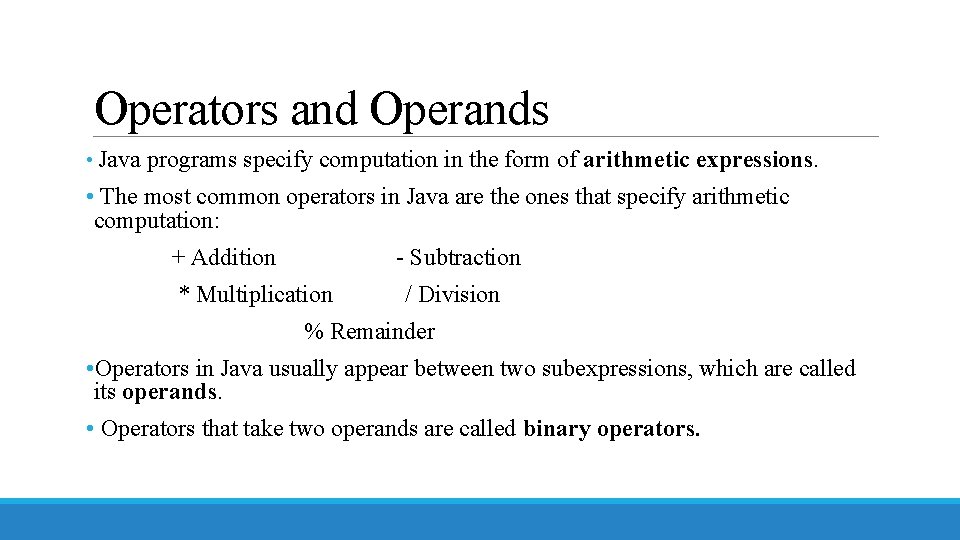
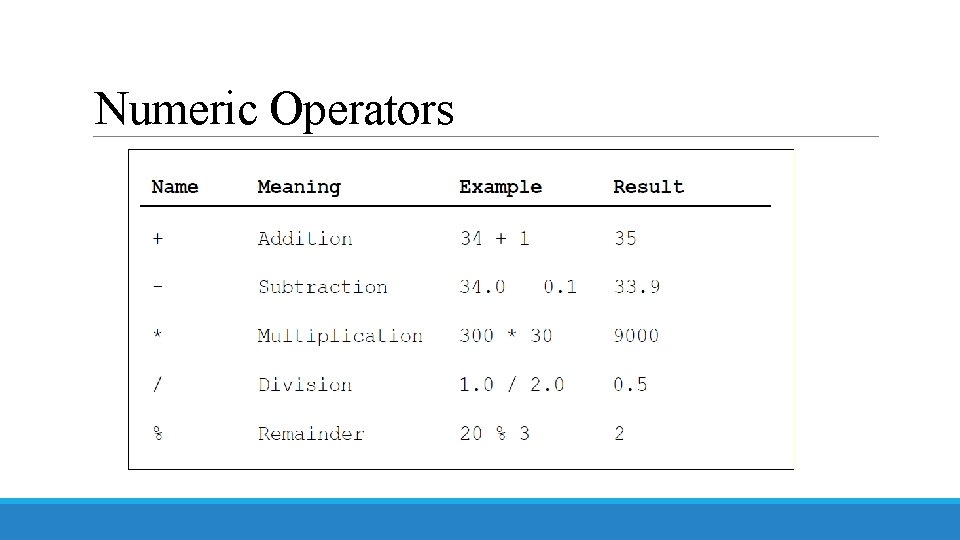
Operators and Operands • Java programs specify computation in the form of arithmetic expressions. • The most common operators in Java are the ones that specify arithmetic computation: + Addition - Subtraction * Multiplication / Division % Remainder • Operators in Java usually appear between two subexpressions, which are called its operands. • Operators that take two operands are called binary operators.
Numeric Operators
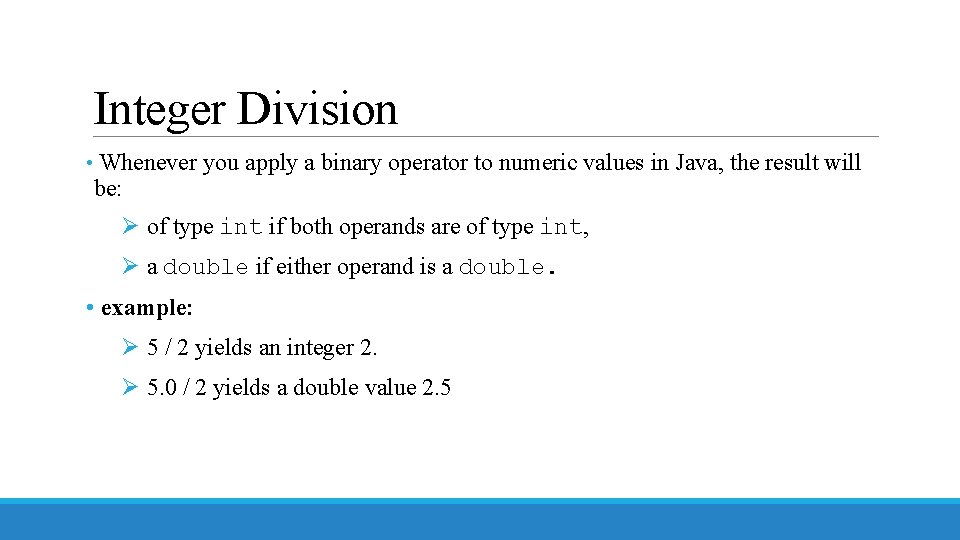
Integer Division • Whenever you apply a binary operator to numeric values in Java, the result will be: Ø of type int if both operands are of type int, Ø a double if either operand is a double. • example: Ø 5 / 2 yields an integer 2. Ø 5. 0 / 2 yields a double value 2. 5
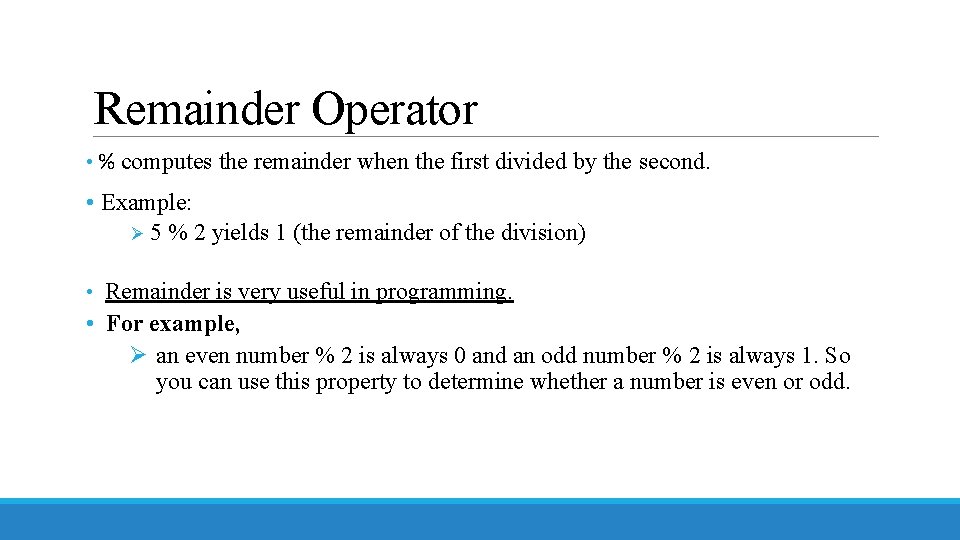
Remainder Operator • % computes the remainder when the first divided by the second. • Example: Ø 5 % 2 yields 1 (the remainder of the division) • Remainder is very useful in programming. • For example, Ø an even number % 2 is always 0 and an odd number % 2 is always 1. So you can use this property to determine whether a number is even or odd.
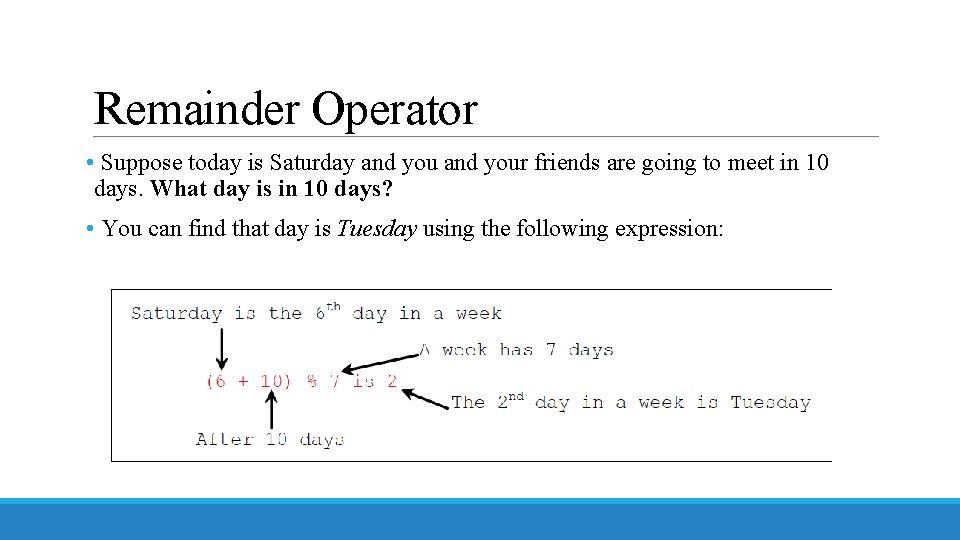
Remainder Operator • Suppose today is Saturday and your friends are going to meet in 10 days. What day is in 10 days? • You can find that day is Tuesday using the following expression:
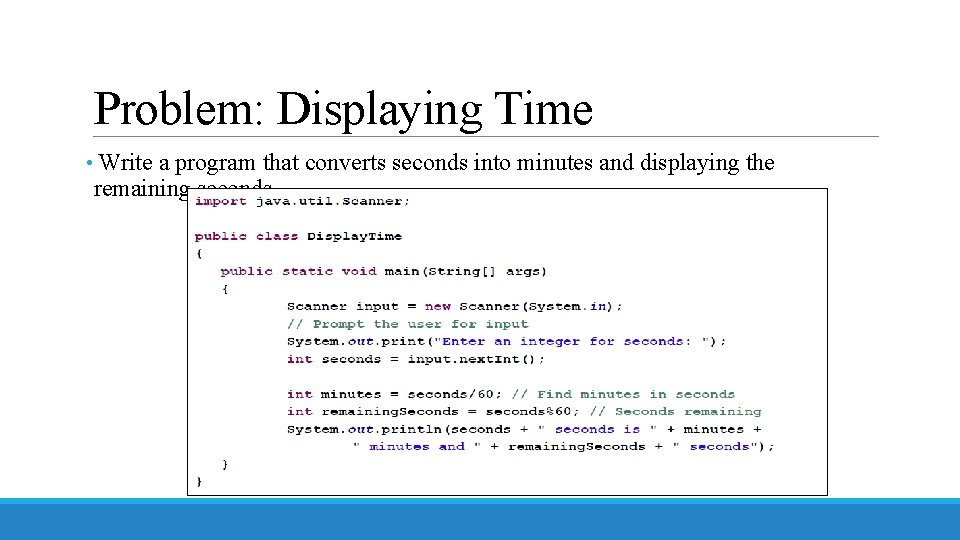
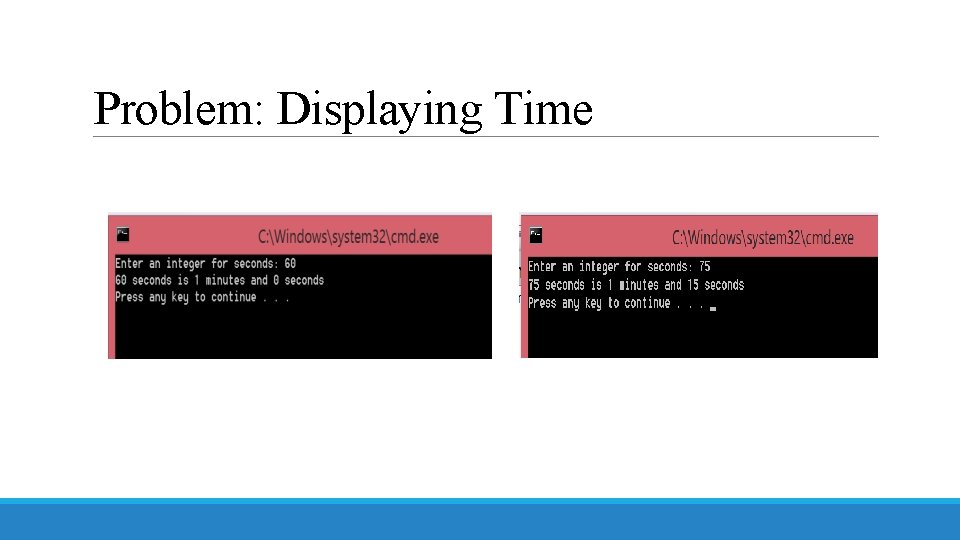
Problem: Displaying Time • Write a program that converts seconds into minutes and displaying the remaining seconds.
Problem: Displaying Time
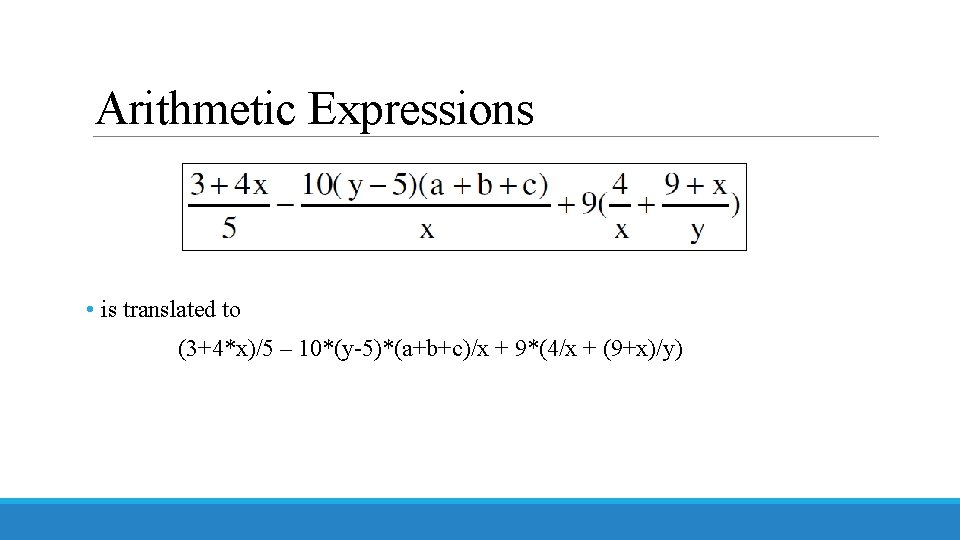
Arithmetic Expressions • is translated to (3+4*x)/5 – 10*(y-5)*(a+b+c)/x + 9*(4/x + (9+x)/y)
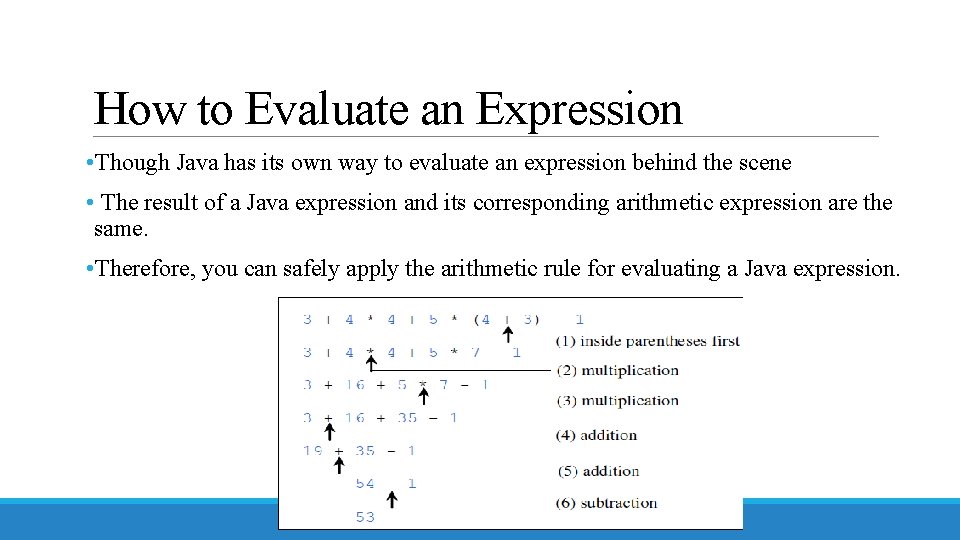
How to Evaluate an Expression • Though Java has its own way to evaluate an expression behind the scene • The result of a Java expression and its corresponding arithmetic expression are the same. • Therefore, you can safely apply the arithmetic rule for evaluating a Java expression.
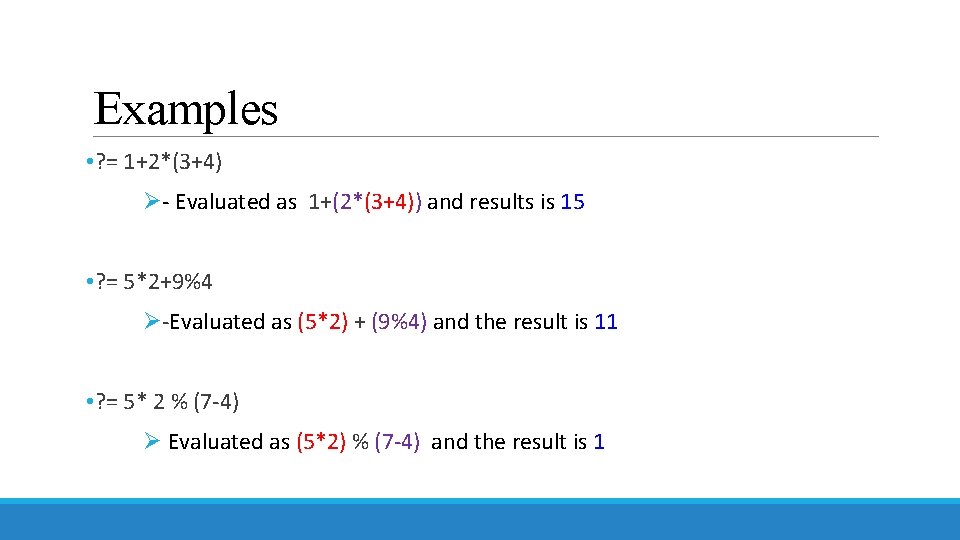
Examples • ? = 1+2*(3+4) Ø- Evaluated as 1+(2*(3+4)) and results is 15 • ? = 5*2+9%4 Ø-Evaluated as (5*2) + (9%4) and the result is 11 • ? = 5* 2 % (7 -4) Ø Evaluated as (5*2) % (7 -4) and the result is 1
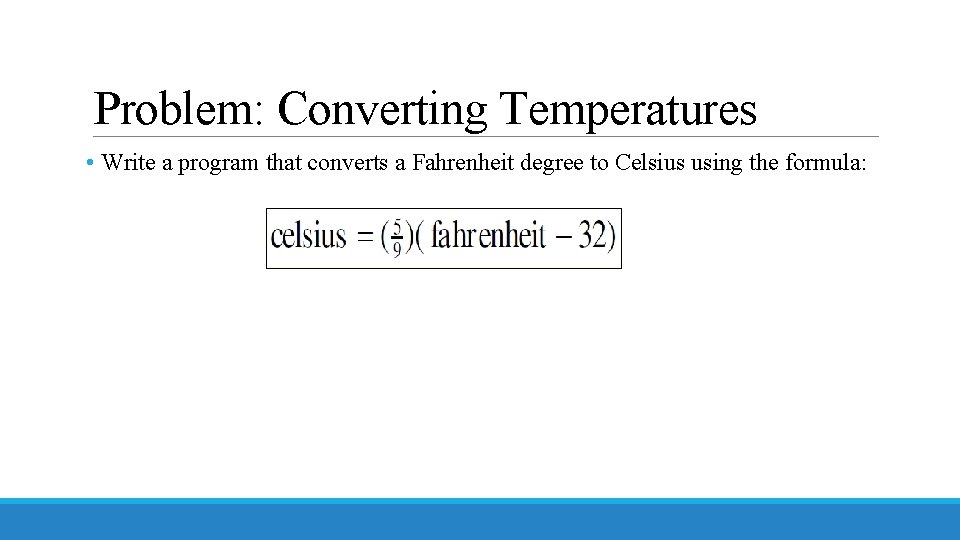
Problem: Converting Temperatures • Write a program that converts a Fahrenheit degree to Celsius using the formula:
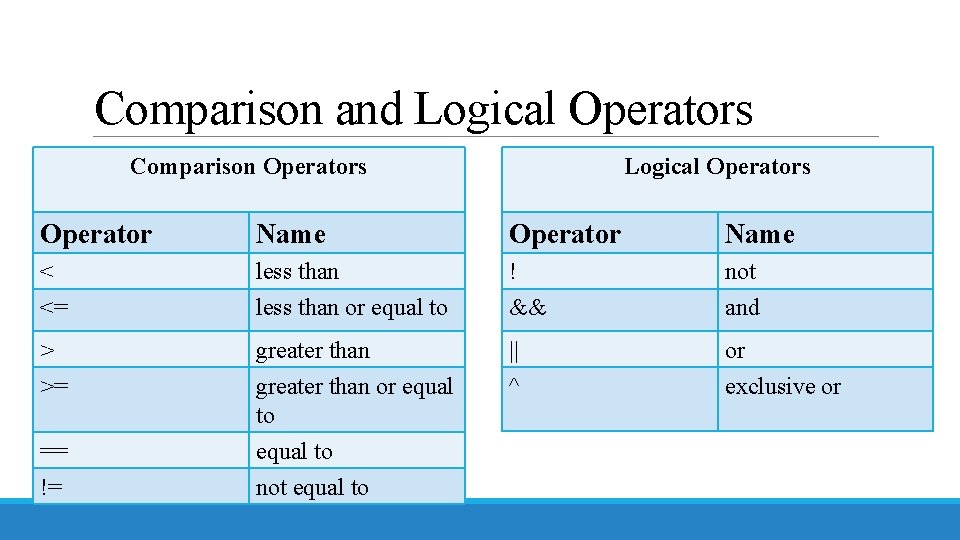
Comparison and Logical Operators Comparison Operators Operator Name < less than <= less than or equal to ! && not and > >= greater than or equal to || ^ or exclusive or == != equal to not equal to
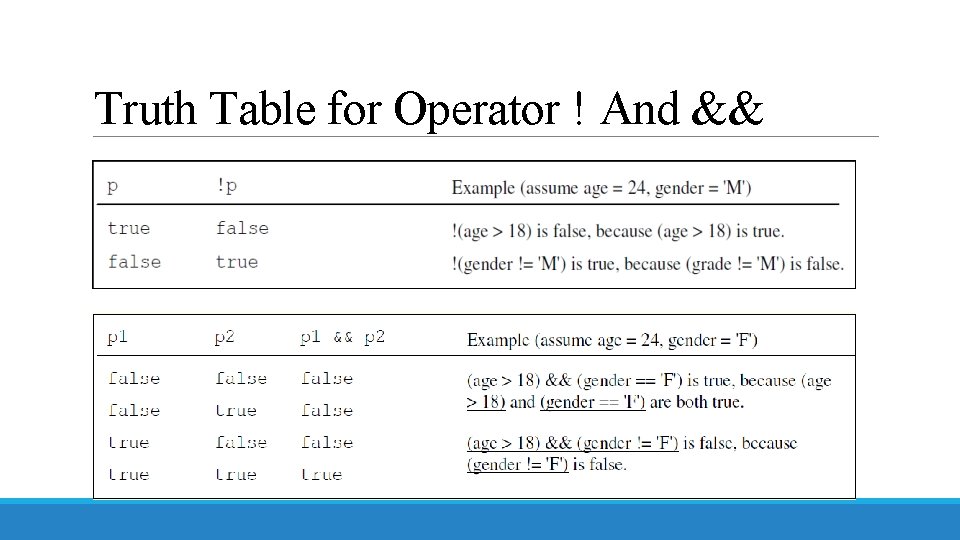
Truth Table for Operator ! And &&
Truth Table for Operator || And ^
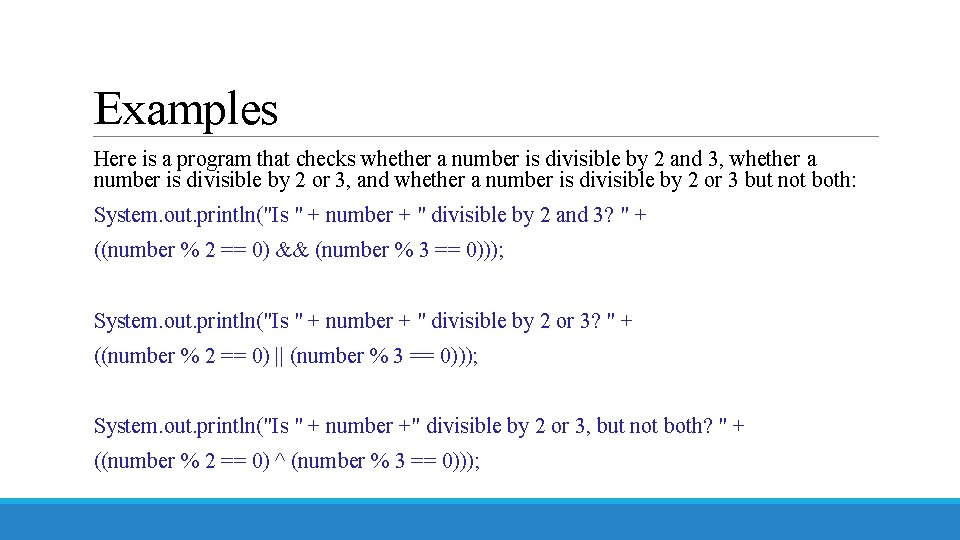
Examples Here is a program that checks whether a number is divisible by 2 and 3, whether a number is divisible by 2 or 3, and whether a number is divisible by 2 or 3 but not both: System. out. println("Is " + number + " divisible by 2 and 3? " + ((number % 2 == 0) && (number % 3 == 0))); System. out. println("Is " + number + " divisible by 2 or 3? " + ((number % 2 == 0) || (number % 3 == 0))); System. out. println("Is " + number +" divisible by 2 or 3, but not both? " + ((number % 2 == 0) ^ (number % 3 == 0)));
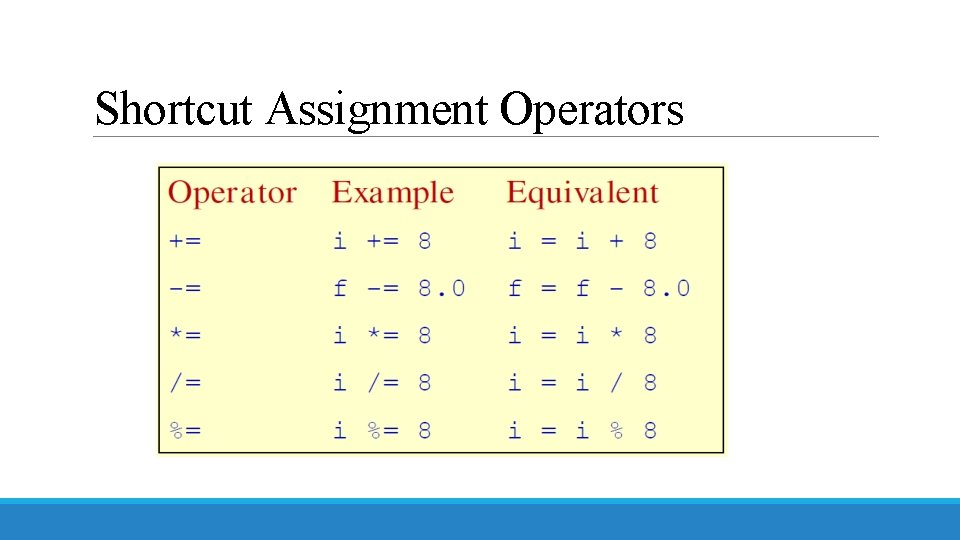
Shortcut Assignment Operators
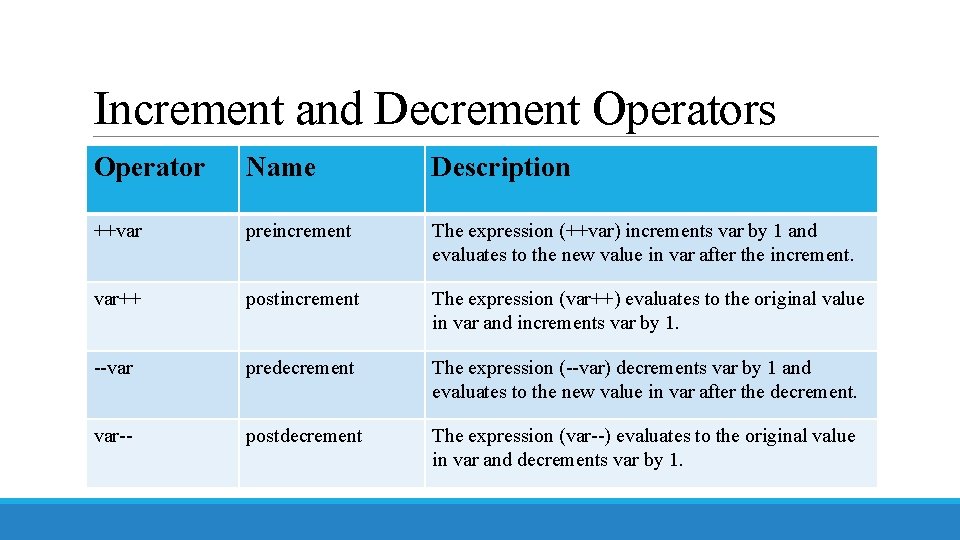
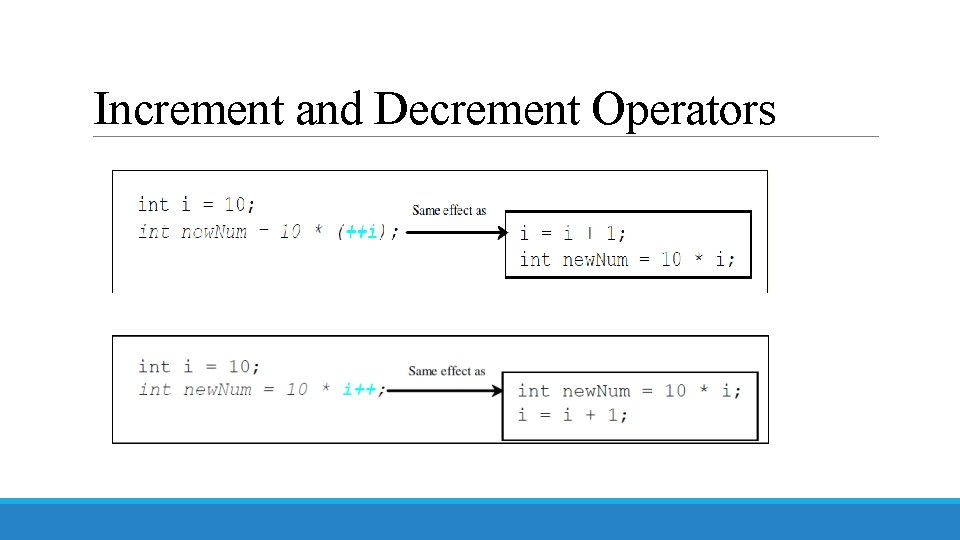
Increment and Decrement Operators Operator Name Description ++var preincrement The expression (++var) increments var by 1 and evaluates to the new value in var after the increment. var++ postincrement The expression (var++) evaluates to the original value in var and increments var by 1. --var predecrement The expression (--var) decrements var by 1 and evaluates to the new value in var after the decrement. var-- postdecrement The expression (var--) evaluates to the original value in var and decrements var by 1.
Increment and Decrement Operators
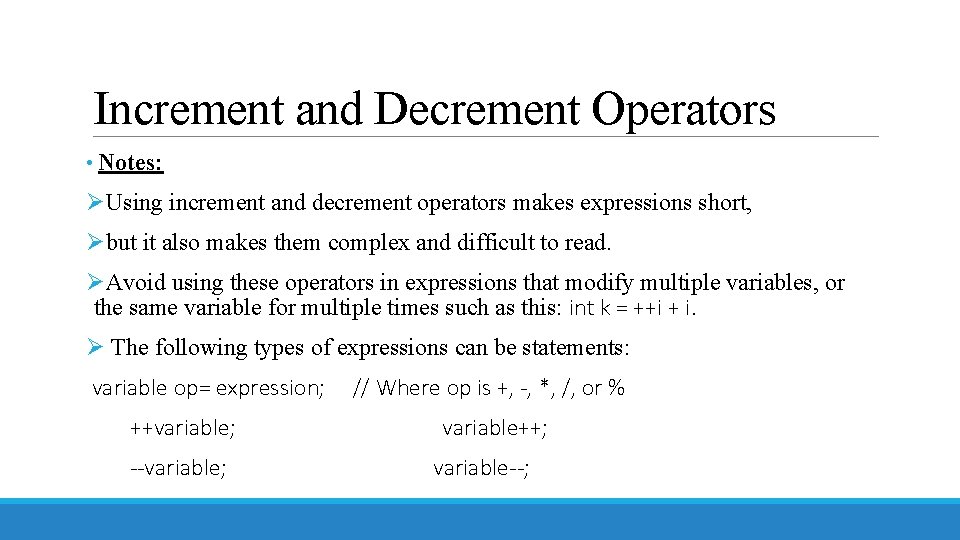
Increment and Decrement Operators • Notes: ØUsing increment and decrement operators makes expressions short, Øbut it also makes them complex and difficult to read. ØAvoid using these operators in expressions that modify multiple variables, or the same variable for multiple times such as this: int k = ++i + i. Ø The following types of expressions can be statements: variable op= expression; ++variable; --variable; // Where op is +, -, *, /, or % variable++; variable--;
Programming Style and Documentation ØAppropriate Comments ØNaming Conventions ØProper Indentation and Spacing Lines ØBlock Styles
Appropriate Comments • Include a summary at the beginning of the program to explain what the program does, its key features, its supporting data structures, and any unique techniques it uses. • Include your name, class section, instructor, date, and a brief description at the beginning of the program.
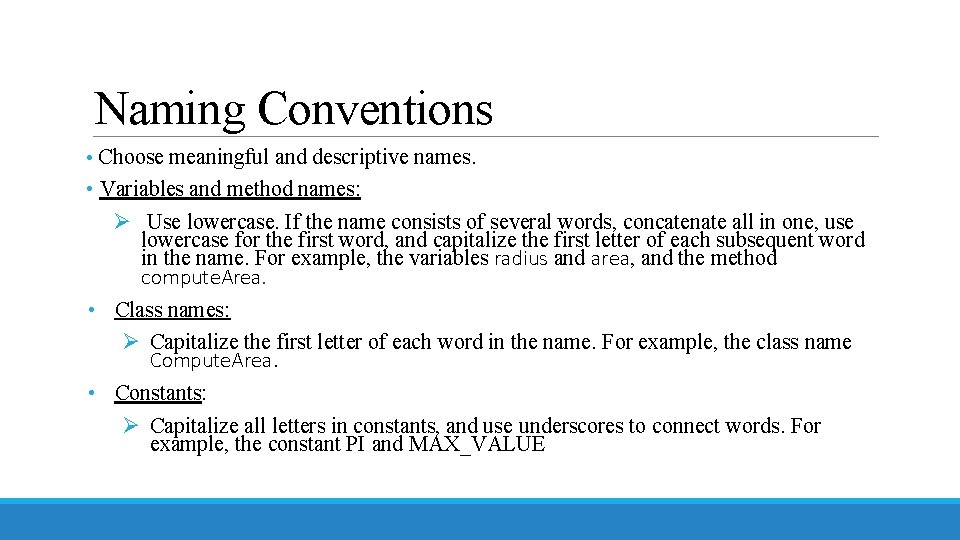
Naming Conventions • Choose meaningful and descriptive names. • Variables and method names: Ø Use lowercase. If the name consists of several words, concatenate all in one, use lowercase for the first word, and capitalize the first letter of each subsequent word in the name. For example, the variables radius and area, and the method compute. Area. • Class names: Ø Capitalize the first letter of each word in the name. For example, the class name Compute. Area. • Constants: Ø Capitalize all letters in constants, and use underscores to connect words. For example, the constant PI and MAX_VALUE
Proper Indentation and Spacing • Indentation Ø Indent two spaces. • Spacing Ø Use blank line to separate segments of the code.
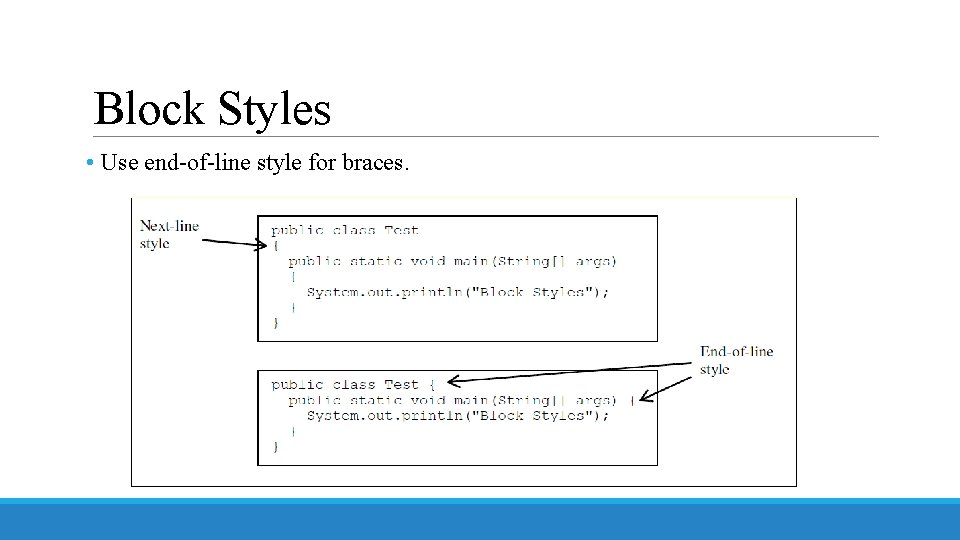
Block Styles • Use end-of-line style for braces.
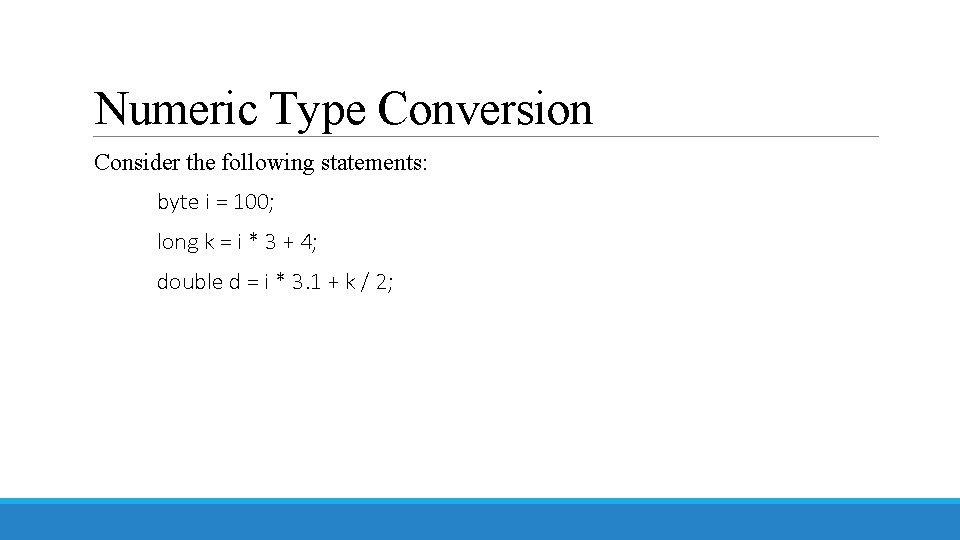
Numeric Type Conversion Consider the following statements: byte i = 100; long k = i * 3 + 4; double d = i * 3. 1 + k / 2;
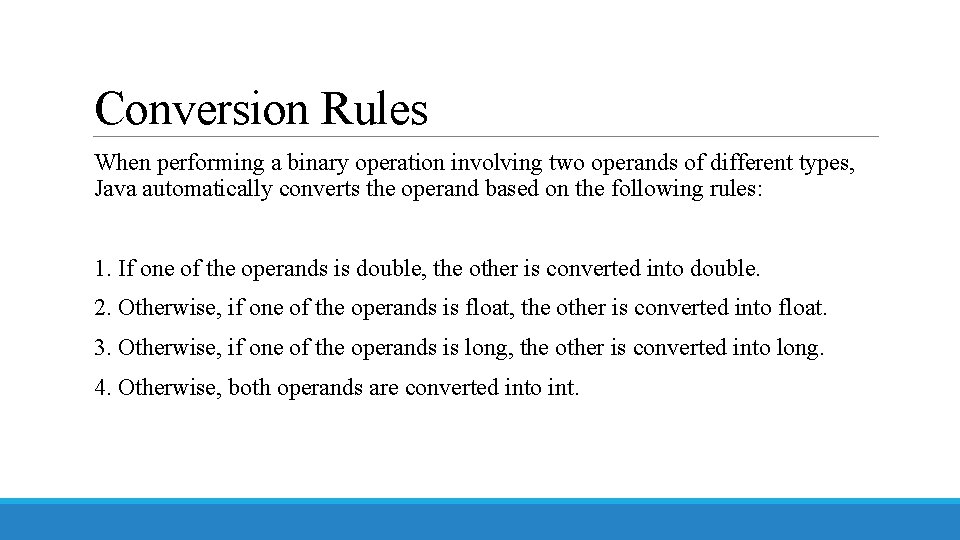
Conversion Rules When performing a binary operation involving two operands of different types, Java automatically converts the operand based on the following rules: 1. If one of the operands is double, the other is converted into double. 2. Otherwise, if one of the operands is float, the other is converted into float. 3. Otherwise, if one of the operands is long, the other is converted into long. 4. Otherwise, both operands are converted into int.
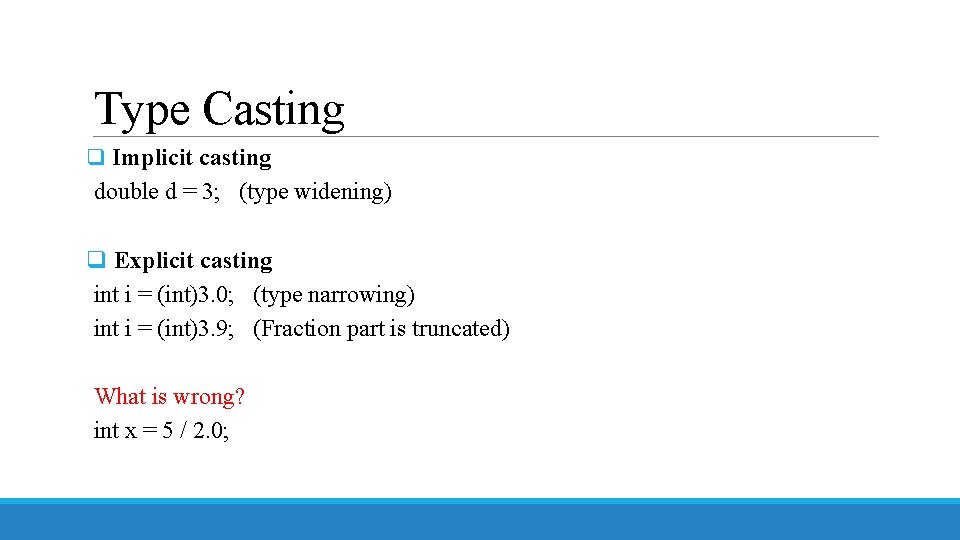
Type Casting q Implicit casting double d = 3; (type widening) q Explicit casting int i = (int)3. 0; (type narrowing) int i = (int)3. 9; (Fraction part is truncated) What is wrong? int x = 5 / 2. 0;
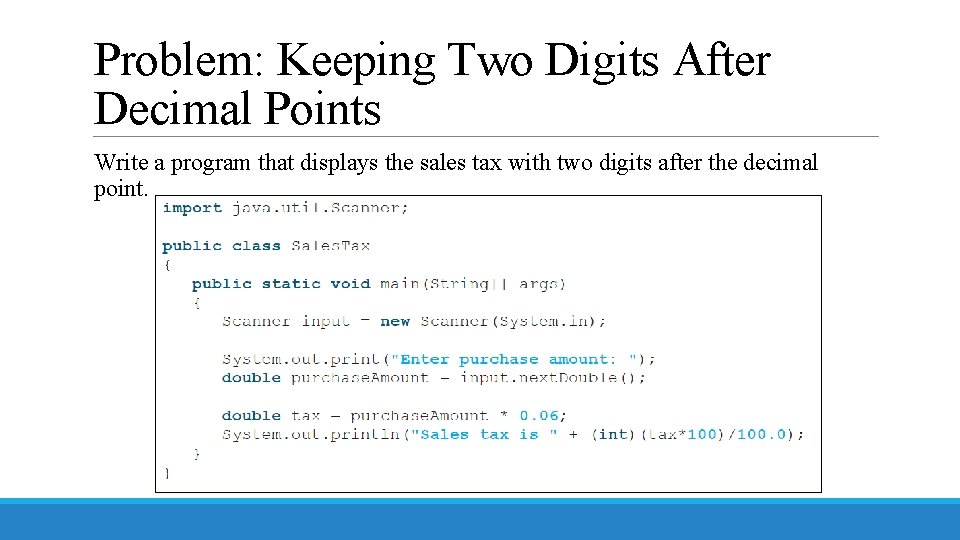
Problem: Keeping Two Digits After Decimal Points Write a program that displays the sales tax with two digits after the decimal point.
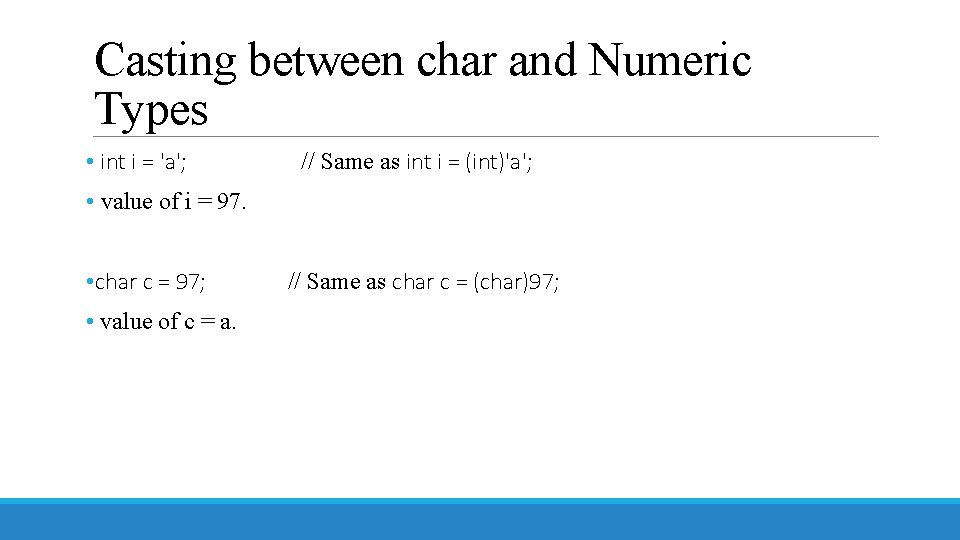
Casting between char and Numeric Types • int i = 'a'; // Same as int i = (int)'a'; • value of i = 97. • char c = 97; • value of c = a. // Same as char c = (char)97;
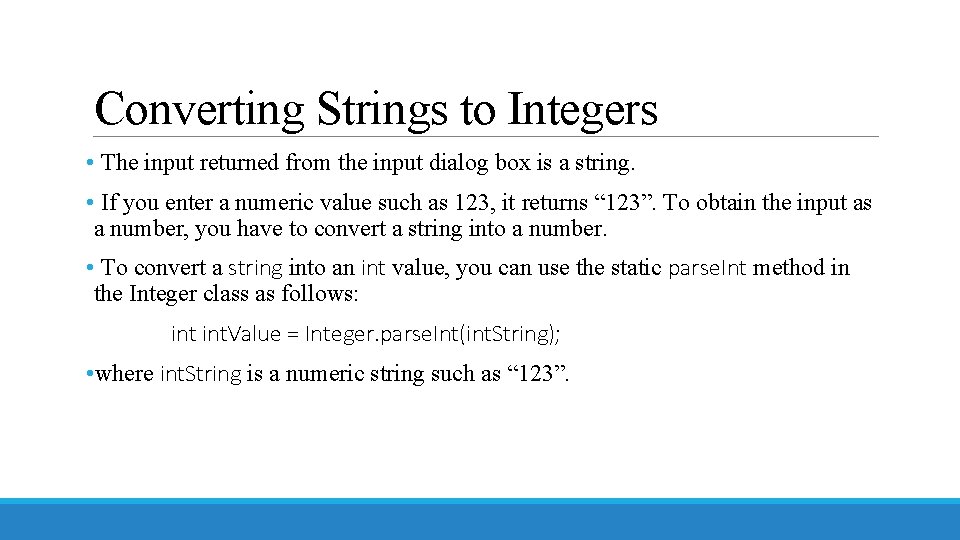
Converting Strings to Integers • The input returned from the input dialog box is a string. • If you enter a numeric value such as 123, it returns “ 123”. To obtain the input as a number, you have to convert a string into a number. • To convert a string into an int value, you can use the static parse. Int method in the Integer class as follows: int. Value = Integer. parse. Int(int. String); • where int. String is a numeric string such as “ 123”.
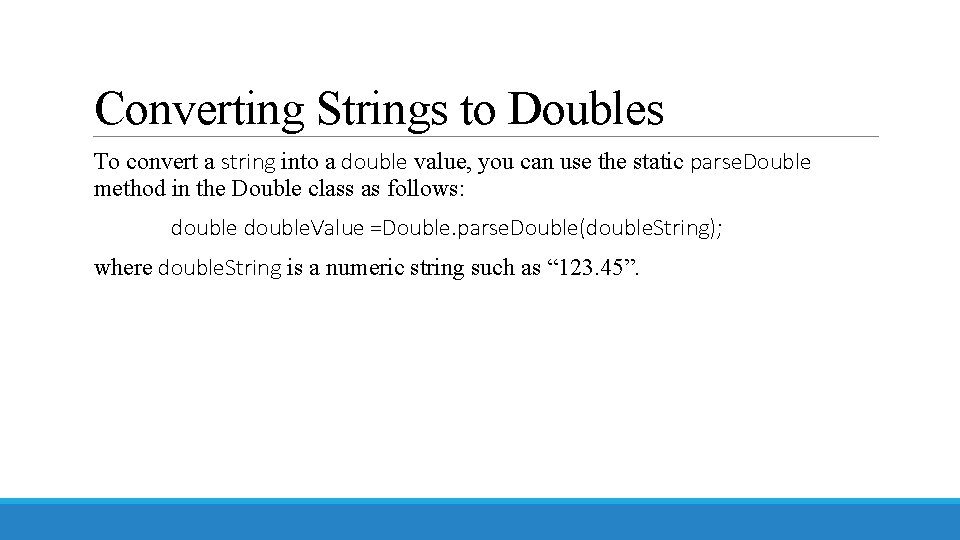
Converting Strings to Doubles To convert a string into a double value, you can use the static parse. Double method in the Double class as follows: double. Value =Double. parse. Double(double. String); where double. String is a numeric string such as “ 123. 45”.
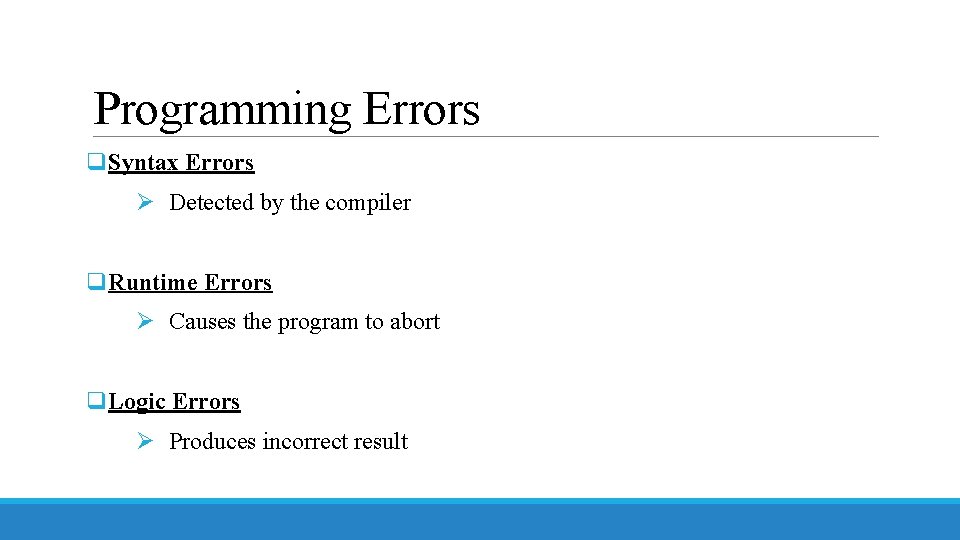
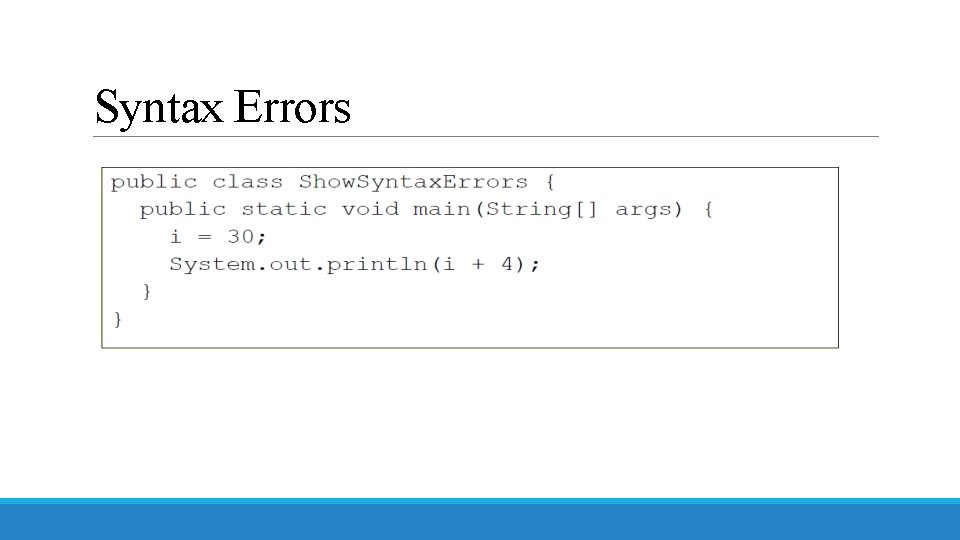
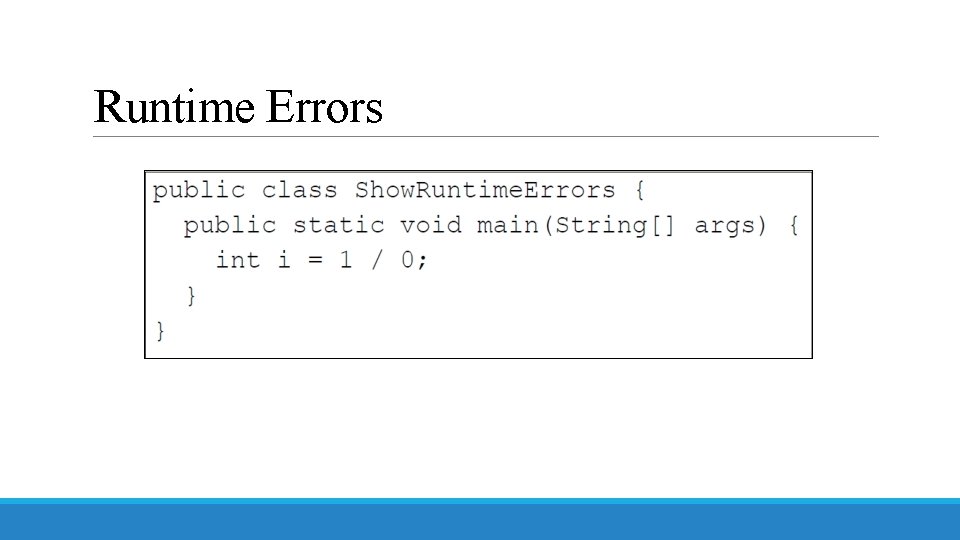
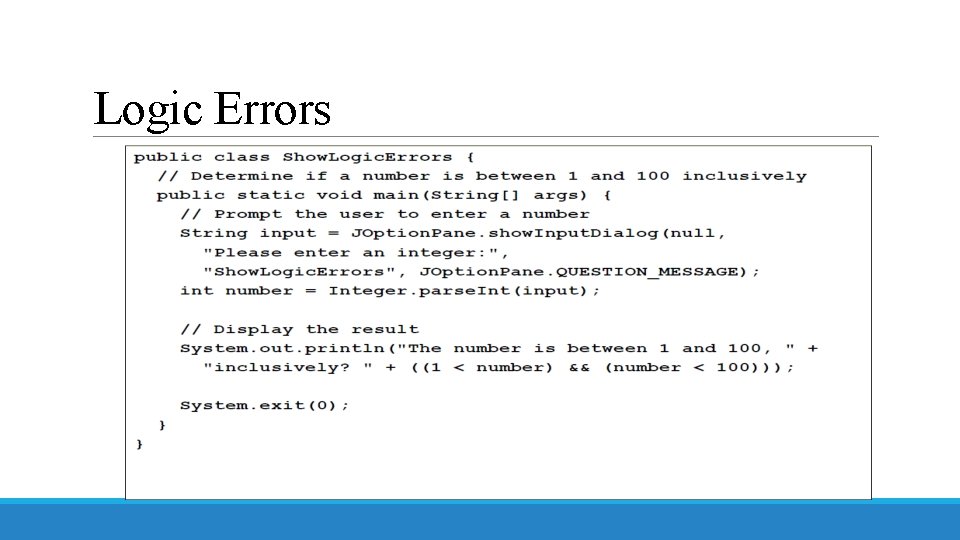
Programming Errors q. Syntax Errors Ø Detected by the compiler q. Runtime Errors Ø Causes the program to abort q. Logic Errors Ø Produces incorrect result
Syntax Errors
Runtime Errors
Logic Errors
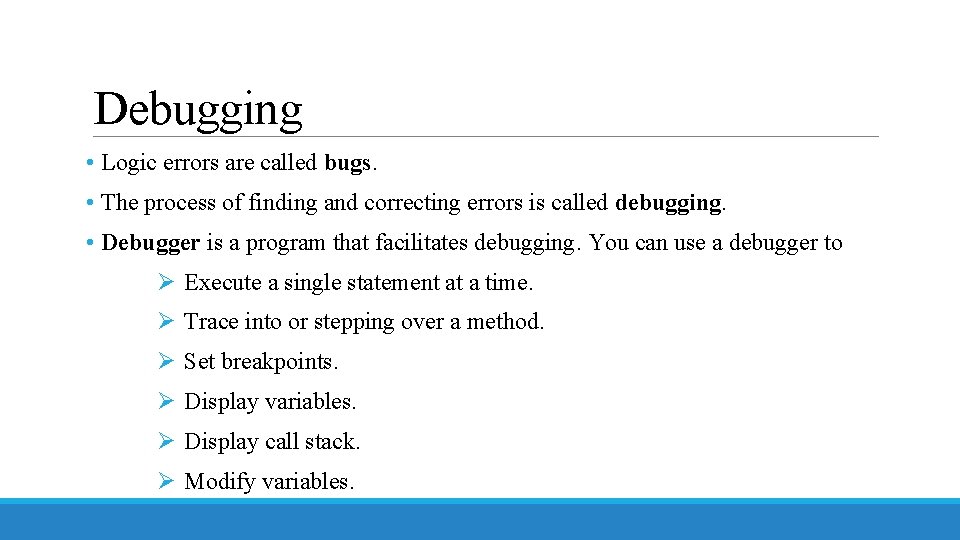
Debugging • Logic errors are called bugs. • The process of finding and correcting errors is called debugging. • Debugger is a program that facilitates debugging. You can use a debugger to Ø Execute a single statement at a time. Ø Trace into or stepping over a method. Ø Set breakpoints. Ø Display variables. Ø Display call stack. Ø Modify variables.