
Lecture 3 Introduction to Dynamic Web Content Generation
Lecture 3 Introduction to Dynamic Web Content Generation: The Java Servlet API
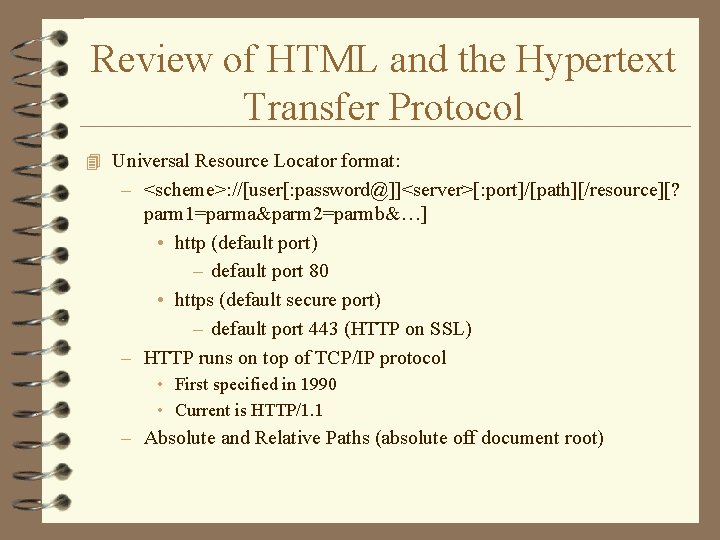
Review of HTML and the Hypertext Transfer Protocol 4 Universal Resource Locator format: – <scheme>: //[user[: password@]]<server>[: port]/[path][/resource][? parm 1=parma&parm 2=parmb&…] • http (default port) – default port 80 • https (default secure port) – default port 443 (HTTP on SSL) – HTTP runs on top of TCP/IP protocol • First specified in 1990 • Current is HTTP/1. 1 – Absolute and Relative Paths (absolute off document root)
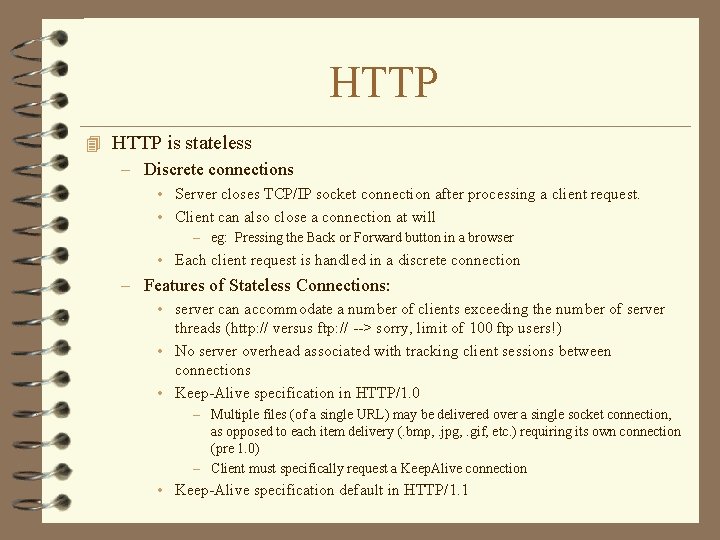
HTTP 4 HTTP is stateless – Discrete connections • Server closes TCP/IP socket connection after processing a client request. • Client can also close a connection at will – eg: Pressing the Back or Forward button in a browser • Each client request is handled in a discrete connection – Features of Stateless Connections: • server can accommodate a number of clients exceeding the number of server threads (http: // versus ftp: // --> sorry, limit of 100 ftp users!) • No server overhead associated with tracking client sessions between connections • Keep-Alive specification in HTTP/1. 0 – Multiple files (of a single URL) may be delivered over a single socket connection, as opposed to each item delivery (. bmp, . jpg, . gif, etc. ) requiring its own connection (pre 1. 0) – Client must specifically request a Keep. Alive connection • Keep-Alive specification default in HTTP/1. 1
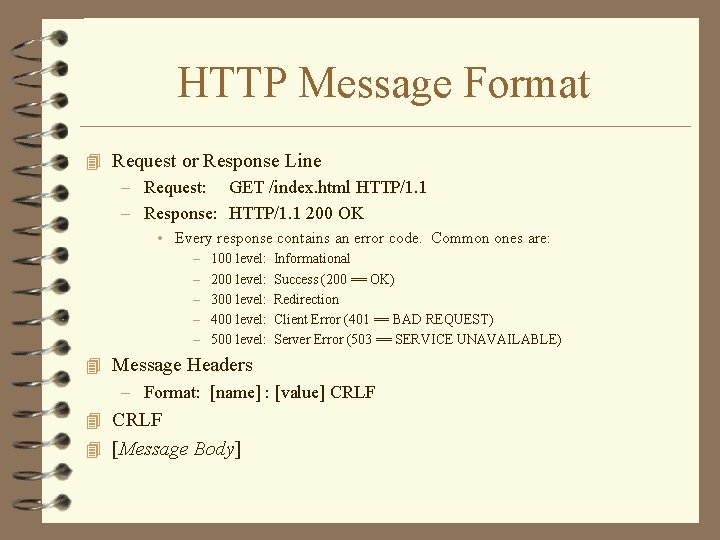
HTTP Message Format 4 Request or Response Line – Request: GET /index. html HTTP/1. 1 – Response: HTTP/1. 1 200 OK • Every response contains an error code. Common ones are: – – – 100 level: 200 level: 300 level: 400 level: 500 level: Informational Success (200 == OK) Redirection Client Error (401 == BAD REQUEST) Server Error (503 == SERVICE UNAVAILABLE) 4 Message Headers – Format: [name] : [value] CRLF 4 [Message Body]
![HTTP Message Format 4 Message Headers – Format: [name] : [value] CRLF – Client](http://slidetodoc.com/presentation_image_h2/f6d4b1760eba72da07b2a88c192a7adb/image-5.jpg "HTTP Message Format 4 Message Headers – Format: [name] : [value] CRLF – Client")
HTTP Message Format 4 Message Headers – Format: [name] : [value] CRLF – Client Examples: • connection: Keep-Alive • user-agent: Mozilla/4. 04 [en] (Win. NT; I) • host: www. foo. edu • accept: image/gif, image/x-xbitmap, image/jpeg • accept-language: en • accept-charset: iso-8859 -1, *, utf-8 – Server Examples: • HTTP/1. 1 200 OK • Date: Mon 18 Apr 2000 00: 26: 05 GMT • Server: Netscape-Enterprise/3. 6. 2 • Last-Modified: Mon, 24 Jun 1999 14: 23: 45 GMT • Content-Type: text/html • Content-Length: 450 • Accept-Ranges: bytes • CRLF • [Entity Body]
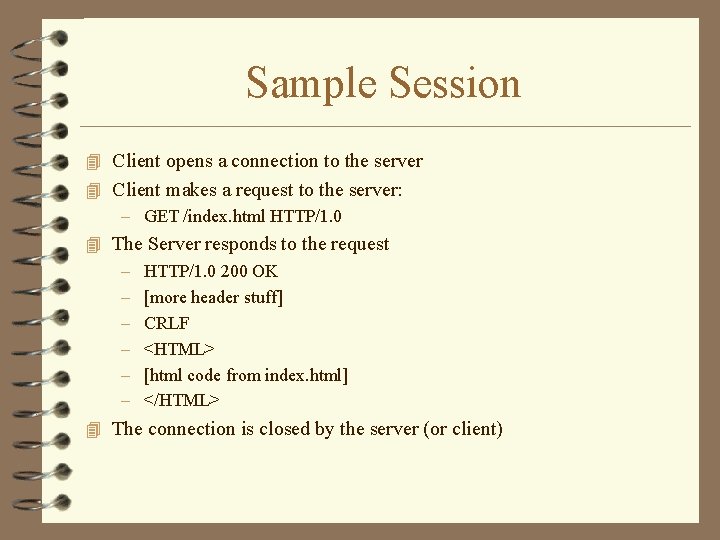
Sample Session 4 Client opens a connection to the server 4 Client makes a request to the server: – GET /index. html HTTP/1. 0 4 The Server responds to the request – HTTP/1. 0 200 OK – [more header stuff] – CRLF – <HTML> – [html code from index. html] – </HTML> 4 The connection is closed by the server (or client)
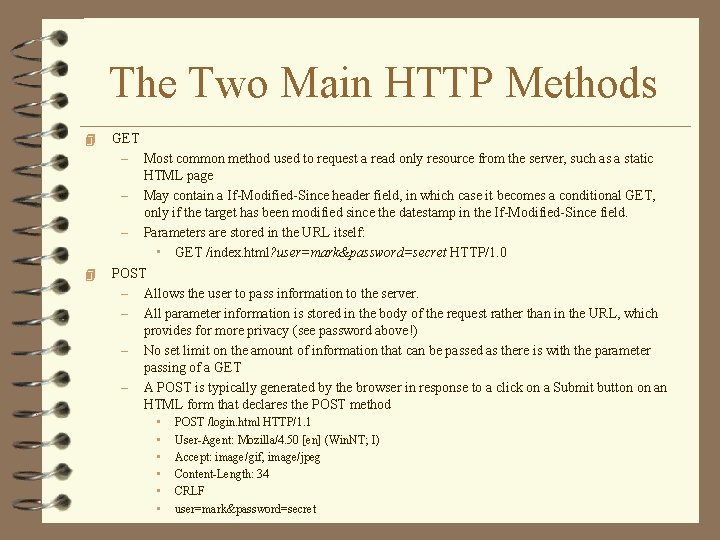
The Two Main HTTP Methods 4 4 GET – Most common method used to request a read only resource from the server, such as a static HTML page – May contain a If-Modified-Since header field, in which case it becomes a conditional GET, only if the target has been modified since the datestamp in the If-Modified-Since field. – Parameters are stored in the URL itself: • GET /index. html? user=mark&password=secret HTTP/1. 0 POST – Allows the user to pass information to the server. – All parameter information is stored in the body of the request rather than in the URL, which provides for more privacy (see password above!) – No set limit on the amount of information that can be passed as there is with the parameter passing of a GET – A POST is typically generated by the browser in response to a click on a Submit button on an HTML form that declares the POST method • • • POST /login. html HTTP/1. 1 User-Agent: Mozilla/4. 50 [en] (Win. NT; I) Accept: image/gif, image/jpeg Content-Length: 34 CRLF user=mark&password=secret
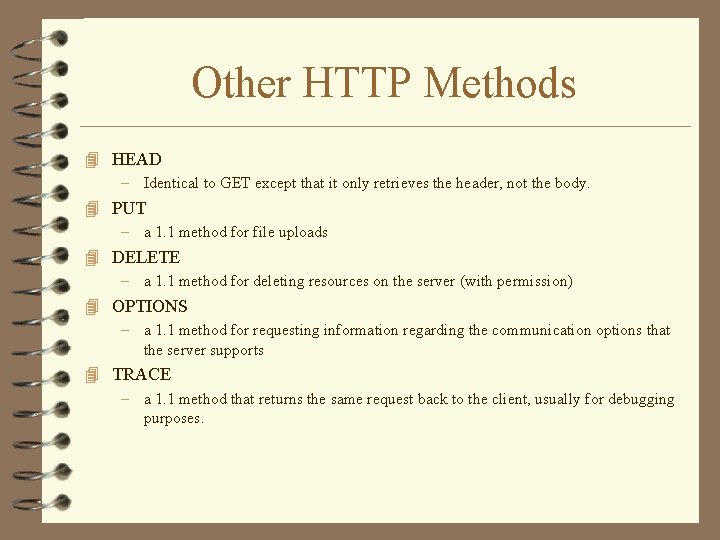
Other HTTP Methods 4 HEAD – Identical to GET except that it only retrieves the header, not the body. 4 PUT – a 1. 1 method for file uploads 4 DELETE – a 1. 1 method for deleting resources on the server (with permission) 4 OPTIONS – a 1. 1 method for requesting information regarding the communication options that the server supports 4 TRACE – a 1. 1 method that returns the same request back to the client, usually for debugging purposes.
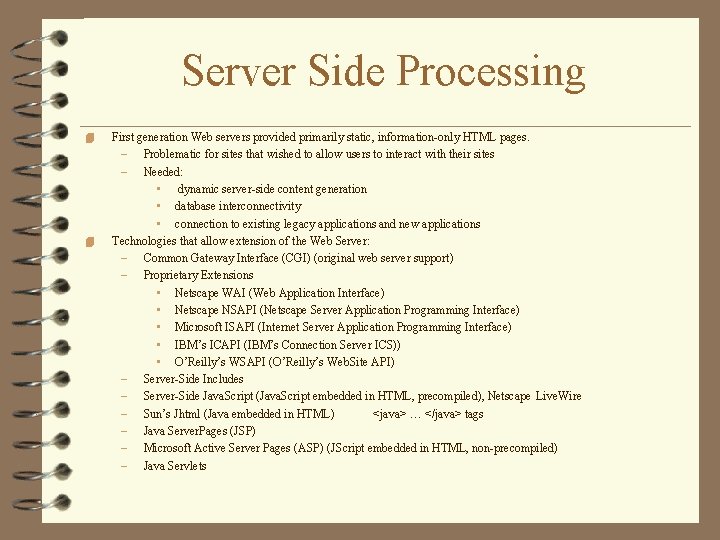
Server Side Processing 4 4 First generation Web servers provided primarily static, information-only HTML pages. – Problematic for sites that wished to allow users to interact with their sites – Needed: • dynamic server-side content generation • database interconnectivity • connection to existing legacy applications and new applications Technologies that allow extension of the Web Server: – Common Gateway Interface (CGI) (original web server support) – Proprietary Extensions • Netscape WAI (Web Application Interface) • Netscape NSAPI (Netscape Server Application Programming Interface) • Microsoft ISAPI (Internet Server Application Programming Interface) • IBM’s ICAPI (IBM’s Connection Server ICS)) • O’Reilly’s WSAPI (O’Reilly’s Web. Site API) – Server-Side Includes – Server-Side Java. Script (Java. Script embedded in HTML, precompiled), Netscape Live. Wire – Sun’s Jhtml (Java embedded in HTML) <java> … </java> tags – Java Server. Pages (JSP) – Microsoft Active Server Pages (ASP) (JScript embedded in HTML, non-precompiled) – Java Servlets
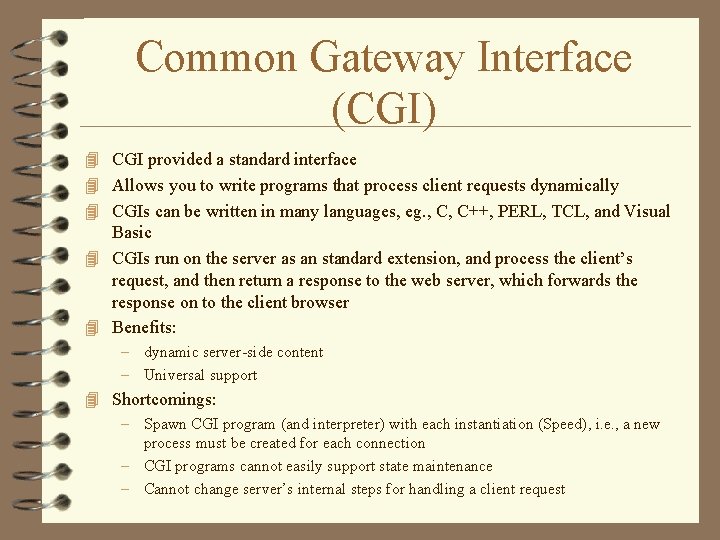
Common Gateway Interface (CGI) 4 CGI provided a standard interface 4 Allows you to write programs that process client requests dynamically 4 CGIs can be written in many languages, eg. , C, C++, PERL, TCL, and Visual Basic 4 CGIs run on the server as an standard extension, and process the client’s request, and then return a response to the web server, which forwards the response on to the client browser 4 Benefits: – dynamic server-side content – Universal support 4 Shortcomings: – Spawn CGI program (and interpreter) with each instantiation (Speed), i. e. , a new process must be created for each connection – CGI programs cannot easily support state maintenance – Cannot change server’s internal steps for handling a client request
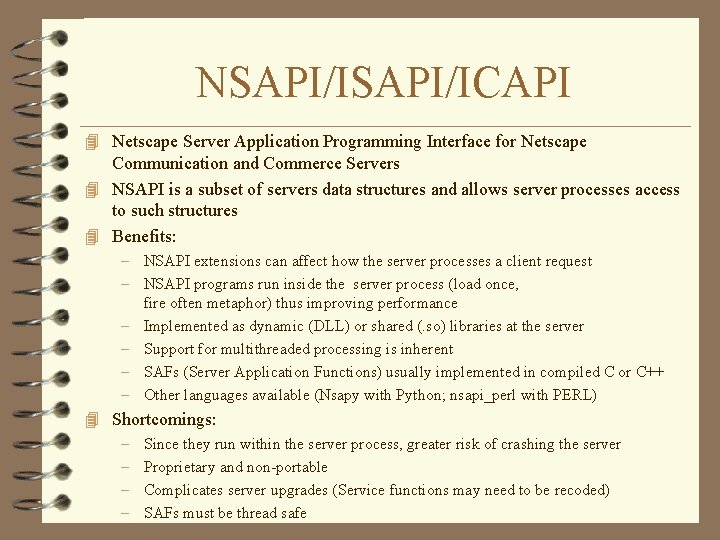
NSAPI/ICAPI 4 Netscape Server Application Programming Interface for Netscape Communication and Commerce Servers 4 NSAPI is a subset of servers data structures and allows server processes access to such structures 4 Benefits: – NSAPI extensions can affect how the server processes a client request – NSAPI programs run inside the server process (load once, fire often metaphor) thus improving performance – Implemented as dynamic (DLL) or shared (. so) libraries at the server – Support for multithreaded processing is inherent – SAFs (Server Application Functions) usually implemented in compiled C or C++ – Other languages available (Nsapy with Python; nsapi_perl with PERL) 4 Shortcomings: – Since they run within the server process, greater risk of crashing the server – Proprietary and non-portable – Complicates server upgrades (Service functions may need to be recoded) – SAFs must be thread safe
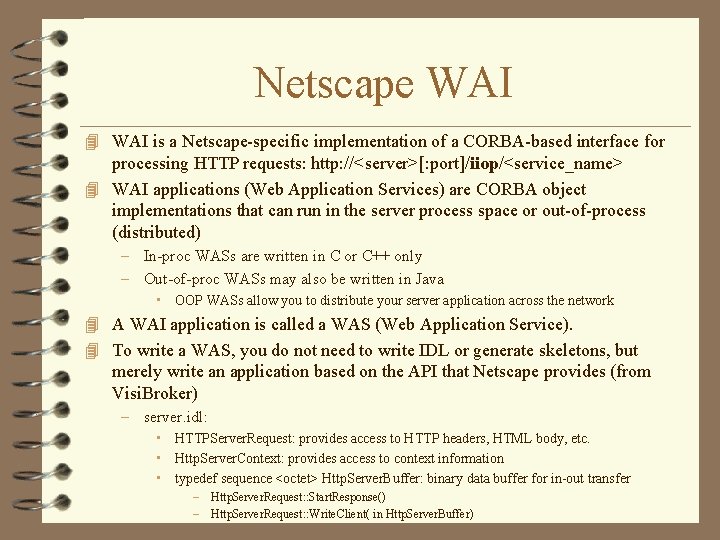
Netscape WAI 4 WAI is a Netscape-specific implementation of a CORBA-based interface for processing HTTP requests: http: //<server>[: port]/iiop/<service_name> 4 WAI applications (Web Application Services) are CORBA object implementations that can run in the server process space or out-of-process (distributed) – In-proc WASs are written in C or C++ only – Out-of-proc WASs may also be written in Java • OOP WASs allow you to distribute your server application across the network 4 A WAI application is called a WAS (Web Application Service). 4 To write a WAS, you do not need to write IDL or generate skeletons, but merely write an application based on the API that Netscape provides (from Visi. Broker) – server. idl: • HTTPServer. Request: provides access to HTTP headers, HTML body, etc. • Http. Server. Context: provides access to context information • typedef sequence <octet> Http. Server. Buffer: binary data buffer for in-out transfer – Http. Server. Request: : Start. Response() – Http. Server. Request: : Write. Client( in Http. Server. Buffer)
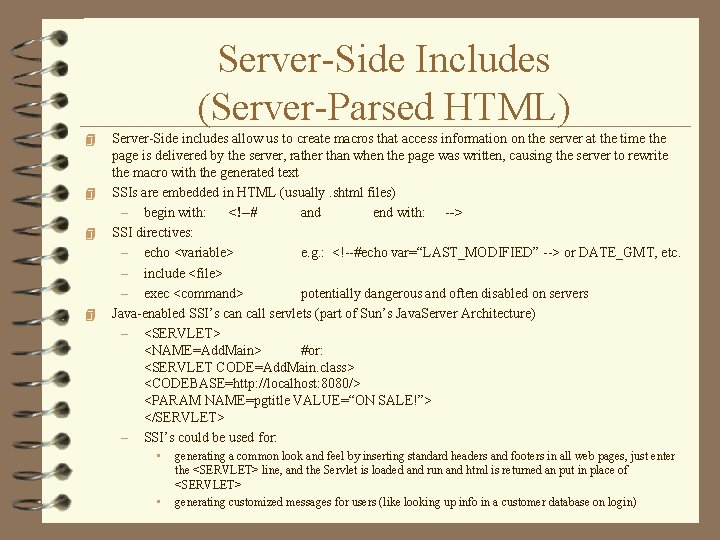
Server-Side Includes (Server-Parsed HTML) 4 4 Server-Side includes allow us to create macros that access information on the server at the time the page is delivered by the server, rather than when the page was written, causing the server to rewrite the macro with the generated text SSIs are embedded in HTML (usually. shtml files) – begin with: <!--# and end with: --> SSI directives: – echo <variable> e. g. : <!--#echo var=“LAST_MODIFIED” --> or DATE_GMT, etc. – include <file> – exec <command> potentially dangerous and often disabled on servers Java-enabled SSI’s can call servlets (part of Sun’s Java. Server Architecture) – <SERVLET> <NAME=Add. Main> #or: <SERVLET CODE=Add. Main. class> <CODEBASE=http: //localhost: 8080/> <PARAM NAME=pgtitle VALUE=“ON SALE!”> </SERVLET> – SSI’s could be used for: • • generating a common look and feel by inserting standard headers and footers in all web pages, just enter the <SERVLET> line, and the Servlet is loaded and run and html is returned an put in place of <SERVLET> generating customized messages for users (like looking up info in a customer database on login)
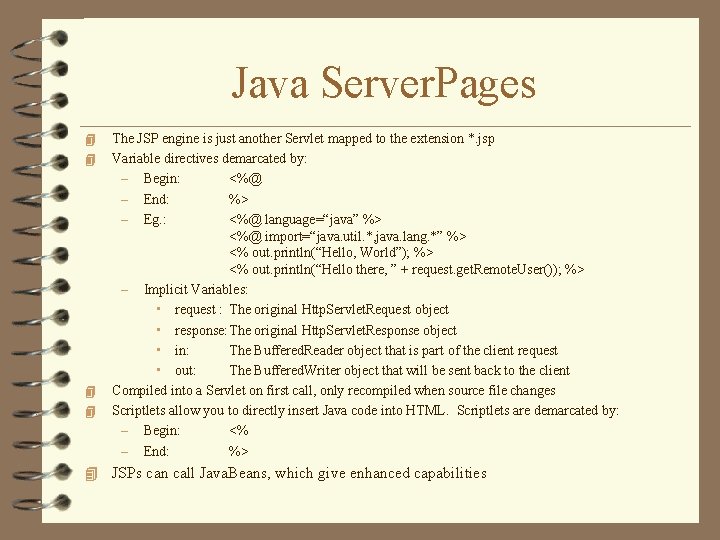
Java Server. Pages 4 4 The JSP engine is just another Servlet mapped to the extension *. jsp Variable directives demarcated by: – Begin: <%@ – End: %> – Eg. : <%@ language=“java” %> <%@ import=“java. util. *, java. lang. *” %> <% out. println(“Hello, World”); %> <% out. println(“Hello there, ” + request. get. Remote. User()); %> – Implicit Variables: • request : The original Http. Servlet. Request object • response: The original Http. Servlet. Response object • in: The Buffered. Reader object that is part of the client request • out: The Buffered. Writer object that will be sent back to the client Compiled into a Servlet on first call, only recompiled when source file changes Scriptlets allow you to directly insert Java code into HTML. Scriptlets are demarcated by: – Begin: <% – End: %> 4 JSPs can call Java. Beans, which give enhanced capabilities
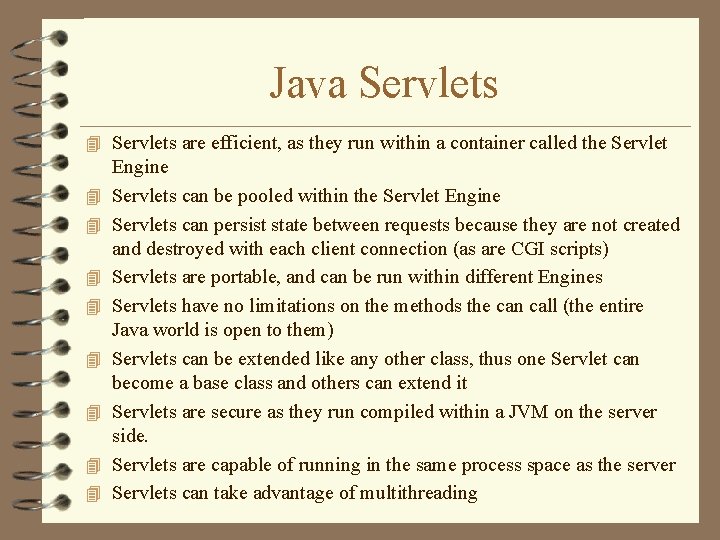
Java Servlets 4 Servlets are efficient, as they run within a container called the Servlet 4 4 4 4 Engine Servlets can be pooled within the Servlet Engine Servlets can persist state between requests because they are not created and destroyed with each client connection (as are CGI scripts) Servlets are portable, and can be run within different Engines Servlets have no limitations on the methods the can call (the entire Java world is open to them) Servlets can be extended like any other class, thus one Servlet can become a base class and others can extend it Servlets are secure as they run compiled within a JVM on the server side. Servlets are capable of running in the same process space as the server Servlets can take advantage of multithreading
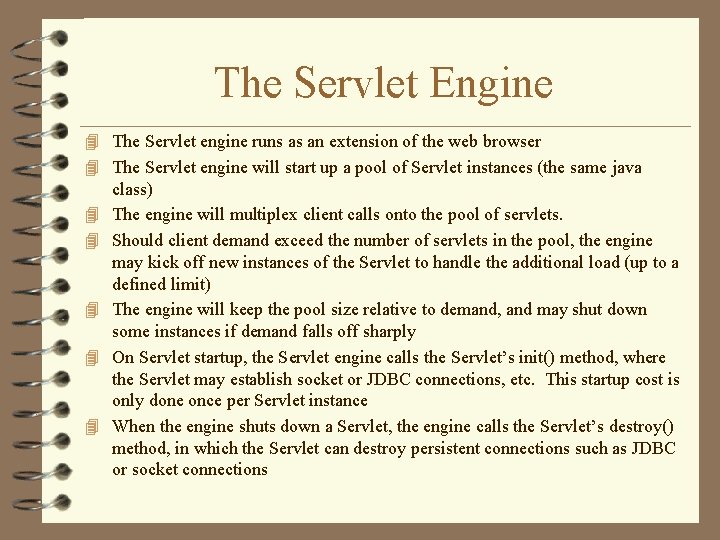
The Servlet Engine 4 The Servlet engine runs as an extension of the web browser 4 The Servlet engine will start up a pool of Servlet instances (the same java 4 4 4 class) The engine will multiplex client calls onto the pool of servlets. Should client demand exceed the number of servlets in the pool, the engine may kick off new instances of the Servlet to handle the additional load (up to a defined limit) The engine will keep the pool size relative to demand, and may shut down some instances if demand falls off sharply On Servlet startup, the Servlet engine calls the Servlet’s init() method, where the Servlet may establish socket or JDBC connections, etc. This startup cost is only done once per Servlet instance When the engine shuts down a Servlet, the engine calls the Servlet’s destroy() method, in which the Servlet can destroy persistent connections such as JDBC or socket connections
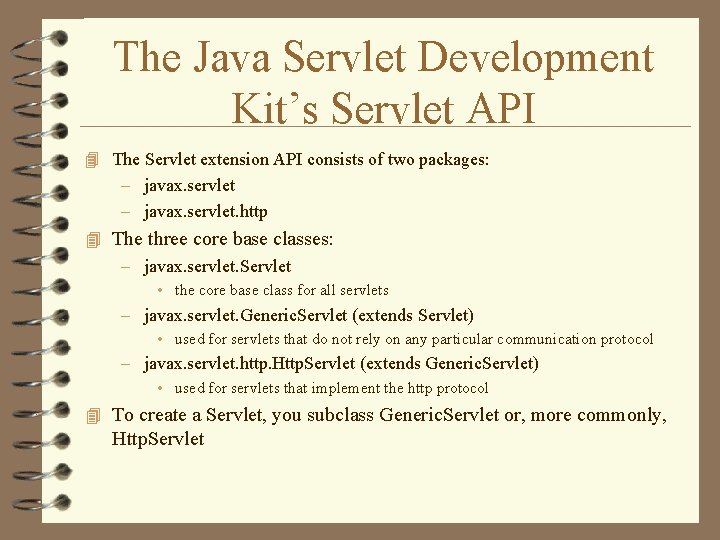
The Java Servlet Development Kit’s Servlet API 4 The Servlet extension API consists of two packages: – javax. servlet. http 4 The three core base classes: – javax. servlet. Servlet • the core base class for all servlets – javax. servlet. Generic. Servlet (extends Servlet) • used for servlets that do not rely on any particular communication protocol – javax. servlet. http. Http. Servlet (extends Generic. Servlet) • used for servlets that implement the http protocol 4 To create a Servlet, you subclass Generic. Servlet or, more commonly, Http. Servlet
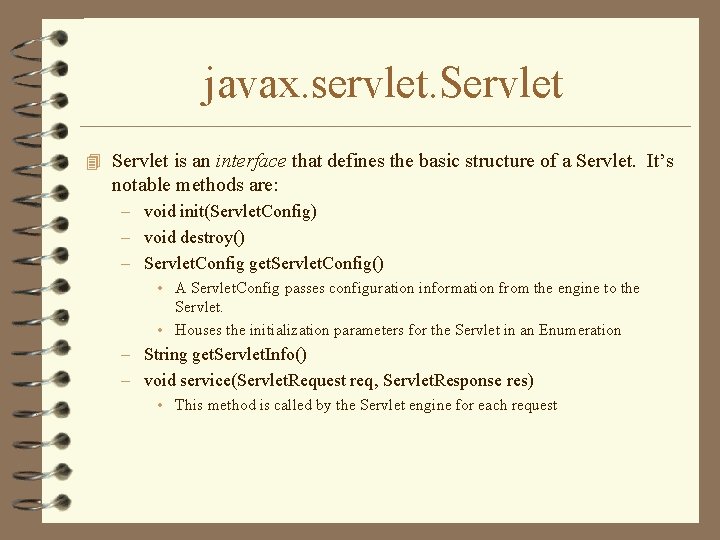
javax. servlet. Servlet 4 Servlet is an interface that defines the basic structure of a Servlet. It’s notable methods are: – void init(Servlet. Config) – void destroy() – Servlet. Config get. Servlet. Config() • A Servlet. Config passes configuration information from the engine to the Servlet. • Houses the initialization parameters for the Servlet in an Enumeration – String get. Servlet. Info() – void service(Servlet. Request req, Servlet. Response res) • This method is called by the Servlet engine for each request
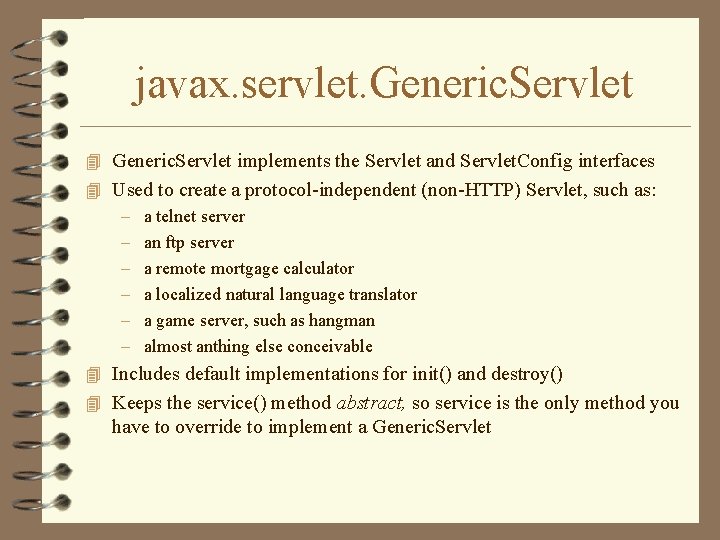
javax. servlet. Generic. Servlet 4 Generic. Servlet implements the Servlet and Servlet. Config interfaces 4 Used to create a protocol-independent (non-HTTP) Servlet, such as: – a telnet server – an ftp server – a remote mortgage calculator – a localized natural language translator – a game server, such as hangman – almost anthing else conceivable 4 Includes default implementations for init() and destroy() 4 Keeps the service() method abstract, so service is the only method you have to override to implement a Generic. Servlet
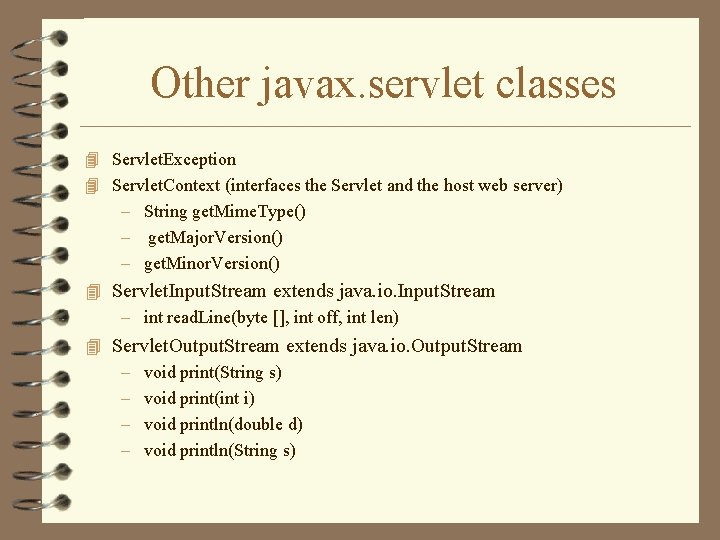
Other javax. servlet classes 4 Servlet. Exception 4 Servlet. Context (interfaces the Servlet and the host web server) – String get. Mime. Type() – get. Major. Version() – get. Minor. Version() 4 Servlet. Input. Stream extends java. io. Input. Stream – int read. Line(byte [], int off, int len) 4 Servlet. Output. Stream extends java. io. Output. Stream – void print(String s) – void print(int i) – void println(double d) – void println(String s)
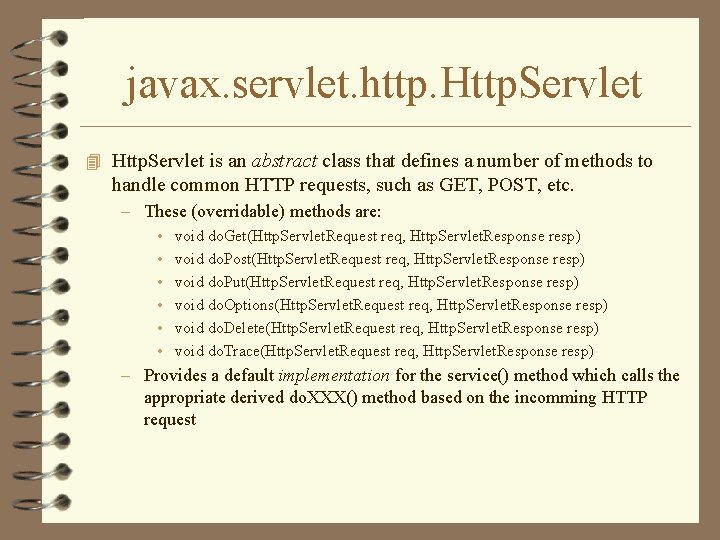
javax. servlet. http. Http. Servlet 4 Http. Servlet is an abstract class that defines a number of methods to handle common HTTP requests, such as GET, POST, etc. – These (overridable) methods are: • • • void do. Get(Http. Servlet. Request req, Http. Servlet. Response resp) void do. Post(Http. Servlet. Request req, Http. Servlet. Response resp) void do. Put(Http. Servlet. Request req, Http. Servlet. Response resp) void do. Options(Http. Servlet. Request req, Http. Servlet. Response resp) void do. Delete(Http. Servlet. Request req, Http. Servlet. Response resp) void do. Trace(Http. Servlet. Request req, Http. Servlet. Response resp) – Provides a default implementation for the service() method which calls the appropriate derived do. XXX() method based on the incomming HTTP request
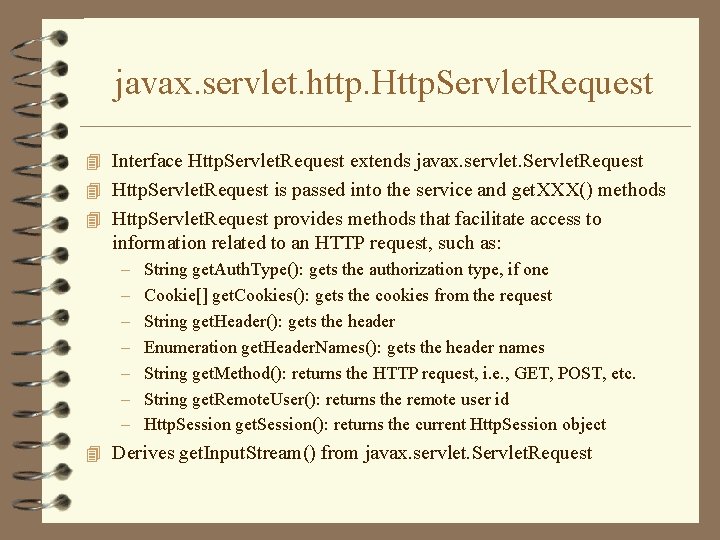
javax. servlet. http. Http. Servlet. Request 4 Interface Http. Servlet. Request extends javax. servlet. Servlet. Request 4 Http. Servlet. Request is passed into the service and get. XXX() methods 4 Http. Servlet. Request provides methods that facilitate access to information related to an HTTP request, such as: – – – – String get. Auth. Type(): gets the authorization type, if one Cookie[] get. Cookies(): gets the cookies from the request String get. Header(): gets the header Enumeration get. Header. Names(): gets the header names String get. Method(): returns the HTTP request, i. e. , GET, POST, etc. String get. Remote. User(): returns the remote user id Http. Session get. Session(): returns the current Http. Session object 4 Derives get. Input. Stream() from javax. servlet. Servlet. Request
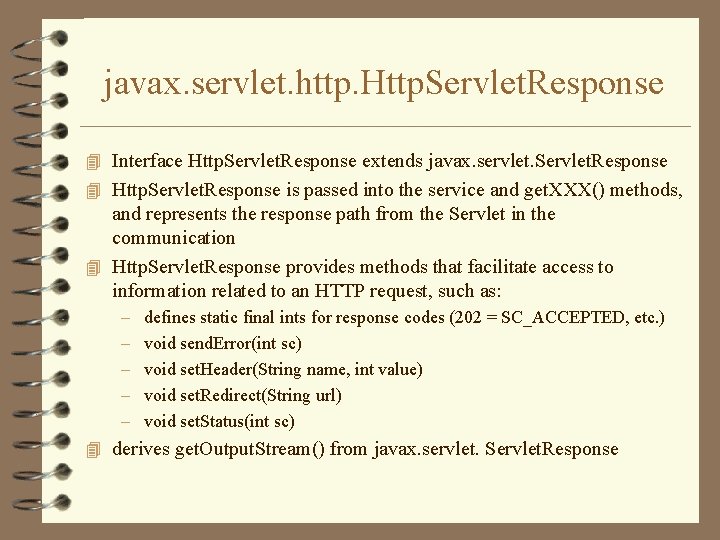
javax. servlet. http. Http. Servlet. Response 4 Interface Http. Servlet. Response extends javax. servlet. Servlet. Response 4 Http. Servlet. Response is passed into the service and get. XXX() methods, and represents the response path from the Servlet in the communication 4 Http. Servlet. Response provides methods that facilitate access to information related to an HTTP request, such as: – – – defines static final ints for response codes (202 = SC_ACCEPTED, etc. ) void send. Error(int sc) void set. Header(String name, int value) void set. Redirect(String url) void set. Status(int sc) 4 derives get. Output. Stream() from javax. servlet. Servlet. Response
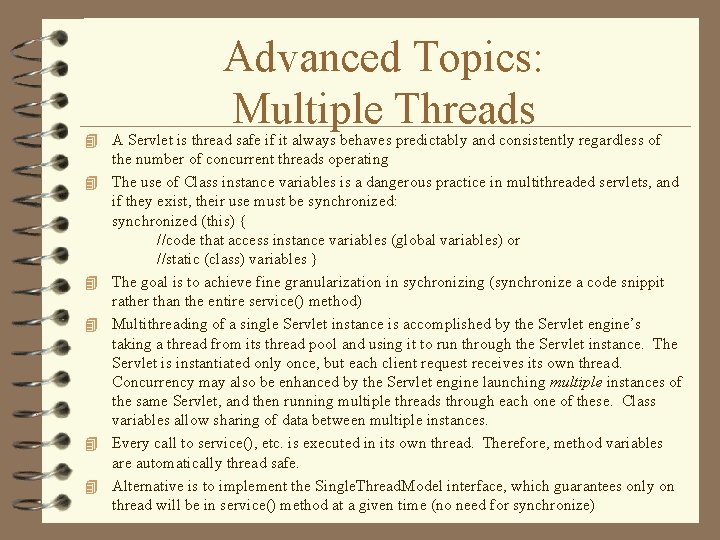
Advanced Topics: Multiple Threads 4 A Servlet is thread safe if it always behaves predictably and consistently regardless of 4 4 4 the number of concurrent threads operating The use of Class instance variables is a dangerous practice in multithreaded servlets, and if they exist, their use must be synchronized: synchronized (this) { //code that access instance variables (global variables) or //static (class) variables } The goal is to achieve fine granularization in sychronizing (synchronize a code snippit rather than the entire service() method) Multithreading of a single Servlet instance is accomplished by the Servlet engine’s taking a thread from its thread pool and using it to run through the Servlet instance. The Servlet is instantiated only once, but each client request receives its own thread. Concurrency may also be enhanced by the Servlet engine launching multiple instances of the same Servlet, and then running multiple threads through each one of these. Class variables allow sharing of data between multiple instances. Every call to service(), etc. is executed in its own thread. Therefore, method variables are automatically thread safe. Alternative is to implement the Single. Thread. Model interface, which guarantees only on thread will be in service() method at a given time (no need for synchronize)
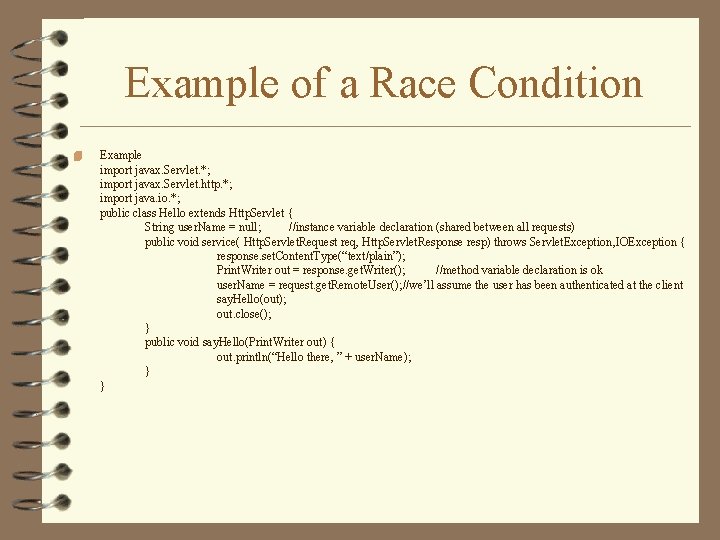
Example of a Race Condition 4 Example import javax. Servlet. *; import javax. Servlet. http. *; import java. io. *; public class Hello extends Http. Servlet { String user. Name = null; //instance variable declaration (shared between all requests) public void service( Http. Servlet. Request req, Http. Servlet. Response resp) throws Servlet. Exception, IOException { response. set. Content. Type(“text/plain”); Print. Writer out = response. get. Writer(); //method variable declaration is ok user. Name = request. get. Remote. User(); //we’ll assume the user has been authenticated at the client say. Hello(out); out. close(); } public void say. Hello(Print. Writer out) { out. println(“Hello there, ” + user. Name); } }
Methods for handling State in a Stateless Protocol 4 Store the Session ID in the URL: – http: //www. uchicago. edu/session/972368/courses. html – Problems: insecure, unreliable, cumbersome, invalidates search engines 4 Rewriting the URL: – Servlets can use get. Parameter() and get. Parameter. Values() of Http. Servlet. Request object – Server must rewrite every URL returned to the client with the client’s state info • <A HREF=“info. html? session=972368”>Course Information</A> 4 Hidden Variables – Hidden HTML form variables can be used to store state information: • <INPUT TYPE=“HIDDEN” NAME=“session” VALUE=“ 972368”> – Hidden variables are not shown to the user by the browser 4 Usually, a combination of Hidden Variables and URL Rewriting will do the trick
Other alternatives for Managing State 4 Cookies (state only) – HTML mechanism for tracking user identity and preferences – Simple to use, (no URL rewriting, etc. ) but. . . – All but useless for business-critical delivery because the user can choose to turn cookies off 4 Session Management (state and identity) – Valid identification and association of a particular client over multiple discrete connections over some predefined period of time. – This association is maintained by requiring the client to return a piece of state information uniquely identifying the session with each request. – Session associations remain valid for a specified configurable amount of time, after which the session is destroyed and invalidated. – Often, an option is available to allow a user to manually terminate a session, usually through a logout button. – Session management is useful for storing large amounts of data, because only the Session. ID is passed between the client and server.
Session Management for Servlets: javax. servlet. http. Http. Session 4 Session management is built in to the Servlet API – String get. Id(): gets the session ID itself – long get. Creation. Time(): gets the time the session was created – long get. Last. Accessed. Time(): gets the time of the client’s last request with this ID – Object get. Value(String): returns a client-specific object that is bound to the current session. Objects may be bound to the session using: – void put. Value(String, Object): binds object to String key for later retrieval – String[] get. Value. Names(): gets a String array containing names of all bound objects – boolean is. New(): returns true if this is a new session (first client access with this ID) – void remove. Value(String): removes the stored object associated with this String key – void set. Max. Inactive. Interval(int interval): sets the max number of seconds that a session is guaranteed to be held valid before it is expired by the Servlet engine. – void invalidate(): expires the current session
Servlet Session Management 4 By default, Servlet session management is based on cookies, but the engine will resort to URL rewriting if cookies are unavailable – note that URL rewriting can become a major performance bottleneck 4 The important note is that session handling with cookies is done for you automagically by the Servlet engine, servers vary on URL rewriting methods, most requiring some work on your part 4 Http. Servlet. Request supporting methods for session management: – – Http. Session get. Session(): gets the Http. Session object attached to this request boolean is. Requested. Session. Id. From. Cookie(): is it derived from a cookie? boolean is. Requested. Session. Id. From. URL(): is it from a URL? is. Requested. Session. Id. Valid(): true if valid, false if invalid (i. e. , expired)
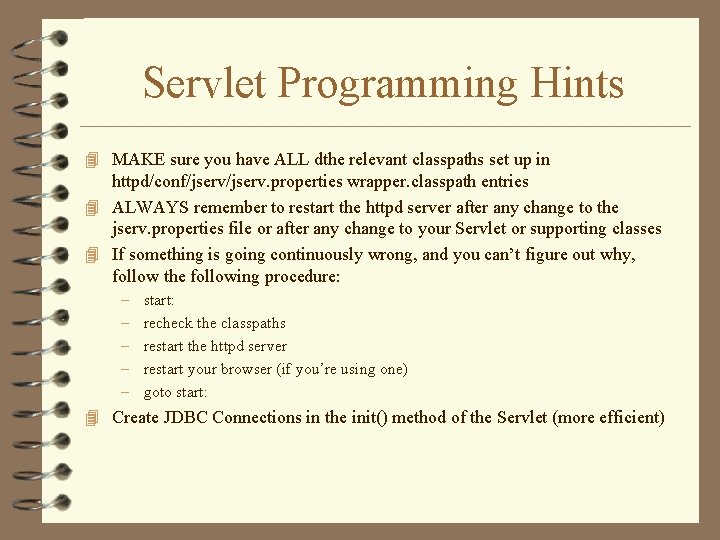
Servlet Programming Hints 4 MAKE sure you have ALL dthe relevant classpaths set up in httpd/conf/jserv. properties wrapper. classpath entries 4 ALWAYS remember to restart the httpd server after any change to the jserv. properties file or after any change to your Servlet or supporting classes 4 If something is going continuously wrong, and you can’t figure out why, follow the following procedure: – – – start: recheck the classpaths restart the httpd server restart your browser (if you’re using one) goto start: 4 Create JDBC Connections in the init() method of the Servlet (more efficient)
- Slides: 30