
Lecture 3 Data Driven Visualizations Credit Aditya Parameswaran
![Section 2 Computing Utility U = D[P(V 1) , P(V 2)] D = EMD,](https://slidetodoc.com/presentation_image/71a683a1f94a6f1566e10ab80fc3c5d1/image-24.jpg "Section 2 Computing Utility U = D[P(V 1) , P(V 2)] D = EMD,")
- Slides: 42
Lecture 3: Data Driven Visualizations Credit: Aditya Parameswaran 1
Groups and QCRs 1. Complete groups now • Discussion leaders vs research group 2. QCs are due: Sunday 11: 59 pm and Tuesday 11: 59 pm • This is to allow discussion leaders to prepare responses 3. Please start forming research groups • Up to three (this means you can even be on your own) 2
Today’s Lecture 1. Why data visualization? 2. Visualization recommendations 3. DB-inspired Optimizations 3
Section 1 1. Why data visualization? 4
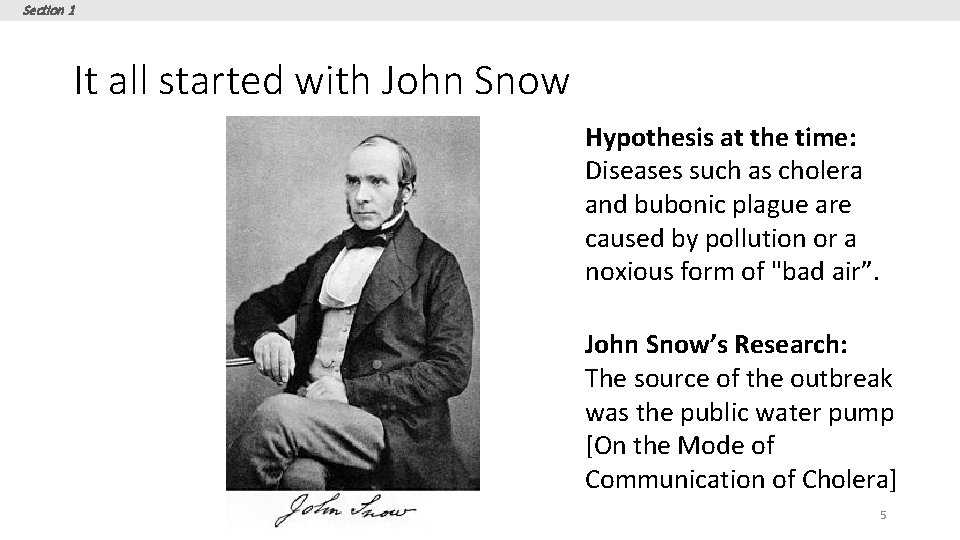
Section 1 It all started with John Snow Hypothesis at the time: Diseases such as cholera and bubonic plague are caused by pollution or a noxious form of "bad air”. John Snow’s Research: The source of the outbreak was the public water pump [On the Mode of Communication of Cholera] 5
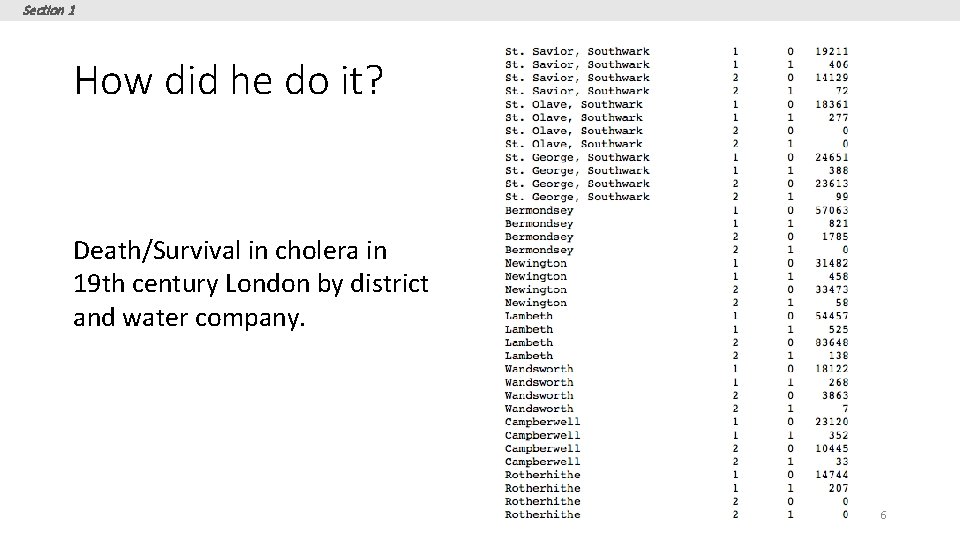
Section 1 How did he do it? Death/Survival in cholera in 19 th century London by district and water company. 6
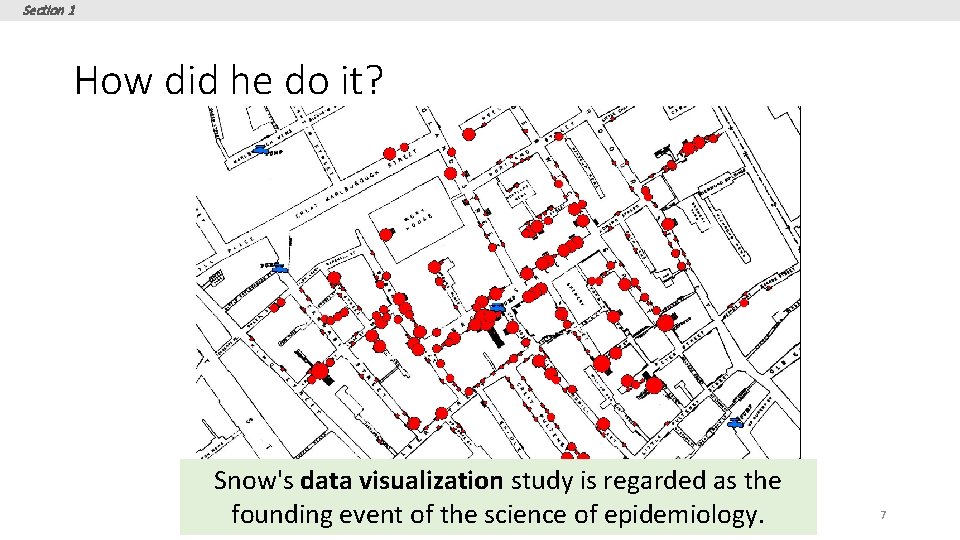
Section 1 How did he do it? Snow's data visualization study is regarded as the founding event of the science of epidemiology. 7
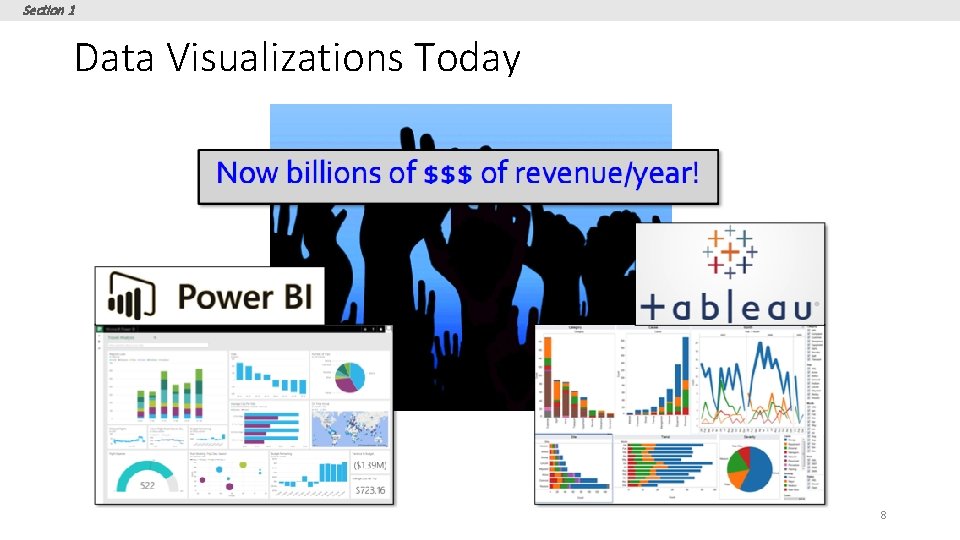
Section 1 Data Visualizations Today 8
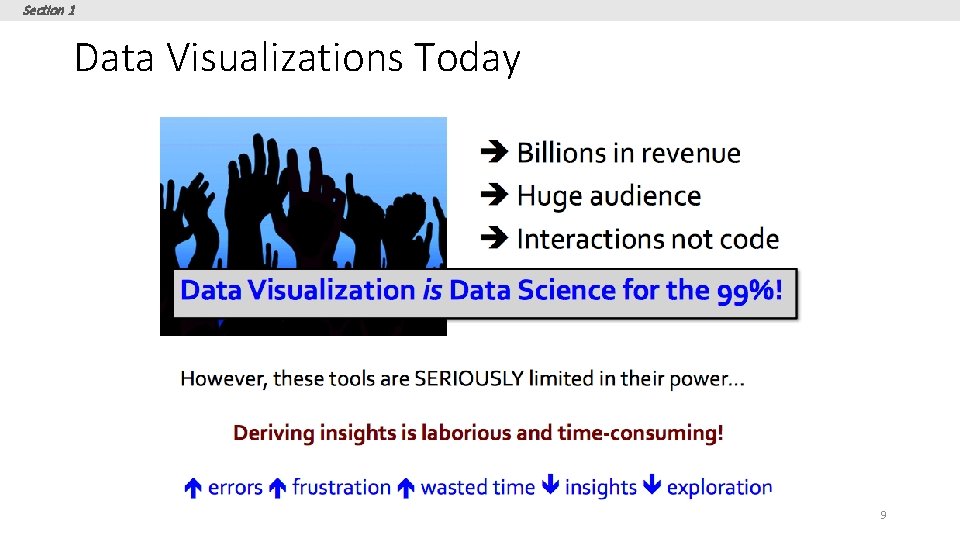
Section 1 Data Visualizations Today 9
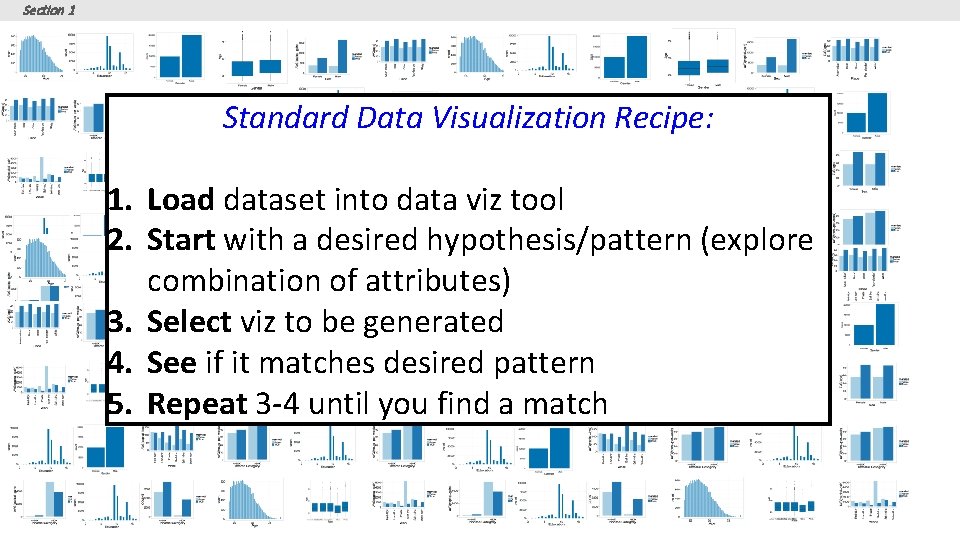
Section 1 Standard Data Visualization Recipe: 1. Load dataset into data viz tool 2. Start with a desired hypothesis/pattern (explore combination of attributes) 3. Select viz to be generated 4. See if it matches desired pattern 5. Repeat 3 -4 until you find a match 10
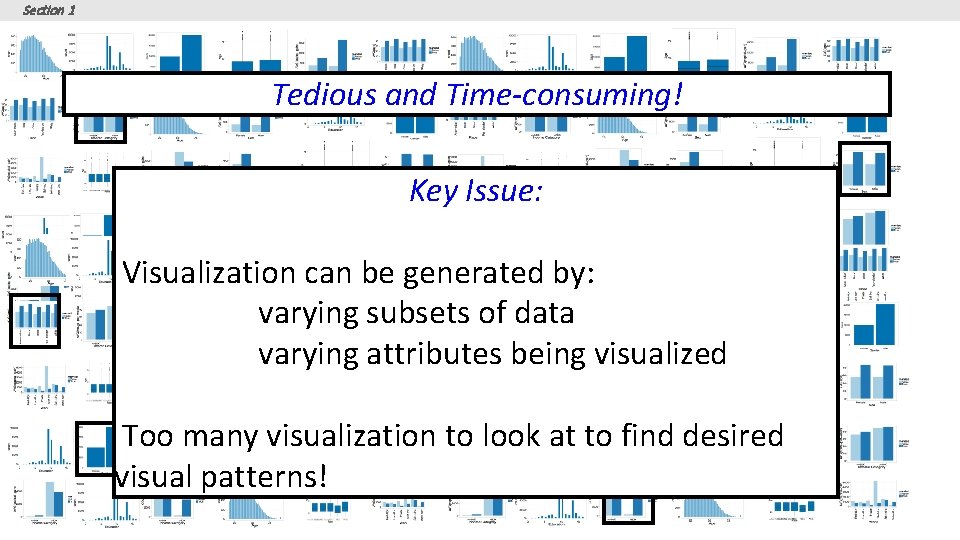
Section 1 Tedious and Time-consuming! Key Issue: Visualization can be generated by: varying subsets of data varying attributes being visualized Too many visualization to look at to find desired visual patterns! 11
Section 2 2. Visualization recommendations 12
Section 1 What you will learn about in this section 1. Space of Visualizations 2. Recommendation Metrics 13
Section 1 Goal Given a dataset and a task, automatically produce a set of visualizations that are the most “interesting” given the task Particularly vague 14
Section 1 Goal Given a dataset and a task, automatically produce a set of visualizations that are the most “interesting” given the task 15
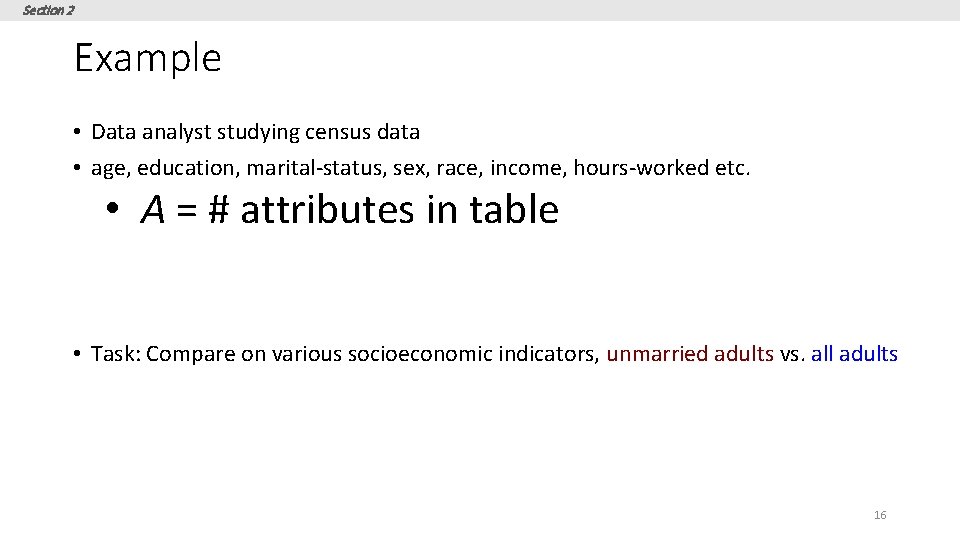
Section 2 Example • Data analyst studying census data • age, education, marital-status, sex, race, income, hours-worked etc. • A = # attributes in table • Task: Compare on various socioeconomic indicators, unmarried adults vs. all adults 16
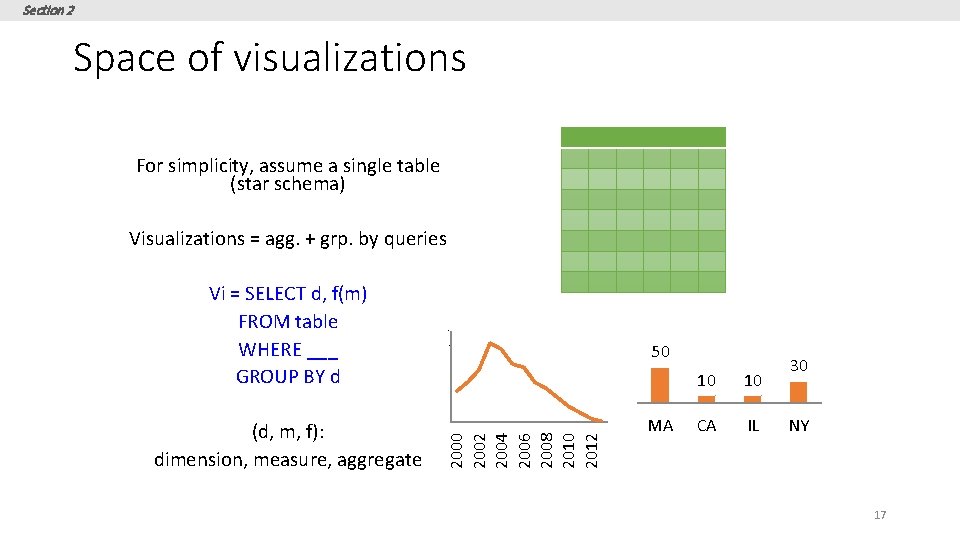
Section 2 Space of visualizations For simplicity, assume a single table (star schema) Visualizations = agg. + grp. by queries Vi = SELECT d, f(m) FROM table WHERE ___ GROUP BY d 4. 5 4 3. 5 50 3 10 10 CA IL 30 2. 5 2 2000 2002 2004 2006 2008 2010 2012 (d, m, f): dimension, measure, aggregate 1. 5 MA NY 17
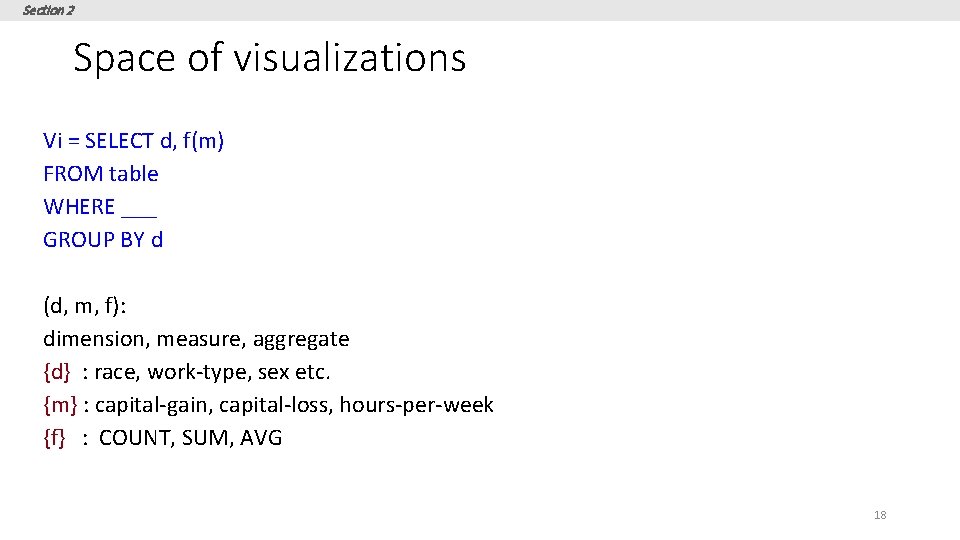
Section 2 Space of visualizations Vi = SELECT d, f(m) FROM table WHERE ___ GROUP BY d (d, m, f): dimension, measure, aggregate {d} : race, work-type, sex etc. {m} : capital-gain, capital-loss, hours-per-week {f} : COUNT, SUM, AVG 18
Section 1 Goal Given a dataset and a task, automatically produce a set of visualizations that are the most “interesting” given the task 19
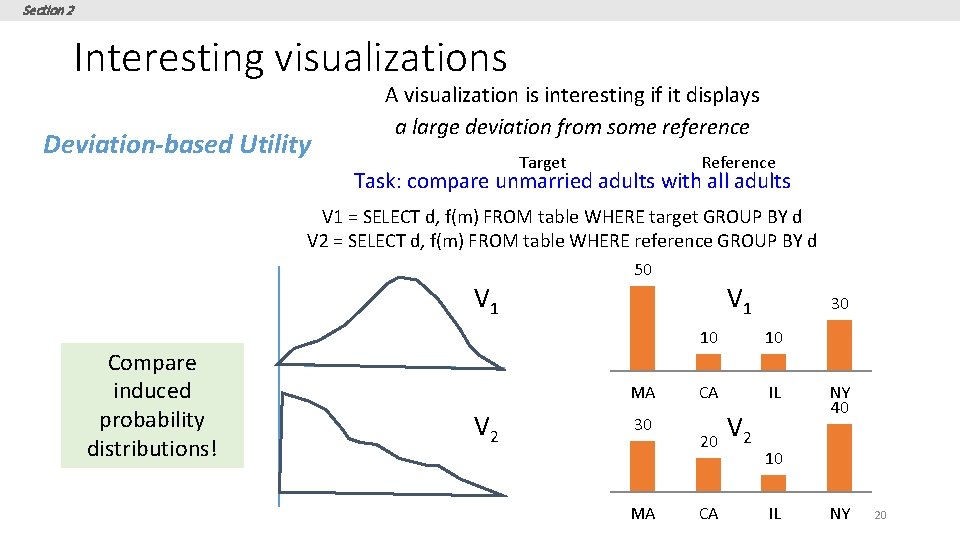
Section 2 Interesting visualizations Deviation-based Utility A visualization is interesting if it displays a large deviation from some reference Target Reference Task: compare unmarried adults with all adults V 1 = SELECT d, f(m) FROM table WHERE target GROUP BY d V 2 = SELECT d, f(m) FROM table WHERE reference GROUP BY d 50 V 1 Compare induced probability distributions! V 1 MA V 2 30 MA 30 10 10 CA IL 20 CA V 2 NY 40 10 IL NY 20
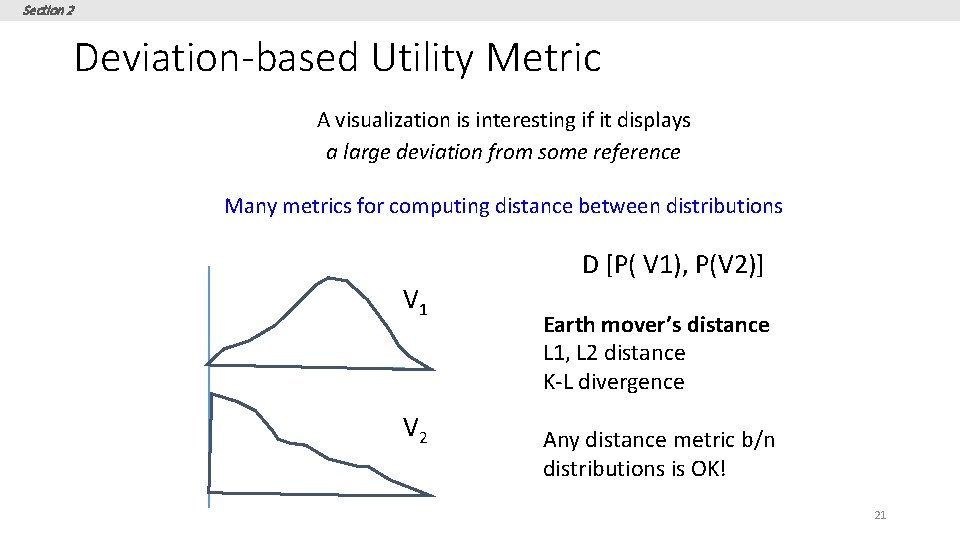
Section 2 Deviation-based Utility Metric A visualization is interesting if it displays a large deviation from some reference Many metrics for computing distance between distributions D [P( V 1), P(V 2)] V 1 V 2 Earth mover’s distance L 1, L 2 distance K-L divergence Any distance metric b/n distributions is OK! 21
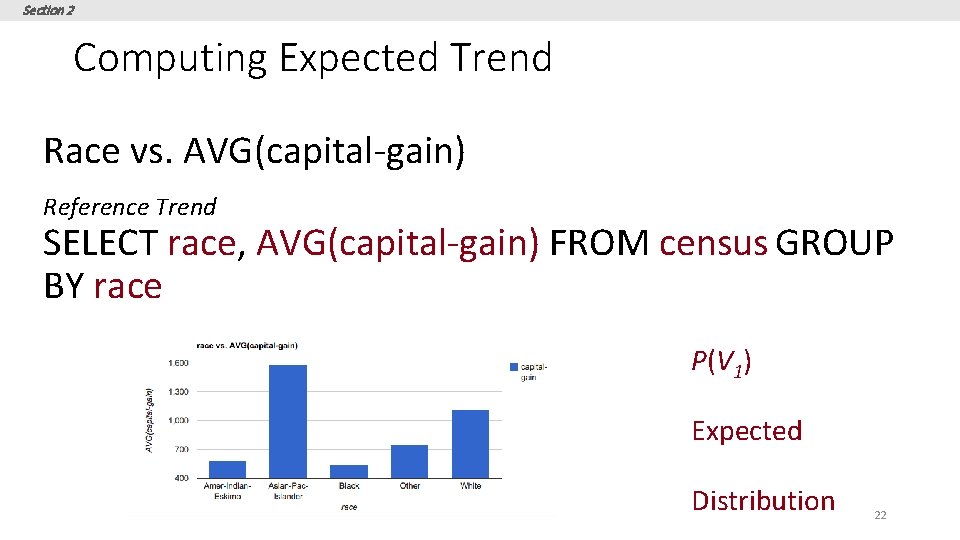
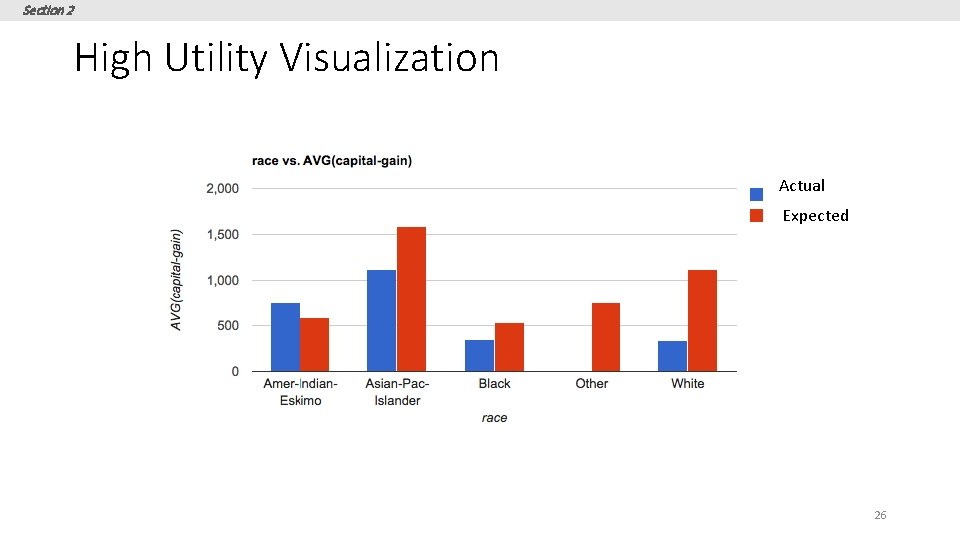
Section 2 Computing Expected Trend Race vs. AVG(capital-gain) Reference Trend SELECT race, AVG(capital-gain) FROM census GROUP BY race P(V 1) Expected Distribution 22
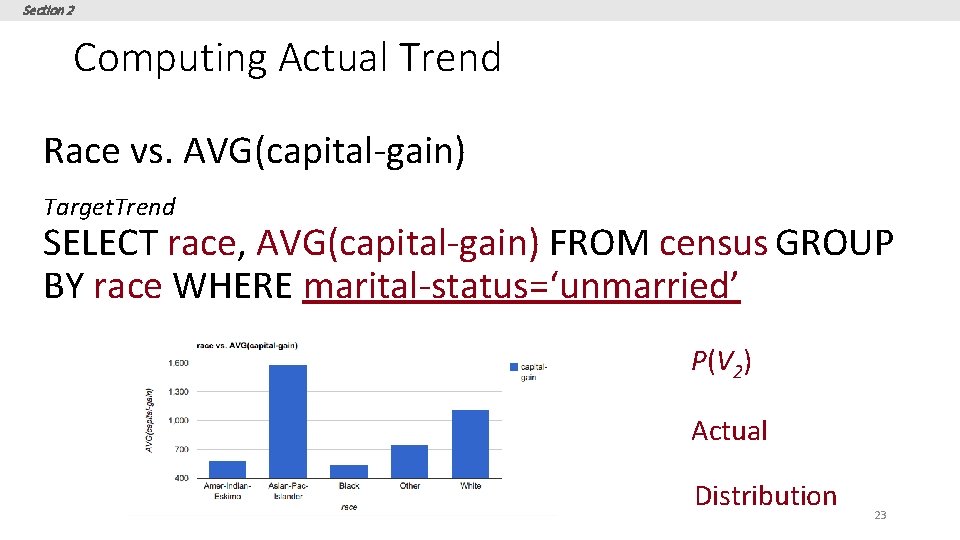
Section 2 Computing Actual Trend Race vs. AVG(capital-gain) Target. Trend SELECT race, AVG(capital-gain) FROM census GROUP BY race WHERE marital-status=‘unmarried’ P(V 2) Actual Distribution 23
Section 2 Computing Utility U = D[P(V 1) , P(V 2)] D = EMD, L 2 etc. 24
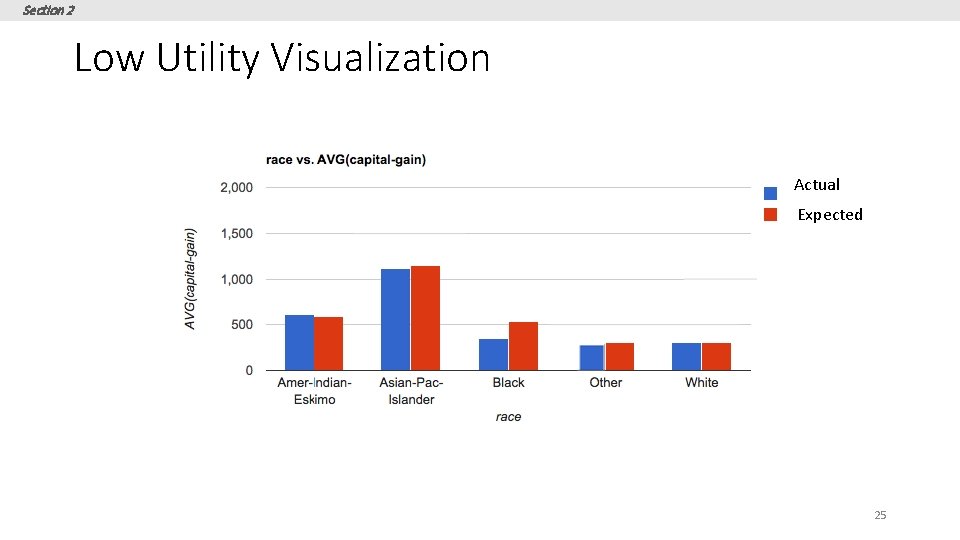
Section 2 Low Utility Visualization Actual Expected 25
Section 2 High Utility Visualization Actual Expected 26
Section 2 Other metrics • • • Data characteristics Task or Insight Semantics and Domain Knowledge Visual Ease of Understanding User Preference 27
Section 3 3. DB-inspired Optimizations 28
Section 3 What you will learn about in this section 1. Ranking Visualizations 2. Optimizations 29
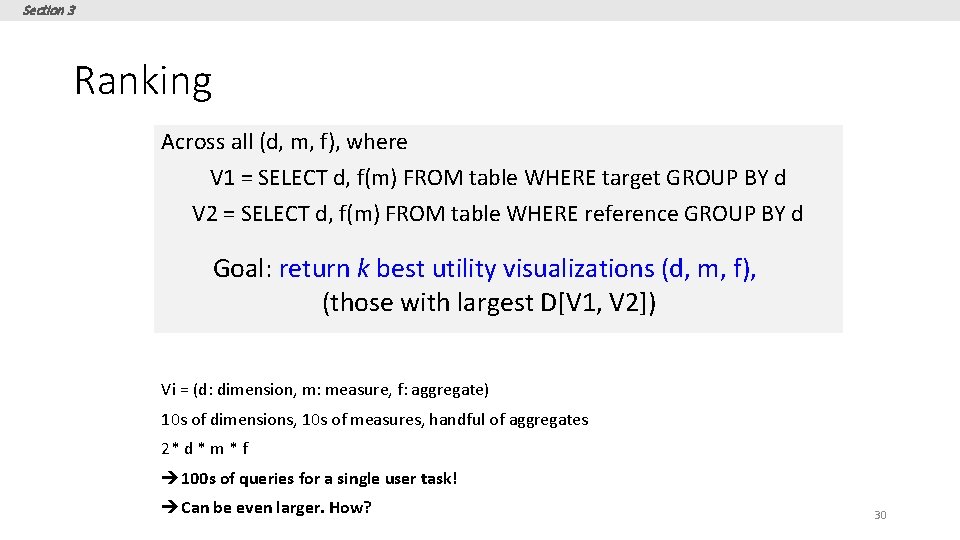
Section 3 Ranking Across all (d, m, f), where V 1 = SELECT d, f(m) FROM table WHERE target GROUP BY d V 2 = SELECT d, f(m) FROM table WHERE reference GROUP BY d Goal: return k best utility visualizations (d, m, f), (those with largest D[V 1, V 2]) Vi = (d: dimension, m: measure, f: aggregate) 10 s of dimensions, 10 s of measures, handful of aggregates 2* d * m * f è 100 s of queries for a single user task! èCan be even larger. How? 30
Section 3 Even larger space of queries • • Binning 3 dimensional or 4 dimensional visualizations Scatterplot or map visualizations … 31
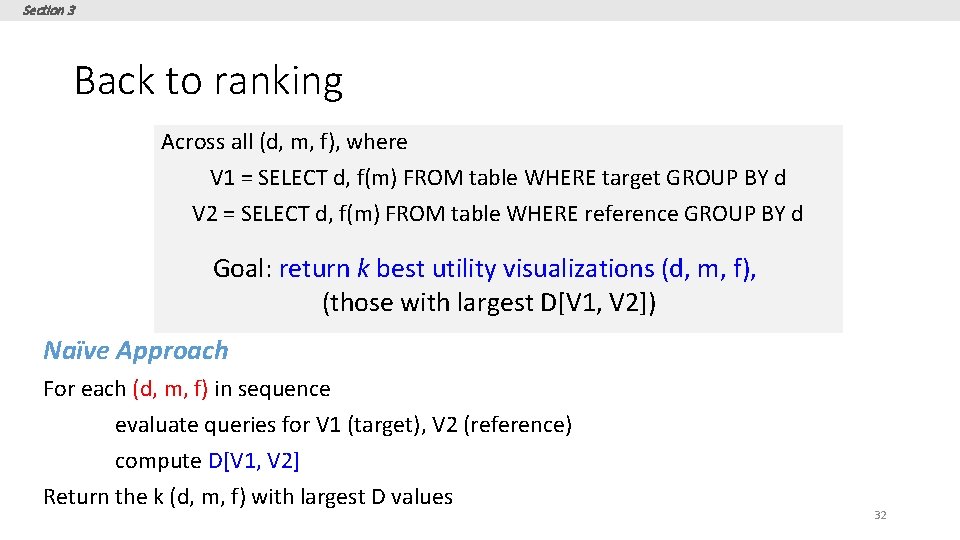
Section 3 Back to ranking Across all (d, m, f), where V 1 = SELECT d, f(m) FROM table WHERE target GROUP BY d V 2 = SELECT d, f(m) FROM table WHERE reference GROUP BY d Goal: return k best utility visualizations (d, m, f), (those with largest D[V 1, V 2]) Naïve Approach For each (d, m, f) in sequence evaluate queries for V 1 (target), V 2 (reference) compute D[V 1, V 2] Return the k (d, m, f) with largest D values 32
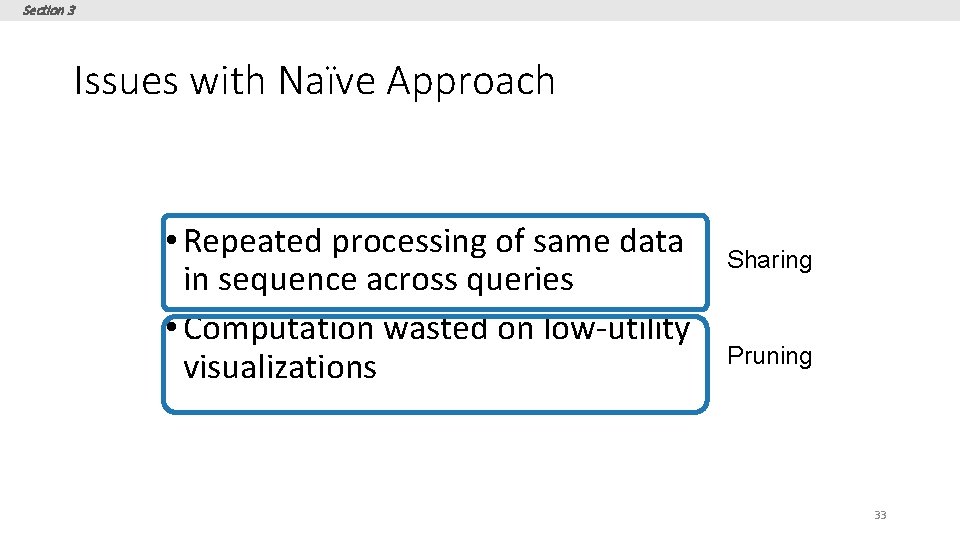
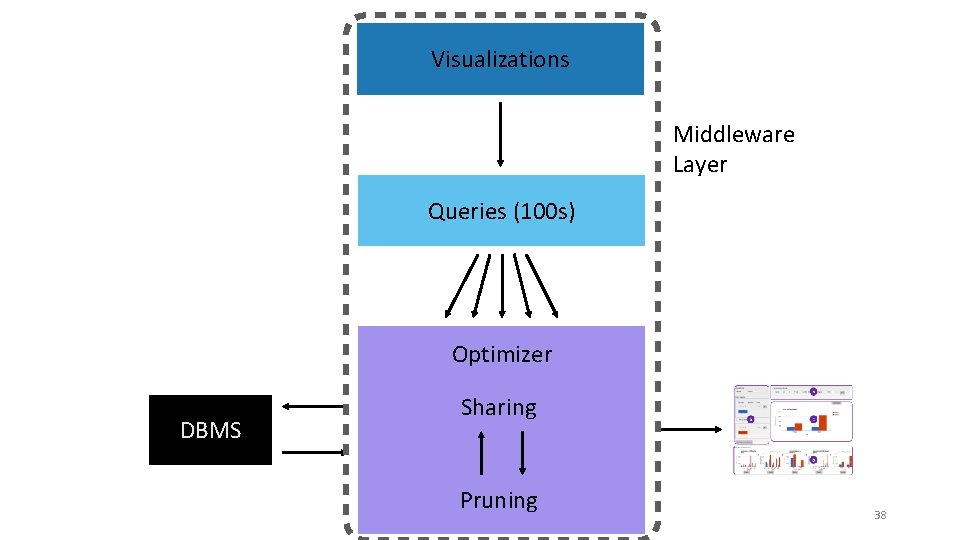
Section 3 Issues with Naïve Approach • Repeated processing of same data in sequence across queries • Computation wasted on low-utility visualizations Sharing Pruning 33
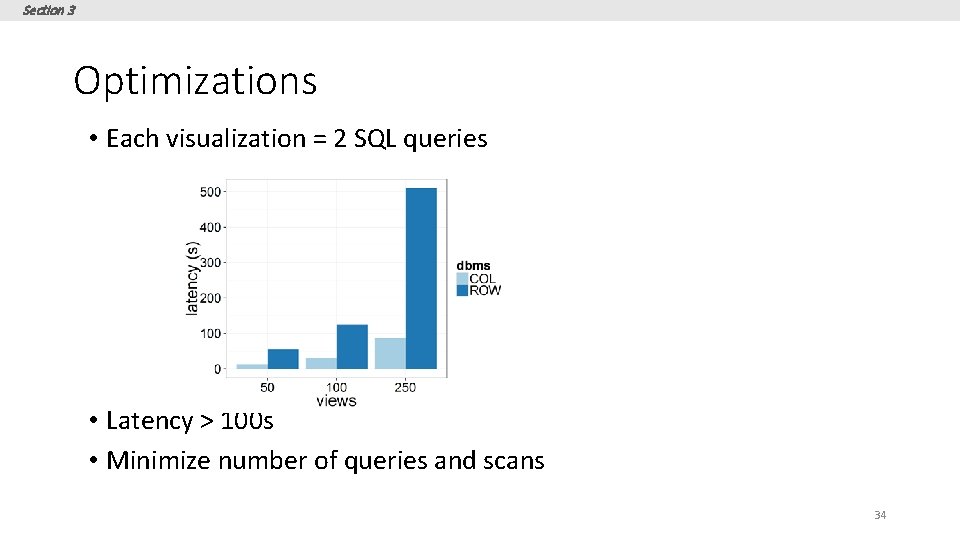
Section 3 Optimizations • Each visualization = 2 SQL queries • Latency > 100 s • Minimize number of queries and scans 34
Section 3 Optimizations • Combine aggregate queries on target and ref • Combine multiple aggregates (d 1, m 1, f 1), (d 1, m 2, f 1) (d 1, [m 1, m 2], f 1) • Combine multiple group-bys* (d 1, m 1, f 1), (d 2, m 1, f 1) ([d 1, d 2], m 1, f 1) Could be problematic… • Parallel Query Execution 35
Section 3 Combining Multiple Group-by’s • Too few group-bys leads to many table scans • Too many group-bys hurt performance • # groups = Π (# distinct values per attributes) • Optimal group-by combination ≈ bin-packing • Bin volume = log S (max number of groups) • Volume of items (attributes) = log (|ai|) • Minimize # bins s. t. Σi log (|ai|) <= log S 36
Section 3 Pruning optimizations Discard low-utility views early to avoid wasted computation • Keep running estimates of utility • Prune visualizations based on estimates • Two flavors • Vanilla Confidence Interval based Pruning • Multi-armed Bandit Pruning 37
Visualizations Middleware Layer Queries (100 s) Optimizer DBMS Sharing Pruning 38
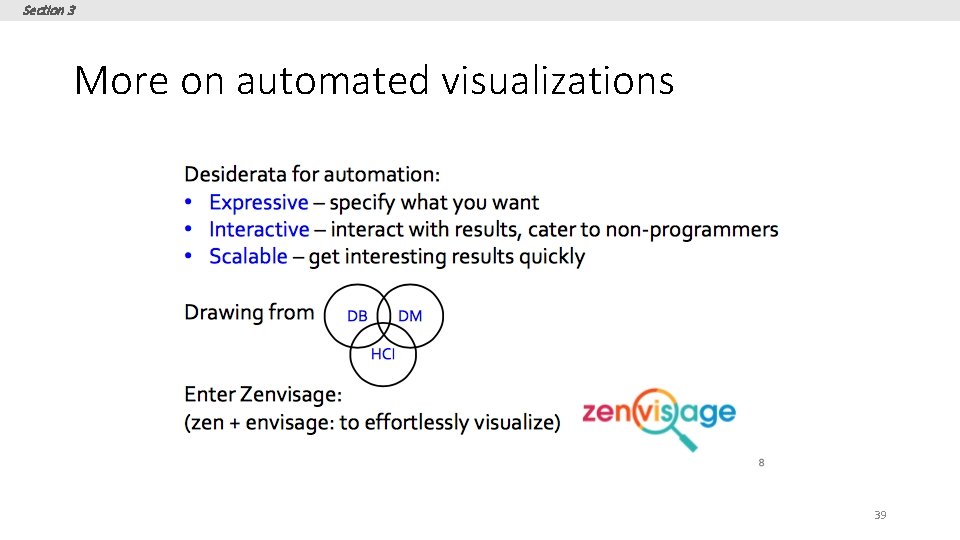
Section 3 More on automated visualizations 39
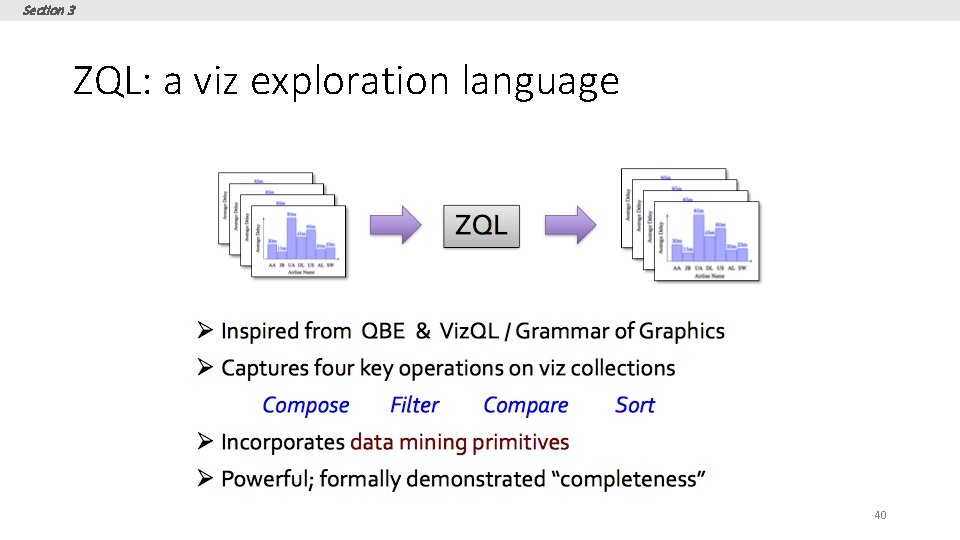
Section 3 ZQL: a viz exploration language 40
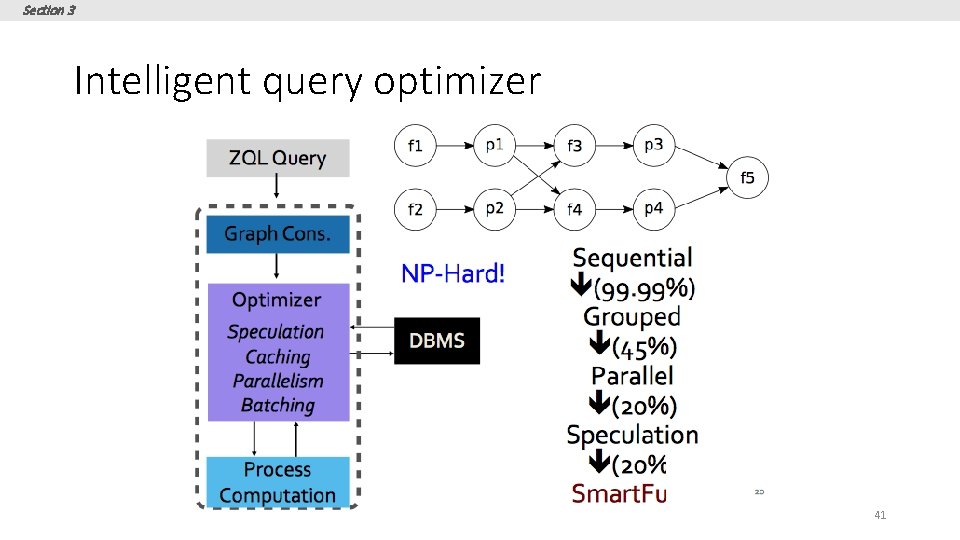
Section 3 Intelligent query optimizer 41
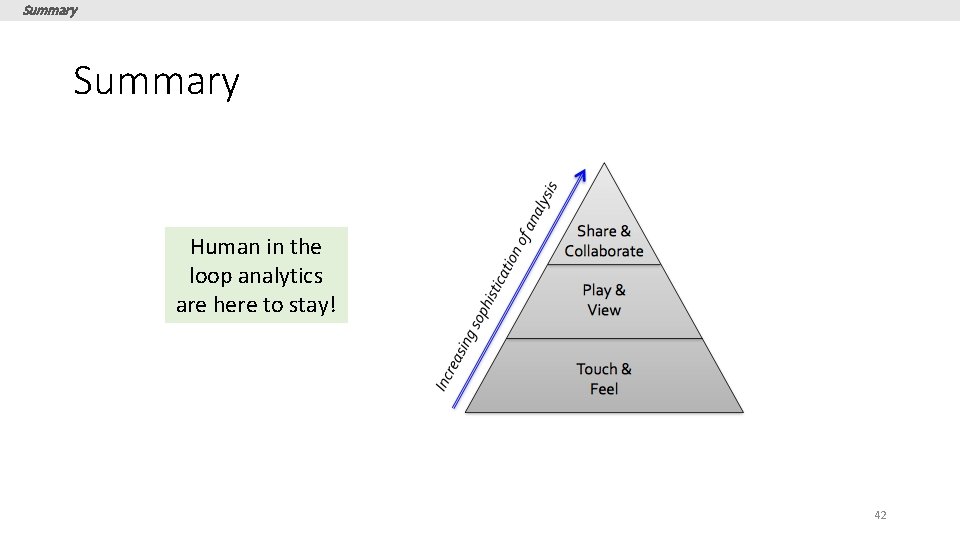
Summary Human in the loop analytics are here to stay! 42