
Lecture 22 Images Course logo spider web photograph
* Lecture 22 Images * Course logo spider web photograph from Morguefile openstock photograph by Gabor Karpati, Hungary.
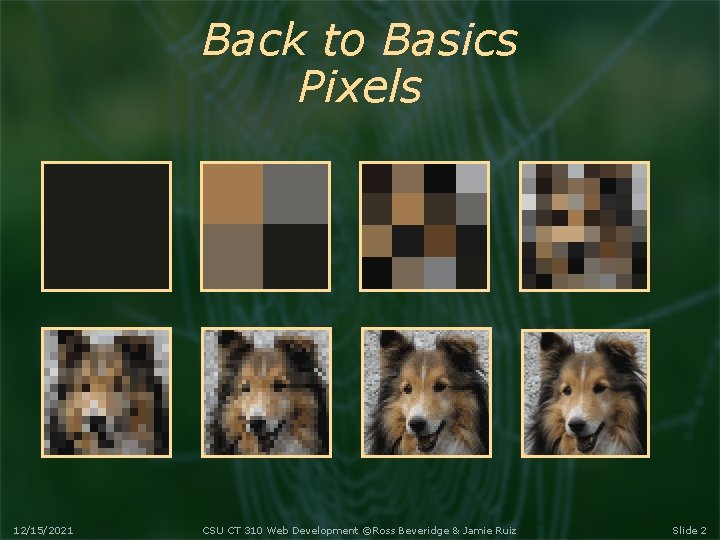
Back to Basics Pixels 12/15/2021 CSU CT 310 Web Development ©Ross Beveridge & Jamie Ruiz Slide 2
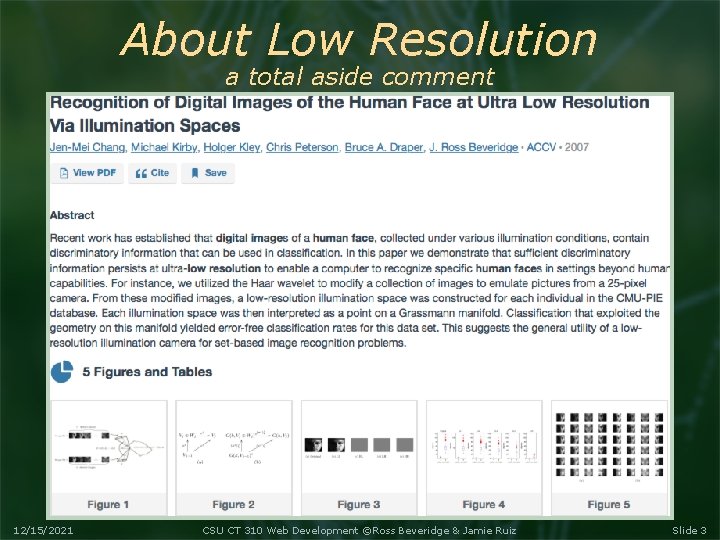
About Low Resolution a total aside comment 12/15/2021 CSU CT 310 Web Development ©Ross Beveridge & Jamie Ruiz Slide 3
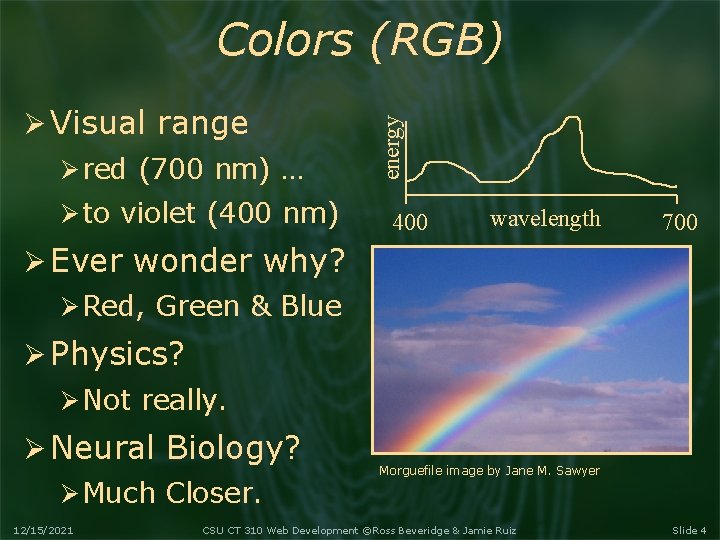
Visual range red (700 nm) … to violet (400 nm) energy Colors (RGB) 400 wavelength 700 Ever wonder why? Red, Green & Blue Physics? Not really. Neural Biology? Much Closer. 12/15/2021 Morguefile image by Jane M. Sawyer CSU CT 310 Web Development ©Ross Beveridge & Jamie Ruiz Slide 4

Tristimulus Theory of Color The tristimulus theory says cones in the human eye detect 3 primitive colors: red, green, and blue. Energy near red excites response. Same for green and blue. All the rest of the “detail” goes away. RGB Displays therefore cheat. Might be why dogs don’t like TV …. 12/15/2021 CSU CT 310 Web Development ©Ross Beveridge & Jamie Ruiz Slide 5
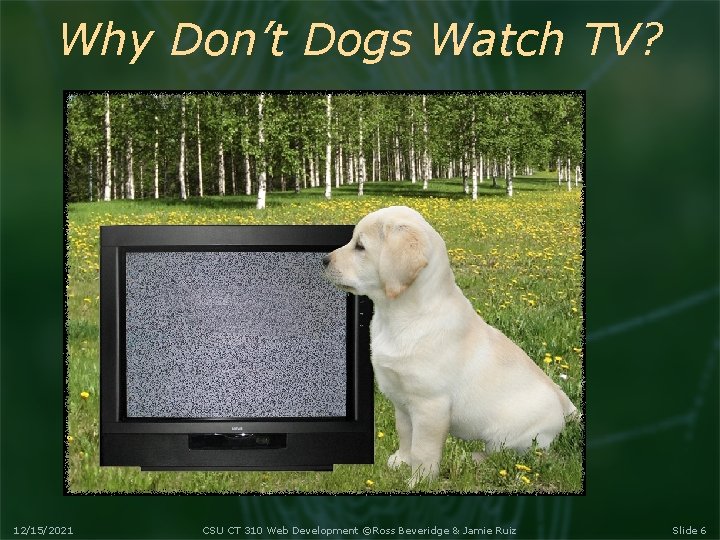
Why Don’t Dogs Watch TV? 12/15/2021 CSU CT 310 Web Development ©Ross Beveridge & Jamie Ruiz Slide 6
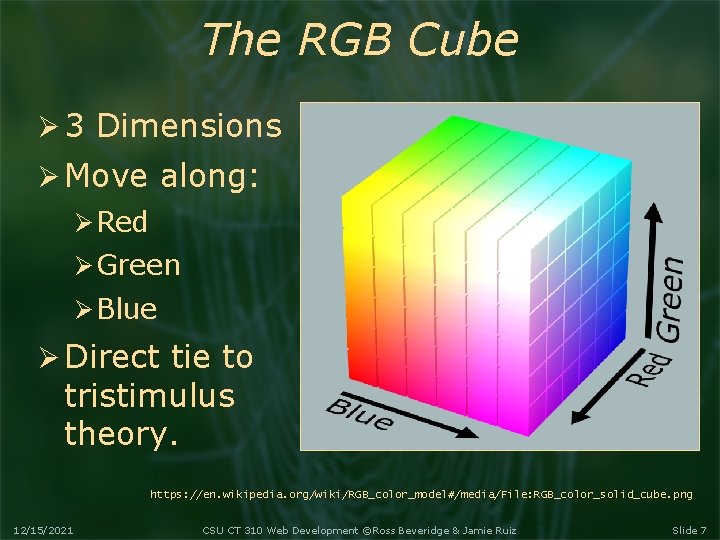
The RGB Cube 3 Dimensions Move along: Red Green Blue Direct tie to tristimulus theory. https: //en. wikipedia. org/wiki/RGB_color_model#/media/File: RGB_color_solid_cube. png 12/15/2021 CSU CT 310 Web Development ©Ross Beveridge & Jamie Ruiz Slide 7
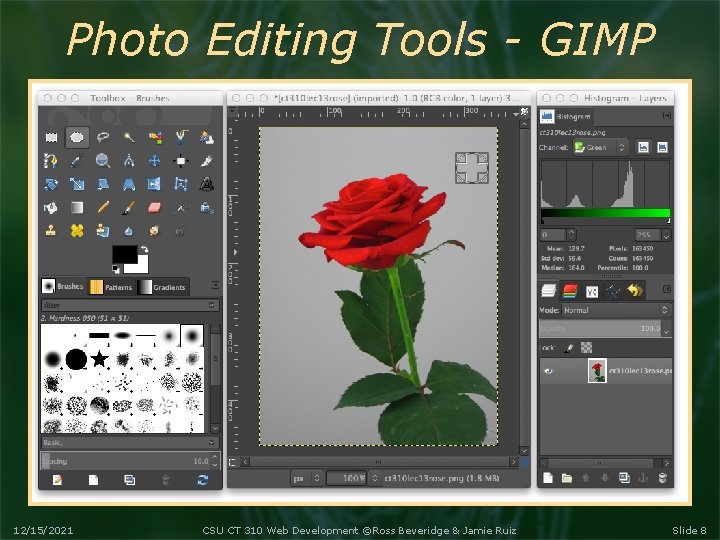
Photo Editing Tools - GIMP 12/15/2021 CSU CT 310 Web Development ©Ross Beveridge & Jamie Ruiz Slide 8
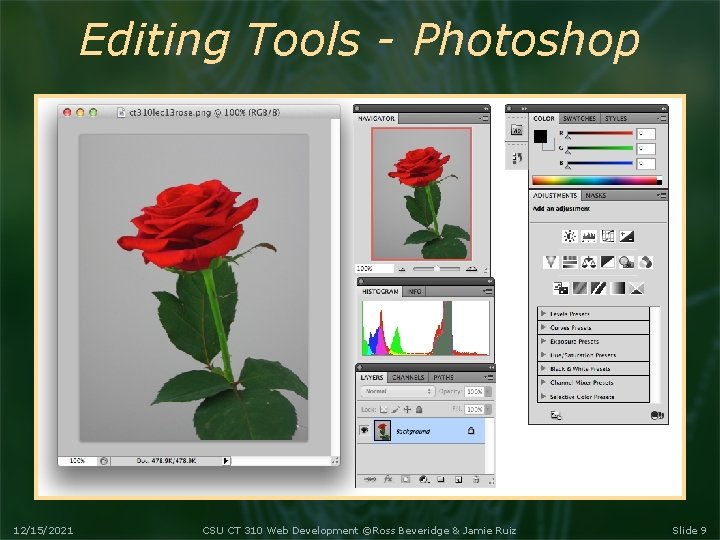
Editing Tools - Photoshop 12/15/2021 CSU CT 310 Web Development ©Ross Beveridge & Jamie Ruiz Slide 9

Back to specifying colors 12/15/2021 Hex Dec. Binary R 36 54 00110110 G f 1 241 11110001 B 36 54 00110110 CSU CT 310 Web Development ©Ross Beveridge & Jamie Ruiz Slide 10
GIF Image Format Graphics Interchange Format Limited to 256 colors Designed for flat graphics Not for photographs! Uses color map, more in a minute. Superseded by 8 bit PNG But it certainly is universal … 12/15/2021 CSU CT 310 Web Development ©Ross Beveridge & Jamie Ruiz Slide 11
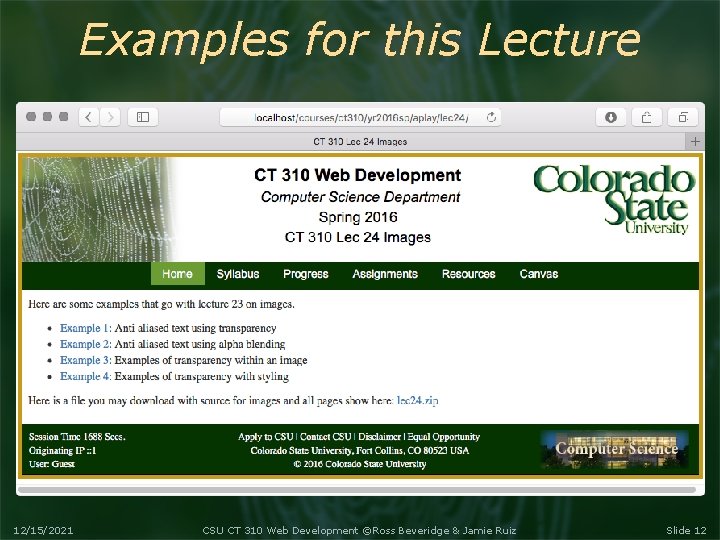
Examples for this Lecture 12/15/2021 CSU CT 310 Web Development ©Ross Beveridge & Jamie Ruiz Slide 12
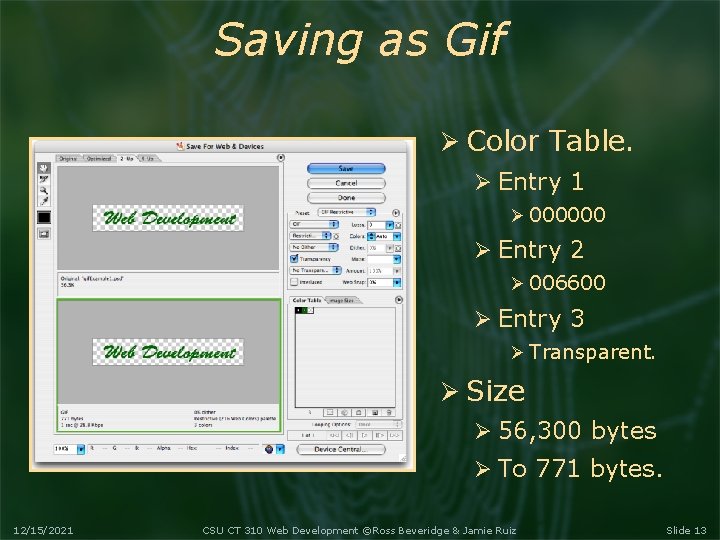
Saving as Gif Color Table. Entry 1 000000 Entry 2 006600 Entry 3 Transparent. Size 56, 300 bytes To 771 bytes. 12/15/2021 CSU CT 310 Web Development ©Ross Beveridge & Jamie Ruiz Slide 13
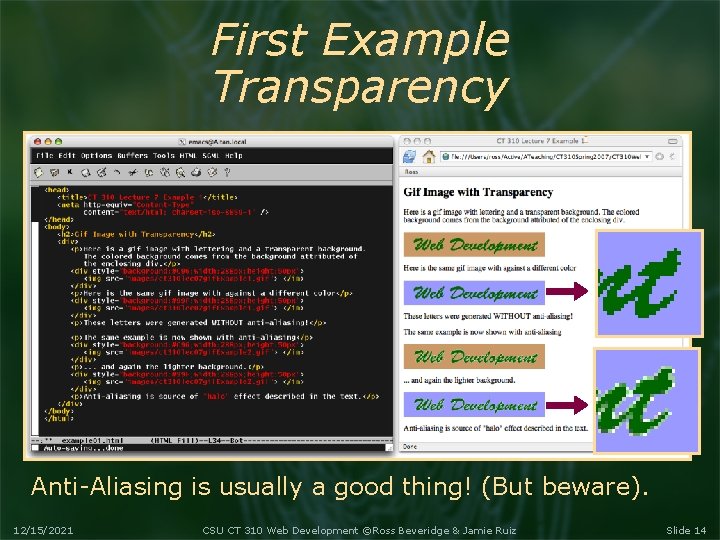
First Example Transparency Anti-Aliasing is usually a good thing! (But beware). 12/15/2021 CSU CT 310 Web Development ©Ross Beveridge & Jamie Ruiz Slide 14

Gif and Compression Part 1: Color Table Part 2: Run Length Encoding Lempel-Ziv-Welch Consider simple type Note duplicates Replace Lossless! 12/15/2021 1 1 1 2 2 2 1 1 1 11111112221111111 (7, 1), (3, 2), (4, 1), (3, 2), (7, 1) 7132413271 CSU CT 310 Web Development ©Ross Beveridge & Jamie Ruiz Slide 15
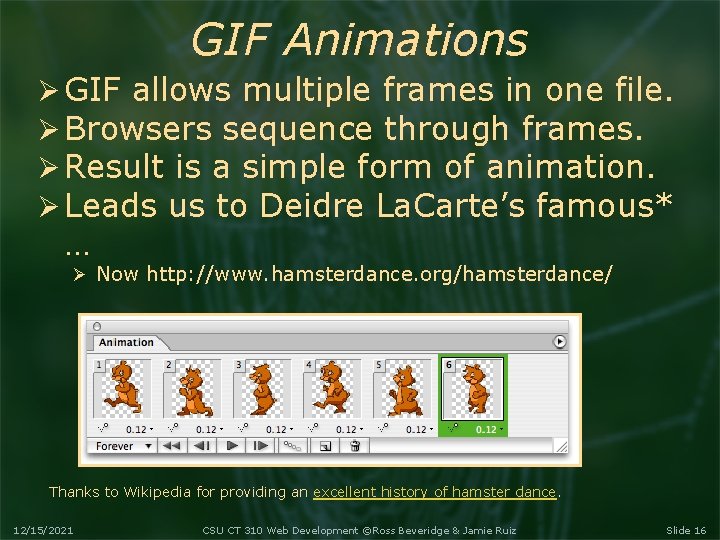
GIF Animations GIF allows multiple frames in one file. Browsers sequence through frames. Result is a simple form of animation. Leads us to Deidre La. Carte’s famous* … Now http: //www. hamsterdance. org/hamsterdance/ Thanks to Wikipedia for providing an excellent history of hamster dance. 12/15/2021 CSU CT 310 Web Development ©Ross Beveridge & Jamie Ruiz Slide 16
JPEG Image Format Joint Photographic Export Group. Full 24 bit color. But, Some information is lost. This is why one specifies quality level. Essence - Discrete Cosine Transform Wikipedia (again), very nice synopsis. 12/15/2021 CSU CT 310 Web Development ©Ross Beveridge & Jamie Ruiz Slide 17
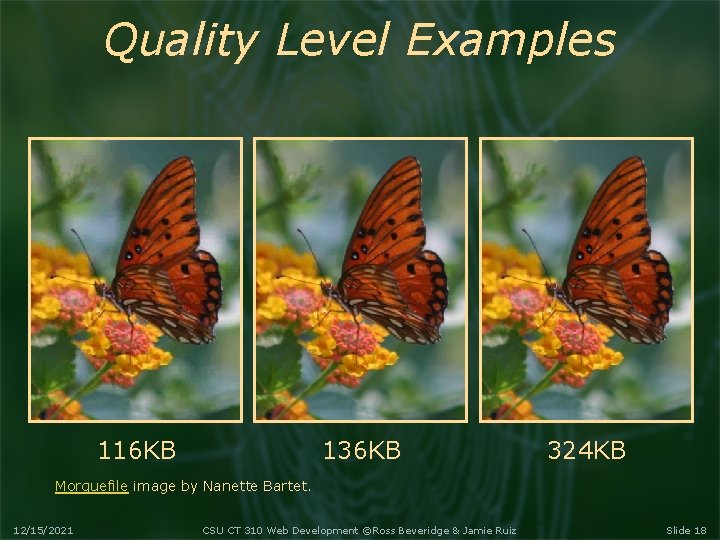
Quality Level Examples 116 KB 136 KB 324 KB Morguefile image by Nanette Bartet. 12/15/2021 CSU CT 310 Web Development ©Ross Beveridge & Jamie Ruiz Slide 18
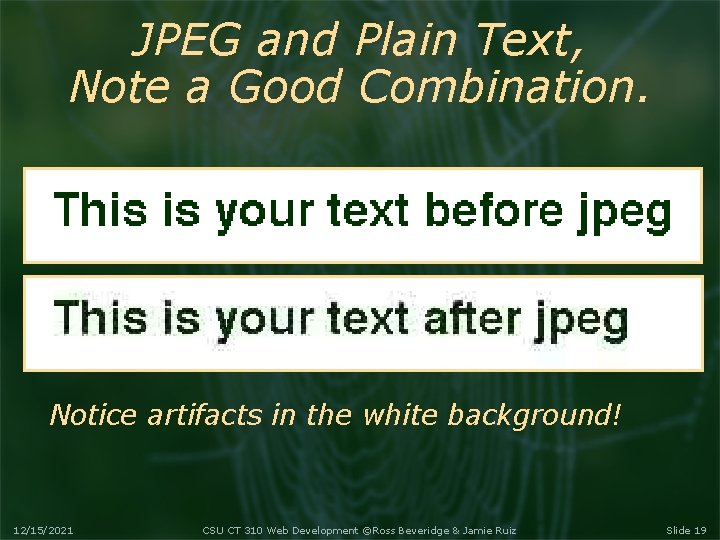
JPEG and Plain Text, Note a Good Combination. Notice artifacts in the white background! 12/15/2021 CSU CT 310 Web Development ©Ross Beveridge & Jamie Ruiz Slide 19
PNG Image Format Portable Network Graphics Comes in two flavors 8 bit color mapped, replaces GIF. 24 bit full color, replaces JPEG. Includes an alpha channel Practical transparency. 12/15/2021 CSU CT 310 Web Development ©Ross Beveridge & Jamie Ruiz Slide 20
Alpha Channel Review. A good way to use the last byte : -) Consider a 32 bit word … Alpha Red Green Blue 1 0 0 0 0 0 1 1 0 1 1 0 80 36 F 1 36 Alpha controls blending Alpha = 0 (000) - transparent. Alpha = 1 (255) - completely covers. Alpha = 0. 5 (128) - 50/50 blend. 12/15/2021 CSU CT 310 Web Development ©Ross Beveridge & Jamie Ruiz Slide 21
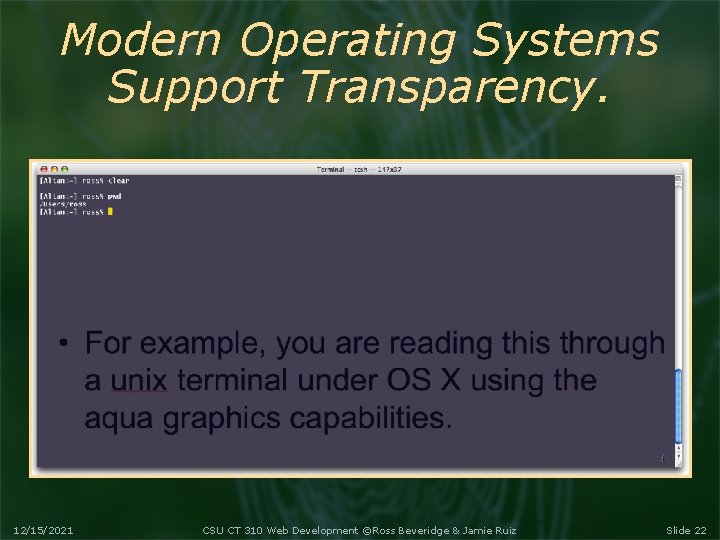
Modern Operating Systems Support Transparency. 12/15/2021 CSU CT 310 Web Development ©Ross Beveridge & Jamie Ruiz Slide 22
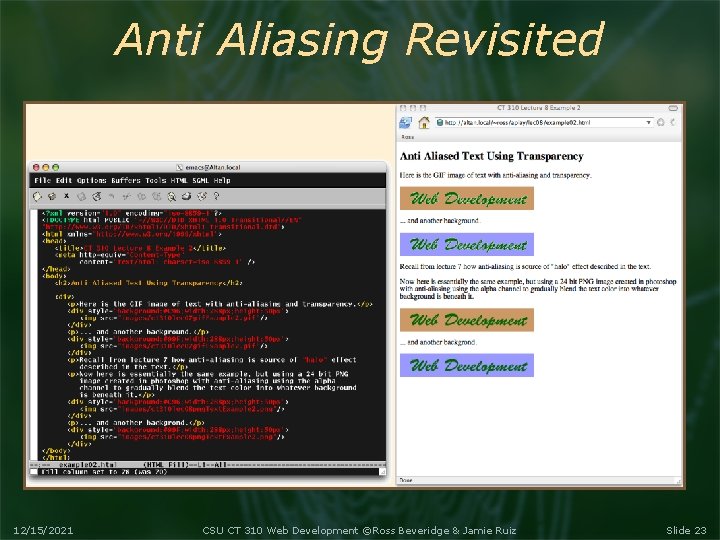
Anti Aliasing Revisited 12/15/2021 CSU CT 310 Web Development ©Ross Beveridge & Jamie Ruiz Slide 23
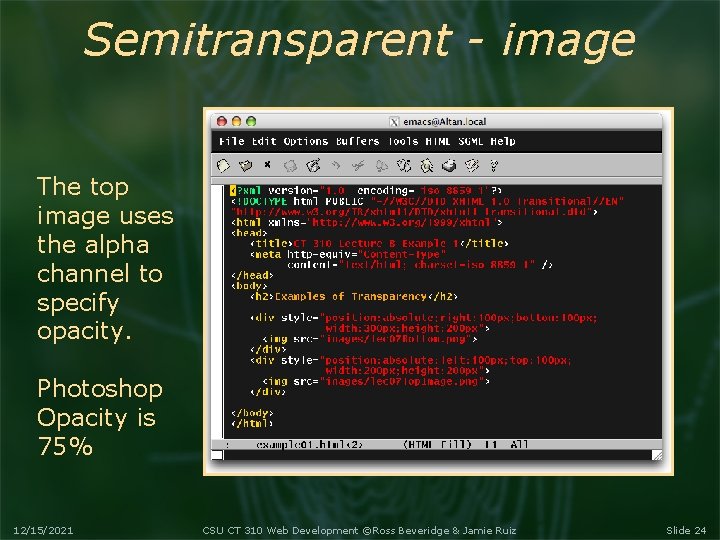
Semitransparent - image The top image uses the alpha channel to specify opacity. Photoshop Opacity is 75% 12/15/2021 CSU CT 310 Web Development ©Ross Beveridge & Jamie Ruiz Slide 24
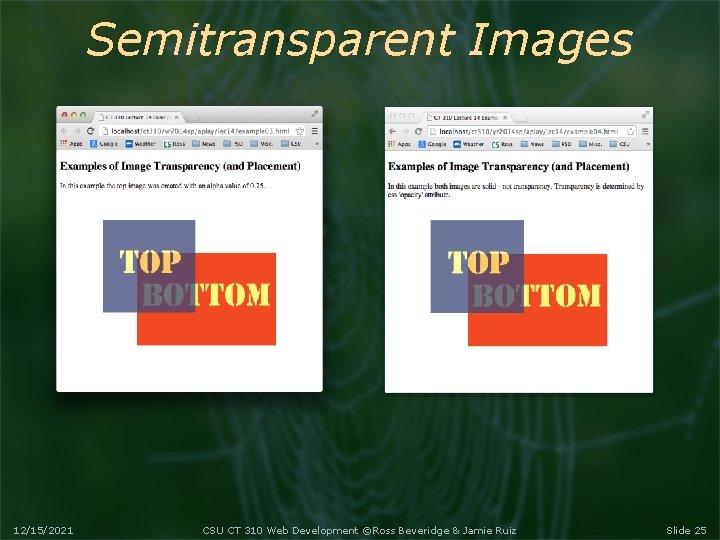
Semitransparent Images 12/15/2021 CSU CT 310 Web Development ©Ross Beveridge & Jamie Ruiz Slide 25
- Slides: 25