
Lecture 20 Professional Communication Email Writing Recap Letter
![Effective subject lines Subject: Date: Re: Re: [Fwd: [hrfac] Reminder: Deadline for Spring Semester](https://slidetodoc.com/presentation_image_h2/b5fe7dd68907a0a184a4b4ab4a793275/image-25.jpg "Effective subject lines Subject: Date: Re: Re: [Fwd: [hrfac] Reminder: Deadline for Spring Semester")
- Slides: 64
Lecture 20 Professional Communication Email Writing
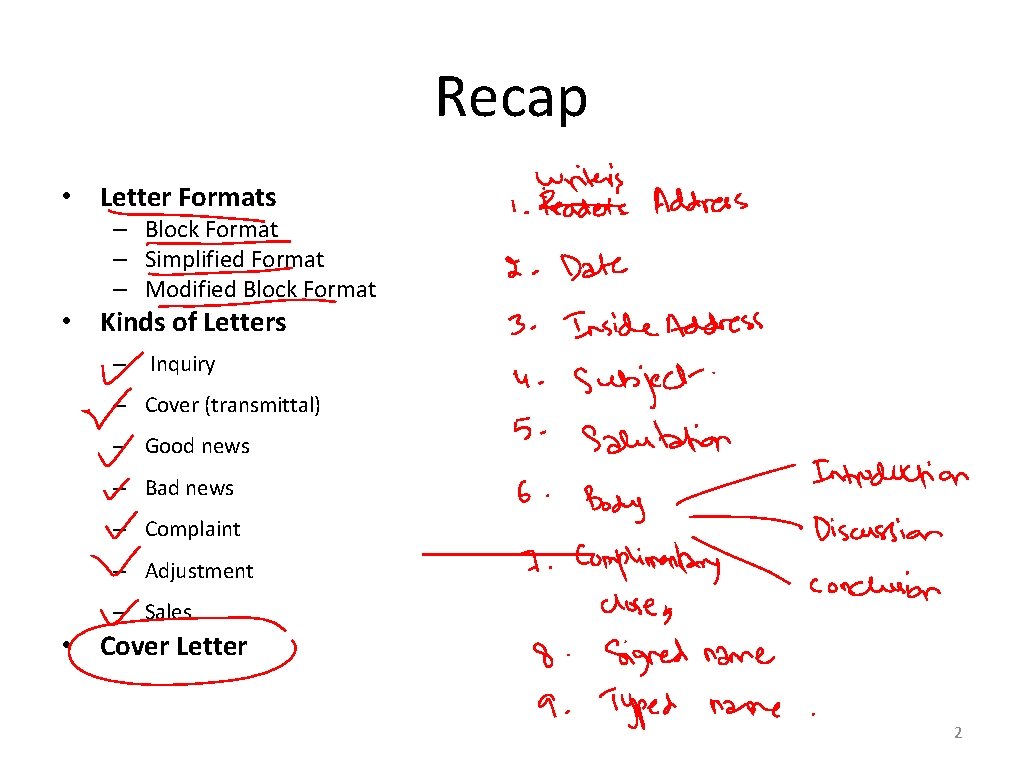
Recap • Letter Formats – Block Format – Simplified Format – Modified Block Format • Kinds of Letters – Inquiry – Cover (transmittal) – Good news – Bad news – Complaint – Adjustment – Sales • Cover Letter 2
Agenda • • • What is an email? Techniques to write effective emails When to use email Effective Subject Lines Email Content and Style Format Signatures Professionalism Email etiquettes
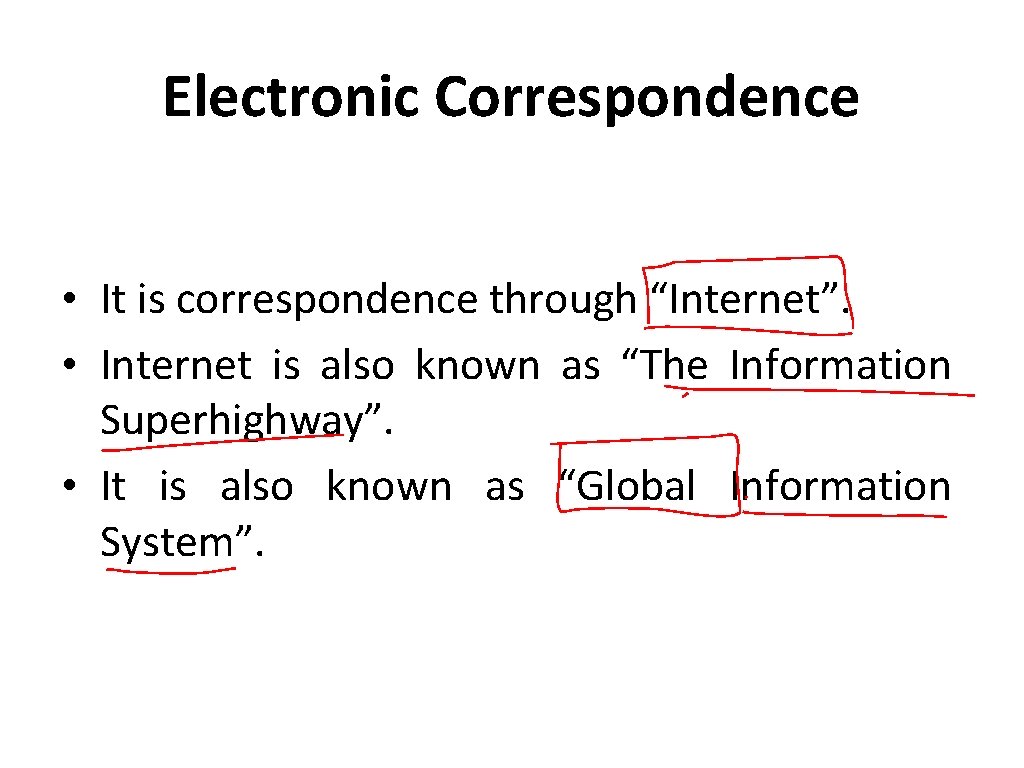
Electronic Correspondence • It is correspondence through “Internet”. • Internet is also known as “The Information Superhighway”. • It is also known as “Global Information System”.
Electronic Correspondence • Linked together by global address/es. • Supports communications through IP (Internet Protocol). • Provide high-level services (public/private).
What is Email? • • • An electronic message. Emails are cheap. Emails are quick. Emails are convenient. Examples: Yahoo, Hotmail, G-mail, Juno, Excite etc
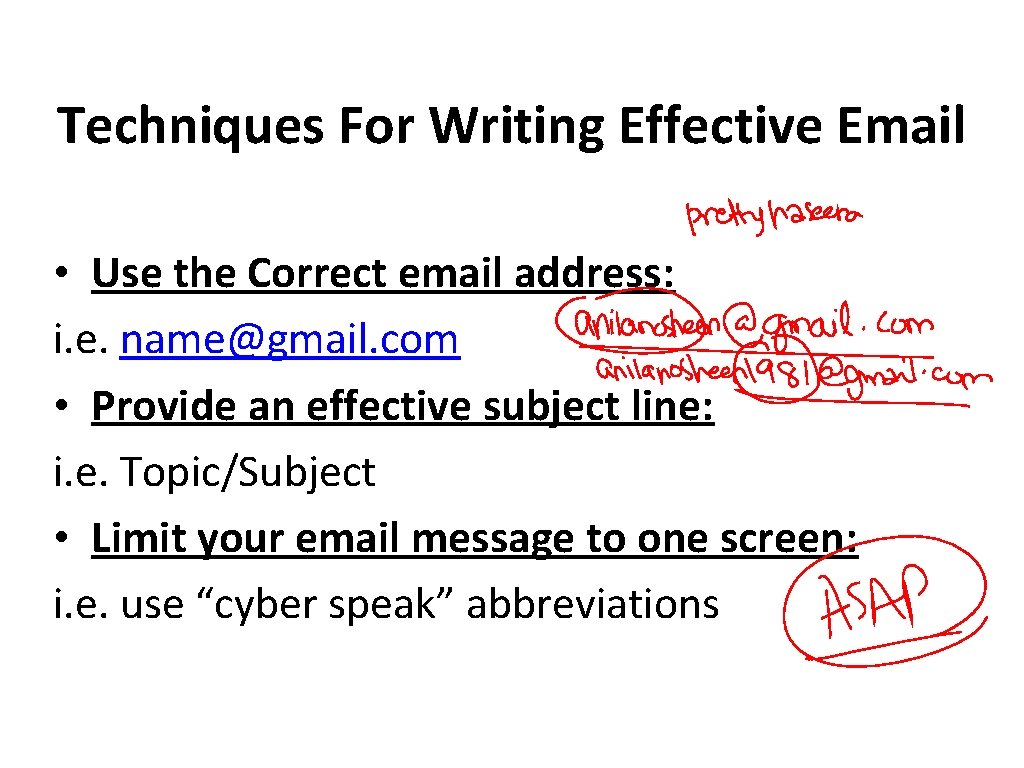
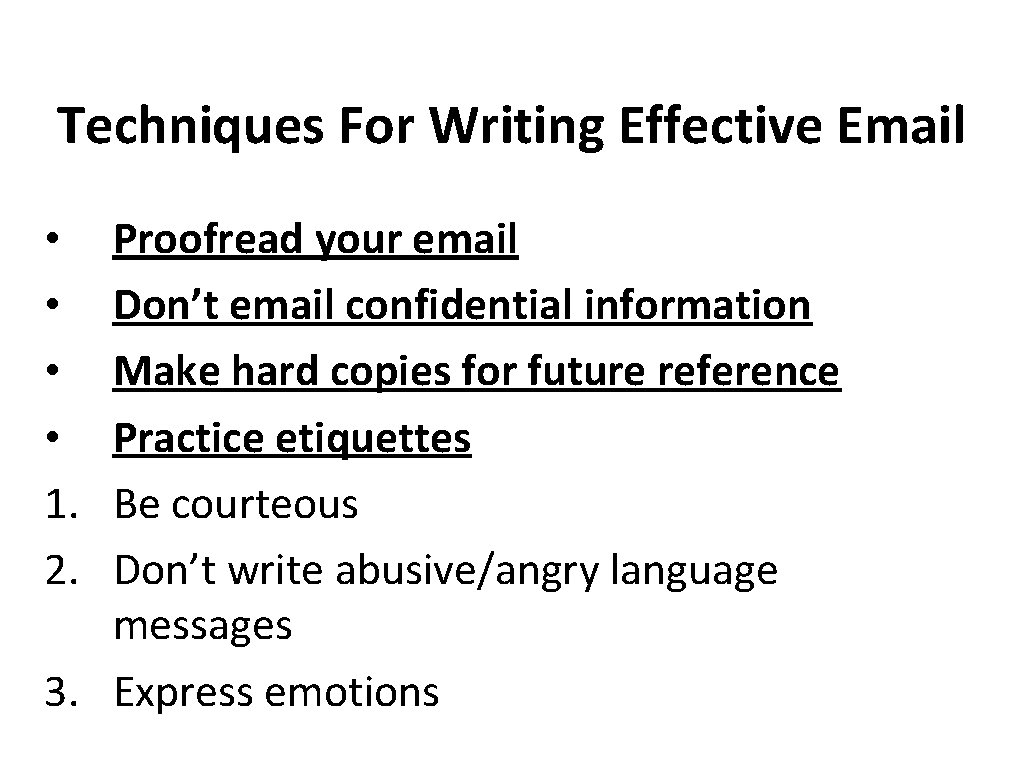
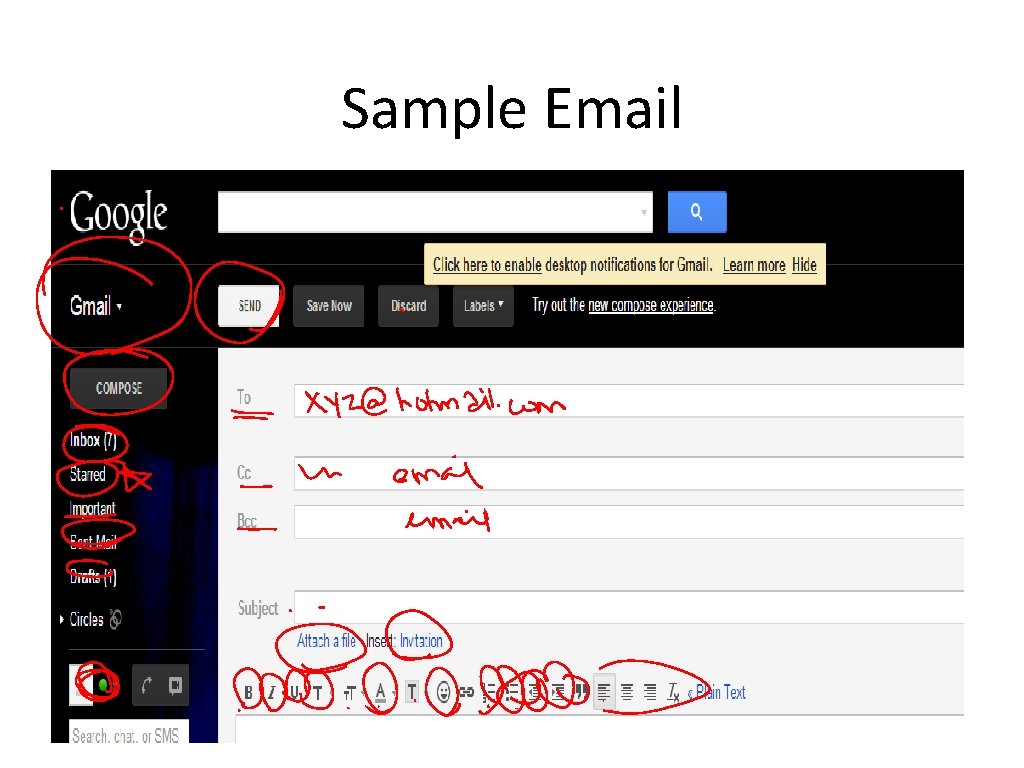
Techniques For Writing Effective Email • Use the Correct email address: i. e. name@gmail. com • Provide an effective subject line: i. e. Topic/Subject • Limit your email message to one screen: i. e. use “cyber speak” abbreviations
Techniques For Writing Effective Email • 1. 2. 3. Organize your email: Introduction Discussion Conclusion Use Highlighting Techniques: Color Underline Bold etc
Techniques For Writing Effective Email Proofread your email Don’t email confidential information Make hard copies for future reference Practice etiquettes Be courteous Don’t write abusive/angry language messages 3. Express emotions • • 1. 2.
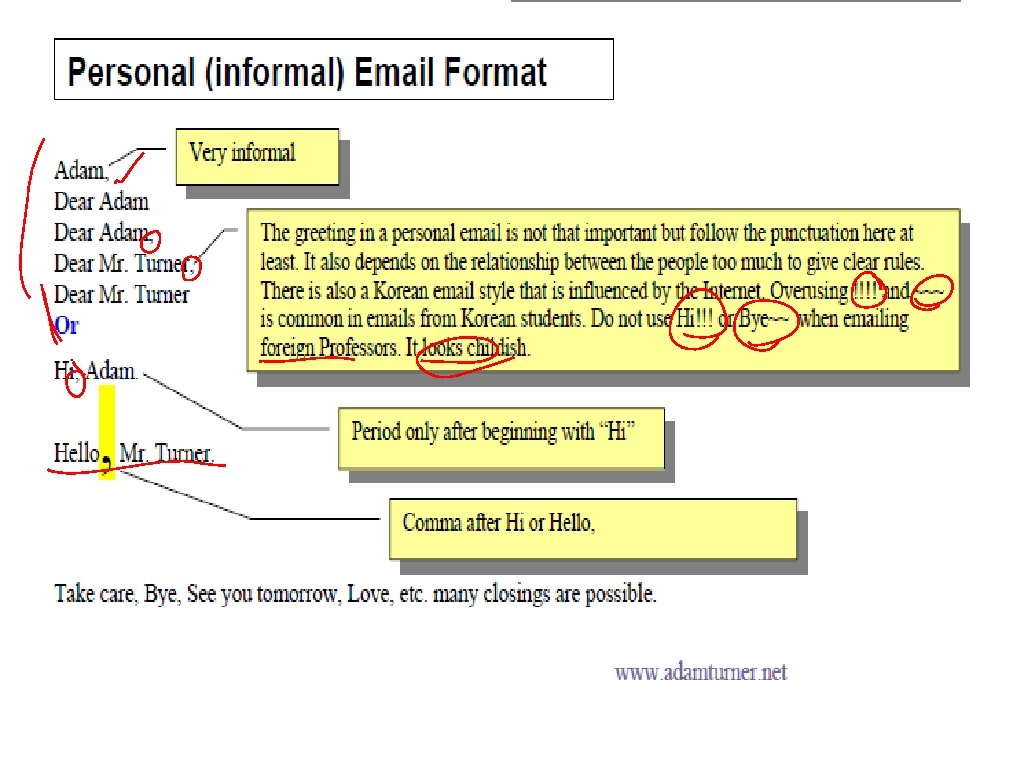
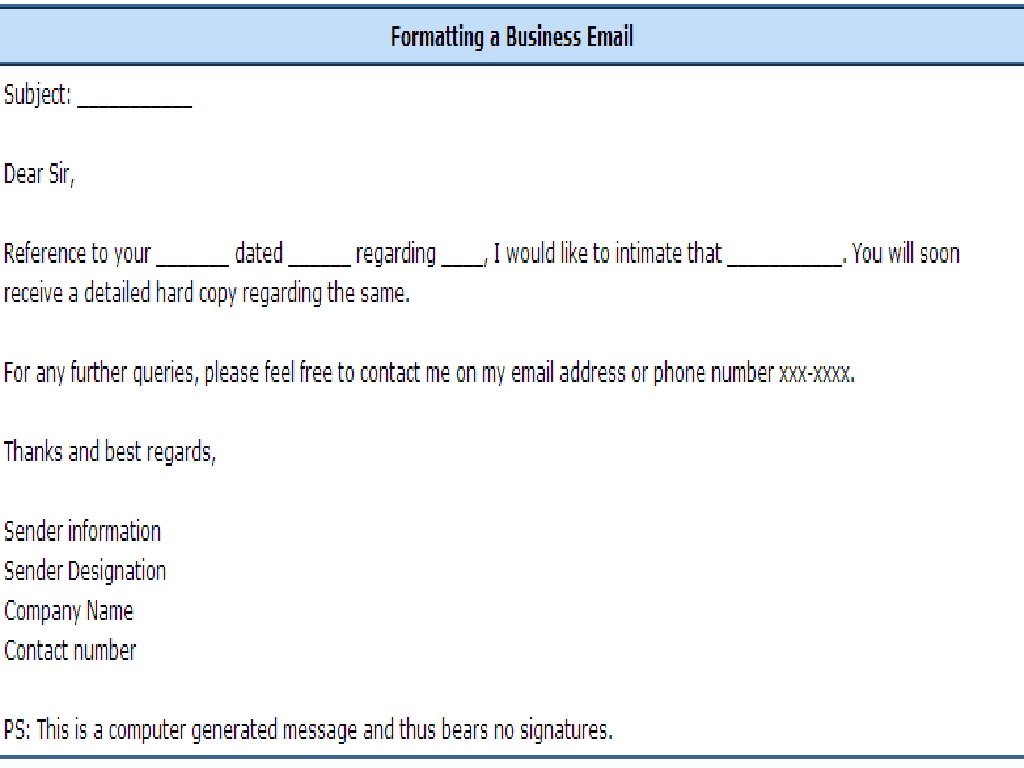
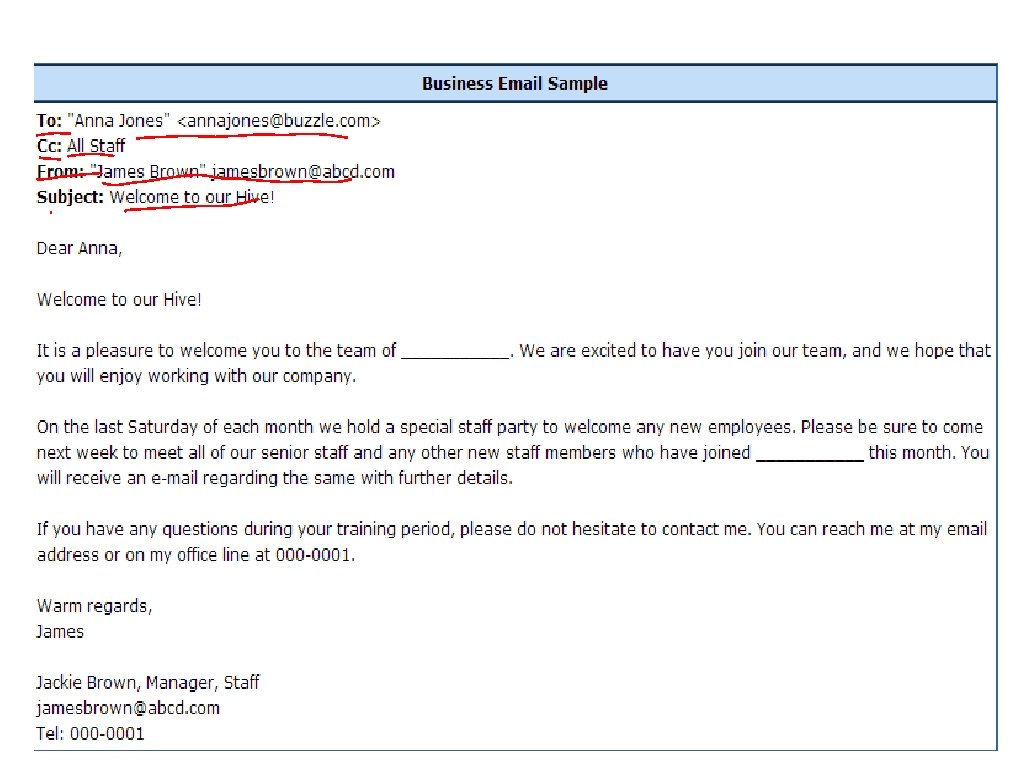
Sample Email
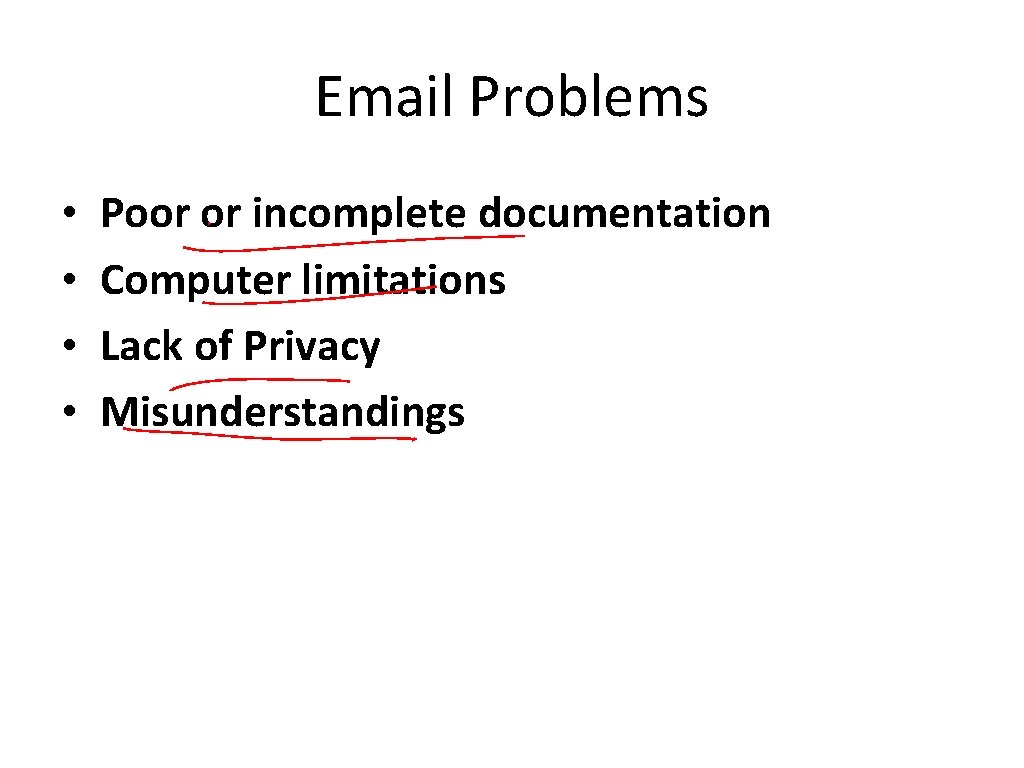
Email Problems • • Poor or incomplete documentation Computer limitations Lack of Privacy Misunderstandings
When to use email • If the communication will require a lot of back-and-forth discussion or if the subject is delicate or sensitive you should call or speak with the person directly
When to use email • If a discussion is becoming emotionally charged, stop exchanging emails. • Speak to the person directly to clear up any misunderstandings.
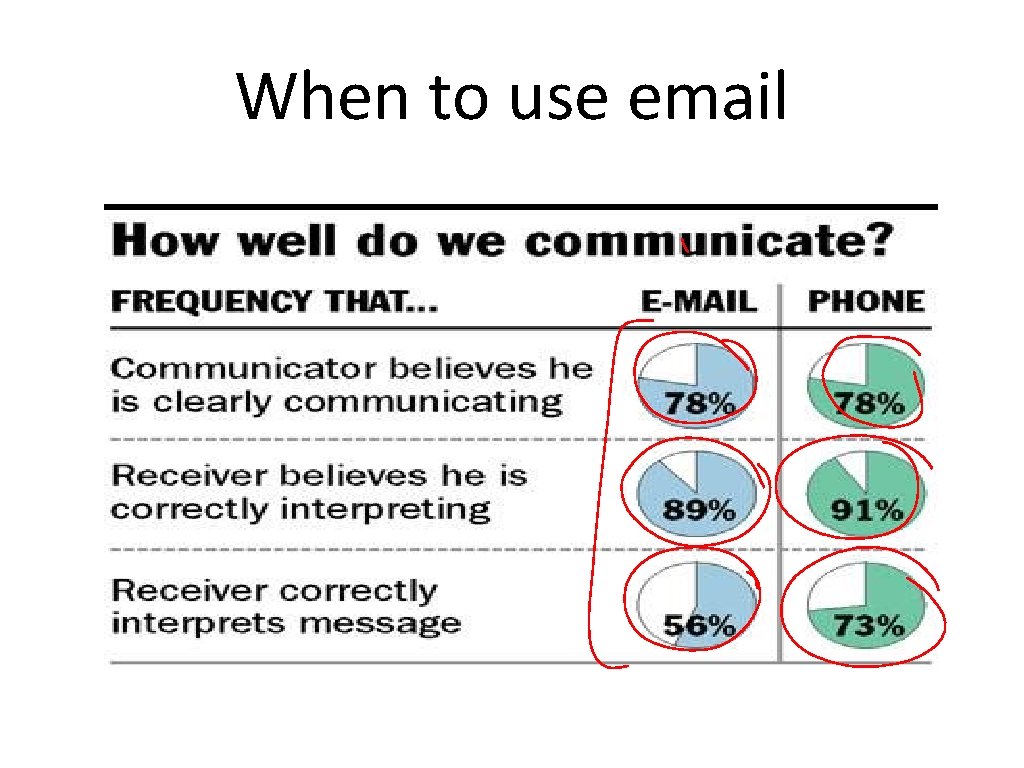
When to use email Christian Science Monitor, May 15, 2006
Effective subject lines • Clarity • Descriptive • Critical information
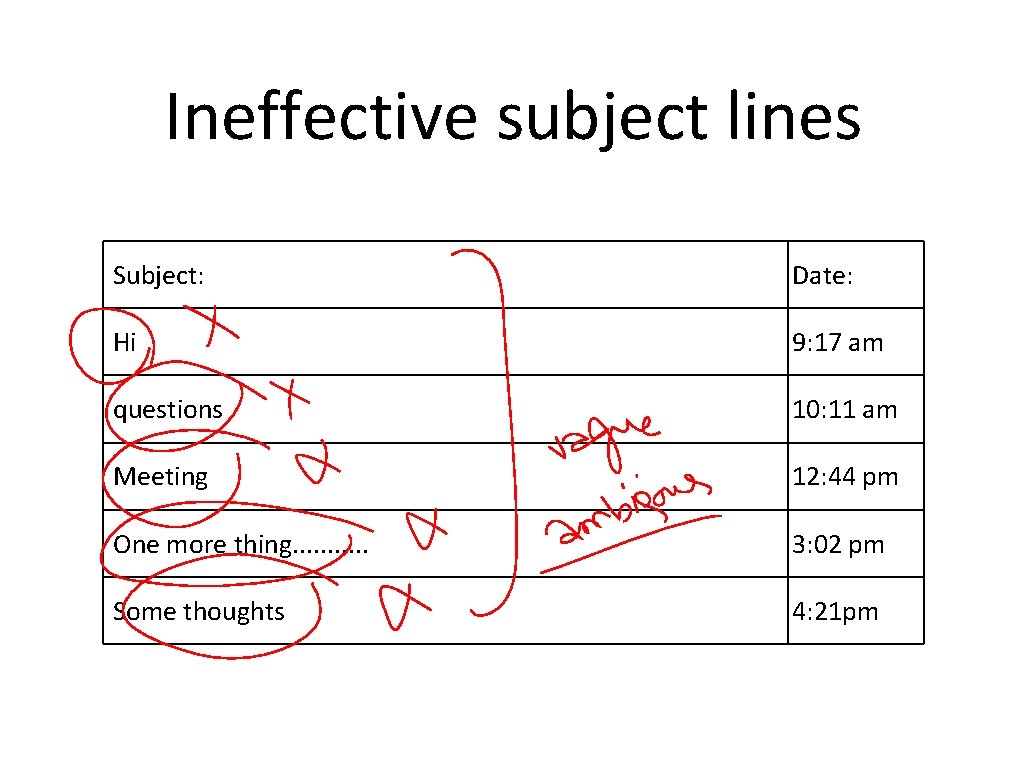
Ineffective subject lines Subject: Date: Hi 9: 17 am questions 10: 11 am Meeting 12: 44 pm One more thing. . . 3: 02 pm Some thoughts 4: 21 pm
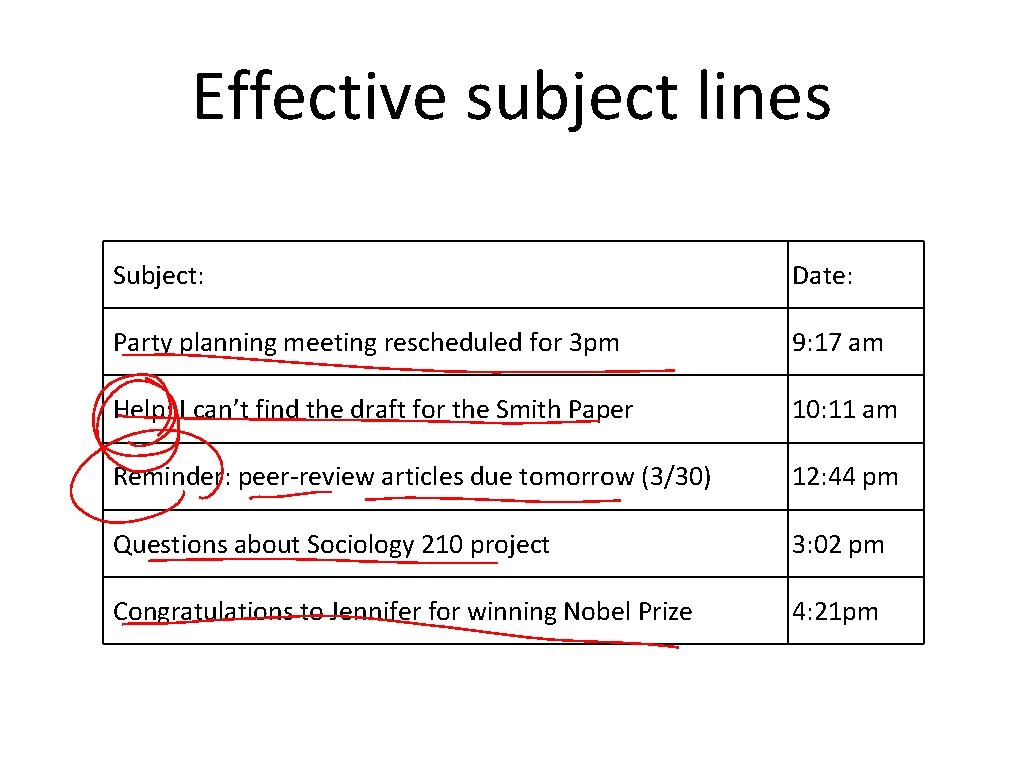
Effective subject lines Subject: Date: Party planning meeting rescheduled for 3 pm 9: 17 am Help: I can’t find the draft for the Smith Paper 10: 11 am Reminder: peer-review articles due tomorrow (3/30) 12: 44 pm Questions about Sociology 210 project 3: 02 pm Congratulations to Jennifer for winning Nobel Prize 4: 21 pm
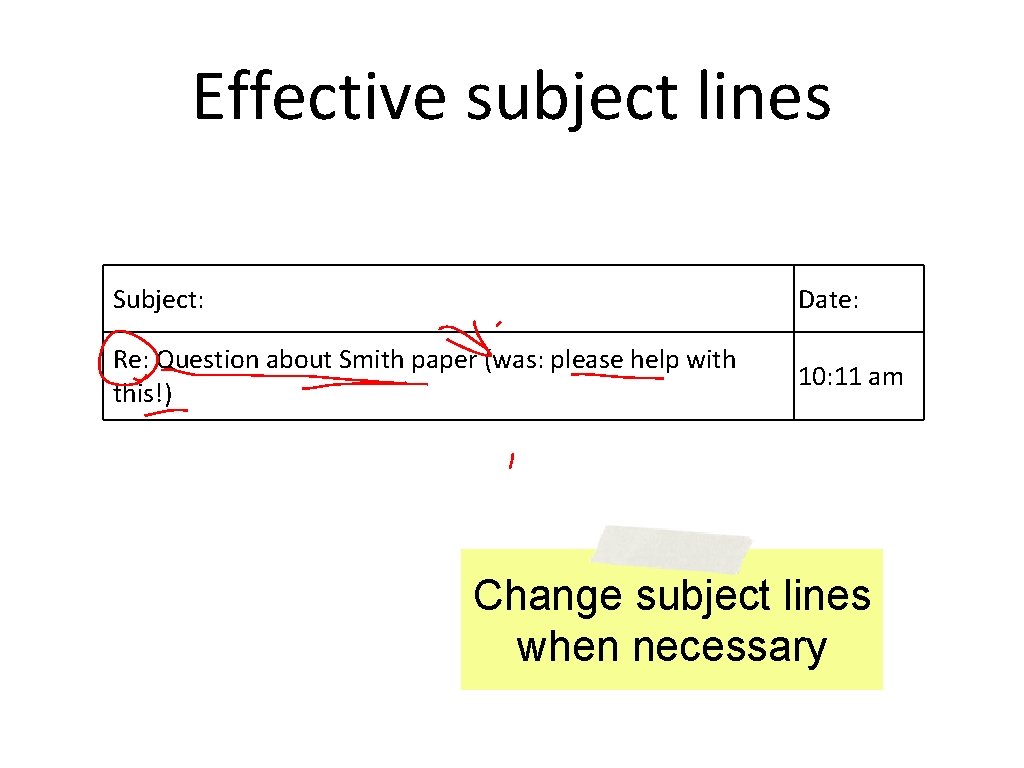
Effective subject lines Subject: Date: Re: Question about Smith paper (was: please help with this!) 10: 11 am Change subject lines when necessary
Effective subject lines Subject: Date: Re: Re: [Fwd: [hrfac] Reminder: Deadline for Spring Semester Is Jan. 15]] 9: 17 am Remove extra email prefixes
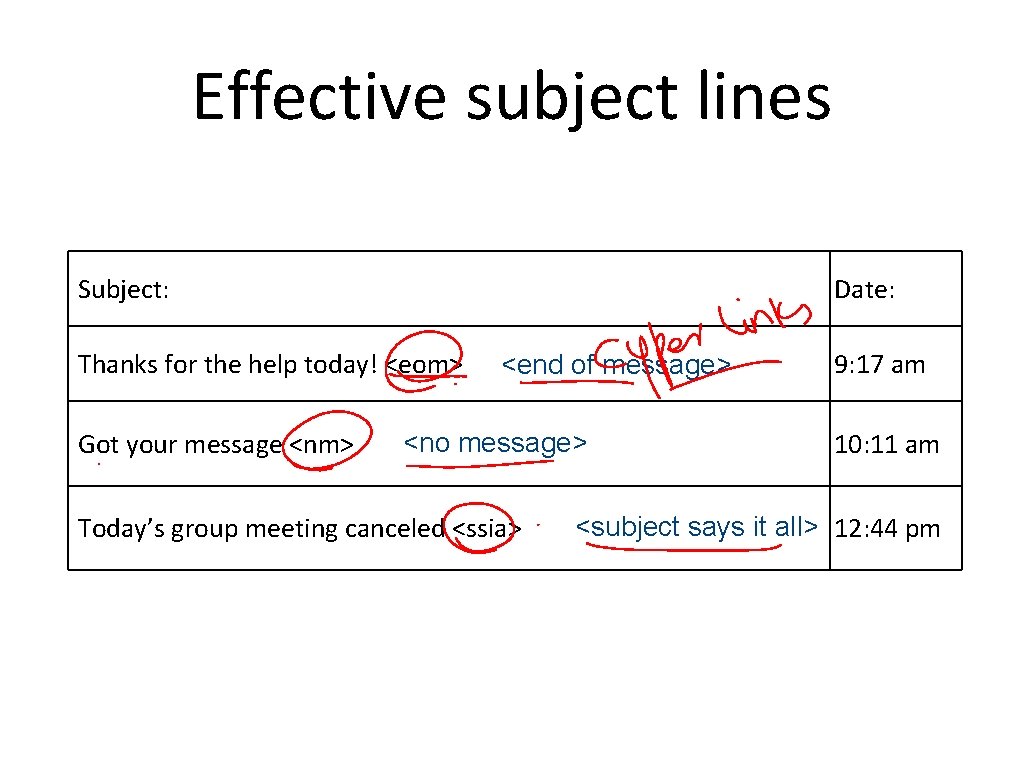
Effective subject lines Subject: Date: Thanks for the help today! <eom> Got your message <nm> <end of message> <no message> Today’s group meeting canceled <ssia> 9: 17 am 10: 11 am <subject says it all> 12: 44 pm
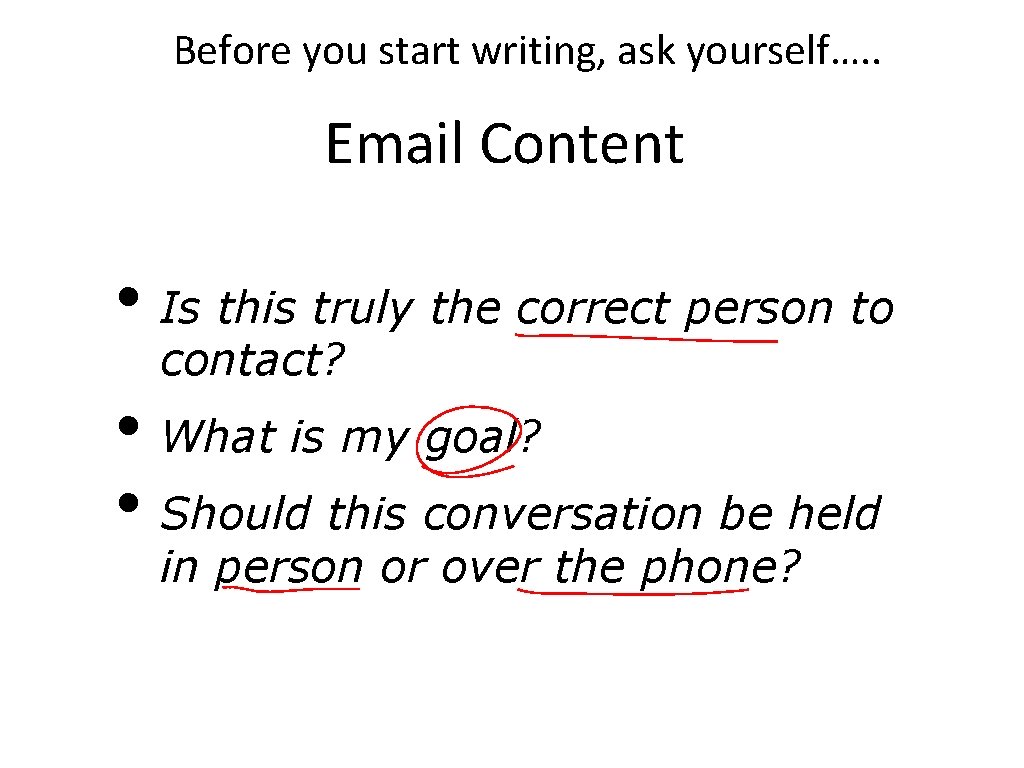
Before you start writing, ask yourself…. . Email Content • Is this truly the correct person to contact? • What is my goal? • Should this conversation be held in person or over the phone?
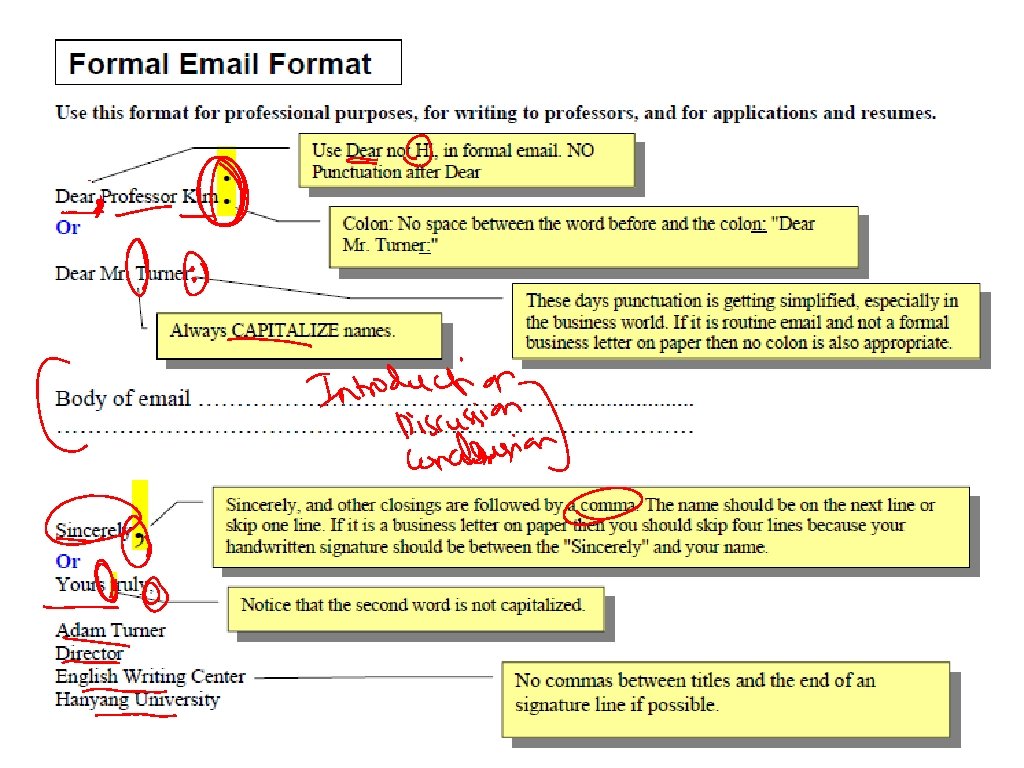
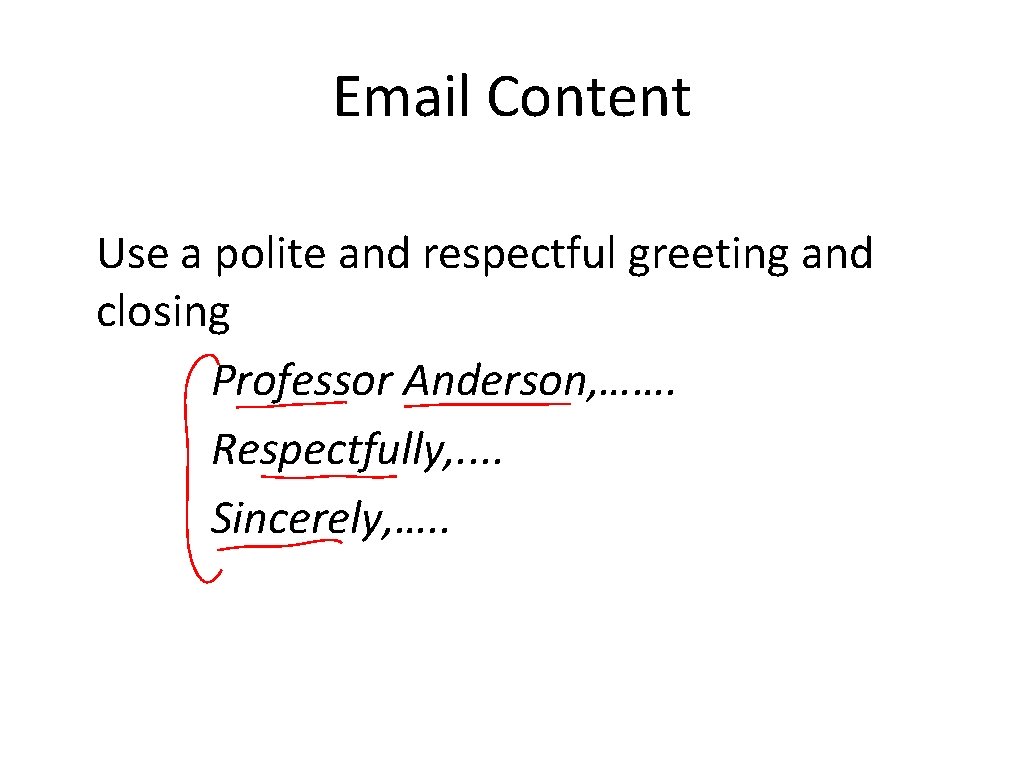
Email Content Use a polite and respectful greeting and closing Professor Anderson, ……. Respectfully, . . Sincerely, …. .
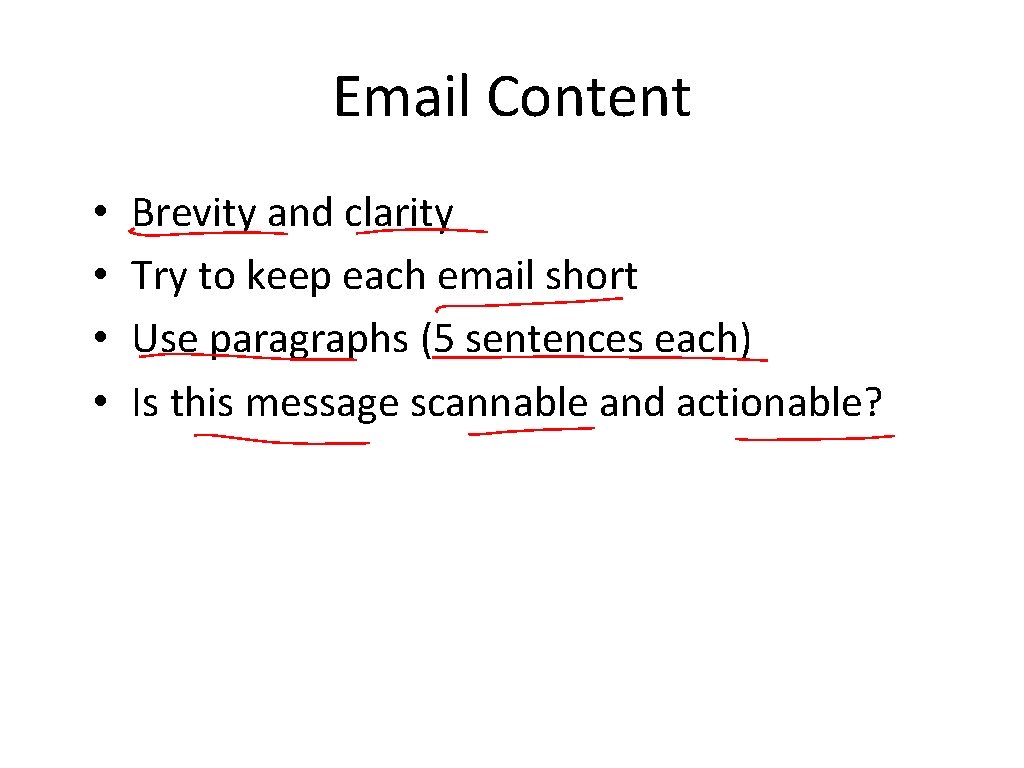
Email Content • • Brevity and clarity Try to keep each email short Use paragraphs (5 sentences each) Is this message scannable and actionable?
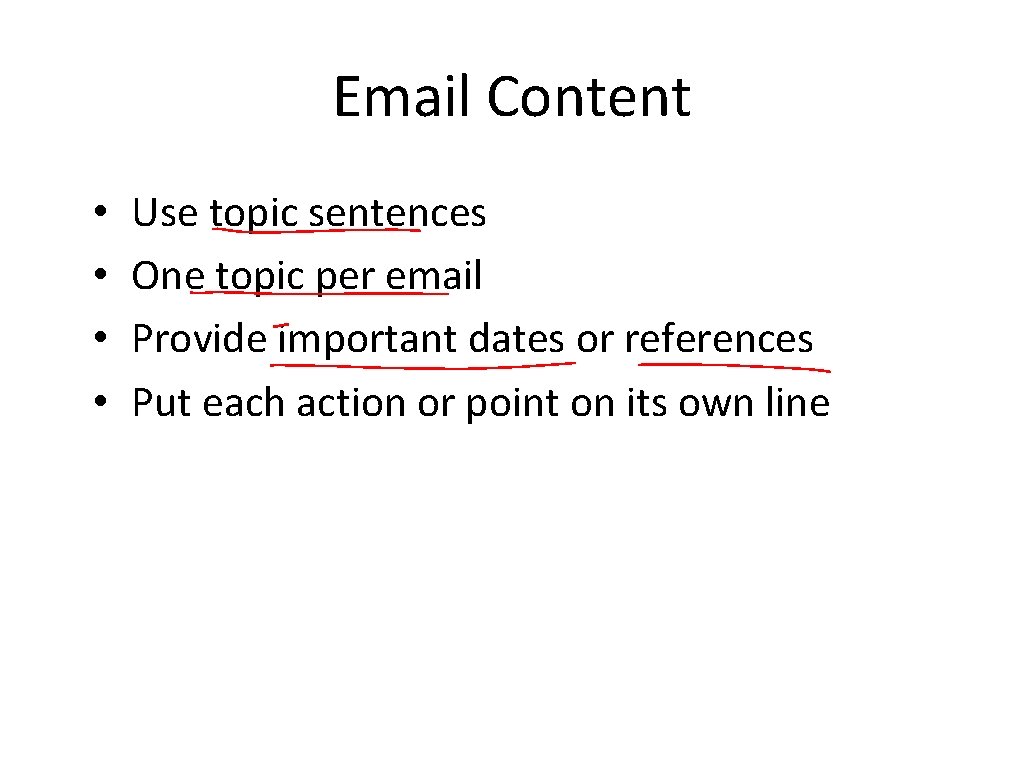
Email Content • • Use topic sentences One topic per email Provide important dates or references Put each action or point on its own line
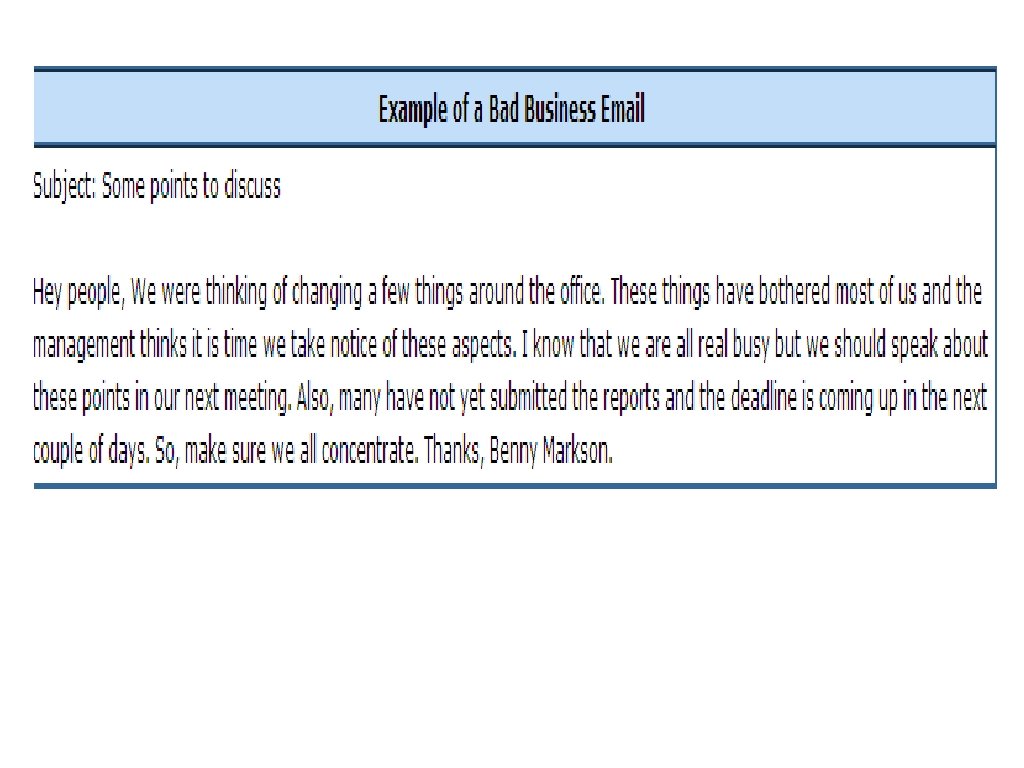
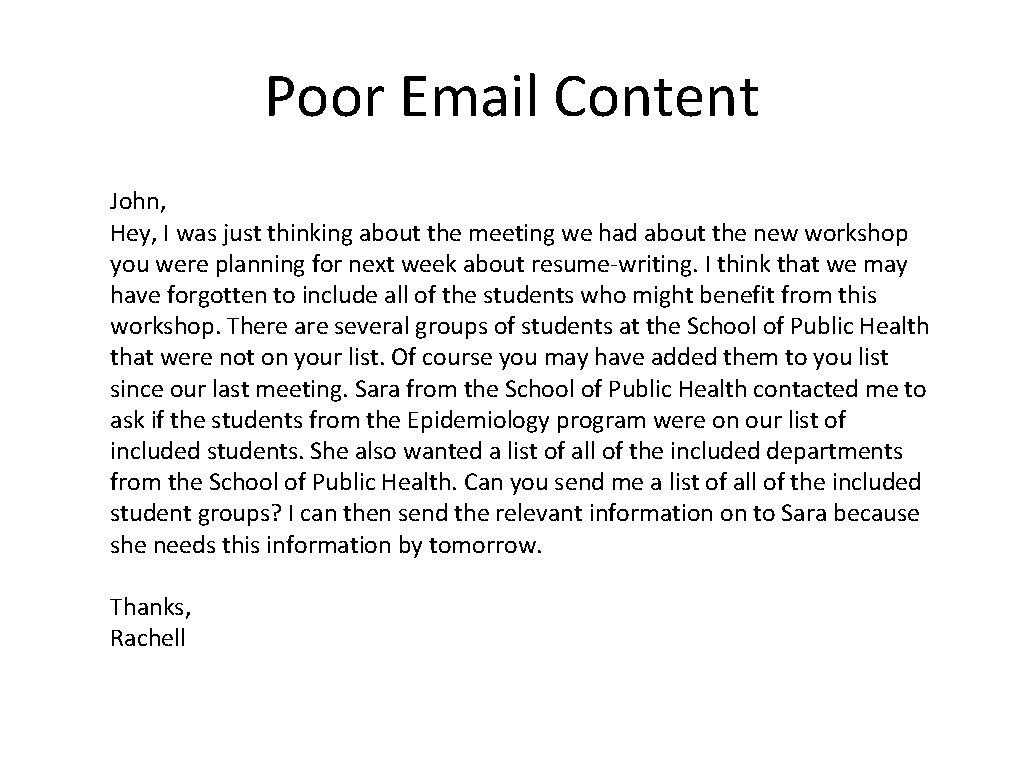
Poor Email Content John, Hey, I was just thinking about the meeting we had about the new workshop you were planning for next week about resume-writing. I think that we may have forgotten to include all of the students who might benefit from this workshop. There are several groups of students at the School of Public Health that were not on your list. Of course you may have added them to you list since our last meeting. Sara from the School of Public Health contacted me to ask if the students from the Epidemiology program were on our list of included students. She also wanted a list of all of the included departments from the School of Public Health. Can you send me a list of all of the included student groups? I can then send the relevant information on to Sara because she needs this information by tomorrow. Thanks, Rachell
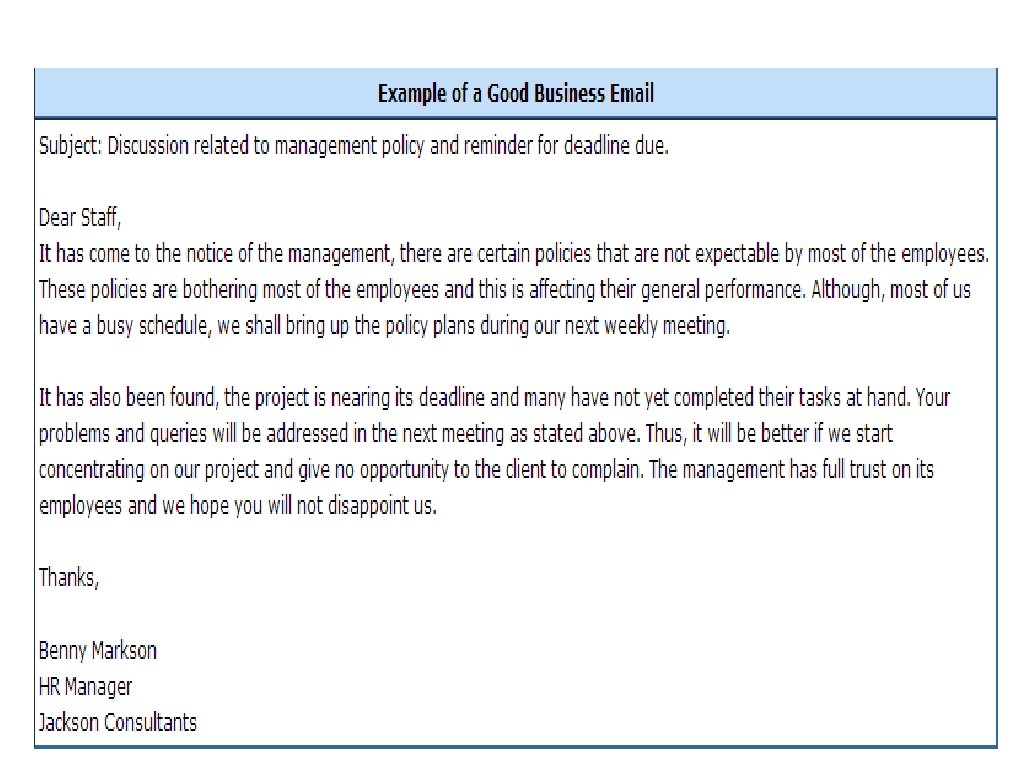
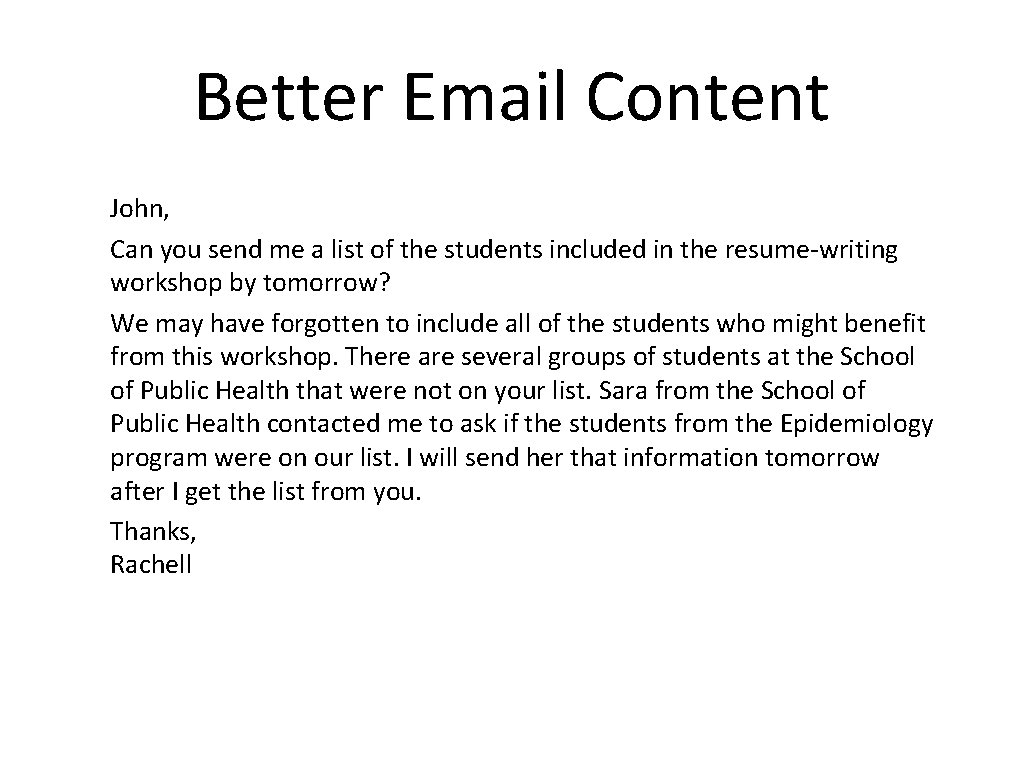
Better Email Content John, Can you send me a list of the students included in the resume-writing workshop by tomorrow? We may have forgotten to include all of the students who might benefit from this workshop. There are several groups of students at the School of Public Health that were not on your list. Sara from the School of Public Health contacted me to ask if the students from the Epidemiology program were on our list. I will send her that information tomorrow after I get the list from you. Thanks, Rachell
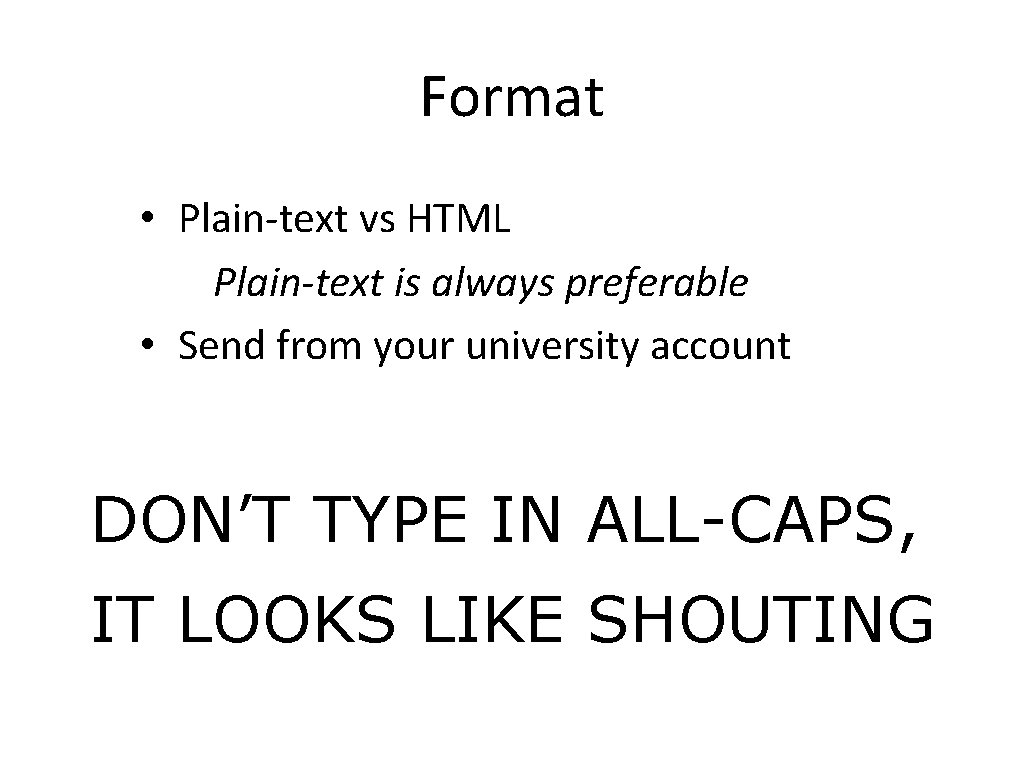
Format • Plain-text vs HTML Plain-text is always preferable • Send from your university account DON’T TYPE IN ALL-CAPS, IT LOOKS LIKE SHOUTING
Email Signature • Use an appropriate signature • Brief (4 -5 lines) • Informative provide all contact information • Professional do not include pictures, quotes, animations
Professionalism • Always spell-check before sending • Set your email program to automatically check before sending • Re-read email for other spelling, grammar and punctuation errors.
Professionalism • Always proofread at least once! • Read it out loud • Sleep on it Before sending ask yourself….
Professionalism • Would I be comfortable having this email posted on a public bulletin board or forwarded on to my entire department? To: Professor@University. edu Subject: Why It's All About Me http: //www. rci. rutgers. edu/~schochet/NYT--To_Professor@University_edu. htm
Professionalism • All laws governing copyright, offense, discrimination and other forms of written communication also apply to email.
Professionalism • Complete the “TO: ” line last • Set your email program to delay sending
Remember… • Emails are permanent • Emails are searchable
Email Etiquettes
Why is email etiquette important? • We all interact with the printed word as though it has a personality and that personality makes positive and negative impressions upon us. • Without immediate feedback your document can easily be misinterpreted by your reader, so it is crucial that you follow the basic rules of etiquette to construct an appropriate tone.
The elements of email etiquette • General format • Writing long messages • Attachments • The curse of surprises • Flaming • Delivering information • Delivering bad news • Electronic Mailing Lists
General Format: The Basics • Write a salutation for each new subject email. • Try to keep the email brief (one screen length). • Return emails within the same time you would a phone call. • Check for punctuation, spelling, and grammatical errors • Use caps only when appropriate. • Format your email for plain text rather than HTML. • Use a font that has a professional or neutral look.
General Format: Character Spacing • Try to keep your line length at 80 characters or less. • If your message is likely to be forwarded, keep it to 60 characters or less. • Set your email preferences to automatically wrap outgoing plain text messages.
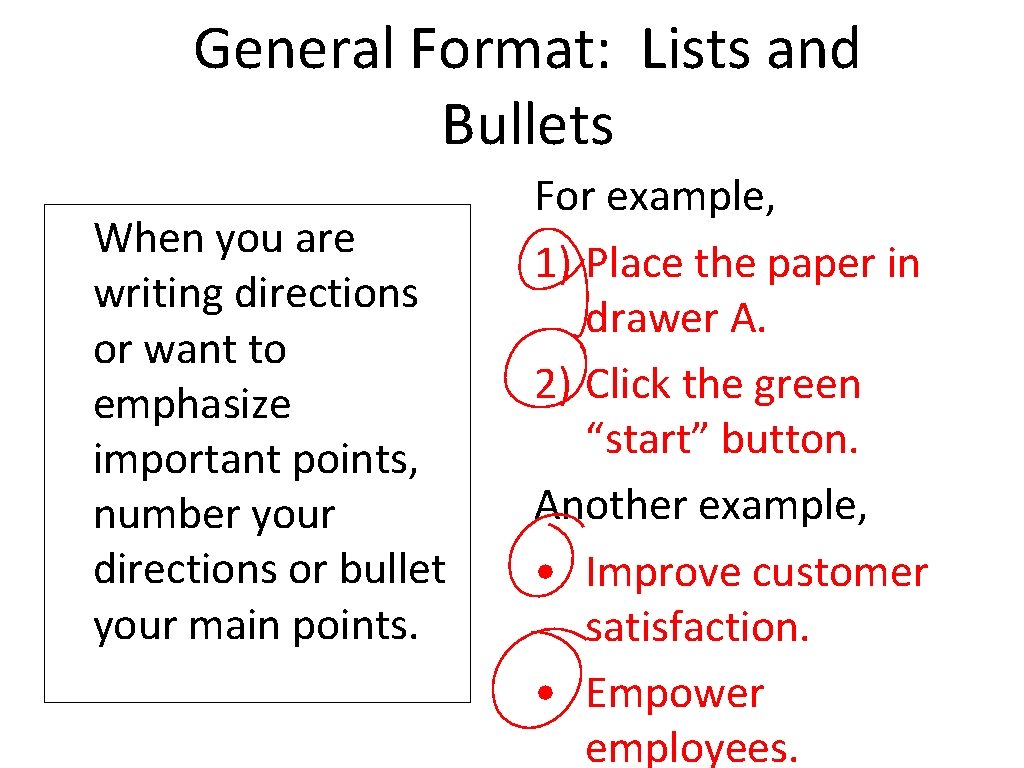
General Format: Lists and Bullets When you are writing directions or want to emphasize important points, number your directions or bullet your main points. For example, 1) Place the paper in drawer A. 2) Click the green “start” button. Another example, • Improve customer satisfaction. • Empower employees.
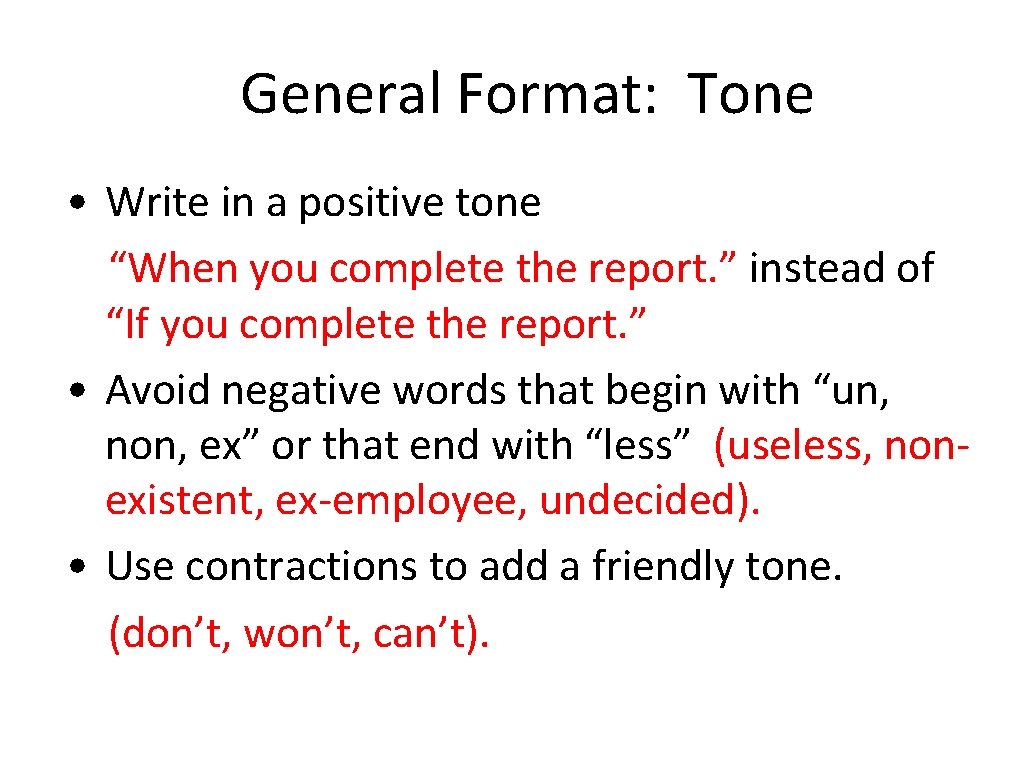
General Format: Tone • Write in a positive tone “When you complete the report. ” instead of “If you complete the report. ” • Avoid negative words that begin with “un, non, ex” or that end with “less” (useless, nonexistent, ex-employee, undecided). • Use contractions to add a friendly tone. (don’t, won’t, can’t).
Attachments • When you are sending an attachment tell your respondent what the name of the file is, what program it is saved in, and the version of the program. • “This file is in MSWord 2000 under the name “Lab. File. ”
When your message is long • Create an “elevator” summary. • Provide a table of contents on the first screen of your email. • If you require a response from the reader then be sure to request that response in the first paragraph of your email. • Create headings for each major section.
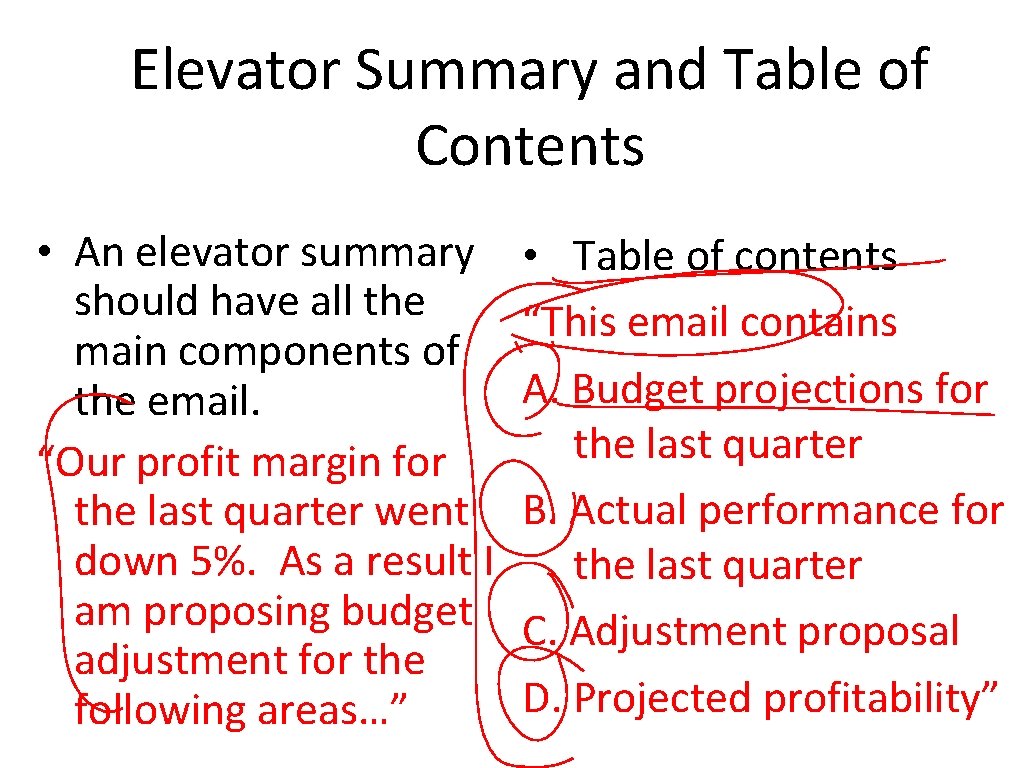
Elevator Summary and Table of Contents • An elevator summary should have all the main components of the email. “Our profit margin for the last quarter went down 5%. As a result I am proposing budget adjustment for the following areas…” • Table of contents “This email contains A. Budget projections for the last quarter B. Actual performance for the last quarter C. Adjustment proposal D. Projected profitability”
Delivering Information About Meetings, Orientations, Processes • Include an elevator summary and table of contents with headings. • Provide as much information as possible. • Offer the reader an opportunity to receive the information via mail if the email is too confusing.
Delivering Bad News • Deliver the news up front. • Avoid blaming statements. • Avoid hedging words or words that sound ambiguous. • Maintain a positive resolve.
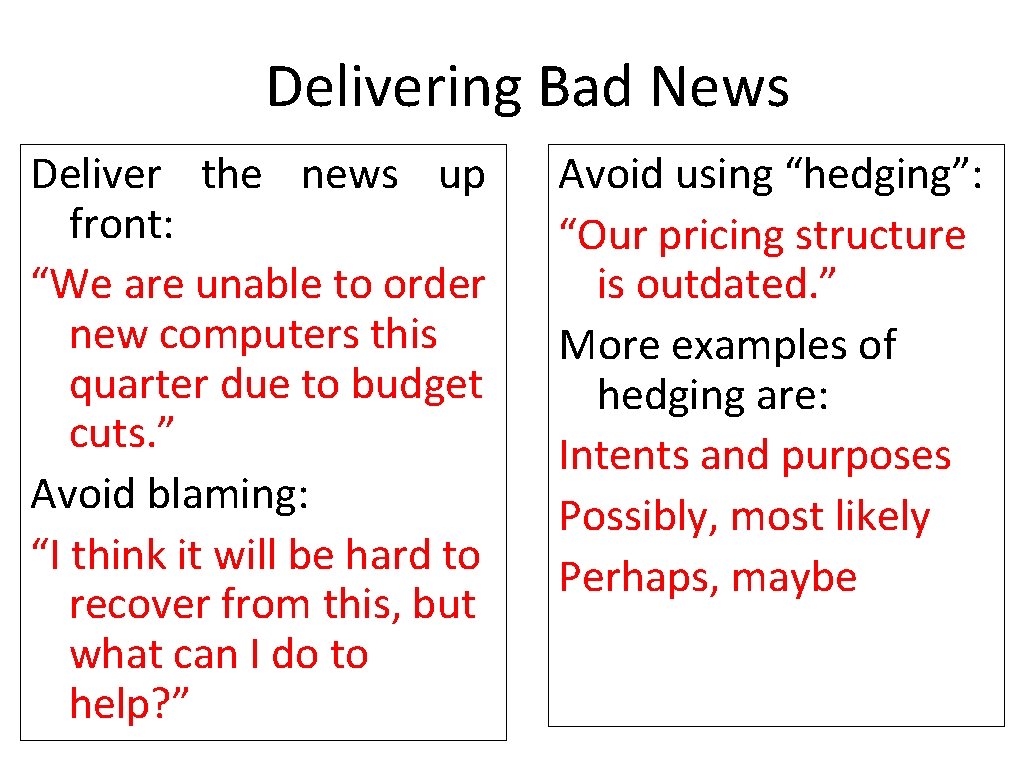
Delivering Bad News Deliver the news up front: “We are unable to order new computers this quarter due to budget cuts. ” Avoid blaming: “I think it will be hard to recover from this, but what can I do to help? ” Avoid using “hedging”: “Our pricing structure is outdated. ” More examples of hedging are: Intents and purposes Possibly, most likely Perhaps, maybe
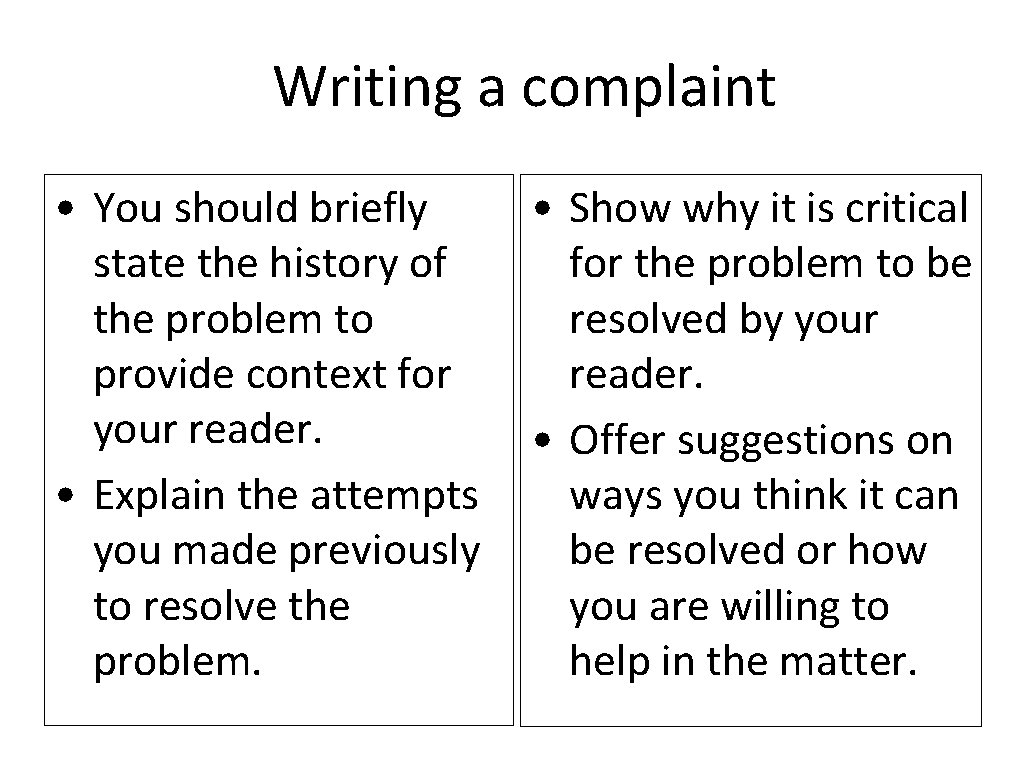
Writing a complaint • You should briefly state the history of the problem to provide context for your reader. • Explain the attempts you made previously to resolve the problem. • Show why it is critical for the problem to be resolved by your reader. • Offer suggestions on ways you think it can be resolved or how you are willing to help in the matter.
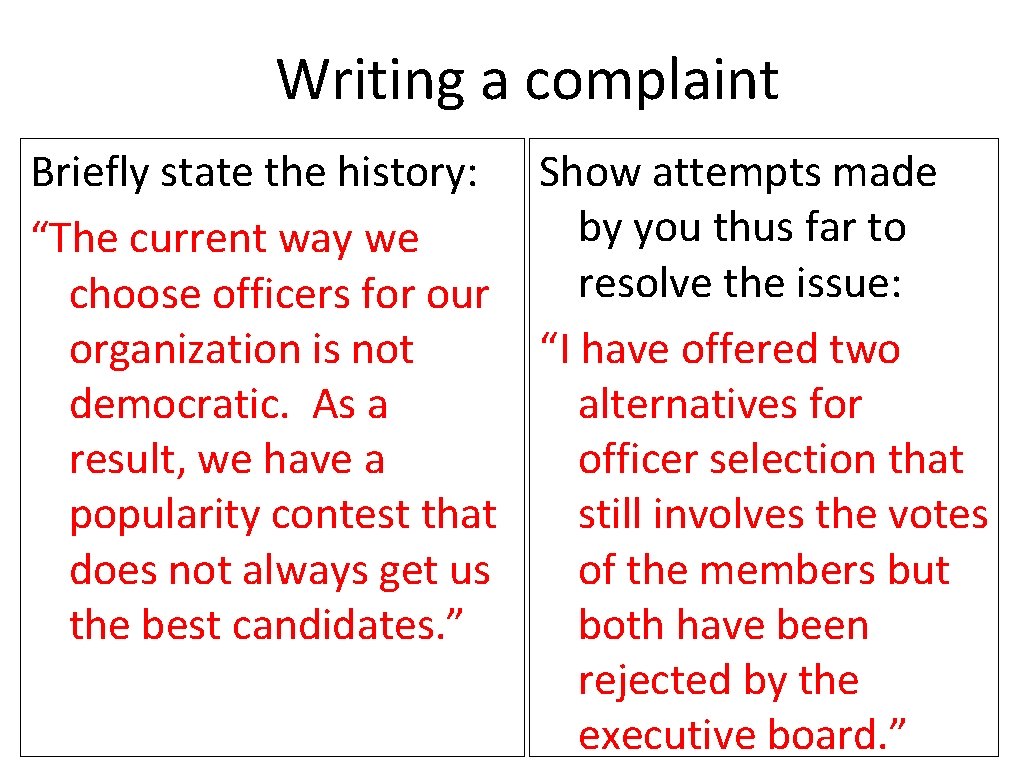
Writing a complaint Briefly state the history: Show attempts made by you thus far to “The current way we resolve the issue: choose officers for our “I have offered two organization is not democratic. As a alternatives for result, we have a officer selection that popularity contest that still involves the votes does not always get us of the members but the best candidates. ” both have been rejected by the executive board. ”
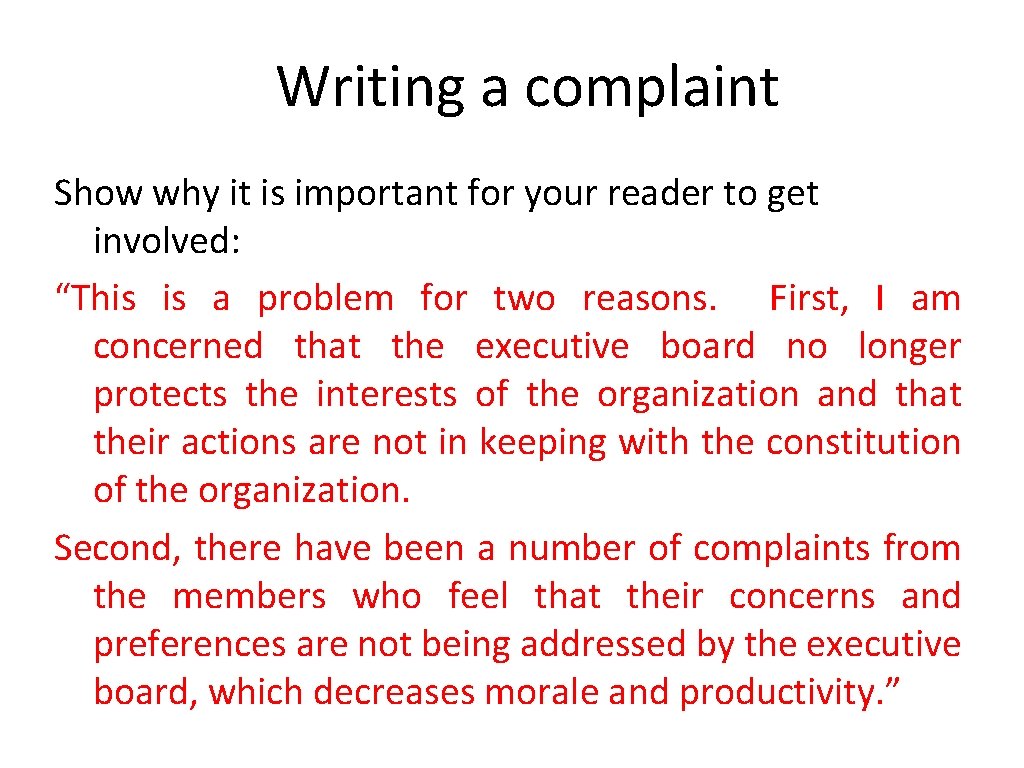
Writing a complaint Show why it is important for your reader to get involved: “This is a problem for two reasons. First, I am concerned that the executive board no longer protects the interests of the organization and that their actions are not in keeping with the constitution of the organization. Second, there have been a number of complaints from the members who feel that their concerns and preferences are not being addressed by the executive board, which decreases morale and productivity. ”
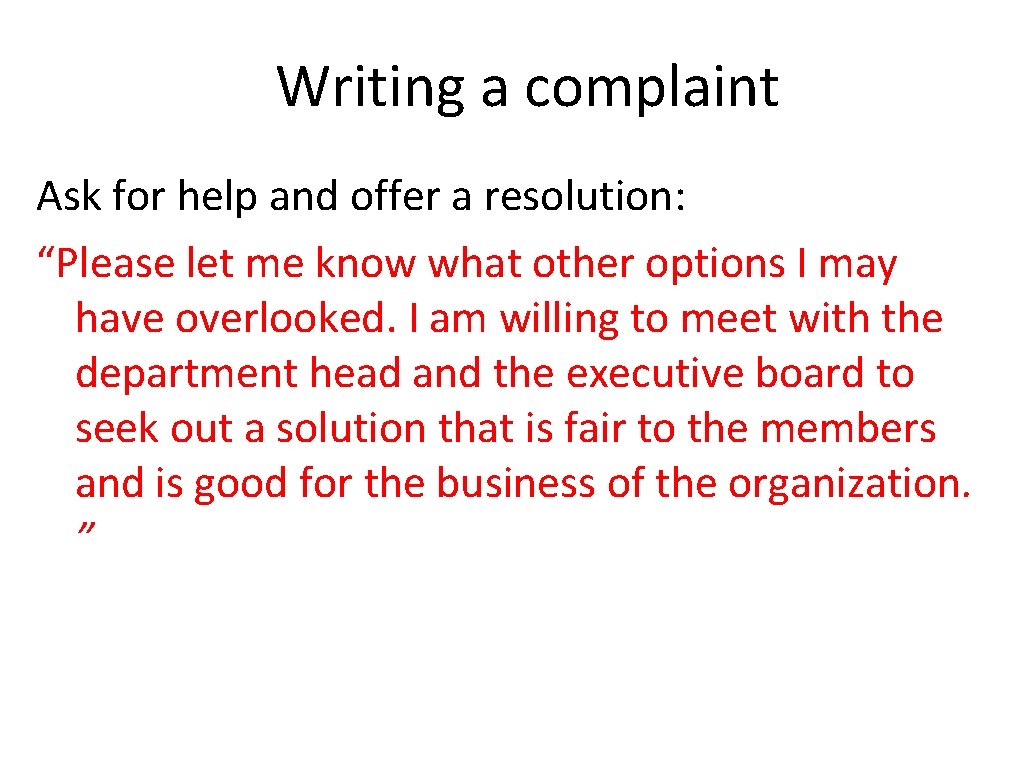
Writing a complaint Ask for help and offer a resolution: “Please let me know what other options I may have overlooked. I am willing to meet with the department head and the executive board to seek out a solution that is fair to the members and is good for the business of the organization. ”
Do not take your reader by surprise or press them to the wall • Do not wait until the end of the day to introduce a problem or concern via memo or email. • Avoid writing a petitions of concerns that you have been hiding for a long period of time.
Flaming in emails • Flaming is a virtual • Flame fights are the term for voicing or equivalent of food sending inflammatory fights and tend to messages in email. affect observers in a • Avoid flaming because very negative way. it tends to create a • What you say cannot great deal of conflict be taken back; it is in that spirals out of black and white. control.
Keep flaming under control • Before you send an email message, ask yourself, “would I say this to this person’s face? ” • Calm down before responding to a message that offends you. Once you send the message it is gone. • Read your message twice before you send it and assume that you may be misinterpreted when proofreading.
Responding to a flame • Empathize with the • Avoid getting bogged sender’s frustration down by details and tell them they are minor arguments right if that is true • If you are aware that • If you feel you are right, the situation is in the thank them for bringing process of being the matter to your resolved let the reader attention know at the top of the • Explain what led to the response problem in question • Apologize if necessary
When Email Won’t Work • There are times when you need to take your discussion out of the virtual world and make a phone call. • If things become very heated, a lot of misunderstanding occurs, or when you are delivering very delicate news then the best way is still face-to face.
Summary • • • What is an email? Techniques to write effective emails When to use email Effective Subject Lines Email Content and Style Format Signatures Professionalism Email etiquettes
References § www. unc. edu/agep/documents/effective_emails. ppt http: //www. google. com. pk/url? sa=t&rct=j&q=email+writing+ppt &source=web&cd=3&cad=rja&ved=0 CDk. QFj. AC&url=http%3 A%2 F %2 Fwww. citehr. com%2 F 42066 -e-mail-writing-ettiquettesbusinesscommunication. html&ei=o. UBd. UYj 8 H 4_Ysgb_y. YDg. CA&us g=AFQj. CNGme 998 IEb 8 c 85 Cuh. SW 94 r. Zd 2 r. SJg&bvm=bv. 44770516, d. Yms