
Lecture 20 Determining the Processor Type Flags register


![Alignment Test ( If Not 286) 18 Eflags Alignment Check: mov dword ptr [12],](https://slidetodoc.com/presentation_image/301a943e292e15478ef047f338aee896/image-5.jpg "Alignment Test ( If Not 286) 18 Eflags Alignment Check: mov dword ptr [12],")
![Alignment Test pushfd pop eax mov ecx, eax mov dword ptr [13], EDX pushfd](https://slidetodoc.com/presentation_image/301a943e292e15478ef047f338aee896/image-6.jpg "Alignment Test pushfd pop eax mov ecx, eax mov dword ptr [13], EDX pushfd")
- Slides: 16
Lecture 20
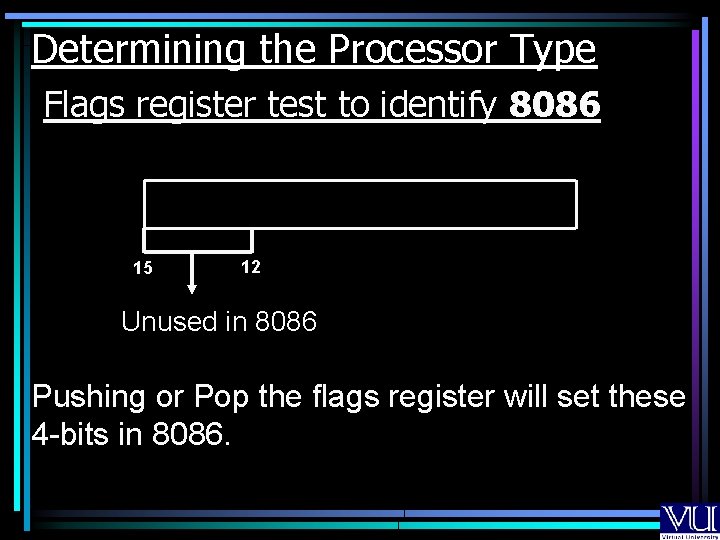
Determining the Processor Type Flags register test to identify 8086 15 12 Unused in 8086 Pushing or Pop the flags register will set these 4 -bits in 8086.
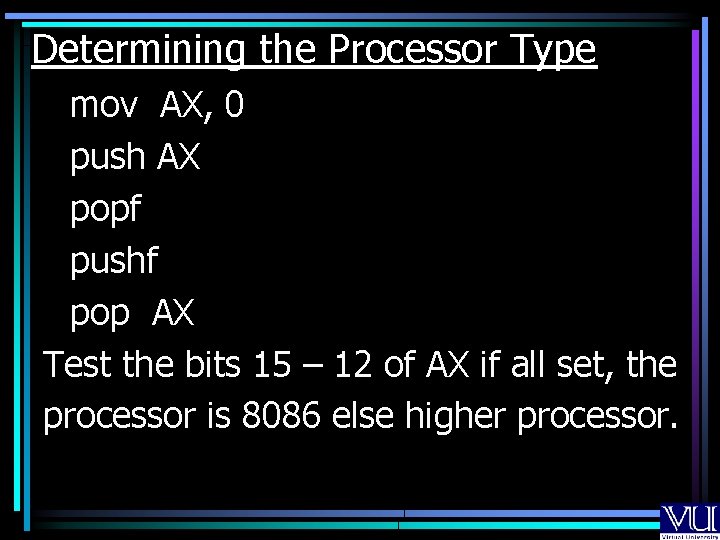
Determining the Processor Type mov AX, 0 push AX popf pushf pop AX Test the bits 15 – 12 of AX if all set, the processor is 8086 else higher processor.
Determining the Processor Type Flags test for 80286 mov AX, 7000 H push AX popf pushf pop AX If the bits 14 – 12 are cleared the processor is 286 only.
Alignment Test ( If Not 286) 18 Eflags Alignment Check: mov dword ptr [12], EDX
Alignment Test pushfd pop eax mov ecx, eax mov dword ptr [13], EDX pushfd pop eax
CPUID Test • 486 will pass the alignment test. • To distinguish 486 with Pentium CPUID Test is used.
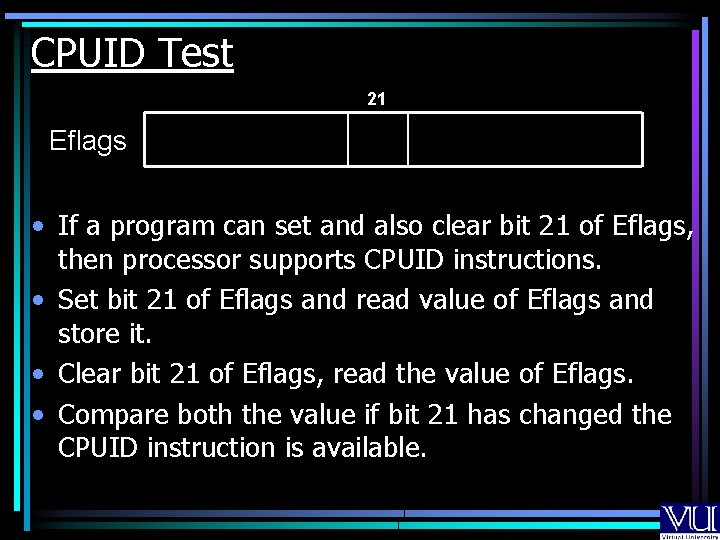
CPUID Test 21 Eflags • If a program can set and also clear bit 21 of Eflags, then processor supports CPUID instructions. • Set bit 21 of Eflags and read value of Eflags and store it. • Clear bit 21 of Eflags, read the value of Eflags. • Compare both the value if bit 21 has changed the CPUID instruction is available.
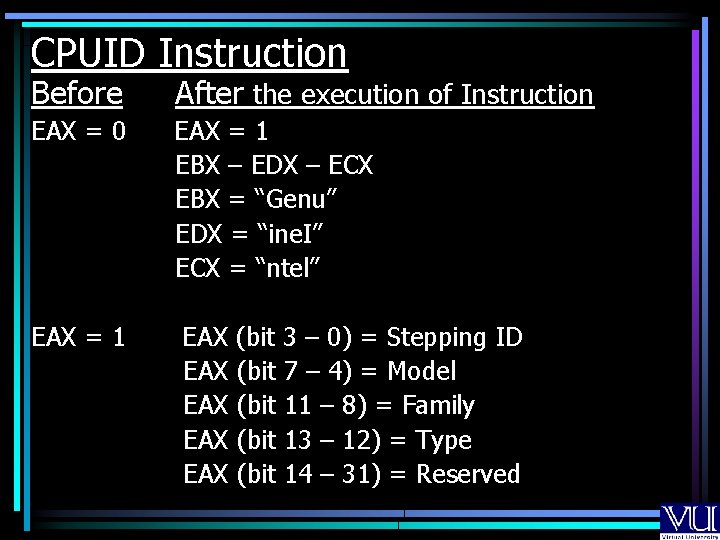
CPUID Instruction Before After the execution of Instruction EAX = 0 EAX = 1 EBX – EDX – ECX EBX = “Genu” EDX = “ine. I” ECX = “ntel” EAX = 1 EAX (bit 3 – 0) = Stepping ID EAX (bit 7 – 4) = Model EAX (bit 11 – 8) = Family EAX (bit 13 – 12) = Type EAX (bit 14 – 31) = Reserved
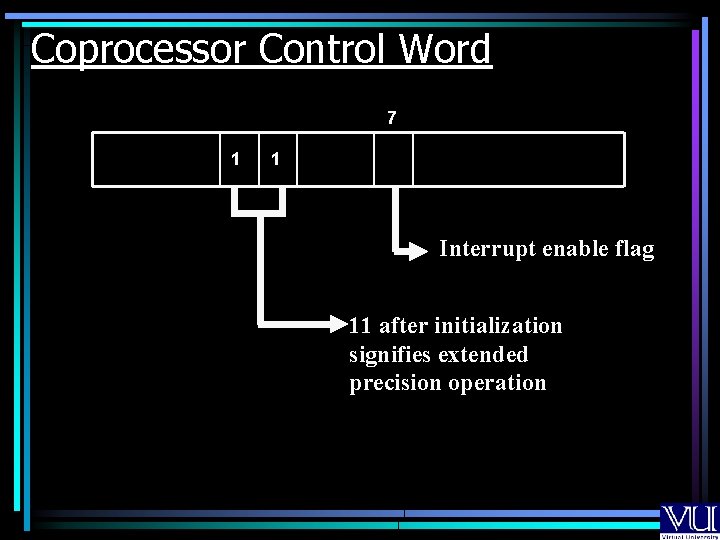
Coprocessor Control Word 7 1 1 Interrupt enable flag 11 after initialization signifies extended precision operation
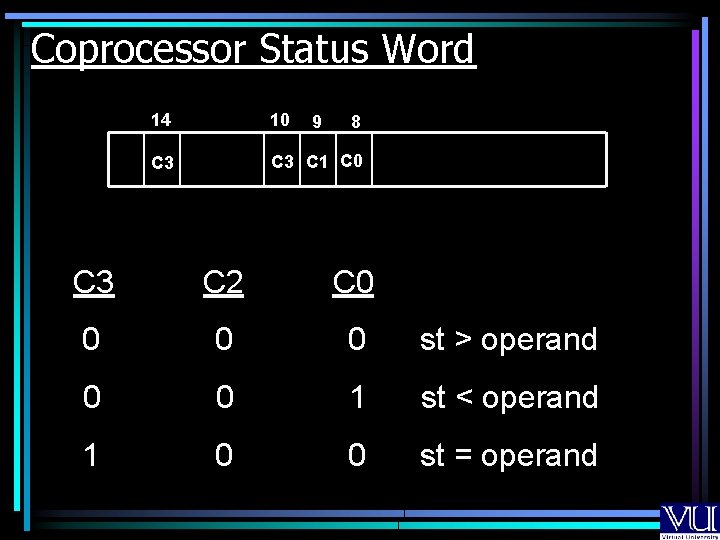
Coprocessor Status Word 14 10 C 3 C 1 C 0 9 8 C 3 C 2 C 0 0 st > operand 0 0 1 st < operand 1 0 0 st = operand
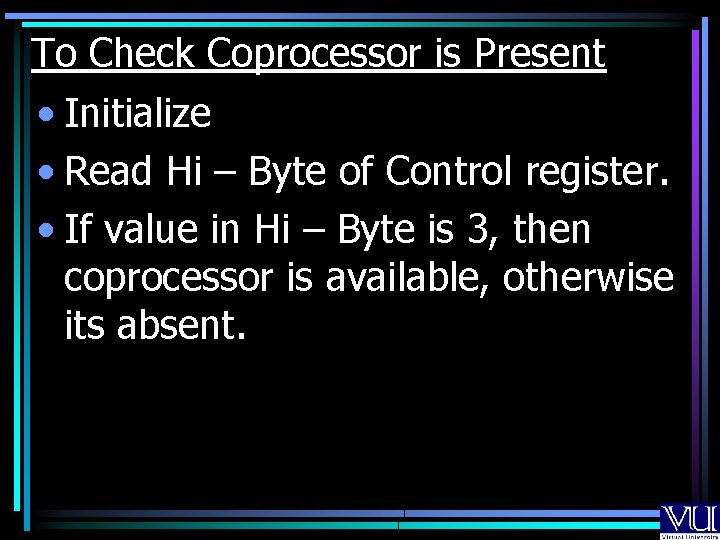
To Check Coprocessor is Present • Initialize • Read Hi – Byte of Control register. • If value in Hi – Byte is 3, then coprocessor is available, otherwise its absent.
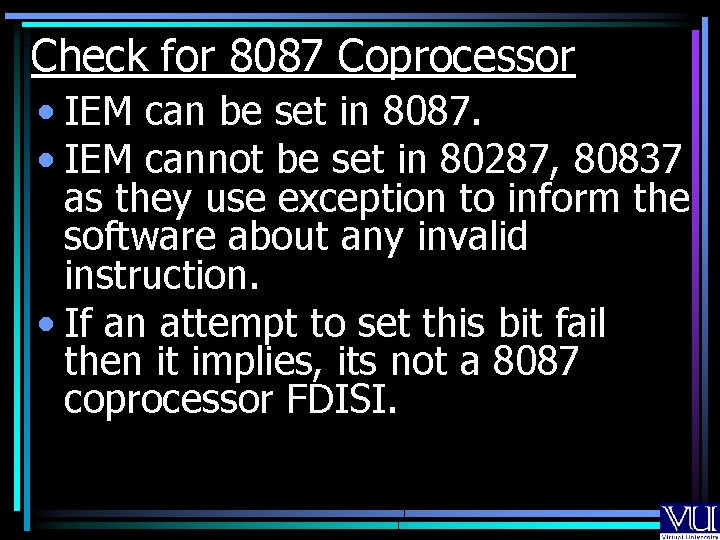
Check for 8087 Coprocessor • IEM can be set in 8087. • IEM cannot be set in 80287, 80837 as they use exception to inform the software about any invalid instruction. • If an attempt to set this bit fail then it implies, its not a 8087 coprocessor FDISI.
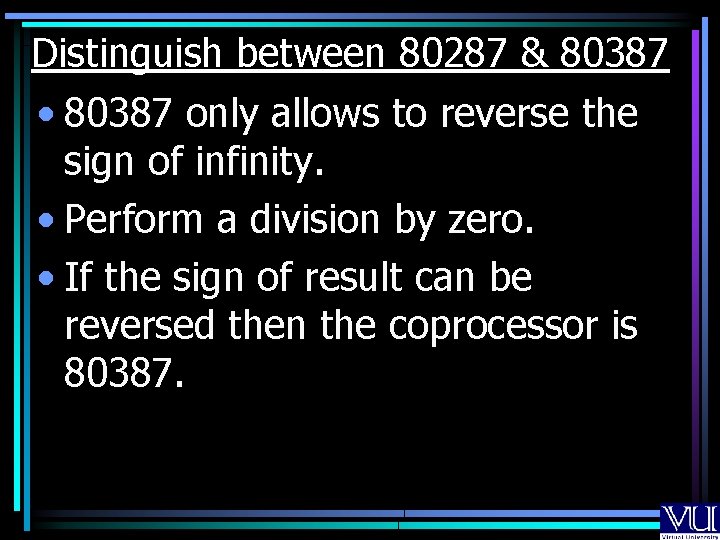
Distinguish between 80287 & 80387 • 80387 only allows to reverse the sign of infinity. • Perform a division by zero. • If the sign of result can be reversed then the coprocessor is 80387.
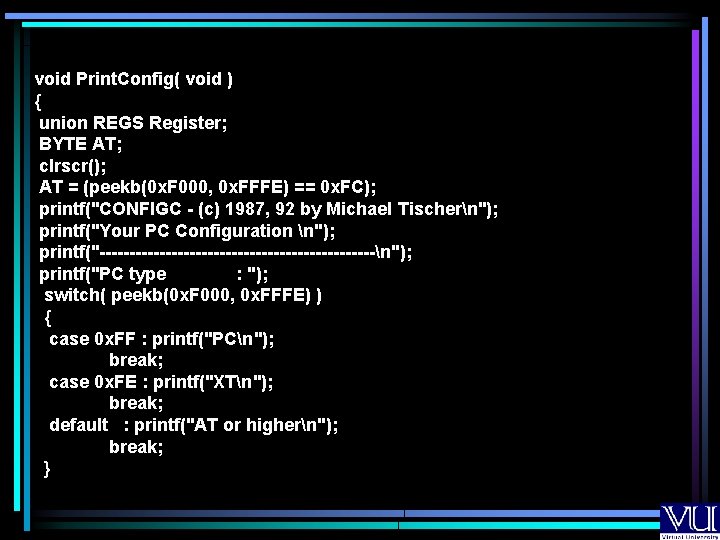
void Print. Config( void ) { union REGS Register; BYTE AT; clrscr(); AT = (peekb(0 x. F 000, 0 x. FFFE) == 0 x. FC); printf("CONFIGC - (c) 1987, 92 by Michael Tischern"); printf("Your PC Configuration n"); printf("-----------------------n"); printf("PC type : "); switch( peekb(0 x. F 000, 0 x. FFFE) ) { case 0 x. FF : printf("PCn"); break; case 0 x. FE : printf("XTn"); break; default : printf("AT or highern"); break; }
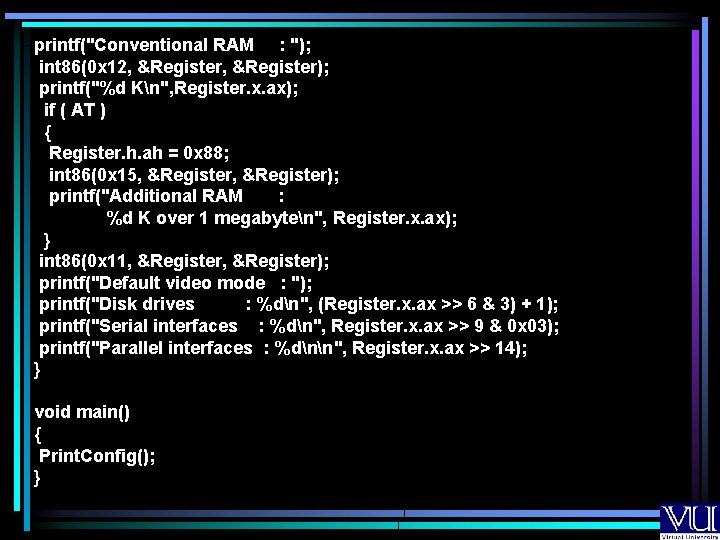
printf("Conventional RAM : "); int 86(0 x 12, &Register); printf("%d Kn", Register. x. ax); if ( AT ) { Register. h. ah = 0 x 88; int 86(0 x 15, &Register); printf("Additional RAM : %d K over 1 megabyten", Register. x. ax); } int 86(0 x 11, &Register); printf("Default video mode : "); printf("Disk drives : %dn", (Register. x. ax >> 6 & 3) + 1); printf("Serial interfaces : %dn", Register. x. ax >> 9 & 0 x 03); printf("Parallel interfaces : %dnn", Register. x. ax >> 14); } void main() { Print. Config(); }