
Lecture 16 GUI programming JFrame windows p 247
- Slides: 8
Lecture 16: GUI programming • • • JFrame windows (p. 247) Containers and layout managers (p. 290) Inheriting GUI components (p. 330) Chapter 12: GUI programming Skip Chapters 10 and 11 for now but will return to them soon
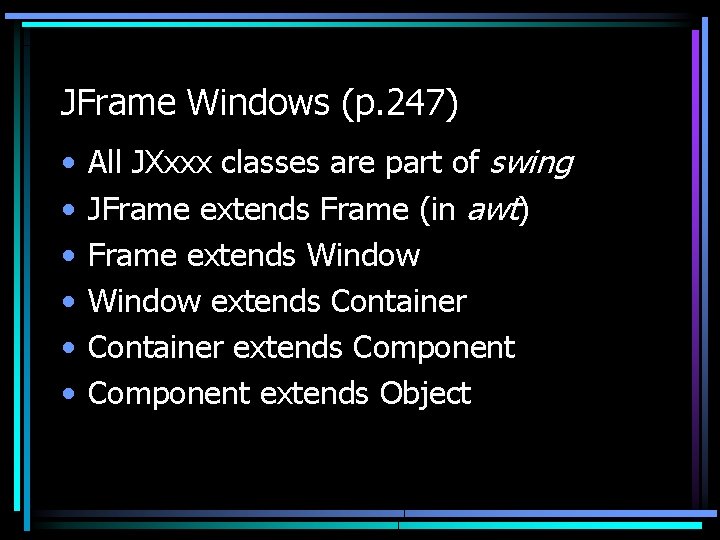
JFrame Windows (p. 247) • • • All JXxxx classes are part of swing JFrame extends Frame (in awt) Frame extends Window extends Container extends Component extends Object
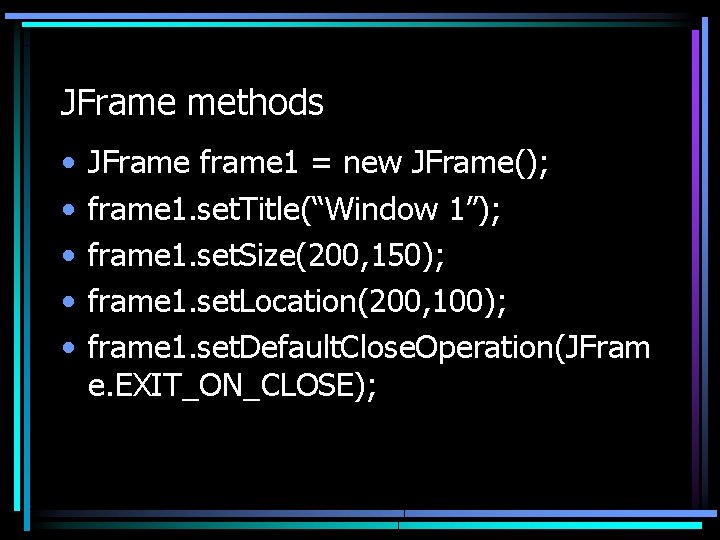
JFrame methods • • • JFrame frame 1 = new JFrame(); frame 1. set. Title(“Window 1”); frame 1. set. Size(200, 150); frame 1. set. Location(200, 100); frame 1. set. Default. Close. Operation(JFram e. EXIT_ON_CLOSE);
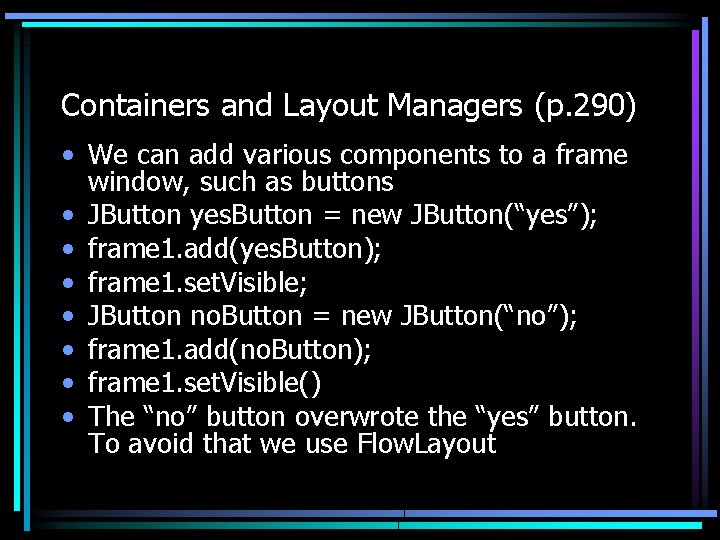
Containers and Layout Managers (p. 290) • We can add various components to a frame window, such as buttons • JButton yes. Button = new JButton(“yes”); • frame 1. add(yes. Button); • frame 1. set. Visible; • JButton no. Button = new JButton(“no”); • frame 1. add(no. Button); • frame 1. set. Visible() • The “no” button overwrote the “yes” button. To avoid that we use Flow. Layout
Flow. Layout • Flow. Layout layout = new Flow. Layout(); • frame 1. set. Layout(layout) • these lines go before you start adding components • after adding components, need to call set. Visible
Inheriting GUI components (p. 330) • Suppose we want to design a frame window and then construct multiple instances of it • public class Our. Frame extends JFrame{ – public Our. Frame() { –… –} • Then we can construct multiple instances of Our. Frame
Chapter 12: more details • Container classes (JFrame, JPanel, JApplet, etc) • Component classes (JButton, JLabel, JText. Field, JCheck. Box, JRadio. Button, JCombo. Box, JMenu, etc) • Helper classes (Flow. Layout, Grid. Layout, Color, Font, Graphics, etc
Grid. Layout and Color • Gridlayout = new Grid. Layout(5, 3); – specifies horizontal and vertical grid • Color color = new Color(128, 128) – specifies red, green, blue – button. set. Background(color); – button. set. Foreground(color); – random colors