
Lecture 12 Building Shiny Apps Lecy DataDriven Management

Lecture 12 Building Shiny Apps Lecy ∙ Data-Driven Management

RUN A SHINY APP FROM GITHUB: https: //github. com/lecy/shiny # install. packages( "shiny" ) library( shiny ) run. Git. Hub( repo="shiny", username="lecy")
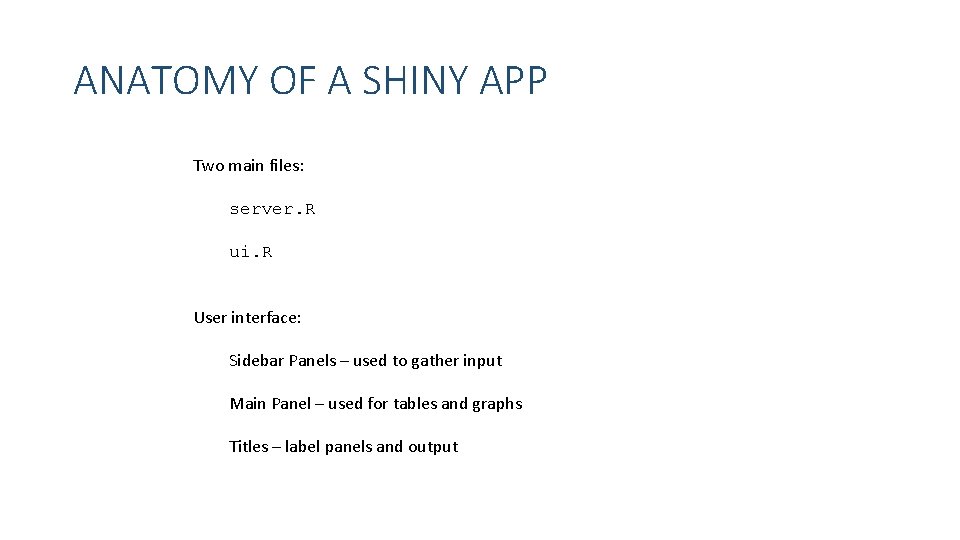
ANATOMY OF A SHINY APP Two main files: server. R ui. R User interface: Sidebar Panels – used to gather input Main Panel – used for tables and graphs Titles – label panels and output

STANDARD SHINY WIDGETS (INPUTS) Function Name Widget action. Button Action Button checkbox. Group. Input A group of check boxes checkbox. Input A single check box date. Input A calendar to aid date selection date. Range. Input A pair of calendars for selecting a date range file. Input A file upload control wizard help. Text Help text that can be added to an input form numeric. Input A field to enter numbers radio. Buttons A set of radio buttons select. Input A box with choices to select from slider. Input A slider bar submit. Button A submit button text. Input A field to enter text Note each function will store different input values: text. Input = a single character element select. Input = character elements from a list slider. Input = two numbers in a range checkbox. Input = T / F
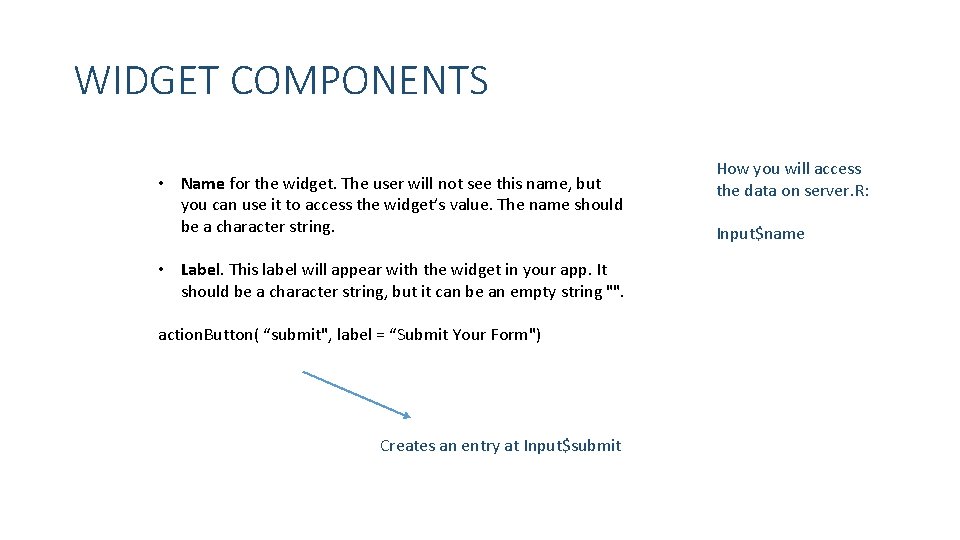
WIDGET COMPONENTS • Name for the widget. The user will not see this name, but you can use it to access the widget’s value. The name should be a character string. • Label. This label will appear with the widget in your app. It should be a character string, but it can be an empty string "". action. Button( “submit", label = “Submit Your Form") Creates an entry at Input$submit How you will access the data on server. R: Input$name
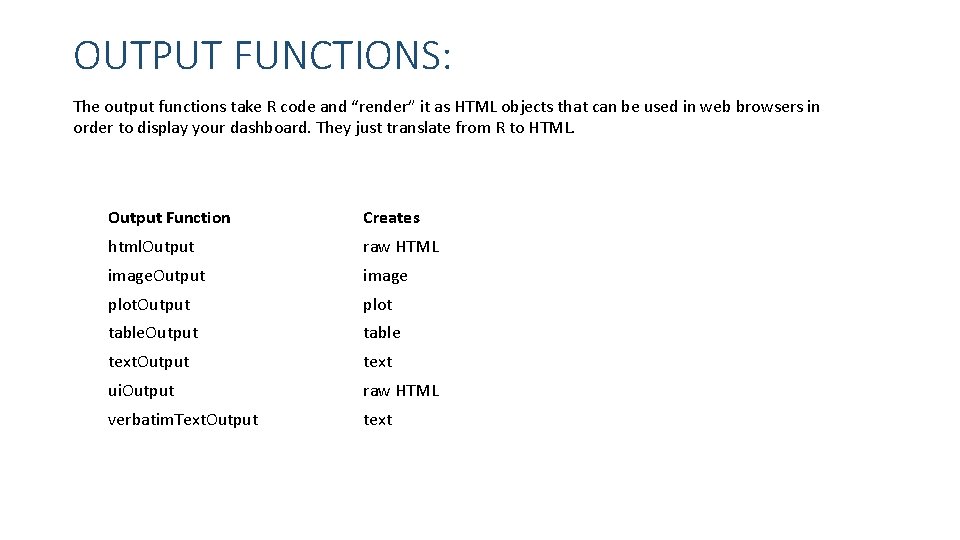
OUTPUT FUNCTIONS: The output functions take R code and “render” it as HTML objects that can be used in web browsers in order to display your dashboard. They just translate from R to HTML. Output Function Creates html. Output raw HTML image. Output image plot. Output plot table. Output table text. Output text ui. Output raw HTML verbatim. Text. Output text
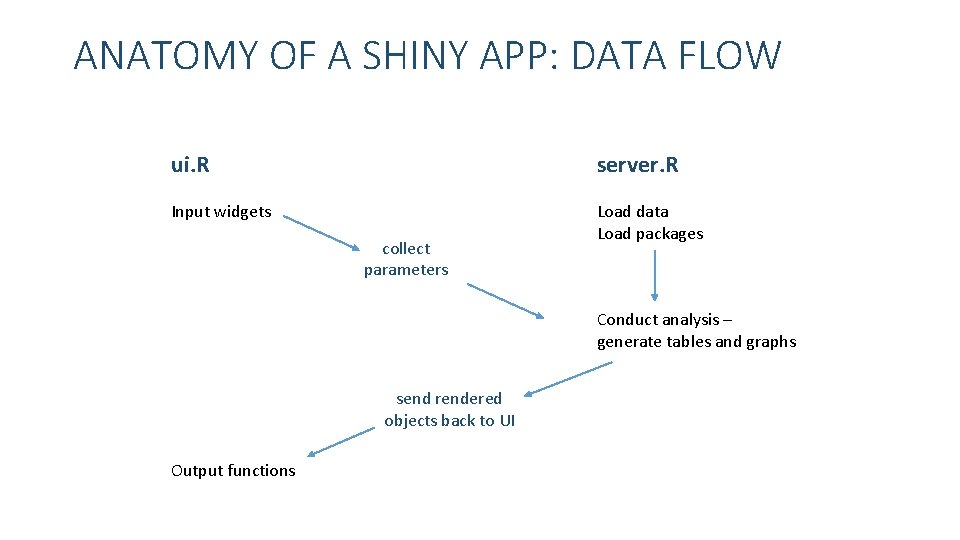
ANATOMY OF A SHINY APP: DATA FLOW ui. R server. R Input widgets Load data Load packages collect parameters Conduct analysis – generate tables and graphs send rendered objects back to UI Output functions
- Slides: 7