
Lecture 1 Introduction to Java Chapter 1 Adapted
![Syntax Errors public class Show. Syntax. Errors { public static main(String[] args) { System.](https://slidetodoc.com/presentation_image_h/2e64fbfc3e56fe57c83bacff81618d50/image-45.jpg "Syntax Errors public class Show. Syntax. Errors { public static main(String[] args) { System.")
![Runtime Errors public class Show. Runtime. Errors { public static void main(String[] args) {](https://slidetodoc.com/presentation_image_h/2e64fbfc3e56fe57c83bacff81618d50/image-46.jpg "Runtime Errors public class Show. Runtime. Errors { public static void main(String[] args) {")
![Logic Errors public class Show. Logic. Errors { public static void main(String[] args) {](https://slidetodoc.com/presentation_image_h/2e64fbfc3e56fe57c83bacff81618d50/image-47.jpg "Logic Errors public class Show. Logic. Errors { public static void main(String[] args) {")
- Slides: 48
Lecture 1: Introduction to Java (Chapter 1) Adapted by Fangzhen Lin for COMP 3021 from Y. Danial Liang’s Power. Points for Introduction to Java Programming, Comprehensive Version, 9/E, Pearson, 2013. 1
Objectives F F F F F To describe the relationship between Java and the World Wide Web (§ 1. 5). To understand the meaning of Java language specification, API, JDK, and IDE (§ 1. 6). To write a simple Java program (§ 1. 7). To display output on the console (§ 1. 7). To explain the basic syntax of a Java program (§ 1. 7). To create, compile, and run Java programs (§ 1. 8). To display output using the JOption. Pane message dialog boxes (§ 1. 9). To become familiar with Java programming style and documentation (§ 1. 10). To explain the differences between syntax errors, runtime errors, and logic errors (§ 1. 11). 2
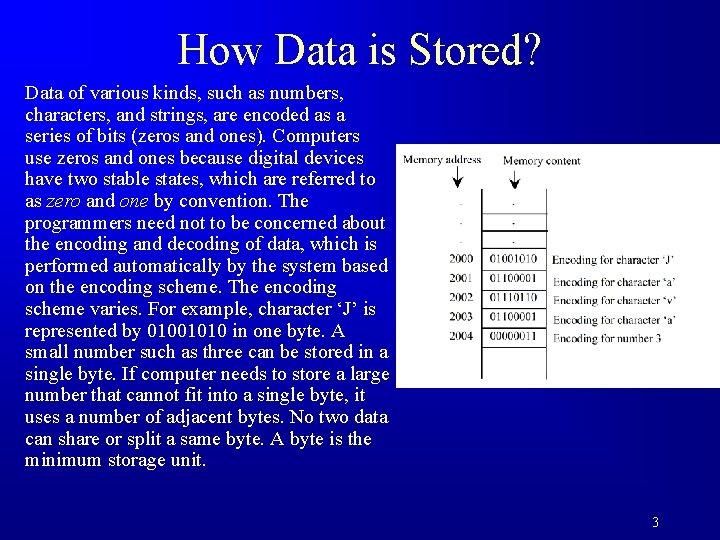
How Data is Stored? Data of various kinds, such as numbers, characters, and strings, are encoded as a series of bits (zeros and ones). Computers use zeros and ones because digital devices have two stable states, which are referred to as zero and one by convention. The programmers need not to be concerned about the encoding and decoding of data, which is performed automatically by the system based on the encoding scheme. The encoding scheme varies. For example, character ‘J’ is represented by 01001010 in one byte. A small number such as three can be stored in a single byte. If computer needs to store a large number that cannot fit into a single byte, it uses a number of adjacent bytes. No two data can share or split a same byte. A byte is the minimum storage unit. 3
Programs Computer programs, known as software, are instructions to the computer. You tell a computer what to do through programs. Without programs, a computer is an empty machine. Computers do not understand human languages, so you need to use computer languages to communicate with them. Programs are written using programming languages. 4
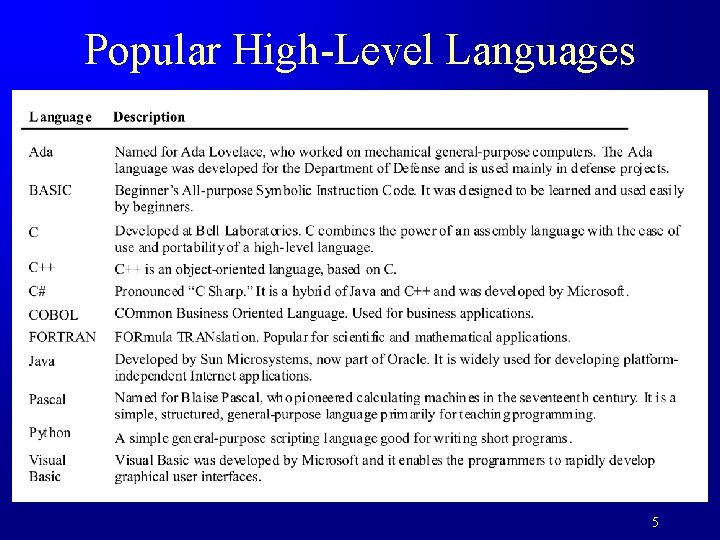
Popular High-Level Languages 5
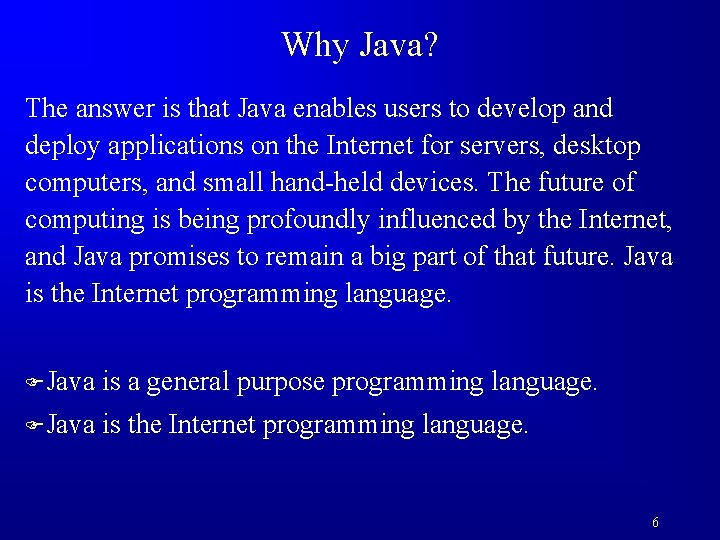
Why Java? The answer is that Java enables users to develop and deploy applications on the Internet for servers, desktop computers, and small hand-held devices. The future of computing is being profoundly influenced by the Internet, and Java promises to remain a big part of that future. Java is the Internet programming language. FJava is a general purpose programming language. FJava is the Internet programming language. 6
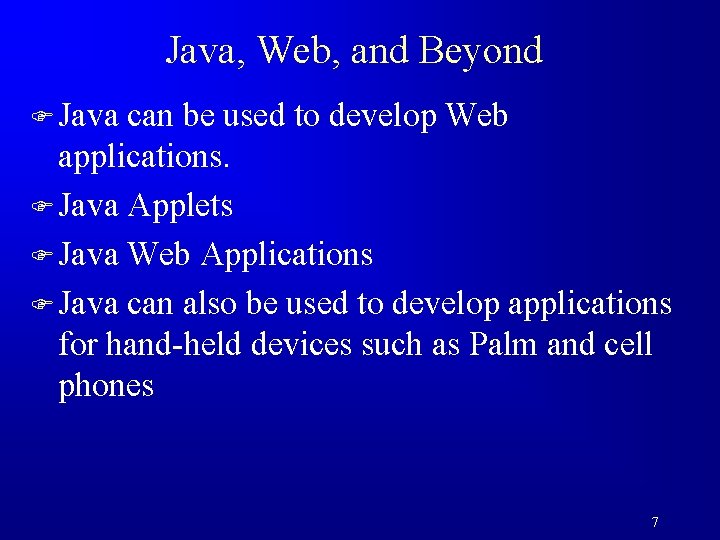
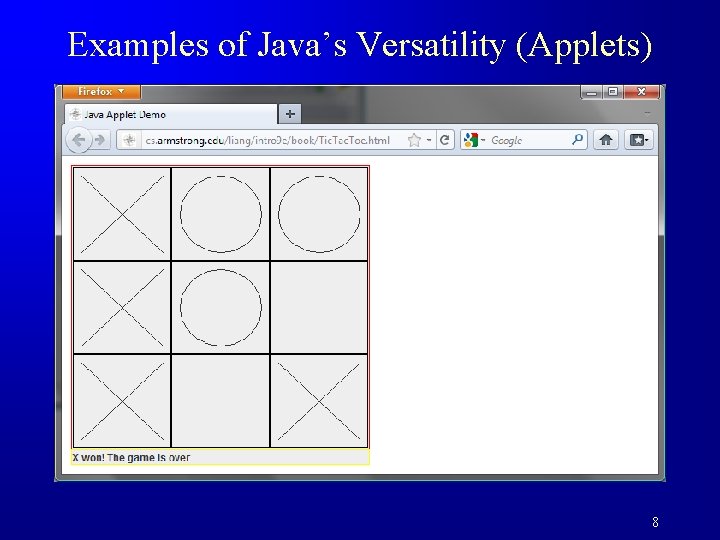
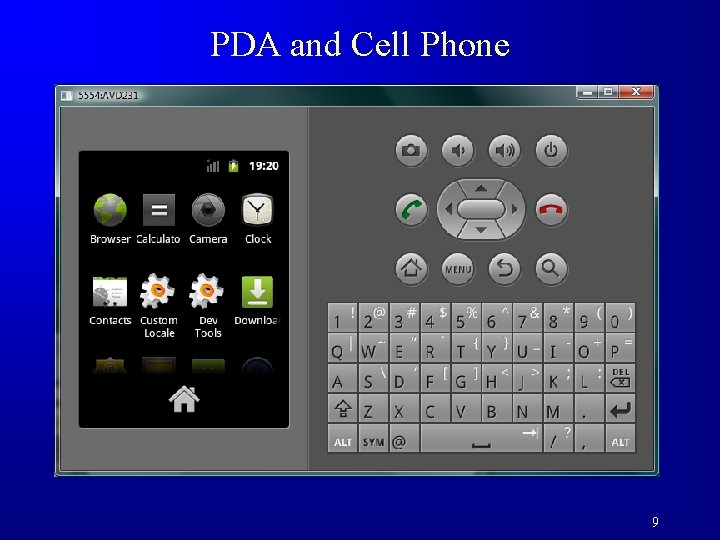
Java, Web, and Beyond F Java can be used to develop Web applications. F Java Applets F Java Web Applications F Java can also be used to develop applications for hand-held devices such as Palm and cell phones 7
Examples of Java’s Versatility (Applets) 8
PDA and Cell Phone 9
Java’s History F James Gosling and Sun Microsystems F Oak F Java, May 20, 1995, Sun World F Hot. Java – The first Java-enabled Web browser F Early History Website: http: //www. java. com/en/javahistory/index. jsp 10
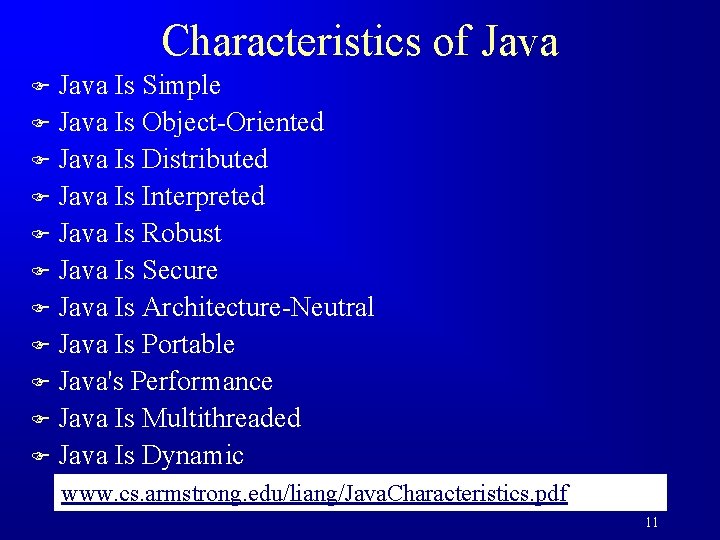
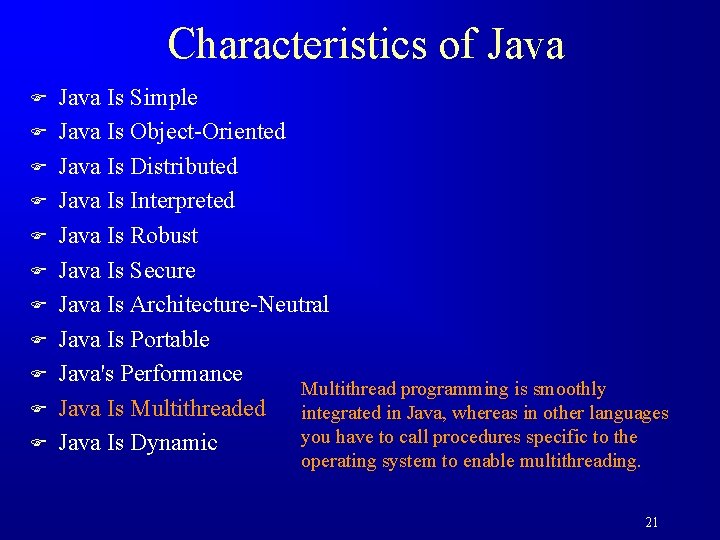
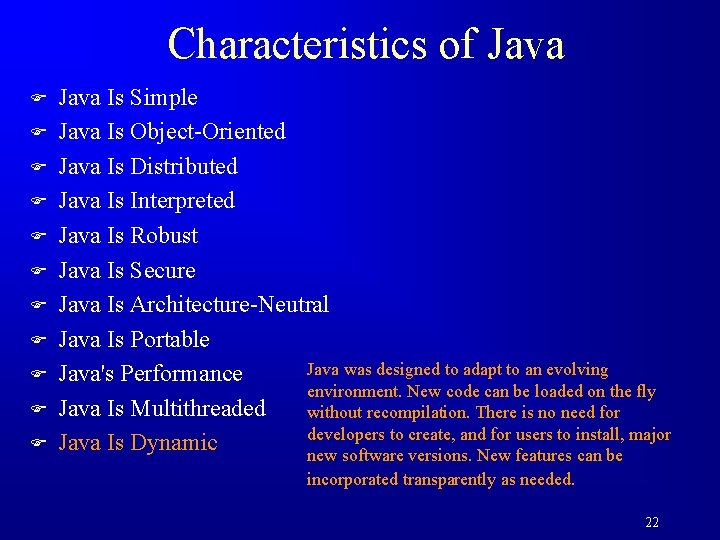
Characteristics of Java Is Simple F Java Is Object-Oriented F Java Is Distributed F Java Is Interpreted F Java Is Robust F Java Is Secure F Java Is Architecture-Neutral F Java Is Portable F Java's Performance F Java Is Multithreaded F Java Is Dynamic F www. cs. armstrong. edu/liang/Java. Characteristics. pdf 11
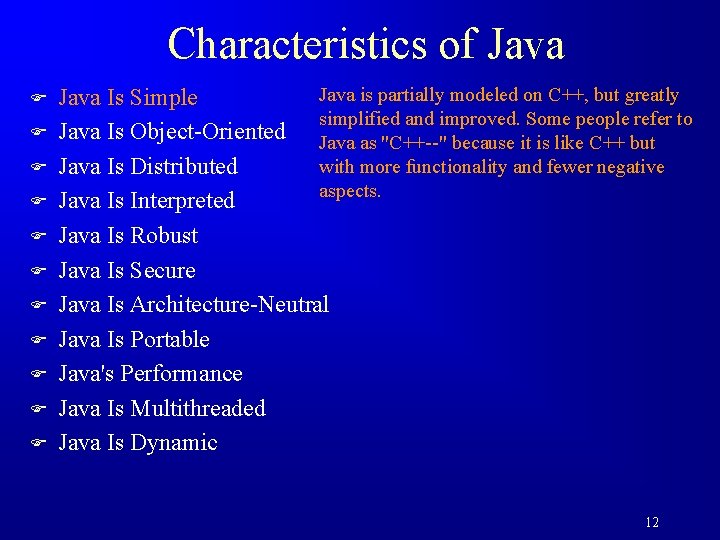
Characteristics of Java F F F Java is partially modeled on C++, but greatly Java Is Simple simplified and improved. Some people refer to Java Is Object-Oriented Java as "C++--" because it is like C++ but with more functionality and fewer negative Java Is Distributed aspects. Java Is Interpreted Java Is Robust Java Is Secure Java Is Architecture-Neutral Java Is Portable Java's Performance Java Is Multithreaded Java Is Dynamic 12
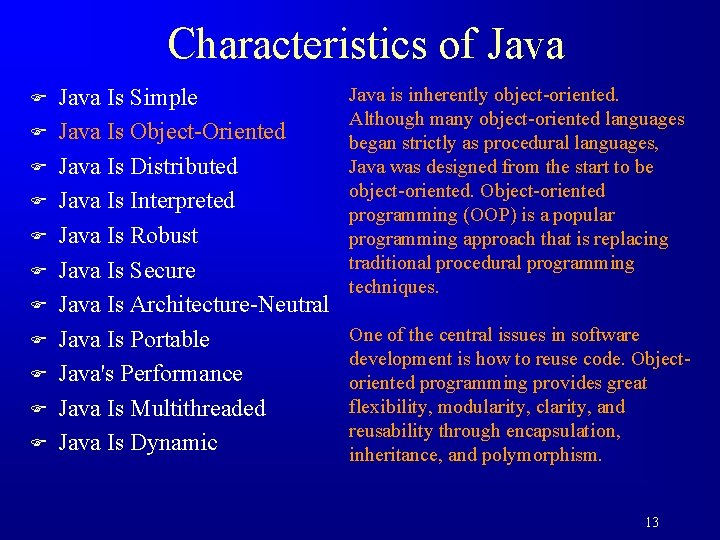
Characteristics of Java F F F Java Is Simple Java Is Object-Oriented Java Is Distributed Java Is Interpreted Java Is Robust Java Is Secure Java Is Architecture-Neutral Java Is Portable Java's Performance Java Is Multithreaded Java Is Dynamic Java is inherently object-oriented. Although many object-oriented languages began strictly as procedural languages, Java was designed from the start to be object-oriented. Object-oriented programming (OOP) is a popular programming approach that is replacing traditional procedural programming techniques. One of the central issues in software development is how to reuse code. Objectoriented programming provides great flexibility, modularity, clarity, and reusability through encapsulation, inheritance, and polymorphism. 13
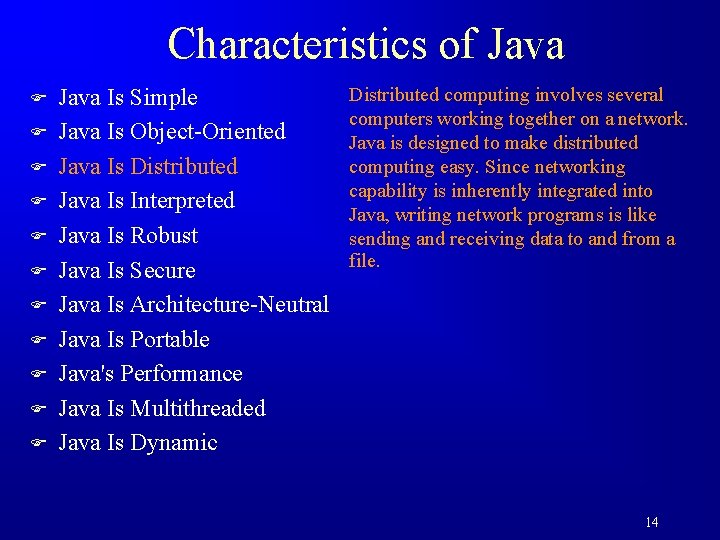
Characteristics of Java F F F Java Is Simple Java Is Object-Oriented Java Is Distributed Java Is Interpreted Java Is Robust Java Is Secure Java Is Architecture-Neutral Java Is Portable Java's Performance Java Is Multithreaded Java Is Dynamic Distributed computing involves several computers working together on a network. Java is designed to make distributed computing easy. Since networking capability is inherently integrated into Java, writing network programs is like sending and receiving data to and from a file. 14
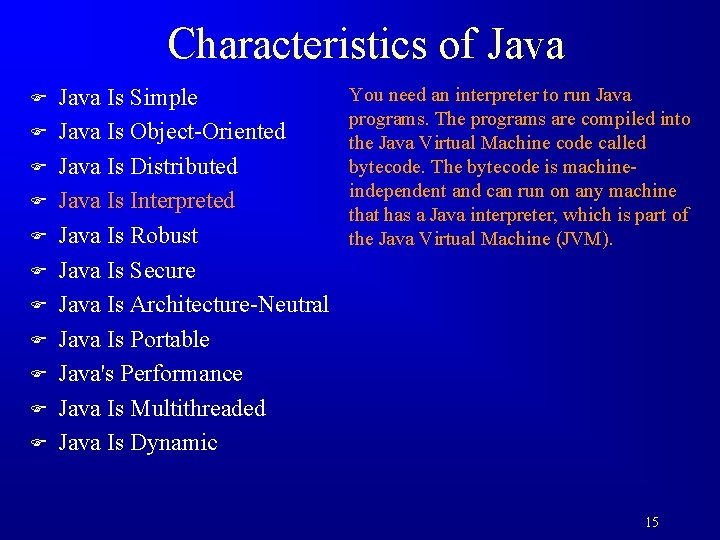
Characteristics of Java F F F Java Is Simple Java Is Object-Oriented Java Is Distributed Java Is Interpreted Java Is Robust Java Is Secure Java Is Architecture-Neutral Java Is Portable Java's Performance Java Is Multithreaded Java Is Dynamic You need an interpreter to run Java programs. The programs are compiled into the Java Virtual Machine code called bytecode. The bytecode is machineindependent and can run on any machine that has a Java interpreter, which is part of the Java Virtual Machine (JVM). 15
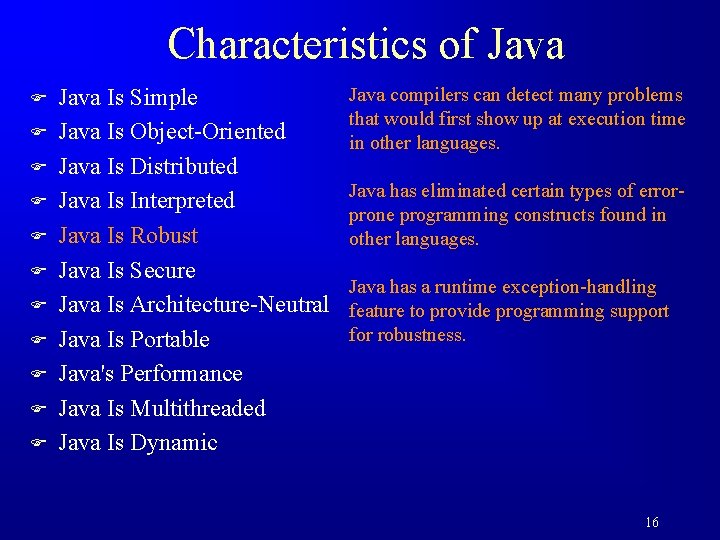
Characteristics of Java F F F Java Is Simple Java Is Object-Oriented Java Is Distributed Java Is Interpreted Java Is Robust Java Is Secure Java Is Architecture-Neutral Java Is Portable Java's Performance Java Is Multithreaded Java Is Dynamic Java compilers can detect many problems that would first show up at execution time in other languages. Java has eliminated certain types of errorprone programming constructs found in other languages. Java has a runtime exception-handling feature to provide programming support for robustness. 16
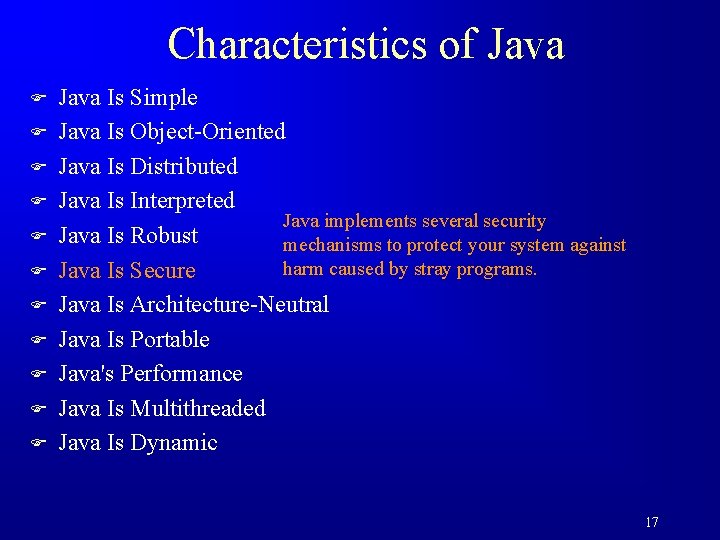
Characteristics of Java F F F Java Is Simple Java Is Object-Oriented Java Is Distributed Java Is Interpreted Java implements several security Java Is Robust mechanisms to protect your system against harm caused by stray programs. Java Is Secure Java Is Architecture-Neutral Java Is Portable Java's Performance Java Is Multithreaded Java Is Dynamic 17
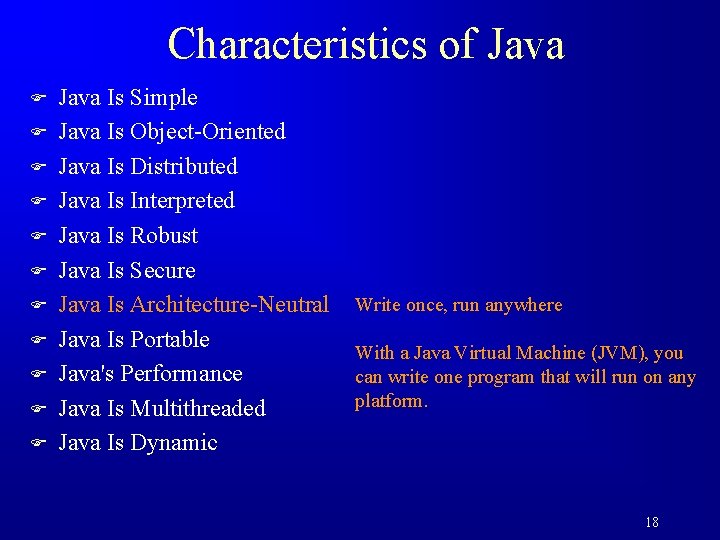
Characteristics of Java F F F Java Is Simple Java Is Object-Oriented Java Is Distributed Java Is Interpreted Java Is Robust Java Is Secure Java Is Architecture-Neutral Java Is Portable Java's Performance Java Is Multithreaded Java Is Dynamic Write once, run anywhere With a Java Virtual Machine (JVM), you can write one program that will run on any platform. 18
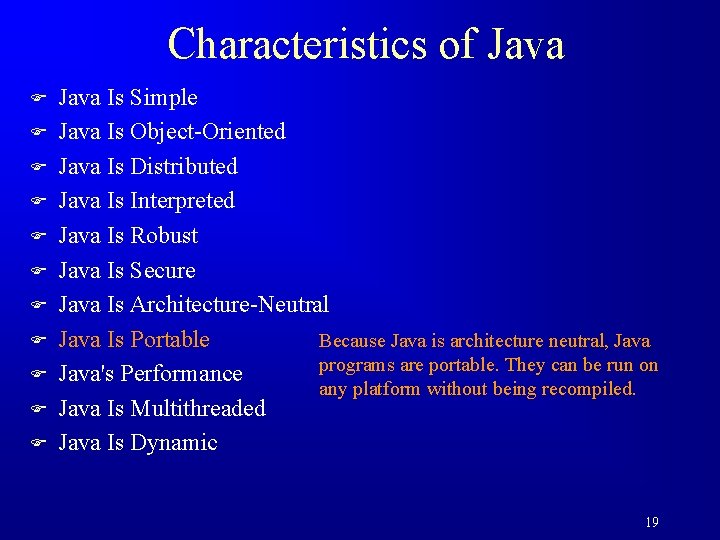
Characteristics of Java F F F Java Is Simple Java Is Object-Oriented Java Is Distributed Java Is Interpreted Java Is Robust Java Is Secure Java Is Architecture-Neutral Java Is Portable Because Java is architecture neutral, Java programs are portable. They can be run on Java's Performance any platform without being recompiled. Java Is Multithreaded Java Is Dynamic 19
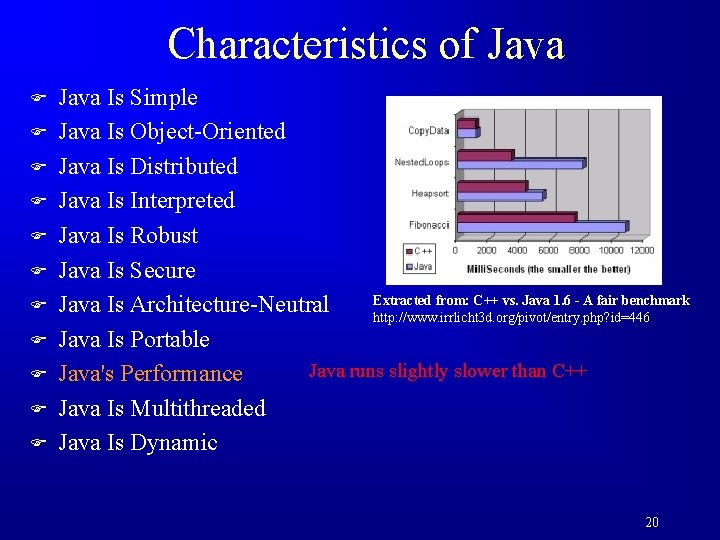
Characteristics of Java F F F Java Is Simple Java Is Object-Oriented Java Is Distributed Java Is Interpreted Java Is Robust Java Is Secure Extracted from: C++ vs. Java 1. 6 - A fair benchmark Java Is Architecture-Neutral http: //www. irrlicht 3 d. org/pivot/entry. php? id=446 Java Is Portable Java runs slightly slower than C++ Java's Performance Java Is Multithreaded Java Is Dynamic 20
Characteristics of Java F F F Java Is Simple Java Is Object-Oriented Java Is Distributed Java Is Interpreted Java Is Robust Java Is Secure Java Is Architecture-Neutral Java Is Portable Java's Performance Multithread programming is smoothly Java Is Multithreaded integrated in Java, whereas in other languages you have to call procedures specific to the Java Is Dynamic operating system to enable multithreading. 21
Characteristics of Java F F F Java Is Simple Java Is Object-Oriented Java Is Distributed Java Is Interpreted Java Is Robust Java Is Secure Java Is Architecture-Neutral Java Is Portable Java was designed to adapt to an evolving Java's Performance environment. New code can be loaded on the fly Java Is Multithreaded without recompilation. There is no need for developers to create, and for users to install, major Java Is Dynamic new software versions. New features can be incorporated transparently as needed. 22
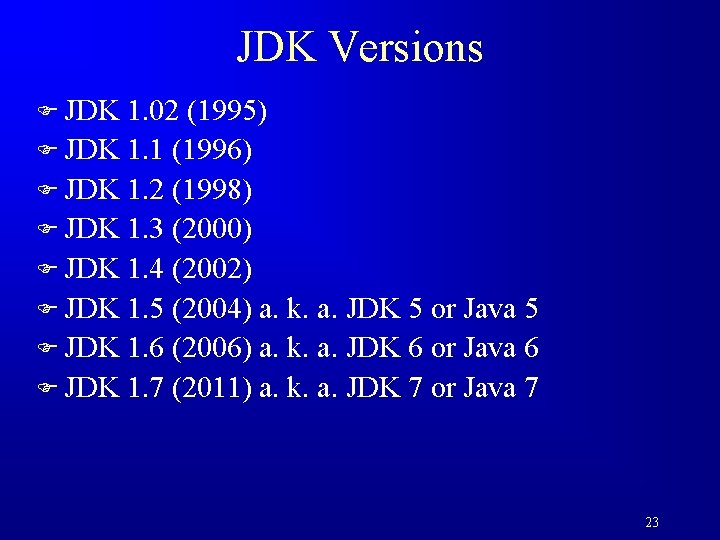
JDK Versions F JDK 1. 02 (1995) F JDK 1. 1 (1996) F JDK 1. 2 (1998) F JDK 1. 3 (2000) F JDK 1. 4 (2002) F JDK 1. 5 (2004) a. k. a. JDK 5 or Java 5 F JDK 1. 6 (2006) a. k. a. JDK 6 or Java 6 F JDK 1. 7 (2011) a. k. a. JDK 7 or Java 7 23
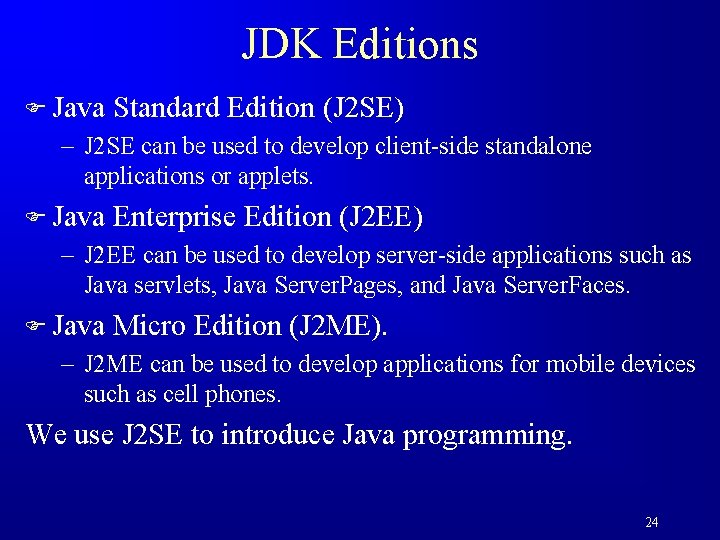
JDK Editions F Java Standard Edition (J 2 SE) – J 2 SE can be used to develop client-side standalone applications or applets. F Java Enterprise Edition (J 2 EE) – J 2 EE can be used to develop server-side applications such as Java servlets, Java Server. Pages, and Java Server. Faces. F Java Micro Edition (J 2 ME). – J 2 ME can be used to develop applications for mobile devices such as cell phones. We use J 2 SE to introduce Java programming. 24
Popular Java IDEs F Net. Beans F Eclipse: used for this course and taught in the lab. 25
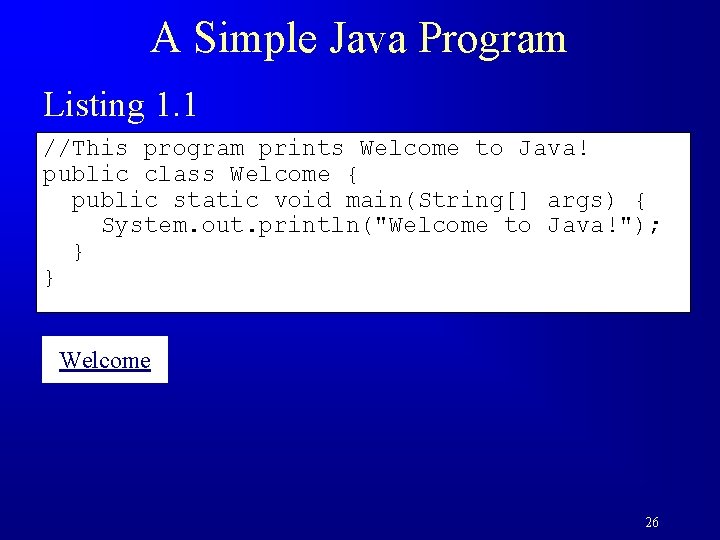
A Simple Java Program Listing 1. 1 //This program prints Welcome to Java! public class Welcome { public static void main(String[] args) { System. out. println("Welcome to Java!"); } } Welcome 26
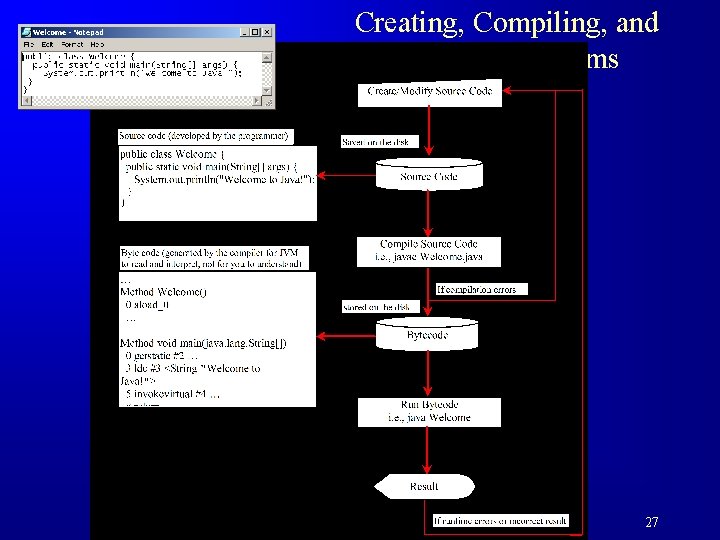
Creating, Compiling, and Running Programs 27
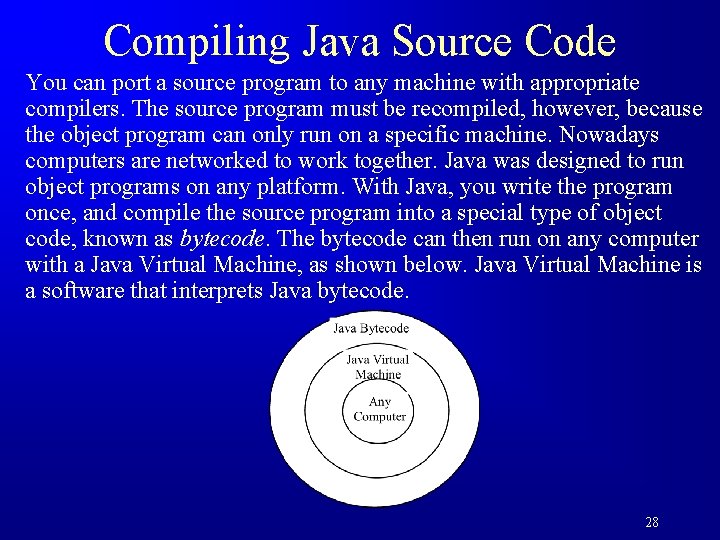
Compiling Java Source Code You can port a source program to any machine with appropriate compilers. The source program must be recompiled, however, because the object program can only run on a specific machine. Nowadays computers are networked to work together. Java was designed to run object programs on any platform. With Java, you write the program once, and compile the source program into a special type of object code, known as bytecode. The bytecode can then run on any computer with a Java Virtual Machine, as shown below. Java Virtual Machine is a software that interprets Java bytecode. 28
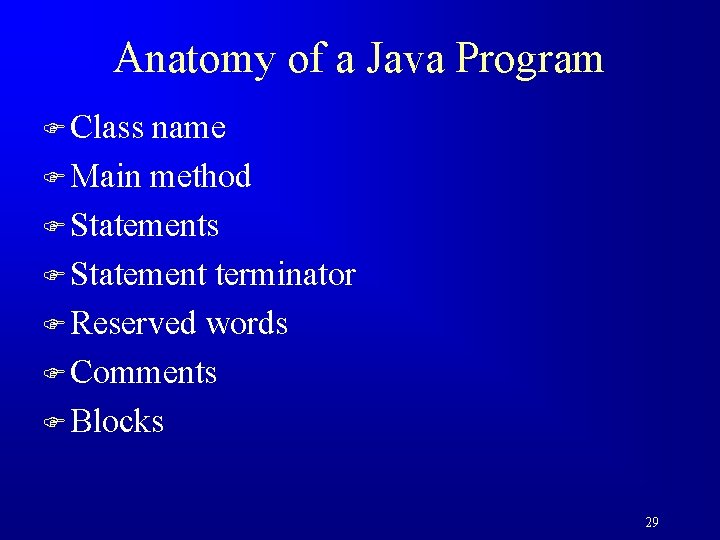
Anatomy of a Java Program F Class name F Main method F Statements F Statement terminator F Reserved words F Comments F Blocks 29
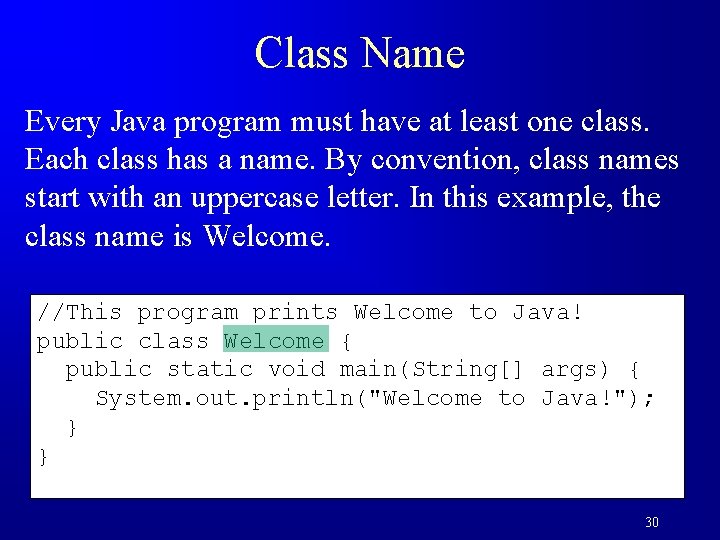
Class Name Every Java program must have at least one class. Each class has a name. By convention, class names start with an uppercase letter. In this example, the class name is Welcome. //This program prints Welcome to Java! public class Welcome { public static void main(String[] args) { System. out. println("Welcome to Java!"); } } 30
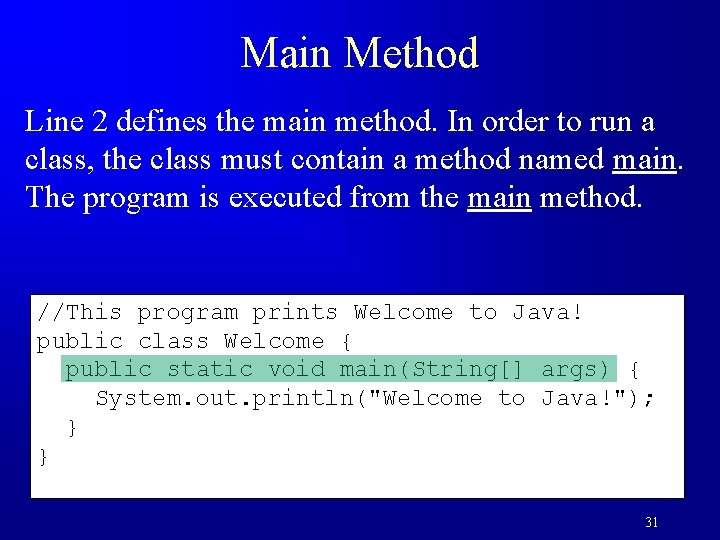
Main Method Line 2 defines the main method. In order to run a class, the class must contain a method named main. The program is executed from the main method. //This program prints Welcome to Java! public class Welcome { public static void main(String[] args) { System. out. println("Welcome to Java!"); } } 31
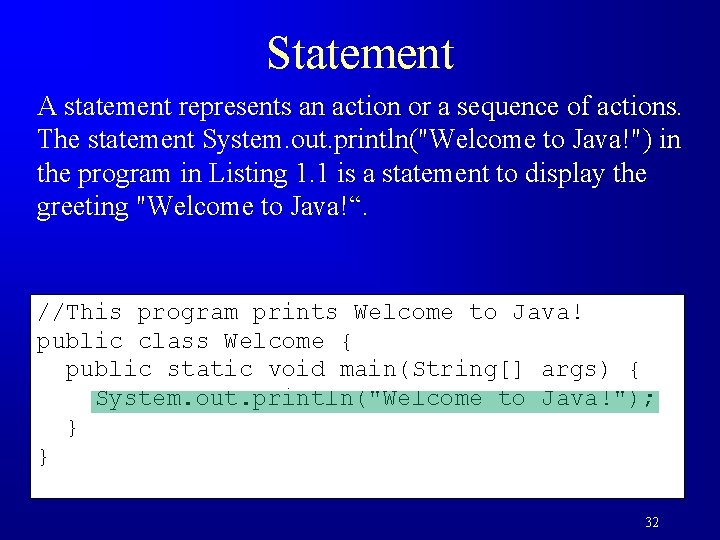
Statement A statement represents an action or a sequence of actions. The statement System. out. println("Welcome to Java!") in the program in Listing 1. 1 is a statement to display the greeting "Welcome to Java!“. //This program prints Welcome to Java! public class Welcome { public static void main(String[] args) { System. out. println("Welcome to Java!"); } } 32
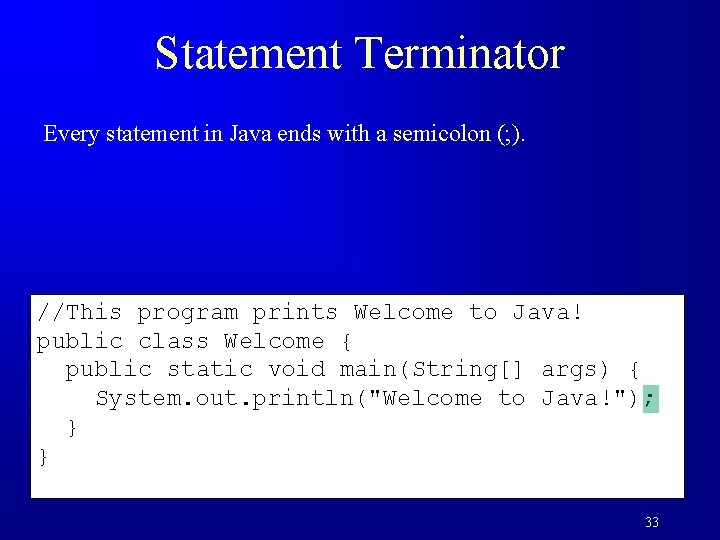
Statement Terminator Every statement in Java ends with a semicolon (; ). //This program prints Welcome to Java! public class Welcome { public static void main(String[] args) { System. out. println("Welcome to Java!"); } } 33
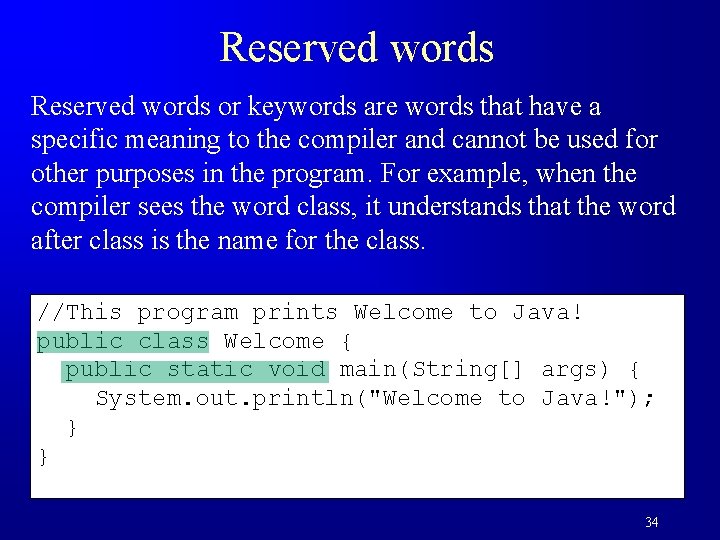
Reserved words or keywords are words that have a specific meaning to the compiler and cannot be used for other purposes in the program. For example, when the compiler sees the word class, it understands that the word after class is the name for the class. //This program prints Welcome to Java! public class Welcome { public static void main(String[] args) { System. out. println("Welcome to Java!"); } } 34
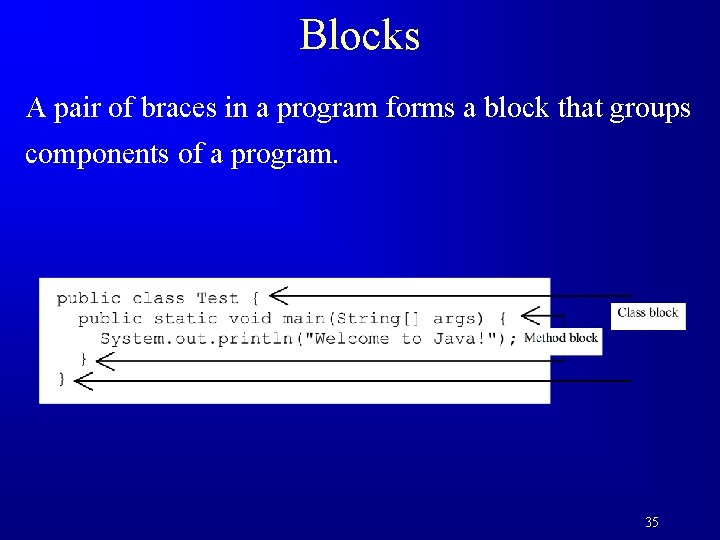
Blocks A pair of braces in a program forms a block that groups components of a program. 35
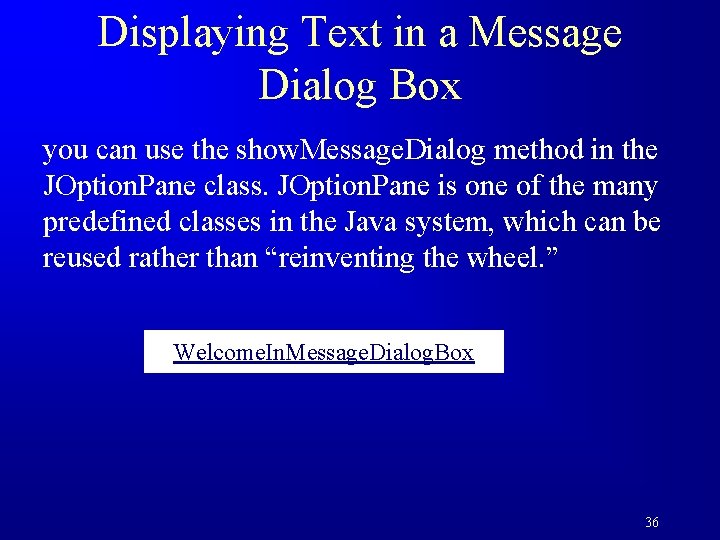
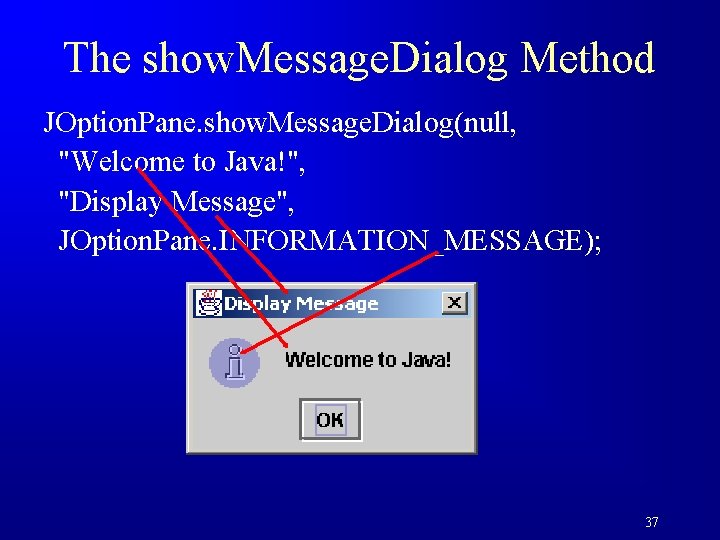
Displaying Text in a Message Dialog Box you can use the show. Message. Dialog method in the JOption. Pane class. JOption. Pane is one of the many predefined classes in the Java system, which can be reused rather than “reinventing the wheel. ” Welcome. In. Message. Dialog. Box 36
The show. Message. Dialog Method JOption. Pane. show. Message. Dialog(null, "Welcome to Java!", "Display Message", JOption. Pane. INFORMATION_MESSAGE); 37
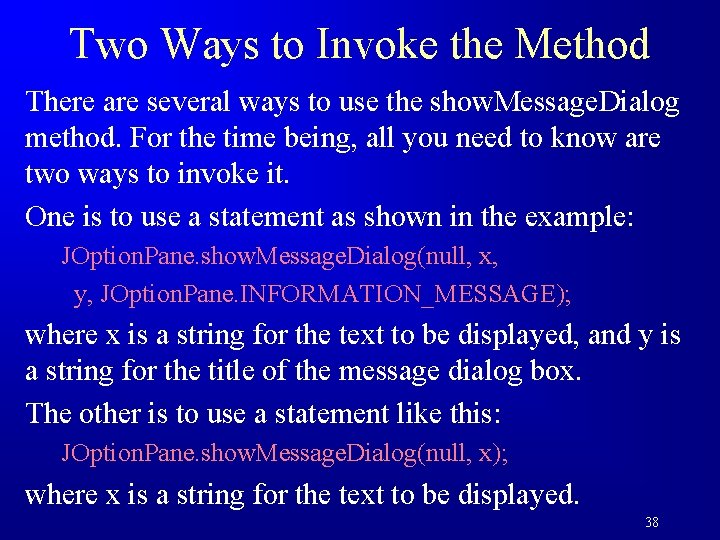
Two Ways to Invoke the Method There are several ways to use the show. Message. Dialog method. For the time being, all you need to know are two ways to invoke it. One is to use a statement as shown in the example: JOption. Pane. show. Message. Dialog(null, x, y, JOption. Pane. INFORMATION_MESSAGE); where x is a string for the text to be displayed, and y is a string for the title of the message dialog box. The other is to use a statement like this: JOption. Pane. show. Message. Dialog(null, x); where x is a string for the text to be displayed. 38
Programming Style and Documentation F Appropriate Comments F Naming Conventions F Proper Indentation and Spacing Lines F Block Styles 39
Appropriate Comments Include a summary at the beginning of the program to explain what the program does, its key features, its supporting data structures, and any unique techniques it uses. Include your name, class section, instructor, date, and a brief description at the beginning of the program. 40
Naming Conventions F Choose meaningful and descriptive names. F Class names: – Capitalize the first letter of each word in the name. For example, the class name Compute. Expression. 41
Proper Indentation and Spacing F Indentation – Indent two spaces. F Spacing – Use blank line to separate segments of the code. 42
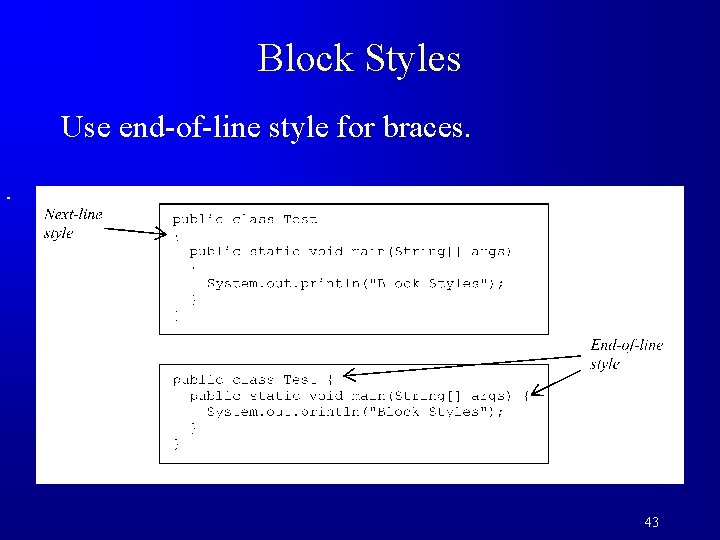
Block Styles Use end-of-line style for braces. 43
Programming Errors F Syntax Errors – Detected by the compiler F Runtime Errors – Causes the program to abort F Logic Errors – Produces incorrect result 44
Syntax Errors public class Show. Syntax. Errors { public static main(String[] args) { System. out. println("Welcome to Java); } } 45
Runtime Errors public class Show. Runtime. Errors { public static void main(String[] args) { System. out. println(1 / 0); } } 46
Logic Errors public class Show. Logic. Errors { public static void main(String[] args) { System. out. println("Celsius 35 is Fahrenheit degree "); System. out. println((9 / 5) * 35 + 32); } } 47
Supplements on the Companion Website F See Supplement I. B for installing and configuring JDK F See Supplement I. C for compiling and running Java from the command window for details www. cs. armstrong. edu/liang/intro 9 e/supplement. html 48