
LECTURE 1 How to build a computer Prepared
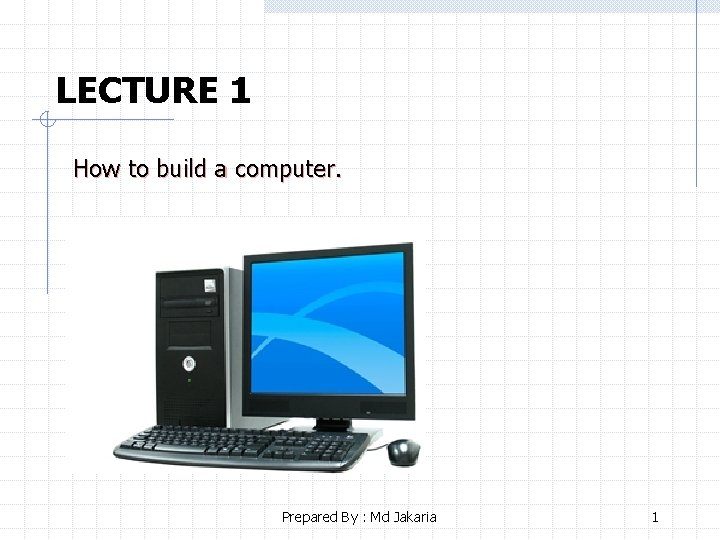
LECTURE 1 How to build a computer. Prepared By : Md Jakaria 1
Basic Parts Of A Computer Parts Of Computer System w Hardware w Software Essential Computer Hardware w Processor w Memory w Motherboard w Input & Output Devices w Monitor Prepared By : Md Jakaria 2
Components Needed To Build PC Computer Case Power Supply Motherboard CPU (Central Processing Unit) RAM (Random Access Memory) Hard Drive Optical Drive (DVD-RW) Cables – ribbons. Monitor Keyboard Mouse Speakers Prepared By : Md Jakaria 3
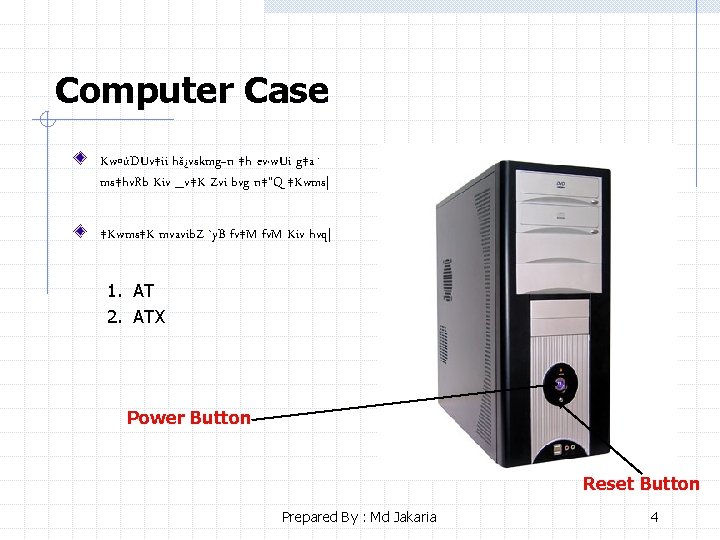
Computer Case Kw¤úDUv‡ii hš¿vskmg~n ‡h ev·w. Ui g‡a¨ ms‡hv. Rb Kiv _v‡K Zvi bvg n‡”Q ‡Kwms| ‡Kwms‡K mvavib. Z `y. B fv‡M fv. M Kiv hvq| 1. AT 2. ATX Power Button Reset Button Prepared By : Md Jakaria 4
Benefits of power button cv. Iqvi ev. Ub I wi‡m. U ev. Ub fv‡jv K‡i ‡`‡L ‡bb| ‡Kvb Kvi‡b Kw¤úDUvi n¨vs K‡i ‡M‡j, A‡b. K mgq wi‡m. U ev. Ub. I Kv. R K‡i bv| G mgq cv. Iqvi ev. Ubw. U `k ‡m‡KÛ ‡P‡c a‡i iv. L‡j Kw¤úDUvi eÜ n‡q hv‡e| Prepared By : Md Jakaria 5

ATX Power Supply cv. Iqvi mvc v. B Iqvj Av. DU‡j. U ‡_‡K AC we`yr c «nb K‡i Ges c «vß AC we`yr‡K DC we`yr‡Z i“cvš—i K‡i Ges Zv Kw¤úDUvi hš¿vs‡k mieivn Ki| memgq gv_v. B iv. L‡eb ‡h, GKw. U Lvivc power supply Avcbvi wcwmi wewfbœ Dcv`v‡b eo ai‡bi ¶w. Z NUv‡Z cv‡i| Prepared By : Md Jakaria 6
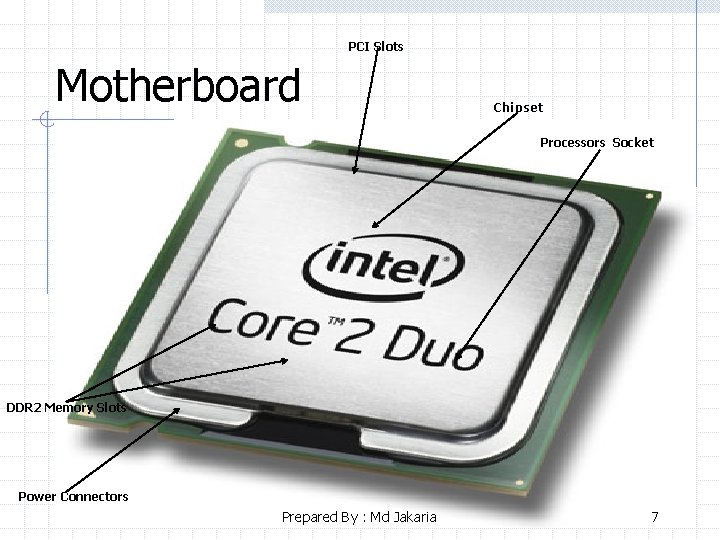
PCI Slots Motherboard Chipset Processors Socket DDR 2 Memory Slots Power Connectors Prepared By : Md Jakaria 7
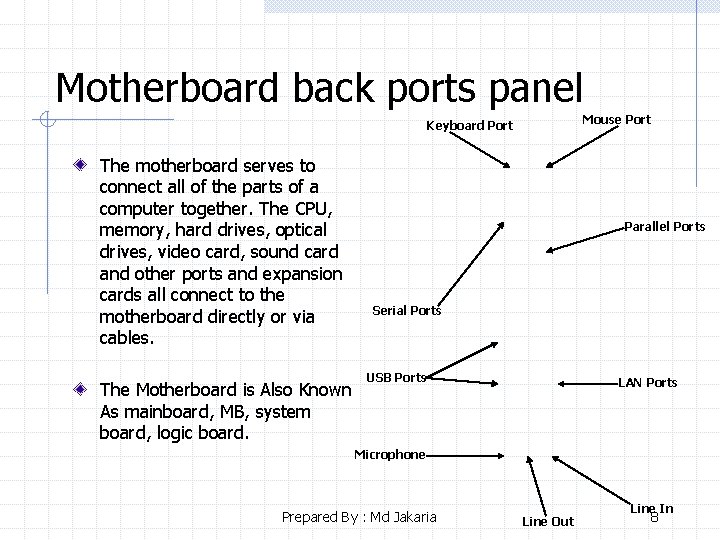
Motherboard back ports panel Mouse Port Keyboard Port The motherboard serves to connect all of the parts of a computer together. The CPU, memory, hard drives, optical drives, video card, sound card and other ports and expansion cards all connect to the motherboard directly or via cables. The Motherboard is Also Known As mainboard, MB, system board, logic board. Parallel Ports Serial Ports USB Ports LAN Ports Microphone Prepared By : Md Jakaria Line Out Line In 8

External Connections Prepared By : Md Jakaria 9
Case Bays Kw¤úDUvi ‡Kwms Gi ‡h ¯’v‡b hard drive, floppy drive A_ev CDROM drive jv. Mv‡bv nq Zv‡K Bays e‡j| Prepared By : Md Jakaria 10
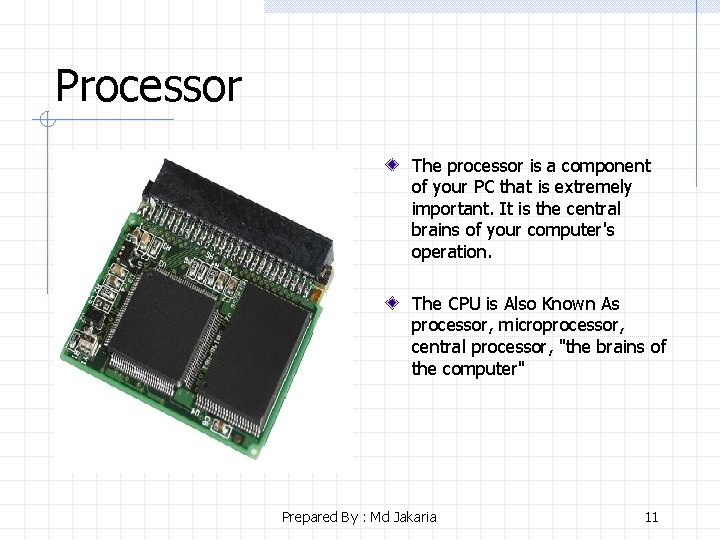
Processor The processor is a component of your PC that is extremely important. It is the central brains of your computer's operation. The CPU is Also Known As processor, microprocessor, central processor, "the brains of the computer" Prepared By : Md Jakaria 11
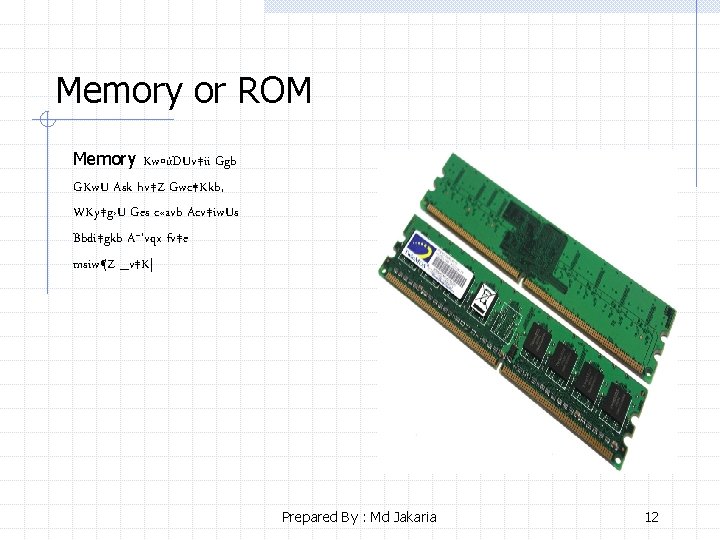
Memory or ROM Memory Kw¤úDUv‡ii Ggb GKw. U Ask hv‡Z Gwc ‡Kkb, WKy‡g›U Ges c «avb Acv‡iw. Us Bbdi‡gkb A¯’vqx fv‡e msiw¶Z _v‡K| Prepared By : Md Jakaria 12
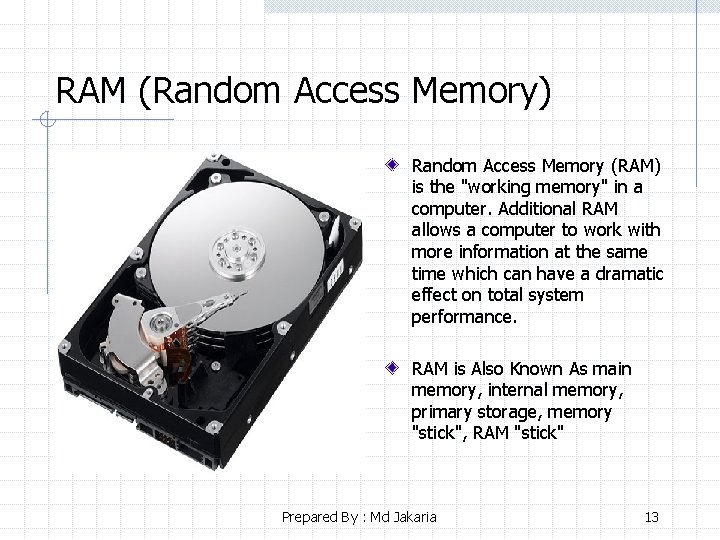
RAM (Random Access Memory) Random Access Memory (RAM) is the "working memory" in a computer. Additional RAM allows a computer to work with more information at the same time which can have a dramatic effect on total system performance. RAM is Also Known As main memory, internal memory, primary storage, memory "stick", RAM "stick" Prepared By : Md Jakaria 13
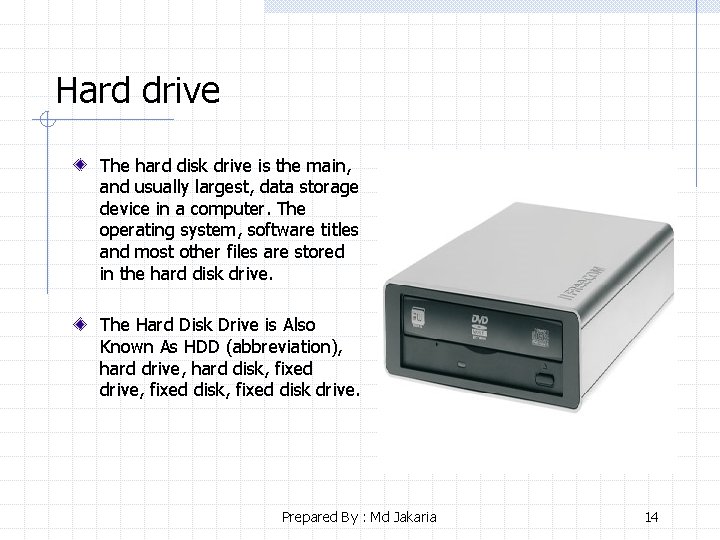
Hard drive The hard disk drive is the main, and usually largest, data storage device in a computer. The operating system, software titles and most other files are stored in the hard disk drive. The Hard Disk Drive is Also Known As HDD (abbreviation), hard drive, hard disk, fixed drive, fixed disk drive. Prepared By : Md Jakaria 14
Optical drive DVD-RW Optical drives retreive and/or store data on optical discs like CDs and DVDs which hold much more information than classic portable media options like the floppy disk. The Optical Disc Drive is Also Known As optical drive, CD drive, DVD drive, disc drive. Prepared By : Md Jakaria 15
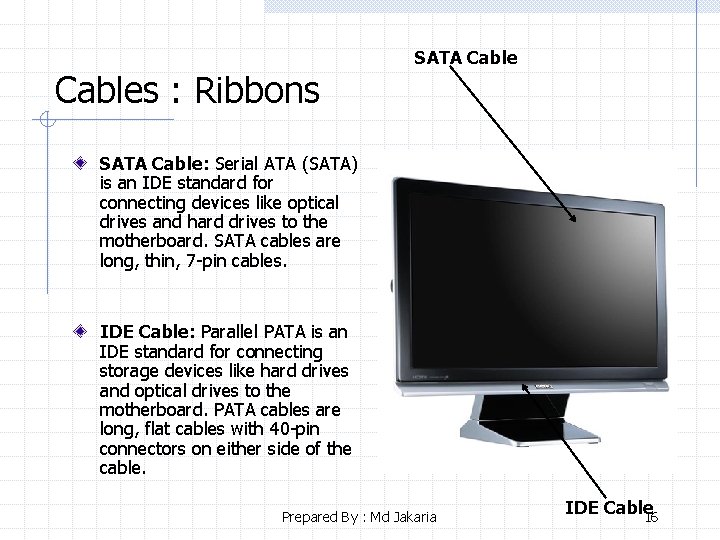
Cables : Ribbons SATA Cable: Serial ATA (SATA) is an IDE standard for connecting devices like optical drives and hard drives to the motherboard. SATA cables are long, thin, 7 -pin cables. IDE Cable: Parallel PATA is an IDE standard for connecting storage devices like hard drives and optical drives to the motherboard. PATA cables are long, flat cables with 40 -pin connectors on either side of the cable. Prepared By : Md Jakaria IDE Cable 16
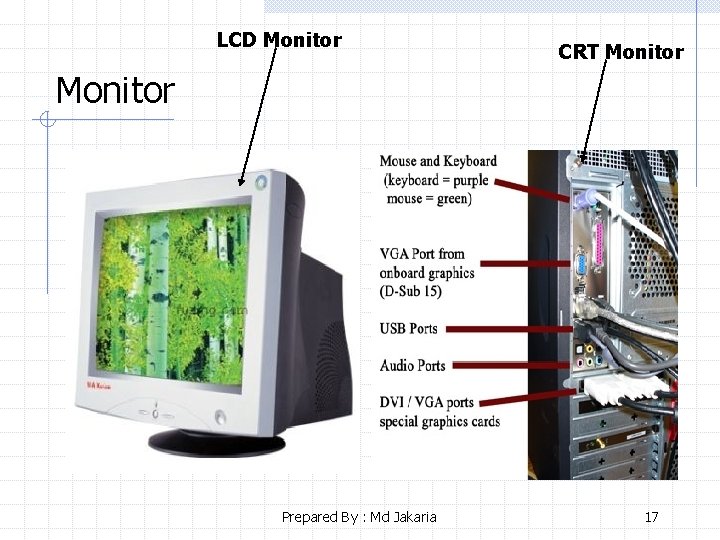
LCD Monitor CRT Monitor Prepared By : Md Jakaria 17
Keyboard Function Keys Navigation Keys Prepared By : Md Jakaria Numeric Keypad 18
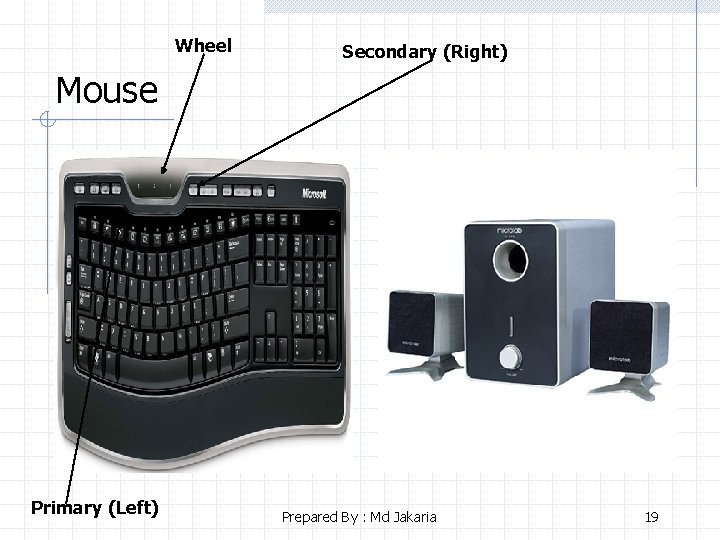
Wheel Secondary (Right) Mouse Primary (Left) Prepared By : Md Jakaria 19
Speakers Prepared By : Md Jakaria 20
System software Prepared By : Md Jakaria 21
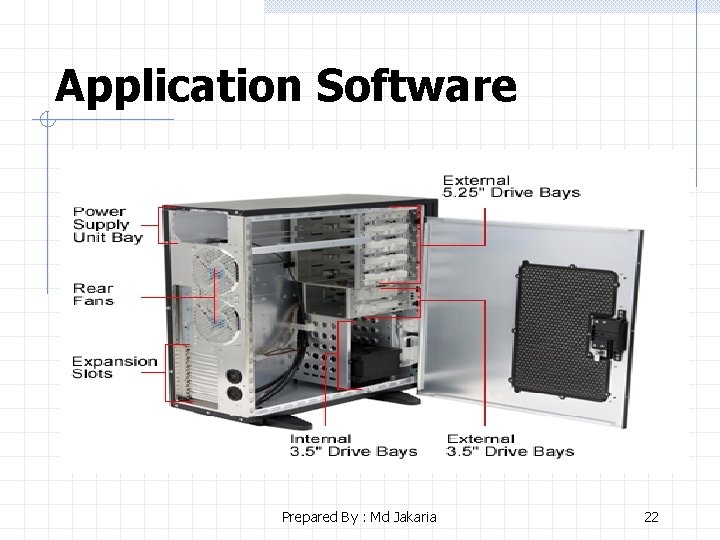
Application Software Prepared By : Md Jakaria 22
That’s All for Today Thank you for your attention! Any Question ? ? ? Prepared By : Md Jakaria 23
- Slides: 23