
Learning Tableau Chapter 4 LowLevel Aggregate Calculations Topics

Learning Tableau: Chapter 4 Low-Level, Aggregate Calculations
Topics • Creating and editing calculations • 3 main types of calculations • Level of Detail calculations • Parameters • Practical examples • Ad hoc calculations
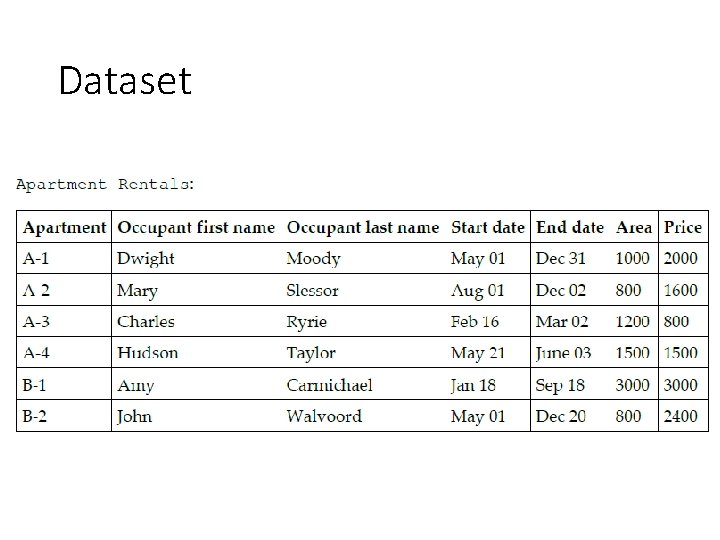
Dataset
Creating/Editing calculations
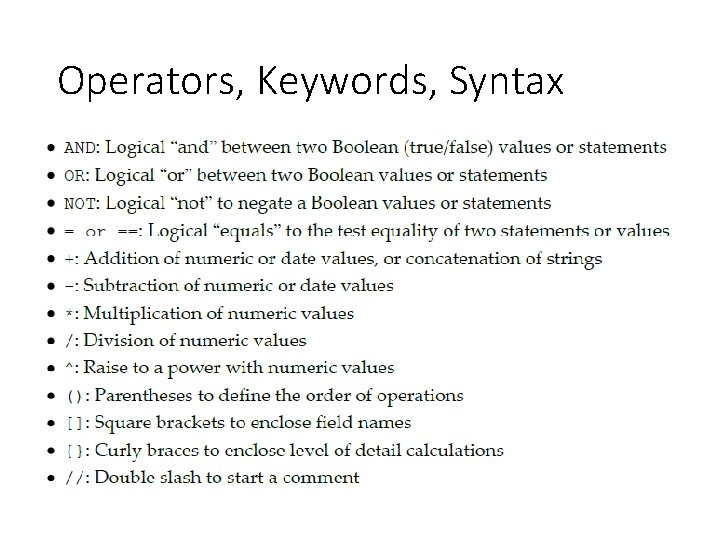
Operators, Keywords, Syntax
![Row Level Examples ใหสราง calculated field 2 field โดยใชสตร Building: SPLIT([Apartment], "-", 1) Unit:](http://slidetodoc.com/presentation_image/33d828f170fe38cee2987ee80479b86c/image-8.jpg "Row Level Examples ใหสราง calculated field 2 field โดยใชสตร Building: SPLIT([Apartment], \"-\", 1) Unit:")
Row Level Examples ใหสราง calculated field 2 field โดยใชสตร Building: SPLIT([Apartment], "-", 1) Unit: SPLIT([Apartment], "-", 2)
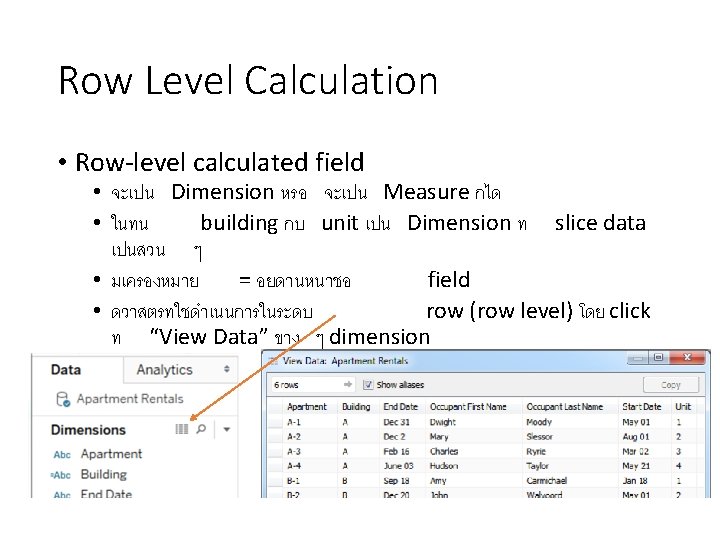
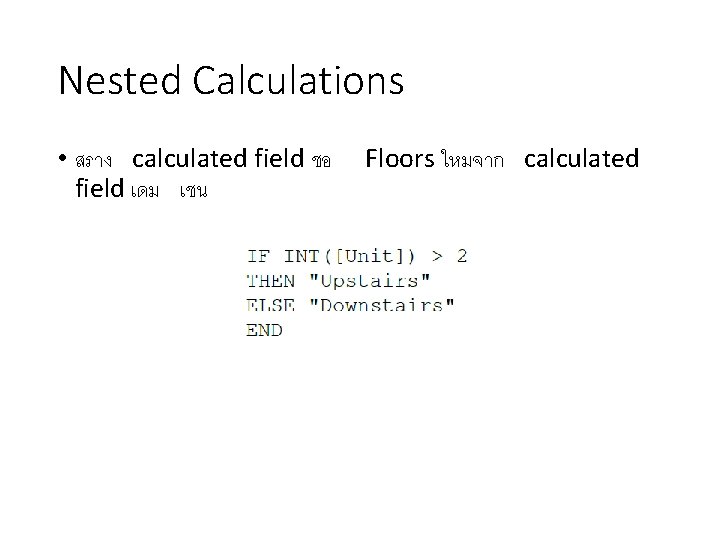
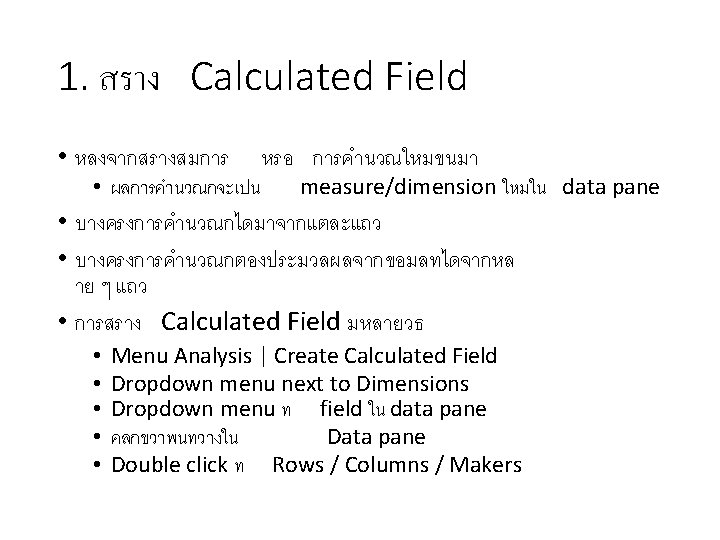
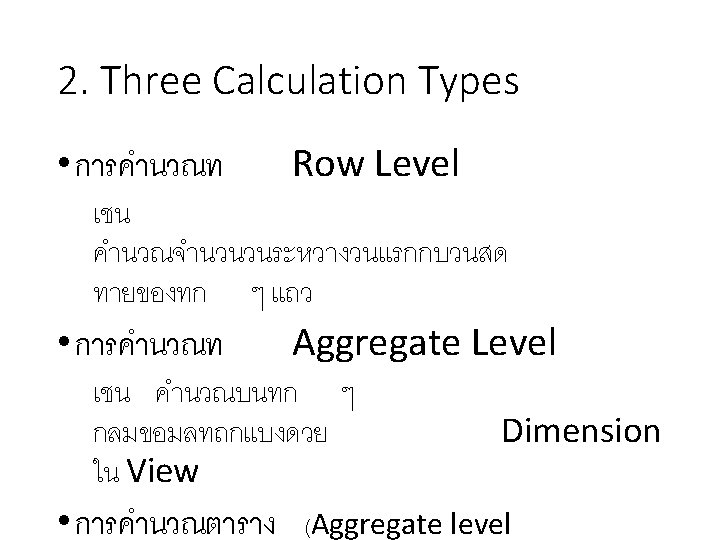
Nested Calculations • สราง calculated field ชอ field เดม เชน Floors ใหมจาก calculated
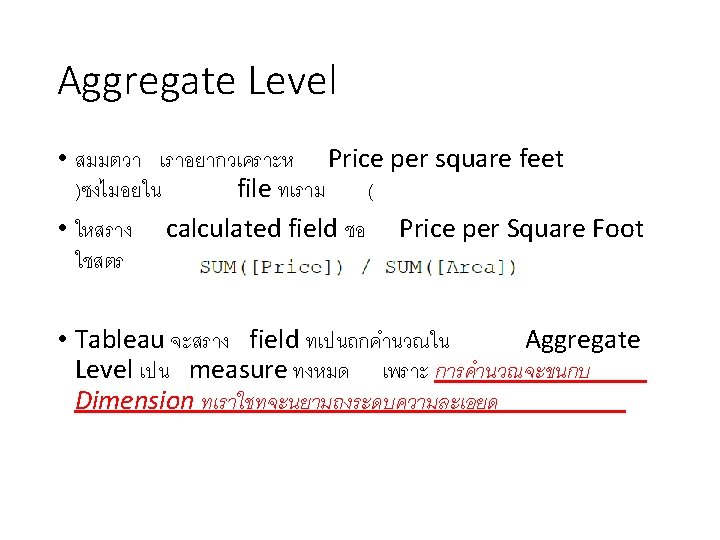
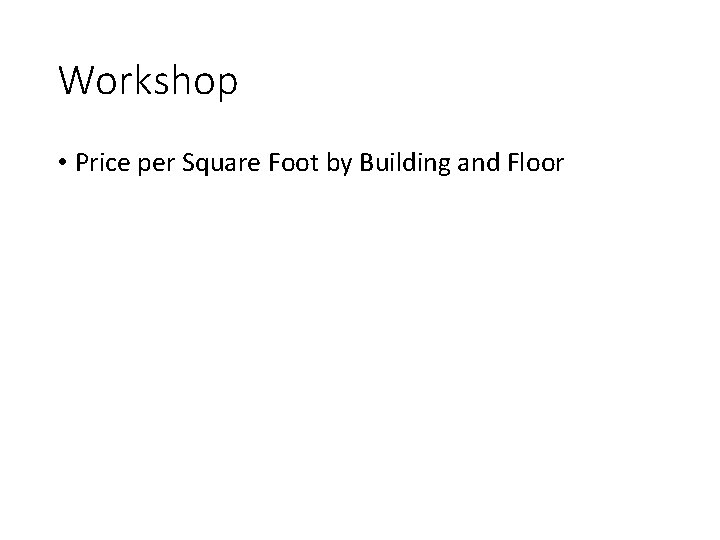
Workshop • Price per Square Foot by Building and Floor
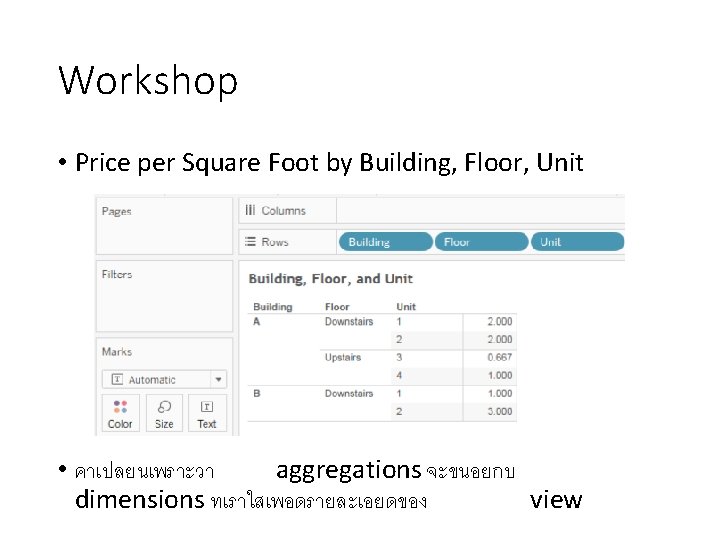
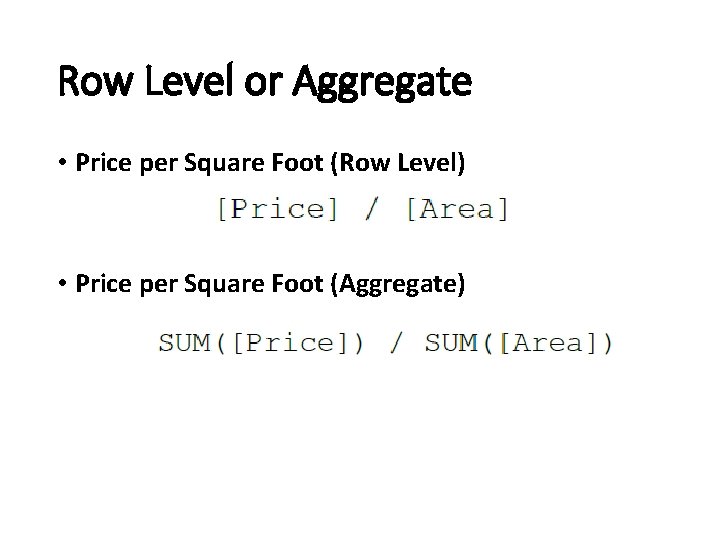
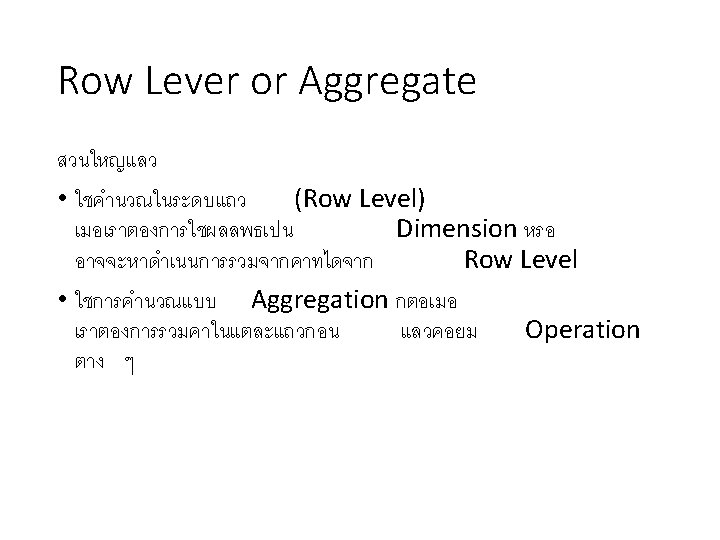
Row Level or Aggregate • Price per Square Foot (Row Level) • Price per Square Foot (Aggregate)

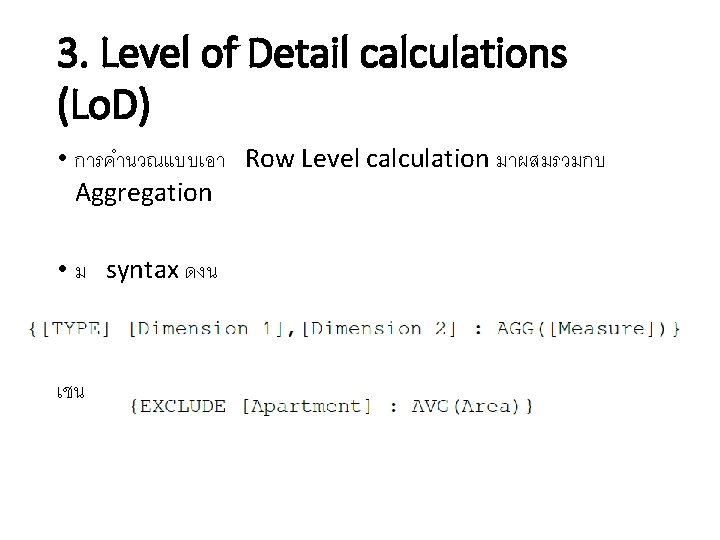
3. Level of Detail calculations (Lo. D) • การคำนวณแบบเอา Row Level calculation มาผสมรวมกบ Aggregation • ม syntax ดงน เชน
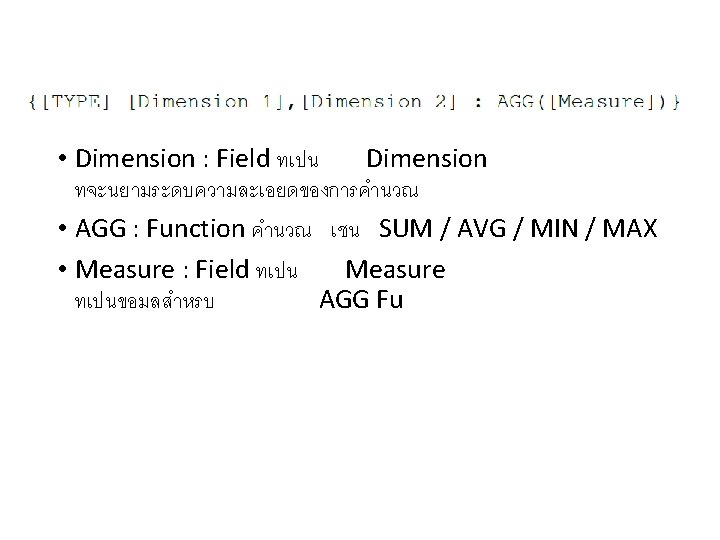
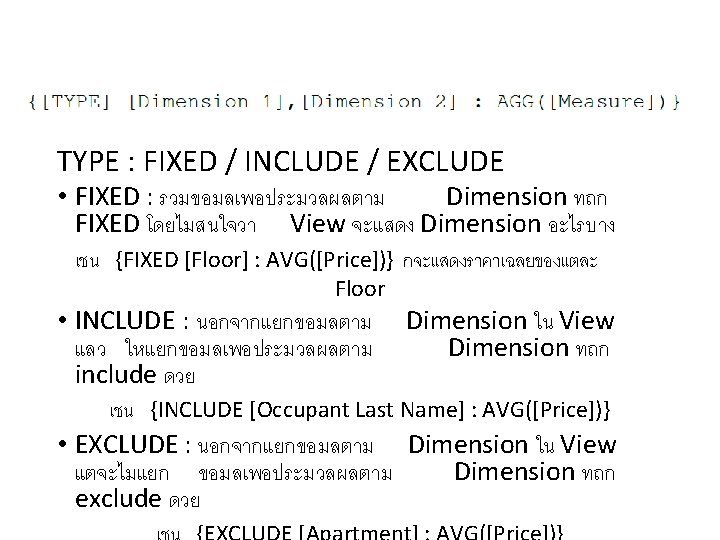
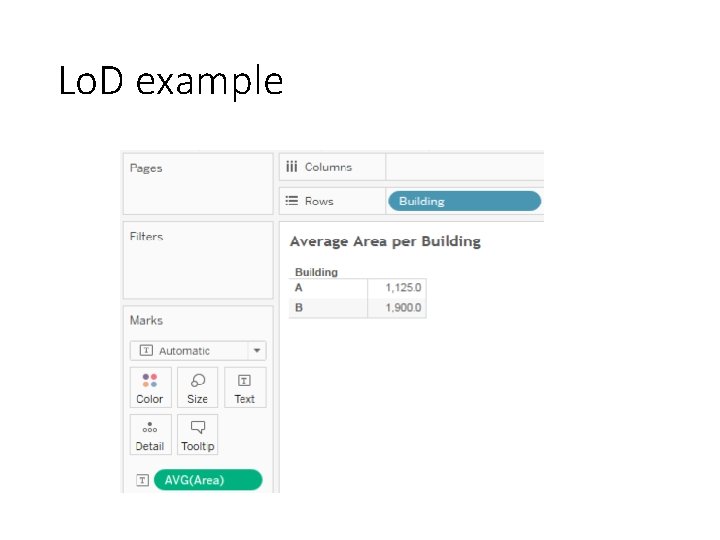
Lo. D example
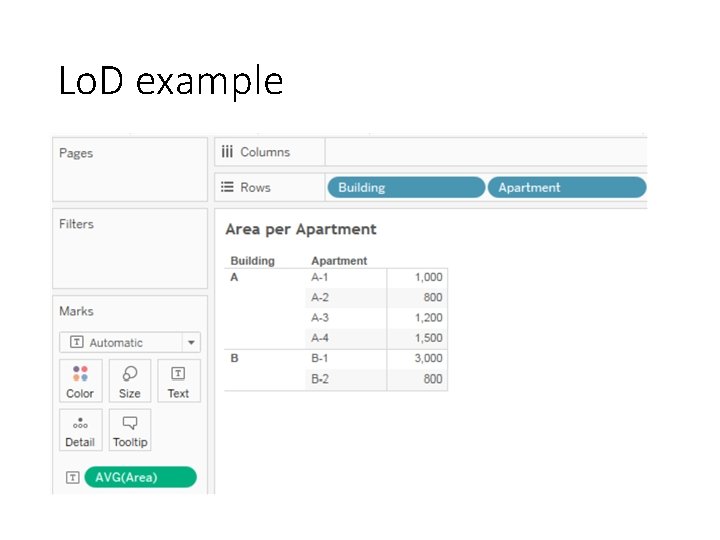
Lo. D example
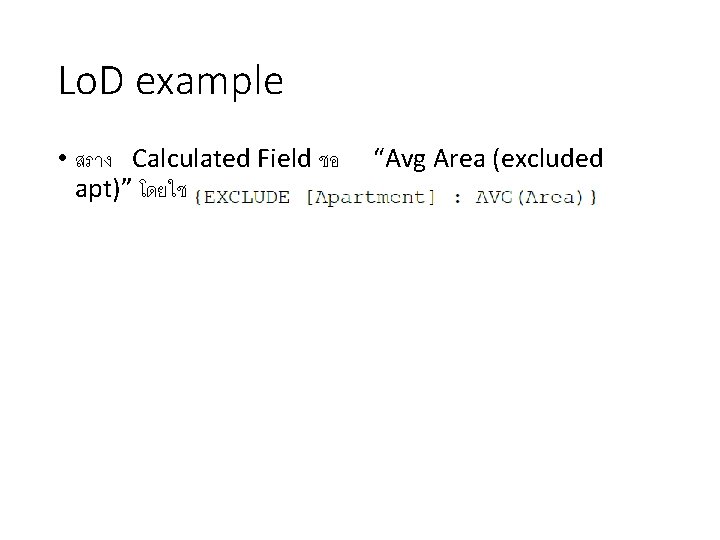
Lo. D example • สราง Calculated Field ชอ apt)” โดยใช สตร “Avg Area (excluded
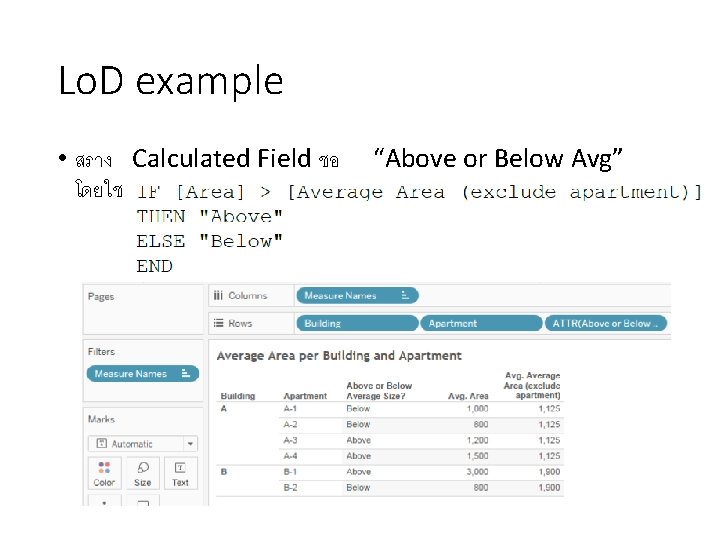
Lo. D example • สราง Calculated Field ชอ โดยใช สตร “Above or Below Avg”
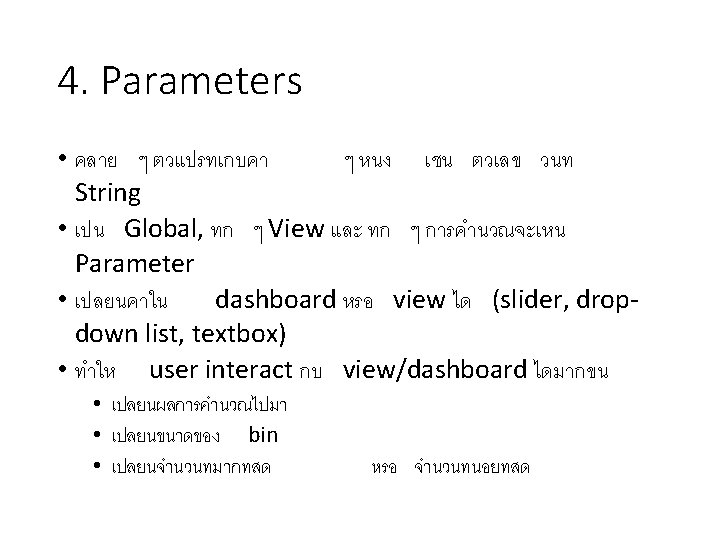
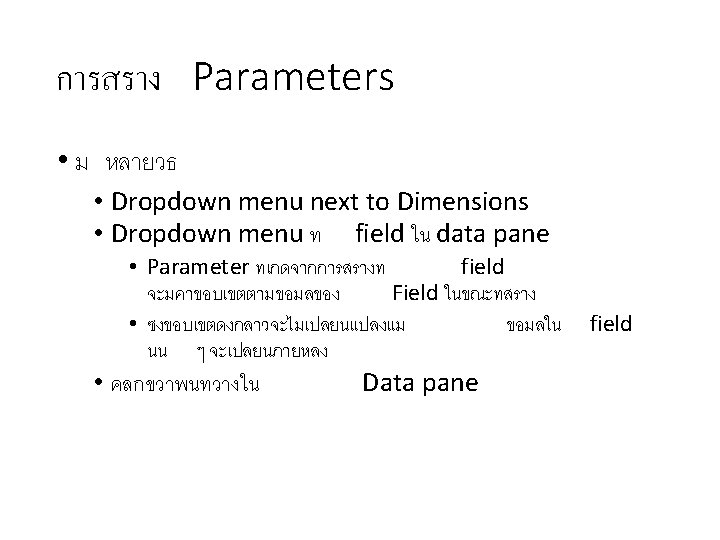
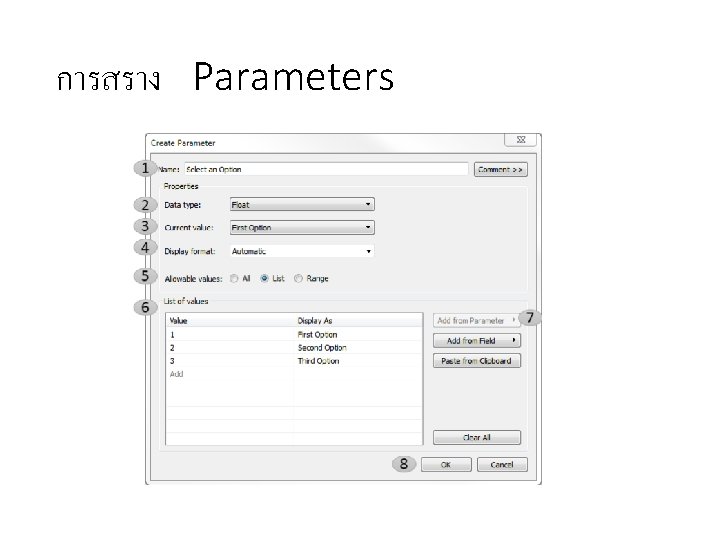
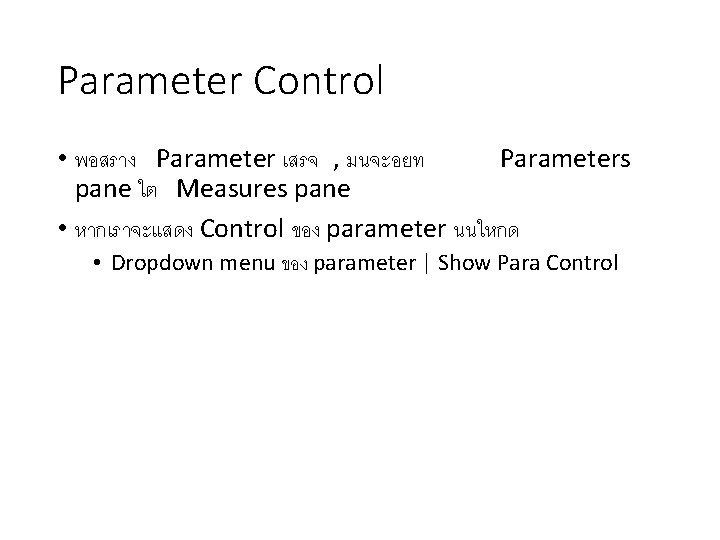
Parameter Control • พอสราง Parameter เสรจ , มนจะอยท Parameters pane ใต Measures pane • หากเราจะแสดง Control ของ parameter นนใหกด • Dropdown menu ของ parameter | Show Para Control
4. Examples of Calculations & Parameters
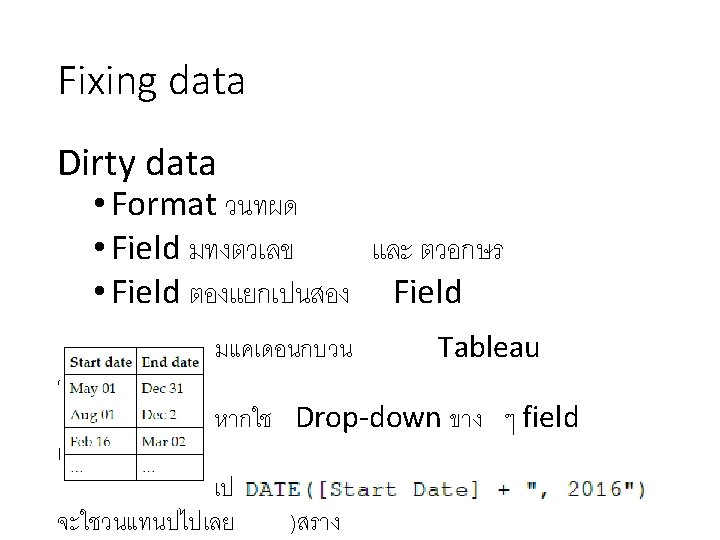
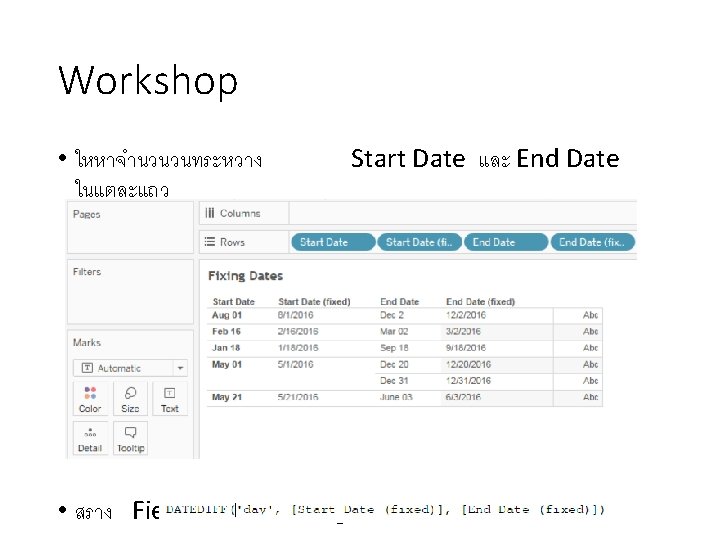

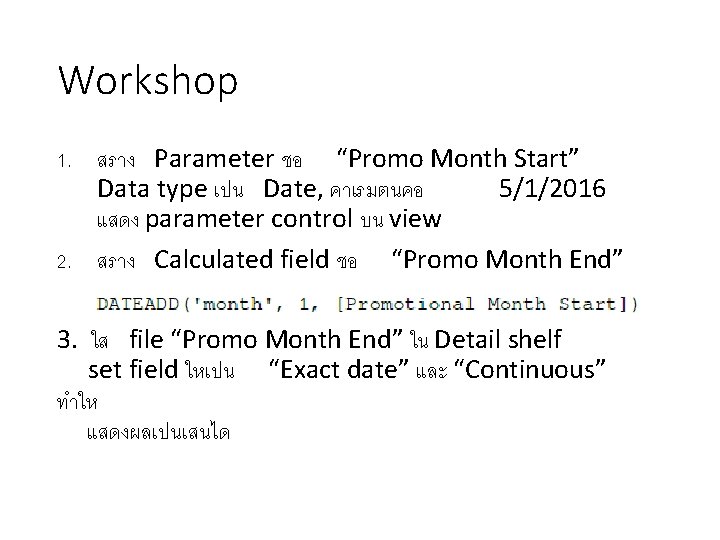
Workshop 1. สราง Parameter ชอ “Promo Month Start” Data type เปน Date, คาเรมตนคอ 5/1/2016 แสดง parameter control บน view 2. สราง Calculated field ชอ “Promo Month End” 3. ใส file “Promo Month End” ใน Detail shelf set field ใหเปน “Exact date” และ “Continuous” ทำให แสดงผลเปนเสนได
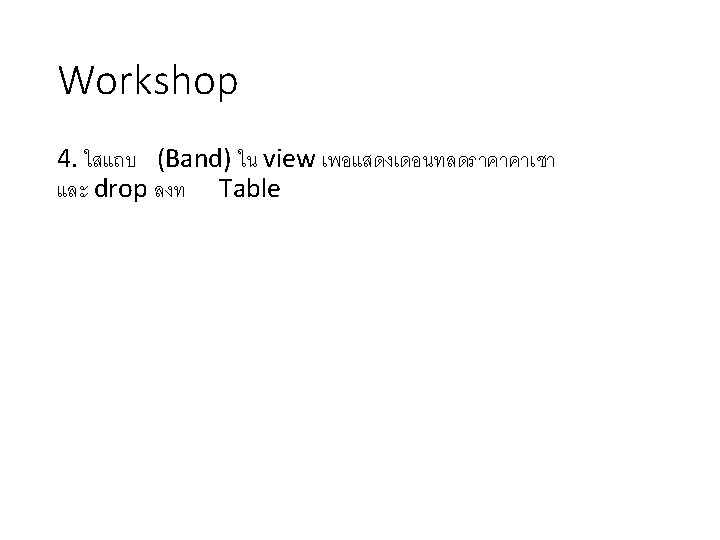
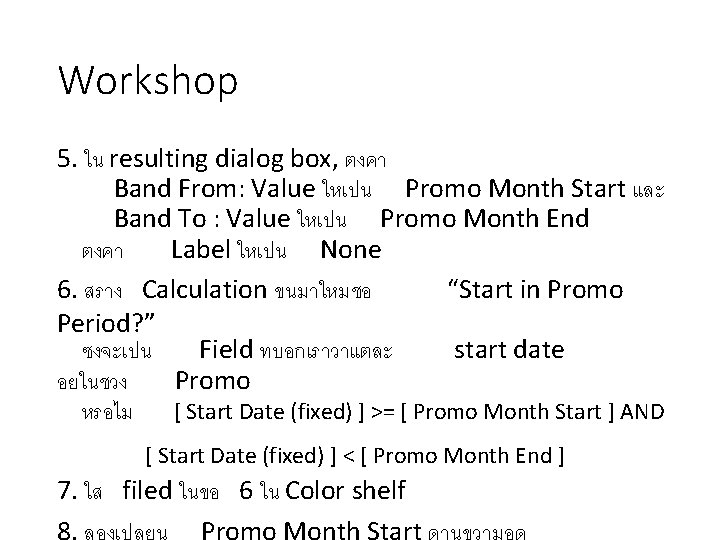
Workshop 5. ใน resulting dialog box, ตงคา Band From: Value ใหเปน Promo Month Start และ Band To : Value ใหเปน Promo Month End ตงคา Label ใหเปน None 6. สราง Calculation ขนมาใหมชอ “Start in Promo Period? ” ซงจะเปน Field ทบอกเราวาแตละ start date อยในชวง Promo หรอไม [ Start Date (fixed) ] >= [ Promo Month Start ] AND [ Start Date (fixed) ] < [ Promo Month End ] 7. ใส filed ในขอ 6 ใน Color shelf 8. ลองเปลยน Promo Month Start ดานขวามอด
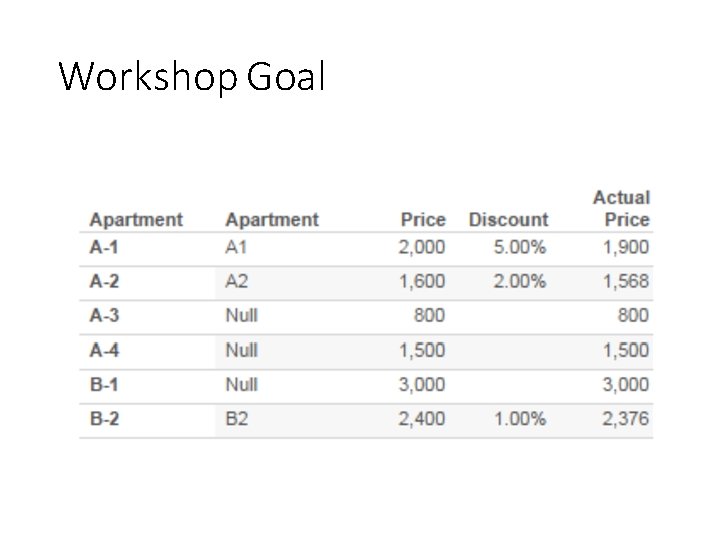
Workshop Goal
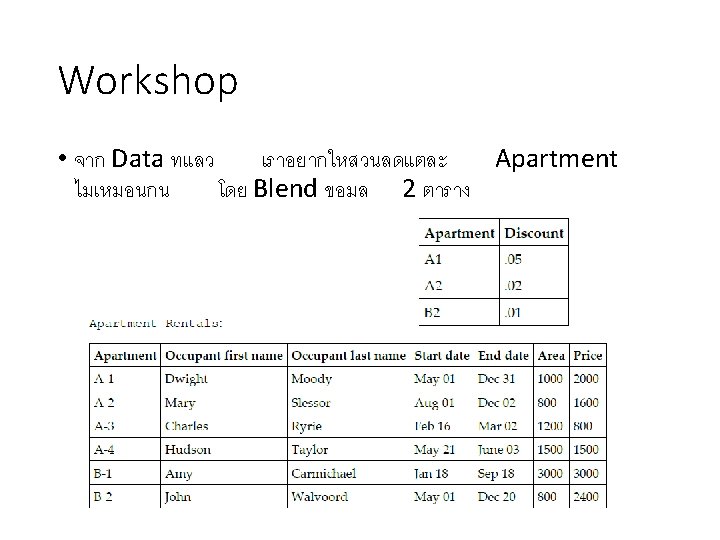
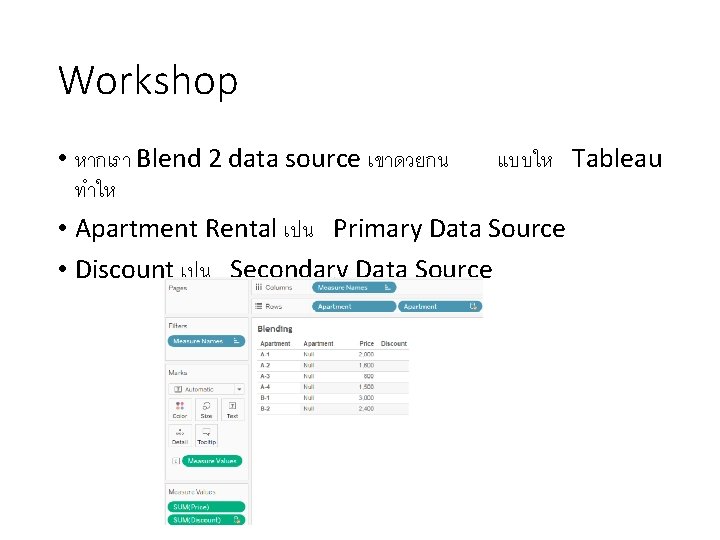
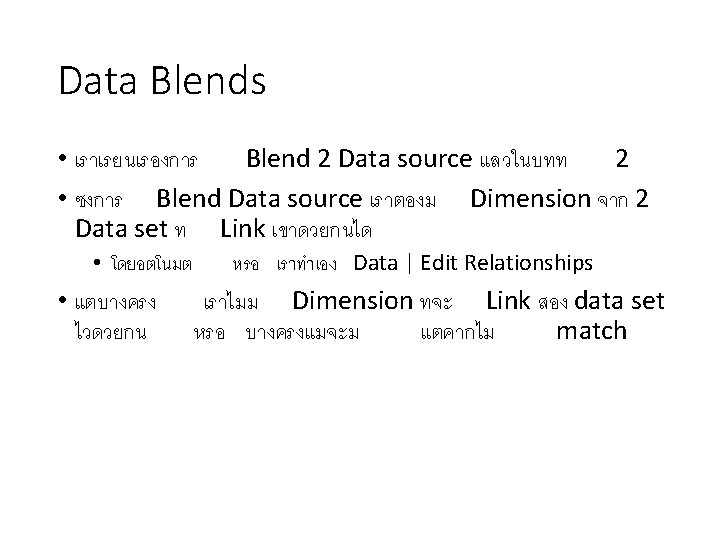
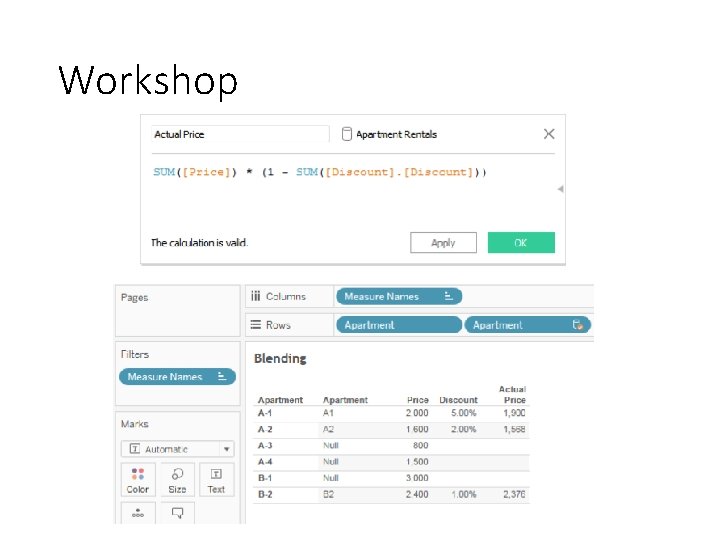
Workshop • หากเรา Blend 2 data source เขาดวยกน แบบให Tableau ทำให • Apartment Rental เปน Primary Data Source • Discount เปน Secondary Data Source
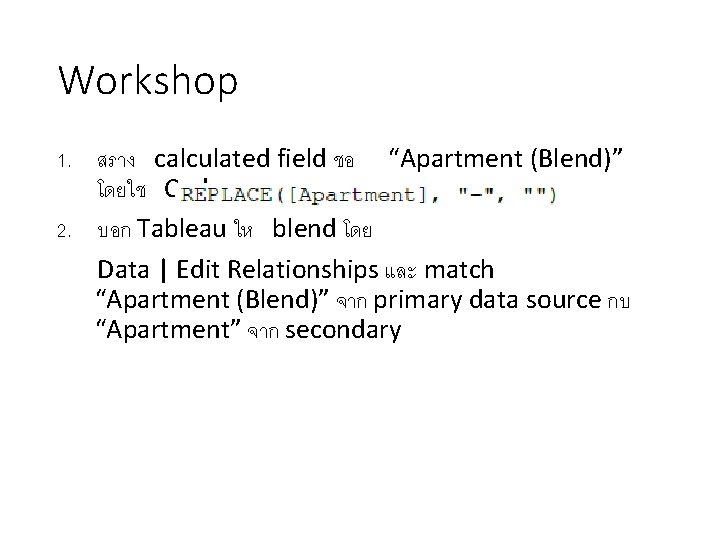
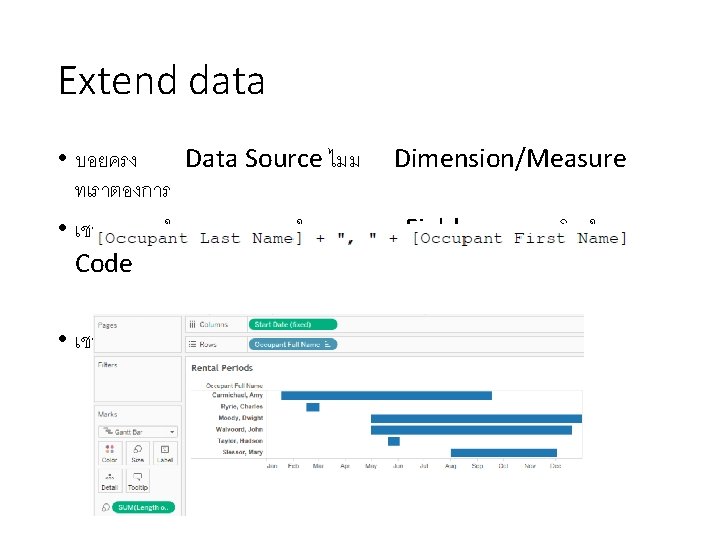
Workshop 1. สราง calculated field ชอ “Apartment (Blend)” โดยใช Code: 2. บอก Tableau ให blend โดย Data | Edit Relationships และ match “Apartment (Blend)” จาก primary data source กบ “Apartment” จาก secondary
Workshop
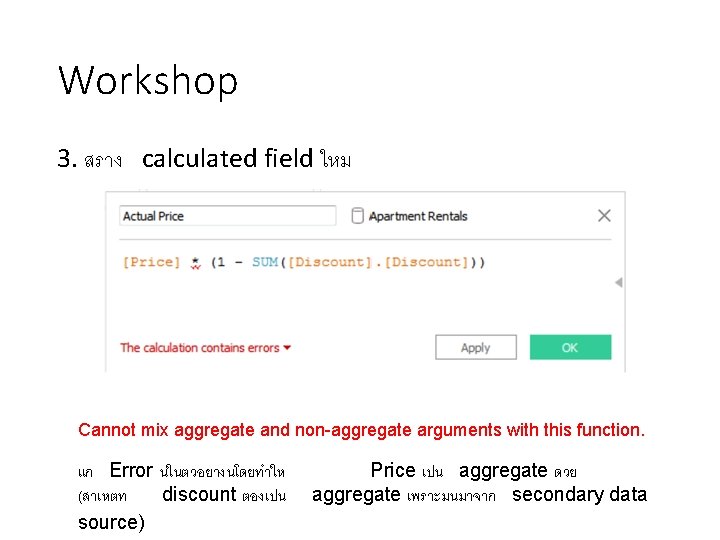
Workshop 3. สราง calculated field ใหม Cannot mix aggregate and non-aggregate arguments with this function. แก Error นในตวอยางนโดยทำให (สาเหตท discount ตองเปน source) Price เปน aggregate ดวย aggregate เพราะมนมาจาก secondary data
Workshop
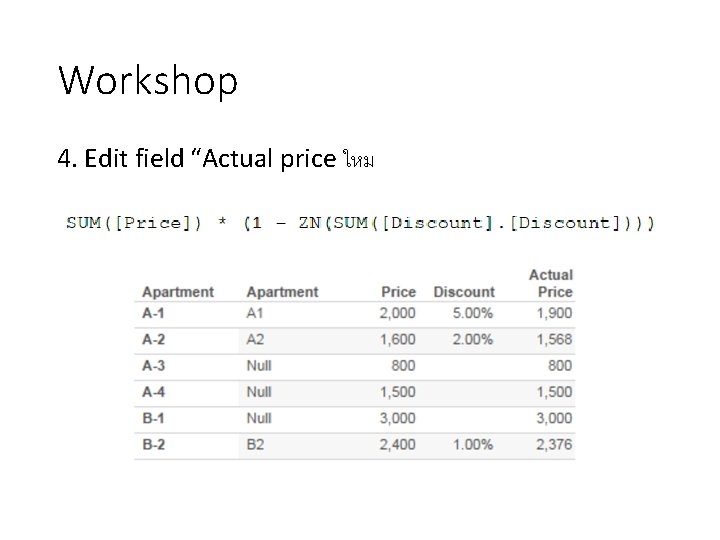
Workshop 4. Edit field “Actual price ใหม
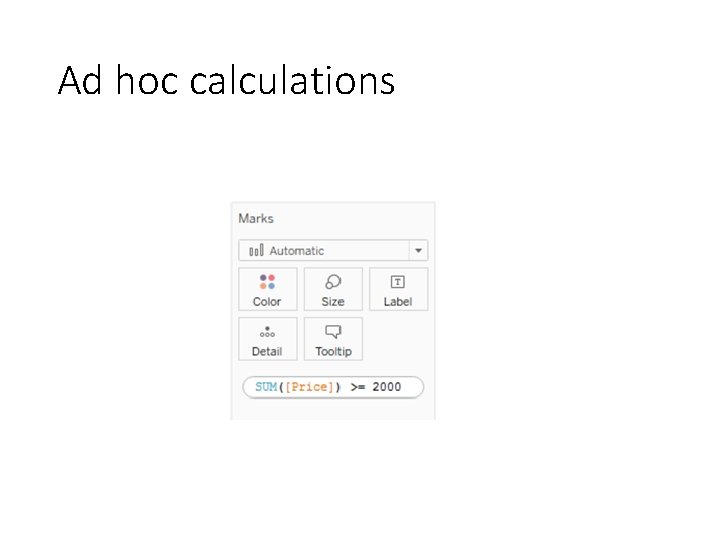
Ad hoc calculations
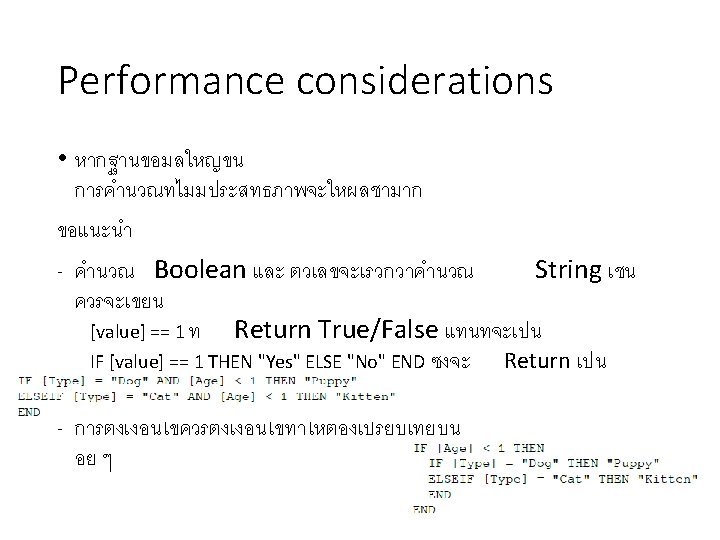
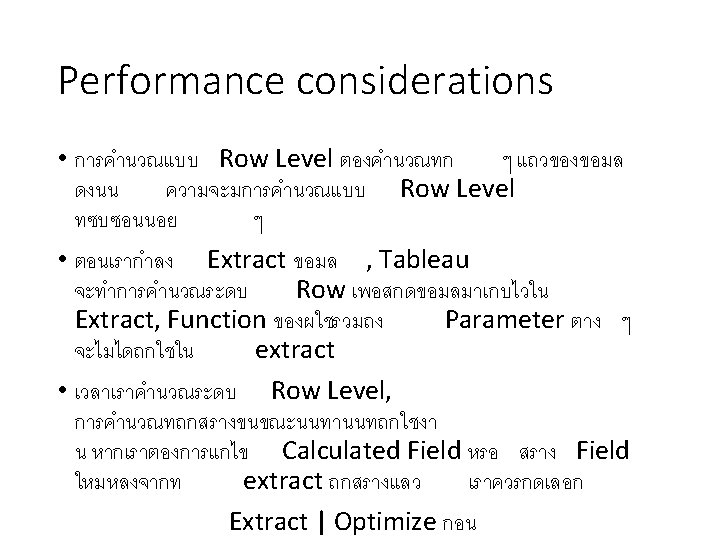
- Slides: 48