
Learning Outcomes At the end of this lesson

- Slides: 24
Learning Outcomes At the end of this lesson, students should be able to: • State the types of system software – Operating system – Utility system • Describe the differences between operating systems and utility programs • State the various types of operating systems used on difference platforms
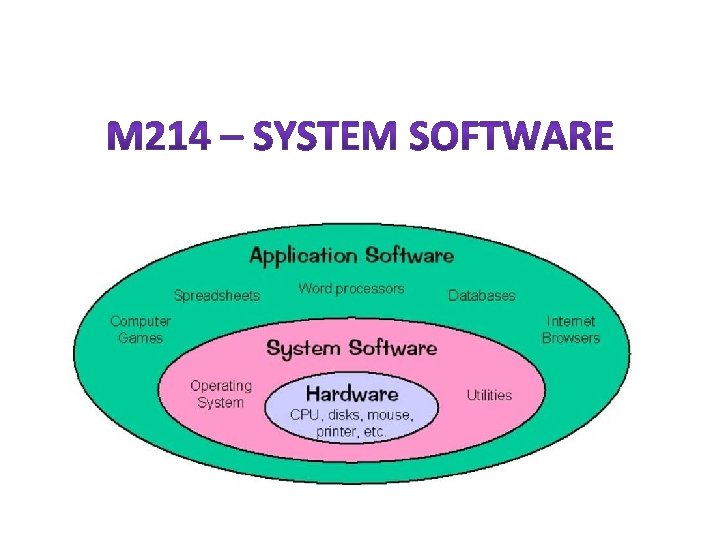
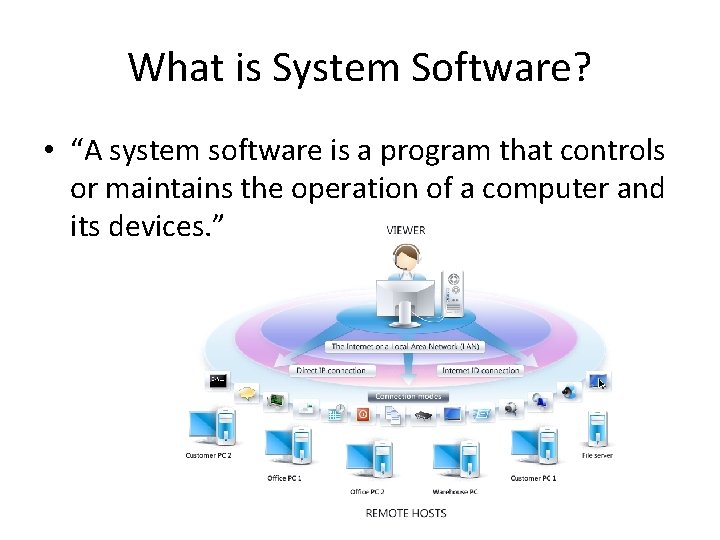
What is System Software? • “A system software is a program that controls or maintains the operation of a computer and its devices. ”
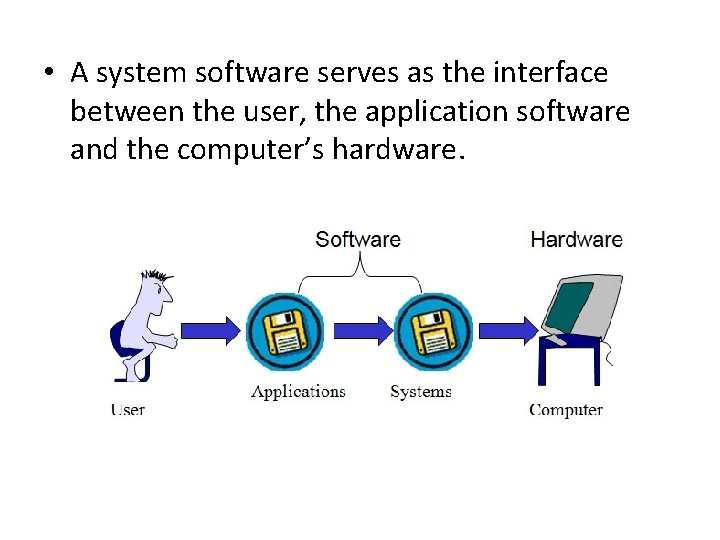
• A system software serves as the interface between the user, the application software and the computer’s hardware.
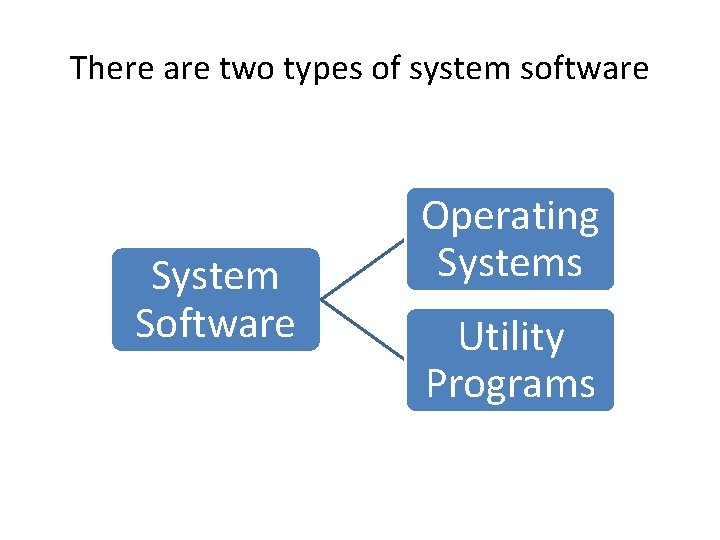
There are two types of system software System Software Operating Systems Utility Programs
Operating System • It is a set of programs that coordinates all the activities among the computer hardware devices. • In most cases, the OS is installed and resides on the computer’s hard disk. • However, on ‘handheld computers and many mobile devices such as PDAs and smart phones, the OS may reside on a ROM chip. • The OS that a computer uses sometimes called the platform.
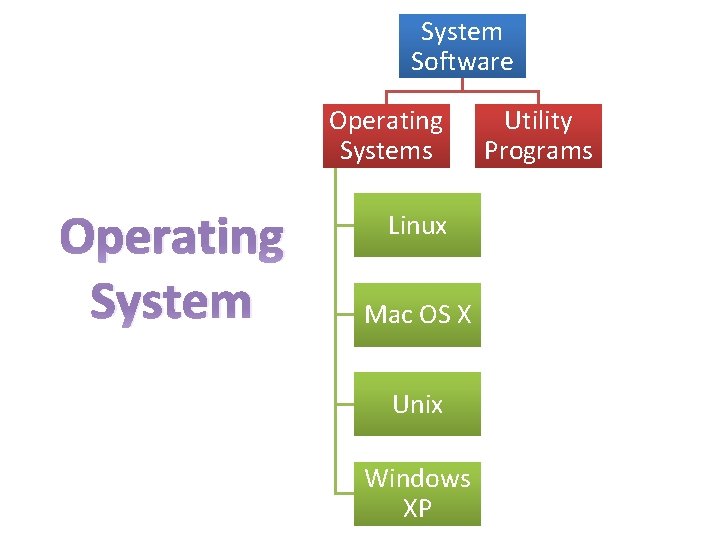
System Software Operating Systems Operating System Linux Mac OS X Unix Windows XP Utility Programs
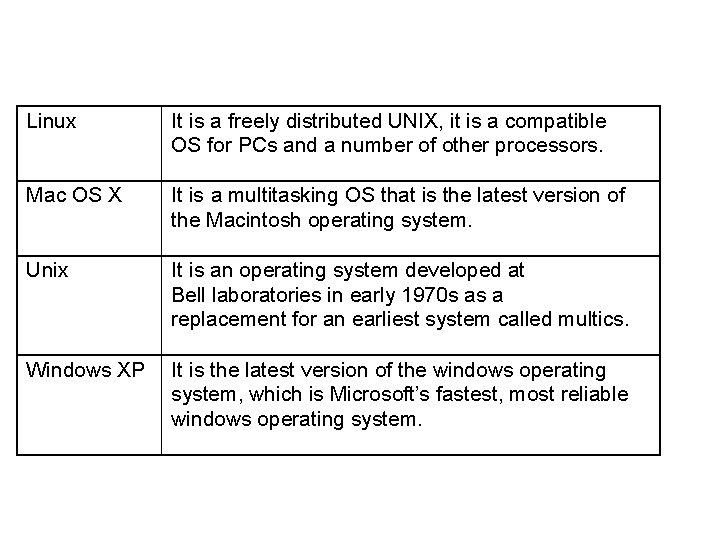
Linux It is a freely distributed UNIX, it is a compatible OS for PCs and a number of other processors. Mac OS X It is a multitasking OS that is the latest version of the Macintosh operating system. Unix It is an operating system developed at Bell laboratories in early 1970 s as a replacement for an earliest system called multics. Windows XP It is the latest version of the windows operating system, which is Microsoft’s fastest, most reliable windows operating system.
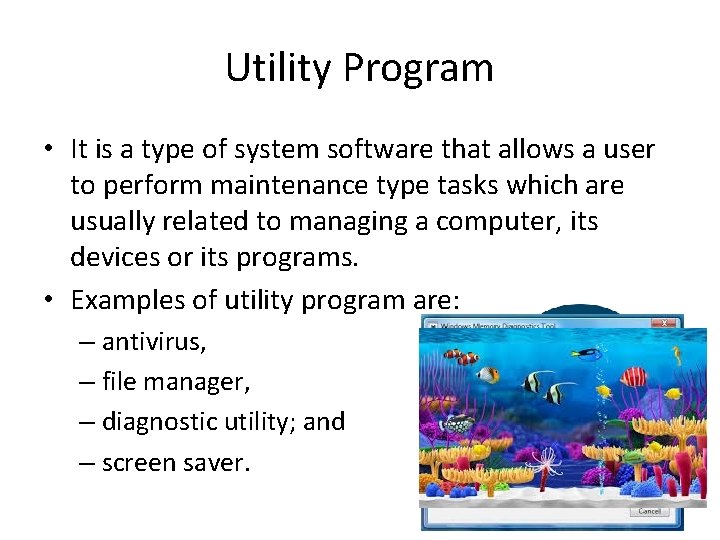
Utility Program • It is a type of system software that allows a user to perform maintenance type tasks which are usually related to managing a computer, its devices or its programs. • Examples of utility program are: – antivirus, – file manager, – diagnostic utility; and – screen saver.
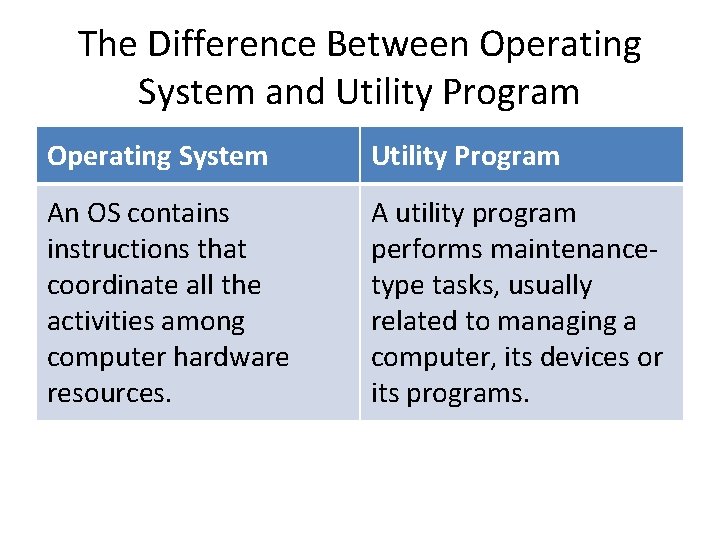
The Difference Between Operating System and Utility Program Operating System Utility Program An OS contains instructions that coordinate all the activities among computer hardware resources. A utility program performs maintenancetype tasks, usually related to managing a computer, its devices or its programs.
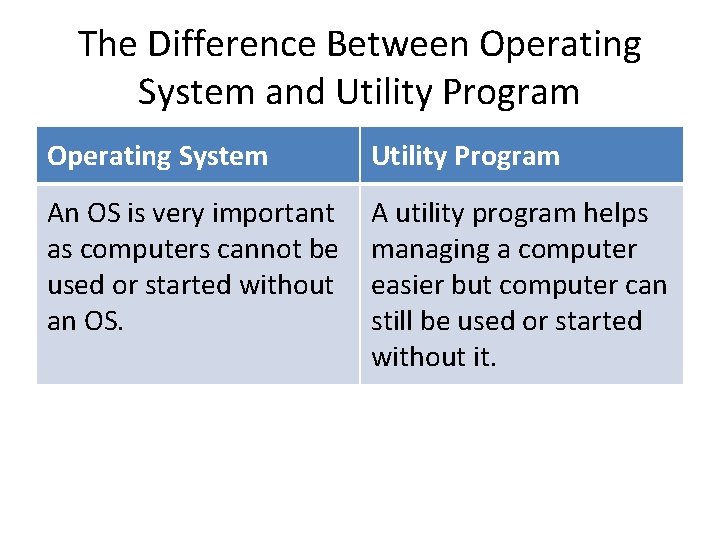
The Difference Between Operating System and Utility Program Operating System Utility Program An OS is very important as computers cannot be used or started without an OS. A utility program helps managing a computer easier but computer can still be used or started without it.
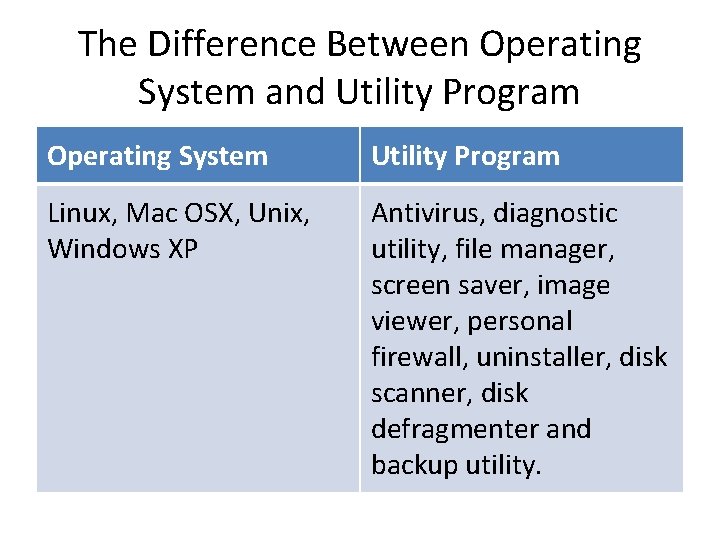
The Difference Between Operating System and Utility Program Operating System Utility Program Linux, Mac OSX, Unix, Windows XP Antivirus, diagnostic utility, file manager, screen saver, image viewer, personal firewall, uninstaller, disk scanner, disk defragmenter and backup utility.
The functions of the operating systems: • • • Starting a computer Providing a user interface Managing data and programs Managing memory Configuring devices
Types of OS Platform 1. PC Platform OS 2. Apple Platform OS 3. Cross-platform OS
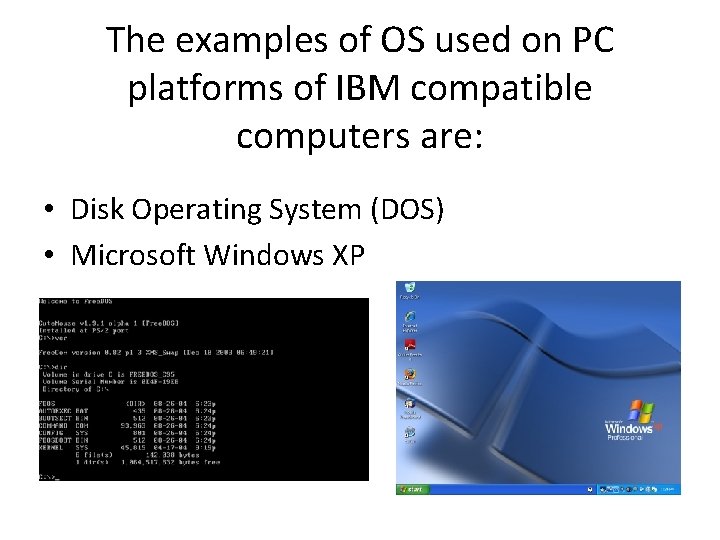
The examples of OS used on PC platforms of IBM compatible computers are: • Disk Operating System (DOS) • Microsoft Windows XP
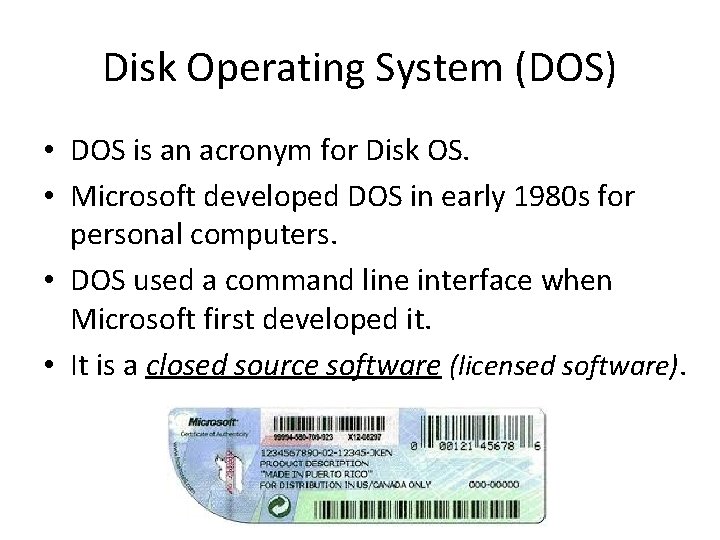
Disk Operating System (DOS) • DOS is an acronym for Disk OS. • Microsoft developed DOS in early 1980 s for personal computers. • DOS used a command line interface when Microsoft first developed it. • It is a closed source software (licensed software).
Microsoft Windows XP • Microsoft Windows XP’s Operating environment is a Graphical User Interface (GUI). It is also a closed source software.
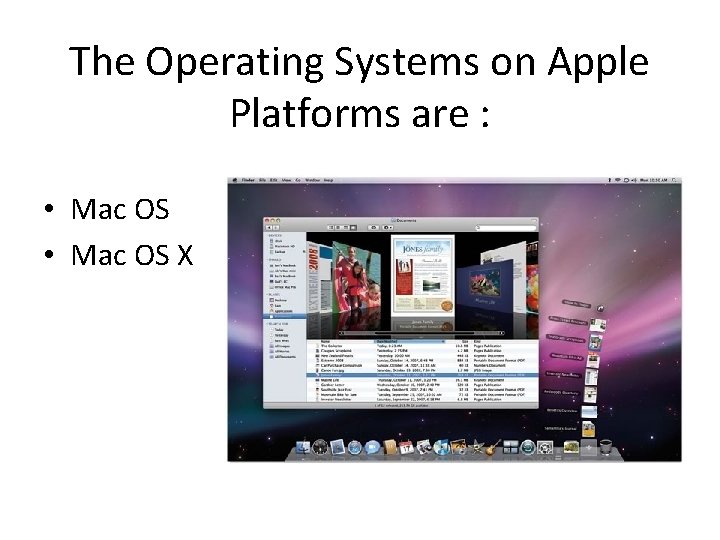
The Operating Systems on Apple Platforms are : • Mac OS X
Mac OS • It was the first commercially successful graphical user interface released in 1984. • It is a closed source software and are targeted for use with home desktops and workstations.
Mac OS X • It is a multitasking OS and it is the latest version of the Macintosh OS released in 2001. • Mac OS X is targeted for use with home desktops workstations and servers. • It also has better security protection compared to Mac OS, for example the integrated firewall utility.
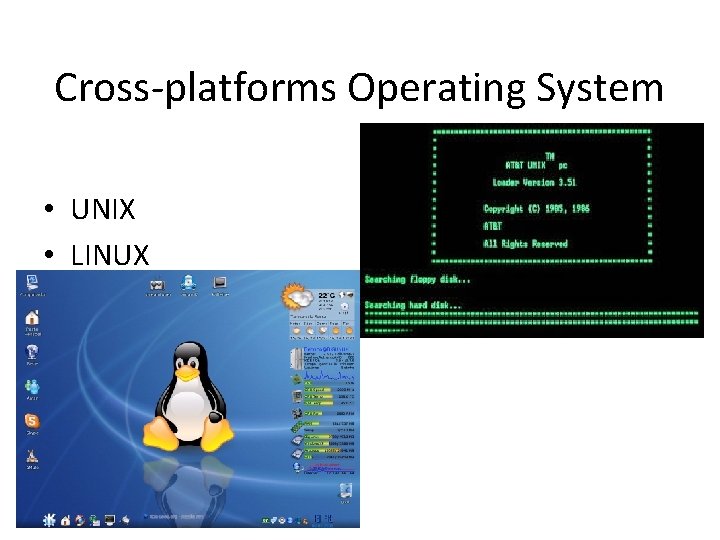
Cross-platforms Operating System • UNIX • LINUX
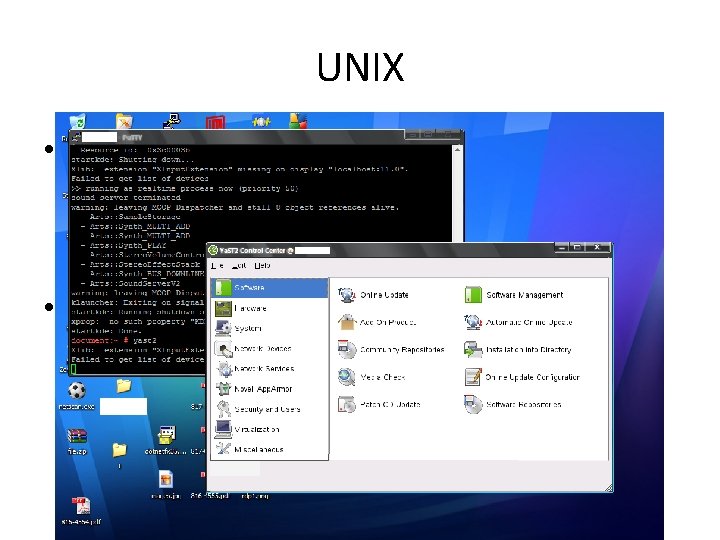
UNIX • It is a multitasking operating system developed in the early 1970 s by scientists at the Bell Laboratories (in Murray Hill, New Jersey, United States). • Some versions of UNIX have a command line interface but most versions of UNIX offer a graphical user interface.
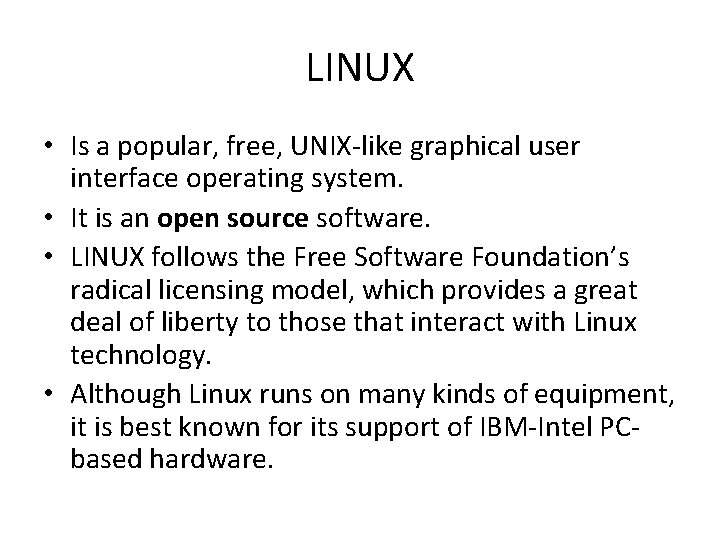
LINUX • Is a popular, free, UNIX-like graphical user interface operating system. • It is an open source software. • LINUX follows the Free Software Foundation’s radical licensing model, which provides a great deal of liberty to those that interact with Linux technology. • Although Linux runs on many kinds of equipment, it is best known for its support of IBM-Intel PCbased hardware.
End of M 213