
Learning Outcome 3 Assignment LO 3 1 2
- Slides: 10
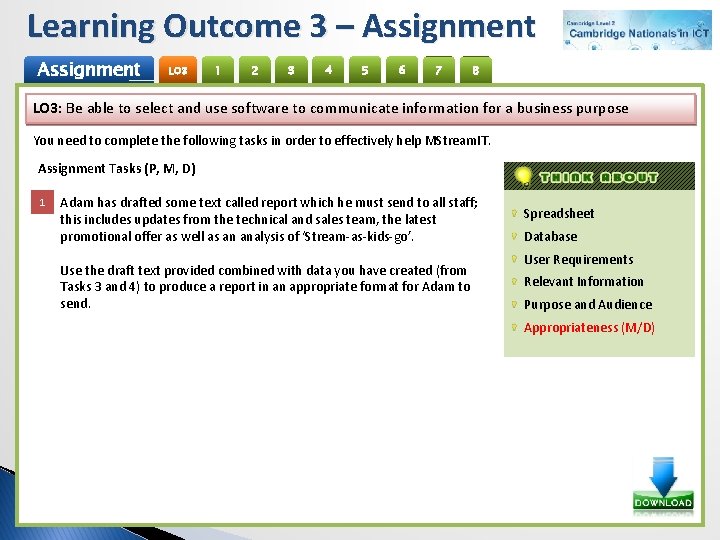
Learning Outcome 3 – Assignment LO 3 1 2 3 4 5 6 7 8 LO 3: Be able to select and use software to communicate information for a business purpose You need to complete the following tasks in order to effectively help MStream. IT. Assignment Tasks (P, M, D) 1 1 Adam has drafted some text called report which he must send to all staff; this includes updates from the technical and sales team, the latest promotional offer as well as an analysis of ‘Stream-as-kids-go’. Use the draft text provided combined with data you have created (from Tasks 3 and 4) to produce a report in an appropriate format for Adam to send. Spreadsheet Database User Requirements Relevant Information Purpose and Audience Appropriateness (M/D)
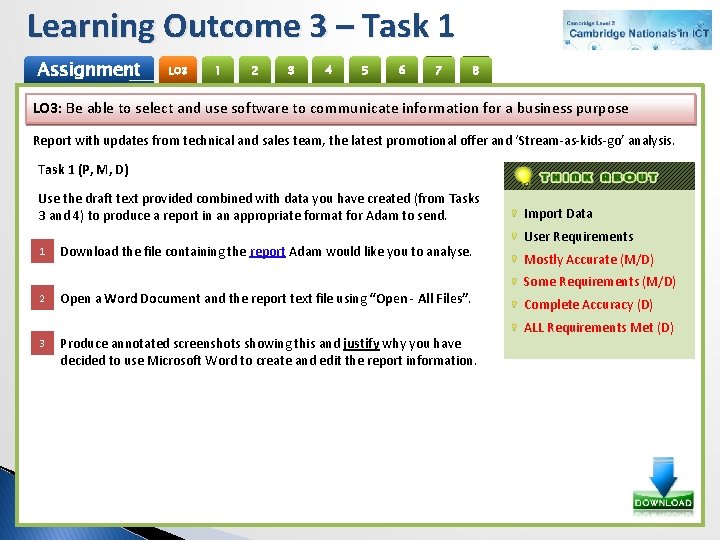
Learning Outcome 3 – Task 1 Assignment LO 3 1 2 3 4 5 6 7 8 LO 3: Be able to select and use software to communicate information for a business purpose Report with updates from technical and sales team, the latest promotional offer and ‘Stream-as-kids-go’ analysis. Task 1 (P, M, D) Use the draft text provided combined with data you have created (from Tasks 3 and 4) to produce a report in an appropriate format for Adam to send. 1 2 3 Download the file containing the report Adam would like you to analyse. Open a Word Document and the report text file using “Open - All Files”. Produce annotated screenshots showing this and justify why you have decided to use Microsoft Word to create and edit the report information. Import Data User Requirements Mostly Accurate (M/D) Some Requirements (M/D) Complete Accuracy (D) ALL Requirements Met (D)
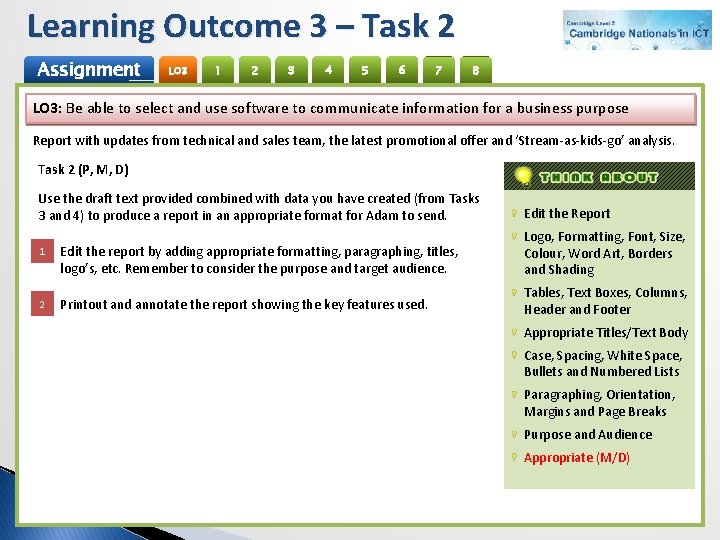
Learning Outcome 3 – Task 2 Assignment LO 3 1 2 3 4 5 6 7 8 LO 3: Be able to select and use software to communicate information for a business purpose Report with updates from technical and sales team, the latest promotional offer and ‘Stream-as-kids-go’ analysis. Task 2 (P, M, D) Use the draft text provided combined with data you have created (from Tasks 3 and 4) to produce a report in an appropriate format for Adam to send. Edit the Report 1 Edit the report by adding appropriate formatting, paragraphing, titles, logo’s, etc. Remember to consider the purpose and target audience. Logo, Formatting, Font, Size, Colour, Word Art, Borders and Shading 2 Printout and annotate the report showing the key features used. Tables, Text Boxes, Columns, Header and Footer Appropriate Titles/Text Body Case, Spacing, White Space, Bullets and Numbered Lists Paragraphing, Orientation, Margins and Page Breaks Purpose and Audience Appropriate (M/D)
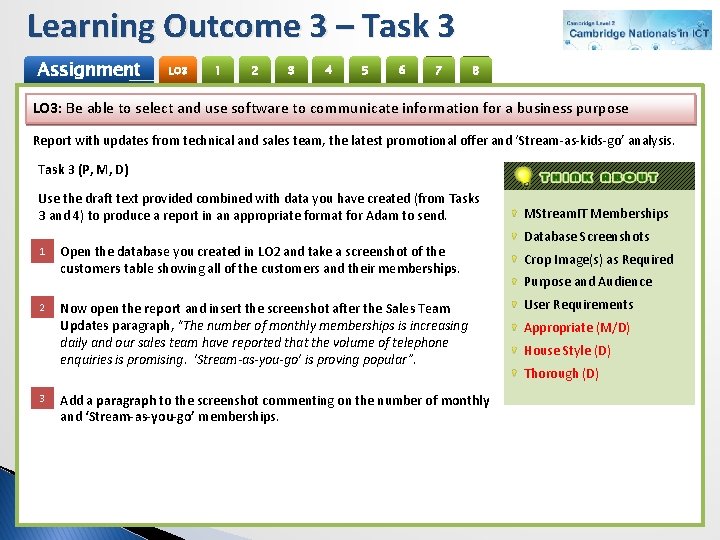
Learning Outcome 3 – Task 3 Assignment LO 3 1 2 3 4 5 6 7 8 LO 3: Be able to select and use software to communicate information for a business purpose Report with updates from technical and sales team, the latest promotional offer and ‘Stream-as-kids-go’ analysis. Task 3 (P, M, D) Use the draft text provided combined with data you have created (from Tasks 3 and 4) to produce a report in an appropriate format for Adam to send. 1 2 3 Open the database you created in LO 2 and take a screenshot of the customers table showing all of the customers and their memberships. Now open the report and insert the screenshot after the Sales Team Updates paragraph, “The number of monthly memberships is increasing daily and our sales team have reported that the volume of telephone enquiries is promising. ‘Stream-as-you-go’ is proving popular”. Add a paragraph to the screenshot commenting on the number of monthly and ‘Stream-as-you-go’ memberships. MStream. IT Memberships Database Screenshots Crop Image(s) as Required Purpose and Audience User Requirements Appropriate (M/D) House Style (D) Thorough (D)
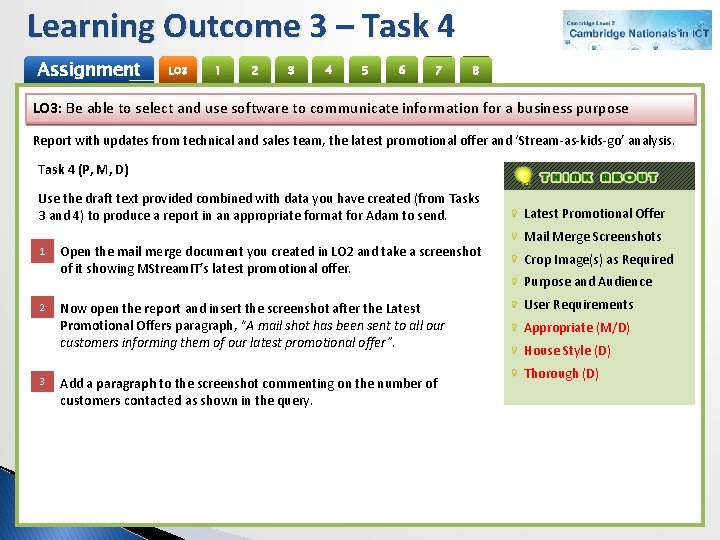
Learning Outcome 3 – Task 4 Assignment LO 3 1 2 3 4 5 6 7 8 LO 3: Be able to select and use software to communicate information for a business purpose Report with updates from technical and sales team, the latest promotional offer and ‘Stream-as-kids-go’ analysis. Task 4 (P, M, D) Use the draft text provided combined with data you have created (from Tasks 3 and 4) to produce a report in an appropriate format for Adam to send. 1 2 3 Open the mail merge document you created in LO 2 and take a screenshot of it showing MStream. IT’s latest promotional offer. Now open the report and insert the screenshot after the Latest Promotional Offers paragraph, “A mail shot has been sent to all our customers informing them of our latest promotional offer”. Add a paragraph to the screenshot commenting on the number of customers contacted as shown in the query. Latest Promotional Offer Mail Merge Screenshots Crop Image(s) as Required Purpose and Audience User Requirements Appropriate (M/D) House Style (D) Thorough (D)
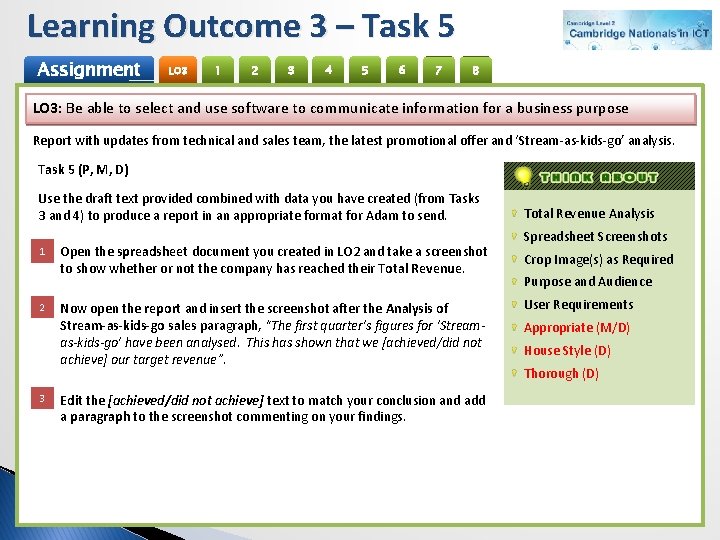
Learning Outcome 3 – Task 5 Assignment LO 3 1 2 3 4 5 6 7 8 LO 3: Be able to select and use software to communicate information for a business purpose Report with updates from technical and sales team, the latest promotional offer and ‘Stream-as-kids-go’ analysis. Task 5 (P, M, D) Use the draft text provided combined with data you have created (from Tasks 3 and 4) to produce a report in an appropriate format for Adam to send. 1 2 3 Open the spreadsheet document you created in LO 2 and take a screenshot to show whether or not the company has reached their Total Revenue. Now open the report and insert the screenshot after the Analysis of Stream-as-kids-go sales paragraph, “The first quarter’s figures for ‘Streamas-kids-go’ have been analysed. This has shown that we [achieved/did not achieve] our target revenue”. Edit the [achieved/did not achieve] text to match your conclusion and add a paragraph to the screenshot commenting on your findings. Total Revenue Analysis Spreadsheet Screenshots Crop Image(s) as Required Purpose and Audience User Requirements Appropriate (M/D) House Style (D) Thorough (D)
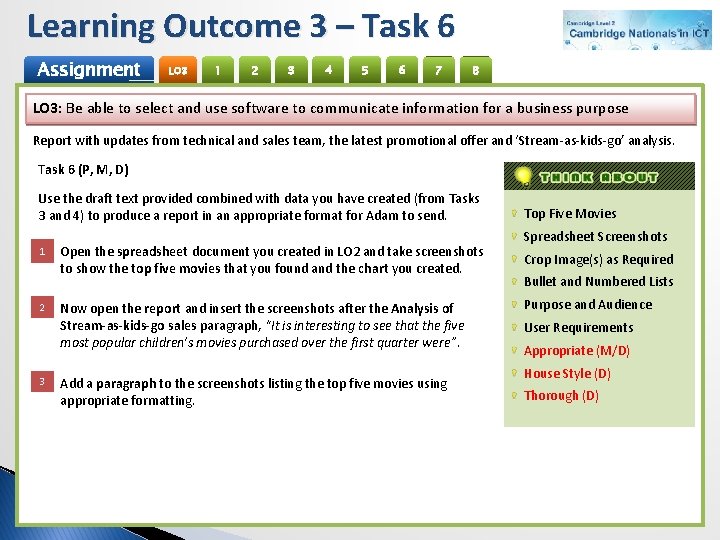
Learning Outcome 3 – Task 6 Assignment LO 3 1 2 3 4 5 6 7 8 LO 3: Be able to select and use software to communicate information for a business purpose Report with updates from technical and sales team, the latest promotional offer and ‘Stream-as-kids-go’ analysis. Task 6 (P, M, D) Use the draft text provided combined with data you have created (from Tasks 3 and 4) to produce a report in an appropriate format for Adam to send. 1 2 3 Open the spreadsheet document you created in LO 2 and take screenshots to show the top five movies that you found and the chart you created. Now open the report and insert the screenshots after the Analysis of Stream-as-kids-go sales paragraph, “It is interesting to see that the five most popular children’s movies purchased over the first quarter were”. Add a paragraph to the screenshots listing the top five movies using appropriate formatting. Top Five Movies Spreadsheet Screenshots Crop Image(s) as Required Bullet and Numbered Lists Purpose and Audience User Requirements Appropriate (M/D) House Style (D) Thorough (D)
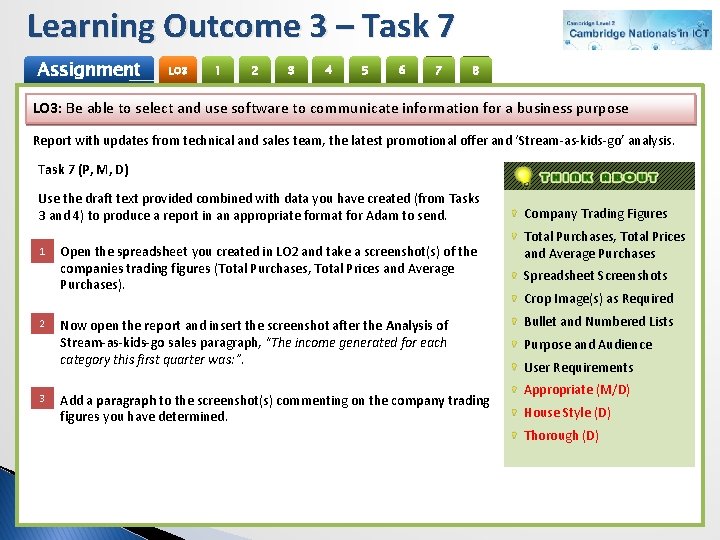
Learning Outcome 3 – Task 7 Assignment LO 3 1 2 3 4 5 6 7 8 LO 3: Be able to select and use software to communicate information for a business purpose Report with updates from technical and sales team, the latest promotional offer and ‘Stream-as-kids-go’ analysis. Task 7 (P, M, D) Use the draft text provided combined with data you have created (from Tasks 3 and 4) to produce a report in an appropriate format for Adam to send. 1 2 3 Open the spreadsheet you created in LO 2 and take a screenshot(s) of the companies trading figures (Total Purchases, Total Prices and Average Purchases). Now open the report and insert the screenshot after the Analysis of Stream-as-kids-go sales paragraph, “The income generated for each category this first quarter was: ”. Add a paragraph to the screenshot(s) commenting on the company trading figures you have determined. Company Trading Figures Total Purchases, Total Prices and Average Purchases Spreadsheet Screenshots Crop Image(s) as Required Bullet and Numbered Lists Purpose and Audience User Requirements Appropriate (M/D) House Style (D) Thorough (D)
Learning Outcome 3 – Task 8 Assignment LO 3 1 2 3 4 5 6 7 8 LO 3: Be able to select and use software to communicate information for a business purpose Report with updates from technical and sales team, the latest promotional offer and ‘Stream-as-kids-go’ analysis. Task 8(P, M, D) Use the draft text provided combined with data you have created (from Tasks 3 and 4) to produce a report in an appropriate format for Adam to send. 1 Open the spreadsheet document you created in LO 2 and take screenshots to show whether or not the company will reach their Total Revenue if they decrease the prices by 10% and increase sales by 10%. Include any additional analysis and/or charts you created. 10% Discount and 10% Sales Total Revenue Analysis Spreadsheet Screenshots Crop Image(s) as Required Purpose and Audience User Requirements 2 3 Now open the report and insert the screenshots after the Conclusions paragraph, “The impact of a 10% discount being offered has been analysed and it has been decided that this [will/will not] be implemented by the company”. Edit the [will/will not] text to match your conclusion and add a paragraph to the screenshots commenting on your findings. Appropriate (M/D) House Style (D) Thorough (D)
AO 1 – Assessment (P, M, D) Assignment LO 3 1 2 3 4 Task Activities Create an appropriate Bitmap and Vector graphic for BW Travel 5 6 7 8 Student Peer