
Learning Outcome 2 Task 1 Assignment 1 2
- Slides: 4
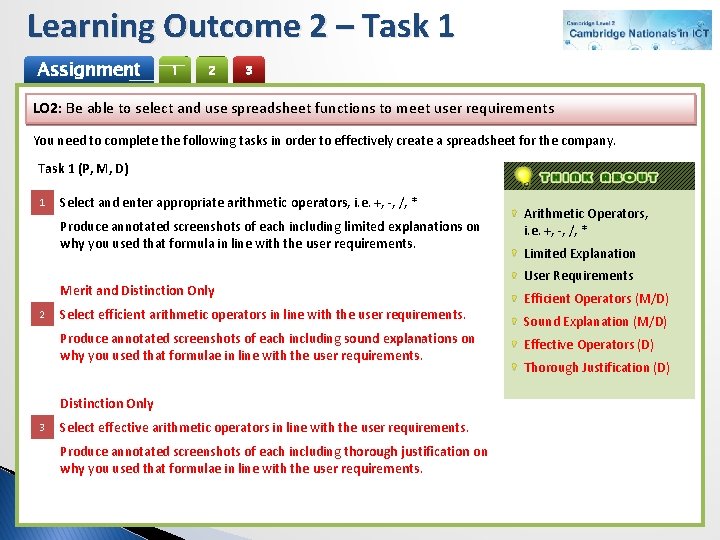
Learning Outcome 2 – Task 1 Assignment 1 2 3 LO 2: Be able to select and use spreadsheet functions to meet user requirements You need to complete the following tasks in order to effectively create a spreadsheet for the company. Task 1 (P, M, D) 1 Select and enter appropriate arithmetic operators, i. e. +, -, /, * Produce annotated screenshots of each including limited explanations on why you used that formula in line with the user requirements. Merit and Distinction Only 2 Select efficient arithmetic operators in line with the user requirements. Produce annotated screenshots of each including sound explanations on why you used that formulae in line with the user requirements. Distinction Only 3 Select effective arithmetic operators in line with the user requirements. Produce annotated screenshots of each including thorough justification on why you used that formulae in line with the user requirements. Arithmetic Operators, i. e. +, -, /, * Limited Explanation User Requirements Efficient Operators (M/D) Sound Explanation (M/D) Effective Operators (D) Thorough Justification (D)
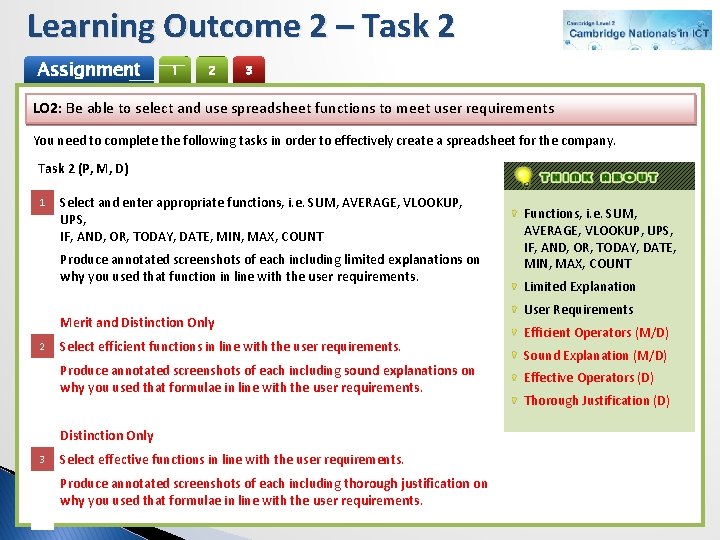
Learning Outcome 2 – Task 2 Assignment 1 2 3 LO 2: Be able to select and use spreadsheet functions to meet user requirements You need to complete the following tasks in order to effectively create a spreadsheet for the company. Task 2 (P, M, D) 1 Select and enter appropriate functions, i. e. SUM, AVERAGE, VLOOKUP, UPS, IF, AND, OR, TODAY, DATE, MIN, MAX, COUNT Produce annotated screenshots of each including limited explanations on why you used that function in line with the user requirements. Merit and Distinction Only 2 Select efficient functions in line with the user requirements. Produce annotated screenshots of each including sound explanations on why you used that formulae in line with the user requirements. Distinction Only 3 Select effective functions in line with the user requirements. Produce annotated screenshots of each including thorough justification on why you used that formulae in line with the user requirements. Functions, i. e. SUM, AVERAGE, VLOOKUP, UPS, IF, AND, OR, TODAY, DATE, MIN, MAX, COUNT Limited Explanation User Requirements Efficient Operators (M/D) Sound Explanation (M/D) Effective Operators (D) Thorough Justification (D)
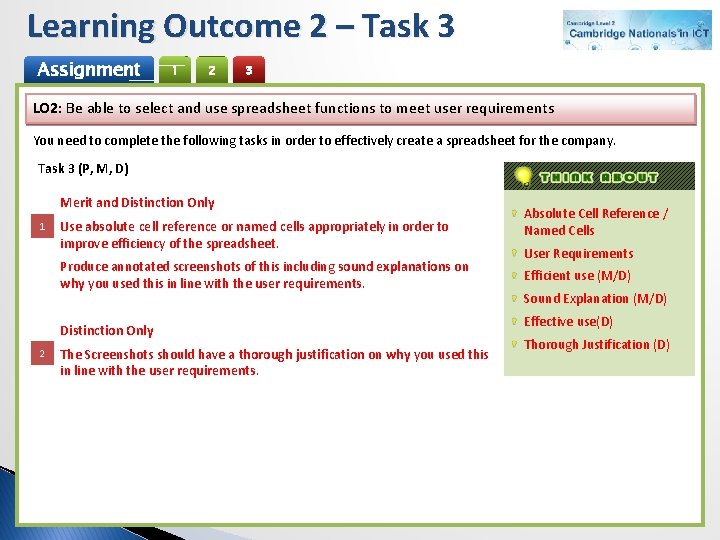
Learning Outcome 2 – Task 3 Assignment 1 2 3 LO 2: Be able to select and use spreadsheet functions to meet user requirements You need to complete the following tasks in order to effectively create a spreadsheet for the company. Task 3 (P, M, D) Merit and Distinction Only 1 Use absolute cell reference or named cells appropriately in order to improve efficiency of the spreadsheet. Produce annotated screenshots of this including sound explanations on why you used this in line with the user requirements. Distinction Only 2 The Screenshots should have a thorough justification on why you used this in line with the user requirements. Absolute Cell Reference / Named Cells User Requirements Efficient use (M/D) Sound Explanation (M/D) Effective use(D) Thorough Justification (D)
AO 1 – Assessment (P, M, D) Assignment 1 2 3 Task Activities Create an appropriate Bitmap and Vector graphic for BW Travel Student Peer