
Learning from Digital Exams Brunel University 26 th
‘Learning from Digital Exams’ Brunel University 26 th April 2018 Establishing high stakes computerbased testing through Blackboard: challenges & lessons learned Richard Walker University of York, UK

VLE Exam Secure online assessment service https: //elearningyork. wordpress. com/key-areas/vleexam/
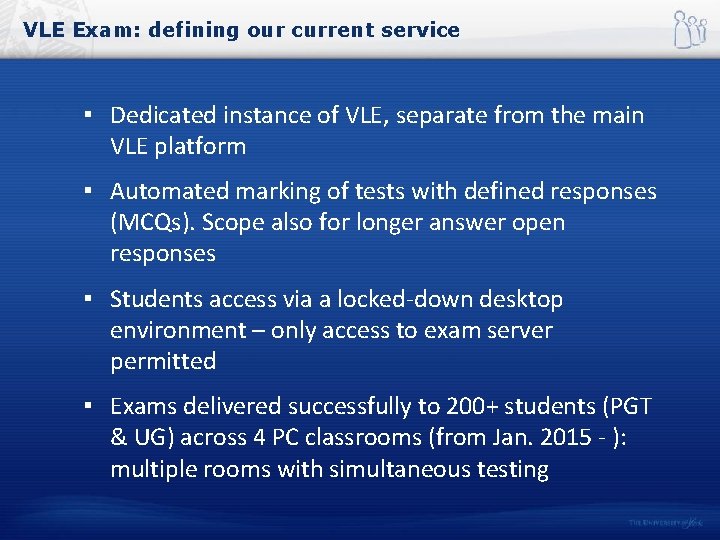
VLE Exam: defining our current service ▪ Dedicated instance of VLE, separate from the main VLE platform ▪ Automated marking of tests with defined responses (MCQs). Scope also for longer answer open responses ▪ Students access via a locked-down desktop environment – only access to exam server permitted ▪ Exams delivered successfully to 200+ students (PGT & UG) across 4 PC classrooms (from Jan. 2015 - ): multiple rooms with simultaneous testing
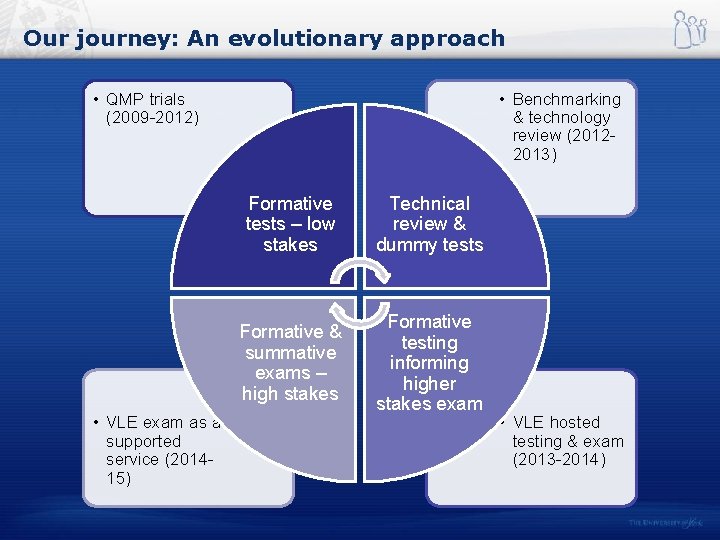
Our journey: An evolutionary approach • QMP trials (2009 -2012) • VLE exam as a supported service (201415) • Benchmarking & technology review (20122013) Formative tests – low stakes Technical review & dummy tests Formative & summative exams – high stakes Formative testing informing higher stakes exam • VLE hosted testing & exam (2013 -2014)
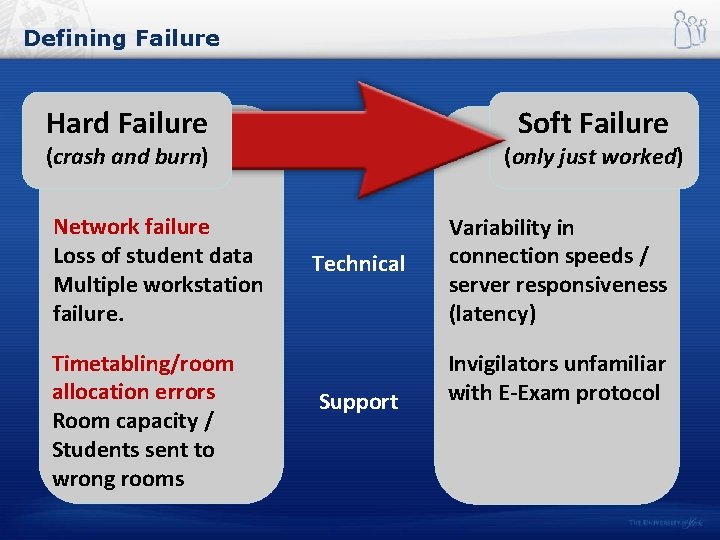
Defining Failure Hard Failure Soft Failure (crash and burn) Network failure Loss of student data Multiple workstation failure. Timetabling/room allocation errors Room capacity / Students sent to wrong rooms (only just worked) Technical Support Variability in connection speeds / server responsiveness (latency) Invigilators unfamiliar with E-Exam protocol
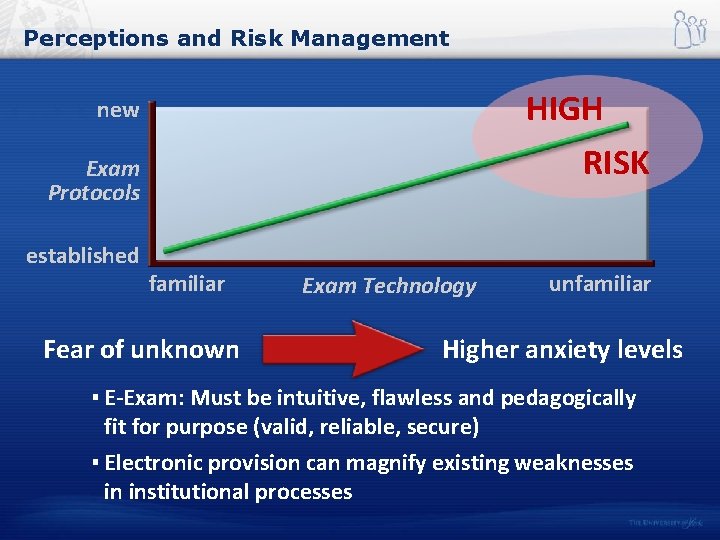
Perceptions and Risk Management HIGH RISK new Exam Protocols established familiar Fear of unknown Exam Technology unfamiliar Higher anxiety levels ▪ E-Exam: Must be intuitive, flawless and pedagogically fit for purpose (valid, reliable, secure) ▪ Electronic provision can magnify existing weaknesses in institutional processes
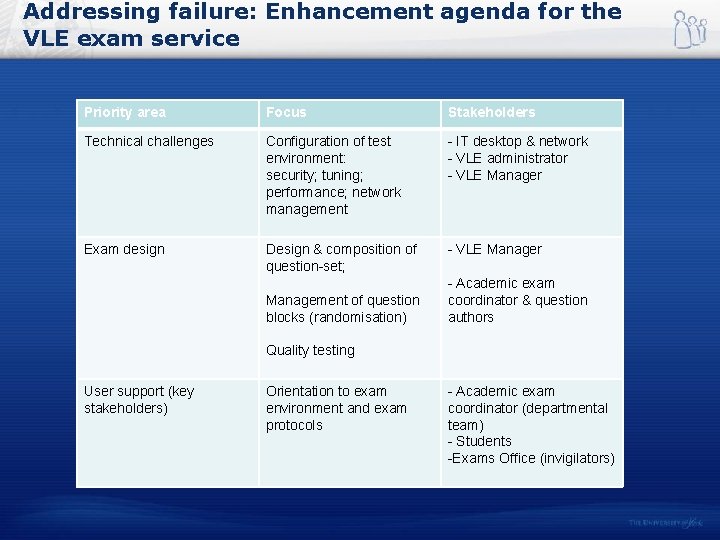
Addressing failure: Enhancement agenda for the VLE exam service Priority area Focus Stakeholders Technical challenges Configuration of test environment: security; tuning; performance; network management - IT desktop & network - VLE administrator - VLE Manager Exam design Design & composition of question-set; - VLE Manager Management of question blocks (randomisation) - Academic exam coordinator & question authors Quality testing User support (key stakeholders) Orientation to exam environment and exam protocols - Academic exam coordinator (departmental team) - Students -Exams Office (invigilators)
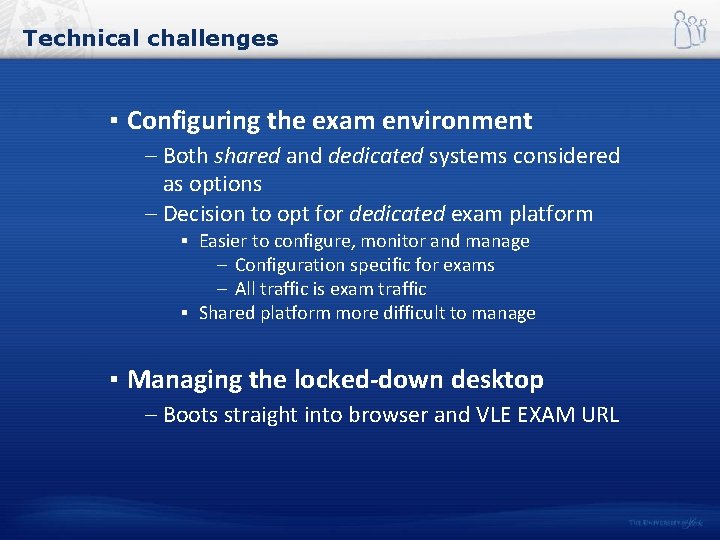
Technical challenges ▪ Configuring the exam environment – Both shared and dedicated systems considered as options – Decision to opt for dedicated exam platform ▪ Easier to configure, monitor and manage – Configuration specific for exams – All traffic is exam traffic ▪ Shared platform more difficult to manage ▪ Managing the locked-down desktop – Boots straight into browser and VLE EXAM URL
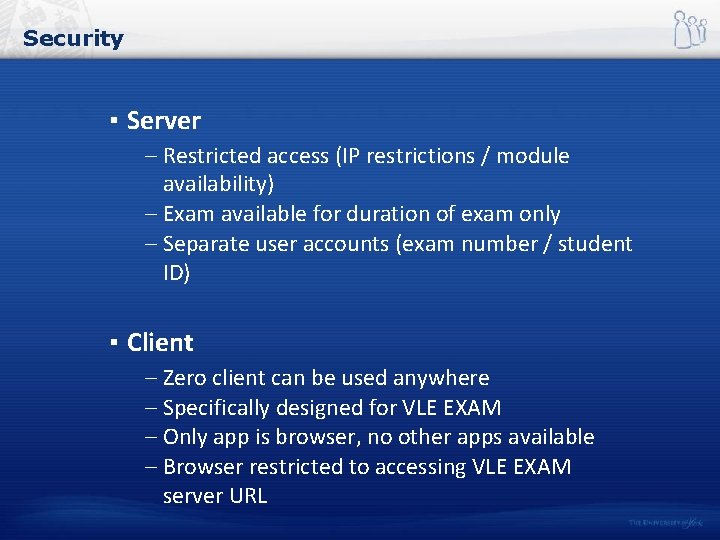
Security ▪ Server – Restricted access (IP restrictions / module availability) – Exam available for duration of exam only – Separate user accounts (exam number / student ID) ▪ Client – Zero client can be used anywhere – Specifically designed for VLE EXAM – Only app is browser, no other apps available – Browser restricted to accessing VLE EXAM server URL
How we improved VLE exam system performance ▪ Upgrading - Regular upgrades, matching main VLE (Apr 14 much better experience, randomisation cured) ▪ Restarts – System restarted prior to examination sessions to reduce issues from any possible memory leaks ▪ Priming the caches (exercising question items) – Prior to each exam caches are primed by running through exam on each app server
Exam design ▪ Attention to proportion of short answer (essay) questions to MCQs ▪ Use of blocks (question type / difficulty) ▪ Randomisation by question type (higher value questions served up first to all)
User support: academics ▪ Academic support: - training on test / question pool design - provision of test student accounts - quality checking of exam (sense and flow) with attention to sequencing and order of questions
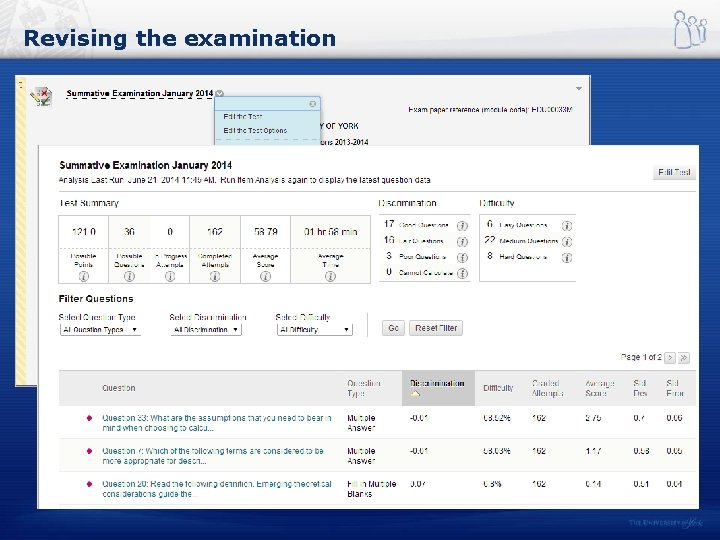
Revising the examination
User support: students ▪ Student support: - socialisation of learners - guidance, preparation & opportunities for practice: video tutorial of exam environment controls & guidance slides… - alignment of formative to summative test experience (question difficulty / timed conditions)
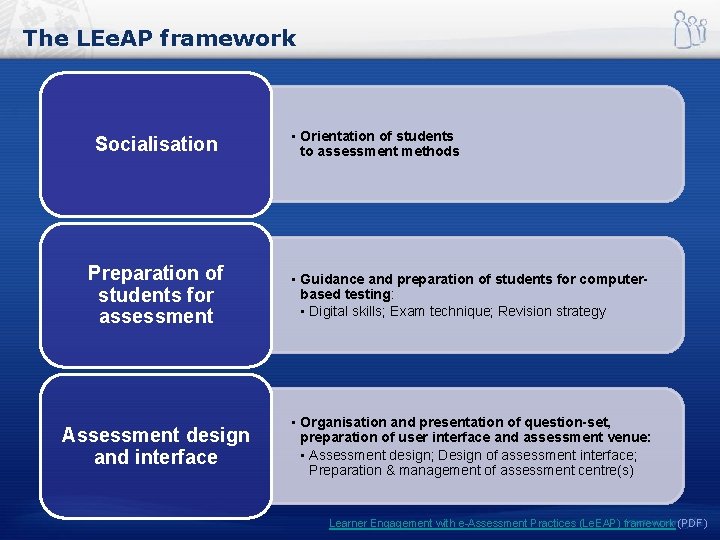
The LEe. AP framework Socialisation • Orientation of students to assessment methods Preparation of students for assessment • Guidance and preparation of students for computerbased testing: • Digital skills; Exam technique; Revision strategy Assessment design and interface • Organisation and presentation of question-set, preparation of user interface and assessment venue: • Assessment design; Design of assessment interface; Preparation & management of assessment centre(s) Learner Engagement with e-Assessment Practices (Le. EAP) framework (PDF)
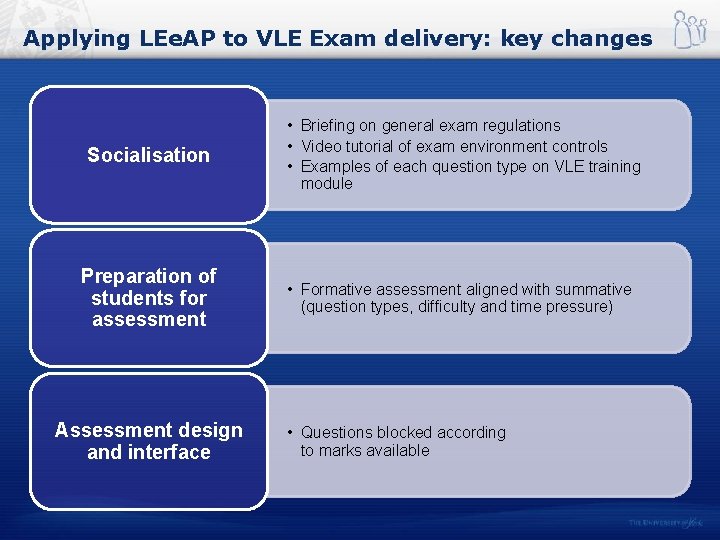
Applying LEe. AP to VLE Exam delivery: key changes Socialisation • Briefing on general exam regulations • Video tutorial of exam environment controls • Examples of each question type on VLE training module Preparation of students for assessment • Formative assessment aligned with summative (question types, difficulty and time pressure) Assessment design and interface • Questions blocked according to marks available
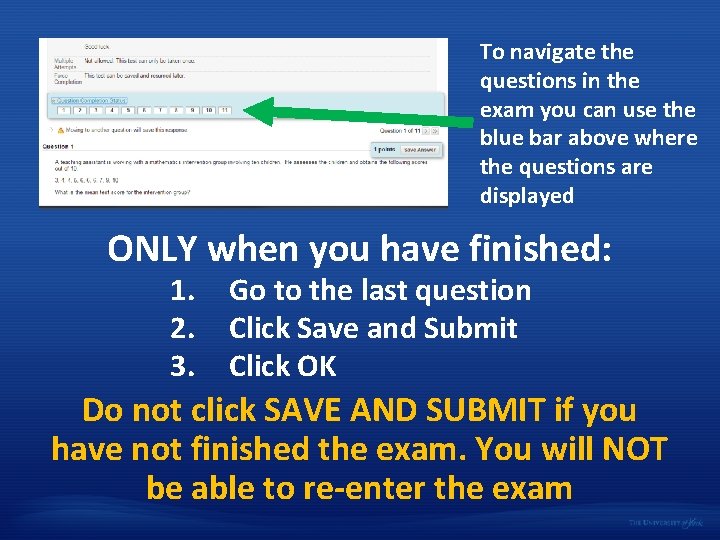
To navigate the questions in the exam you can use the blue bar above where the questions are displayed ONLY when you have finished: 1. 2. 3. Go to the last question Click Save and Submit Click OK Do not click SAVE AND SUBMIT if you have not finished the exam. You will NOT be able to re-enter the exam
User support: invigilators / Exams Office ▪ Invigilator support: - briefed on exam environment - ELDT in attendance throughout exam - ELDT now oversee logging in procedure - ELDT assist with workstation failures, moving students to spare PC - ELDT verify when exam finished / submissions received, making VLE exam site unavailable
But we still face ongoing challenges…. ▪ People and processes: - room allocation and bookings (Timetabling) - invigilator confidence and expertise ▪ Estate: - room capacity and sustainability / extensibility of service (challenges of common assessment period) ▪ Resourcing and scalability: - reliant on dedicated Digital Workspace, IT network & ELDT support
Further information ▪ VLE Exam guidance & protocols: https: //elearningyork. wordpress. com/key-areas/vle-exam/ ▪ VLE Exam video case study: –https: //elearningyork. wordpress. com/learning-design-anddevelopment/case-studies/vle-exam/ ▪ Research paper: ▪ Walker, R. & Handley, Z. (2016). Designing for Learner Engagement with e. Assessment Practices: The LEe. AP Framework. Research in Learning Technology. http: //dx. doi. org/10. 3402/rlt. v 24. 30083 ▪ LEe. AP framework: http: //tinyurl. com/LEe. AP-framework [pdf]

Thank you! Richard Walker University of York, UK richard. walker@york. ac. uk z
- Slides: 21