
Learning and Teaching with ICT Welcome to KI
- Slides: 35
Learning and Teaching with ICT Welcome to KI 501 Session 3 E-safety and the Internet 7 th October 2014
In this session we will… • Discuss Ager • Explore issues in the use of the Internet and E-safety • Assignment Guidance • Maths and ICT/Computing • Explore Weebly
Ager Reading • In the 1990 s the aim was to embed ICT across the curriculum? Reflect- do you think this been achieved in your school setting? • What are the key features that support teaching and learning in ICT? • How do you become competent in the use of ICT?
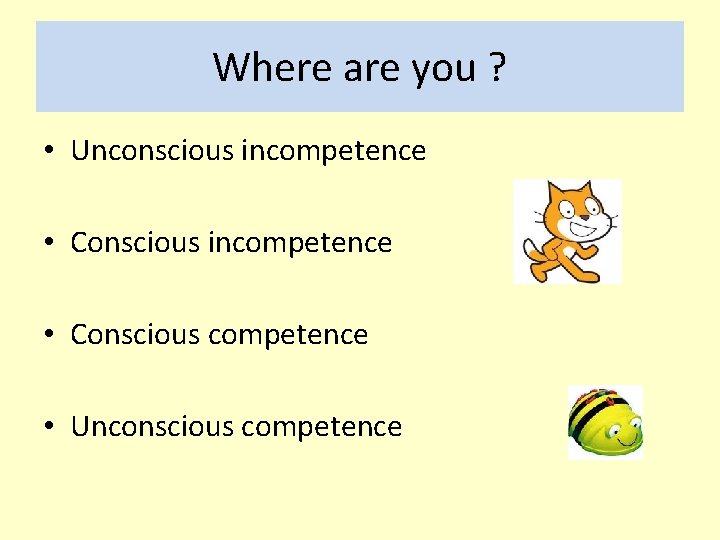
Where are you ? • Unconscious incompetence • Conscious competence • Unconscious competence
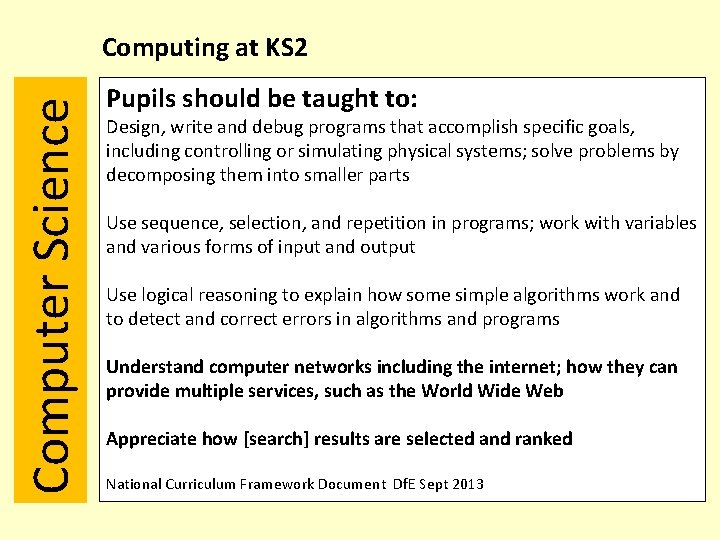
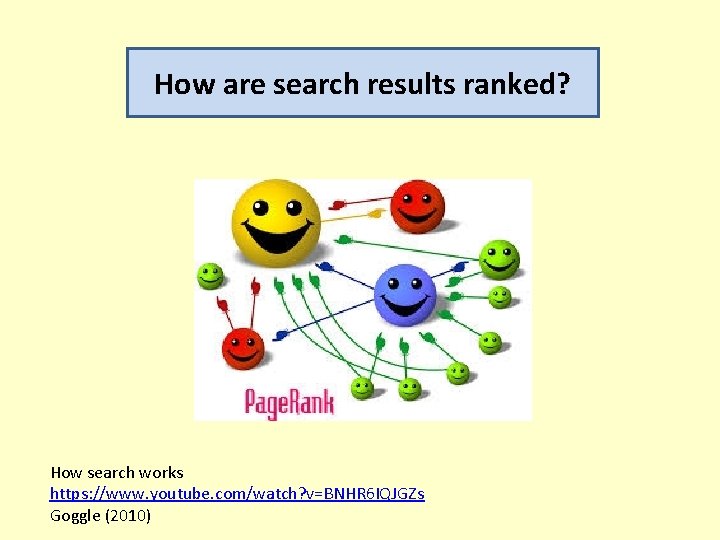
Computer Science Computing at KS 2 Pupils should be taught to: Design, write and debug programs that accomplish specific goals, including controlling or simulating physical systems; solve problems by decomposing them into smaller parts Use sequence, selection, and repetition in programs; work with variables and various forms of input and output Use logical reasoning to explain how some simple algorithms work and to detect and correct errors in algorithms and programs Understand computer networks including the internet; how they can provide multiple services, such as the World Wide Web Appreciate how [search] results are selected and ranked National Curriculum Framework Document Df. E Sept 2013
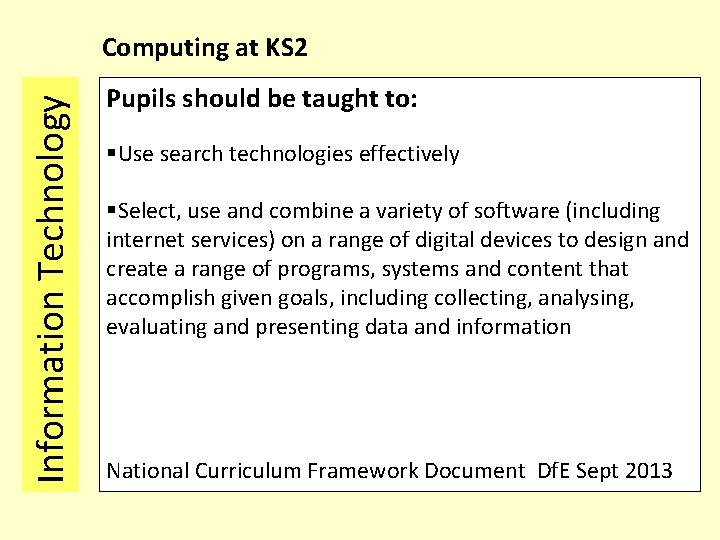
Information Technology Computing at KS 2 Pupils should be taught to: §Use search technologies effectively §Select, use and combine a variety of software (including internet services) on a range of digital devices to design and create a range of programs, systems and content that accomplish given goals, including collecting, analysing, evaluating and presenting data and information National Curriculum Framework Document Df. E Sept 2013
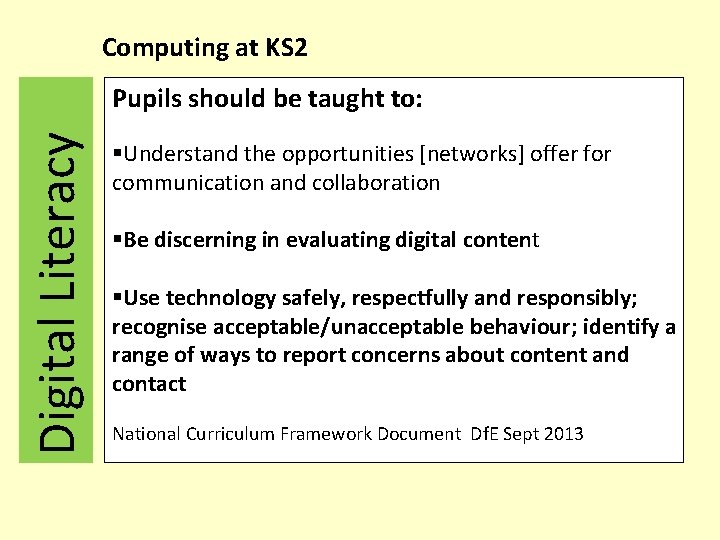
Computing at KS 2 Digital Literacy Pupils should be taught to: §Understand the opportunities [networks] offer for communication and collaboration §Be discerning in evaluating digital content §Use technology safely, respectfully and responsibly; recognise acceptable/unacceptable behaviour; identify a range of ways to report concerns about content and contact National Curriculum Framework Document Df. E Sept 2013
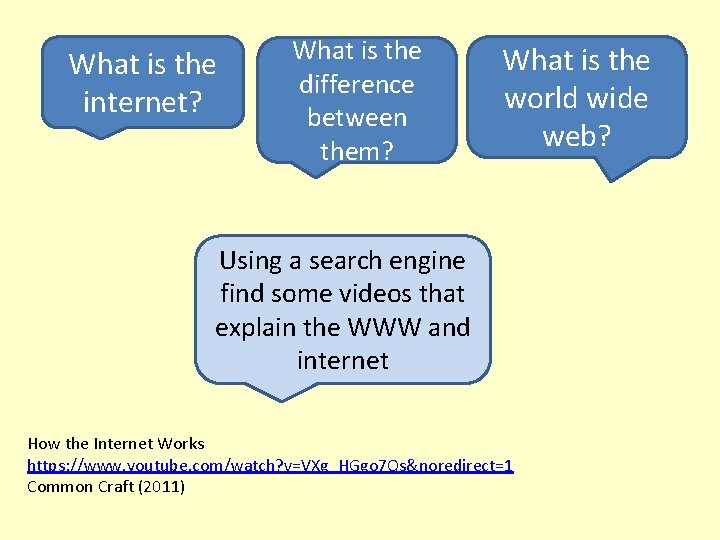
What is the internet? What is the difference between them? What is the world wide web? Using a search engine find some videos that explain the WWW and internet How the Internet Works https: //www. youtube. com/watch? v=VXg_HGgo 7 Qs&noredirect=1 Common Craft (2011)
How are search results ranked? How search works https: //www. youtube. com/watch? v=BNHR 6 IQJGZs Goggle (2010)
The Internet : E Safety • Nobody owns it • Nobody is responsible for it (but ISPs are taking a more active role – e. g. spam filtering/ debate on parental controls) • Anybody can put material on it • There is no obligation in law to check material for – – Accuracy Safety Decency Legality CEOP Primary KS 2 Jigsaw Suitable for 8 -10 old years
The Internet • BUT if you use it in the classroom your school IS responsible for the consequences. • SO what should schools do? • What is your role in school?
The Internet • Have a school policy for the safe and secure use of the World Wide Web • Use appropriate filtering services (sometimes provided by the Internet Service Provider – sometimes by the LEA) • Proper deployment of antivirus, anti-spyware and firewalls. • Ensure that staff and children receive appropriate training – what to do if you find inappropriate material. ? • AUP appropriate for staff and children
The Internet • As well as the policy, training and technical security you need to provide – Simple monitoring (Children NEVER use the Internet un-supervised) – An E-safety log – A way for children to report an issue. – Check web sites (if at all possible) prior to the session in which they are to be used Manor Primary School Website Example
Websites to explore http: //www. littleridge. co. uk/esussex/primary/littleridge/site/pages/parentpage/esafety http: //www. castledown. org. uk/social-media/ http: //www. thelifecloud. net/schools/Hertford. Infant/ CBBC Newsround http: //www. bbc. co. uk/newsround/13908828
“There is a growing acceptance that simply blocking children and young people’s access to the internet in schools is not an effective way to keep them safe and increase their resilience. In its recent report The safe use of technologies, Ofsted found that where schools ‘locked down’ the internet, making many sites inaccessible, this did not encourage children and young people to take responsibility for their own safety. Instead it meant that they weren’t able to access a range of sites that are beneficial for learning, and that they were less likely to develop the understanding of digital safety that they needed to be digitally safe outside of school. ” Do we have safer children in a digital world? A review of progress since the 2008 Byron Review, DCFS 2010
The Internet Some interesting facts…
Do we trust its authenticity?
What about your e-safety? • How often do you check the privacy settings on your Facebook or other social media accounts? • Do you personally know all of your online friends? • Are there photos of you online that you would be embarrassed if members of your school community saw them? • Should you be friends with children from your school? • Do you share your personal views about colleagues, children or parents via your social networking pages? Your friends may not agree! Do you make comments that you would not say to someone face to face. Orange Digital Dirt
How can you help protect yourself and others • Always communicate with parents/students using a school e-mail account or telephone • Use good netiquette • Don’t share personally details • Keep passwords secure • Model good practice • Be aware of your school’s e-safety procedures • Attend school training or request it!
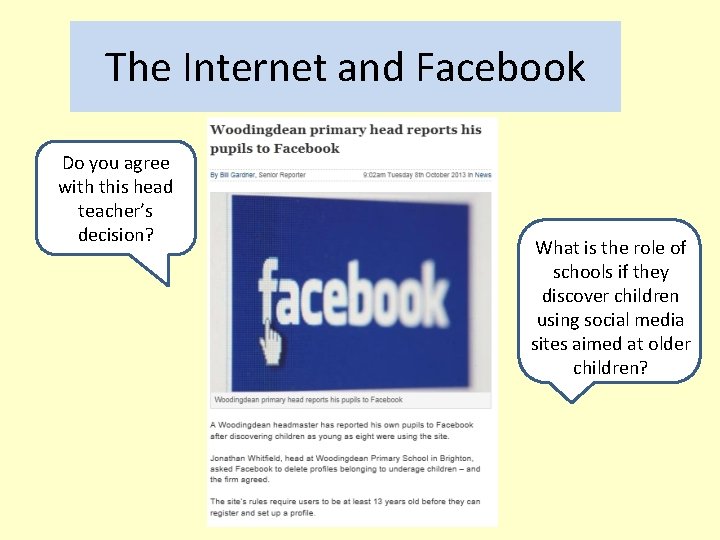
The Internet and Facebook Do you agree with this head teacher’s decision? What is the role of schools if they discover children using social media sites aimed at older children?
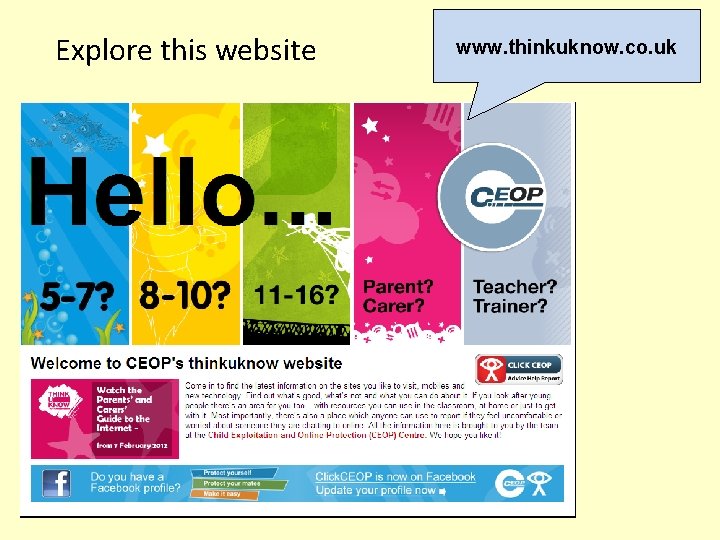
Explore this website www. thinkuknow. co. uk
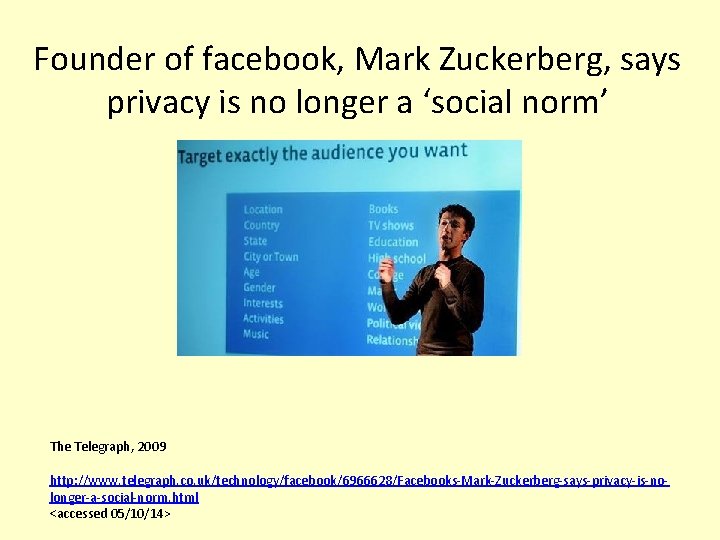
Founder of facebook, Mark Zuckerberg, says privacy is no longer a ‘social norm’ The Telegraph, 2009 http: //www. telegraph. co. uk/technology/facebook/6966628/Facebooks-Mark-Zuckerberg-says-privacy-is-nolonger-a-social-norm. html <accessed 05/10/14>
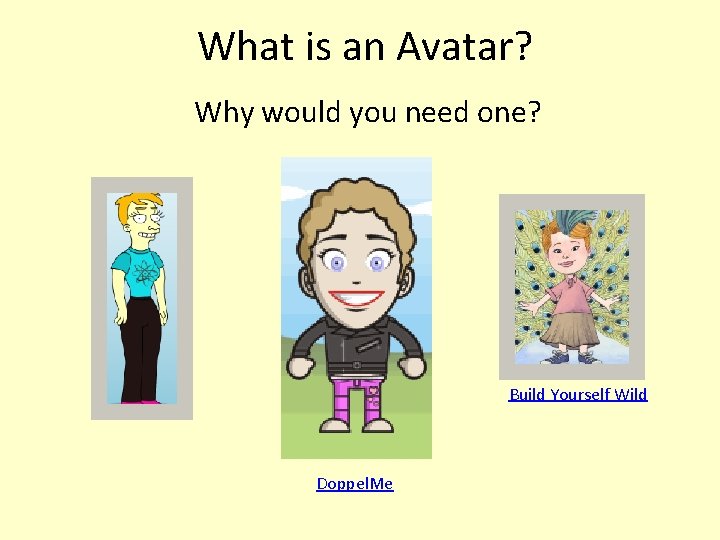
What is an Avatar? Why would you need one? Build Yourself Wild Doppel. Me
Assignment Guidance • Demonstration of personal ICT capability through the effective application of a range of digital tools (LO 1); In other words can you manage: text, images, moving pictures, sound appropriate links to other resources in order to then achieve LO 2 which is: • identification and evaluation of ICT-based resources to enhance learning for a specific context (LO 2); Which means having learnt how to do the things in LO 1 can you make sound decisions as to the material that you will use these resources to present, taking into account the age, needs, etc. of the learners.
Assignment Guidance • synthesis of selected media to create a web-based teacher presence (LO 3); Which is to say have you brought all of this together to (demonstrate how you might) make an effective web based package which represents your presence as a teacher on the web. This would be a web site that children who know you and how you do things might recognise as being an extension of you. (e. g. it might use your voice or an image/avatar of you with your voice)
Assignment Guidance • critical analysis of issues surrounding the safe and effective use of the internet in education (LO 4). What consideration have you given to e-safety when creating your website? In your rationale, critically discuss the issues related to esafety related to your reading.
Assignment Guidance • This is the 1500 word rationale for your website that draws on relevant research and theory in ICT and education. Some of this you will have found from browsing the books in the list for this module and some from previous modules. • Educational use of ICT is steeped in learning theory is not subverted for the purposes of ICT. • This is the ONLY 1500 words that you write! Please include either in the text or as an appendix your website account details and the password so that, if challenged, we can be sure that work on your site did not extend beyond 4. 30 pm 3 rd December 2013
Front sheet to be included with assignment
ICT and Mathematics We are going to explore 2 Simple Infant Toolkit and consider how it support teaching and learning in mathematics. • What mathematical knowledge and understanding does the ICT resource address? • How does the ICT resource enhance the learning of mathematics? It is important to identify and evaluate appropriate ICT-based resources to enhance learning within different contexts.
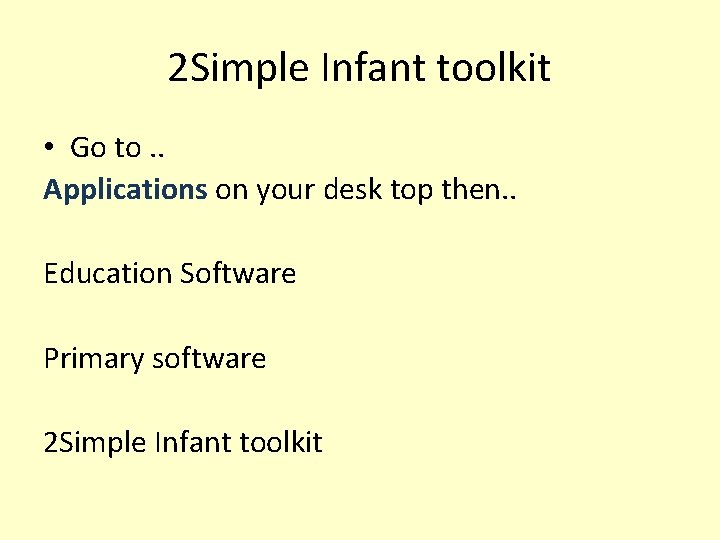
2 Simple Infant toolkit • Go to. . Applications on your desk top then. . Education Software Primary software 2 Simple Infant toolkit
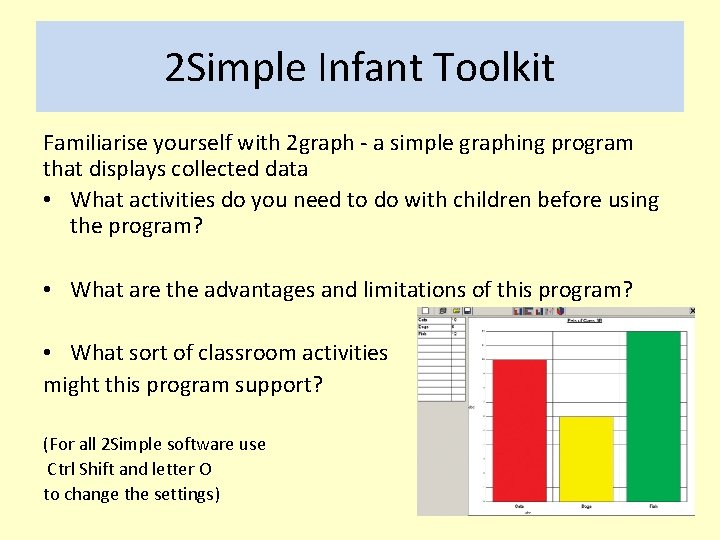
2 Simple Infant Toolkit Familiarise yourself with 2 graph - a simple graphing program that displays collected data • What activities do you need to do with children before using the program? • What are the advantages and limitations of this program? • What sort of classroom activities might this program support? (For all 2 Simple software use Ctrl Shift and letter O to change the settings)
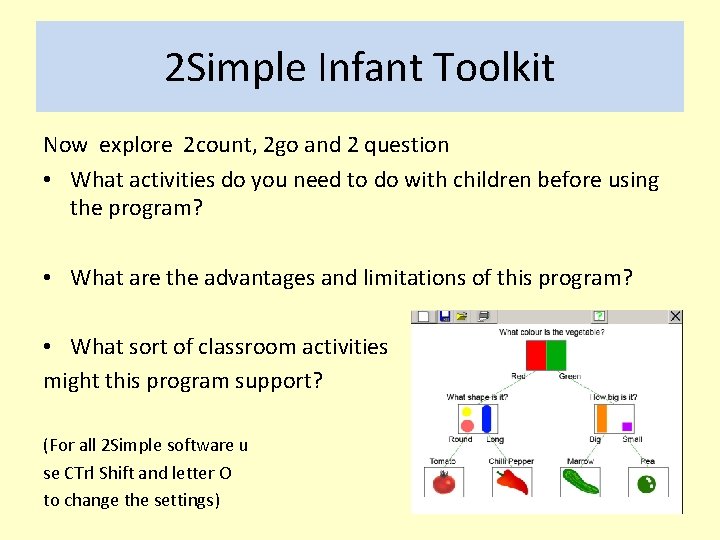
2 Simple Infant Toolkit Now explore 2 count, 2 go and 2 question • What activities do you need to do with children before using the program? • What are the advantages and limitations of this program? • What sort of classroom activities might this program support? (For all 2 Simple software u se CTrl Shift and letter O to change the settings)
Non Contact Tasks • Listen to this Audioboo: e-safety Broadcast (kturvey) https: //audioboo. fm/search? utf 8=%E 2%9 C%93&q=e+safety • Explore the e-safety websites (see list on module programme and Aspire reading list) • Find a short children’s storybook to bring along to the next session which will enable you to created sound effects. If possible bring a microphone e. g. Easispeak. • Continue to explore Weebly website and start of plan out ideas for your own website.
E-safety- Non Contact Reading Chapter 16 The Internet Chapter 19 E-safety • Turvey, K. , Potter, J. , Allen, J. and Sharp, J. , (2014) Primary Computing and ICT, Knowledge, Understanding and Practice (6 th Ed) LA: Learning Matters • Social Networking: A guide for Trainnee Teachers and NQTs TDA (handout)
Supplementary E safety Reading… • Byron, T. (2008) Safer Children in a Digital World: Report of The Byron Review, Available: http: //media. education. gov. uk/assets/files/pdf/d/do%20 we%20 have%20 sa fer%20 children%20 in%20 a%20 digital%20 world%202010%20 byron%20 revie w. pdf • Turvey, K. (2006) The ethical challenges of researching primary school children’s online activities: A new ethical paradigm for the virtual ethnographer? British Educational Research Association, BERA, Available online www. leeds. ac. uk/educol/documents/157434. htm