
LEARN CONTENTS 1 About Oracle LEARN 3 2
LEARN
CONTENTS 1 About Oracle LEARN 3 2 What Happens Next? Training 4 Help, Support and FAQs
1 About Oracle LEARN Two Ways to use LEARN Structure LEARN Roles
What is an LMS? A Learning Management System (LMS) deploys and tracks online and classroom training initiatives. ELM: an enrollment management system. Skillsoft: a content management system. Oracle LEARN: content, enrollment, transcripts, certifications, credits and more!
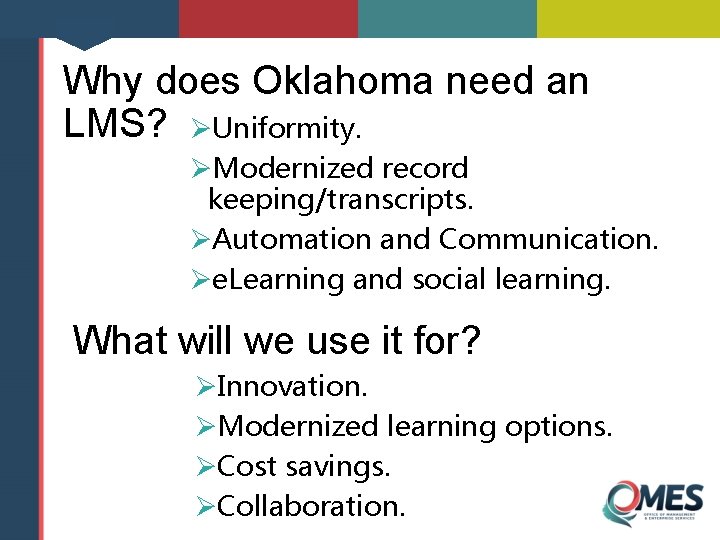
Why does Oklahoma need an LMS? ØUniformity. ØModernized record keeping/transcripts. ØAutomation and Communication. Øe. Learning and social learning. What will we use it for? ØInnovation. ØModernized learning options. ØCost savings. ØCollaboration.
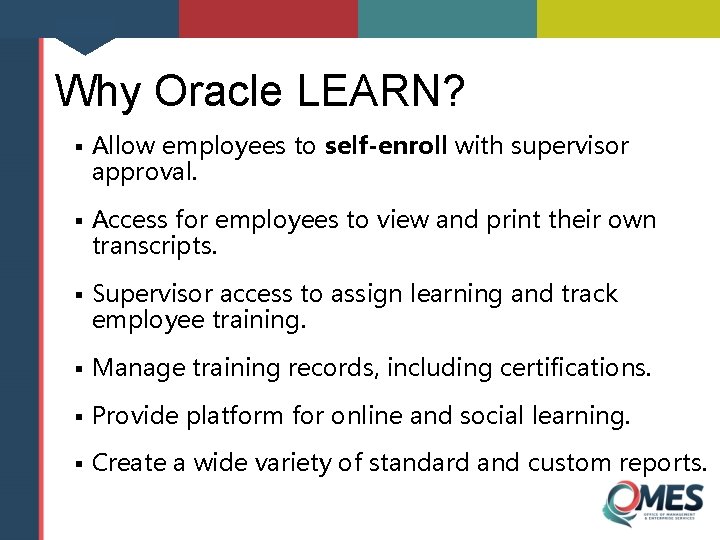
Why Oracle LEARN? § Allow employees to self-enroll with supervisor approval. § Access for employees to view and print their own transcripts. § Supervisor access to assign learning and track employee training. § Manage training records, including certifications. § Provide platform for online and social learning. § Create a wide variety of standard and custom reports.
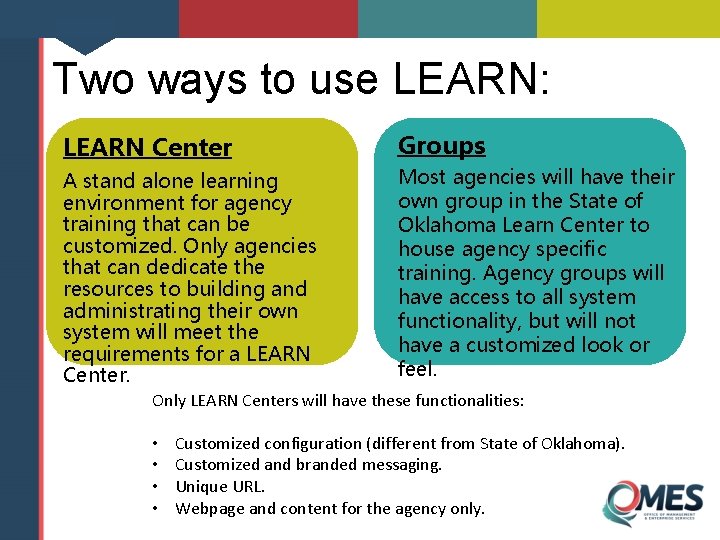
Two ways to use LEARN: LEARN Center Groups A stand alone learning environment for agency training that can be customized. Only agencies that can dedicate the resources to building and administrating their own system will meet the requirements for a LEARN Center. Most agencies will have their own group in the State of Oklahoma Learn Center to house agency specific training. Agency groups will have access to all system functionality, but will not have a customized look or feel. Only LEARN Centers will have these functionalities: • • Customized configuration (different from State of Oklahoma). Customized and branded messaging. Unique URL. Webpage and content for the agency only.
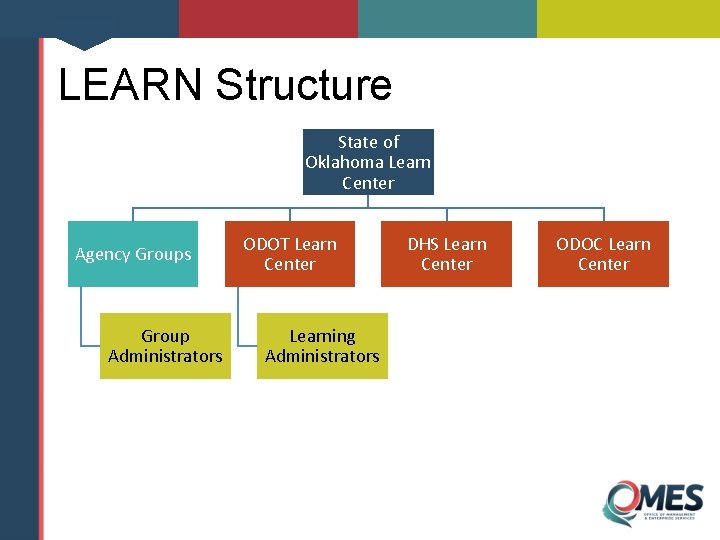
LEARN Structure State of Oklahoma Learn Center Agency Groups Group Administrators ODOT Learn Center Learning Administrators DHS Learn Center ODOC Learn Center
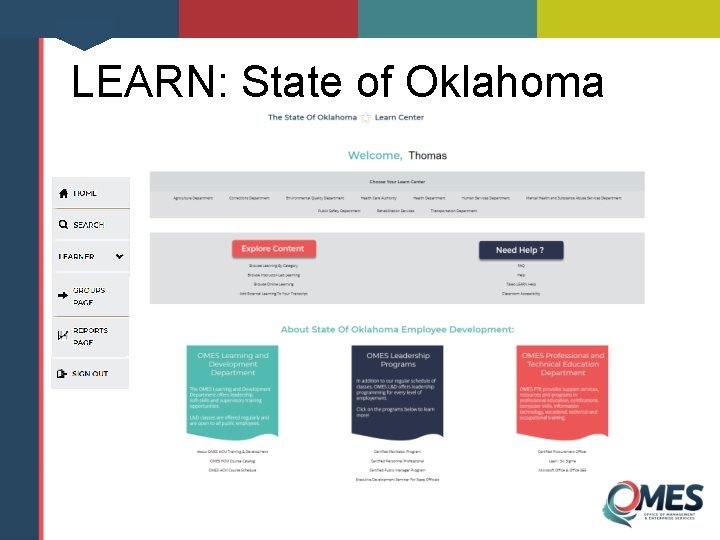
LEARN: State of Oklahoma
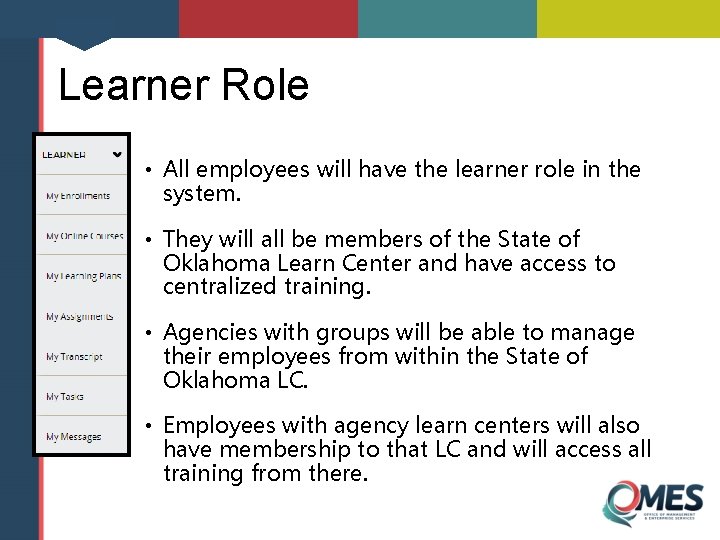
Learner Role • All employees will have the learner role in the system. • They will all be members of the State of Oklahoma Learn Center and have access to centralized training. • Agencies with groups will be able to manage their employees from within the State of Oklahoma LC. • Employees with agency learn centers will also have membership to that LC and will access all training from there.
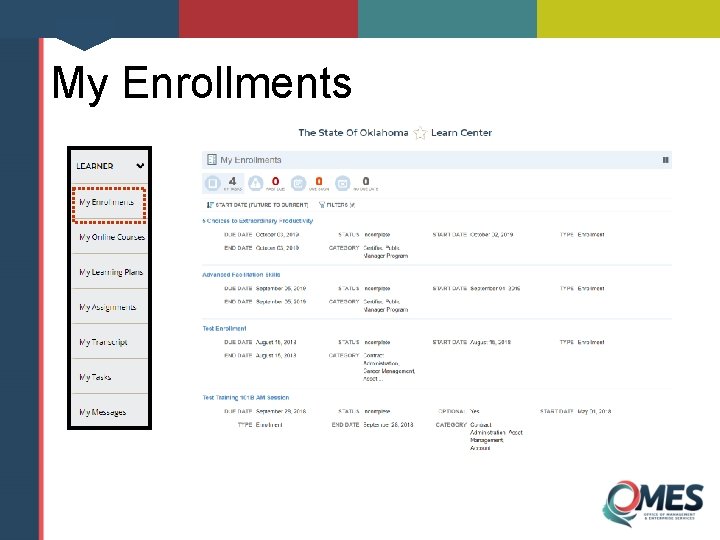
My Enrollments
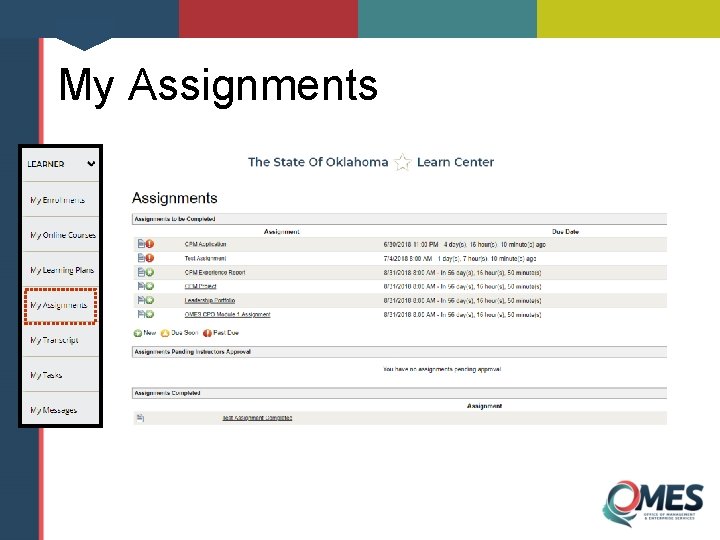
My Assignments
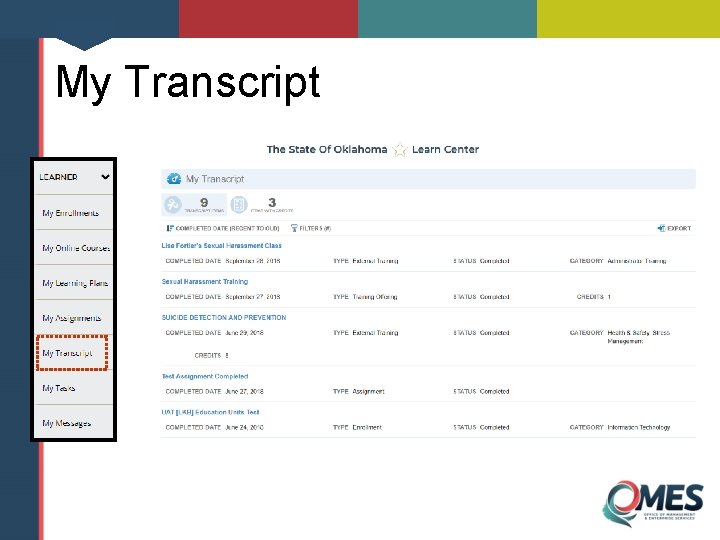
My Transcript
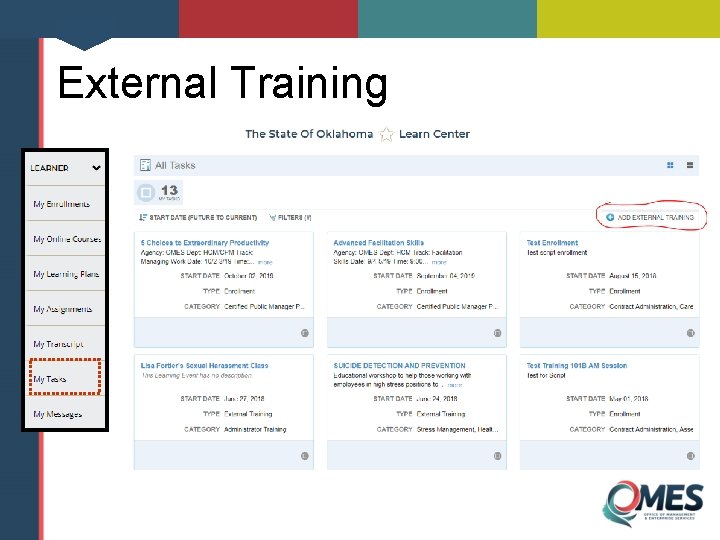
External Training
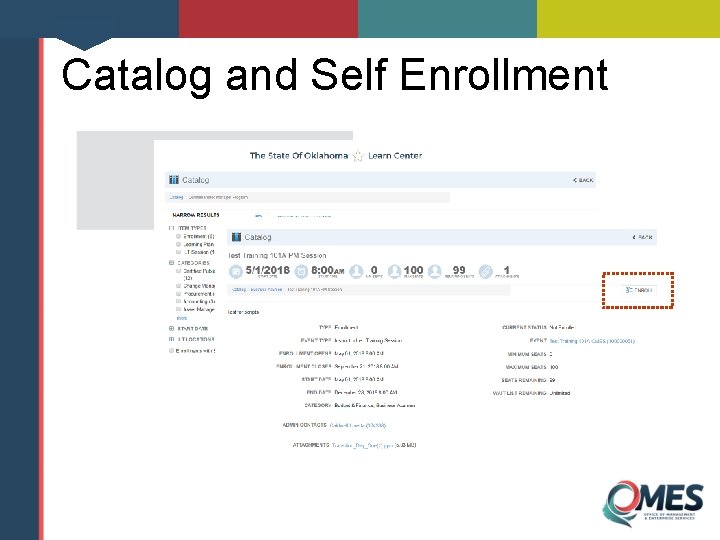
Catalog and Self Enrollment
Supervisor Role • Supervisors automatically gain the supervisor role based on People. Soft designation. • Supervisors can view, approve and manage employee training. • Supervisors can run limited reports. • All role permissions are customizable.

Supervisor View
Additional Roles • Instructor Role • Manage rosters • View assignments and grades • Content Manager Role • Upload and manage online training • Group Administrator • Access to agency group only • Manage agency training content and users • Learning Administrator • Design and maintain learning environment
2 What Happens Next? LEARN Go-Live ELM Phase Out Data Clean-up
LEARN Go-Live • LEARN will go live August 20, 2018. • Employees will access LEARN with their EMPL ID & a temporary password provided. • HCM course schedule available from August 20. • Additional training and testing will continue from now until go-live.
Agency Implementation • There are no deadlines or requirements for agencies to adopt LEARN for agency training. • LEARN Centers can be added at any time by service request. • Group administrators can be added at any time.
LEARN User Acceptance Testing • July 24 -26. • Final test of system functionality and configuration. • 60+ test scripts. • For more information contact hcmtraining@omes. ok. gov
HCM T&D Courses • HCM course schedule available only in LEARN beginning August 20. • All HCM classes need supervisor approval. • All employees need to access LEARN to enroll in HCM courses. • No more nominating officials! • If an agency wants to continue centralized training management, nominating officials will need to become group or learning administrators.
ELM Phase Out • ELM will remain available for several months. • ELM will then revert to a read-only mode. • No set date—based on rate of agency adoption of LEARN and other IT concerns. • Data in ELM will be available for a period of 5 years. • ELM data will not be transferred to LEARN. • ELM reports will continue to be available.
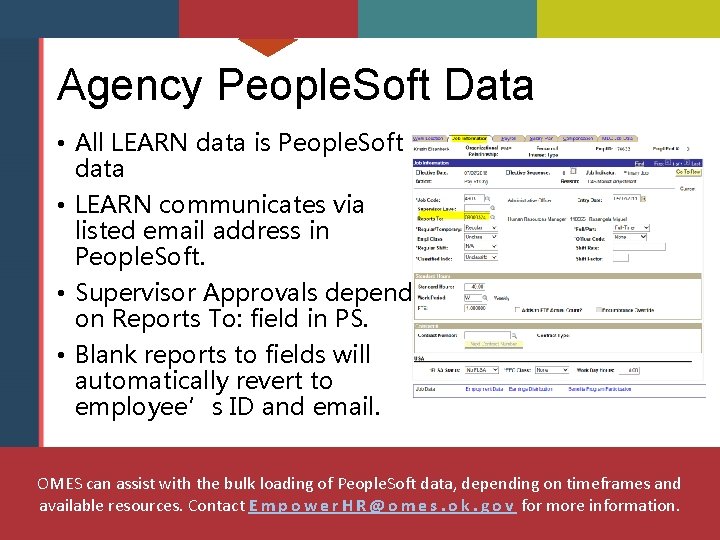
Agency People. Soft Data • All LEARN data is People. Soft data • LEARN communicates via listed email address in People. Soft. • Supervisor Approvals depend on Reports To: field in PS. • Blank reports to fields will automatically revert to employee’s ID and email. OMES can assist with the bulk loading of People. Soft data, depending on timeframes and available resources. Contact E m p o w e r H R @ o m e s. o k. g o v for more information.
3 Training Employee and supervisor training Learning administrator training On-going training
Employee and Supervisor Training • Video-based and task-based. • Employee functions: • • Signing in. Viewing transcripts. Viewing enrollments. Enrolling and dropping a class. • Supervisor functions: • Signing in. • Viewing employee enrollments and reports. • Approving employee training.
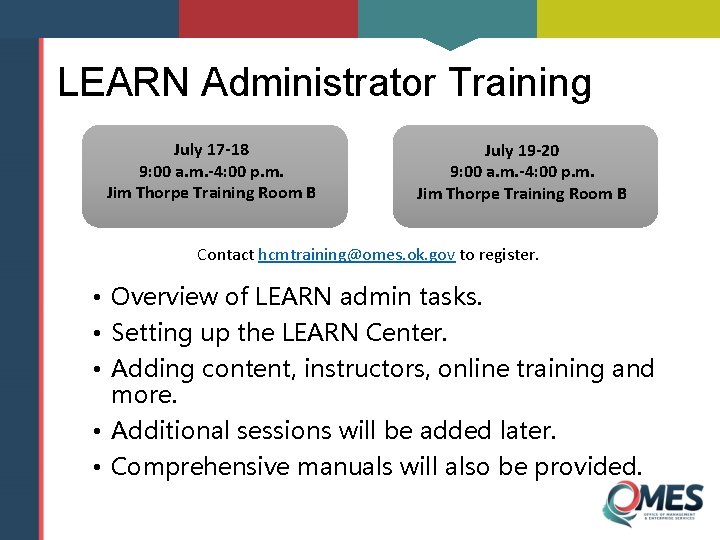
LEARN Administrator Training July 17 -18 9: 00 a. m. -4: 00 p. m. Jim Thorpe Training Room B July 19 -20 9: 00 a. m. -4: 00 p. m. Jim Thorpe Training Room B Contact hcmtraining@omes. ok. gov to register. • Overview of LEARN admin tasks. • Setting up the LEARN Center. • Adding content, instructors, online training and more. • Additional sessions will be added later. • Comprehensive manuals will also be provided.
Ongoing LEARN Training • Group administrator training will be scheduled in the fall, based on agency demand. • Additional video content and job aides will be provided before and after go-live. • LEARN administrator webinars and brown bags will be held periodically to increase system knowledge. • Future online administrator trainings will be available in LEARN.
4 Help, Support and FAQs
LEARN Support Goals • Support a smooth transition from existing systems to Oracle LEARN. • Provide the training and resources needed for agencies to develop strong and ongoing system knowledge that is easily transferred. • Assist agencies in problem solving and brainstorming solutions to challenges that arise during implementation or development of the Oracle LEARN system.
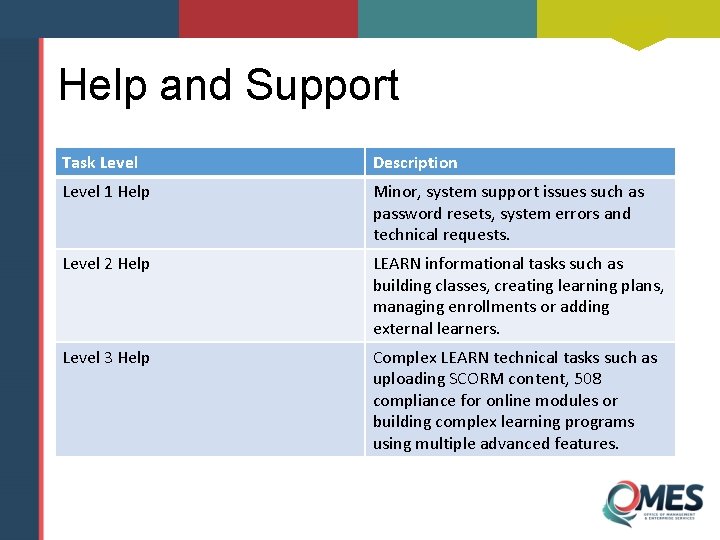
Help and Support Task Level Description Level 1 Help Minor, system support issues such as password resets, system errors and technical requests. Level 2 Help LEARN informational tasks such as building classes, creating learning plans, managing enrollments or adding external learners. Level 3 Help Complex LEARN technical tasks such as uploading SCORM content, 508 compliance for online modules or building complex learning programs using multiple advanced features.
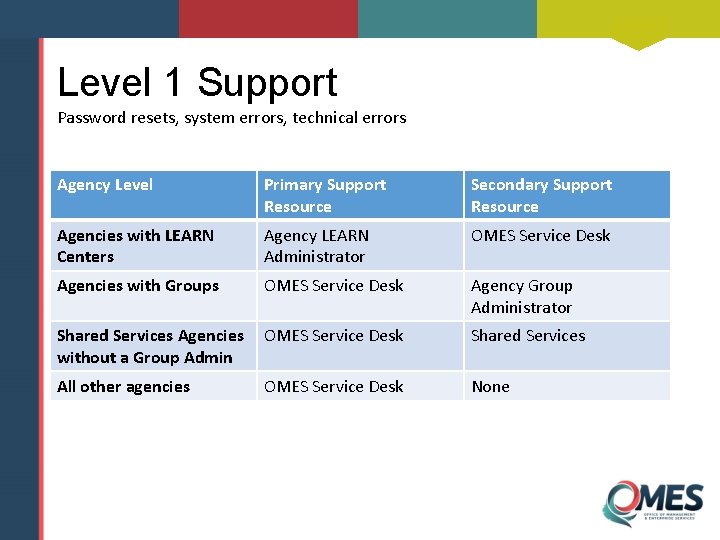
Level 1 Support Password resets, system errors, technical errors Agency Level Primary Support Resource Secondary Support Resource Agencies with LEARN Centers Agency LEARN Administrator OMES Service Desk Agencies with Groups OMES Service Desk Agency Group Administrator Shared Services Agencies without a Group Admin OMES Service Desk Shared Services All other agencies OMES Service Desk None
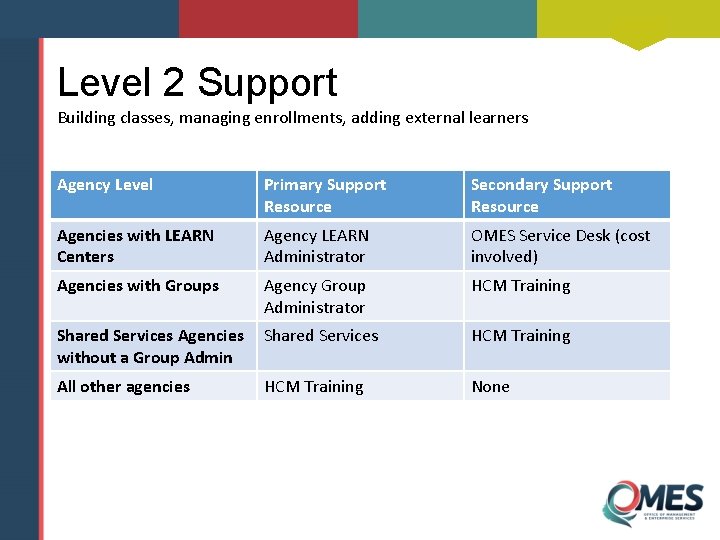
Level 2 Support Building classes, managing enrollments, adding external learners Agency Level Primary Support Resource Secondary Support Resource Agencies with LEARN Centers Agency LEARN Administrator OMES Service Desk (cost involved) Agencies with Groups Agency Group Administrator HCM Training Shared Services Agencies without a Group Admin Shared Services HCM Training All other agencies HCM Training None
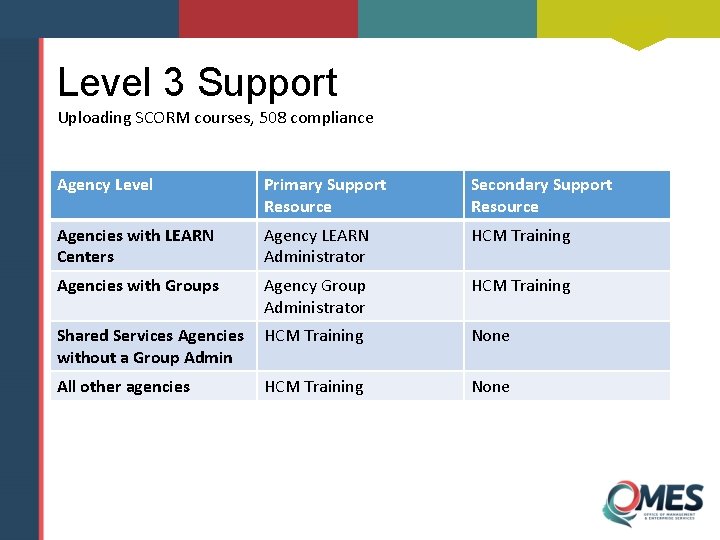
Level 3 Support Uploading SCORM courses, 508 compliance Agency Level Primary Support Resource Secondary Support Resource Agencies with LEARN Centers Agency LEARN Administrator HCM Training Agencies with Groups Agency Group Administrator HCM Training Shared Services Agencies without a Group Admin HCM Training None All other agencies HCM Training None
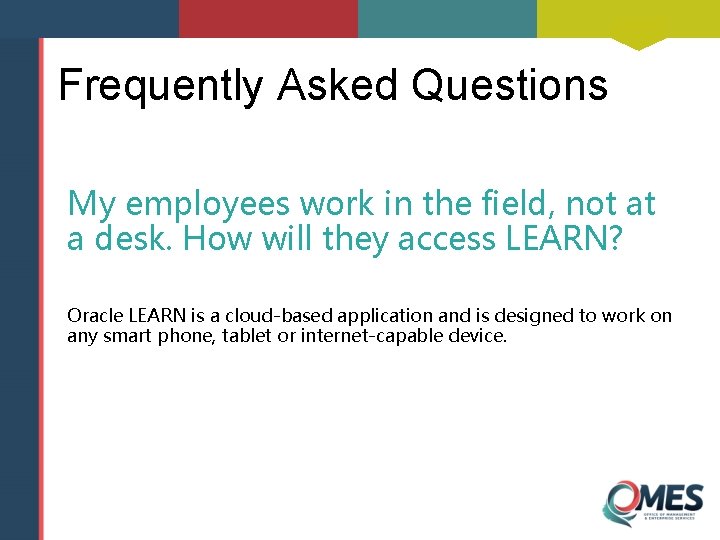
Frequently Asked Questions My employees work in the field, not at a desk. How will they access LEARN? Oracle LEARN is a cloud-based application and is designed to work on any smart phone, tablet or internet-capable device.
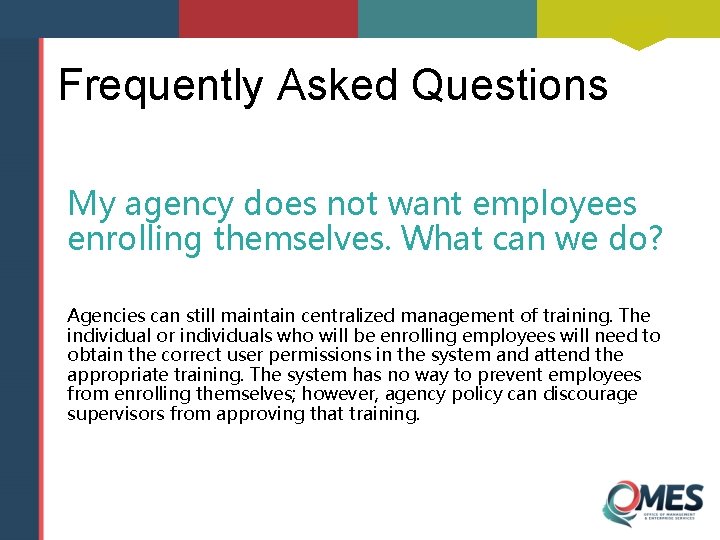
Frequently Asked Questions My agency does not want employees enrolling themselves. What can we do? Agencies can still maintain centralized management of training. The individual or individuals who will be enrolling employees will need to obtain the correct user permissions in the system and attend the appropriate training. The system has no way to prevent employees from enrolling themselves; however, agency policy can discourage supervisors from approving that training.
Frequently Asked Questions How will supervisors’ responsibilities change? Supervisors will certainly play a larger role in monitoring and assigning learning opportunities to their employees. In addition to approving enrollments, supervisors will have access to employee enrollments, assignments, past due items and reports, allowing them to play an active role in employees’ development.
Frequently Asked Questions What will nominating officials do now? Nominating officials will no longer be required by HCM. However, agencies who plan to add training to the State of Oklahoma Learn Center will need a group administrator to enter those trainings into the system and manage the enrollments. Nominating officials can be sent to group administrator training if the agency would like them to assume that role.
Frequently Asked Questions How will I get all my employees and supervisors trained by August? All employee and supervisor training will be online, continuously available and brief, allowing employees and supervisors to take responsibility for their own learning. Job aides for logging in and navigating the system will also be available. If the agency feels this will prevent employees from enrolling in HCM classes, please contact us at hcmtraining@omes. ok. gov and we will do whatever we can to assist.
Frequently Asked Questions Can I use ELM after LEARN goes live? Yes, but only for a limited time. Please contact hcmtraining@omes. ok. gov to discuss your ELM needs moving forward.
Frequently Asked Questions Can ELM data be transferred into LEARN? ELM data will not be transferred to LEARN. However, ELM reports will continue to be available. There may be options through the bulk loader feature to import some of those reports into LEARN; however, this will be a labor-intensive process.
Frequently Asked Questions Can OMES help my agency get our data cleaned up in People. Soft? OMES can assist with the bulk loading of People. Soft data, depending on timeframes and available resources. Contact empowerhr@omes. ok. gov for more information.
Frequently Asked Questions What happens if someone does not have a supervisor? Only one manager field is available in LEARN and thus, only one supervisor will be notified.
Frequently Asked Questions What happens when a supervisor leaves? That will depend on agency policy. The agency can make adjustments to the reports to field during the gap, forward the former supervisor’s email address to someone else or direct employees to contact the agency administrator to enroll.
Questions? hcmtraining@omes. ok. gov empowerhr@omes. ok. gov
- Slides: 46