
Learn About Your Family Family Tree Lite Learn
Learn About Your Family & Family Tree Lite
Learn About Your Family What is “Learn About Your Family”? A new search feature that combines the power of searching records with searching the Family. Search Family Tree You can learn about your family surname You can learn about a specific ancestor
Learn About Your Family How to access “Learn About Your Family” Desktop/Laptop In an internet browser, go to https: //www. familysearch. org/ Without logging in (or log out if you are already logged-in) Scroll down below the main banner i. OS (i. Phone, i. Pad) Open the Family Tree app Tap “More” and select “Find a Person” Android Open the Family Tree app Tap the magnifying glass in the top right corner
Learn About Your Family Demo
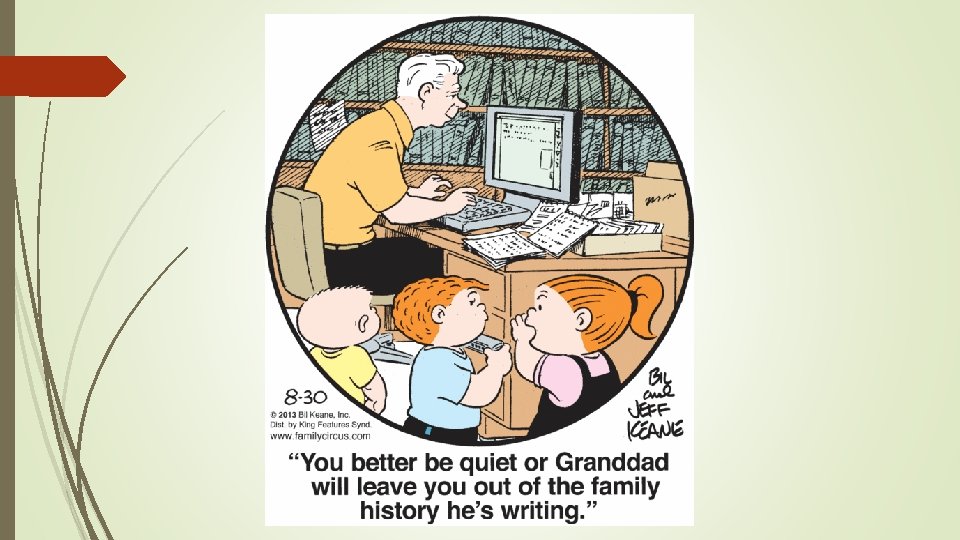
Family Tree In recent years, Family Tree has added a variety of tools that can both enrich your tree and make your research experience faster and more productive. You can: View and attach photos, documents, stories View and attach sources Receive record hints and attach as sources Link to partner sites Print temple cards & submit names temple Print charts …and much more Family. Search’s Family Tree mobile app carries these capabilities over to your phone or other mobile device.
Family Tree It’s truly amazing how much Family Tree can do. But have you ever wished that Family Tree… …did less?
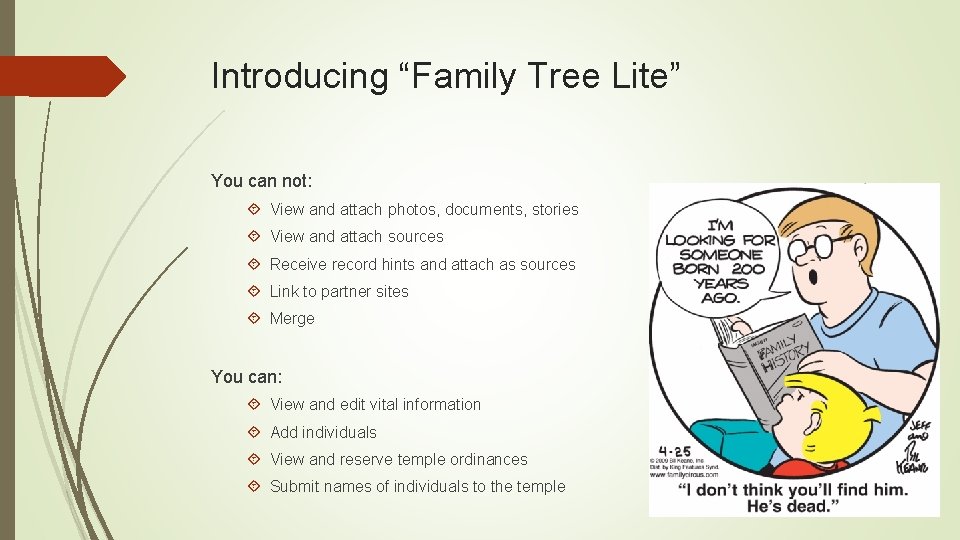
Introducing “Family Tree Lite” You can not: View and attach photos, documents, stories View and attach sources Receive record hints and attach as sources Link to partner sites Merge You can: View and edit vital information Add individuals View and reserve temple ordinances Submit names of individuals to the temple
Family Tree Lite Why would you need Family Tree Lite? Limited available internet bandwidth Poor internet connection quality Data limits (i. e. limited number of GB per month) How to access Family Tree Lite: In an internet browser, go to https: //familysearch. org/tree/lite/ Sign in with your LDS account (same one that works with Family Tree) All changes made within Family Tree Lite will appear in Family Tree
Family Tree Lite Demo
- Slides: 11