
Leading Change An Information Literacy Framework for library
Leading Change: An Information Literacy Framework for library staff and students Greta Friggens, Faculty Librarian, Creative & Cultural Industries
A H C E G N A H C Leading Change is a development programme which seeks to enable successful applicants to contribute to the continued success of the University while also providing them with a tailored personal development opportunity. E G N A H C E G N
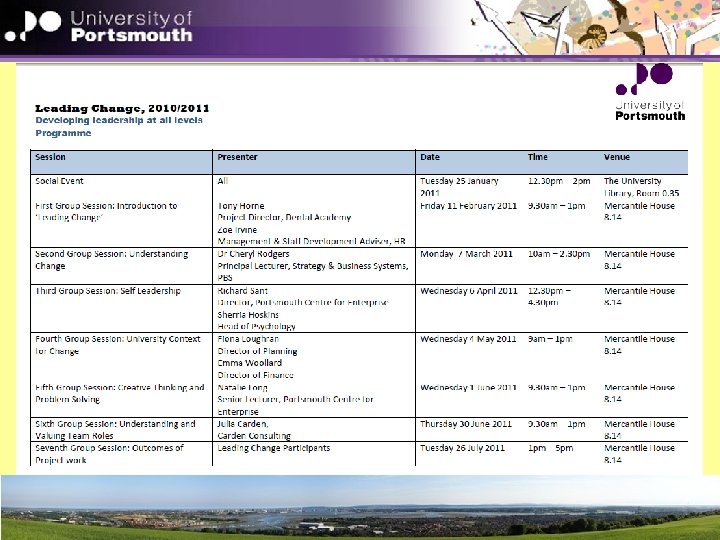
‘Leading Change’ has 3 key elements: 1) Undertaking the preparatory work for and taking an active part in the seven group sessions, facilitated by and with inputs from, a range of people across the university 2) Proposing and completing a piece of change-related project work 3) Taking full advantage of the coaching or mentoring support offered
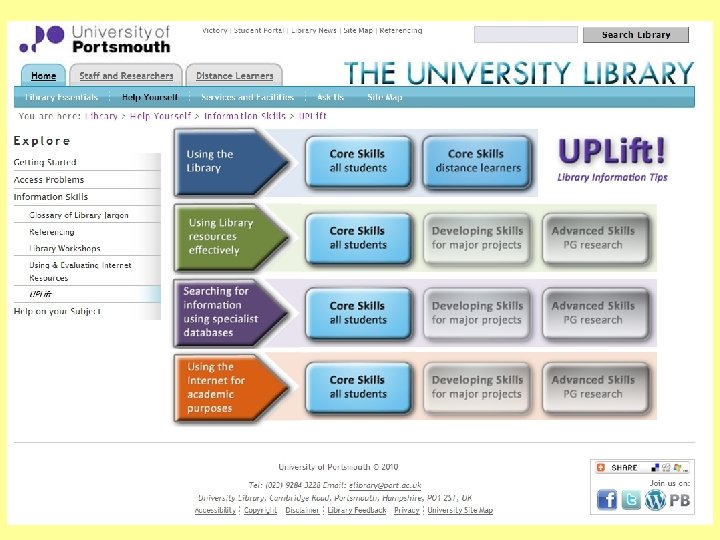
Change related project work. . . Developing an interactive information literacy framework for students

From guidance documentation Interactive learning tool Benefiting Students Self-directed study PDP Distance learners Collaborative partners Academic colleagues Link to /embed in Victory units Tailor information to suit subject specialisms Library staff At partner institutions Enquiry desk staff Faculty Librarians Developed into a staff development competencies framework
From guidance documentation Practicalities The Framework will enable tutors to see how their students should be: • using the library • locating information • evaluating what they find • using and communicating it appropriately at each level of the course. It will provide a benchmark for discussions between the tutor and the Faculty Librarian, who can help to introduce and develop the skills listed in the Framework.
From guidance documentation Aim To ensure that: • the Information Literacy Framework reflects the IL requirements of CCi staff and students • it is cascaded and applied consistently to all departments and Schools within the Faculty
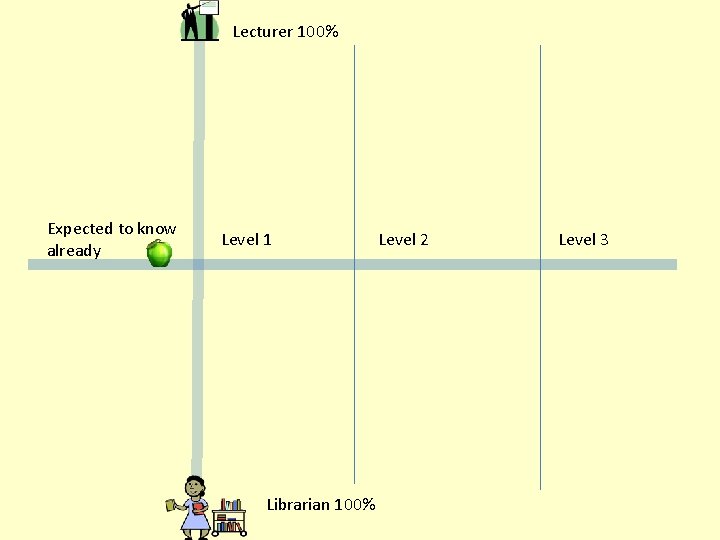
Lecturer 100% Expected to know already Level 1 Librarian 100% Level 2 Level 3
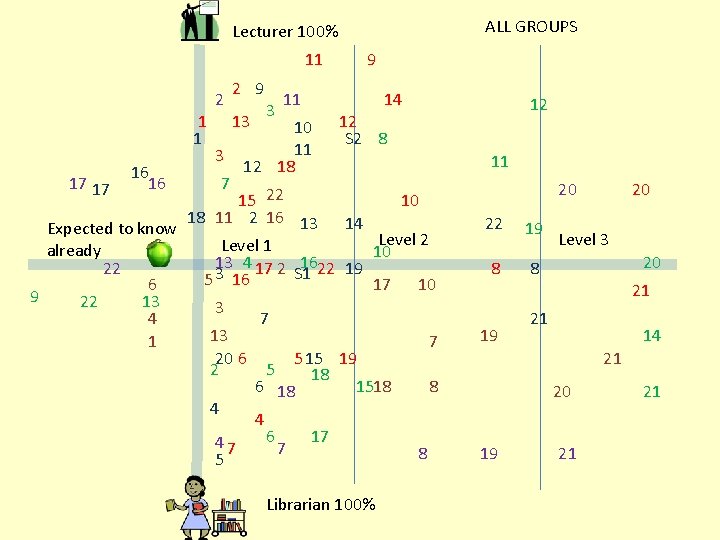
ALL GROUPS Lecturer 100% 11 2 1 1 17 17 16 16 2 9 13 3 7 3 9 11 10 11 12 18 14 12 12 S 2 8 15 22 10 18 11 2 16 13 14 Expected to know Level 2 Level 1 already 10 13 4 17 2 1622 19 22 S 1 5 3 16 6 17 10 9 22 13 3 4 7 13 1 7 20 6 5 15 19 2 5 18 6 18 1518 8 4 4 6 17 47 7 8 5 Librarian 100% 11 20 22 19 8 8 20 Level 3 20 21 19 21 14 21 20 19 21 21
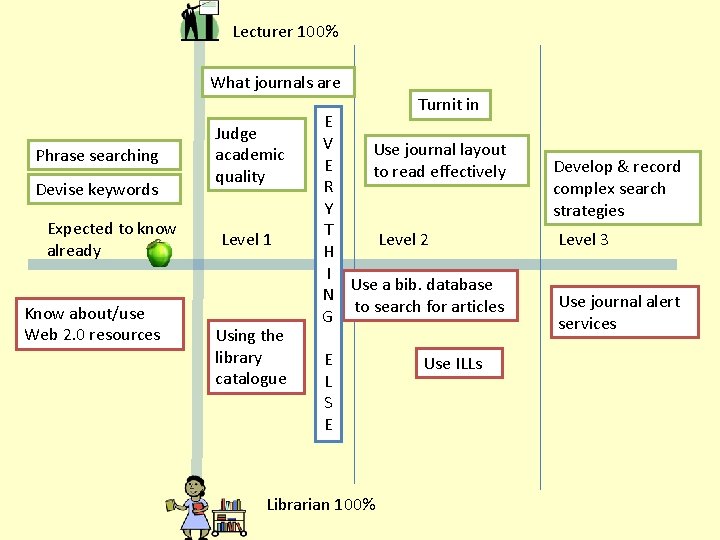
Lecturer 100% What journals are Turnit in Phrase searching Devise keywords Expected to know already Know about/use Web 2. 0 resources Judge academic quality Level 1 Using the library catalogue E V Use journal layout E to read effectively R Y T Level 2 H I Use a bib. database N to search for articles G E L S E Librarian 100% Use ILLs Develop & record complex search strategies Level 3 Use journal alert services
From guidance documentation Lonnon Foster, Flickr Interactive learning tool
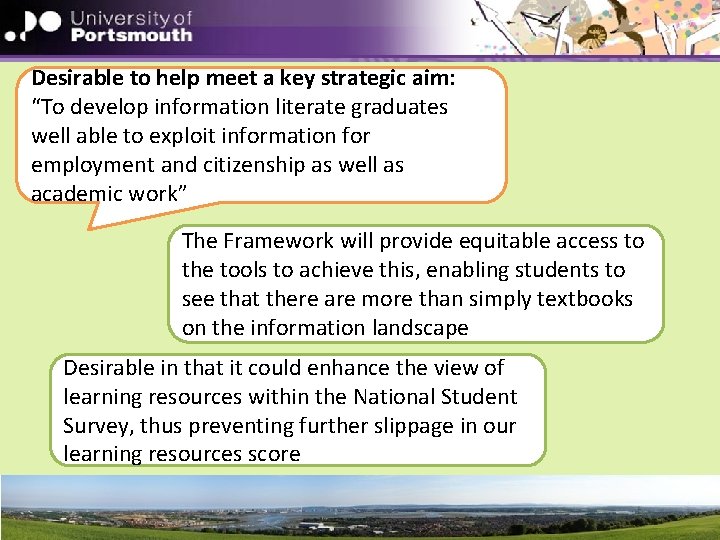
Desirable to help meet a key strategic aim: “To develop information literate graduates well able to exploit information for employment and citizenship as well as academic work” The Framework will provide equitable access to the tools to achieve this, enabling students to see that there are more than simply textbooks on the information landscape Desirable in that it could enhance the view of learning resources within the National Student Survey, thus preventing further slippage in our learning resources score
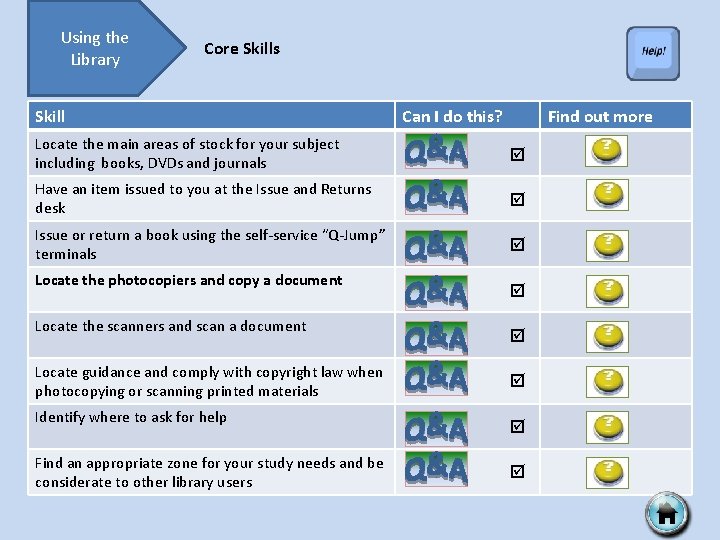
Using the Library Core Skills Skill Can I do this? Find out more Locate the main areas of stock for your subject including books, DVDs and journals Have an item issued to you at the Issue and Returns desk Issue or return a book using the self-service “Q-Jump” terminals Locate the photocopiers and copy a document Locate the scanners and scan a document Locate guidance and comply with copyright law when photocopying or scanning printed materials Identify where to ask for help Find an appropriate zone for your study needs and be considerate to other library users
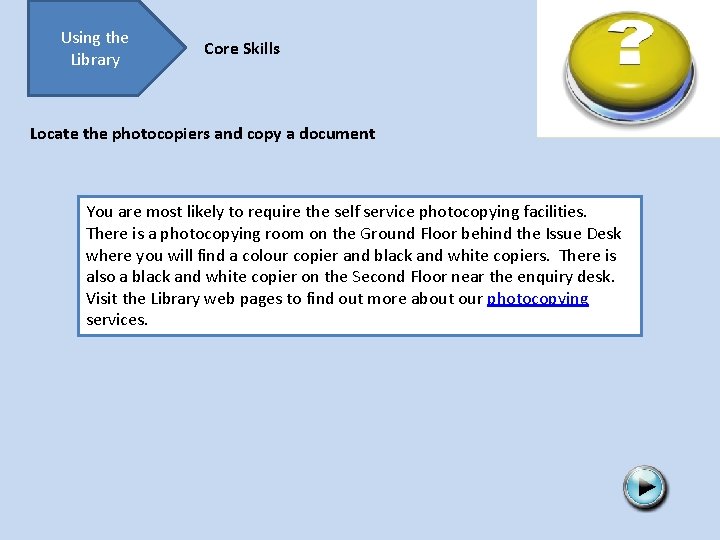
Using the Library Core Skills Locate the photocopiers and copy a document You are most likely to require the self service photocopying facilities. There is a photocopying room on the Ground Floor behind the Issue Desk where you will find a colour copier and black and white copiers. There is also a black and white copier on the Second Floor near the enquiry desk. Visit the Library web pages to find out more about our photocopying services.
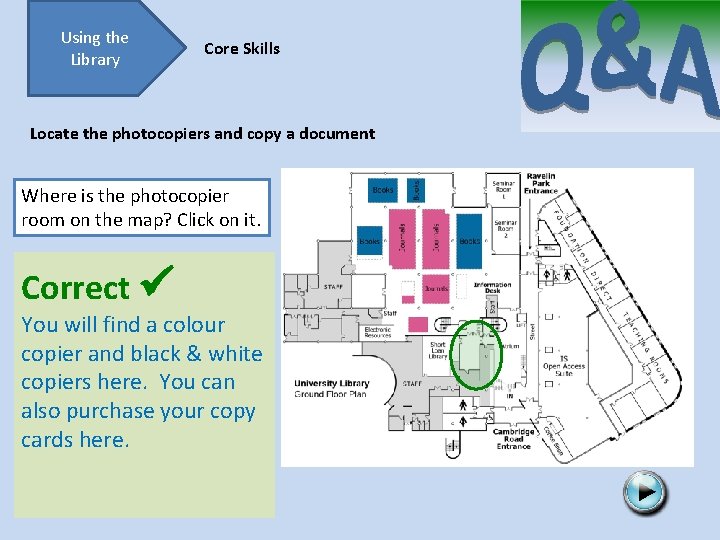
Using the Library Core Skills Locate the photocopiers and copy a document Where is the photocopier room on the map? Click on it. Correct You will find a colour copier and black & white copiers here. You can also purchase your copy cards here. Try again
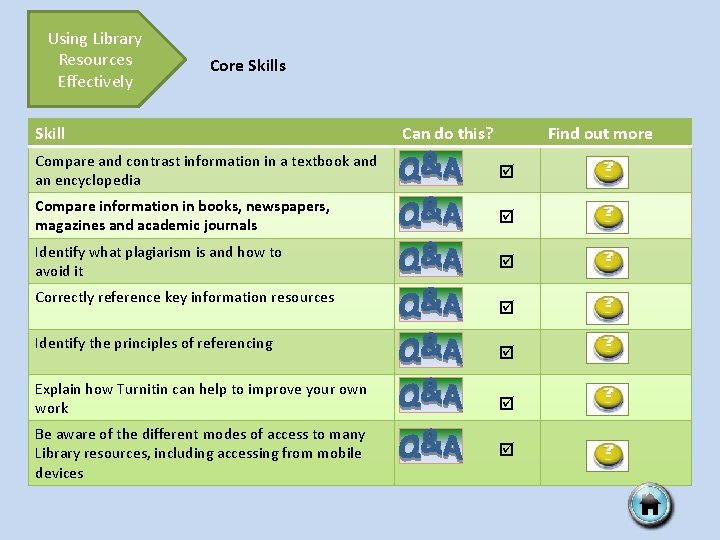
Using Library Resources Effectively Core Skills Skill Can do this? Find out more Compare and contrast information in a textbook and an encyclopedia Compare information in books, newspapers, magazines and academic journals Identify what plagiarism is and how to avoid it Correctly reference key information resources Identify the principles of referencing Explain how Turnitin can help to improve your own work Be aware of the different modes of access to many Library resources, including accessing from mobile devices
Using Library Resources Effectively Core Skills Compare information in books, newspapers, magazines and academic journals The Information Landscape will help you to understand what kind of information each of these contain.
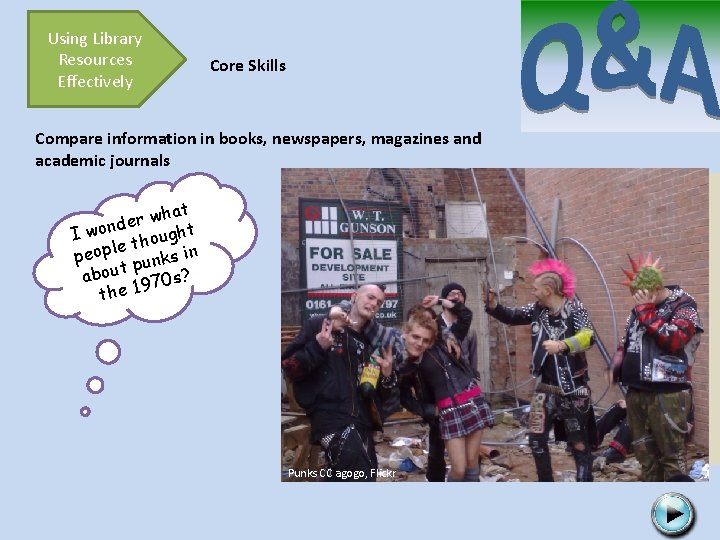
Using Library Resources Effectively Core Skills Compare information in books, newspapers, magazines and academic journals at h w r de I won thought e peopl punks in about 970 s? the 1 If you wanted to find out, which sources do you think it would be most useful to look at? Reveal the answer Magazines Books Newspapers Punks CC agogo, Flickr Academic journals Newspapers are especially useful for contemporary public opinion
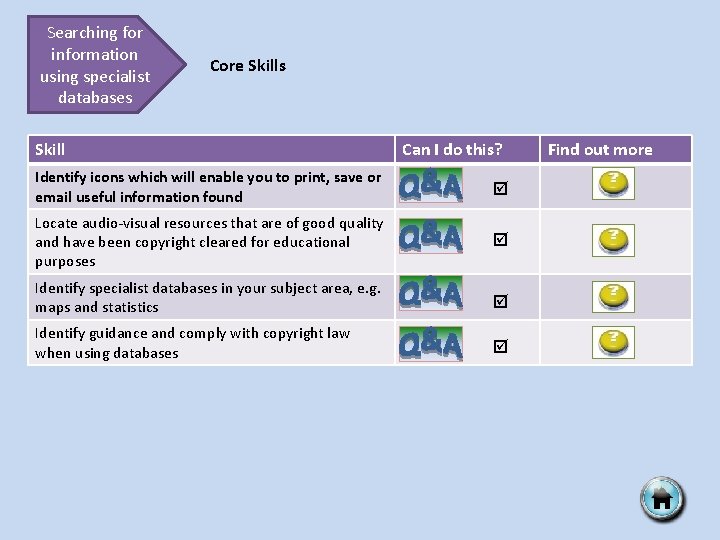
Searching for information using specialist databases Core Skills Skill Can I do this? Identify icons which will enable you to print, save or email useful information found Locate audio-visual resources that are of good quality and have been copyright cleared for educational purposes Identify specialist databases in your subject area, e. g. maps and statistics Identify guidance and comply with copyright law when using databases Find out more
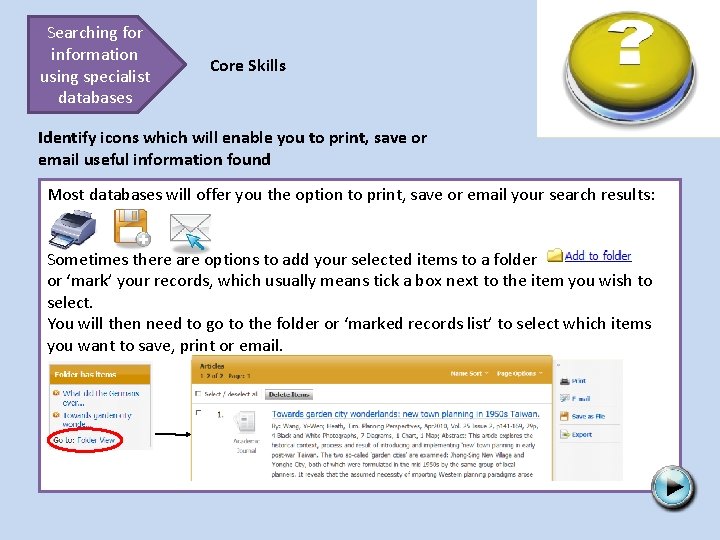
Searching for information using specialist databases Core Skills Identify icons which will enable you to print, save or email useful information found Most databases will offer you the option to print, save or email your search results: Sometimes there are options to add your selected items to a folder or ‘mark’ your records, which usually means tick a box next to the item you wish to select. You will then need to go to the folder or ‘marked records list’ to select which items you want to save, print or email.
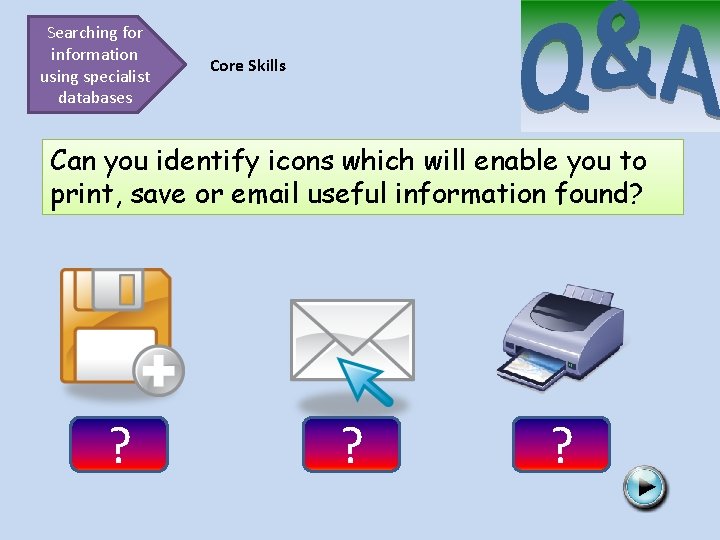
Searching for information using specialist databases Core Skills Can you identify icons which will enable you to print, save or email useful information found? ? Save ? Email ? Print
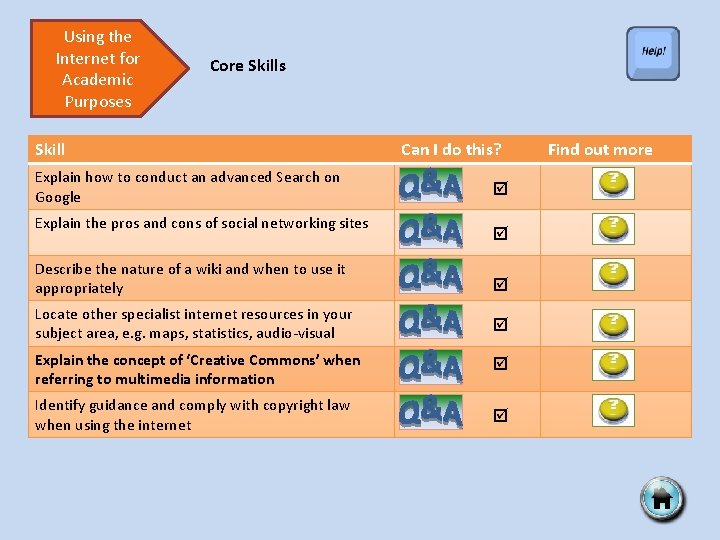
Using the Internet for Academic Purposes Core Skills Skill Explain how to conduct an advanced Search on Google Explain the pros and cons of social networking sites Can I do this? Describe the nature of a wiki and when to use it appropriately Locate other specialist internet resources in your subject area, e. g. maps, statistics, audio-visual Explain the concept of ‘Creative Commons’ when referring to multimedia information Identify guidance and comply with copyright law when using the internet Find out more
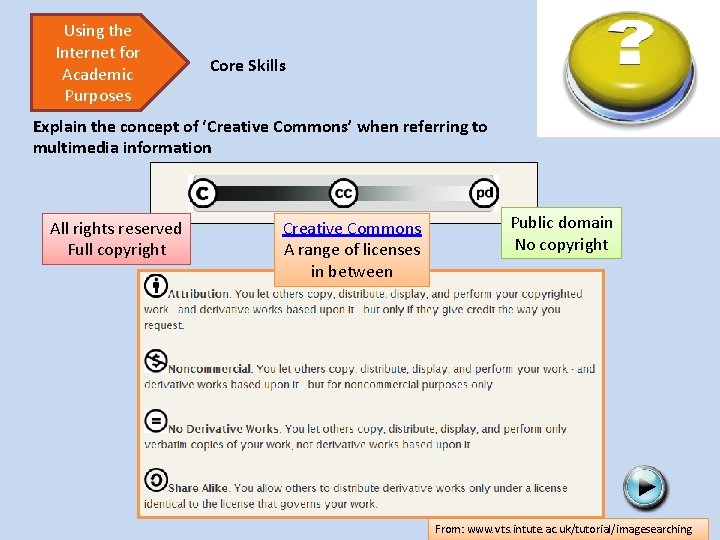
Using the Internet for Academic Purposes Core Skills Explain the concept of ‘Creative Commons’ when referring to multimedia information All rights reserved Full copyright Creative Commons A range of licenses in between Public domain No copyright From: www. vts. intute. ac. uk/tutorial/imagesearching
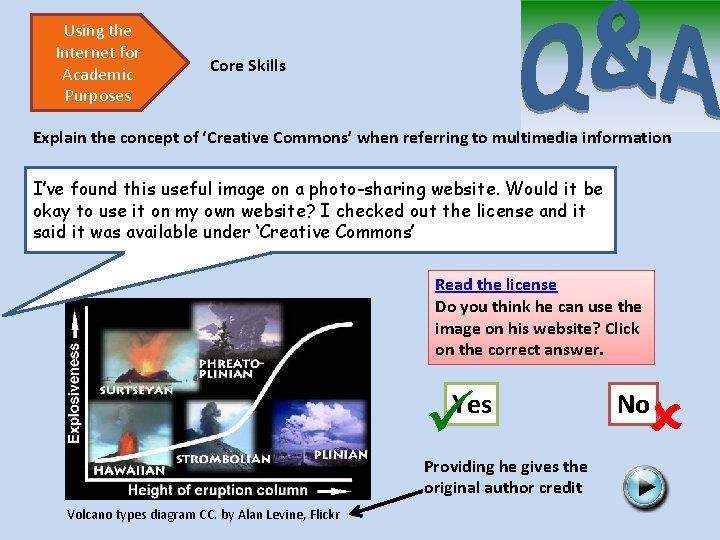
Using the Internet for Academic Purposes Core Skills Explain the concept of ‘Creative Commons’ when referring to multimedia information I’ve found this useful image on a photo-sharing website. Would it be okay to use it on my own website? I checked out the license and it said it was available under ‘Creative Commons’ Read the license Do you think he can use the image on his website? Click on the correct answer. Yes Providing he gives the original author credit Volcano types diagram CC. by Alan Levine, Flickr No
So what’s happened since LC? Promotion of UPLift: Core skills went live in August Seeking feedback on UPLift Focus group to adapt the framework to use as a tool to develop training sessions to ensure staff feel comfortable working with students in this time of change
Staff Development Framework The aim of the focus group was: to clarify and identify future skills sessions for different groups of library staff in order to support the information literacy framework. If we are expecting our students to be information literate, we need to ensure that our staff are fully skilled too, particularly in the changing world of new technologies.
Staff Development Framework 8 training sessions have been developed directly from grouping the skills on the framework: All Library Staff • Wiki Way • The Library Website • Using the Library • Beyond Books Enquiries staff • Using the Internet Successfully • The Reference Enquiry – What do our users really want? • Using Key Library Resources Effectively • Using Google Scholar and Key Databases Effectively
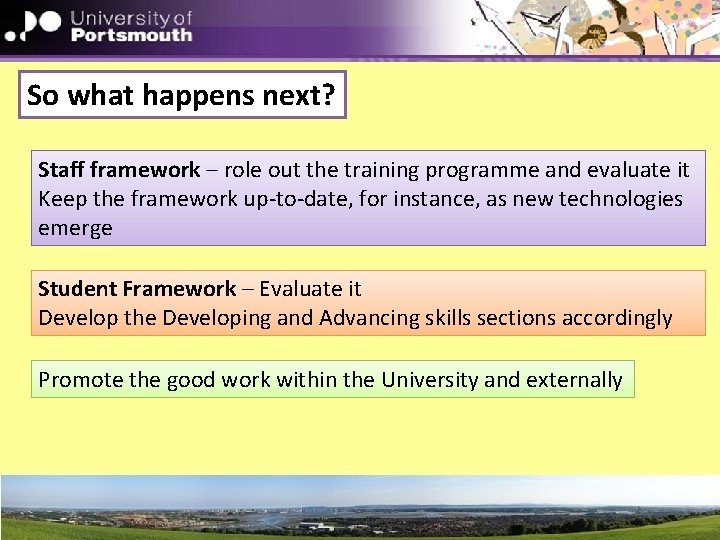
So what happens next? Staff framework – role out the training programme and evaluate it Keep the framework up-to-date, for instance, as new technologies emerge Student Framework – Evaluate it Develop the Developing and Advancing skills sections accordingly Promote the good work within the University and externally
- Slides: 30