
Leadership Creating an Assessment Plan Outline Selecting researchbased
Leadership Creating an Assessment Plan
Outline • Selecting research-based assessments • Training and support in assessment administration • Creating an assessment calendar • Managing the data • Using the data at the campus level • Supporting teachers using the data
Selecting Research-Based Assessments
Reliability • Definition: An assessment’s dependability or consistency • Characteristics of reliable assessments: • Produce similar results under similar conditions • Allow us to view changes in scores as indicators of progress Farrall, 2012
Validity • Definition: Evidence that an assessment measures what it is supposed to measure • Requires strong reliability • Predictive validity: Assessments that can be used to predict future performance
Different Assessment Purposes • Screening • Diagnosing • Progress monitoring • Summatively assessing
Effective Screening Assessments • Are quick to administer • Are used with all students • Assess grade-level performance • Identify students on grade level and students at risk
Purposes of Screening • Identify at-risk students • Set entry and exit criteria for each period of intervention • Form instructional and intervention groups • Set individual intervention goals • Plan instruction and targeted intervention
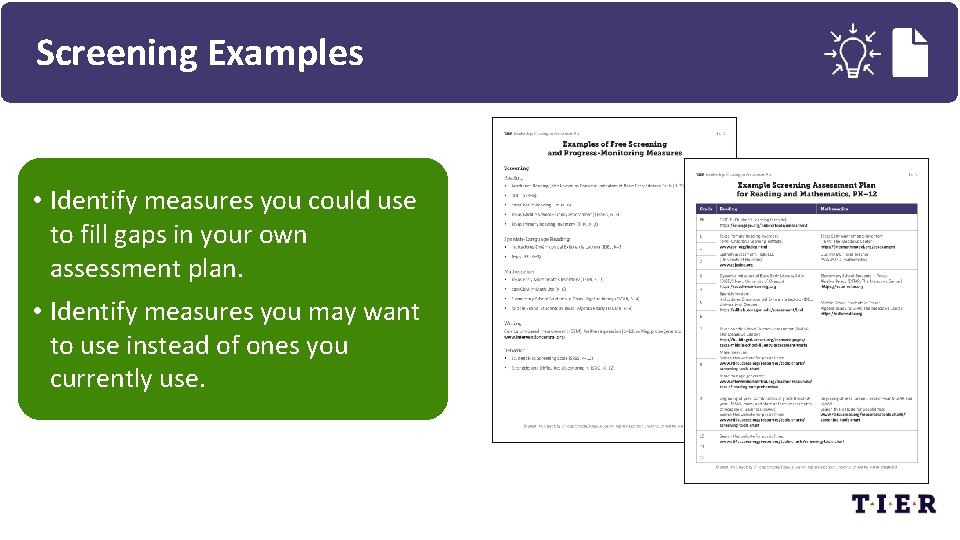
Screening Examples • Identify measures you could use to fill gaps in your own assessment plan. • Identify measures you may want to use instead of ones you currently use.
Screening: More Information For more in-depth information about screening assessments and processes, see TIER’s Screening module, which includes the following pathways: • Importance of Universal Screening in Academics and Behavior • Interpreting Data https: //tier. tea. texas. gov/screening
Effective Diagnosing • Takes longer • Is used with students for whom you need more in-depth data • Provides information about specific skills and subskills • Identifies gaps in learning
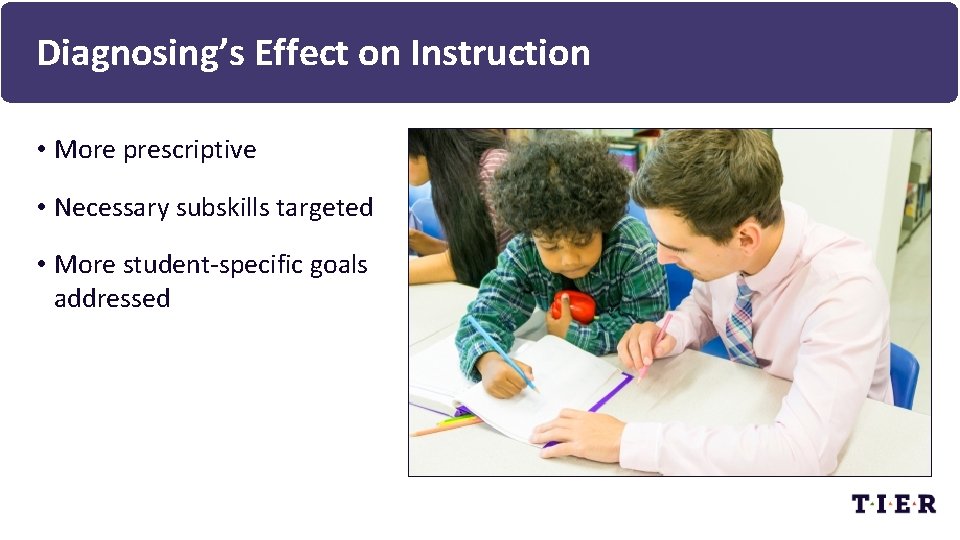
Diagnosing’s Effect on Instruction • More prescriptive • Necessary subskills targeted • More student-specific goals addressed
Diagnosing Examples • Diagnostic data gained from screening assessments: • Spelling errors on a spelling inventory • Misread words on an oral reading fluency measure • Computation mistakes on a mathematics measure • Emotional symptoms shown on a behavior screening tool • Other sample diagnostic data to gather: • Phonemic awareness proficiency • Analysis of mathematical errors • Motivation to learn, as assessed on a behavior measure
Effective Progress Monitoring • Is quick • Is used with any students for whom a teacher wants to monitor growth in a specific area • Assesses grade-level performance, off-grade-level performance, or both • Examines performance at one time point and performance across multiple time points
Progress Monitoring’s Effect on Instruction Progress monitoring allows teachers to do the following: • Monitor individual student response to instruction and intervention • Plan differentiated and targeted instruction • Adjust the make-up of different grouping formats • Communicate more specifically with parents about student progress
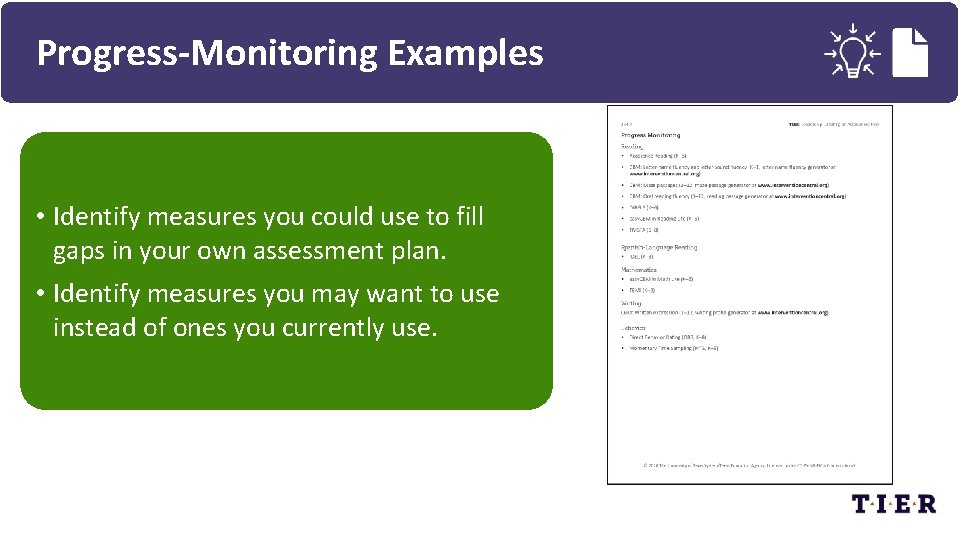
Progress-Monitoring Examples • Identify measures you could use to fill gaps in your own assessment plan. • Identify measures you may want to use instead of ones you currently use.
Progress Monitoring: More Information For more in-depth information about progress-monitoring assessments and processes, see the following TIER modules: • Progress Monitoring: https: //tier. tea. texas. gov/progress-monitoring • Decision Making: https: //tier. tea. texas. gov/decision-making
Summatively Assessing • Takes longer to administer • Provides outcome data at the end of every year • Provides information on grade-level performance • Provides an overall picture of how students are doing on general outcomes
Training and Support in Assessment Administration
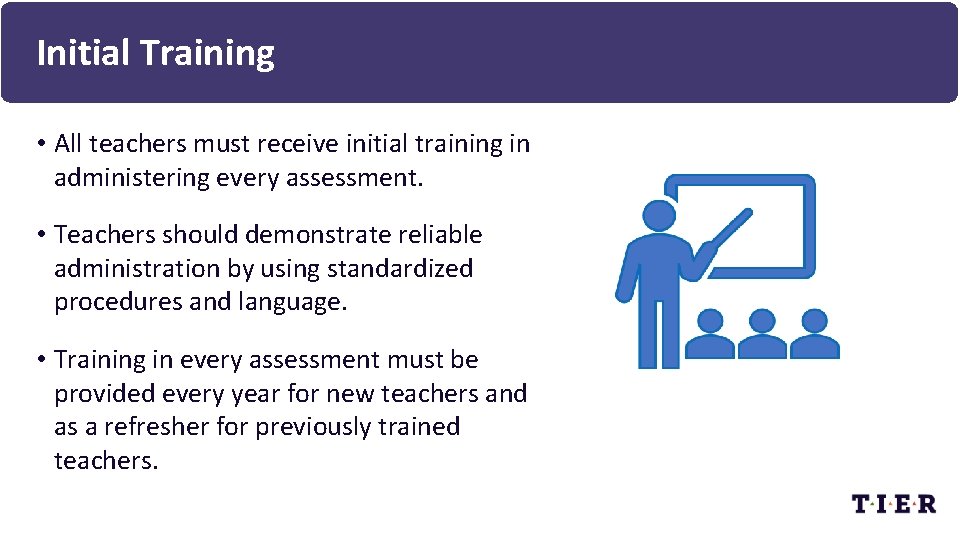
Initial Training • All teachers must receive initial training in administering every assessment. • Teachers should demonstrate reliable administration by using standardized procedures and language. • Training in every assessment must be provided every year for new teachers and as a refresher for previously trained teachers.
Ongoing Support • Teachers may also need ongoing support in administering an assessment reliably. • Instructional coaches, administrators, or lead teachers should observe teachers to ensure reliable administration. • Teachers who do not demonstrate reliable administration should receive additional training and support.
Reliability Checking • Every campus needs a system for checking the reliability of assessment administration. • One or more of the following methods can be used for reliability checking: • Double-scoring • Using a second scorer • Trading students among teachers • Teachers demonstrating unreliable assessment administration need training, support, and rechecking of reliability.
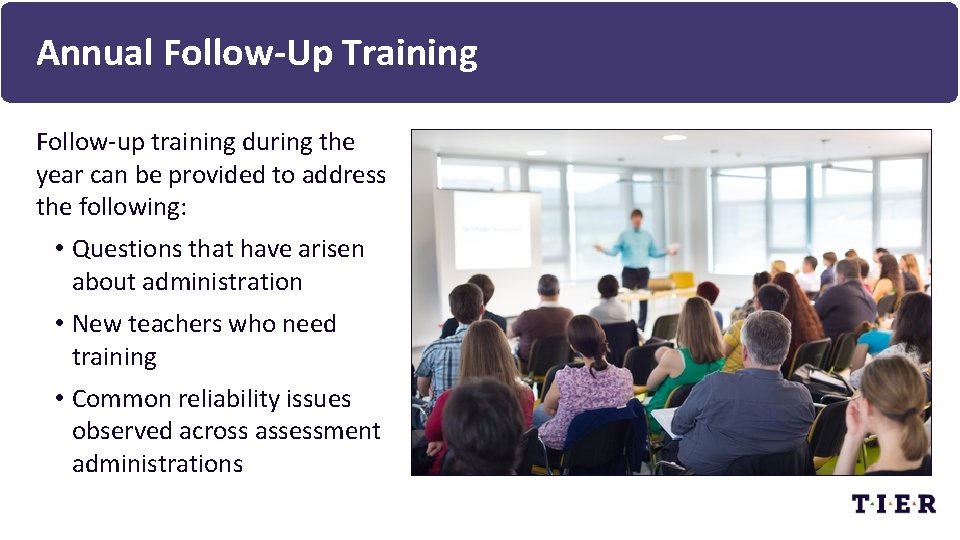
Annual Follow-Up Training Follow-up training during the year can be provided to address the following: • Questions that have arisen about administration • New teachers who need training • Common reliability issues observed across assessment administrations
Creating an Assessment Calendar
Screening • Typically conducted three times a year: • Beginning of year (BOY): Usually in September or maybe a bit later • Middle of year (MOY): January or beginning of February • End of year (EOY): End of April or May • Conducted with all students • May take a couple of weeks to complete
Diagnosing • Diagnosing can occur any time a teacher needs in-depth information on individual students to target instruction. • Diagnostic assessments usually follow screening measures, especially at the beginning of an intervention. • These assessments may require fewer days to conduct than screening.
Progress Monitoring • Frequency: • Every 2 weeks for some students • Every week or more often for students with more significant skill gaps • These assessments are conducted only with students who need to demonstrate accelerated improvement, so they may occur during interventions or Tier 1 small-group instruction.
Sample Assessment Calendar • How does the sample calendar compare to how you currently schedule assessments? • Why would it be helpful to create a calendar similar to this one at the start of the year? • What obstacles might prevent you from following the schedule in this calendar? • How could you overcome these obstacles to ensure implementation of this calendar or one similar to it?
Managing Data
Collecting Data • After administering assessments, teachers need to enter the data into a data management system. • Data should be collected at both the campus and district levels to allow for different kinds of analyses. • Giving teachers a window for collecting and entering the data into the management system allows for timely analyses and instructional decision making.
Using a Data Management System • Effective data management is key to data analysis and use. • Data management systems allow for analysis at multiple levels, including the following: • District • Campus • Grade • Classroom • Student group • Individual student
Managing Different Types of Data A data management system should allow different kinds of data to be warehoused in one place, including the following: • Screening, diagnostic, and progress-monitoring data • Demographic data (e. g. , Public Education Information Management System [PEIMS]) • Summative assessment data (e. g. , STAAR) • Other types of data (e. g. , district-created assessments, intervention status) Does your data management system allow this type of data collection and storage?
Creating Data Reports should aggregate data at the levels mentioned earlier (e. g. , district, campus) for answers to questions such as the following: • What percentage of students are on grade level? • What percentage of students need intervention? • Are demographic groups over-represented in these percentages? • How do grade levels compare across campuses? • How do classrooms compare to one another? • Do students demonstrate gaps in specific skills?
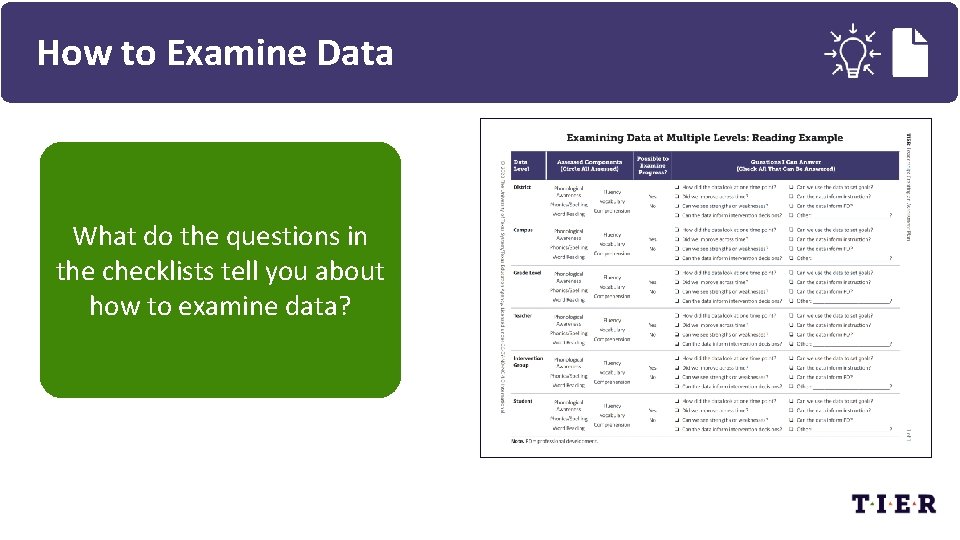
How to Examine Data What do the questions in the checklists tell you about how to examine data?
Examining Data at Multiple Levels • Using the district data, complete the first row of the chart: • Circle all reading components assessed. • Circle whether progress can be examined. • Check all questions that can be answered. • Does this data report provide a comprehensive perspective of the district’s reading performance across kindergarten to grade 5? Why or why not?
Using Data at the Campus Level
Using Screening Data to Set Intervention Entrance and Exit Criteria • Screening data are used at the following time points to establish criteria for entering an intervention: • BOY for students participating in interventions during the first semester • MOY for students participating in interventions during the second semester • EOY for students participating in interventions toward the end of the school year and during summer school • Progress-monitoring and screening data are used to decide who will exit an intervention at each of these time points.
Example Methods for Setting Entry Criteria • Identifying students below a certain percentile on a screening measure (e. g. , 35 th or 25 th percentile) • Moving a designated percentage of students into intervention (e. g. , the bottom 5% to 10% go into Tier 3, the next lowest 15% to 20% go into Tier 2) • Using the screening assessment’s criteria for identifying students (e. g. , at-risk criteria, Tier 2 or Tier 3 designation) Consider each method. Which one do you currently use? Would a different method make more sense?
Using Screening Data for Campus- and Grade-Level Analyses • Campus- and grade-level analyses include examining the following: • Percentages or numbers of students on and below grade level in different skills (e. g. , problem solving, spelling, oral reading fluency) • Breakdowns of different demographic groups’ performance on different skills • These data should be compared to those at the district level and, if applicable, data from campuses with similar demographics to yours in the district.
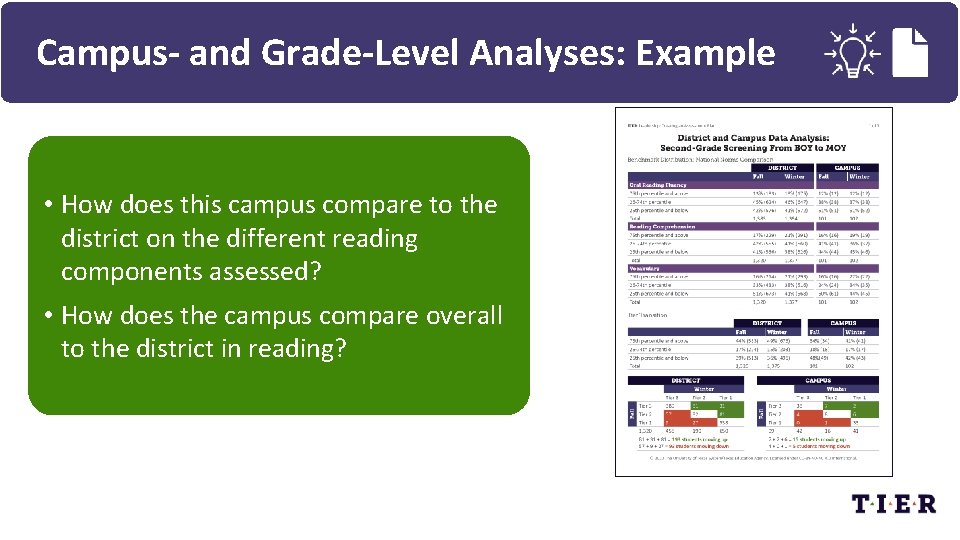
Campus- and Grade-Level Analyses: Example • How does this campus compare to the district on the different reading components assessed? • How does the campus compare overall to the district in reading?
Using Screening Data to Set Goals and Evaluate Progress • Set goals for improvement: • From BOY to MOY and MOY to EOY within a school year • From BOY to BOY, MOY to MOY, and EOY to EOY across years • Examine data for progress: • Instruction: Compare a grade level’s or teacher’s data from one year to the next. • Students: Examine cohorts of students from one year to the next.
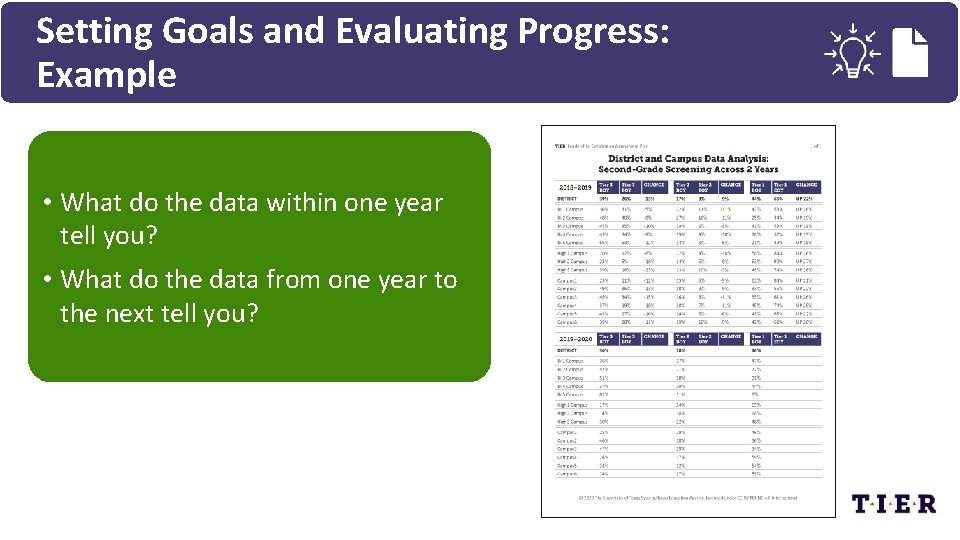
Setting Goals and Evaluating Progress: Example • What do the data within one year tell you? • What do the data from one year to the next tell you?
Combining Screening Data With Summative Assessment Data • EOY screening data can be combined with summative assessment data to do the following: • Create a more complete picture of students’ abilities • Look for relationships among skills assessed • Consider using these data for planning the following: • Summer school • Professional development for the next school year
Combining Screening Data With Summative Assessment Data: Example • Column 1: Grade level and number of students • Column 2: Correlation between oral reading fluency (ORF) and STAAR • Columns 3– 5: • Number of students scoring 86% to 100% on STAAR • Number of students reading below a specific EOY ORF benchmark • These students’ actual ORF scores • Columns 6– 7: • Number of students scoring between 70% and 85% on STAAR • Number of students reading below a specific EOY ORF benchmark • Columns 8– 10: • Number of students scoring less than 50% on STAAR • Number of students reading below the two EOY ORF benchmarks
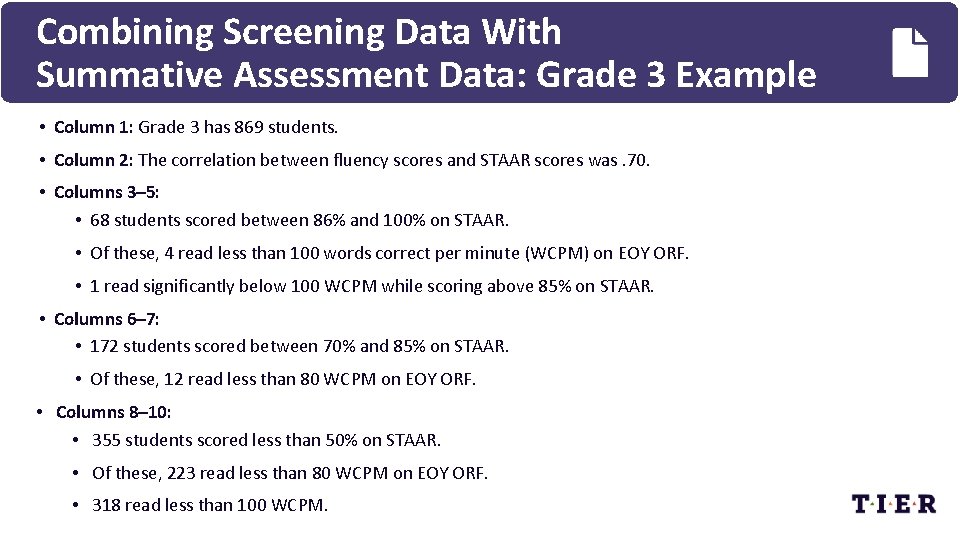
Combining Screening Data With Summative Assessment Data: Grade 3 Example • Column 1: Grade 3 has 869 students. • Column 2: The correlation between fluency scores and STAAR scores was. 70. • Columns 3– 5: • 68 students scored between 86% and 100% on STAAR. • Of these, 4 read less than 100 words correct per minute (WCPM) on EOY ORF. • 1 read significantly below 100 WCPM while scoring above 85% on STAAR. • Columns 6– 7: • 172 students scored between 70% and 85% on STAAR. • Of these, 12 read less than 80 WCPM on EOY ORF. • Columns 8– 10: • 355 students scored less than 50% on STAAR. • Of these, 223 read less than 80 WCPM on EOY ORF. • 318 read less than 100 WCPM.
Examining the Example Data • What do the data tell you about the relationship between ORF and STAAR Reading in this district? • How can these data be used to improve students’ reading achievement? • What type of professional development might help teachers improve students’ reading achievement?
Using Progress-Monitoring Data for Intervention Group and Student-Level Analyses • Intervention group analysis: • Examining a line graph with all students from an intervention • Comparing students’ progress within intervention • Student-level analysis: • Examining individual student progress in comparison to the group’s progress • Examining places in the data where an intervention was adjusted and how this change affected a student’s progress
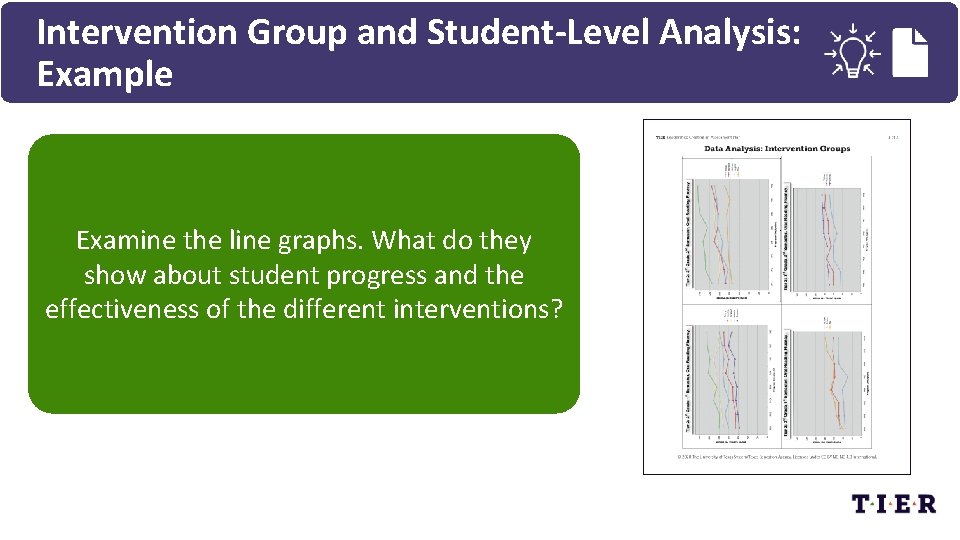
Intervention Group and Student-Level Analysis: Example Examine the line graphs. What do they show about student progress and the effectiveness of the different interventions?
Using Progress-Monitoring Data for Setting Goals and Evaluating Progress • Line graphs: • Benchmark goals (benchmark line) • Individual student goals (aim line) • Trendline: Compared to benchmark and aim lines to evaluate progress • Questions to consider: • Have we set appropriate goals for the student? • Does the trendline approximate the aim line? • Is the gap between initial skill level and benchmark skill level closing?
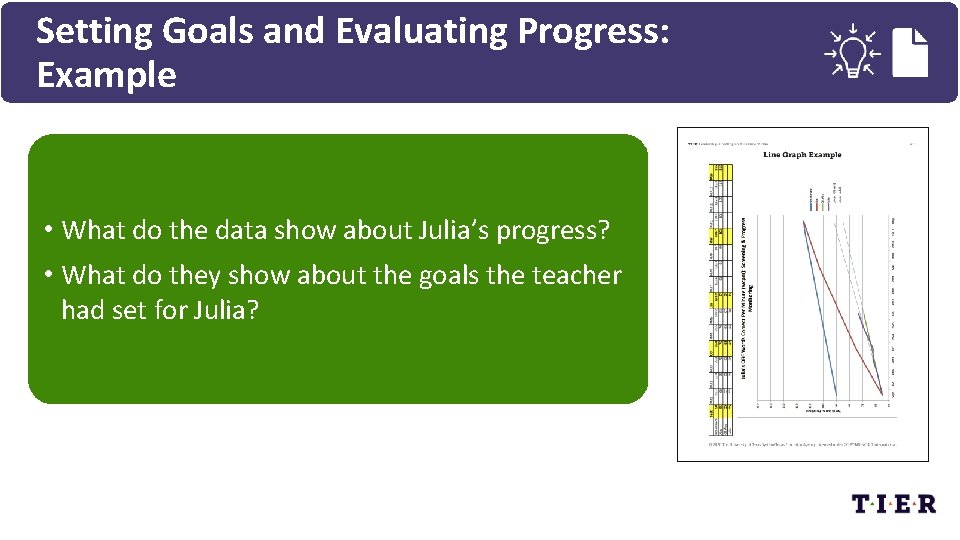
Setting Goals and Evaluating Progress: Example • What do the data show about Julia’s progress? • What do they show about the goals the teacher had set for Julia?
Supporting Teachers Using Data
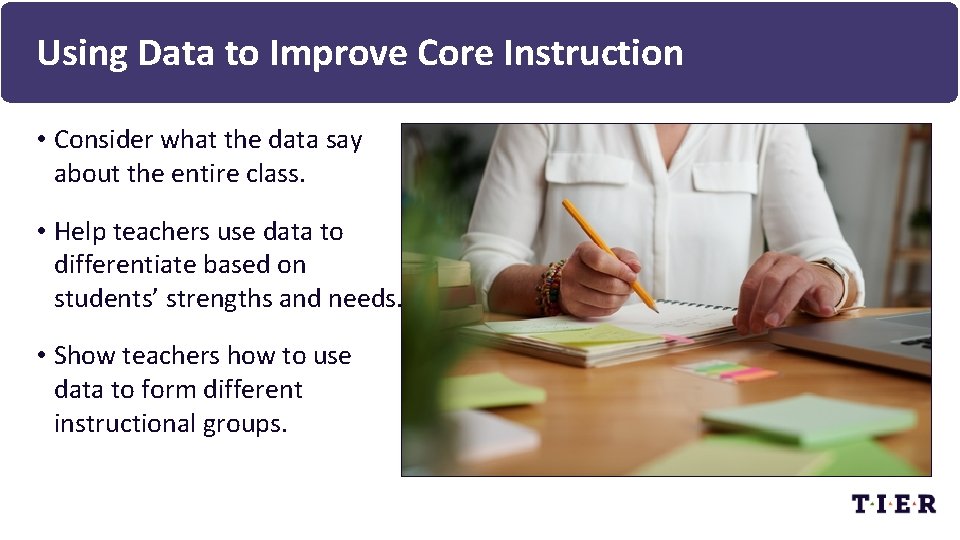
Using Data to Improve Core Instruction • Consider what the data say about the entire class. • Help teachers use data to differentiate based on students’ strengths and needs. • Show teachers how to use data to form different instructional groups.
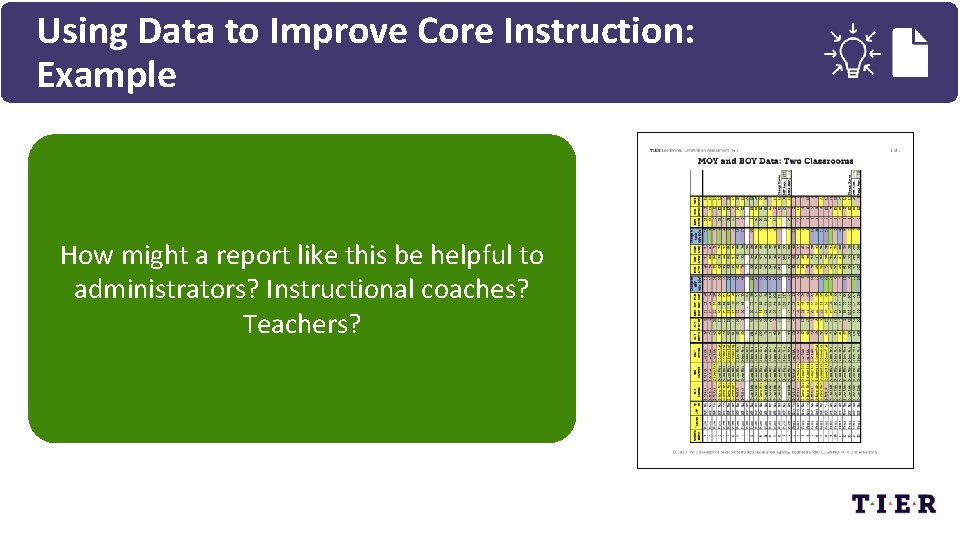
Using Data to Improve Core Instruction: Example How might a report like this be helpful to administrators? Instructional coaches? Teachers?
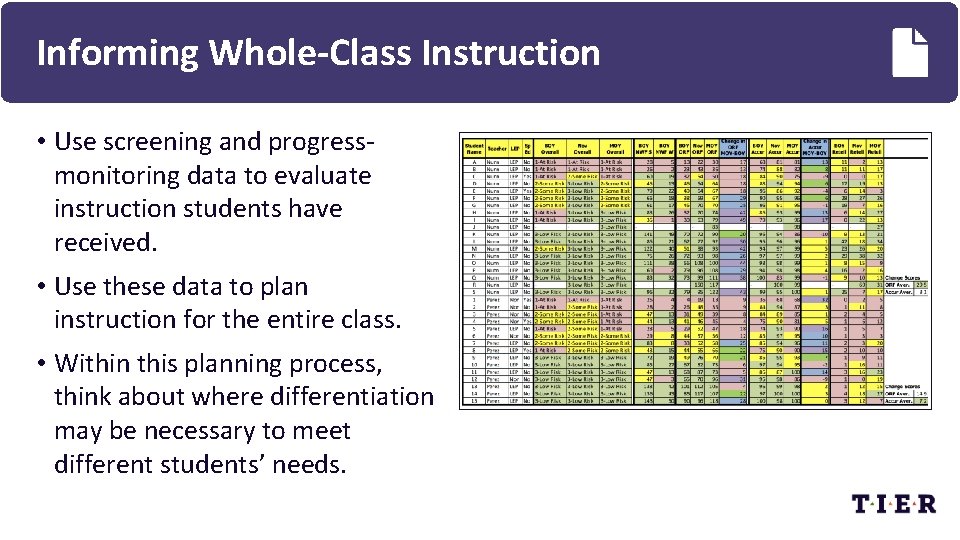
Informing Whole-Class Instruction • Use screening and progressmonitoring data to evaluate instruction students have received. • Use these data to plan instruction for the entire class. • Within this planning process, think about where differentiation may be necessary to meet different students’ needs.
Differentiating Instruction • Aspects of instruction to differentiate: • Instructional delivery • Materials • Time • Other considerations: • How does the class perform as a whole on specific skills? • What do the data say about individual student needs to address in whole -class lessons, small-group instruction, and cooperative learning opportunities?
Using Data to Form Different Grouping Formats • Model how to use data to create student groups, including the following: • Teacher-led same-ability small groups • Cooperative learning mixed-ability groups • Pairs for partner work • Provide teachers time to examine data and form different groups based on data.
Making Decisions About Intervention Participation • Use screening and progress-monitoring assessment goals to set entry and exit criteria for Tiers 2 and 3. • Conduct structured data meetings to decide which students should receive Tier 2 and Tier 3 interventions. • Resource: www. elitetexas. org/resources-sl/implementing-structured-data-meetingsfor-english-learners
Conclusion: Your To-Do List • Choose research-based assessments. • Provide training and support in assessment administration. • Create an assessment calendar. • Manage the data. • Use data to examine campus MTSS implementation. • Support teachers in using data.
- Slides: 59