
Lead Manager Internet Marketing Lead Management Solution May
- Slides: 14
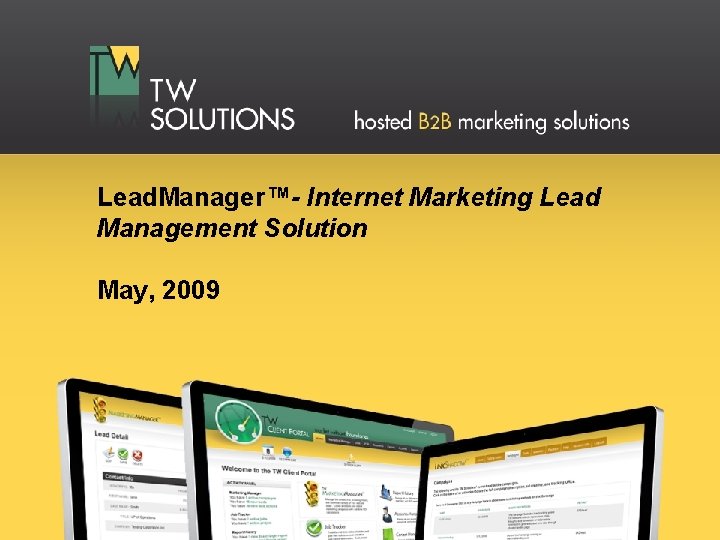
Lead. Manager™- Internet Marketing Lead Management Solution May, 2009
Lead. Manager™ Overview • Easy-to-use solution that allows sales and marketing departments to collect, store, and manage sales leads. • Integrates with internet marketing efforts right out-of-the box with no costly custom integrations • Includes many of the features found in industry leading online CRM software, but with a much simpler interface and a significantly lower cost
Lead. Manager™ Core Functionality • Enables easy and intuitive reporting and custom searches • Provides real-time browsing and activity history for each lead • Allows complex marketing segmentation within minutes • Exports targeted mailing lists in support of email marketing
Key Differentiators • Out-of-the-box web site integration – – – Tracks the browsing history of your leads on your web site(s) from before they filled out your form and any time thereafter Tracks files download activity Monitors and measures effectiveness of each lead-generating campaign Enables built-in prevention of duplicate lead entries, filtering of unwanted domains, and blocking of accidental form resubmissions to ensure accurate lead counts and activity reporting Reports keyword search terms and referring domains for lead activity originating from organic search or 3 rd party inbound links • Base subscription includes up to 10 user accounts • Easy setup and simple-to-use interface – – Minimal training required for staff Effortless reporting
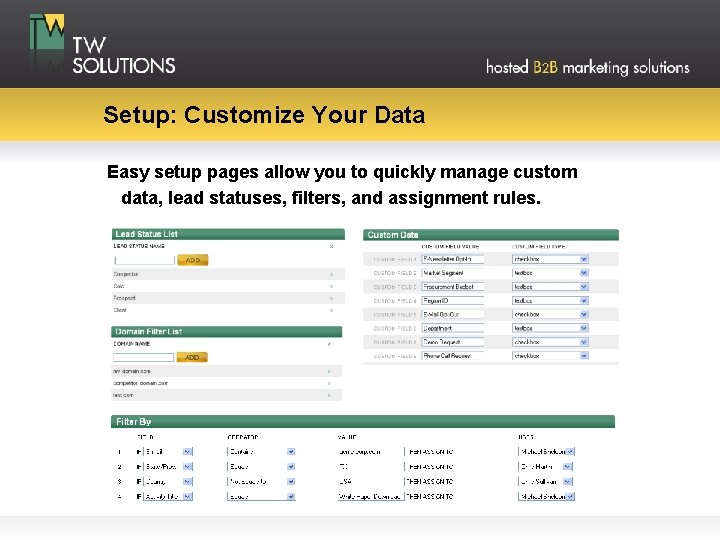
Setup: Customize Your Data Easy setup pages allow you to quickly manage custom data, lead statuses, filters, and assignment rules.
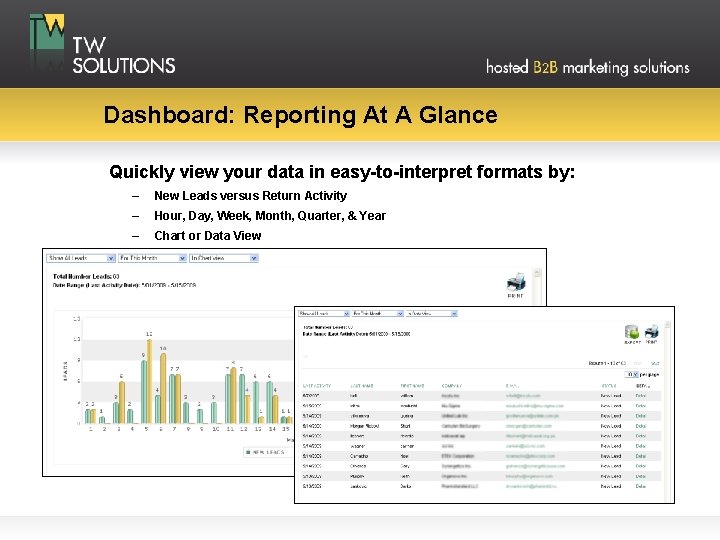
Dashboard: Reporting At A Glance Quickly view your data in easy-to-interpret formats by: – New Leads versus Return Activity – Hour, Day, Week, Month, Quarter, & Year – Chart or Data View
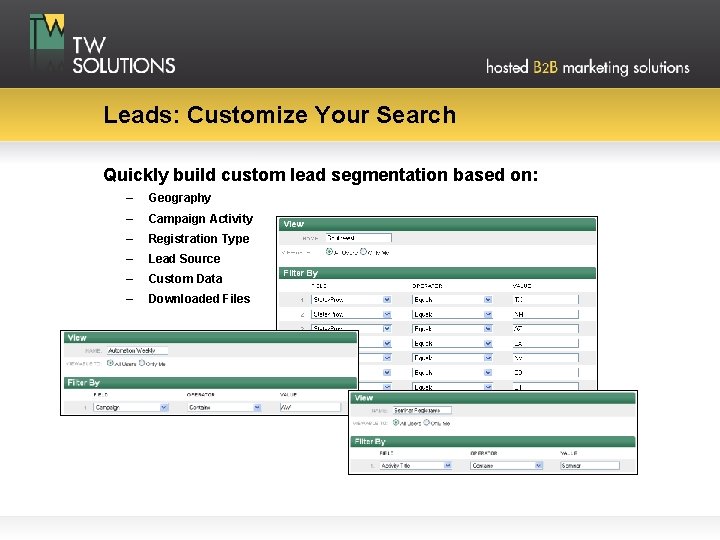
Leads: Customize Your Search Quickly build custom lead segmentation based on: – Geography – Campaign Activity – Registration Type – Lead Source – Custom Data – Downloaded Files
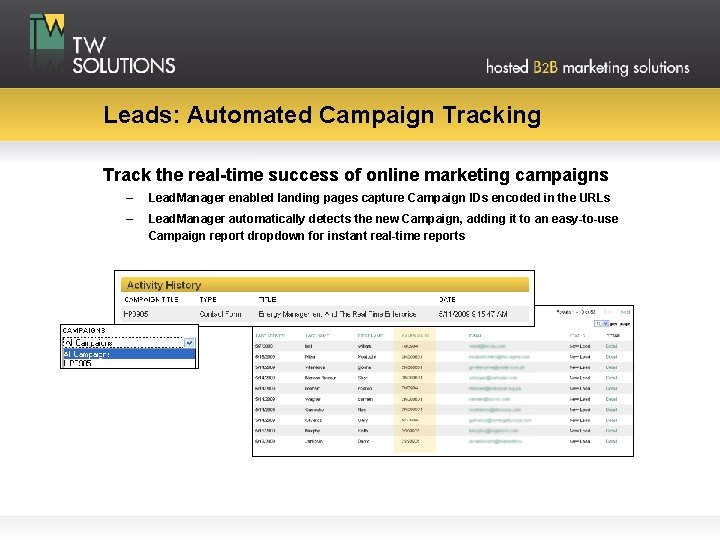
Leads: Automated Campaign Tracking Track the real-time success of online marketing campaigns – Lead. Manager enabled landing pages capture Campaign IDs encoded in the URLs – Lead. Manager automatically detects the new Campaign, adding it to an easy-to-use Campaign report dropdown for instant real-time reports
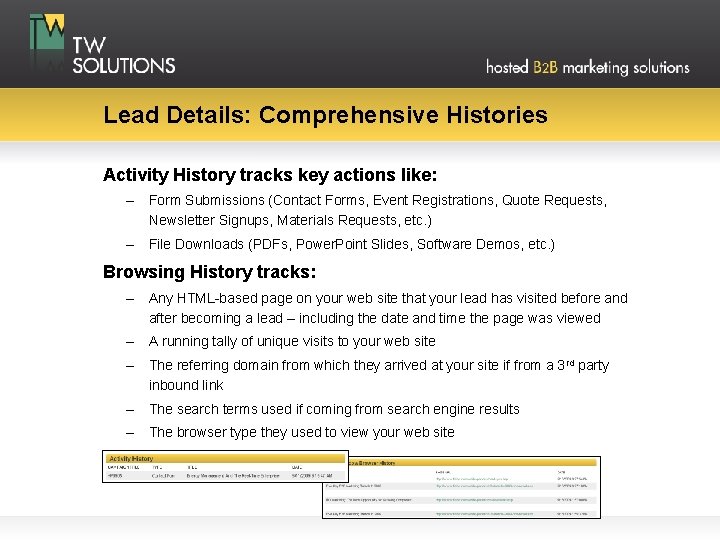
Lead Details: Comprehensive Histories Activity History tracks key actions like: – Form Submissions (Contact Forms, Event Registrations, Quote Requests, Newsletter Signups, Materials Requests, etc. ) – File Downloads (PDFs, Power. Point Slides, Software Demos, etc. ) Browsing History tracks: – Any HTML-based page on your web site that your lead has visited before and after becoming a lead – including the date and time the page was viewed – A running tally of unique visits to your web site – The referring domain from which they arrived at your site if from a 3 rd party inbound link – The search terms used if coming from search engine results – The browser type they used to view your web site
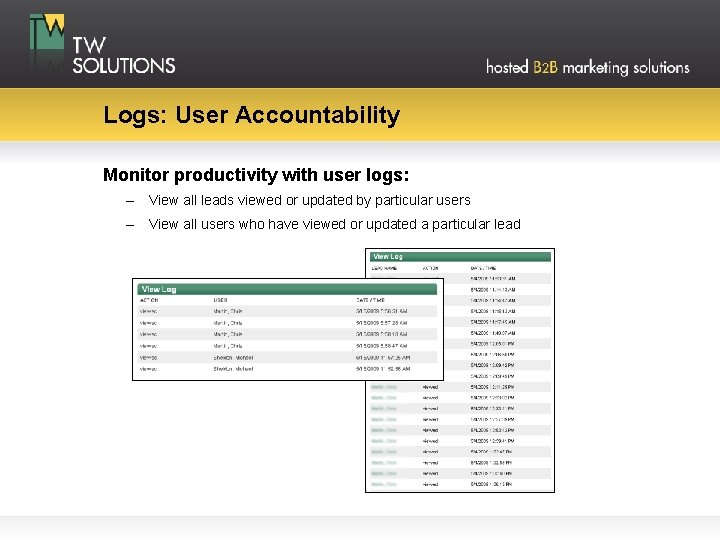
Logs: User Accountability Monitor productivity with user logs: – View all leads viewed or updated by particular users – View all users who have viewed or updated a particular lead
Secure: Encrypted, Protected, & Backed Up • Sessions are fully encrypted HTTPS connections • Data is maintained within a secure and reliable infrastructure that offers enterprise-class levels of performance, speed, and network availability • Data is backed up nightly and retained for 2 weeks
Responsive Product Support • All help requests are responded to promptly by our live, on-staff, technical support team within 24 hours — usually within hours • New features and system enhancements are rolled out on a quarterly basis • User feedback is constantly being evaluated to optimize the user experience • Every user suggestion is evaluated by the software architecture team
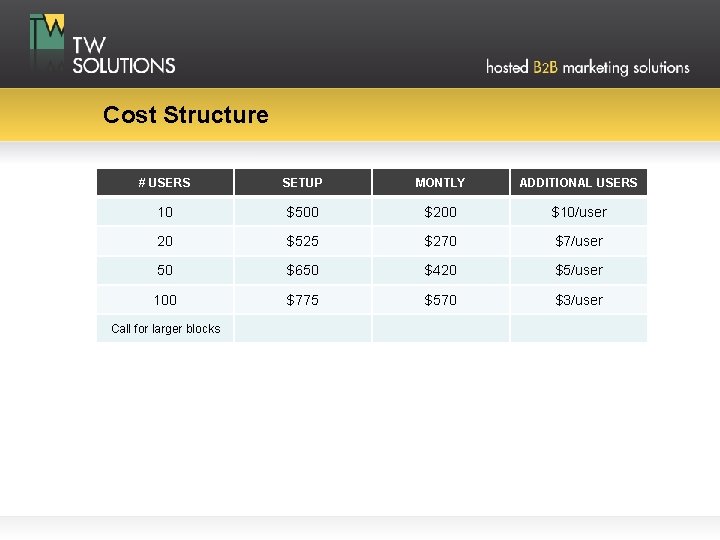
Cost Structure # USERS SETUP MONTLY ADDITIONAL USERS 10 $500 $200 $10/user 20 $525 $270 $7/user 50 $650 $420 $5/user 100 $775 $570 $3/user Call for larger blocks
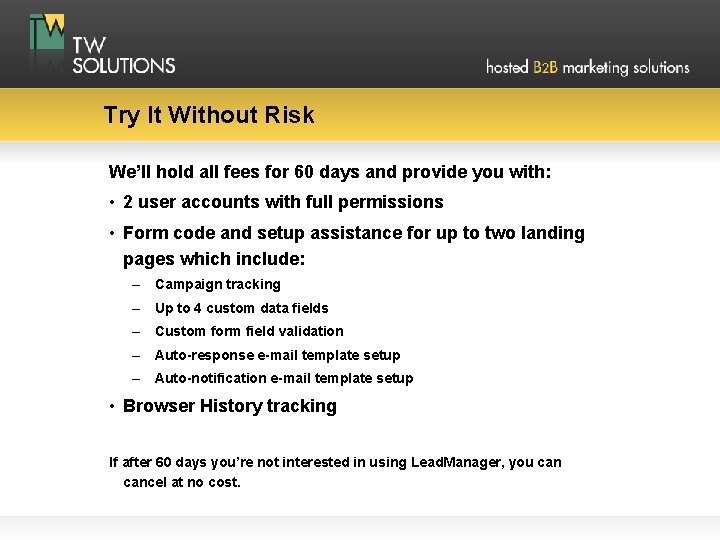
Try It Without Risk We’ll hold all fees for 60 days and provide you with: • 2 user accounts with full permissions • Form code and setup assistance for up to two landing pages which include: – Campaign tracking – Up to 4 custom data fields – Custom form field validation – Auto-response e-mail template setup – Auto-notification e-mail template setup • Browser History tracking If after 60 days you’re not interested in using Lead. Manager, you cancel at no cost.