
Layouts in Android application Dr Sandip Mal Linear

- Slides: 5
Layouts in Android application Dr. Sandip Mal
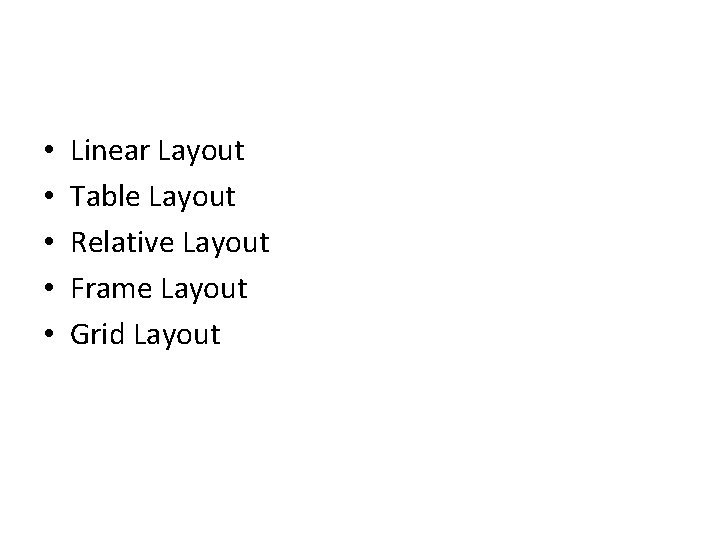
• • • Linear Layout Table Layout Relative Layout Frame Layout Grid Layout
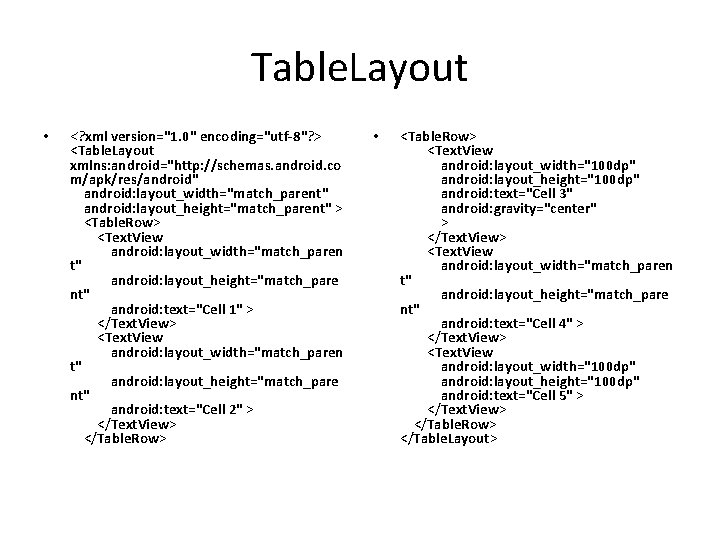
Table. Layout • <? xml version="1. 0" encoding="utf-8"? > <Table. Layout xmlns: android="http: //schemas. android. co m/apk/res/android" android: layout_width="match_parent" android: layout_height="match_parent" > <Table. Row> <Text. View android: layout_width="match_paren t" android: layout_height="match_pare nt" android: text="Cell 1" > </Text. View> <Text. View android: layout_width="match_paren t" android: layout_height="match_pare nt" android: text="Cell 2" > </Text. View> </Table. Row> • <Table. Row> <Text. View android: layout_width="100 dp" android: layout_height="100 dp" android: text="Cell 3" android: gravity="center" > </Text. View> <Text. View android: layout_width="match_paren t" android: layout_height="match_pare nt" android: text="Cell 4" > </Text. View> <Text. View android: layout_width="100 dp" android: layout_height="100 dp" android: text="Cell 5" > </Text. View> </Table. Row> </Table. Layout>
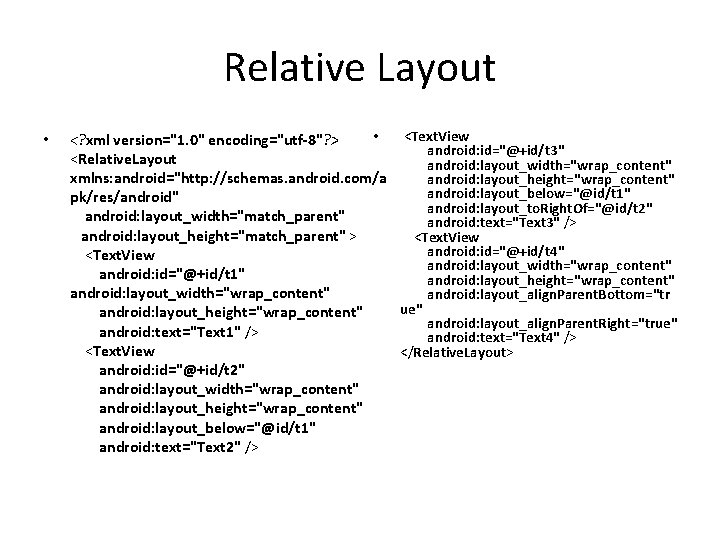
Relative Layout • • <Text. View <? xml version="1. 0" encoding="utf-8"? > android: id="@+id/t 3" <Relative. Layout android: layout_width="wrap_content" xmlns: android="http: //schemas. android. com/a android: layout_height="wrap_content" android: layout_below="@id/t 1" pk/res/android" android: layout_to. Right. Of="@id/t 2" android: layout_width="match_parent" android: text="Text 3" /> android: layout_height="match_parent" > <Text. View android: id="@+id/t 4" <Text. View android: layout_width="wrap_content" android: id="@+id/t 1" android: layout_height="wrap_content" android: layout_width="wrap_content" android: layout_align. Parent. Bottom="tr ue" android: layout_height="wrap_content" android: layout_align. Parent. Right="true" android: text="Text 1" /> android: text="Text 4" /> <Text. View </Relative. Layout> android: id="@+id/t 2" android: layout_width="wrap_content" android: layout_height="wrap_content" android: layout_below="@id/t 1" android: text="Text 2" />
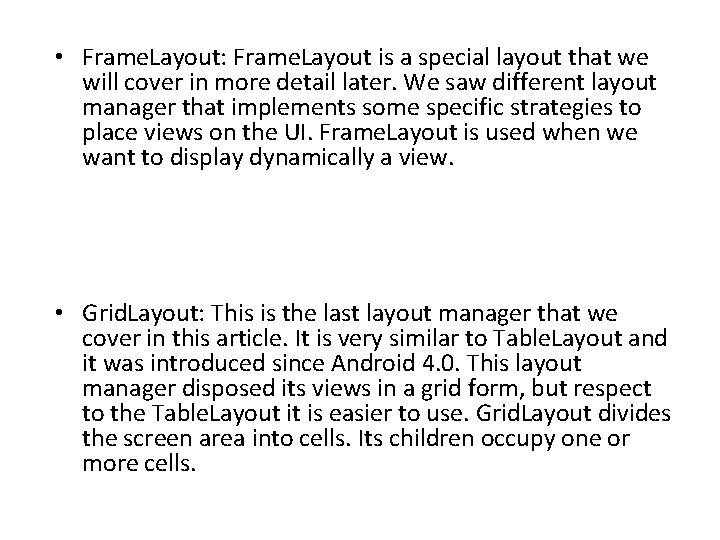
• Frame. Layout: Frame. Layout is a special layout that we will cover in more detail later. We saw different layout manager that implements some specific strategies to place views on the UI. Frame. Layout is used when we want to display dynamically a view. • Grid. Layout: This is the last layout manager that we cover in this article. It is very similar to Table. Layout and it was introduced since Android 4. 0. This layout manager disposed its views in a grid form, but respect to the Table. Layout it is easier to use. Grid. Layout divides the screen area into cells. Its children occupy one or more cells.