
LAWSON SELF SERVICE DENVER HEALTH HOSPITAL AUTHORITY Goals



- Slides: 41
LAWSON SELF SERVICE DENVER HEALTH & HOSPITAL AUTHORITY
Goals • Provide on line/electronic access for DHHA employees to enroll in benefits (Employee Self Service) • Provide one site for all Self Service functions of Lawson (Requisition, Employee and Manager Self Service users) for ease in use and prevention of duplicate logins • Minimal customizations to adapt to Lawson patches and upgrades
Approach • Develop and setup standardized “look” to web site for all users including bookmarks • Define security by employee number, position and web requisition logon • Roll out to pilot group for Open Enrollment: Human Resources, Information Services, Materials Management
Approach (cont) • Provide resources for questions or problems • Identified internet explorer version requirements - IS contact provided for immediate resolution • Developed detailed instruction and communication plan
Post Evaluation • Utilize reports to monitor and QA (login attempts, benefit enrollment) • Conducted survey for feedback on users experience • Identify areas of success and improvements for global rollout in 2006
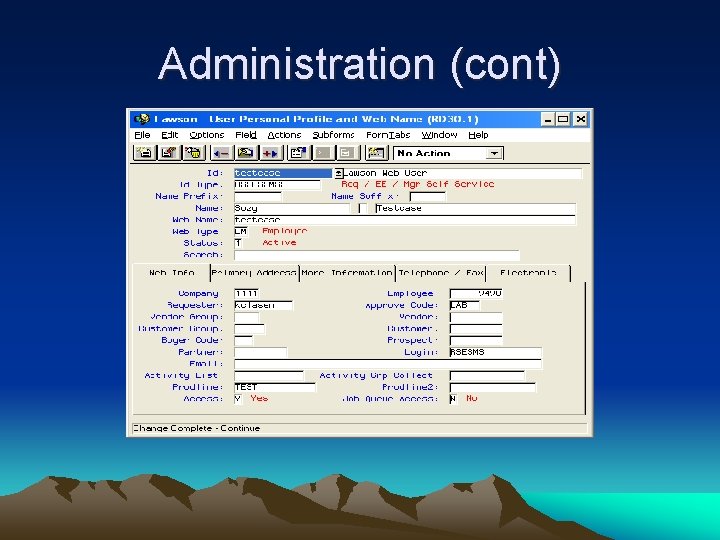
Administration • RD 30 record security includes employee number (HR 11), requisition user (RQ 04), requisition approval code (RQ 02), login to laua (made this generic) • RD 30 setup directed to customized default. xml via the ID type and attribute
Administration (cont) • RD 30 link of web name and ID were made the same for simplicity and ease of maintenance (note: web type is old functionality) • Loaded records via RD 930 or Microsoft Add-Ins
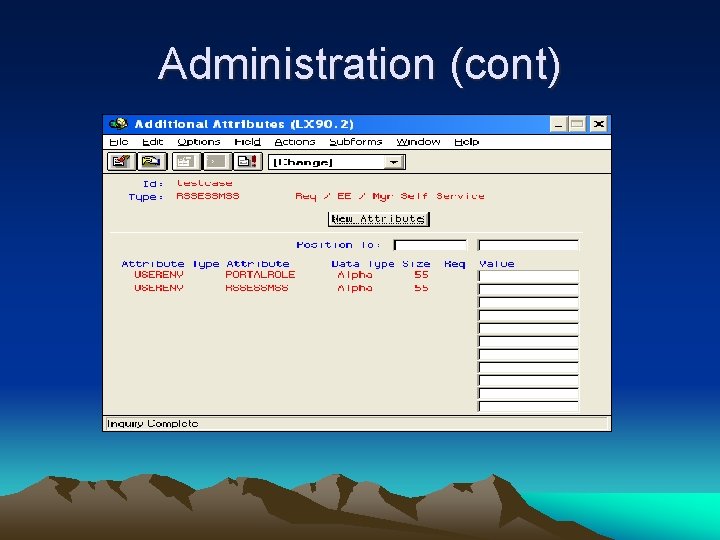
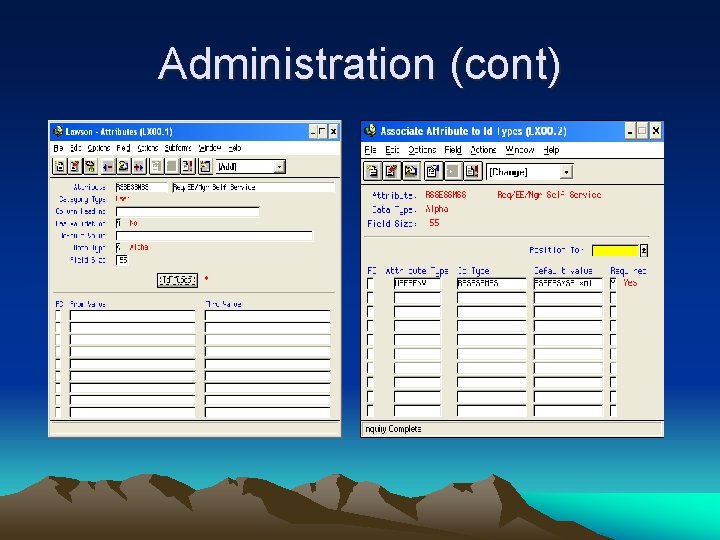
Administration (cont) • LX 00 Attribute setups crucial to attach to new xml and ID type (note this is setup as USERENV attribute type) • Personnel skill set requirements include a good Java expert for screen customizations
Administration (cont)
Administration (cont)
Administration (cont)
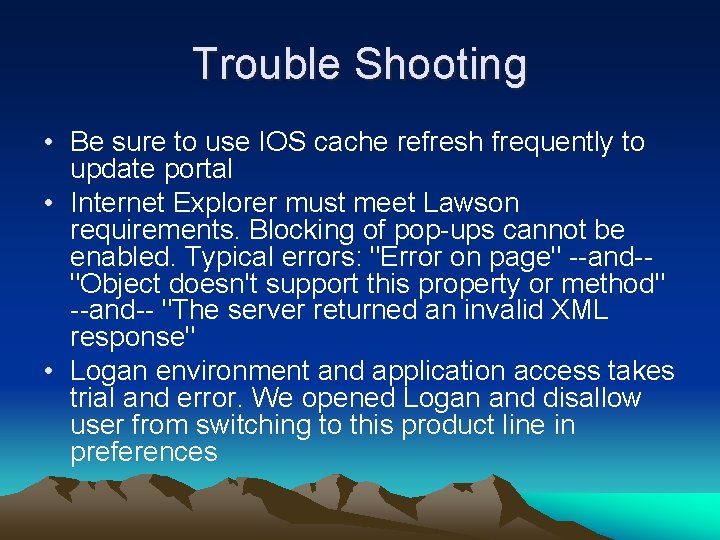
Trouble Shooting • Be sure to use IOS cache refresh frequently to update portal • Internet Explorer must meet Lawson requirements. Blocking of pop-ups cannot be enabled. Typical errors: "Error on page" --and-"Object doesn't support this property or method" --and-- "The server returned an invalid XML response" • Logan environment and application access takes trial and error. We opened Logan and disallow user from switching to this product line in preferences
Trouble Shooting (cont) • Attributes are very sensitive on setup so may need to delete RD 30 and start over • Minimize bookmarks (parent vs. child) to limit selections on login page and prevent too many pop-ups
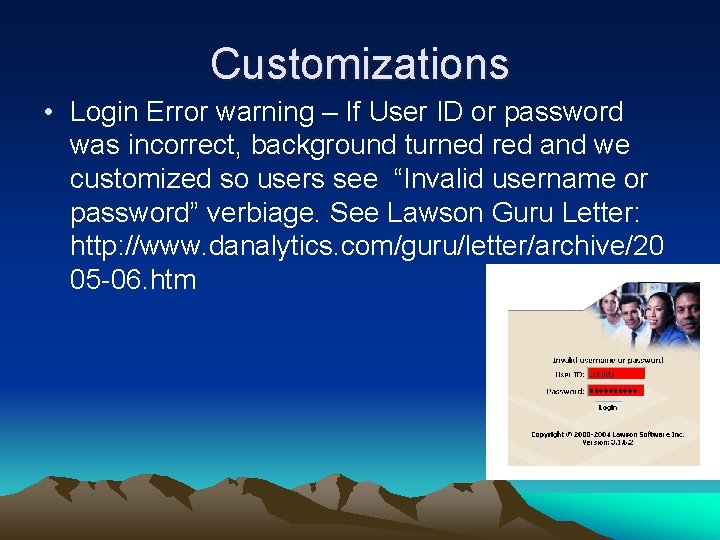
Customizations • Login Error warning – If User ID or password was incorrect, background turned red and we customized so users see “Invalid username or password” verbiage. See Lawson Guru Letter: http: //www. danalytics. com/guru/letter/archive/20 05 -06. htm
Customizations (cont) • Preferences lock out – removed Preferences button from menu so users can not subscribe to bookmarks. All bookmark subscriptions are set up by Administrator • Logout button – Set up Logout button for users to close Portal. Did this because Lawson caches User ID’s and passwords unless all browser windows are closed. See Lawson Guru Letter: http: //www. danalytics. com/guru/letter/archive/20 05 -07. htm
Customizations (cont) • All customizations were made via a copy of default. xml and logon. htm to prevent over-writing with updates • Removed search box to lock down security for generic users • Future customizations of our customized xml’s require deletion of username. xml files. Portal refresh is required on logon and new username. xml is created • MSP applies are carefully monitored for changes to above files as well as bookmark changes
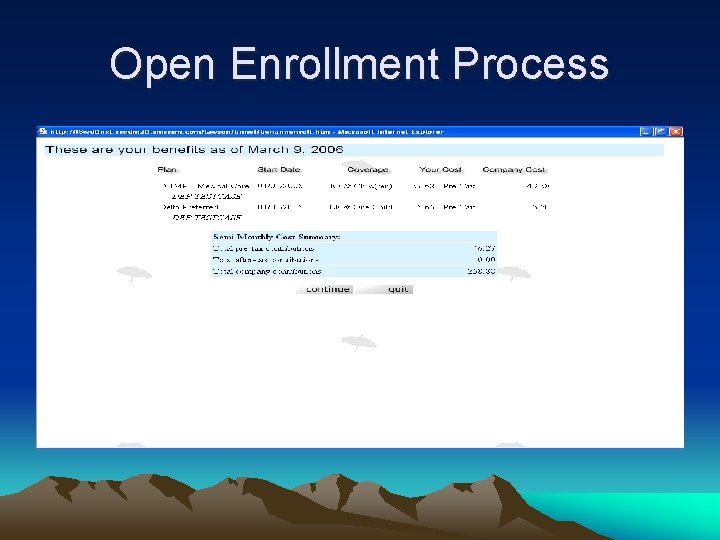
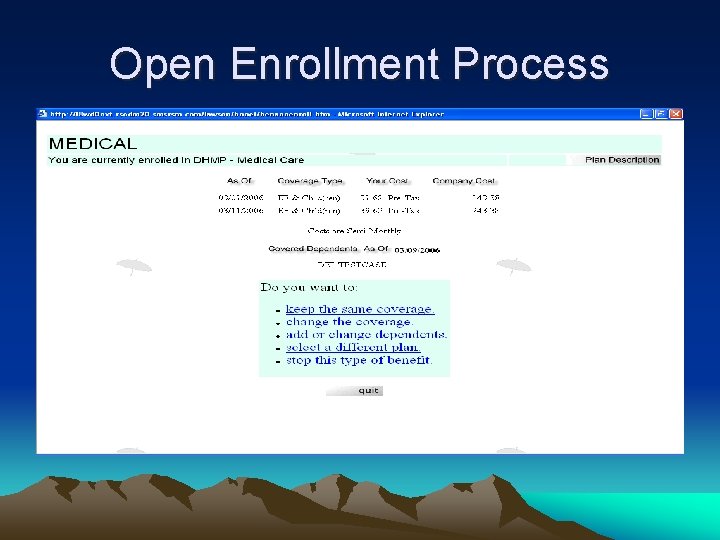
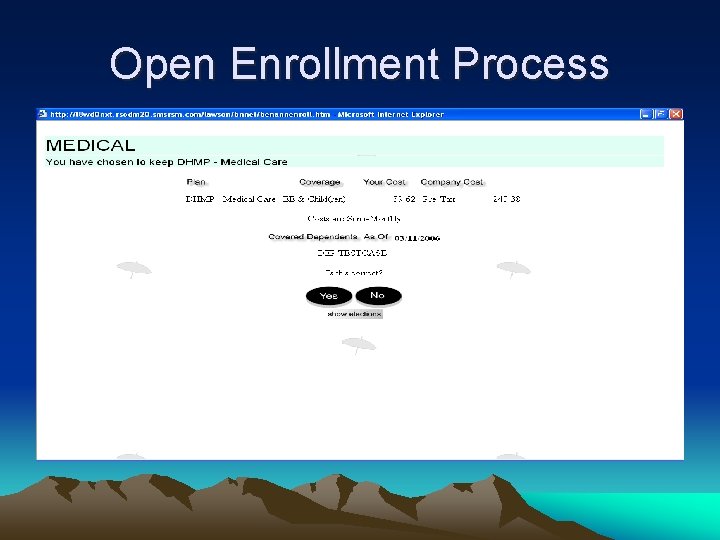
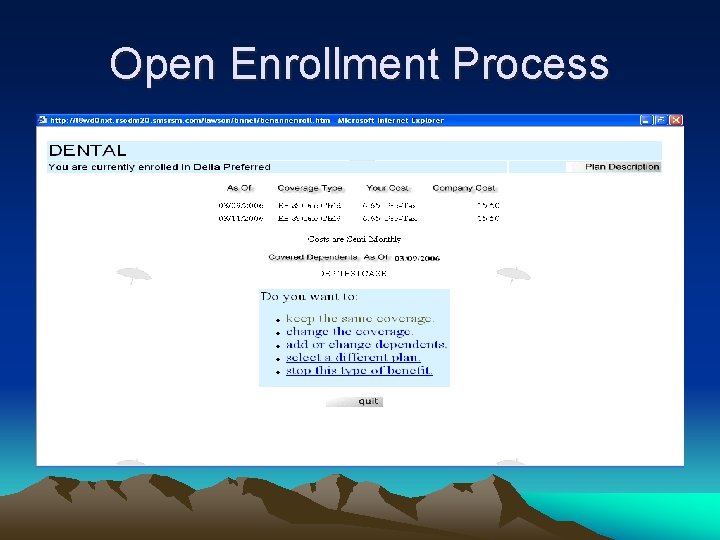
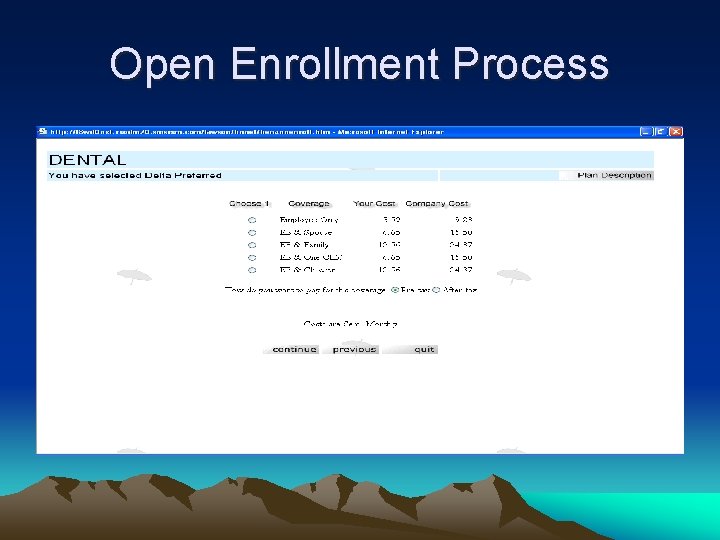
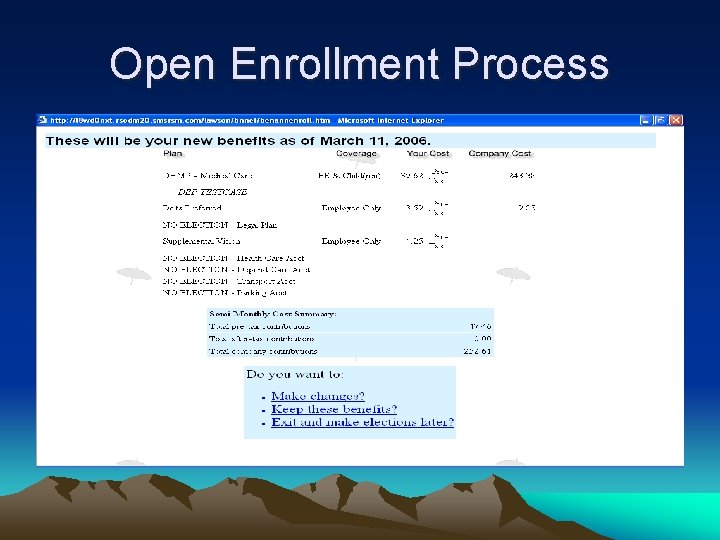
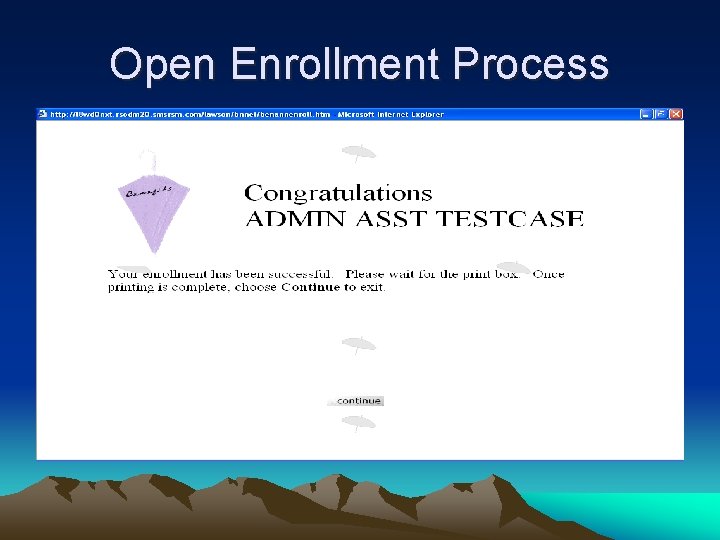
Benefits Open Enrollment Items to consider: • Cycles. htm will need to be edited for spending account enrollments to work • New benefit rates must be entered into Lawson much earlier than when using manual enrollment • “No coverage” plan must be set up for each OE plan type • Salary information and entire SSN prints on confirmation statement – make sure employees are aware of this in case they do not have a dedicated printer
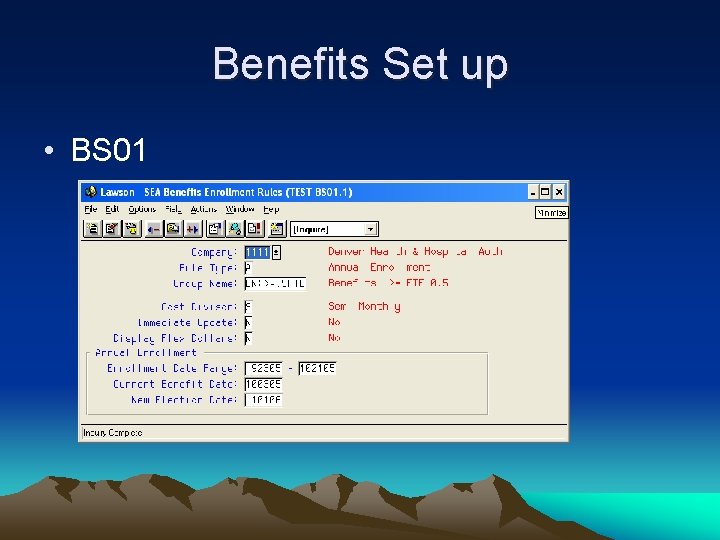
Benefits Set up • BS 01
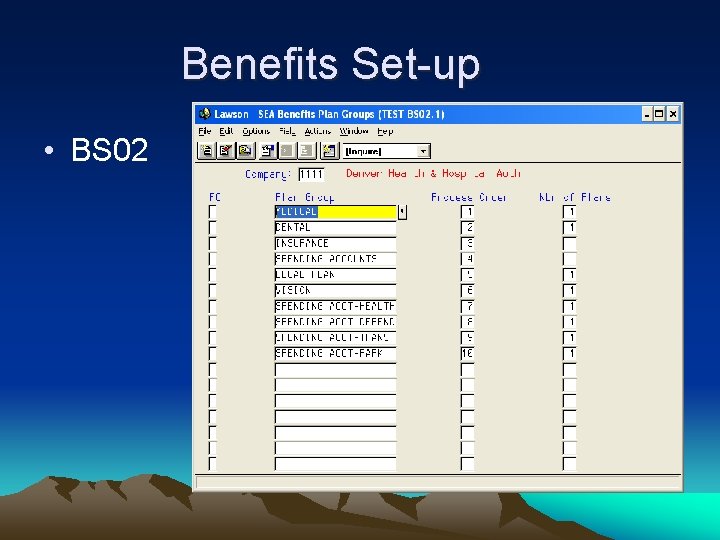
Benefits Set-up • BS 02
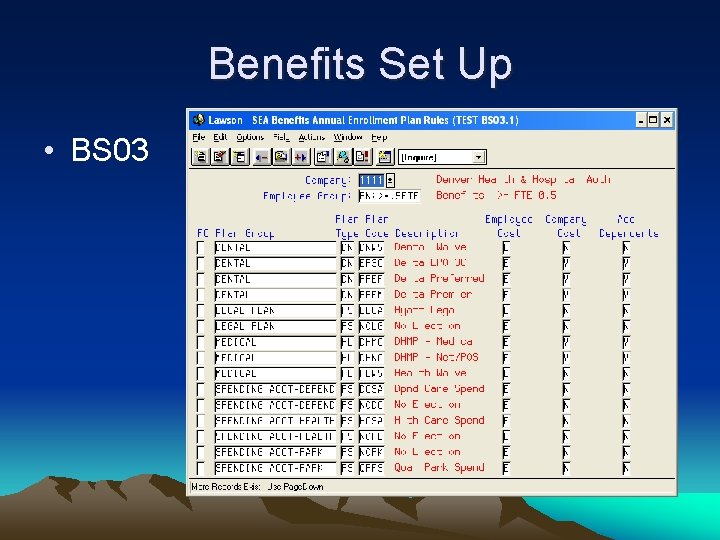
Benefits Set Up • BS 03
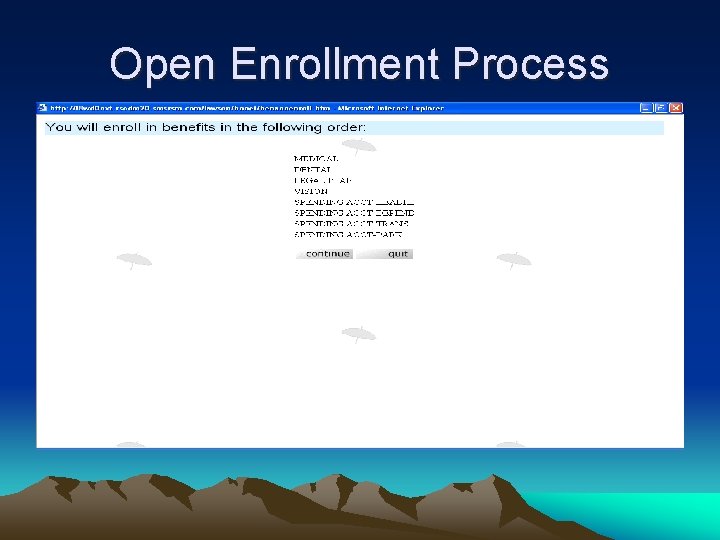
Open Enrollment Process
Open Enrollment Process
Open Enrollment Process
Open Enrollment Process
Open Enrollment Process
Open Enrollment Process
Open Enrollment Process
Open Enrollment Process
Employee Self Service View only access to: • Training - History & Scheduled Trainings • Employment – Job Profile & Review History • Pay – Tax Withholdings & Pay Stubs – (can print out W-4 to send to payroll but can not directly update Lawson) • Personal – Leave Balances and Emergency Contact information
Manager Self Service View only access to: • Employee Dates: – birthday (mm/dd), original hire date, adjusted hire date and length of service • Position Requisitions • Direct Reports – Profile (Employment data) – Employee drill around (Leave balances, etc. )
Manager Self Service Nice features: • “New Hire” notation next to any direct report recently hired • “Review due” notation for anyone who has review due in next thirty days • “Overdue Review” notation for anyone whose review is currently overdue
Manager Self Service Nice features (cont) • Reporting structure works well - ability to review the direct reports of your direct reports
Survey feedback • Need ability to change password within Self Service • On-line open enrollment was quick and easy • Convenience of completing enrollment at your own computer • Nice to be able to retrieve PTO balances, etc. without having to call someone
Survey feedback (cont) • Easy to navigate – no training necessary • Recommend offering classes for those who do not use computers on daily basis • Not having to deliver paperwork to benefits was nice • Wish the Leave Balances for direct reports were in same format as Employee information
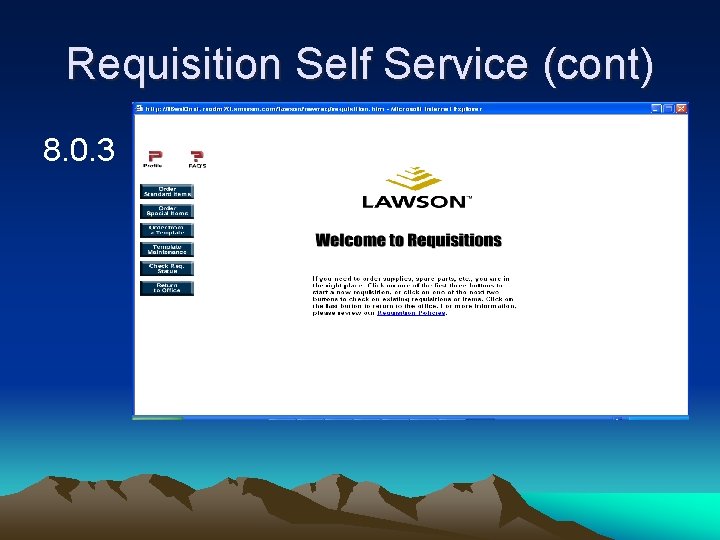
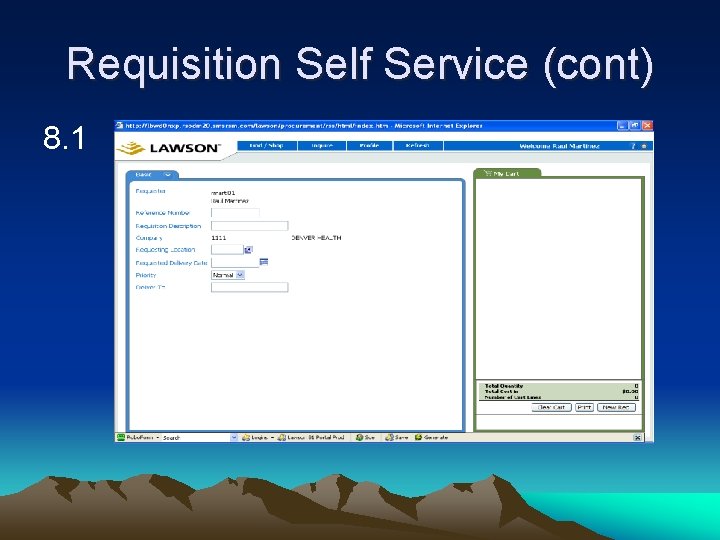
Requisition Self Service Items to consider: • RQ 04 setup to include locking down to a particular accounting unit • Unable to use Shopping Cart in 8. 0. 3 as it creates user roles which override the customized role • Only able to see requisitions created by requisition user logged on
Requisition Self Service Items to consider (cont): • Templates go a long way to helping customers with ordering • RQ 02 approval codes have non-encrypted passwords which force generic usage unless each individual has a unique approval code
Requisition Self Service Nice Features • Ability to check and drill around on requisition status • Ease of use compared to RQ 10 • Search capabilities are more robust in RSS than LID • Shortcuts to non-Lawson ordering sites
Requisition Self Service (cont) 8. 0. 3
Requisition Self Service (cont) 8. 1
Demonstration
The End Thank you for attending ROMLUG! Contact information: Charlene Childs (Human Resources) charlene. childs@dhha. org Sue Parkins (Procurement/AP) susan. parkins@dhha. org