
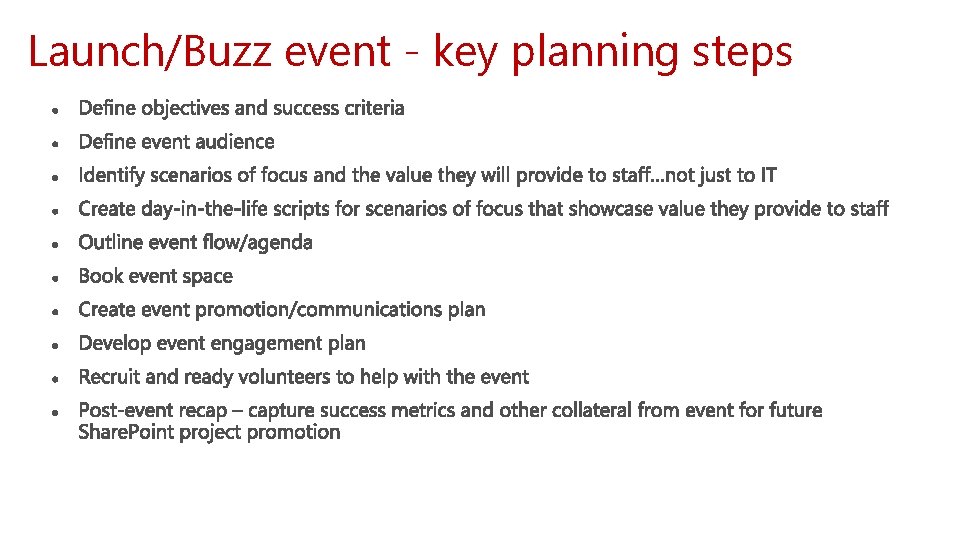
LaunchBuzz Event Planning LaunchBuzz event key planning steps
Launch/Buzz Event Planning
Launch/Buzz event - key planning steps

Buzz event outline - sample Goal • Buzz and launch event(s) to showcase the value Office 365 provides to employees – via high value scenarios identified, such as: o Save, share and collaborate on files anytime, anywhere (One. Drive) o Create impactful content together – from wherever you are working (Office) o Share sites and content with internal and external users (Share. Point) Format • Buzz event(s): In person o Key note from executive sponsor to kick off event o Booths/stations at onsite event that showcase/demo high-value Office 365 scenarios – scripted o IT Booth/station at onsite event to showcase help desk, hardware and roadmap items –such as Windows 10, Surface and EMS o Stage in waves depending on audience so that those who attend have the time to visit each booth/station and see the scenario demo Event themes • How Office 365 creates value for employees…showcase/demo scenarios (day in the life)
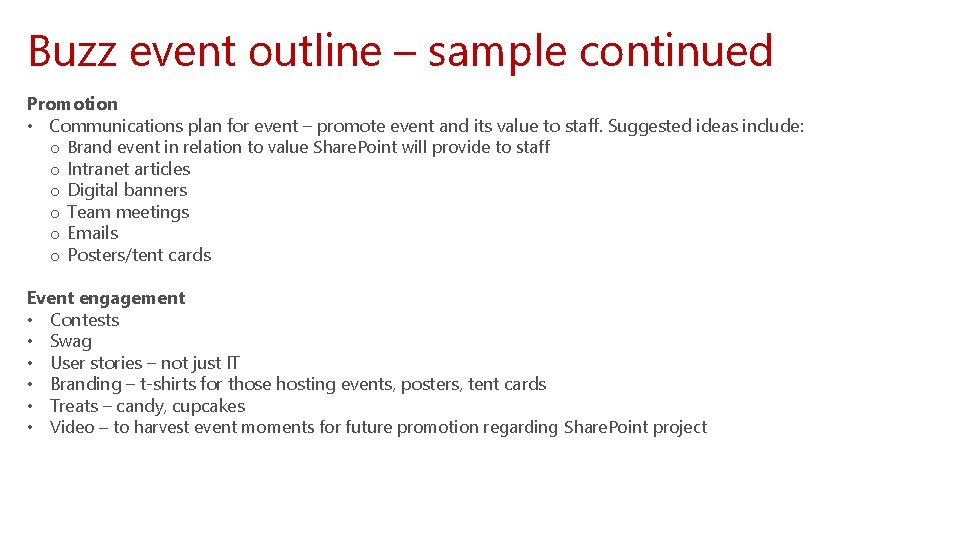
Buzz event outline – sample continued Promotion • Communications plan for event – promote event and its value to staff. Suggested ideas include: o Brand event in relation to value Share. Point will provide to staff o Intranet articles o Digital banners o Team meetings o Emails o Posters/tent cards Event engagement • Contests • Swag • User stories – not just IT • Branding – t-shirts for those hosting events, posters, tent cards • Treats – candy, cupcakes • Video – to harvest event moments for future promotion regarding Share. Point project
- Slides: 4