
Last updated May 24 2021 Basics Class Handout

Last updated May 24, 2021 Basics Class Handout OCTRI Informatics Research Support redcap@ohsu. edu
Goal Welcome Last updated May 24, 2021 Review what you need to know to get a project up & running in REDCap at OHSU Who Should Attend Personnel who request and build projects House Keeping • Stay muted • Stay for entire length of class • Post questions in chat • Class not designed to follow along in REDCap • Sign into chat with first and last name and your email for attendance tracking -- SIGN ATTENDANCE SHEET REMINDER -- OCTRI Informatics Research Support redcap@ohsu. edu
Topics Covered • REDCap Operations – How REDCap is set up, run, managed and supported – Link on homepage, FAQ & project navigation menu: https: //is. gd/ohsu_redcap_operations • Build project to demo basic functionality – Review essential features for – Setting up a project & designing forms – Entering data and managing the data entry work flow – Productions activities and managing production changes OCTRI Informatics Research Support redcap@ohsu. edu
Learning Tips • Refer back to the class hand out • Read documentation in REDCap • Read emails from the REDCap Team • Watch videos in the software OCTRI Informatics Research Support redcap@ohsu. edu
What is REDCap • REDCap = Research Electronic Data Capture − Electronic Data Capture = collect data on electronic form instead of paper form − Web application – build forms to collect research data − Created by Vanderbilt University in 2004 − Supported by consortium of over 3500 institutions • At OHSU since 2007 − Over 2500 projects in development or production − Over 3500 active end-users for REDCap • Types of Data Collection Supported − IRB approved research studies − IRB exempted quality improvement projects − Non-research for operations OCTRI Informatics Research Support redcap@ohsu. edu
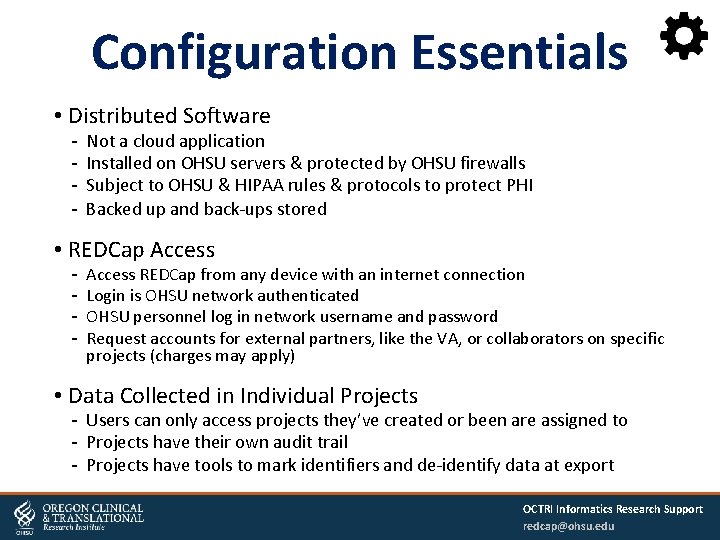
Configuration Essentials • Distributed Software Not a cloud application Installed on OHSU servers & protected by OHSU firewalls Subject to OHSU & HIPAA rules & protocols to protect PHI Backed up and back-ups stored • REDCap Access REDCap from any device with an internet connection Login is OHSU network authenticated OHSU personnel log in network username and password Request accounts for external partners, like the VA, or collaborators on specific projects (charges may apply) • Data Collected in Individual Projects Users can only access projects they’ve created or been are assigned to Projects have their own audit trail Projects have tools to mark identifiers and de-identify data at export OCTRI Informatics Research Support redcap@ohsu. edu
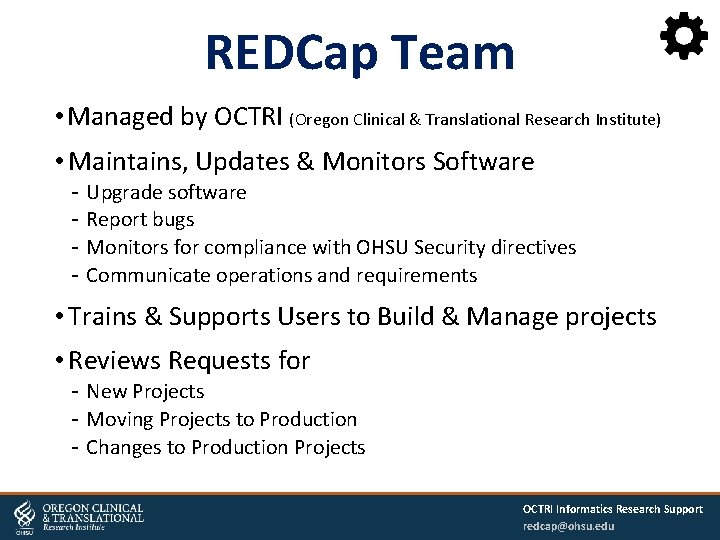
REDCap Team • Managed by OCTRI (Oregon Clinical & Translational Research Institute) • Maintains, Updates & Monitors Software Upgrade software Report bugs Monitors for compliance with OHSU Security directives Communicate operations and requirements • Trains & Supports Users to Build & Manage projects • Reviews Requests for New Projects Moving Projects to Production Changes to Production Projects OCTRI Informatics Research Support redcap@ohsu. edu
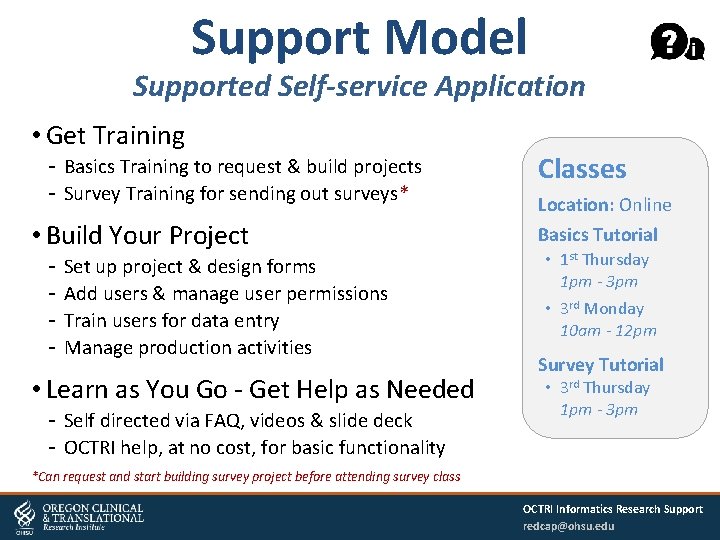
Support Model Supported Self-service Application • Get Training Basics Training to request & build projects Survey Training for sending out surveys* • Build Your Project Set up project & design forms Add users & manage user permissions Train users for data entry Manage production activities • Learn as You Go - Get Help as Needed Self directed via FAQ, videos & slide deck OCTRI help, at no cost, for basic functionality Classes Location: Online Basics Tutorial • 1 st Thursday 1 pm - 3 pm • 3 rd Monday 10 am - 12 pm Survey Tutorial • 3 rd Thursday 1 pm - 3 pm *Can request and start building survey project before attending survey class OCTRI Informatics Research Support redcap@ohsu. edu
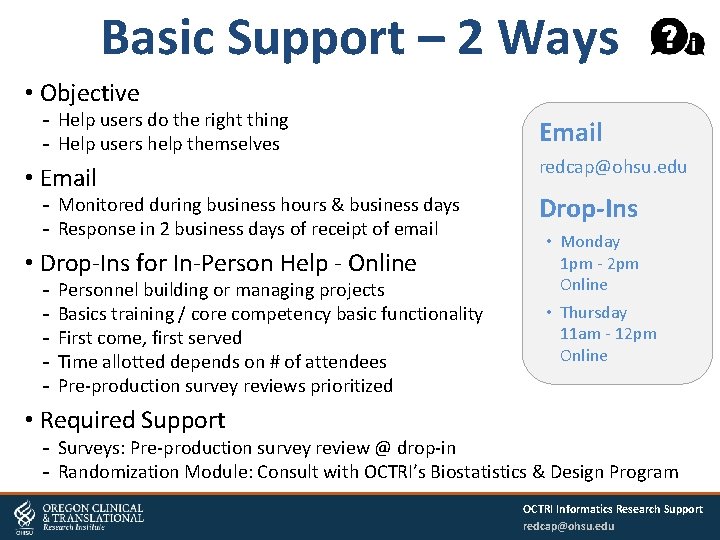
Basic Support – 2 Ways • Objective Help users do the right thing Help users help themselves • Email Monitored during business hours & business days Response in 2 business days of receipt of email • Drop-Ins for In-Person Help - Online Personnel building or managing projects Basics training / core competency basic functionality First come, first served Time allotted depends on # of attendees Pre-production survey reviews prioritized Email redcap@ohsu. edu Drop-Ins • Monday 1 pm - 2 pm Online • Thursday 11 am - 12 pm Online • Required Support Surveys: Pre-production survey review @ drop-in Randomization Module: Consult with OCTRI’s Biostatistics & Design Program OCTRI Informatics Research Support redcap@ohsu. edu
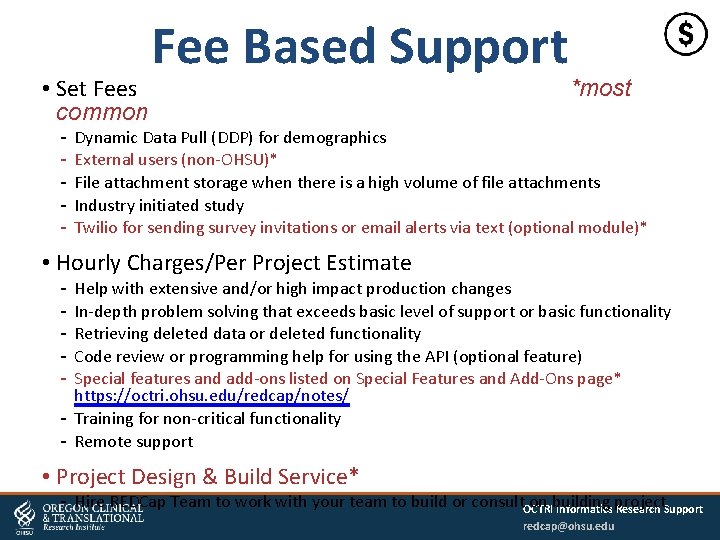
• Set Fees common Fee Based Support *most Dynamic Data Pull (DDP) for demographics External users (non-OHSU)* File attachment storage when there is a high volume of file attachments Industry initiated study Twilio for sending survey invitations or email alerts via text (optional module)* • Hourly Charges/Per Project Estimate Help with extensive and/or high impact production changes In-depth problem solving that exceeds basic level of support or basic functionality Retrieving deleted data or deleted functionality Code review or programming help for using the API (optional feature) Special features and add-ons listed on Special Features and Add-Ons page* https: //octri. ohsu. edu/redcap/notes/ Training for non-critical functionality Remote support • Project Design & Build Service* Hire REDCap Team to work with your team to build or consult. OCTRI on building Informatics project Research Support redcap@ohsu. edu
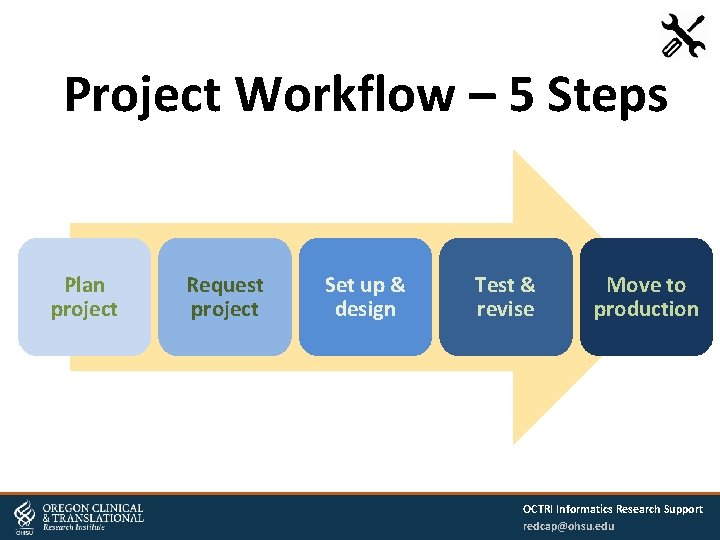
Project Workflow – 5 Steps Plan project Request project Set up & design Test & revise Move to production OCTRI Informatics Research Support redcap@ohsu. edu
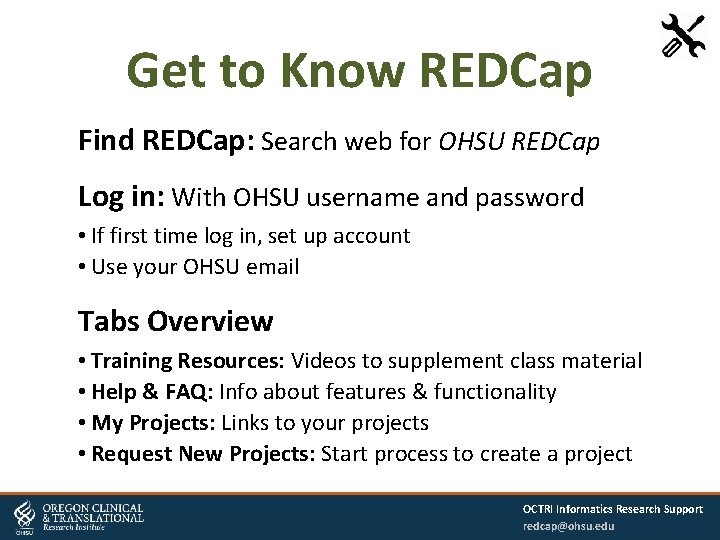
Get to Know REDCap Find REDCap: Search web for OHSU REDCap Log in: With OHSU username and password • If first time log in, set up account • Use your OHSU email Tabs Overview • Training Resources: Videos to supplement class material • Help & FAQ: Info about features & functionality • My Projects: Links to your projects • Request New Projects: Start process to create a project OCTRI Informatics Research Support redcap@ohsu. edu
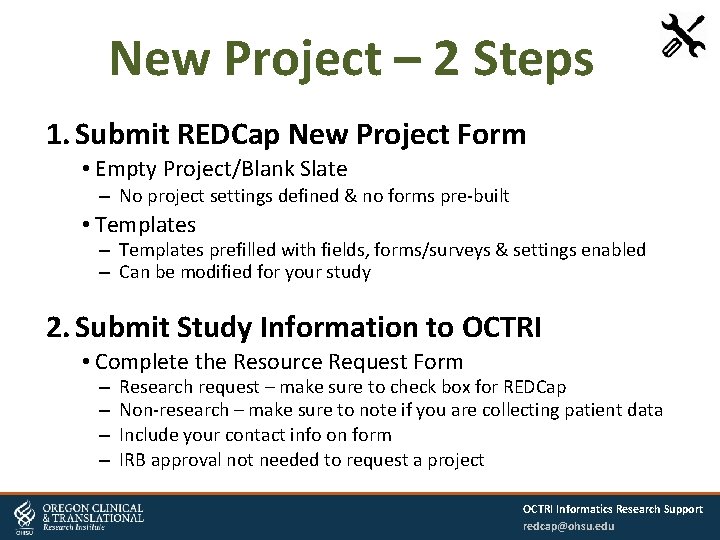
New Project – 2 Steps 1. Submit REDCap New Project Form • Empty Project/Blank Slate – No project settings defined & no forms pre-built • Templates – Templates prefilled with fields, forms/surveys & settings enabled – Can be modified for your study 2. Submit Study Information to OCTRI • Complete the Resource Request Form – – Research request – make sure to check box for REDCap Non-research – make sure to note if you are collecting patient data Include your contact info on form IRB approval not needed to request a project OCTRI Informatics Research Support redcap@ohsu. edu
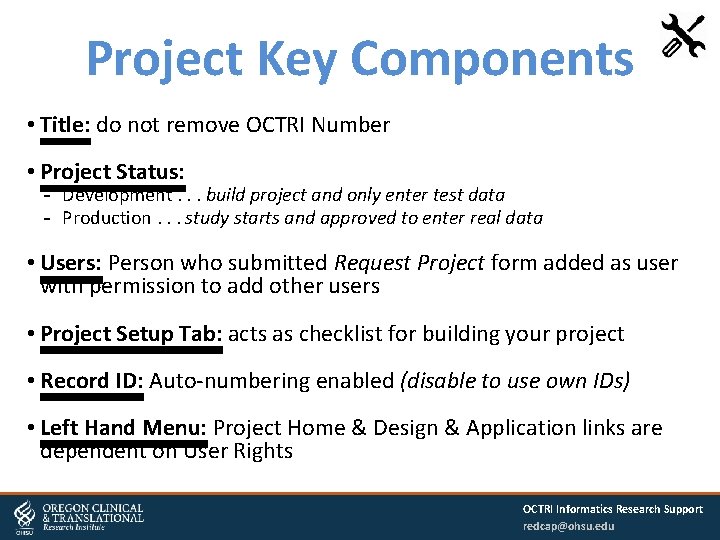
Project Key Components • Title: do not remove OCTRI Number • Project Status: Development. . . build project and only enter test data Production. . . study starts and approved to enter real data • Users: Person who submitted Request Project form added as user with permission to add other users • Project Setup Tab: acts as checklist for building your project • Record ID: Auto-numbering enabled (disable to use own IDs) • Left Hand Menu: Project Home & Design & Application links are dependent on User Rights OCTRI Informatics Research Support redcap@ohsu. edu
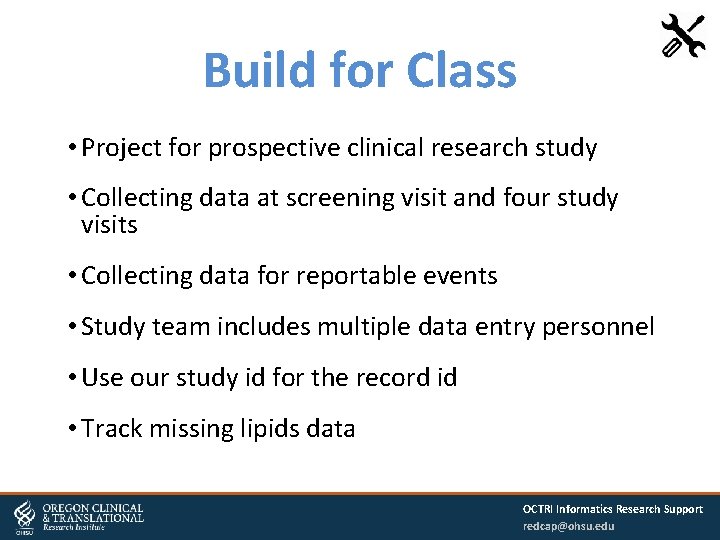
Build for Class • Project for prospective clinical research study • Collecting data at screening visit and four study visits • Collecting data for reportable events • Study team includes multiple data entry personnel • Use our study id for the record id • Track missing lipids data OCTRI Informatics Research Support redcap@ohsu. edu
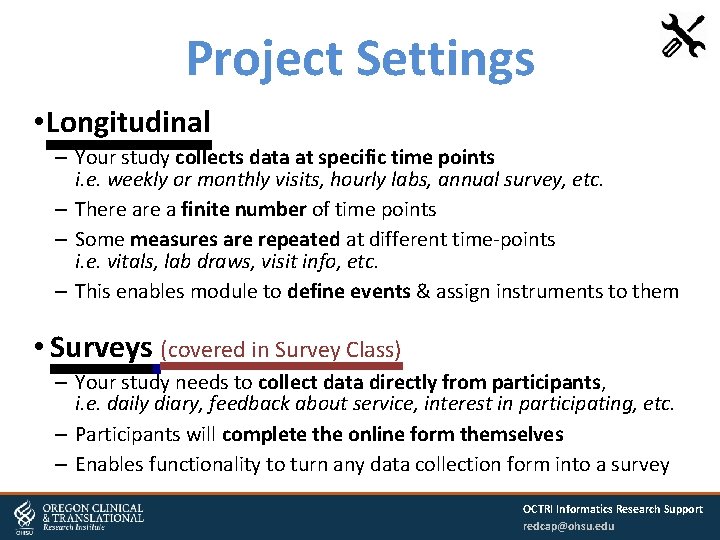
Project Settings • Longitudinal – Your study collects data at specific time points i. e. weekly or monthly visits, hourly labs, annual survey, etc. – There a finite number of time points – Some measures are repeated at different time-points i. e. vitals, lab draws, visit info, etc. – This enables module to define events & assign instruments to them • Surveys (covered in Survey Class) – Your study needs to collect data directly from participants, i. e. daily diary, feedback about service, interest in participating, etc. – Participants will complete the online form themselves – Enables functionality to turn any data collection form into a survey OCTRI Informatics Research Support redcap@ohsu. edu
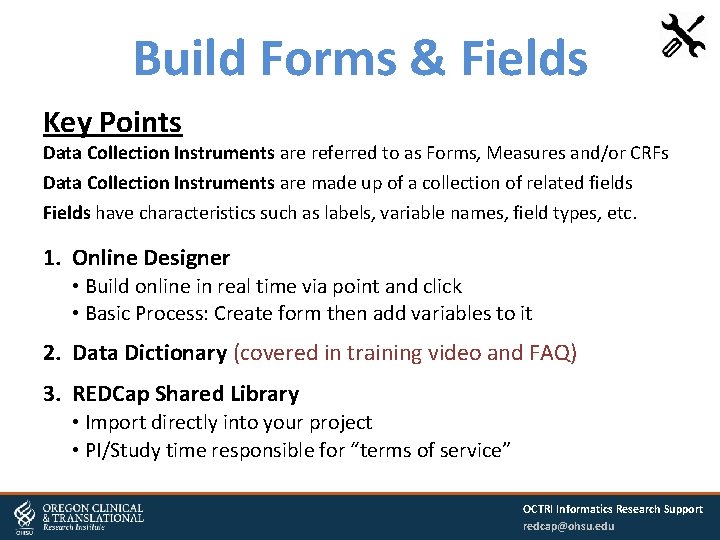
Build Forms & Fields Key Points Data Collection Instruments are referred to as Forms, Measures and/or CRFs Data Collection Instruments are made up of a collection of related fields Fields have characteristics such as labels, variable names, field types, etc. 1. Online Designer • Build online in real time via point and click • Basic Process: Create form then add variables to it 2. Data Dictionary (covered in training video and FAQ) 3. REDCap Shared Library • Import directly into your project • PI/Study time responsible for “terms of service” OCTRI Informatics Research Support redcap@ohsu. edu
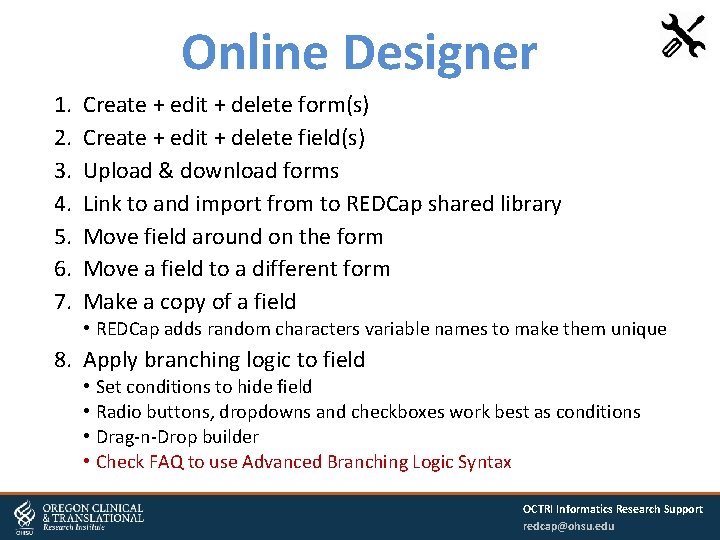
Online Designer 1. 2. 3. 4. 5. 6. 7. Create + edit + delete form(s) Create + edit + delete field(s) Upload & download forms Link to and import from to REDCap shared library Move field around on the form Move a field to a different form Make a copy of a field • REDCap adds random characters variable names to make them unique 8. Apply branching logic to field • Set conditions to hide field • Radio buttons, dropdowns and checkboxes work best as conditions • Drag-n-Drop builder • Check FAQ to use Advanced Branching Logic Syntax OCTRI Informatics Research Support redcap@ohsu. edu
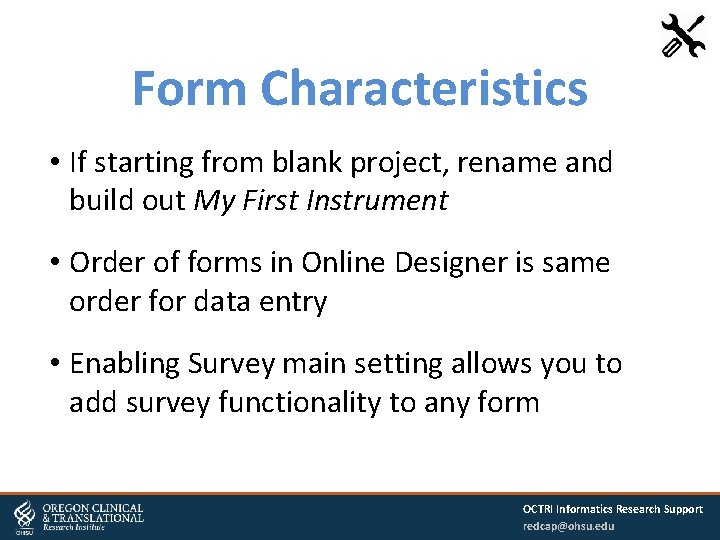
Form Characteristics • If starting from blank project, rename and build out My First Instrument • Order of forms in Online Designer is same order for data entry • Enabling Survey main setting allows you to add survey functionality to any form OCTRI Informatics Research Support redcap@ohsu. edu
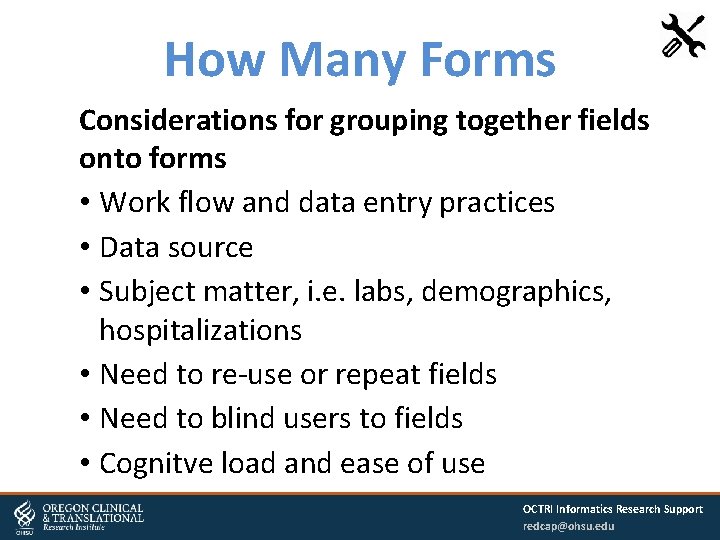
How Many Forms Considerations for grouping together fields onto forms • Work flow and data entry practices • Data source • Subject matter, i. e. labs, demographics, hospitalizations • Need to re-use or repeat fields • Need to blind users to fields • Cognitve load and ease of use OCTRI Informatics Research Support redcap@ohsu. edu
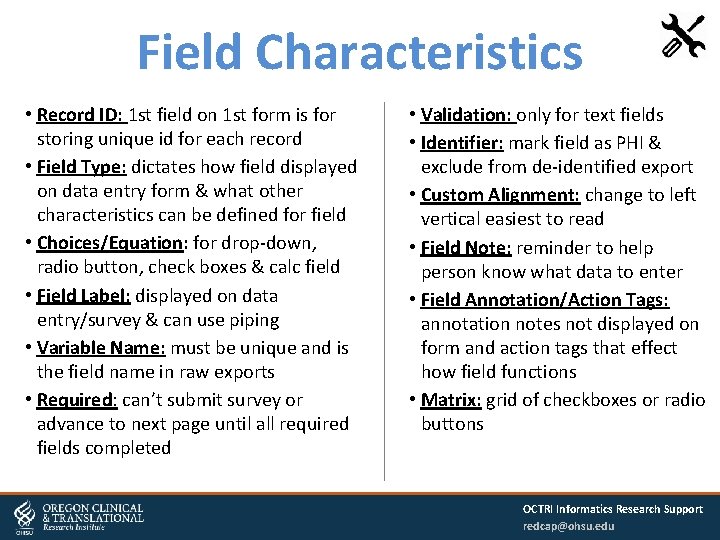
Field Characteristics • Record ID: 1 st field on 1 st form is for storing unique id for each record • Field Type: dictates how field displayed on data entry form & what other characteristics can be defined for field • Choices/Equation: for drop-down, radio button, check boxes & calc field • Field Label: displayed on data entry/survey & can use piping • Variable Name: must be unique and is the field name in raw exports • Required: can’t submit survey or advance to next page until all required fields completed • Validation: only for text fields • Identifier: mark field as PHI & exclude from de-identified export • Custom Alignment: change to left vertical easiest to read • Field Note: reminder to help person know what data to enter • Field Annotation/Action Tags: annotation notes not displayed on form and action tags that effect how field functions • Matrix: grid of checkboxes or radio buttons OCTRI Informatics Research Support redcap@ohsu. edu
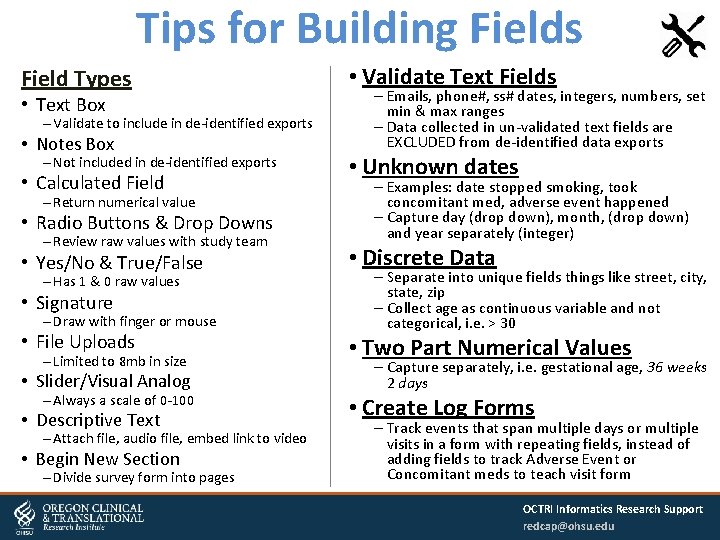
Tips for Building Fields Field Types • Text Box – Validate to include in de-identified exports • Notes Box – Not included in de-identified exports • Calculated Field – Return numerical value • Radio Buttons & Drop Downs – Review raw values with study team • Yes/No & True/False – Has 1 & 0 raw values • Signature – Draw with finger or mouse • File Uploads – Limited to 8 mb in size • Slider/Visual Analog – Always a scale of 0 -100 • Descriptive Text – Attach file, audio file, embed link to video • Begin New Section – Divide survey form into pages • Validate Text Fields – Emails, phone#, ss# dates, integers, numbers, set min & max ranges – Data collected in un-validated text fields are EXCLUDED from de-identified data exports • Unknown dates – Examples: date stopped smoking, took concomitant med, adverse event happened – Capture day (drop down), month, (drop down) and year separately (integer) • Discrete Data – Separate into unique fields things like street, city, state, zip – Collect age as continuous variable and not categorical, i. e. > 30 • Two Part Numerical Values – Capture separately, i. e. gestational age, 36 weeks 2 days • Create Log Forms – Track events that span multiple days or multiple visits in a form with repeating fields, instead of adding fields to track Adverse Event or Concomitant meds to teach visit form OCTRI Informatics Research Support redcap@ohsu. edu
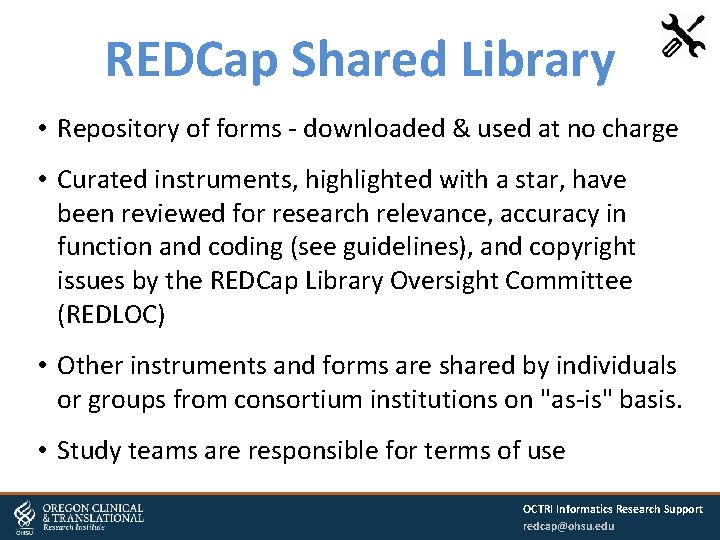
REDCap Shared Library • Repository of forms - downloaded & used at no charge • Curated instruments, highlighted with a star, have been reviewed for research relevance, accuracy in function and coding (see guidelines), and copyright issues by the REDCap Library Oversight Committee (REDLOC) • Other instruments and forms are shared by individuals or groups from consortium institutions on "as-is" basis. • Study teams are responsible for terms of use OCTRI Informatics Research Support redcap@ohsu. edu
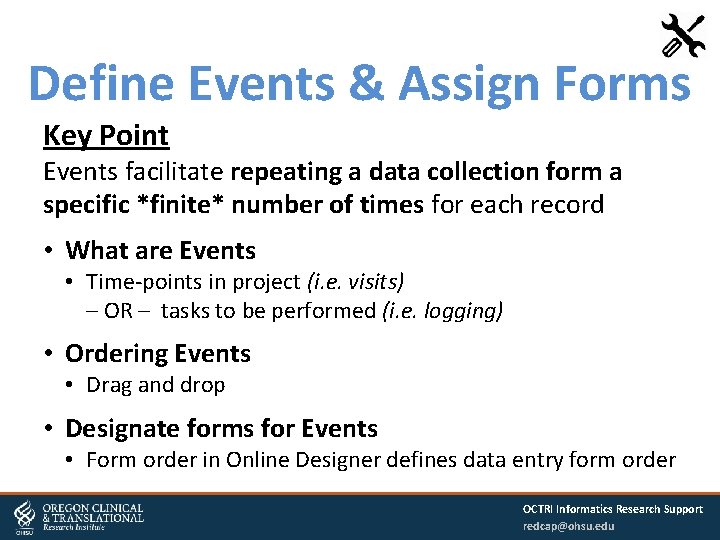
Define Events & Assign Forms Key Point Events facilitate repeating a data collection form a specific *finite* number of times for each record • What are Events • Time-points in project (i. e. visits) – OR – tasks to be performed (i. e. logging) • Ordering Events • Drag and drop • Designate forms for Events • Form order in Online Designer defines data entry form order OCTRI Informatics Research Support redcap@ohsu. edu
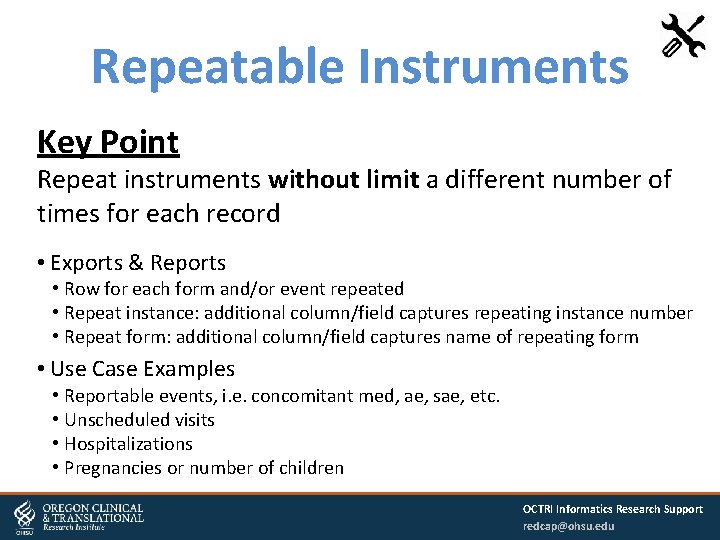
Repeatable Instruments Key Point Repeat instruments without limit a different number of times for each record • Exports & Reports • Row for each form and/or event repeated • Repeat instance: additional column/field captures repeating instance number • Repeat form: additional column/field captures name of repeating form • Use Case Examples • Reportable events, i. e. concomitant med, ae, sae, etc. • Unscheduled visits • Hospitalizations • Pregnancies or number of children OCTRI Informatics Research Support redcap@ohsu. edu
Other Optional Modules • Auto Numbering Turned on automatically Disable to use study id as a record id • Custom Record Label Append collected data or static text to record name when selecting & viewing record OCTRI Informatics Research Support redcap@ohsu. edu
User Management Key Point Study teams are responsible for adding and removing users to and from their project & managing their permissions. • User Rights module is for user management • User permissions referred to as rights or privileges • When assigning privileges we recommend Principle of Least Privilege – Assign user minimum permissions necessary to fulfill their role OCTRI Informatics Research Support redcap@ohsu. edu
Add & Remove Users • Who to Add/Remove – Study personnel who have IRB approval – PI responsible for ensuring all users listed on IRB submission(s) • Roles – Useful when there are > 1 users with the same role, i. e. data entry • How to Add Users – OHSU staff: Add with OHSU username only – not their email address – Non-OHSU: Email us to first create REDCap accounts and there are charges for non-OHSU users • Removing Users – Study personnel no longer working on project or not listed in IRB – Edit user privileges and remove user – If user added to role, first remove use from role OCTRI Informatics Research Support redcap@ohsu. edu
Assign User Permissions • Project Set Up & Design: Build project & manage project settings Basics training or core competency with REDCap • Alerts & Notifications: Create alerts & send email notifications to users or participants Tied to Project Set Up & Design User Right • Calendar: Project calendar most useful with advanced Scheduling module • Exports, Reports & Stats: Export for analysis & create reports to manage data collection • Data Import: Manually import data to add, append or edit records • Data Comparison: Compare 2 records & part of advanced Double Data Entry module • Logging: Audit trail that can be downloaded • User Rights: Add & remove users & assign permissions • File Repository: Store & retrieve project files Not for storing participant files which should be attached to individual records • Data Quality Rules: Check for discrepancies in data • API: Programmatically retrieve or modify project data or settings • Delete & Rename Records: Leave disabled & enable as needed on case by case basis • Field Comment Log: Available to all users & functionality tied to data entry rights OCTRI Informatics Research Support redcap@ohsu. edu
Testing Guidelines Benefits of Testing • Only way to review how your forms look and behave • Only way to test: branching logic, calculations & validation rules • Best way to understand following REDCap features Form Status Locking/Unlocking Save Buttons Field Comment Log Require fields Testing Guidelines • • • Enter at least 5 or more records & complete all fields for all forms Complete the surveys as if you were a participant Create reports & export data Review code book with study team and statistician Note that test data is deleted when project moved to Production OCTRI Informatics Research Support redcap@ohsu. edu
Data Entry Tips • Test Data Only in development • Record Id Auto number or create own id • Save Data Not saved until click Save button • Form Status Field added to end of all forms Manually set status Status is color coded • History Icon History of data changes for a field • Field Comment Capture meta data about field • Time Out After 20 minutes of inactivity Data entered but not saved will be lost • Record Status Dashboard All records/responses with their status for every form & every event Create custom views • Modify Instrument Edit form when testing data entry • Print Data Collection Forms From online designer From data entry form • Lock & Unlock Data Entry Locking form closes form to data entry OCTRI Informatics Research Support redcap@ohsu. edu
Basic Applications Tips • Exports, Reports & Stats Export to Microsoft Excel, SAS, Stata, R, or SPSS Get stats & charts for instruments, records, reports De-identified exports and tools tied to User Rights All exports saved to file repository Longitudinal data exported as a row per participant per event Review export with statistician • Logging (audit trail) Can be filtered Can be exported • File Repository Upload common project files and documents Stores all previous exports OCTRI Informatics Research Support redcap@ohsu. edu
Advanced Applications Learn through FAQ and videos. Contact Help Desk if you need more assistance using a feature in your project. Design Data Collection Forms • • • Calculated fields Branching logic Data dictionary Action Tags Piping Custom fields Project Setup • Additional Customizations • Scheduling with events • Arms Data Collection • Importing data • Data access groups • Logging AEs, Con. Meds, etc. Applications • Data quality rules • Data Resolution Workflow Stop by Drop-In • Double Data Entry • Randomization • Dynamic Data Pull OCTRI Informatics Research Support redcap@ohsu. edu
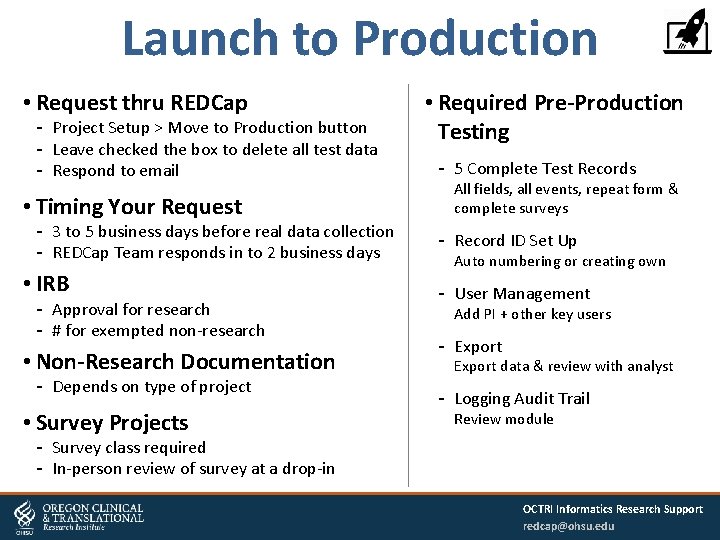
Launch to Production • Request thru REDCap Project Setup > Move to Production button Leave checked the box to delete all test data Respond to email • Timing Your Request 3 to 5 business days before real data collection REDCap Team responds in to 2 business days • IRB Approval for research # for exempted non-research • Non-Research Documentation Depends on type of project • Survey Projects • Required Pre-Production Testing 5 Complete Test Records All fields, all events, repeat form & complete surveys Record ID Set Up Auto numbering or creating own User Management Add PI + other key users Export data & review with analyst Logging Audit Trail Review module Survey class required In-person review of survey at a drop-in OCTRI Informatics Research Support redcap@ohsu. edu
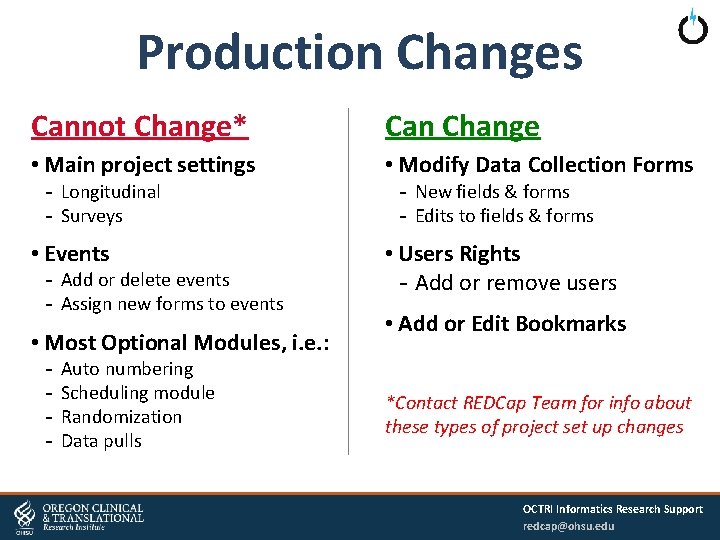
Production Changes Cannot Change* Can Change • Main project settings • Modify Data Collection Forms • Events • Users Rights Add or remove users Longitudinal Surveys Add or delete events Assign new forms to events • Most Optional Modules, i. e. : Auto numbering Scheduling module Randomization Data pulls New fields & forms Edits to fields & forms • Add or Edit Bookmarks *Contact REDCap Team for info about these types of project set up changes OCTRI Informatics Research Support redcap@ohsu. edu
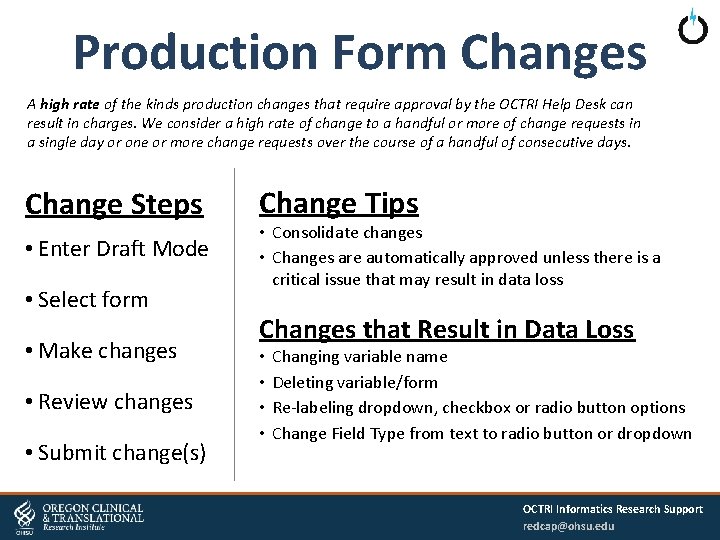
Production Form Changes A high rate of the kinds production changes that require approval by the OCTRI Help Desk can result in charges. We consider a high rate of change to a handful or more of change requests in a single day or one or more change requests over the course of a handful of consecutive days. Change Steps • Enter Draft Mode • Select form • Make changes • Review changes • Submit change(s) Change Tips • Consolidate changes • Changes are automatically approved unless there is a critical issue that may result in data loss Changes that Result in Data Loss • • Changing variable name Deleting variable/form Re-labeling dropdown, checkbox or radio button options Change Field Type from text to radio button or dropdown OCTRI Informatics Research Support redcap@ohsu. edu
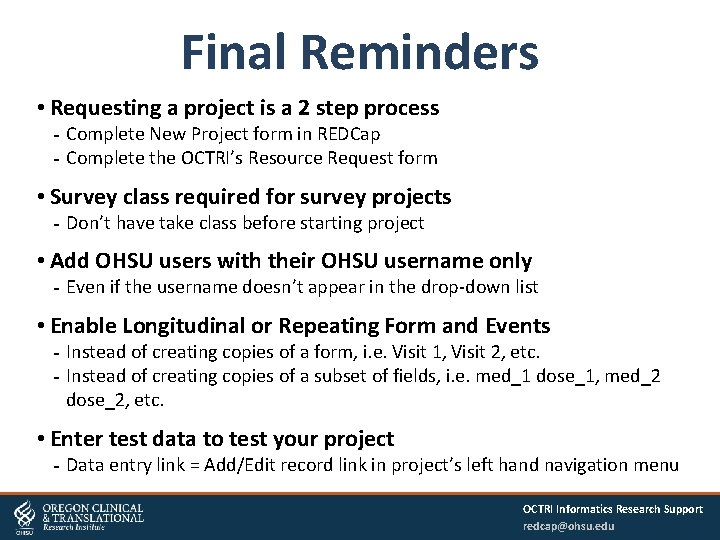
Final Reminders • Requesting a project is a 2 step process Complete New Project form in REDCap Complete the OCTRI’s Resource Request form • Survey class required for survey projects Don’t have take class before starting project • Add OHSU users with their OHSU username only Even if the username doesn’t appear in the drop-down list • Enable Longitudinal or Repeating Form and Events Instead of creating copies of a form, i. e. Visit 1, Visit 2, etc. Instead of creating copies of a subset of fields, i. e. med_1 dose_1, med_2 dose_2, etc. • Enter test data to test your project Data entry link = Add/Edit record link in project’s left hand navigation menu OCTRI Informatics Research Support redcap@ohsu. edu
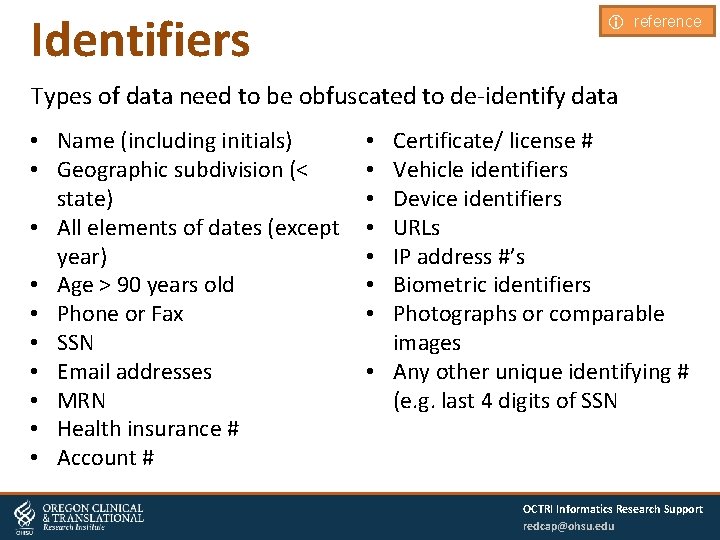
Identifiers i reference Types of data need to be obfuscated to de-identify data • Name (including initials) • Geographic subdivision (< state) • All elements of dates (except year) • Age > 90 years old • Phone or Fax • SSN • Email addresses • MRN • Health insurance # • Account # Certificate/ license # Vehicle identifiers Device identifiers URLs IP address #’s Biometric identifiers Photographs or comparable images • Any other unique identifying # (e. g. last 4 digits of SSN • • OCTRI Informatics Research Support redcap@ohsu. edu
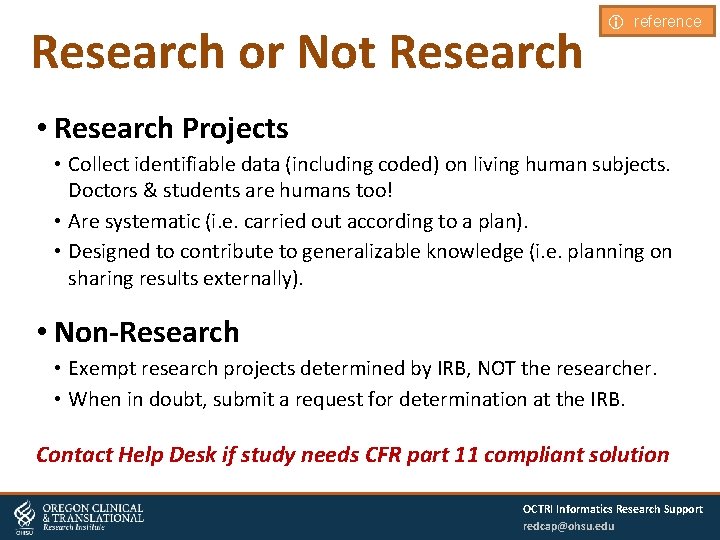
Research or Not Research i reference • Research Projects • Collect identifiable data (including coded) on living human subjects. Doctors & students are humans too! • Are systematic (i. e. carried out according to a plan). • Designed to contribute to generalizable knowledge (i. e. planning on sharing results externally). • Non-Research • Exempt research projects determined by IRB, NOT the researcher. • When in doubt, submit a request for determination at the IRB. Contact Help Desk if study needs CFR part 11 compliant solution OCTRI Informatics Research Support redcap@ohsu. edu
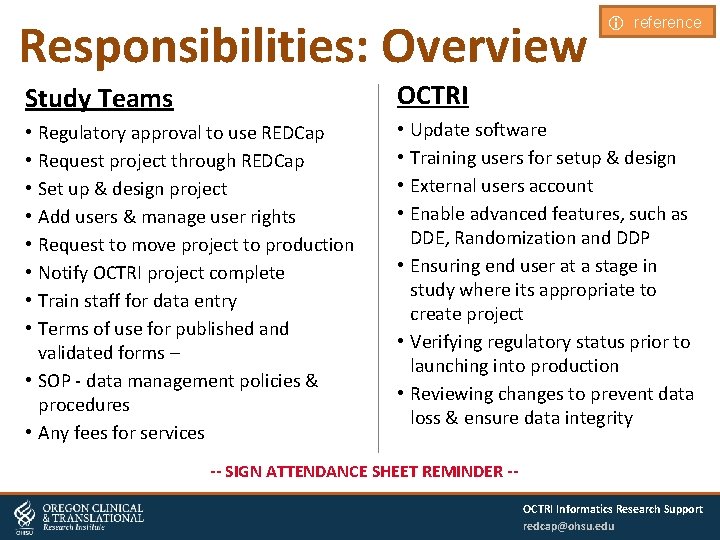
Responsibilities: Overview i reference Study Teams OCTRI • Regulatory approval to use REDCap • Request project through REDCap • Set up & design project • Add users & manage user rights • Request to move project to production • Notify OCTRI project complete • Train staff for data entry • Terms of use for published and validated forms – • SOP - data management policies & procedures • Any fees for services • Update software • Training users for setup & design • External users account • Enable advanced features, such as DDE, Randomization and DDP • Ensuring end user at a stage in study where its appropriate to create project • Verifying regulatory status prior to launching into production • Reviewing changes to prevent data loss & ensure data integrity -- SIGN ATTENDANCE SHEET REMINDER -OCTRI Informatics Research Support redcap@ohsu. edu
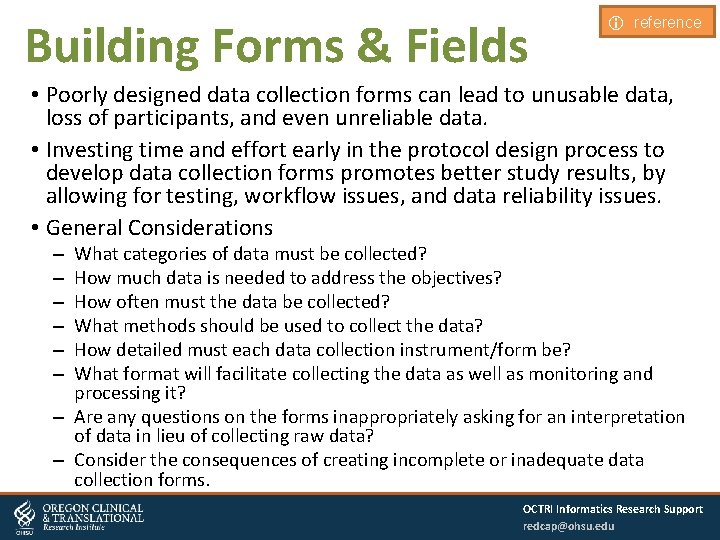
Building Forms & Fields i reference • Poorly designed data collection forms can lead to unusable data, loss of participants, and even unreliable data. • Investing time and effort early in the protocol design process to develop data collection forms promotes better study results, by allowing for testing, workflow issues, and data reliability issues. • General Considerations What categories of data must be collected? How much data is needed to address the objectives? How often must the data be collected? What methods should be used to collect the data? How detailed must each data collection instrument/form be? What format will facilitate collecting the data as well as monitoring and processing it? – Are any questions on the forms inappropriately asking for an interpretation of data in lieu of collecting raw data? – Consider the consequences of creating incomplete or inadequate data collection forms. – – – OCTRI Informatics Research Support redcap@ohsu. edu
Make Forms Easy to Use i reference • Use left vertical alignment for field layout to reduce cognitive load on person enter dating and to take advantage of best practices for web form design. • Group items into sections with headings indicating the general content of the sections. • Avoid crowding questions on forms. • Use simple, uncomplicated language. • Avoid the using double negatives. • Place instructions for specific items or sections of a form next to those items or sections. • Avoid using terms that may have different meanings to different people entering data. • Do not reproduce an entire form or section of a form used in another study without permission from the study, even if the form is not copyrighted. • Items requiring an affirmation or negative response are confusing when an affirmative reply indicates the absence of a condition. • Considerations in grouping together fields into forms – – Logically what fits together by subject or topic? What fields are you repeating and how often? Do you need to blind any of the study team to certain fields? What is the source of the data being entered - participant, import, manual staff data entry? OCTRI Informatics Research Support redcap@ohsu. edu
Make Forms Useful i reference • Consider the use of closed versus open systems – Closed-form item used defined list response options – Open-form item does not have a list permissible response options • Use consistent units of measurement. • Use consistent codes for similar response options. • Avoid requiring the respondent to make calculations. • Avoid mixing timeframes in a single section. • Differentiate between Unknown, Uncertain, and Missing data instead of using the phrase “Not Available”. • Collect the raw data used to make any summary calculations. • Use validation rules to ensure consistent formatting. OCTRI Informatics Research Support redcap@ohsu. edu
Reminders • REDCap Link https: //octri. ohsu. edu/redcap/ • Questions? redcap@ohsu. edu • Slide deck In welcome email • Other OCTRI Services Cohort Discovery https: //octriinternal. ohsu. edu/cohorts/ Discover patient cohorts from Epic data for preparatory to research purposes -- SIGN ATTENDANCE SHEET REMINDER -OCTRI Informatics Research Support redcap@ohsu. edu
- Slides: 44