
Large Scale Computing at PDSF Iwona Sakrejda NERSC
- Slides: 28
Large Scale Computing at PDSF Iwona Sakrejda NERSC User Services Group ISakrejda@lbl. gov February ? ? , 2006 1
Outline • Role of PDSF in HENP computing. • Integration with other NERSC computational and storage systems. • User management and user oriented services at NERSC • PDSF layout. • Workload management (batch systems) • File System implications of data intensive computing. • Operating system selection with CHOS. • Grid use at PDSF (Grid 3, OSG, ITB) • Conclusions 2
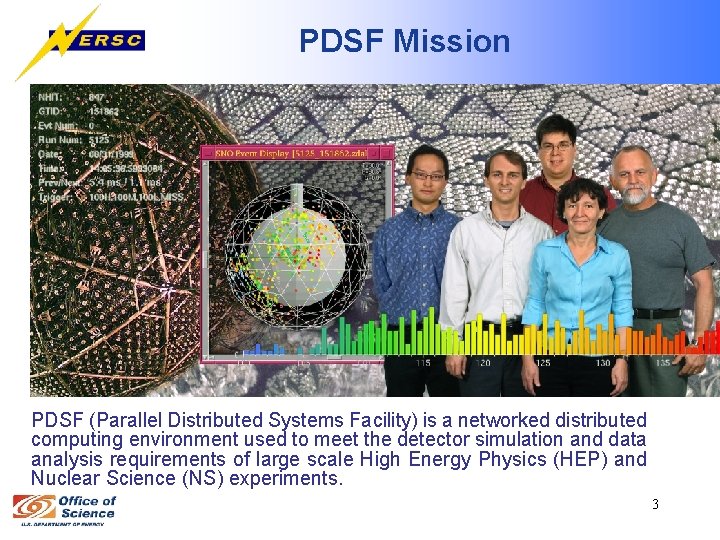
PDSF Mission PDSF (Parallel Distributed Systems Facility) is a networked distributed computing environment used to meet the detector simulation and data analysis requirements of large scale High Energy Physics (HEP) and Nuclear Science (NS) experiments. 3
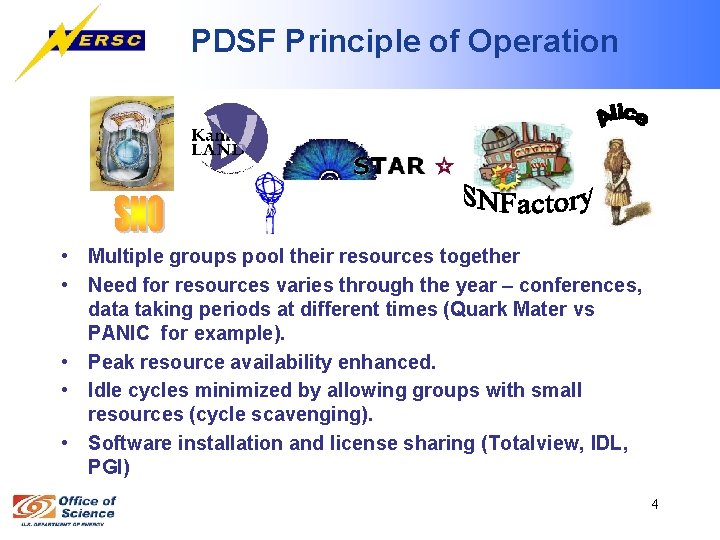
PDSF Principle of Operation • Multiple groups pool their resources together • Need for resources varies through the year – conferences, data taking periods at different times (Quark Mater vs PANIC for example). • Peak resource availability enhanced. • Idle cycles minimized by allowing groups with small resources (cycle scavenging). • Software installation and license sharing (Totalview, IDL, PGI) 4
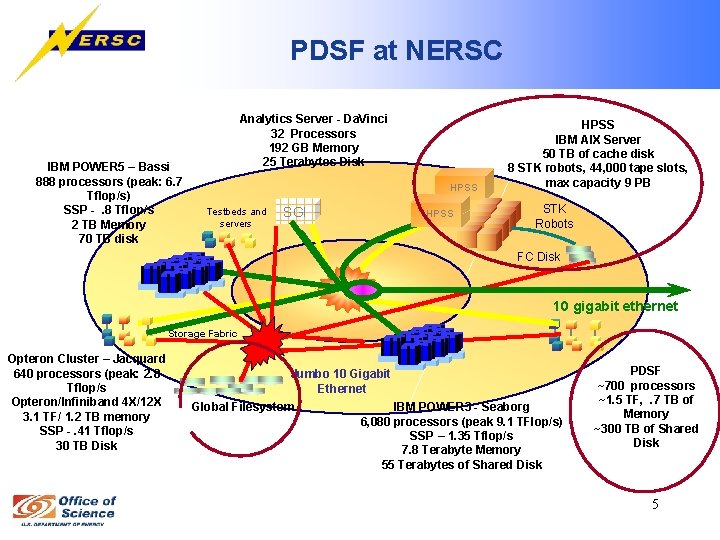
PDSF at NERSC IBM POWER 5 – Bassi 888 processors (peak: 6. 7 Tflop/s) SSP -. 8 Tflop/s 2 TB Memory 70 TB disk Analytics Server - Da. Vinci 32 Processors 192 GB Memory 25 Terabytes Disk HPSS Testbeds and servers SGI HPSS IBM AIX Server 50 TB of cache disk 8 STK robots, 44, 000 tape slots, max capacity 9 PB STK Robots FC Disk 10 gigabit ethernet Storage Fabric Opteron Cluster – Jacquard 640 processors (peak: 2. 8 Tflop/s Opteron/Infiniband 4 X/12 X 3. 1 TF/ 1. 2 TB memory SSP -. 41 Tflop/s 30 TB Disk Jumbo 10 Gigabit Ethernet Global Filesystem IBM POWER 3 - Seaborg 6, 080 processors (peak 9. 1 TFlop/s) SSP – 1. 35 Tflop/s 7. 8 Terabyte Memory 55 Terabytes of Shared Disk PDSF ~700 processors ~1. 5 TF, . 7 TB of Memory ~300 TB of Shared Disk 5
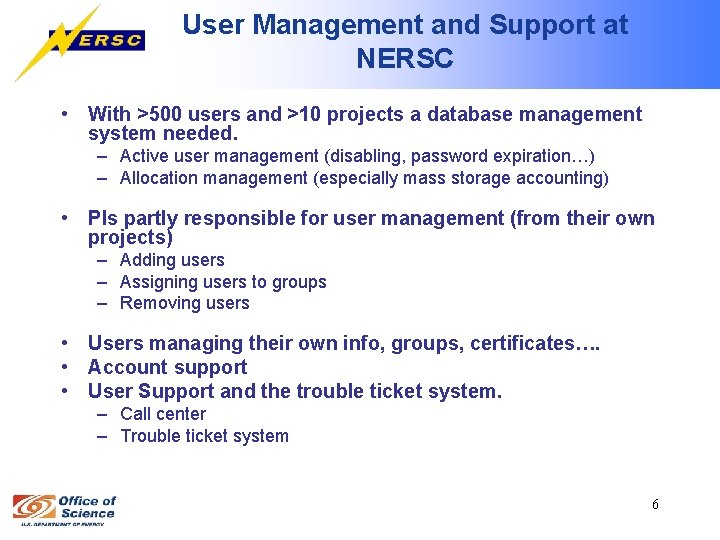
User Management and Support at NERSC • With >500 users and >10 projects a database management system needed. – Active user management (disabling, password expiration…) – Allocation management (especially mass storage accounting) • PIs partly responsible for user management (from their own projects) – Adding users – Assigning users to groups – Removing users • Users managing their own info, groups, certificates…. • Account support • User Support and the trouble ticket system. – Call center – Trouble ticket system 6
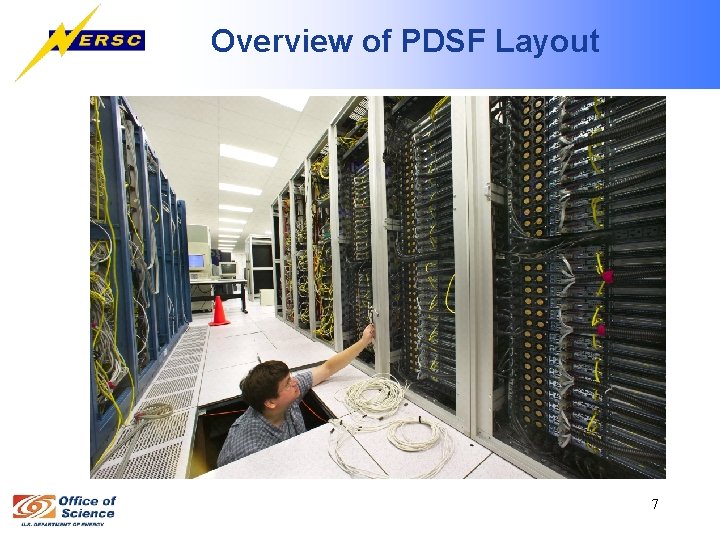
Overview of PDSF Layout 7
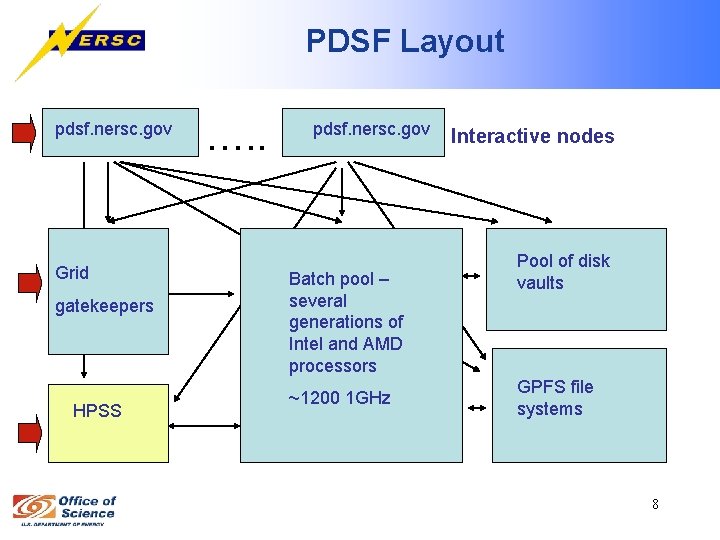
PDSF Layout pdsf. nersc. gov Grid gatekeepers HPSS …. . pdsf. nersc. gov Batch pool – several generations of Intel and AMD processors ~1200 1 GHz Interactive nodes Pool of disk vaults GPFS file systems 8
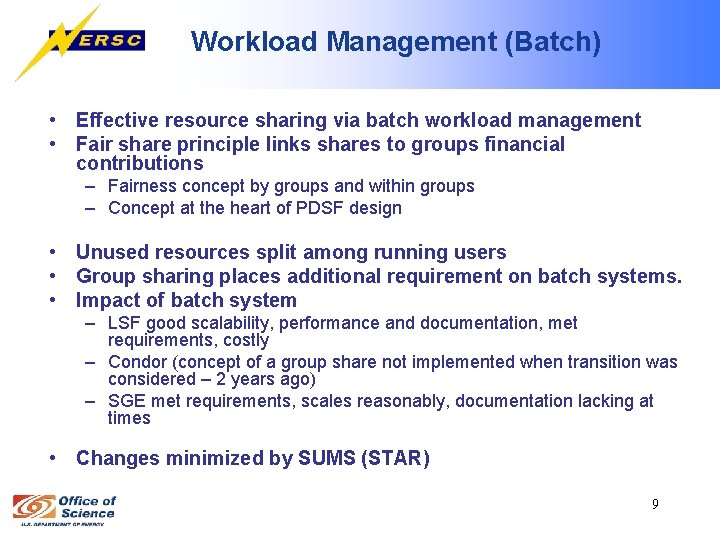
Workload Management (Batch) • Effective resource sharing via batch workload management • Fair share principle links shares to groups financial contributions – Fairness concept by groups and within groups – Concept at the heart of PDSF design • Unused resources split among running users • Group sharing places additional requirement on batch systems. • Impact of batch system – LSF good scalability, performance and documentation, met requirements, costly – Condor (concept of a group share not implemented when transition was considered – 2 years ago) – SGE met requirements, scales reasonably, documentation lacking at times • Changes minimized by SUMS (STAR) 9
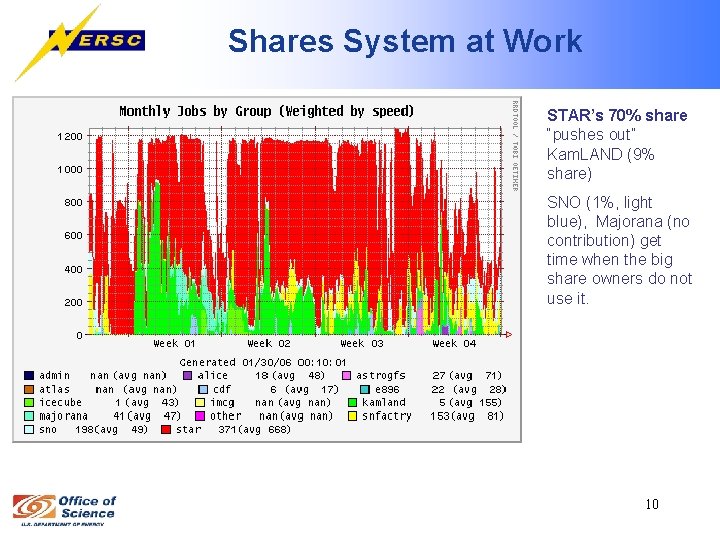
Shares System at Work STAR’s 70% share “pushes out” Kam. LAND (9% share) SNO (1%, light blue), Majorana (no contribution) get time when the big share owners do not use it. 10
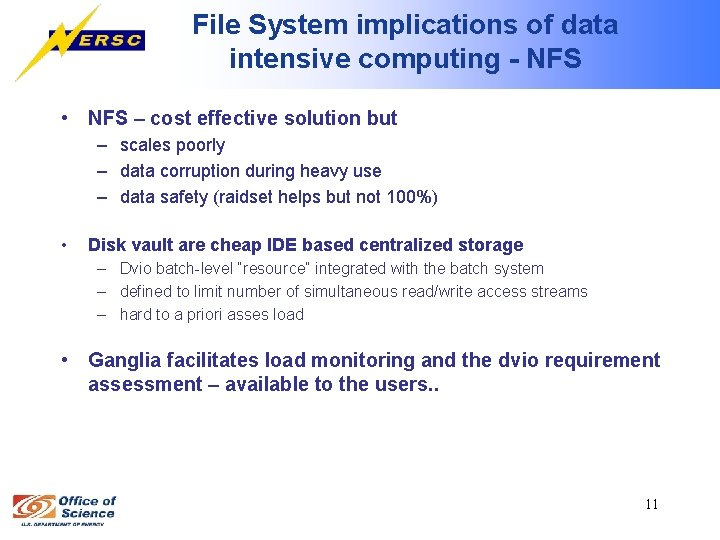
File System implications of data intensive computing - NFS • NFS – cost effective solution but – scales poorly – data corruption during heavy use – data safety (raidset helps but not 100%) • Disk vault are cheap IDE based centralized storage – Dvio batch-level “resource” integrated with the batch system – defined to limit number of simultaneous read/write access streams – hard to a priori asses load • Ganglia facilitates load monitoring and the dvio requirement assessment – available to the users. . 11
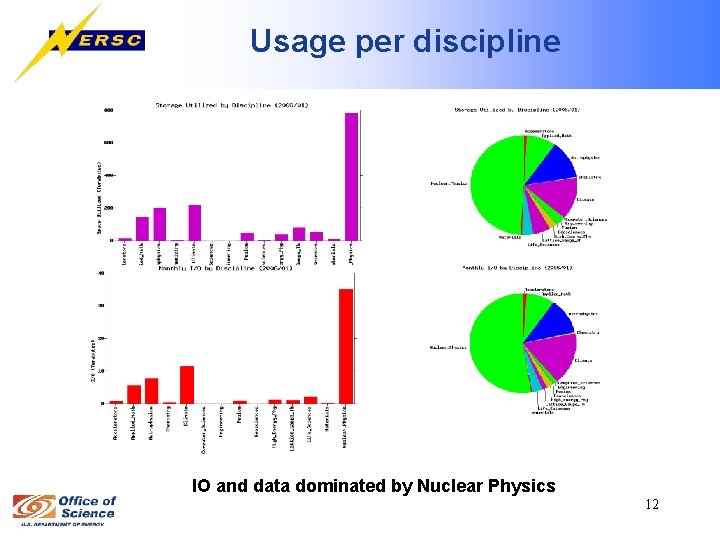
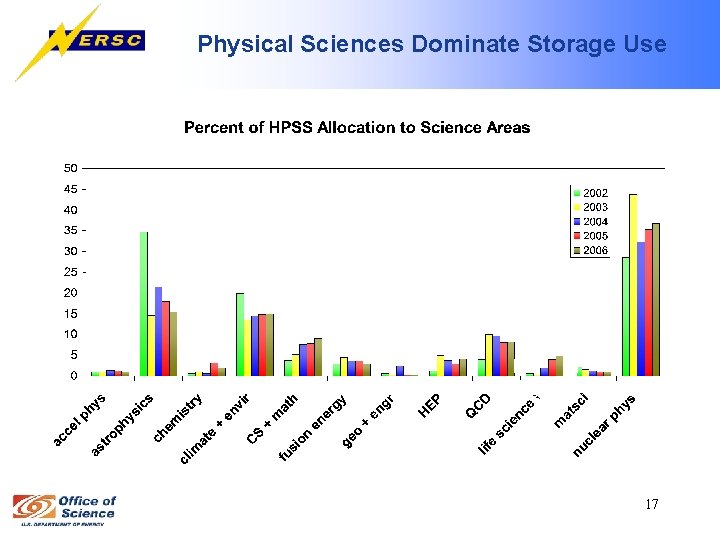
Usage per discipline IO and data dominated by Nuclear Physics 12
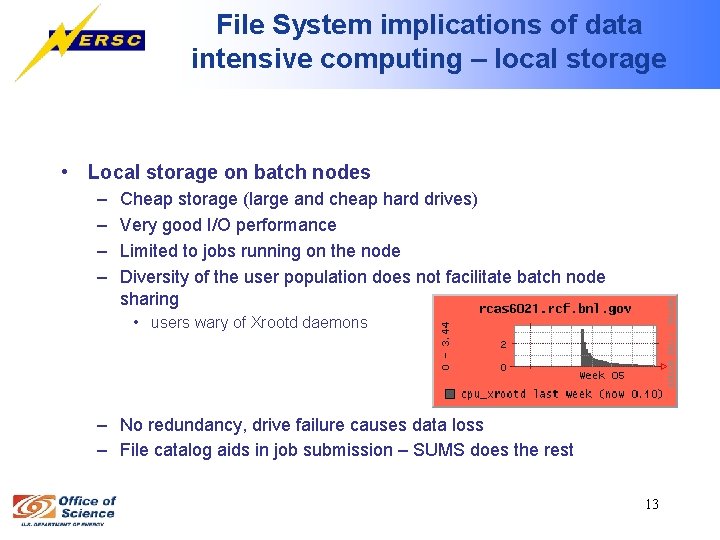
File System implications of data intensive computing – local storage • Local storage on batch nodes – – Cheap storage (large and cheap hard drives) Very good I/O performance Limited to jobs running on the node Diversity of the user population does not facilitate batch node sharing • users wary of Xrootd daemons – No redundancy, drive failure causes data loss – File catalog aids in job submission – SUMS does the rest 13
File System implications of data intensive computing - GPFS • NERSC purchased GPFS software licenses for PDSF – Reliable (raid underneath) – Good performance (striping) – Self repairing • Even after disengaging under load comes back on-line • compare with “NFS stale file handles” (had to be fixed by either admin or a cron job) – Expensive • PDSF hosts will host several GPFS file systems – 7 already in place – ~15 TB/filesystem – not enough experience with GPFS on linux 14
File System implications of data intensive computing – beta testing • file system (open software version) testing – File system performed reasonably well under high load – support and maintenance manpower intensive • Storage units from commercial vendors made available for beta testing – Support provided by vendors – Users get cutting edge, highly capable, storage appliances to use for extensive periods of time – Staff obliged to produce reports – additional workload (light) – Units too expensive to purchase – work related to data uploading – Affordable units from new companies – uncertainty of support continuity 15
Role of mass storage in data management • Data intensive experiments require “smart backup” – Only $HOME, system and application area are automatically backed up – PDSF storage media reliable – but not disaster-proof. – Groups have allocation in mass storage to selectively store their data – Users have individual accounts in mass storage to backup their work • Network bandwidth (10 GB to HPSS) – large HPSS cache and large number of tape movers facilitate quick access to stored data – number of drives still an issue 16
Physical Sciences Dominate Storage Use 17
Operating system selection with CHOS • PDSF is a secondary computing facility for most of the user groups – not free to independently select operating system – tied to the Tier 0 selection • PDSF projects originated at various times (in the past or still to come) – Tier 0 s embraced different operating systems, evolution • PDSF accommodates needs of diverse groups with CHOS – framework for concurrently running multiple Linux environments (distributions) on single node. – accomplished through a combination of the chroot system call, a Linux kernel module, and some additional utilities. – can be configured so that users are transparently presented with their selected distribution on login. 18
Operating system selection with CHOS (cont) • Support for operating systems based on same kernel version. – – • RH 7. 2 RH 8 RH 9 SL 3. 0. 2 Base system – SL 3. 03 – provides security – More info about CHOS available at: http: //www. nersc. gov/nusers/resources/PDSF/chos/faq. php CHOS protected PDSF from fragmentation of resources – Unique approach to multi-group support. Sharing possible even when diverse OS required. 19
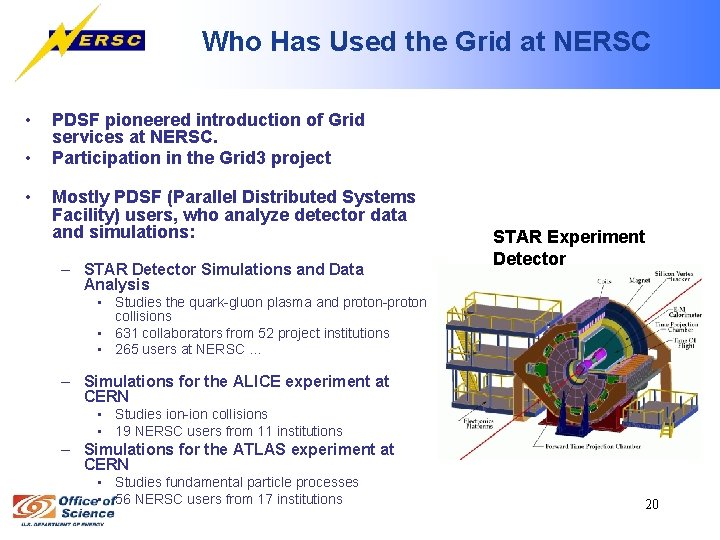
Who Has Used the Grid at NERSC • • • PDSF pioneered introduction of Grid services at NERSC. Participation in the Grid 3 project Mostly PDSF (Parallel Distributed Systems Facility) users, who analyze detector data and simulations: – STAR Detector Simulations and Data Analysis STAR Experiment Detector • Studies the quark-gluon plasma and proton-proton collisions • 631 collaborators from 52 project institutions • 265 users at NERSC … – Simulations for the ALICE experiment at CERN • Studies ion-ion collisions • 19 NERSC users from 11 institutions – Simulations for the ATLAS experiment at CERN • Studies fundamental particle processes • 56 NERSC users from 17 institutions 20
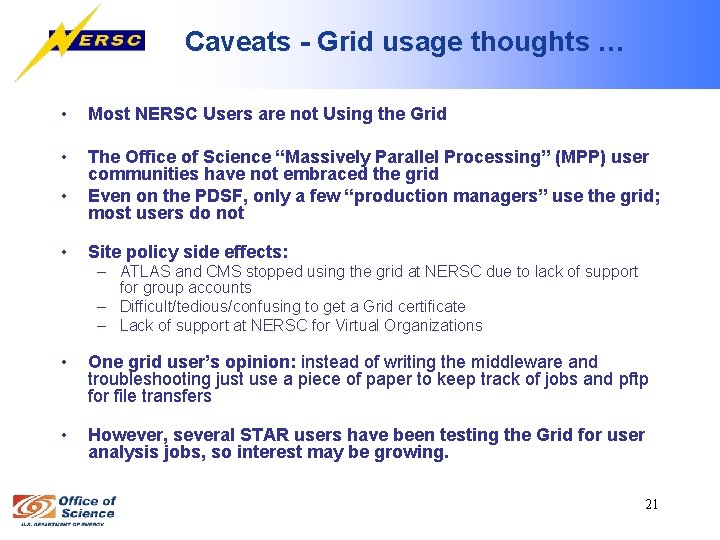
Caveats - Grid usage thoughts … • Most NERSC Users are not Using the Grid • The Office of Science “Massively Parallel Processing” (MPP) user communities have not embraced the grid Even on the PDSF, only a few “production managers” use the grid; most users do not • • Site policy side effects: – ATLAS and CMS stopped using the grid at NERSC due to lack of support for group accounts – Difficult/tedious/confusing to get a Grid certificate – Lack of support at NERSC for Virtual Organizations • One grid user’s opinion: instead of writing the middleware and troubleshooting just use a piece of paper to keep track of jobs and pftp for file transfers • However, several STAR users have been testing the Grid for user analysis jobs, so interest may be growing. 21
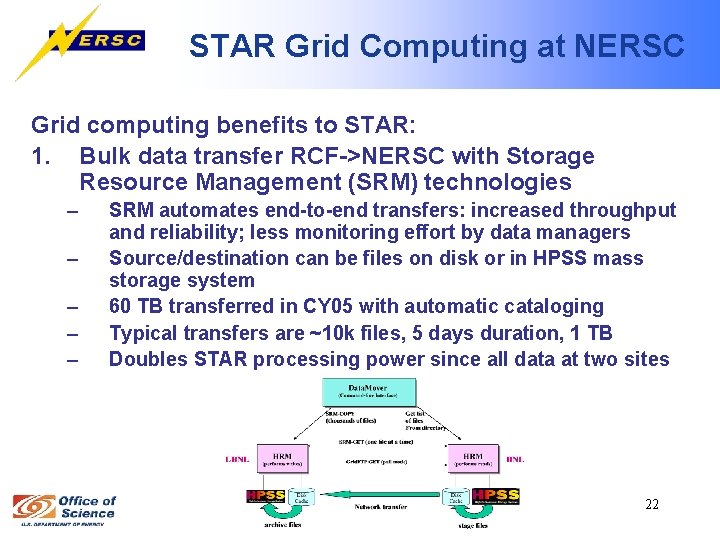
STAR Grid Computing at NERSC Grid computing benefits to STAR: 1. Bulk data transfer RCF->NERSC with Storage Resource Management (SRM) technologies – – – SRM automates end-to-end transfers: increased throughput and reliability; less monitoring effort by data managers Source/destination can be files on disk or in HPSS mass storage system 60 TB transferred in CY 05 with automatic cataloging Typical transfers are ~10 k files, 5 days duration, 1 TB Doubles STAR processing power since all data at two sites 22
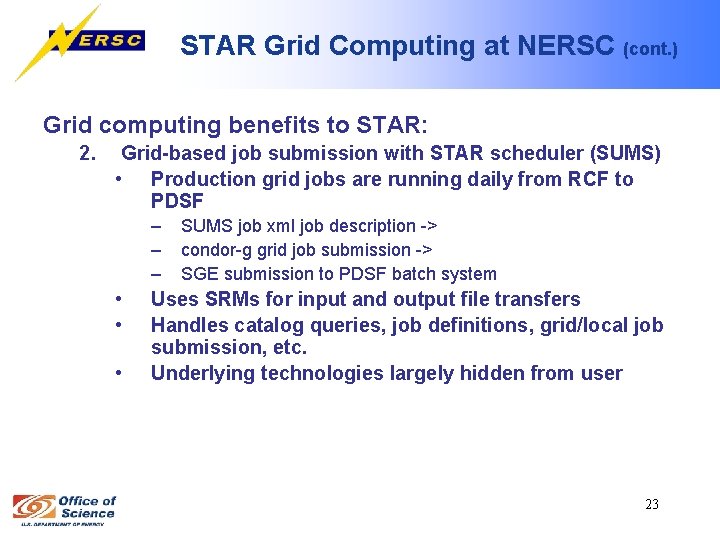
STAR Grid Computing at NERSC (cont. ) Grid computing benefits to STAR: 2. Grid-based job submission with STAR scheduler (SUMS) • Production grid jobs are running daily from RCF to PDSF – – – • • • SUMS job xml job description -> condor-g grid job submission -> SGE submission to PDSF batch system Uses SRMs for input and output file transfers Handles catalog queries, job definitions, grid/local job submission, etc. Underlying technologies largely hidden from user 23
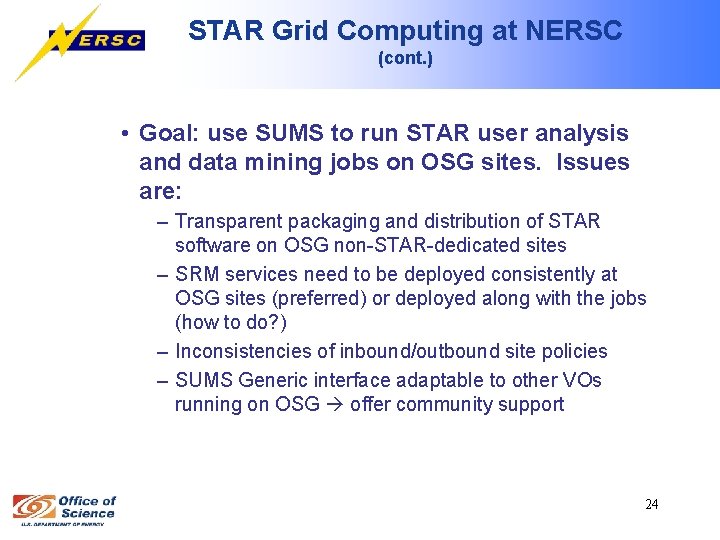
STAR Grid Computing at NERSC (cont. ) • Goal: use SUMS to run STAR user analysis and data mining jobs on OSG sites. Issues are: – Transparent packaging and distribution of STAR software on OSG non-STAR-dedicated sites – SRM services need to be deployed consistently at OSG sites (preferred) or deployed along with the jobs (how to do? ) – Inconsistencies of inbound/outbound site policies – SUMS Generic interface adaptable to other VOs running on OSG offer community support 24
NERSC Contributions to the Grid • myproxy. nersc. gov – – – Users don’t have to scp their certs to different sites Safely stores credentials; uses ssl Anyone can use it from anywhere myproxy-init –s myproxy. nersc. gov myproxy-get-delegation Part of VDT and OSG software distribution • Management of grid-map files – NERSC users put their certs into our NERSC Information Management system – They automatically get propagated to all NERSC resources • garchive. nersc. gov – GSI authentications added to the HPSS pftp client and server – Users can log in to HPSS using their grid certs – Software contributed to the HPSS consortium 25
Online Certification Services (in development) • Would allow users to use grid services without having to get a grid cert • myproxy-logon – s myproxy. nersc. gov • Generates a proxy cert on the fly • Built on top of PAM and Myproxy • Will use radius server to authenticate users • Radius is a protocol to securely send authentication and auditing information between sites • Can authenticate with LDAP, One Time Password or Grid cert • Could be used to federate sites 26
Audit Trail for Group Accounts (proposed development) • NERSC needs to trace back sessions and commands to individual users • Some projects need to set up a production environment managed by multiple users (who can then jointly manage the production jobs and data) • Build an environment that accepts multiple certs or multiple username/passwords for a single account • Keep logs that can associate PID/UIDs with the actual user • Provide audit trail that constructs the original authentication associated with the PID/UID 27
Conclusions • NERSC/PDSF is a fully resource sharing facility – Several storage solutions evaluated, lots of choices and some emerging trend (distributed file systems, IO balanced systems, …) – CPU shared based on financial contributions – Fully opportunistic (if not used, can be take by others) – NERSC will base its deployment decisions on science and user driven requirements • A lot of ongoing research in distributed computing technologies • NERSC can contribute to STAR/OSG efforts: – Auditing and login tracing tools – Online certification services (integrate LDAP, One Time Passwords and Grid certs) – Testbed for OSG software on HPC architectures – User Support 28