
Large Data Visualization of Seismic Data Tera Shake


- Slides: 18
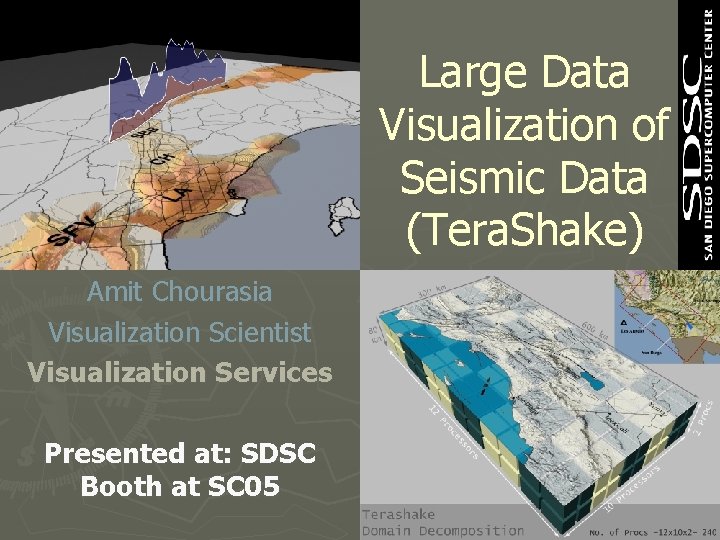
Large Data Visualization of Seismic Data (Tera. Shake) Amit Chourasia Visualization Scientist Visualization Services Presented at: SDSC Booth at SC 05
movie
About Terashake Large Scale Earthquake Simulation on Southern San Andreas 33 researchers, 8 Institutions § § § § Southern California Earthquake Center San Diego Supercomputer Center Information Sciences Institute of Geophysics and Planetary Physics (UC) University of Southern California San Diego State University of California, Santa Barbara Carnegie-Mellon University Exxon. Mobil Slide: Courtesy Marcio Faerman
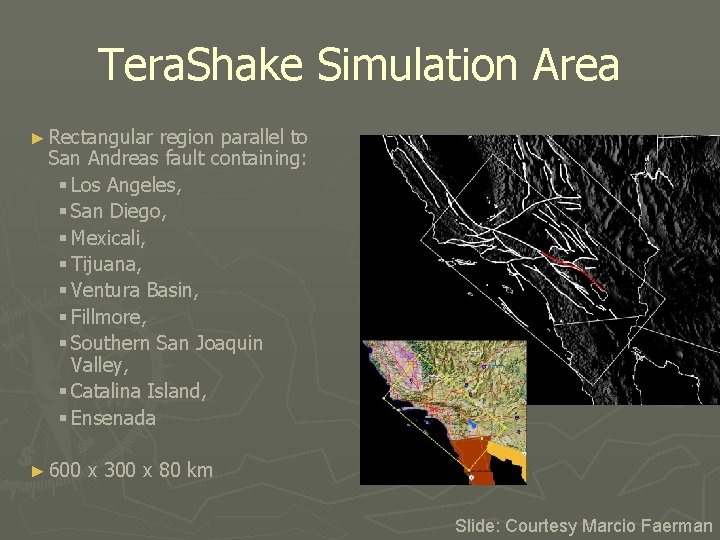
Tera. Shake Simulation Area ► Rectangular region parallel to San Andreas fault containing: § Los Angeles, § San Diego, § Mexicali, § Tijuana, § Ventura Basin, § Fillmore, § Southern San Joaquin Valley, § Catalina Island, § Ensenada ► 600 x 300 x 80 km Slide: Courtesy Marcio Faerman
Tera. Shake Earthquake Simulation Magnitude 7. 7 earthquake on southern San Andreas ► Mesh of 1. 8 Billion cubes, 200 m ► ► 0. 011 sec time step, 20, 000 time steps: 3 minute simulation ► 240 processors on San Diego Super. Computer Center Data. Star ► ~ 20, 000 CPU hours, over approximately 5 days wall clock ► ~ 47 million megabytes of output ► Asynchronous rendering of simulation output during ongoing computation Slide: Courtesy Marcio Faerman
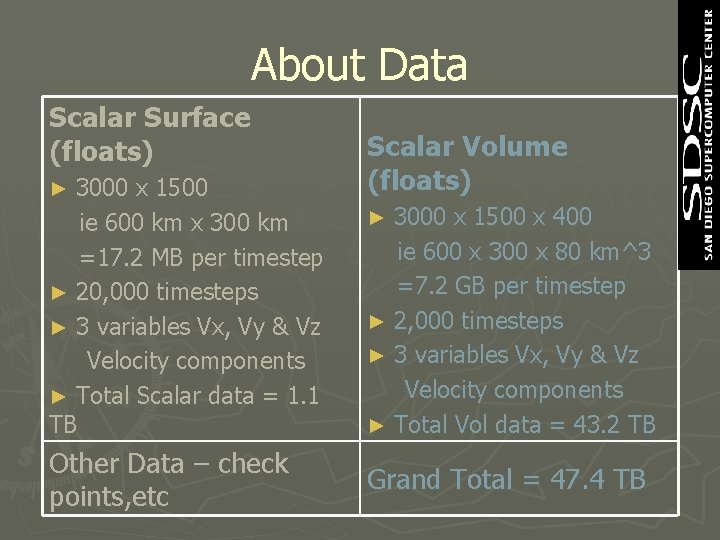
About Data Scalar Surface (floats) 3000 x 1500 ie 600 km x 300 km =17. 2 MB per timestep ► 20, 000 timesteps ► 3 variables Vx, Vy & Vz Velocity components ► Total Scalar data = 1. 1 TB ► Other Data – check points, etc Scalar Volume (floats) 3000 x 1500 x 400 ie 600 x 300 x 80 km^3 =7. 2 GB per timestep ► 2, 000 timesteps ► 3 variables Vx, Vy & Vz Velocity components ► Total Vol data = 43. 2 TB ► Grand Total = 47. 4 TB
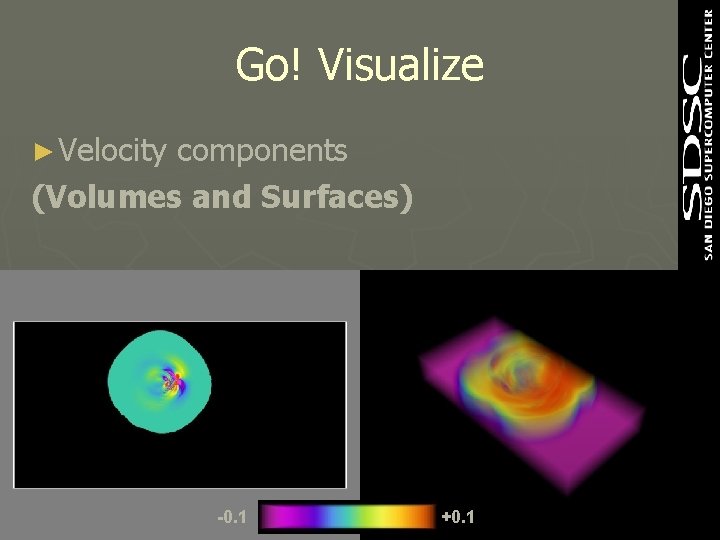
Go! Visualize ► Velocity components (Volumes and Surfaces) -0. 1 +0. 1
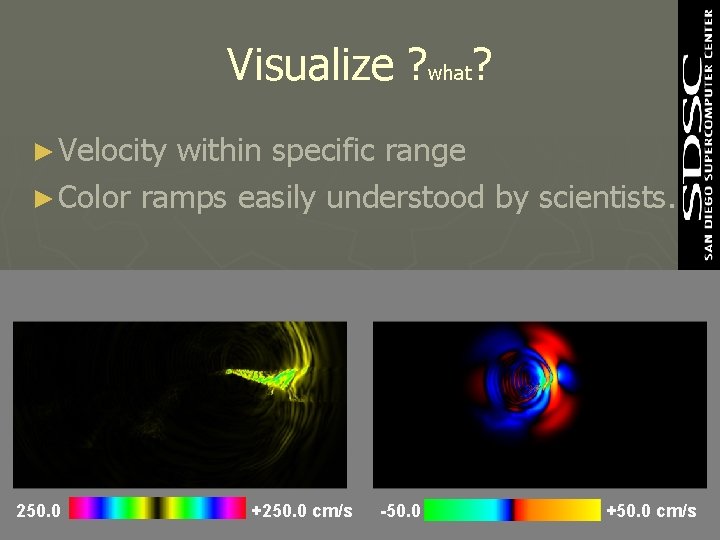
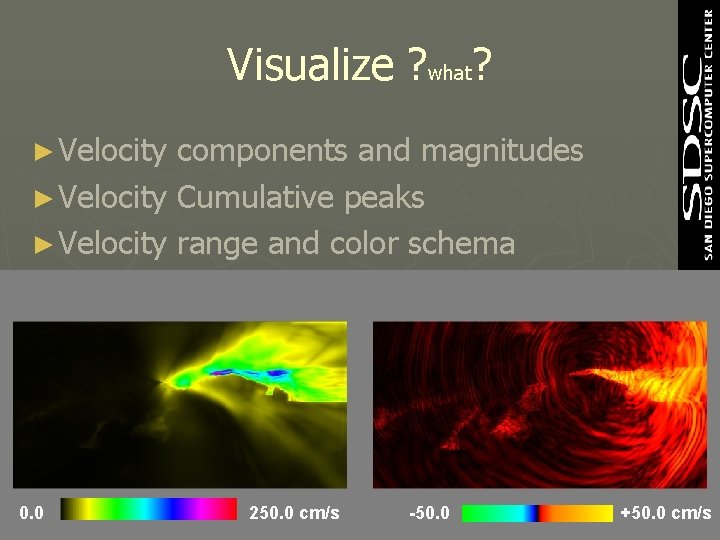
Visualize ? what? ► Velocity within specific range ► Color ramps easily understood by scientists. 250. 0 +250. 0 cm/s -50. 0 +50. 0 cm/s
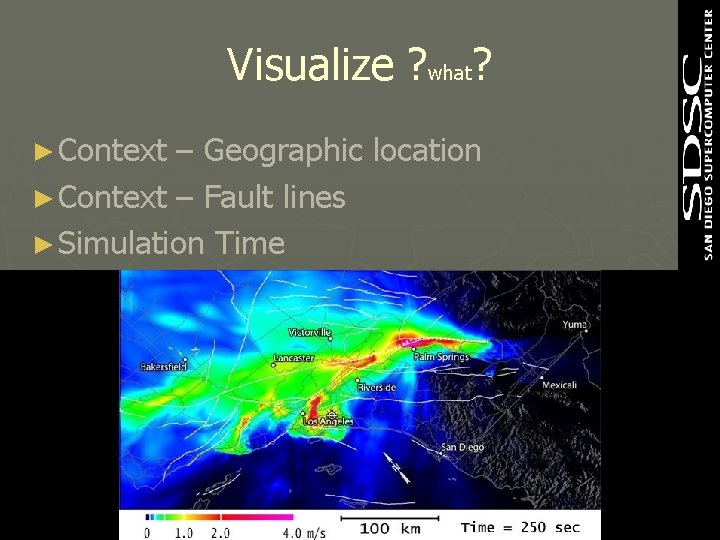
Visualize ? what? ► Context – Geographic location ► Context – Fault lines ► Simulation Time
Visualize ? what? ► Velocity components and magnitudes ► Velocity Cumulative peaks ► Velocity range and color schema 0. 0 250. 0 cm/s -50. 0 +50. 0 cm/s
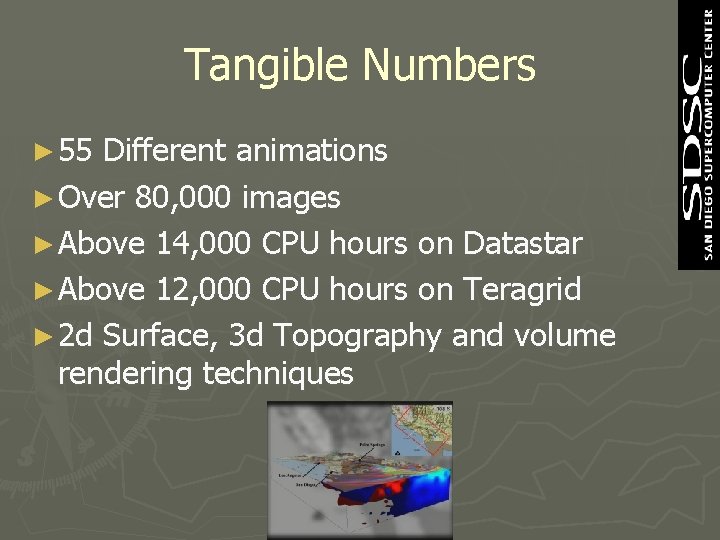
Tangible Numbers ► 55 Different animations ► Over 80, 000 images ► Above 14, 000 CPU hours on Datastar ► Above 12, 000 CPU hours on Teragrid ► 2 d Surface, 3 d Topography and volume rendering techniques
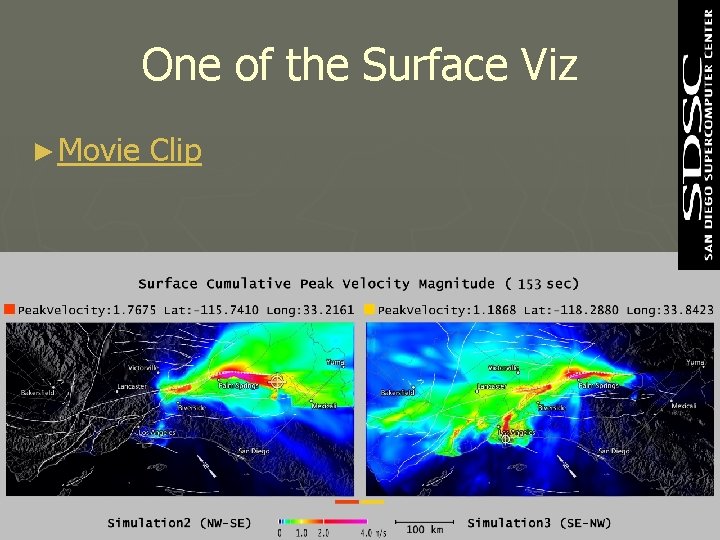
One of the Surface Viz ► Movie Clip
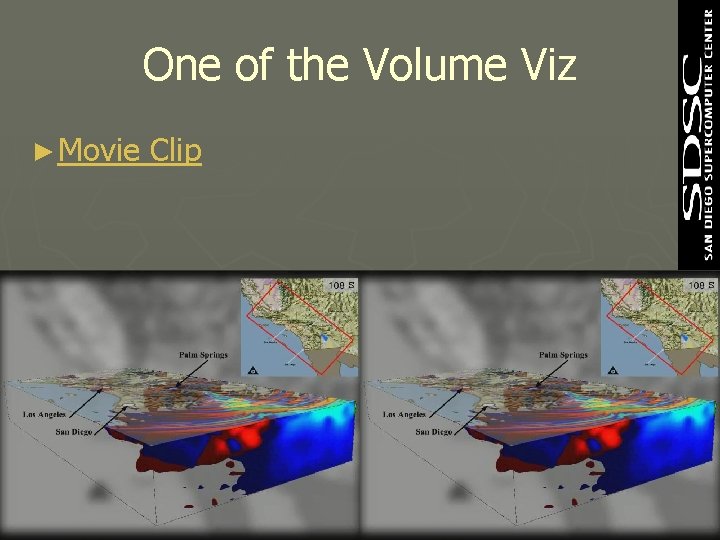
One of the Volume Viz ► Movie Clip
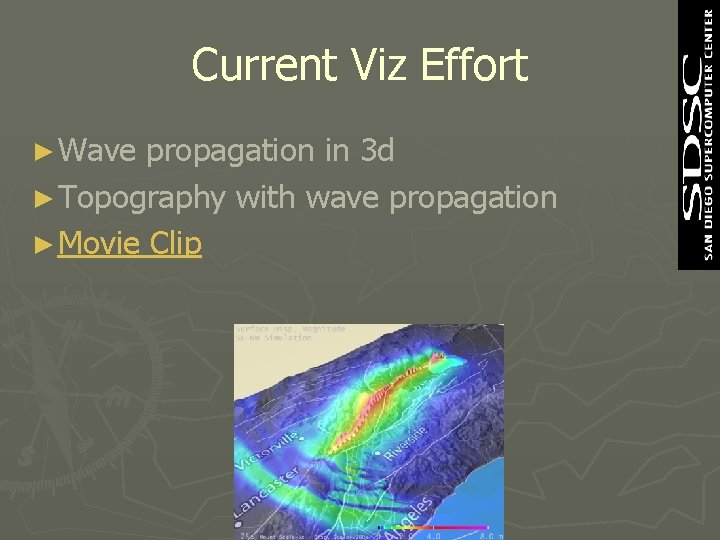
Current Viz Effort ► Wave propagation in 3 d ► Topography with wave propagation ► Movie Clip
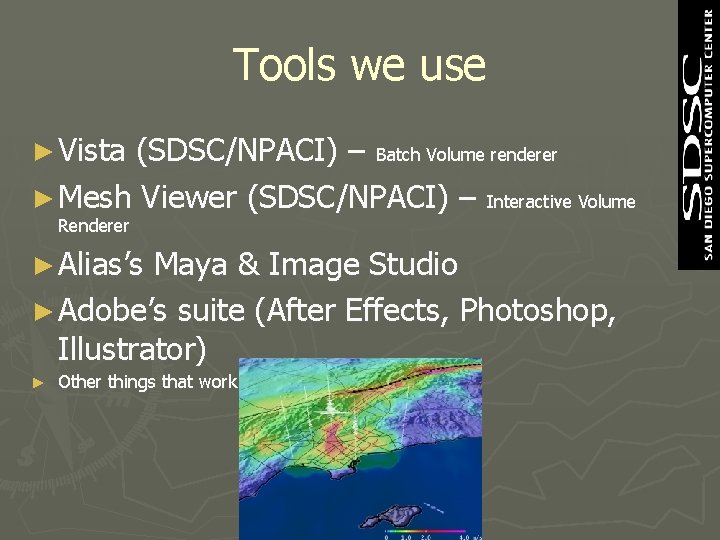
Tools we use ► Vista (SDSC/NPACI) – Batch Volume renderer ► Mesh Viewer (SDSC/NPACI) – Interactive Volume Renderer ► Alias’s Maya & Image Studio ► Adobe’s suite (After Effects, Photoshop, Illustrator) ► Other things that work
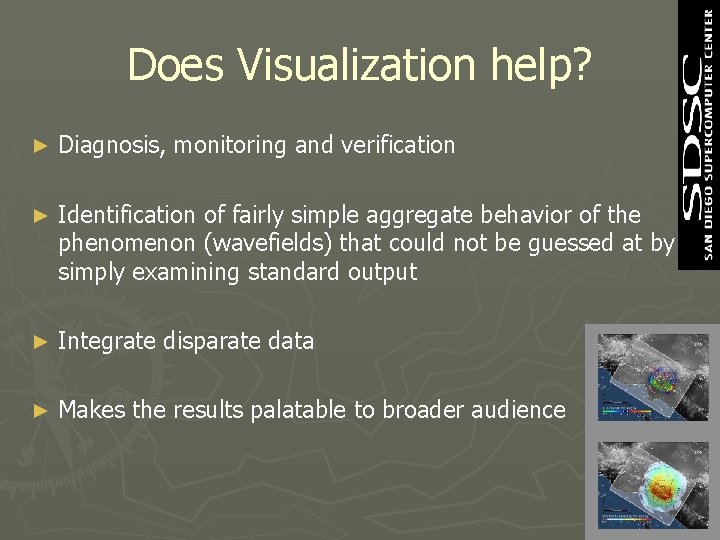
Does Visualization help? ► Diagnosis, monitoring and verification ► Identification of fairly simple aggregate behavior of the phenomenon (wavefields) that could not be guessed at by simply examining standard output ► Integrate disparate data ► Makes the results palatable to broader audience
Thanks for your patience!
? - Website to visit http: //visservices. sdsc. edu/ Drop a line to amit sdsc. edu