
Languages and IDE Integrated Development Environment Compiled Languages
- Slides: 12
Languages and IDE (Integrated Development Environment)
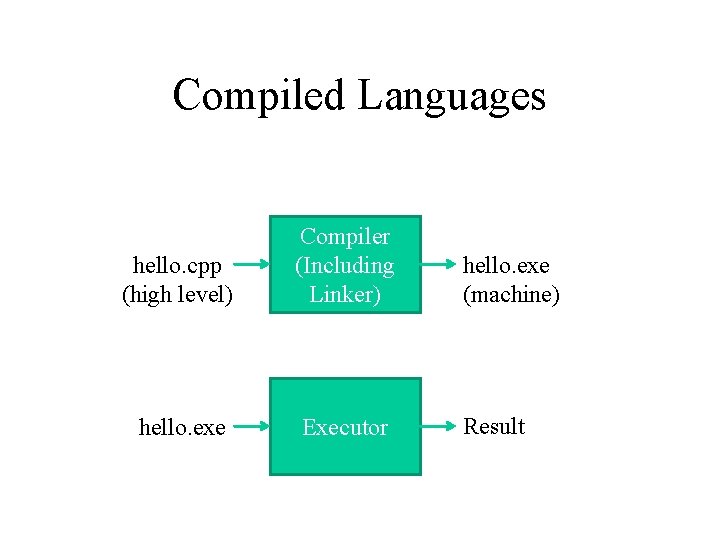
Compiled Languages hello. cpp (high level) Compiler (Including Linker) hello. exe (machine) hello. exe Executor Result
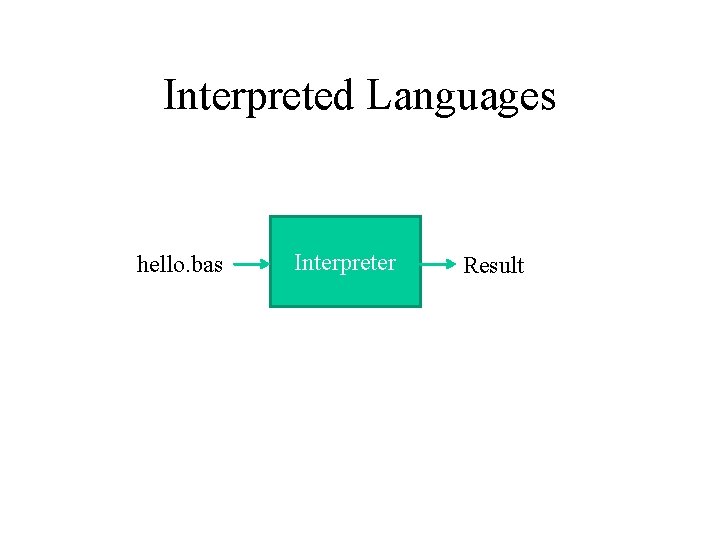
Interpreted Languages hello. bas Interpreter Result
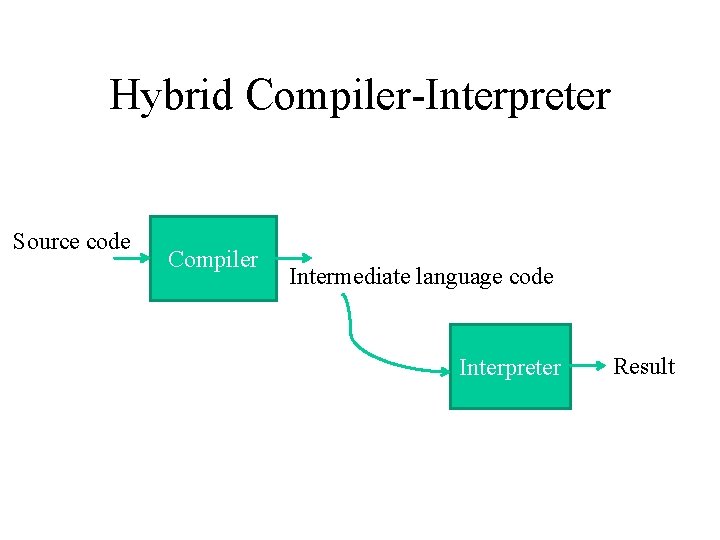
Hybrid Compiler-Interpreter Source code Compiler Intermediate language code Interpreter Result
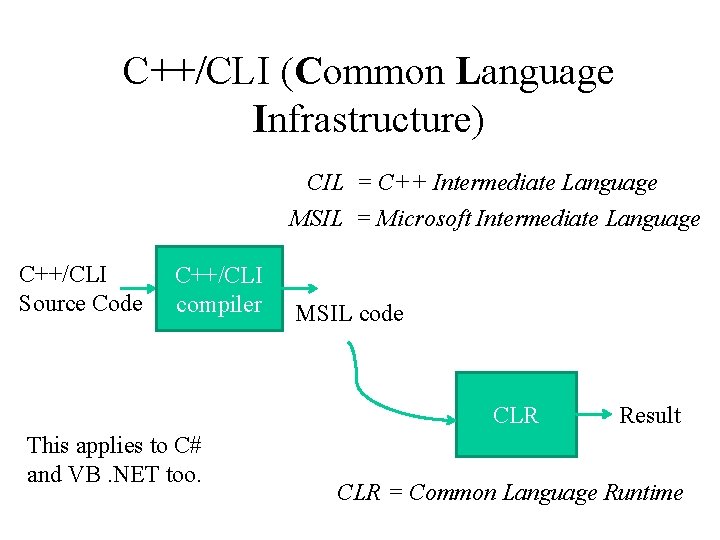
C++/CLI (Common Language Infrastructure) CIL = C++ Intermediate Language MSIL = Microsoft Intermediate Language C++/CLI Source Code C++/CLI compiler MSIL code CLR This applies to C# and VB. NET too. Result CLR = Common Language Runtime
About C++CLI • C++ (. h, . cpp, complied) • C++/CLI (compiled to MSIL, not machine code)(not interpreted at runtime) • C++ vs. C++/CLI – Unmanaged data vs. managed data • Latter: allocated by an application, deallocated by CLR’s garbage collector – Unmanaged code vs. managed code • Managed code: memory management, code access security, multi-language integration – Garbage collection
. NET – Application development technologies • Console appl. , Windows service, web appl. , web services –. NET base class library – Common Language Runtime (above OS) • • For all languages and all platforms Execute code, add common functionalities Managed data, managed code Runtime services: code verification, garbage collection, etc.
. NET Advantages • Language natural – Many non-MS languages can use base class library – Common Type System (CTS) – Common Language Specification (CLS) • Minimum subset of CTS for all the. NET compatible languages • Platform independent – Port. NET Framework to non-Windows platform w/o recompiling – JIT: Just-In-Time Compilation – A JIT compiler translates bytecode into the native machine language.
IDE(Integrated development environment) • Microsoft Visual Studio for C++
Examples • How to use Microsoft Visual Studio 2012 • Use Visual Studio to create a simple project after class
backups
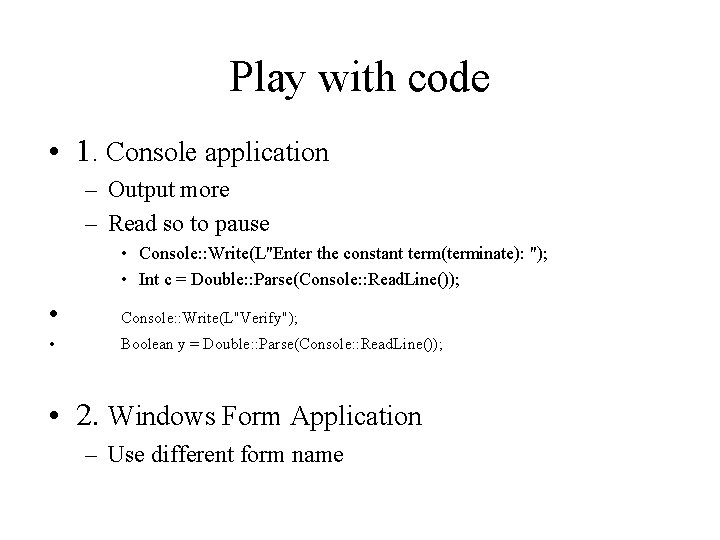
Play with code • 1. Console application – Output more – Read so to pause • Console: : Write(L"Enter the constant term(terminate): "); • Int c = Double: : Parse(Console: : Read. Line()); • Console: : Write(L"Verify"); • Boolean y = Double: : Parse(Console: : Read. Line()); • 2. Windows Form Application – Use different form name