
Laboratory Ergonomics Department of Environmental Health Safety Ergonomics

Laboratory Ergonomics Department of Environmental Health & Safety

Ergonomics is the science and practice of designing tasks and workplaces considering our capabilities and limitations or fitting the work to the person • User • Equipment/Workspace • Tasks
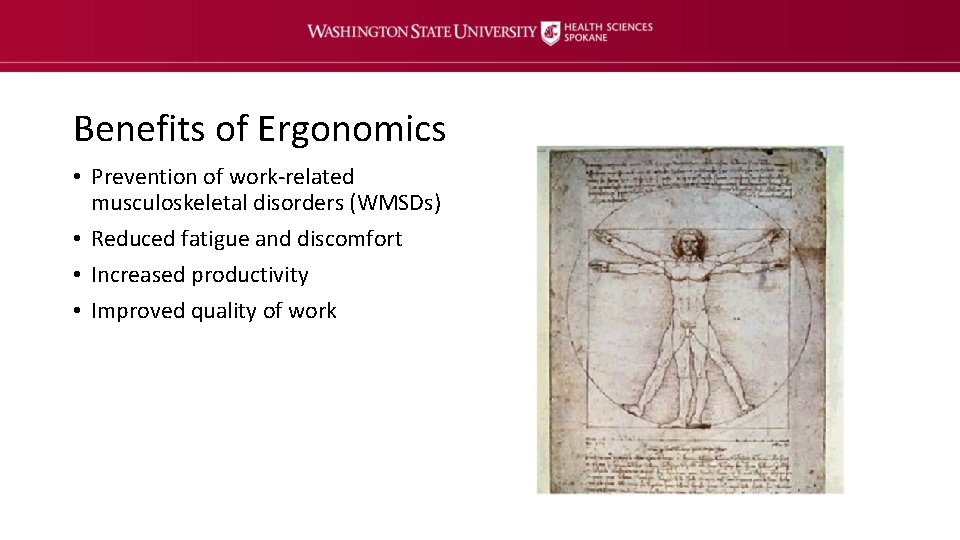
Benefits of Ergonomics • Prevention of work-related musculoskeletal disorders (WMSDs) • Reduced fatigue and discomfort • Increased productivity • Improved quality of work
What Are Work-Related Musculoskeletal WMSDs are soft-tissue injuries to muscles, tendons, ligaments, cartilage, blood Disorders? vessels, and nerves that usually develop gradually. They are also known as: • Cumulative Trauma Disorders (CTDs) • Repetitive Strain Injuries (RSIs) • Overuse Injuries

Common Work-Related Musculoskeletal Disorders WMSDs occur in the moving body parts like the neck, back, shoulders, elbows, wrists, fingers and knees. • • • Low back injury Carpal tunnel syndrome Tendonitis Tenosynovitis Epicondylitis De Quervain’s syndrome

Symptoms of Work-Related Musculoskeletal Disorders • • • Discomfort/pain Swelling Loss of range of motion Stiffness or tight muscles Hands or feet feel like they are falling “asleep” Numbness/tingling Burning sensations Shooting/stabbing pains Weakness or clumsiness in the hands; dropping things Having one or more symptom does not mean you have a WMSD
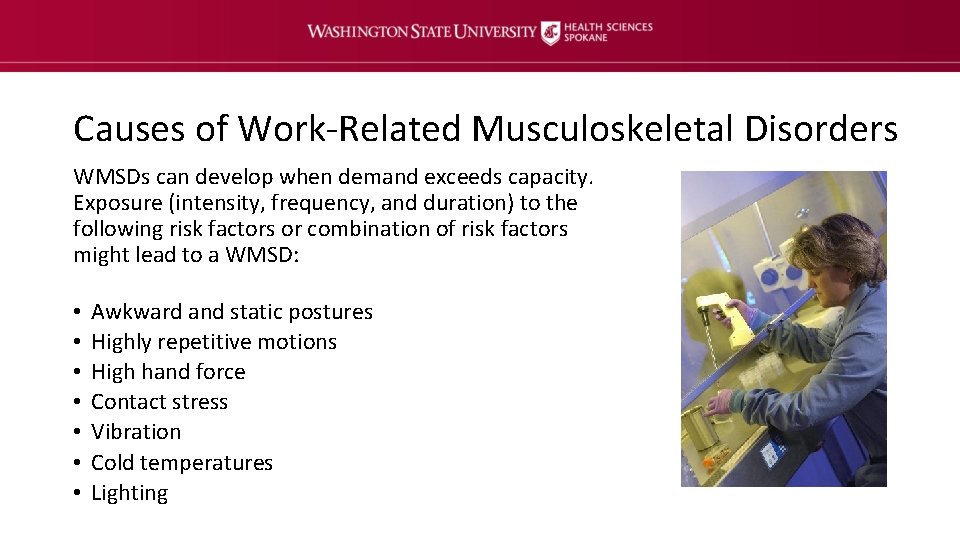
Causes of Work-Related Musculoskeletal Disorders WMSDs can develop when demand exceeds capacity. Exposure (intensity, frequency, and duration) to the following risk factors or combination of risk factors might lead to a WMSD: • • Awkward and static postures Highly repetitive motions High hand force Contact stress Vibration Cold temperatures Lighting

Prevention & Treatment of WMSDs Preventing and responding to WMSDs involves: • • Designing or modifying the work environment Task variability User health/fitness Professional health care

Laboratory Design Good design minimizes awkward and static postures by allowing the user to: • Sit/stand in neutral postures • Frequently change postures • Locate equipment and materials based on use Good design = desired postures & motions
Task Variability Task variability offers several advantages: Opportunity to change postures Different tasks can use different muscle groups Provides recovery time and pauses for stretches Tasks with highly repetitive motions and high hand forces can be spread out throughout the workday • Users will be cognitively more alert and productive • •
Common laboratory activities • • Pipetting Microscopy Microtome work Fume hoods/biological safety cabinets Micro-manipulation & fine motor skills Standing work Computer work Lifting

Pipetting Associated risk factors: • • • Repetitive motions – hands, forearm, and thumb Pinch grips – handling tips and vials Bending and twisting of the wrist “Winged” elbows Neck bent forward or to the side and/or jutted chin Excessive force of the thumb
Pipetting Preventative measures: Electronic or latch-mode pipette instead of manual plunger Use thin-walled tips that are easy to eject Limit periods of continuous pipetting to 20 minutes (2 -minute micro breaks) Adjust height/position of sample holders, containers, and waste receptacles to assure neutral postures • Ensure proper back and thigh support by using adjustable stools or chairs with foot and arm rests • •

Microscopy Associated risk factors: • • • Awkward and static posture of the neck and back Lack of leg or knee clearance under worktable Eye strain and fatigue Wrist & arm contact stress Pinch grip when making adjustments “Winged” elbows
Microscopy Preventative measures: • • • Extended eye tube and/or variable height adapter Adjust eyepiece’s height to allow neutral posture of head and neck Position microscope close to the user Avoid arm and wrist contact pressure by padding sharp and hard edges Ensure feet are flat on the floor or use a footrest Reduce repetitive motion and prolonged awkward postures by taking micro breaks

Microscopy
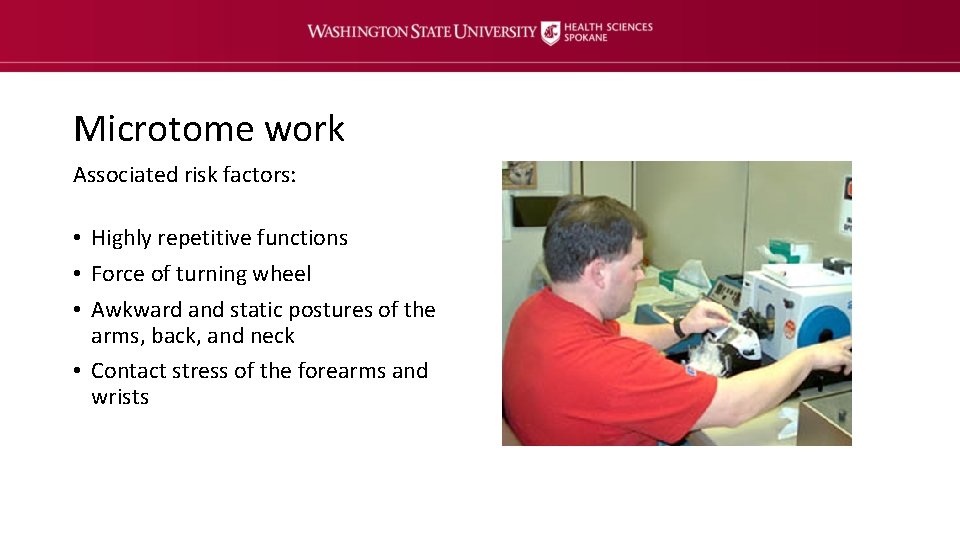
Microtome work Associated risk factors: • Highly repetitive functions • Force of turning wheel • Awkward and static postures of the arms, back, and neck • Contact stress of the forearms and wrists
Microtome work Preventative measures: • • • Place microtome at appropriate height based on user Use chair/stool with adjustable arm and footrest Protect wrist and forearms from contact stress by padding sharp and hard edges Use less force when turning hand wheel Take micro breaks Replace manual rotary microtome with an automatic one
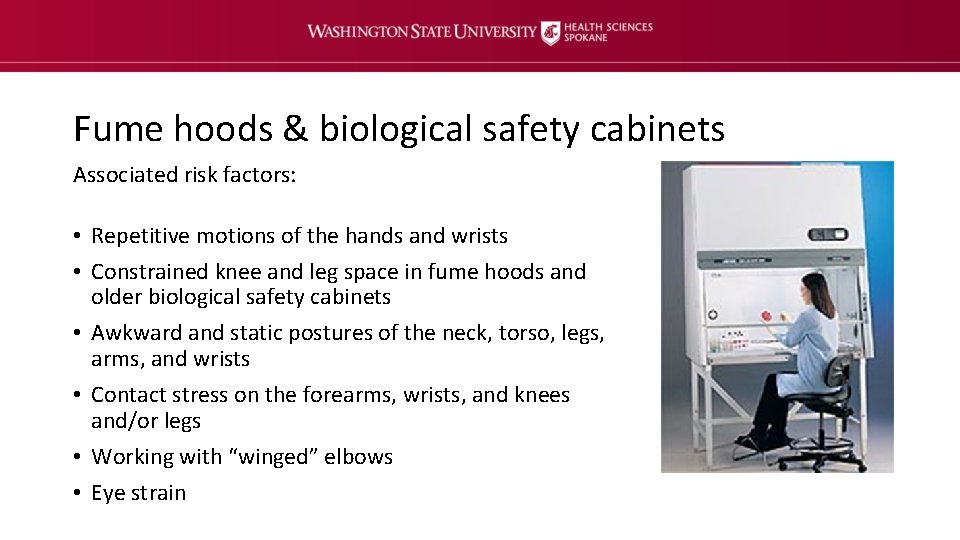
Fume hoods & biological safety cabinets Associated risk factors: • Repetitive motions of the hands and wrists • Constrained knee and leg space in fume hoods and older biological safety cabinets • Awkward and static postures of the neck, torso, legs, arms, and wrists • Contact stress on the forearms, wrists, and knees and/or legs • Working with “winged” elbows • Eye strain
Fume hoods & biological safety cabinets Preventative measures: • Position materials as close as possible to avoid extended reaching (at least 6” back for fume hood) • Avoid contact stress – apply foam padding • Reduce eyestrain and awkward postures by keeping viewing window of hood/biological safety cabinet and line of sight unobstructed • Make sure hood/biological safety cabinet lighting is working properly • Use an ergonomic task chair or stool with footrest • Take micro breaks
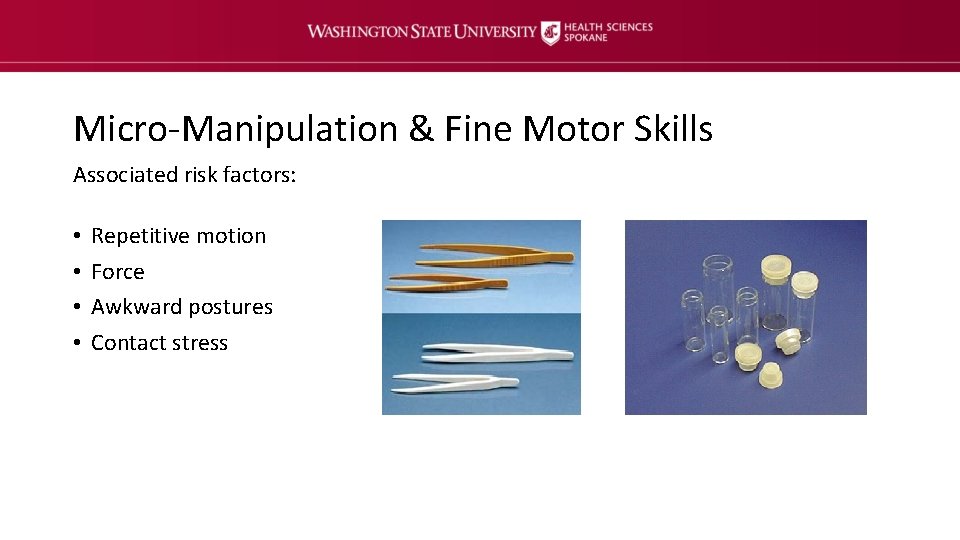
Micro-Manipulation & Fine Motor Skills Associated risk factors: • • Repetitive motion Force Awkward postures Contact stress
Micro-Manipulation & Fine Motor Skills Preventative measures: • Use plastic vials with fewer threads to reduce twisting motions during capping and uncapping lids • Use small pieces of foam where fingers and forceps articulate • Practice using forceps between first and second digits • Tilt storage bins towards workers • Take micro breaks
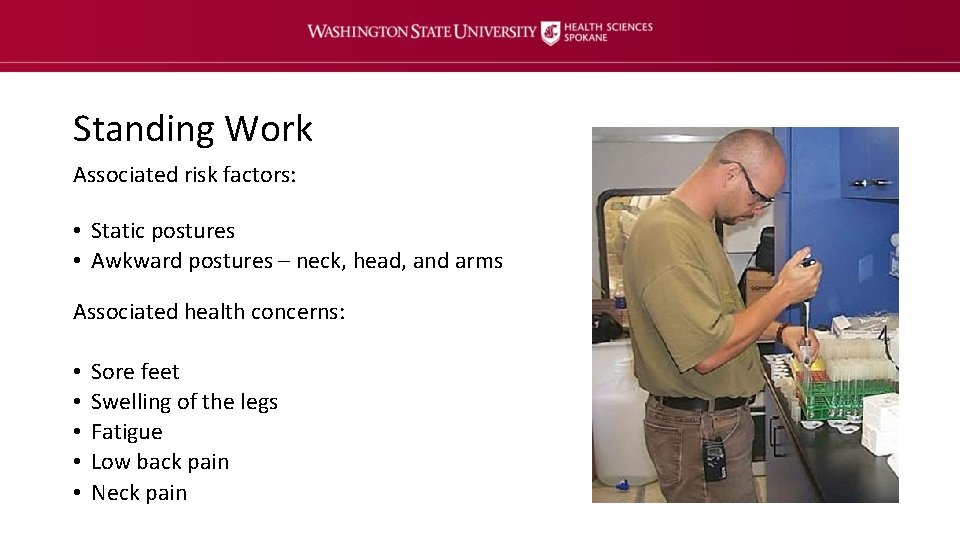
Standing Work Associated risk factors: • Static postures • Awkward postures – neck, head, and arms Associated health concerns: • • • Sore feet Swelling of the legs Fatigue Low back pain Neck pain
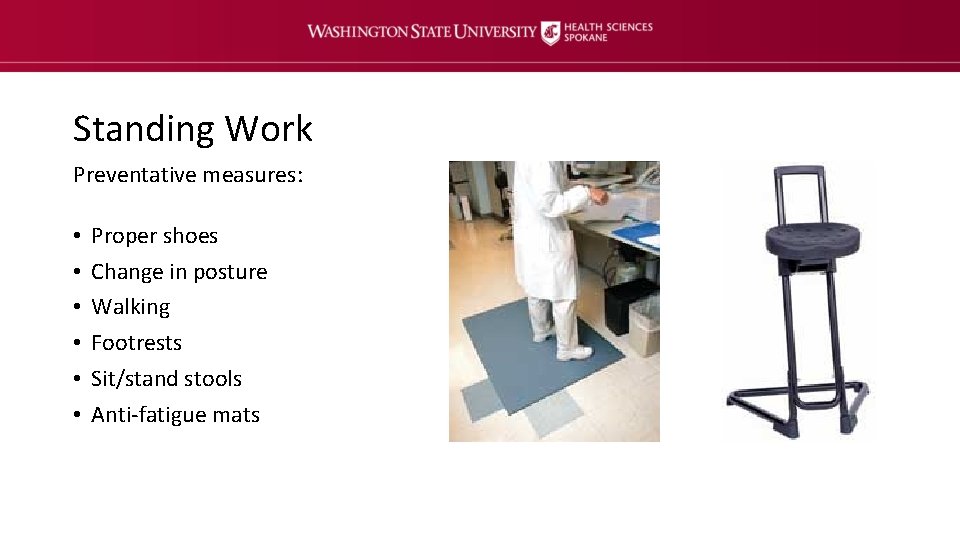
Standing Work Preventative measures: • • • Proper shoes Change in posture Walking Footrests Sit/stand stools Anti-fatigue mats
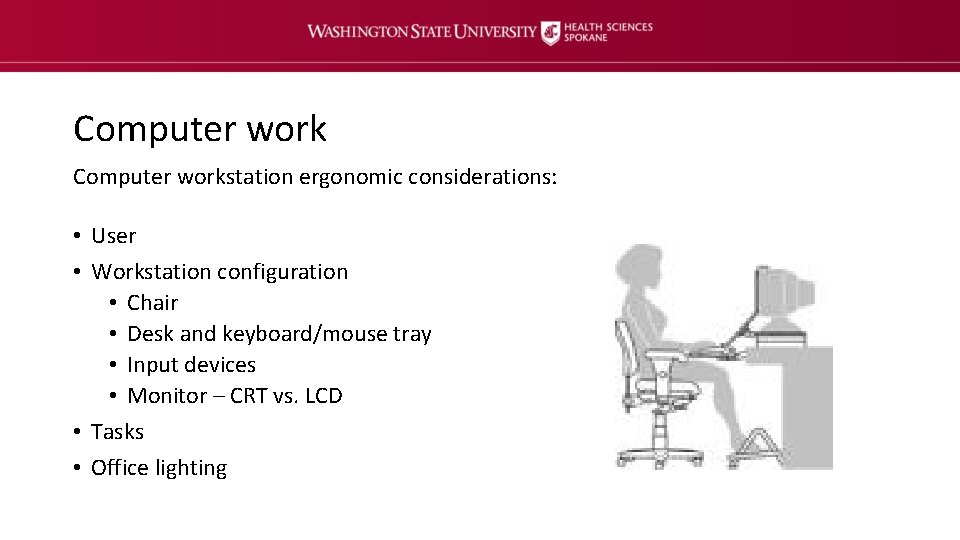
Computer workstation ergonomic considerations: • User • Workstation configuration • Chair • Desk and keyboard/mouse tray • Input devices • Monitor – CRT vs. LCD • Tasks • Office lighting
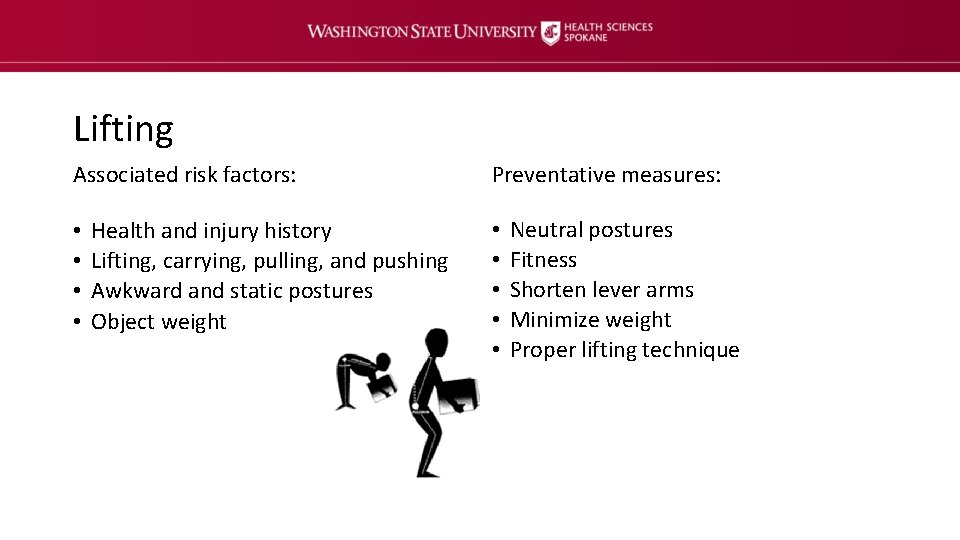
Lifting Associated risk factors: • • Health and injury history Lifting, carrying, pulling, and pushing Awkward and static postures Object weight Preventative measures: • • • Neutral postures Fitness Shorten lever arms Minimize weight Proper lifting technique

Questions & Consultation If you have additional questions or would like to schedule an ergonomic evaluation, contact the Department of Environmental Health & Safety at spok. ehs@wsu. edu or 8 -7621.
- Slides: 27