
Laboratory 2 LABORATORY OBJECTIVES This lab work is
Laboratory 2

LABORATORY OBJECTIVES • This lab work is intended to give the students more insights on the Matlab environment and how to work more efficiently with the commands window. • The work is organized in two parts : • Part 1 : guided work, where the students can work through the examples or procedures seen during the lectures • Part 2 : graded tasks through which the students demonstrate ability to apply what they learned independently.
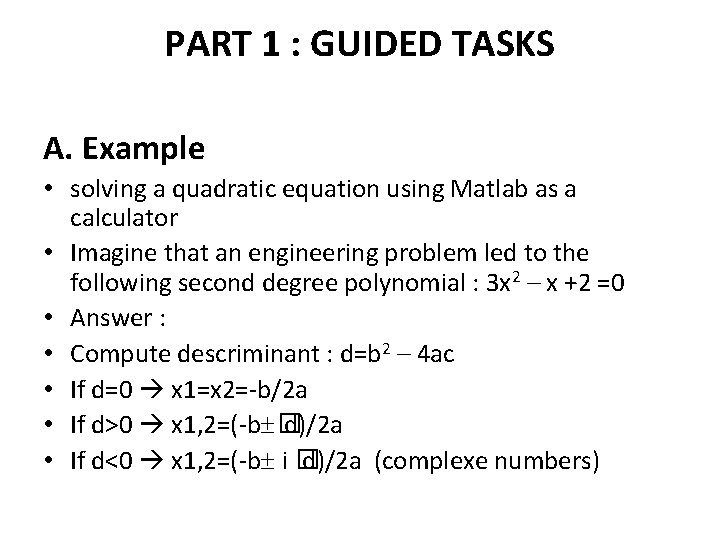
PART 1 : GUIDED TASKS A. Example • solving a quadratic equation using Matlab as a calculator • Imagine that an engineering problem led to the following second degree polynomial : 3 x 2 – x +2 =0 • Answer : • Compute descriminant : d=b 2 – 4 ac • If d=0 x 1=x 2=-b/2 a • If d>0 x 1, 2=(-b � d)/2 a • If d<0 x 1, 2=(-b i � d)/2 a (complexe numbers)
• Using the commands window, enter the following commands : • First use assignment statements to define the coefficients a, b, and c • >> a=…… ; • >> b=……; • >> c=……;
• Next, compute the descriminant (don’t use the semi-column ; to display the value of d !) : • >> d=…………. • d= • …………
• Note that in this example you have used Matlab as a calculator; Be informed that Matlab can solve this in a much simpler manner by the use of the function “roots” which will be studied later in the semester.
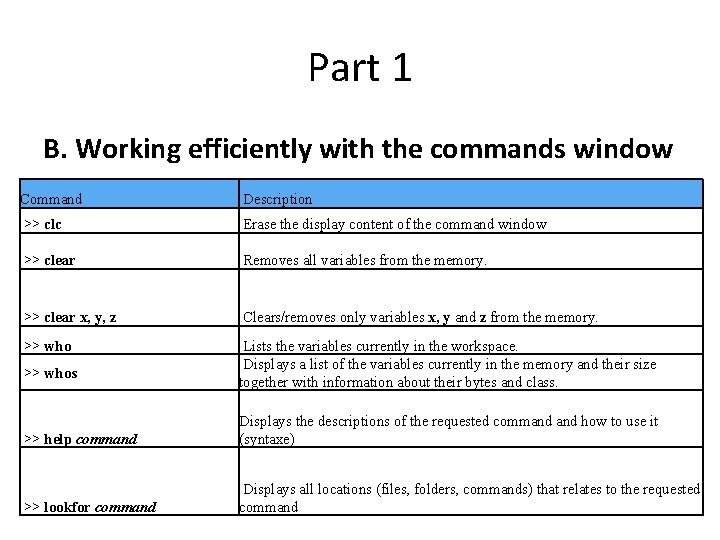
Part 1 B. Working efficiently with the commands window Command Description >> clc Erase the display content of the command window >> clear Removes all variables from the memory. >> clear x, y, z Clears/removes only variables x, y and z from the memory. >> who Lists the variables currently in the workspace. Displays a list of the variables currently in the memory and their size together with information about their bytes and class. >> whos >> help command Displays the descriptions of the requested command how to use it (syntaxe) >> lookfor command Displays all locations (files, folders, commands) that relates to the requested command
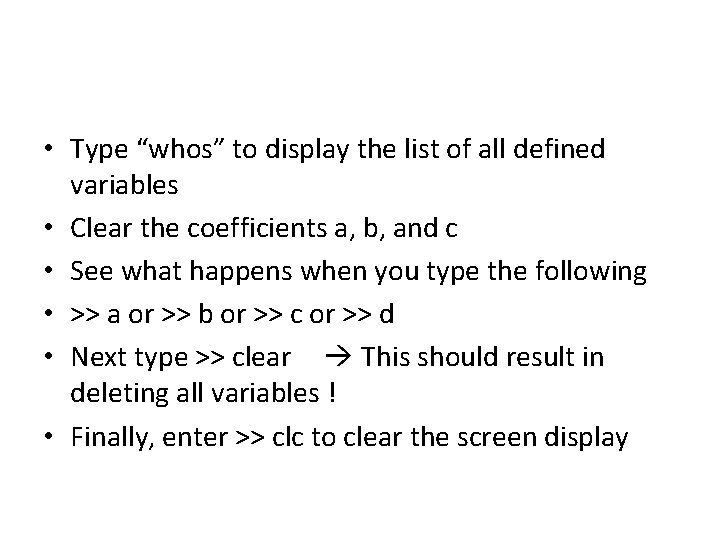
• Type “whos” to display the list of all defined variables • Clear the coefficients a, b, and c • See what happens when you type the following • >> a or >> b or >> c or >> d • Next type >> clear This should result in deleting all variables ! • Finally, enter >> clc to clear the screen display
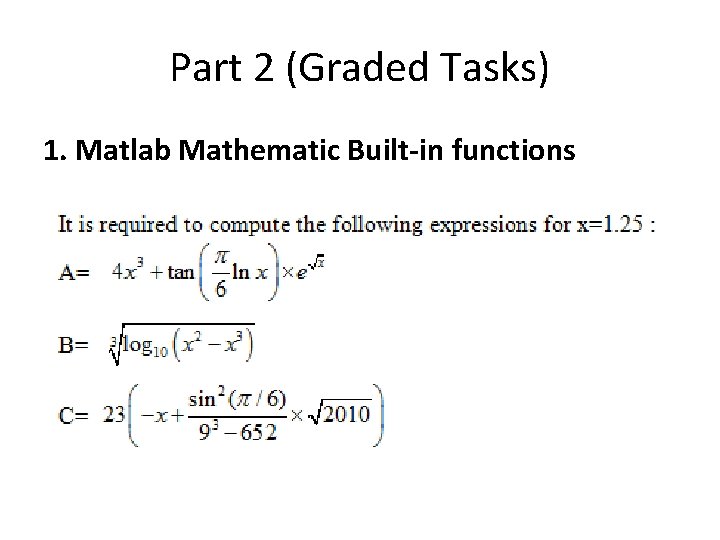
Part 2 (Graded Tasks) 1. Matlab Mathematic Built-in functions
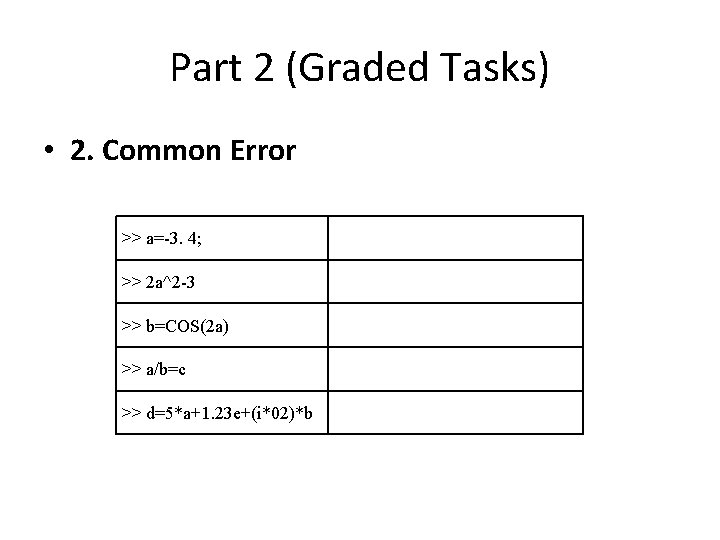
Part 2 (Graded Tasks) • 2. Common Error >> a=-3. 4; >> 2 a^2 -3 >> b=COS(2 a) >> a/b=c >> d=5*a+1. 23 e+(i*02)*b
- Slides: 11