
Laboratory 1 Introduction to Engineering Computer Skills Overview

Laboratory 1: Introduction to Engineering Computer Skills
Overview • • • Objectives Materials Background Procedure Report / Presentation Closing
Objectives • Familiarization with relevant software • Explore Microsoftware tools – Word – Excel – Power. Point
Software Tasks • Microsoft Word – Copy generic document – Personalize copied version – Record information • Microsoft Excel – Replicate table of values – Create computed values column – Plot graph based on tabulated data • Microsoft Power. Point – Produce presentation about this lab

Materials • Computer equipped with: – MS Word – MS Excel – MS Power. Point
Background Information: Microsoft Office Software • Word – For lab reports, proposals, documents • Excel – For tables, charts/graphs, data analysis • Power. Point – For presentations such as this one
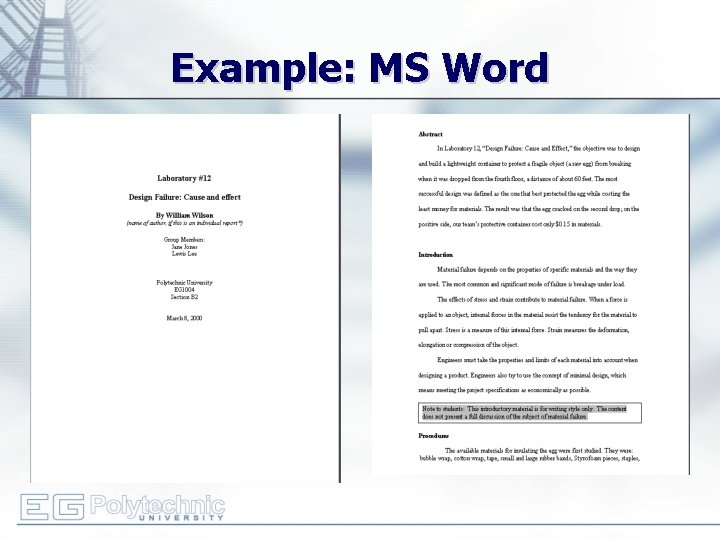
Example: MS Word

Example: MS Excel
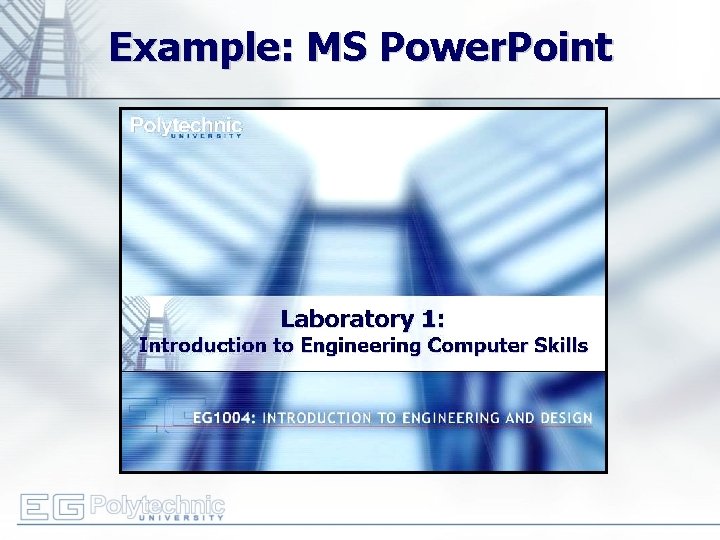
Example: MS Power. Point
Procedure: MS Word • Copy generic document – Information includes name, address, schedule, etc. – Manual has exact specifications • Edit document to include your information • Save original and updated files for submittal and presentation
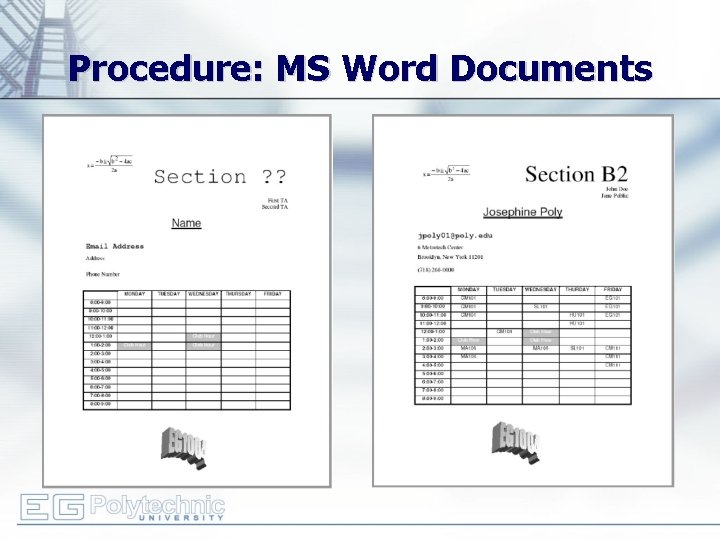
Procedure: MS Word Documents
Procedure: MS Word • Ask lab partner: – – What is your job? Tell me one way you use computers in your job. Are you a novice, experienced, or expert computer user? When you load a new software package, how do you learn to use it? • Write a one-paragraph user profile, based on partner’s response to questions • Prepare basic instruction set for your partner to perform one specific task as learned in this lab • Refer to manual for exact specifications
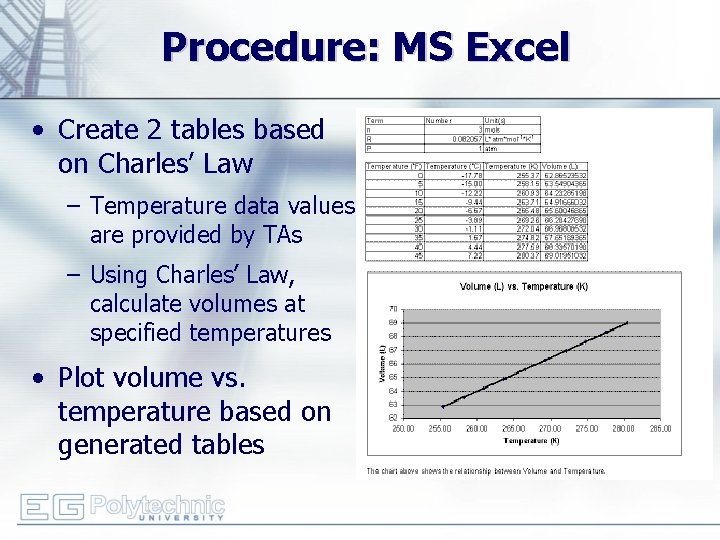
Procedure: MS Excel • Create 2 tables based on Charles’ Law – Temperature data values are provided by TAs – Using Charles’ Law, calculate volumes at specified temperatures • Plot volume vs. temperature based on generated tables
Procedure: MS Power. Point • Produce presentation about this lab’s activities • Include – Title page with name, partner’s name, and title of the lab – The MS Word documents – The charts and tables from MS Excel • Refer to Creating Power. Point Slides on the EG website (http: //eg. poly. edu)
Assignment: Written Report • Independent report (one report per student) • Non-standard lab report submission • Submit online (eg. poly. edu) before midnight of day of Lab #2 – Title Page (MS Word: name, partner, lab title, etc. ) – Three Word documents: • Non-personalized form • Personalized form • Interview document (see Your Assignment in your EG 1004 Lab Manual) – Excel document: two tables & graph – Power. Point presentation file
Assignment: Presentation • Team presentation (one presentation per team) – Presentations made during recitation period • State objectives and procedures of lab • Hand-in printout of Power. Point presentation to Recitation TA – Hard-copy submitted during recitation • Print out format: – 6 slides per page (handout) – Coloration: “Pure black and white” • Refer to Creating Power. Point Presentations on EG website (http: //eg. poly. edu)
Closing • Each team member must use software • Submit all work electronically by 11: 59 pm before Lab #2 • Work together with your partner – TA is always available for assistance
- Slides: 17