
LAB7 DIGITAL SIGNATURE CPIT 425 Digital Signature 2
LAB#7 DIGITAL SIGNATURE CPIT 425
Digital Signature 2 A digital signature is an electronic signature that can be used to authenticate the identity of the sender of a message or the signer of a document, and possibly to ensure that the original content of the message or document that has been sent is unchanged.
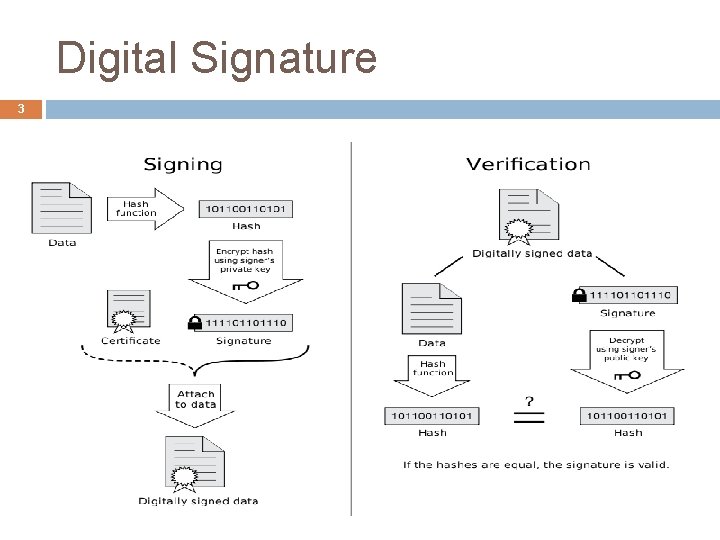
Digital Signature 3
4 Algorithms Used in Digital signature DSA was supported in older Java (v 1. 2); RSA is supported by JDK v 1. 3 and higher. RSA is generally recommended if you have a choice. The DSA algorithm using the SHA-1 hash algorithm can be specified as SHA 1 with. DSA. In the case of RSA, there are multiple choices for the hash algorithm, so the signing algorithm could be specified as, for example, MD 2 with. RSA, MD 5 with. RSA, or SHA 1 with. RSA. The algorithm name must be specified, as there is no default.
Digital Signature in Java 5 Digital Signature is essentially a message digest signed by someone’s private key. Java Package: java. security Java Class : Signature Methods: get. Instance( ), init. Sign( ), init. Verify( ), update( ), sign( ), and verify()
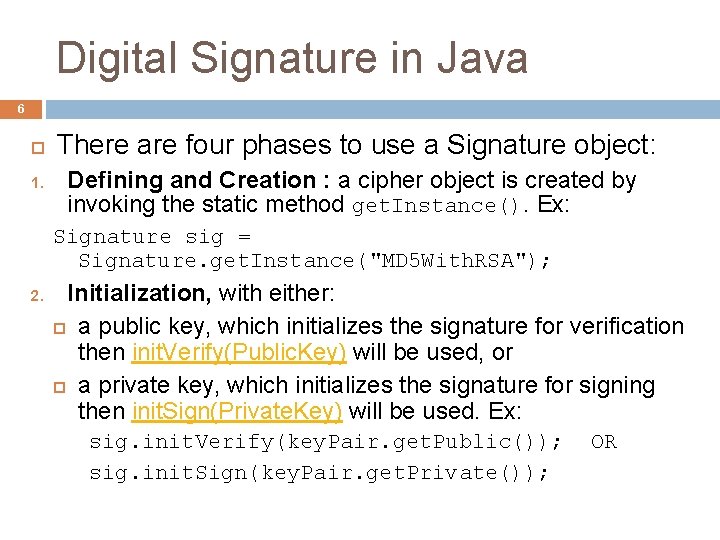
Digital Signature in Java 6 1. There are four phases to use a Signature object: Defining and Creation : a cipher object is created by invoking the static method get. Instance(). Ex: Signature sig = Signature. get. Instance("MD 5 With. RSA"); 2. Initialization, with either: a public key, which initializes the signature for verification then init. Verify(Public. Key) will be used, or a private key, which initializes the signature for signing then init. Sign(Private. Key) will be used. Ex: sig. init. Verify(key. Pair. get. Public()); sig. init. Sign(key. Pair. get. Private()); OR
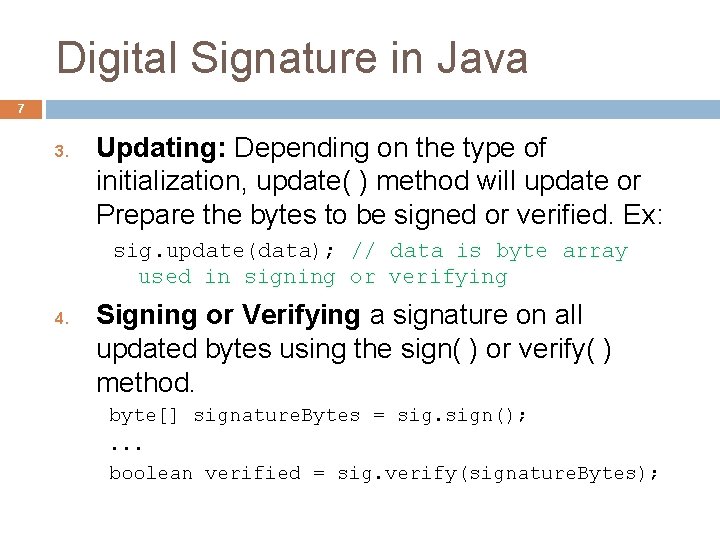
Digital Signature in Java 7 3. Updating: Depending on the type of initialization, update( ) method will update or Prepare the bytes to be signed or verified. Ex: sig. update(data); // data is byte array used in signing or verifying 4. Signing or Verifying a signature on all updated bytes using the sign( ) or verify( ) method. byte[] signature. Bytes = sign(); . . . boolean verified = sig. verify(signature. Bytes);
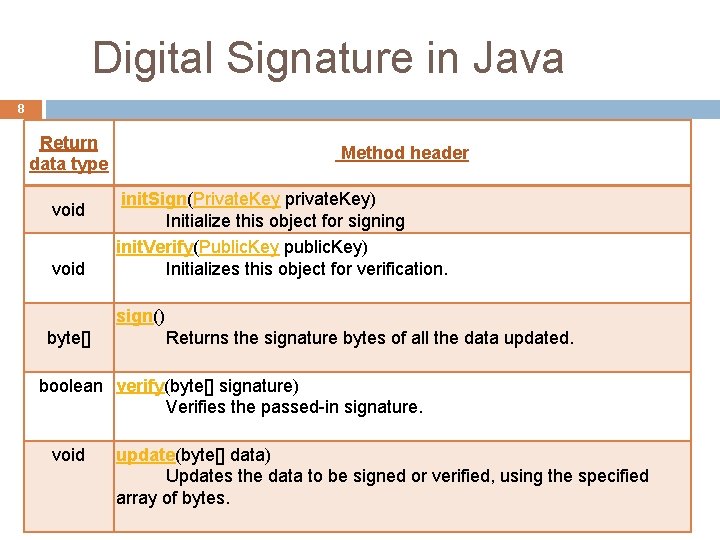
Digital Signature in Java 8 Return data type void Method header init. Sign(Private. Key private. Key) Initialize this object for signing init. Verify(Public. Key public. Key) Initializes this object for verification. sign() byte[] Returns the signature bytes of all the data updated. boolean verify(byte[] signature) Verifies the passed-in signature. void update(byte[] data) Updates the data to be signed or verified, using the specified array of bytes.
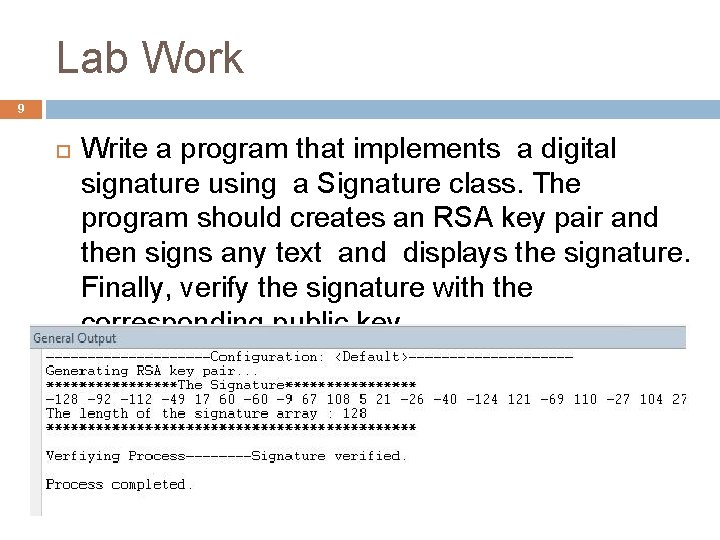
Lab Work 9 Write a program that implements a digital signature using a Signature class. The program should creates an RSA key pair and then signs any text and displays the signature. Finally, verify the signature with the corresponding public key.
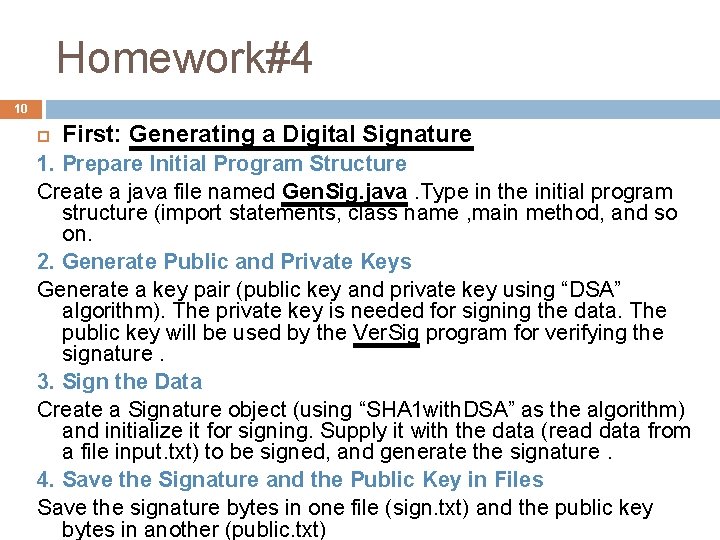
Homework#4 10 First: Generating a Digital Signature 1. Prepare Initial Program Structure Create a java file named Gen. Sig. java. Type in the initial program structure (import statements, class name , main method, and so on. 2. Generate Public and Private Keys Generate a key pair (public key and private key using “DSA” algorithm). The private key is needed for signing the data. The public key will be used by the Ver. Sig program for verifying the signature. 3. Sign the Data Create a Signature object (using “SHA 1 with. DSA” as the algorithm) and initialize it for signing. Supply it with the data (read data from a file input. txt) to be signed, and generate the signature. 4. Save the Signature and the Public Key in Files Save the signature bytes in one file (sign. txt) and the public key bytes in another (public. txt)
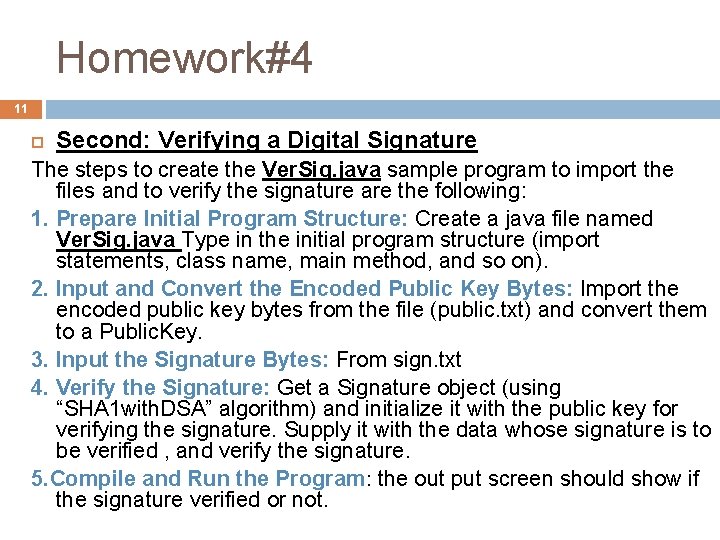
Homework#4 11 Second: Verifying a Digital Signature The steps to create the Ver. Sig. java sample program to import the files and to verify the signature are the following: 1. Prepare Initial Program Structure: Create a java file named Ver. Sig. java Type in the initial program structure (import statements, class name, main method, and so on). 2. Input and Convert the Encoded Public Key Bytes: Import the encoded public key bytes from the file (public. txt) and convert them to a Public. Key. 3. Input the Signature Bytes: From sign. txt 4. Verify the Signature: Get a Signature object (using “SHA 1 with. DSA” algorithm) and initialize it with the public key for verifying the signature. Supply it with the data whose signature is to be verified , and verify the signature. 5. Compile and Run the Program: the out put screen should show if the signature verified or not.
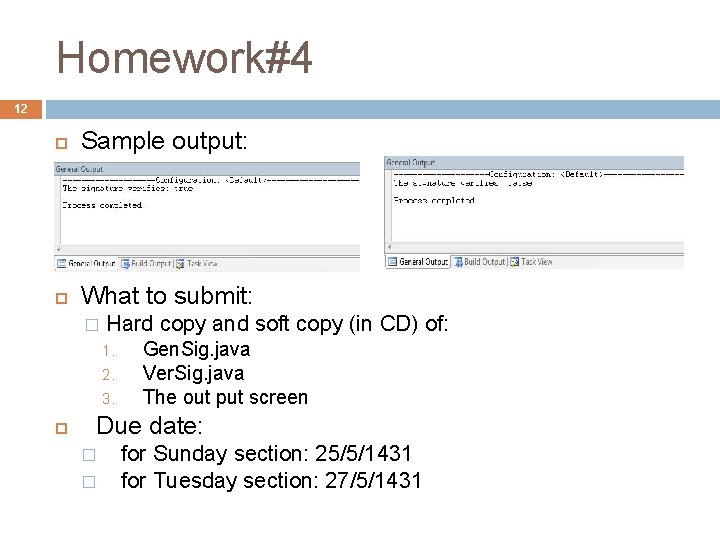
Homework#4 12 Sample output: What to submit: � Hard copy and soft copy (in CD) of: 1. 2. 3. Gen. Sig. java Ver. Sig. java The out put screen Due date: � � for Sunday section: 25/5/1431 for Tuesday section: 27/5/1431
- Slides: 12