
Lab Session11 CSIT 121 Spring 05 Using arrays
Lab Session-11 CSIT 121 Spring’ 05 ¨ Using arrays in functions ¨ Programming Exercise 1
Using Arrays in Functions – – – By default, arrays are passed by reference to functions In order to protect the arrays, we add the keyword const before the data type in the prototype and heading of the function In the calling program , name of the array is used as the argument and in prototype and heading, we add a blank pair of square brackets after the array name We must send the size of the array or the number of elements to be processed to the function Otherwise, the size should be a global constant in the header file 2
Programming Exercise Due April 20 th ¨ A professor has requested development of “exam score analysis” software. Scores will be entered by the user within a function for 16 students. All the scores are in the range of 0 through 10. Your program should call a function to count the frequency of occurrence of each score and record it in a frequency array. A separate function should be used to compute the class mean and mode scores. Finally, a function is called to send all the scores, histogram, mean and mode to a file. 3
Programming Exercise ¨ Please note that – All the results are recorded in a text file – Include your own header file. Do not use any global – – – variables except for the constant definition lines #define CSIZE 16 and #define FREQ 11 Use void functions You should initialize frequency array to zeroes You must develop a multi-file project 4
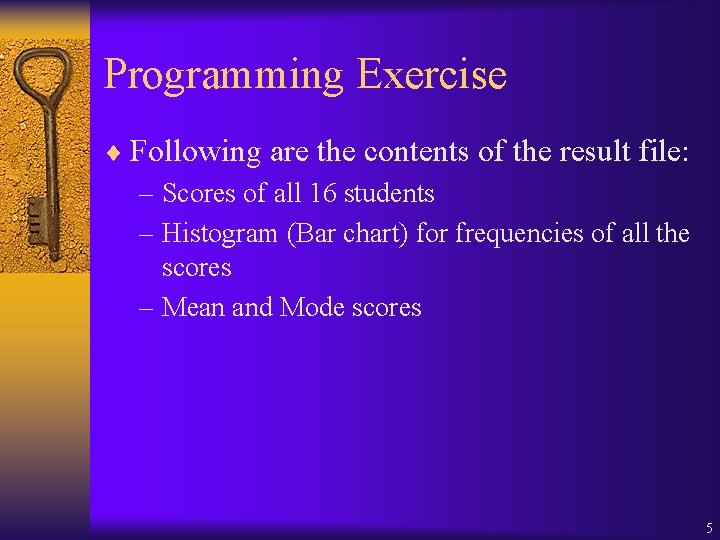
Programming Exercise ¨ Following are the contents of the result file: – Scores of all 16 students – Histogram (Bar chart) for frequencies of all the scores – Mean and Mode scores 5
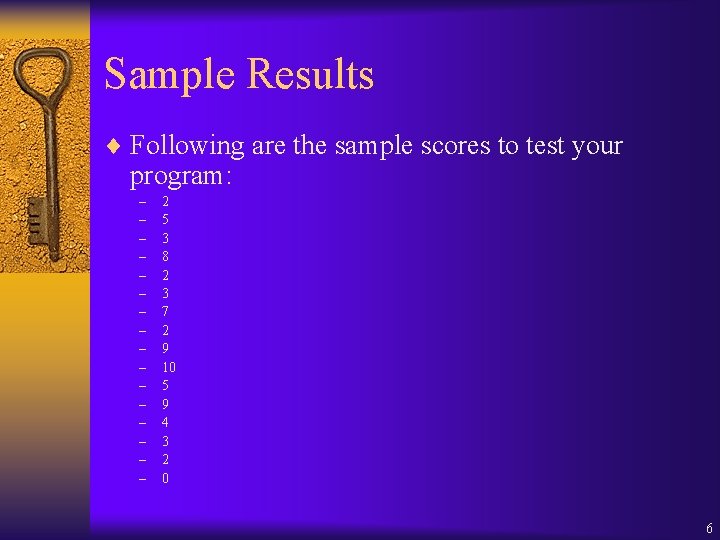
Sample Results ¨ Following are the sample scores to test your program: – – – – 2 5 3 8 2 3 7 2 9 10 5 9 4 3 2 0 6
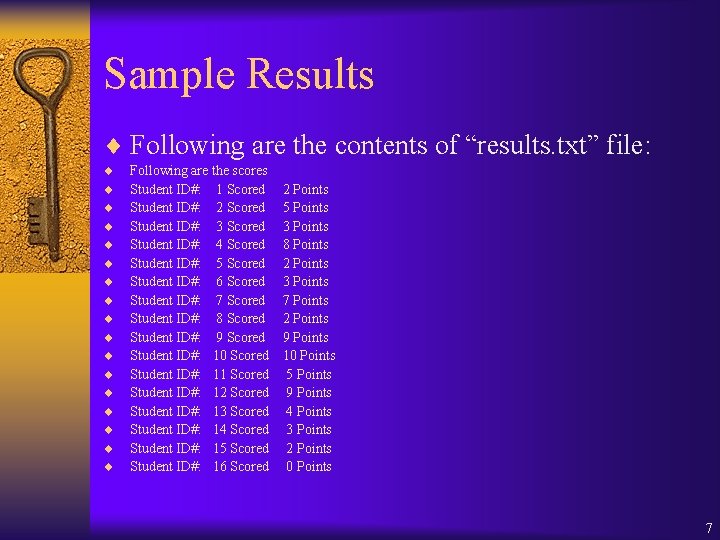
Sample Results ¨ Following are the contents of “results. txt” file: ¨ ¨ ¨ ¨ ¨ Following are the scores Student ID#: 1 Scored Student ID#: 2 Scored Student ID#: 3 Scored Student ID#: 4 Scored Student ID#: 5 Scored Student ID#: 6 Scored Student ID#: 7 Scored Student ID#: 8 Scored Student ID#: 9 Scored Student ID#: 10 Scored Student ID#: 11 Scored Student ID#: 12 Scored Student ID#: 13 Scored Student ID#: 14 Scored Student ID#: 15 Scored Student ID#: 16 Scored 2 Points 5 Points 3 Points 8 Points 2 Points 3 Points 7 Points 2 Points 9 Points 10 Points 5 Points 9 Points 4 Points 3 Points 2 Points 0 Points 7
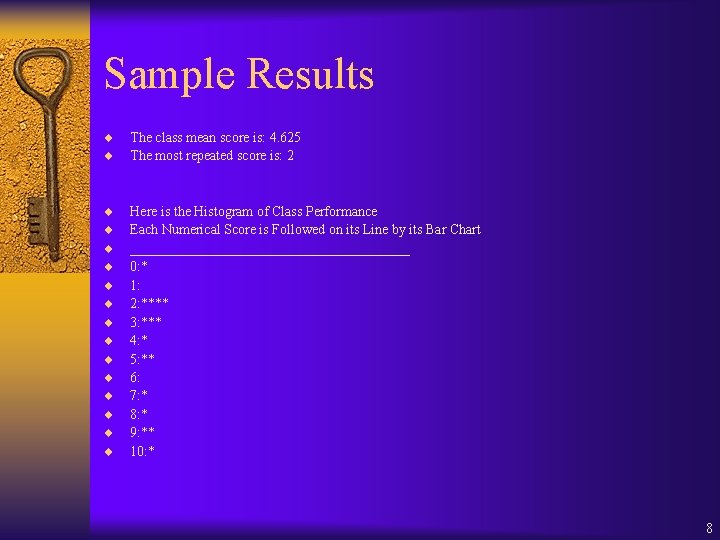
Sample Results ¨ ¨ The class mean score is: 4. 625 The most repeated score is: 2 ¨ ¨ ¨ ¨ Here is the Histogram of Class Performance Each Numerical Score is Followed on its Line by its Bar Chart ____________________ 0: * 1: 2: **** 3: *** 4: * 5: ** 6: 7: * 8: * 9: ** 10: * 8
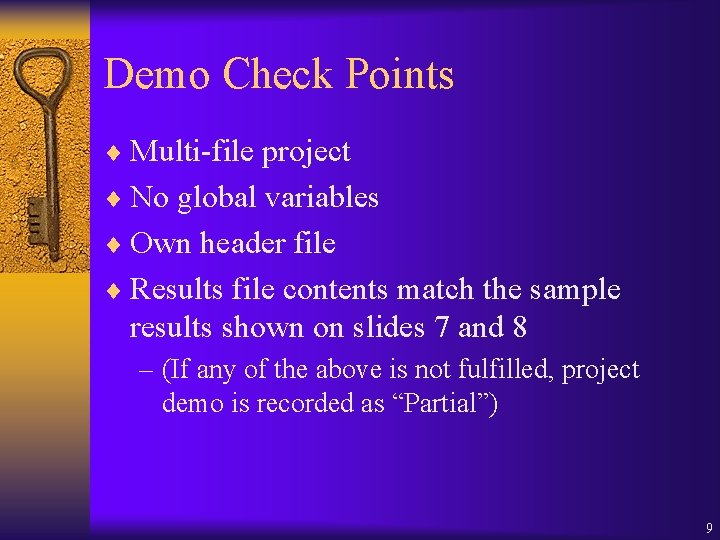
Demo Check Points ¨ Multi-file project ¨ No global variables ¨ Own header file ¨ Results file contents match the sample results shown on slides 7 and 8 – (If any of the above is not fulfilled, project demo is recorded as “Partial”) 9
- Slides: 9