
Lab 7 A Calculator Using Stack Memory A
Lab 7: A Calculator Using Stack Memory • • A simple computer design example A control unit (FSM) Stack memory - dual-port RAM Design project (an example) – use single port RAM – modify the datapath – a more complex control unit 1 lab 7 -1
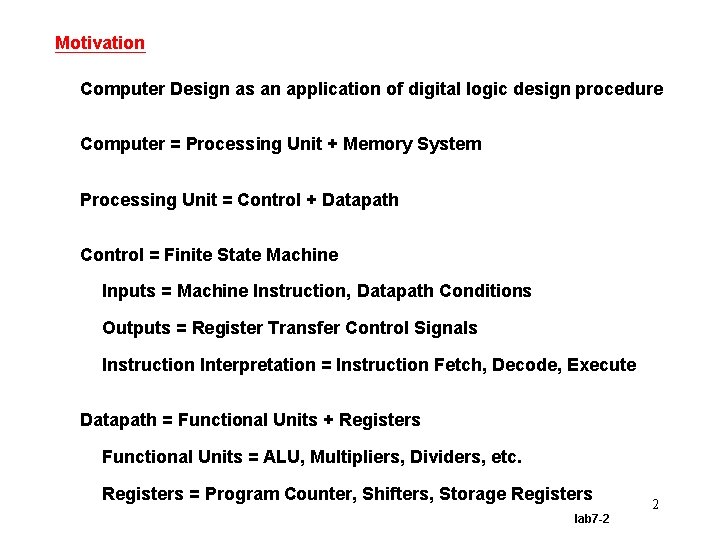
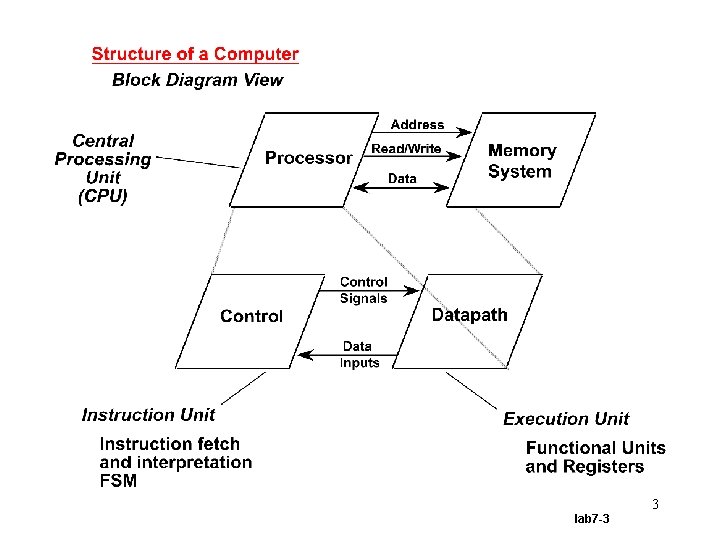
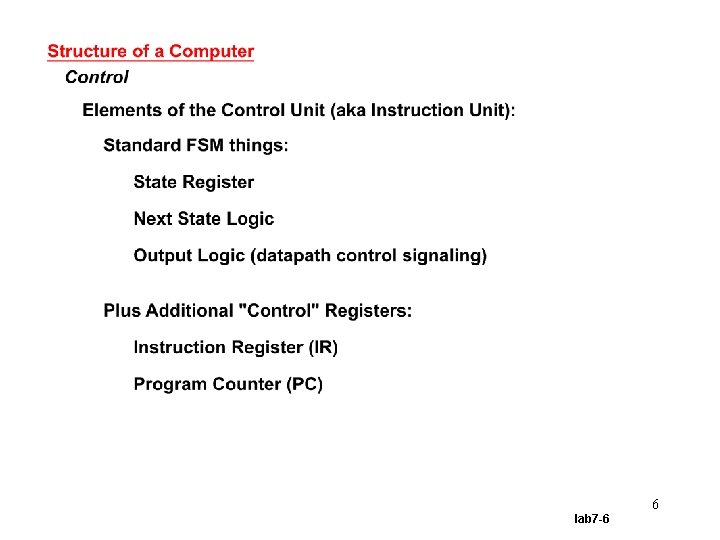
Motivation Computer Design as an application of digital logic design procedure Computer = Processing Unit + Memory System Processing Unit = Control + Datapath Control = Finite State Machine Inputs = Machine Instruction, Datapath Conditions Outputs = Register Transfer Control Signals Instruction Interpretation = Instruction Fetch, Decode, Execute Datapath = Functional Units + Registers Functional Units = ALU, Multipliers, Dividers, etc. Registers = Program Counter, Shifters, Storage Registers lab 7 -2 2
3 lab 7 -3
4 lab 7 -4
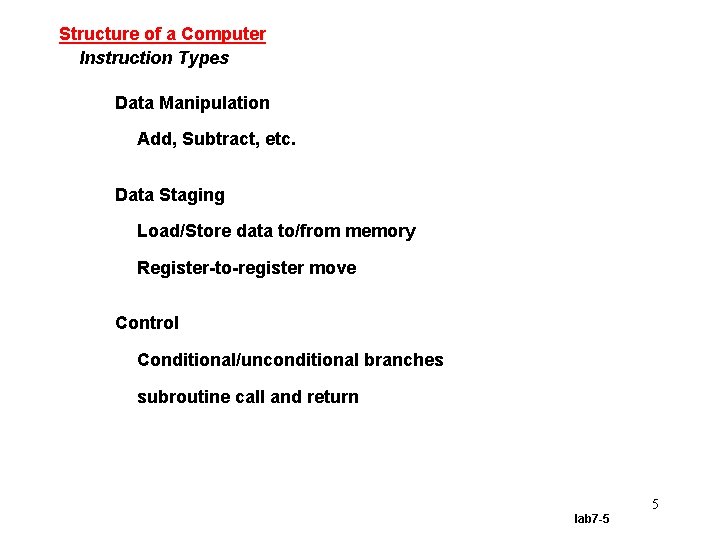
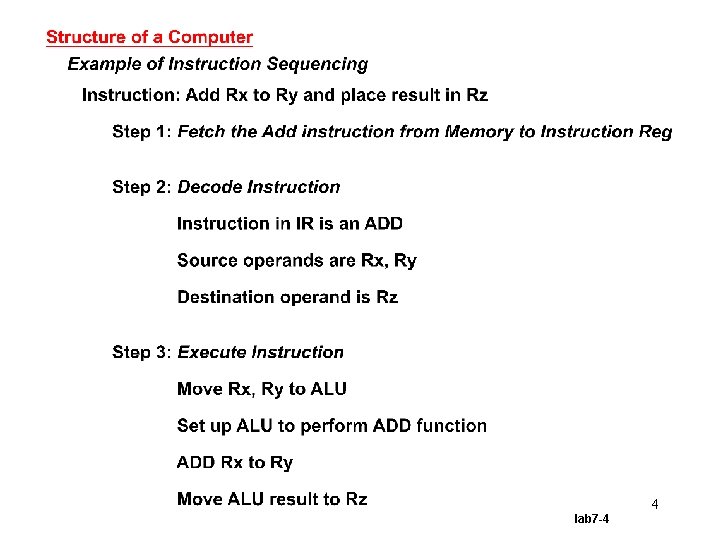
Structure of a Computer Instruction Types Data Manipulation Add, Subtract, etc. Data Staging Load/Store data to/from memory Register-to-register move Control Conditional/unconditional branches subroutine call and return 5 lab 7 -5
6 lab 7 -6
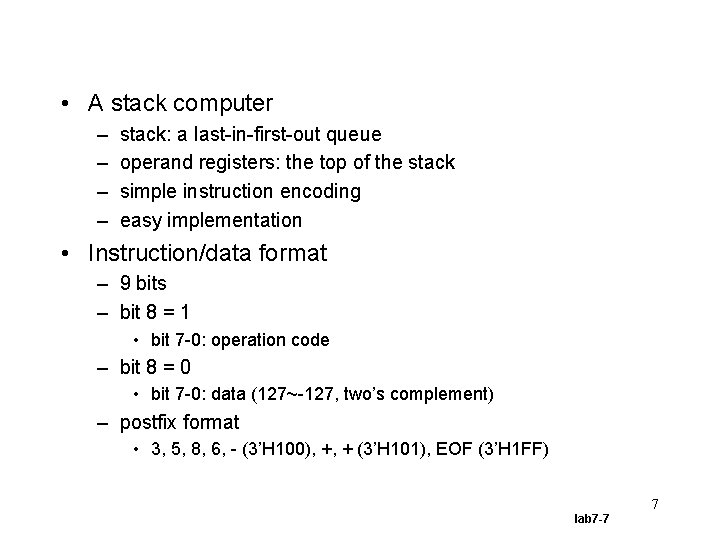
• A stack computer – – stack: a last-in-first-out queue operand registers: the top of the stack simple instruction encoding easy implementation • Instruction/data format – 9 bits – bit 8 = 1 • bit 7 -0: operation code – bit 8 = 0 • bit 7 -0: data (127~-127, two’s complement) – postfix format • 3, 5, 8, 6, - (3’H 100), +, + (3’H 101), EOF (3’H 1 FF) 7 lab 7 -7
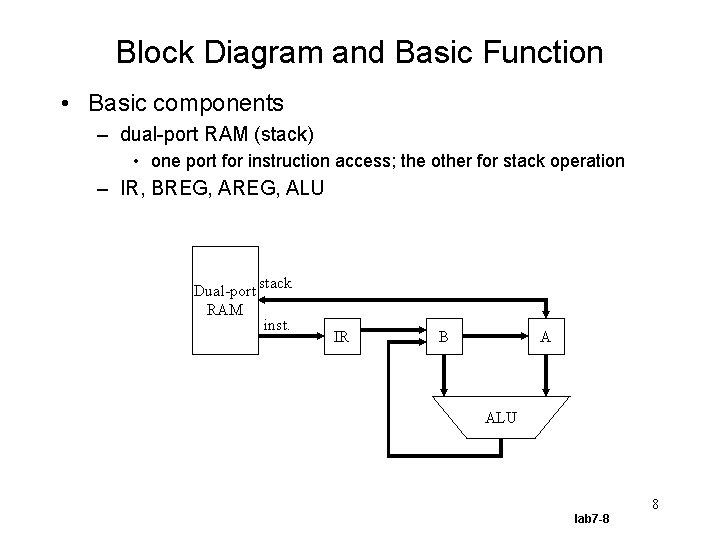
Block Diagram and Basic Function • Basic components – dual-port RAM (stack) • one port for instruction access; the other for stack operation – IR, BREG, ALU Dual-port RAM stack inst. IR B A ALU 8 lab 7 -8
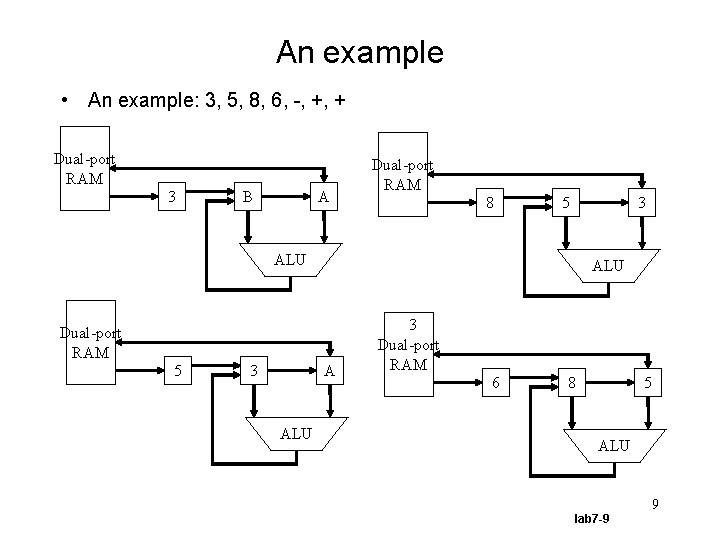
An example • An example: 3, 5, 8, 6, -, +, + Dual-port RAM 3 B A Dual-port RAM 8 5 3 ALU Dual-port RAM 5 3 A ALU 3 Dual-port RAM 6 8 5 ALU 9 lab 7 -9
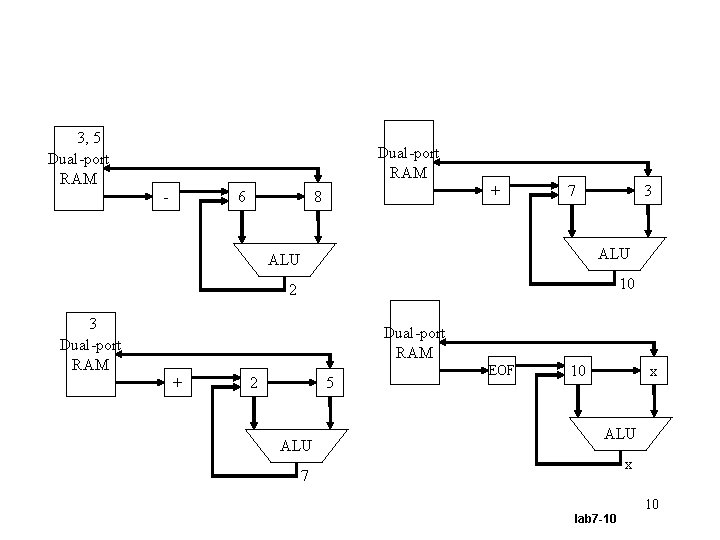
3, 5 Dual-port RAM - 6 + 8 7 3 ALU 2 10 3 Dual-port RAM + 2 5 ALU EOF 10 x ALU x 7 10 lab 7 -10
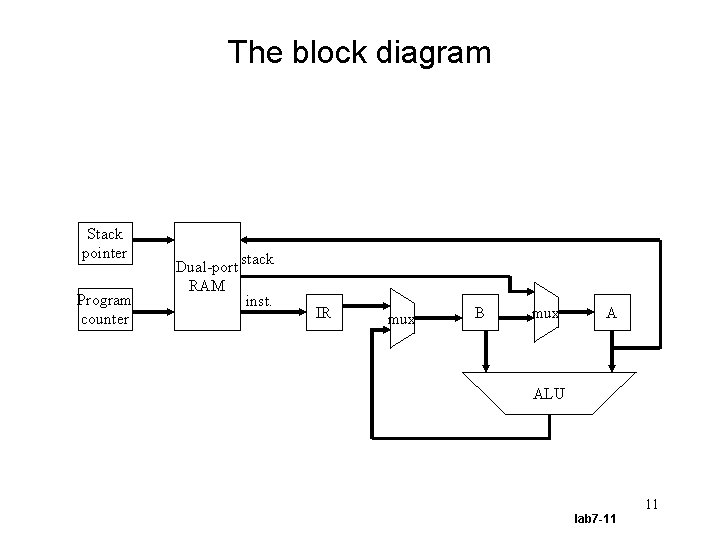
The block diagram Stack pointer Program counter Dual-port RAM stack inst. IR mux B mux A ALU 11 lab 7 -11
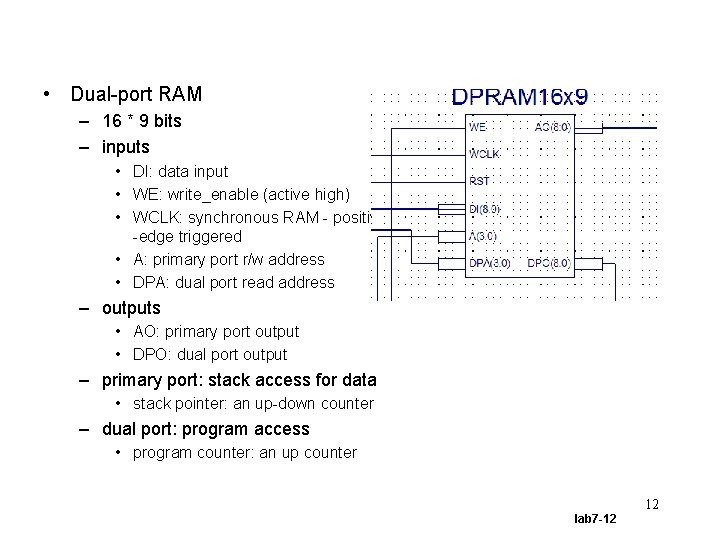
• Dual-port RAM – 16 * 9 bits – inputs • DI: data input • WE: write_enable (active high) • WCLK: synchronous RAM - positive -edge triggered • A: primary port r/w address • DPA: dual port read address – outputs • AO: primary port output • DPO: dual port output – primary port: stack access for data • stack pointer: an up-down counter – dual port: program access • program counter: an up counter 12 lab 7 -12
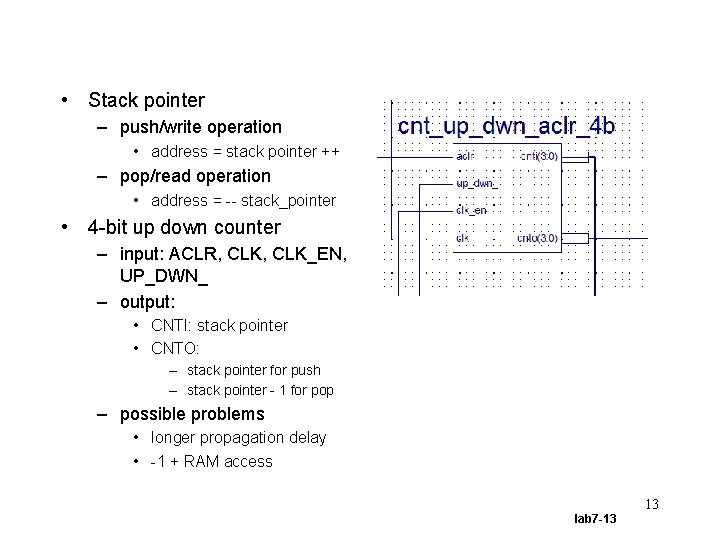
• Stack pointer – push/write operation • address = stack pointer ++ – pop/read operation • address = -- stack_pointer • 4 -bit up down counter – input: ACLR, CLK_EN, UP_DWN_ – output: • CNTI: stack pointer • CNTO: – stack pointer for push – stack pointer - 1 for pop – possible problems • longer propagation delay • -1 + RAM access 13 lab 7 -13
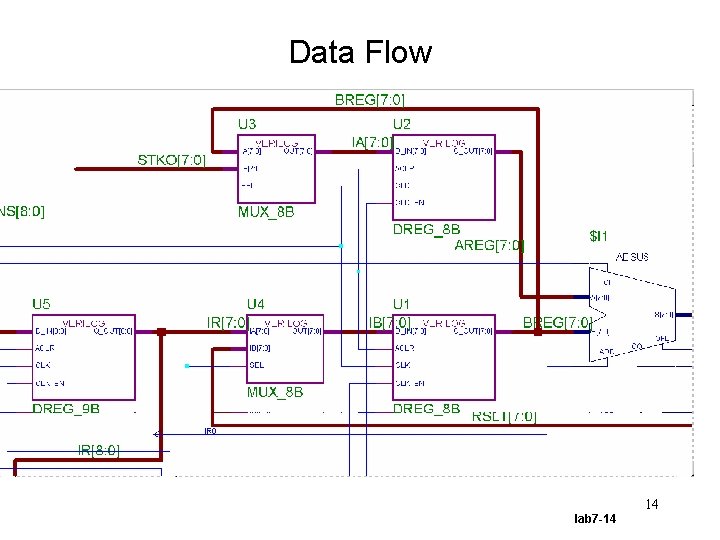
Data Flow 14 lab 7 -14
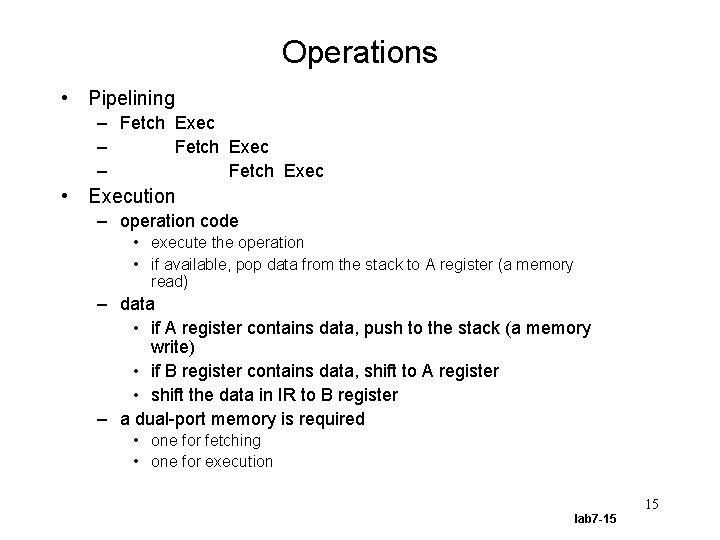
Operations • Pipelining – Fetch Exec • Execution – operation code • execute the operation • if available, pop data from the stack to A register (a memory read) – data • if A register contains data, push to the stack (a memory write) • if B register contains data, shift to A register • shift the data in IR to B register – a dual-port memory is required • one for fetching • one for execution 15 lab 7 -15
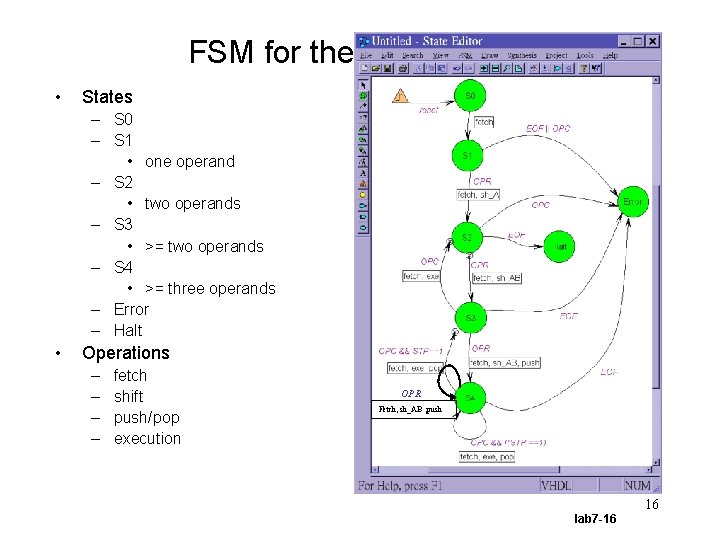
FSM for the Control Unit • States – S 0 – S 1 • one operand – S 2 • two operands – S 3 • >= two operands – S 4 • >= three operands – Error – Halt • Operations – – fetch shift push/pop execution OPR Fetch, sh_AB , push 16 lab 7 -16
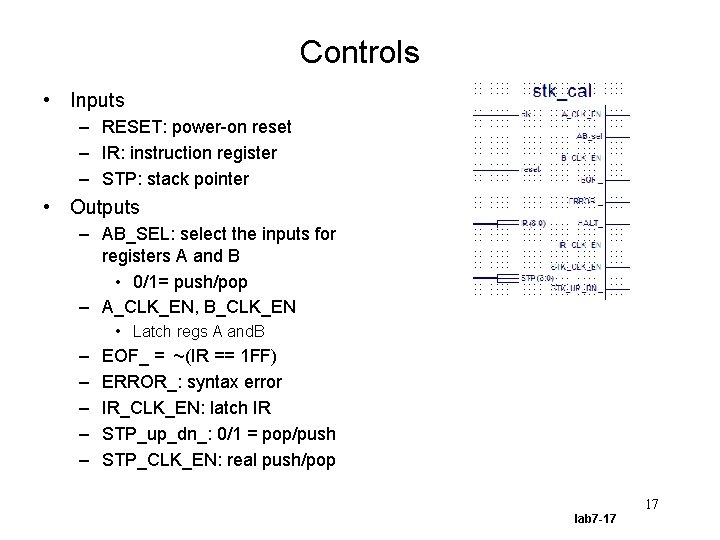
Controls • Inputs – RESET: power-on reset – IR: instruction register – STP: stack pointer • Outputs – AB_SEL: select the inputs for registers A and B • 0/1= push/pop – A_CLK_EN, B_CLK_EN • Latch regs A and. B – – – EOF_ = ~(IR == 1 FF) ERROR_: syntax error IR_CLK_EN: latch IR STP_up_dn_: 0/1 = pop/push STP_CLK_EN: real push/pop 17 lab 7 -17
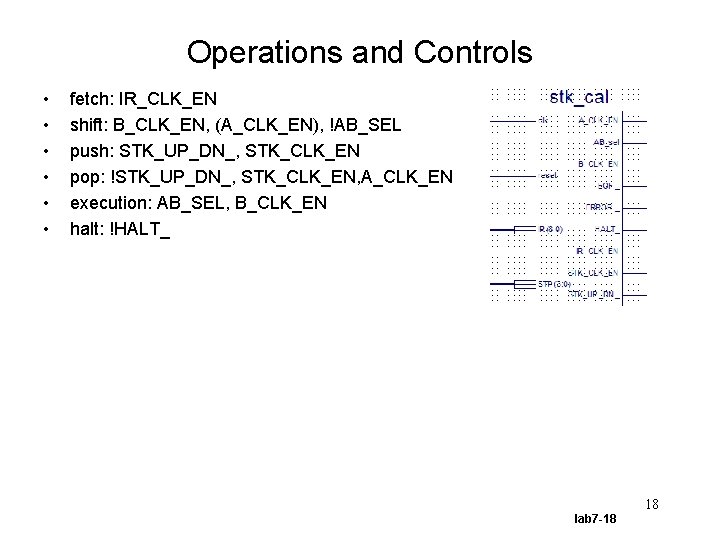
Operations and Controls • • • fetch: IR_CLK_EN shift: B_CLK_EN, (A_CLK_EN), !AB_SEL push: STK_UP_DN_, STK_CLK_EN pop: !STK_UP_DN_, STK_CLK_EN, A_CLK_EN execution: AB_SEL, B_CLK_EN halt: !HALT_ 18 lab 7 -18
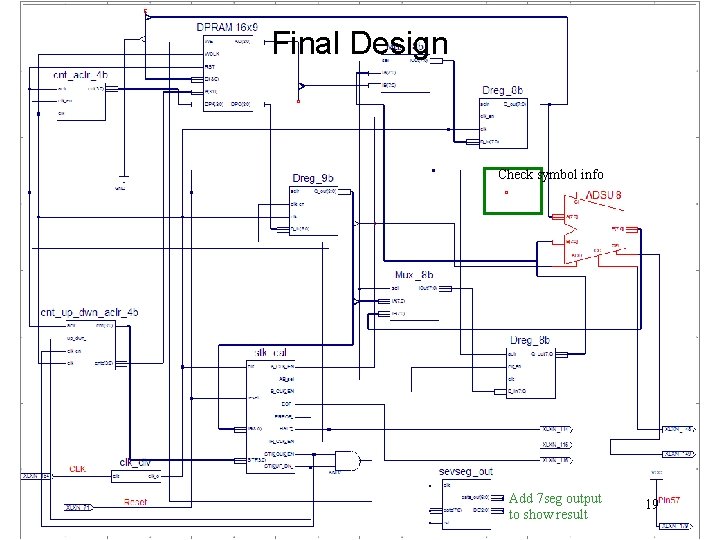
Final Design Check symbol info Add 7 seg output to show result lab 7 -19 19
Lab • Download an example project – The control-unit is incomplete – You can do timing verification • Perform timing verification – Answer a couple of questions • Design the control-unit – An FSM • Implement the calculator on the demo board – Display the result using the 7 -seg LEDs 20 lab 7 -20
![Dual Port RAM assign AO = q[A] ; assign DPO = q[DPA] ; always](http://slidetodoc.com/presentation_image_h2/78884433298e39190ab4f3abcf0343c8/image-21.jpg "Dual Port RAM assign AO = q[A] ; assign DPO = q[DPA] ; always")
Dual Port RAM assign AO = q[A] ; assign DPO = q[DPA] ; always @(posedge WCLK or posedge RST) if (RST) begin q[0] = 9'h 002 ; q[1] = 9'h 003 ; q[2] = 9'h 007 ; q[3] = 9'h 002 ; q[4] = 9'h 009 ; q[5] = 9'h 100 ; q[6] = 9'h 100 ; q[7] = 9'h 101 ; q[8] = 9'h 002 ; q[9] = 9'h 008 ; q[10] = 9'h 100 ; q[11] = 9'h 100 ; q[12] = 9'h 101 ; q[13] = 9'h 1 ff ; end else if (WE) q[A] = DI ; 21 lab 7 -21
- Slides: 21