
Lab 5 More on Events and Introduction to
Lab 5: More on Events and Introduction to the Canvas Tag User Interface Lab: GUI Lab Sep. 23 rd, 2013
Project 2 • Project 2 is dues next week • Any Questions?
Lab 5 goals • More on events • Introduction to the Canvas
More on Events • Events have properties that can tell you what is going on • Most commonly used with mouse events to get mouse coordinates
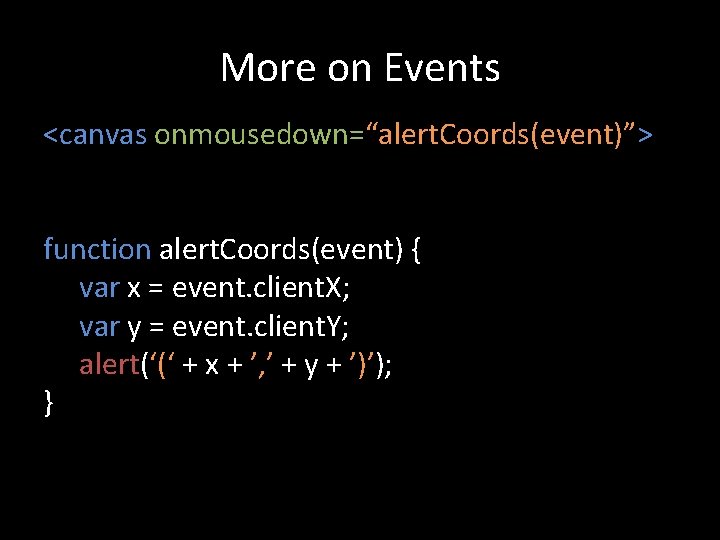
More on Events <canvas onmousedown=“alert. Coords(event)”> function alert. Coords(event) { var x = event. client. X; var y = event. client. Y; alert(‘(‘ + x + ’, ’ + y + ’)’); }
More on Events • Event Listeners can also be registered purely in javascript • Only way to add listeners to the window object.
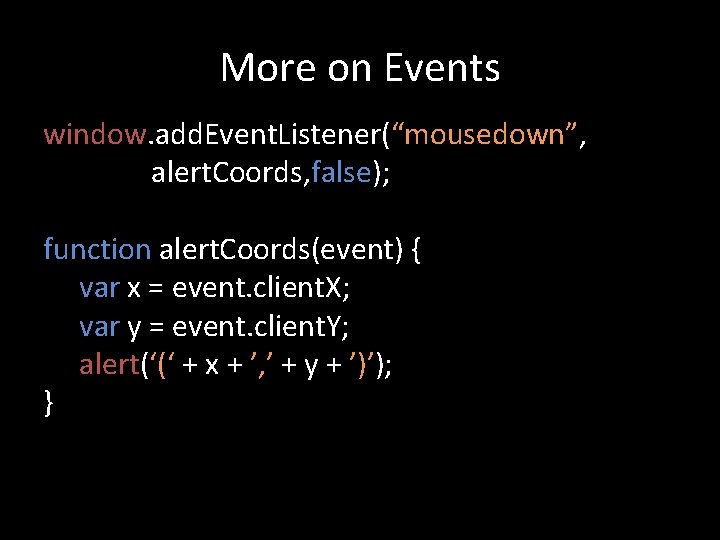
More on Events window. add. Event. Listener(“mousedown”, alert. Coords, false); function alert. Coords(event) { var x = event. client. X; var y = event. client. Y; alert(‘(‘ + x + ’, ’ + y + ’)’); }
<canvas> Tag • Added in HTML 5 to support drawing functions present in other systems like flash • Drawing is performed through the canvas’s context object • Drawing primarily done by drawing lines between points

Drawing coordinates
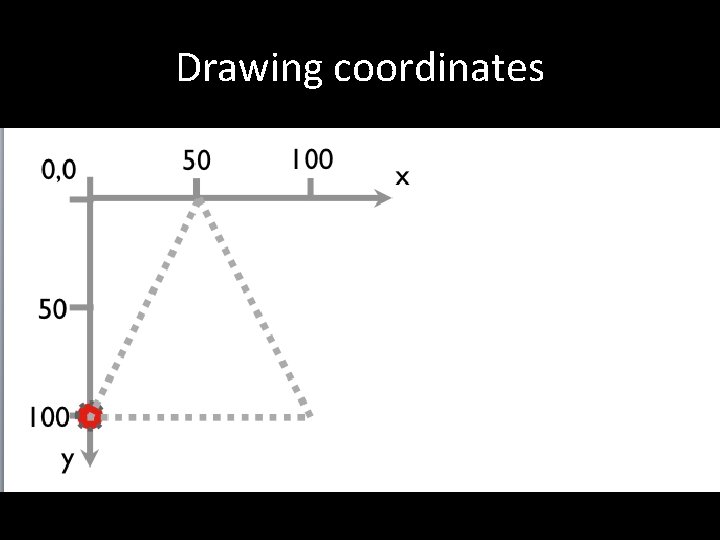
Drawing coordinates
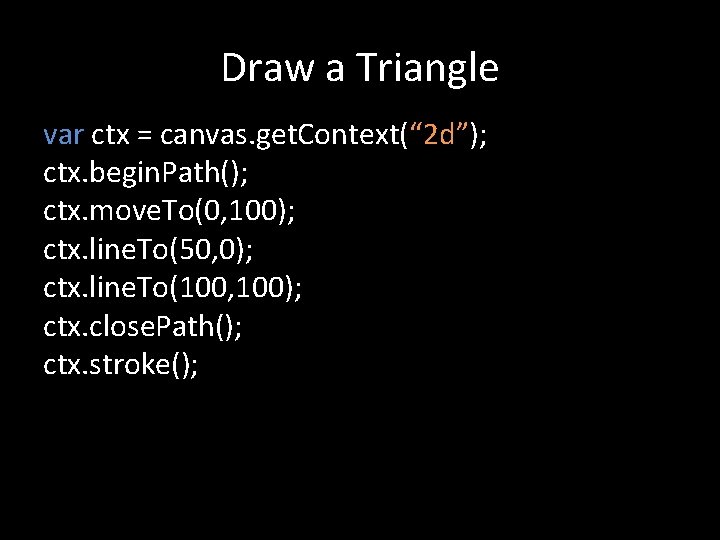
Draw a Triangle var ctx = canvas. get. Context(“ 2 d”); ctx. begin. Path(); ctx. move. To(0, 100); ctx. line. To(50, 0); ctx. line. To(100, 100); ctx. close. Path(); ctx. stroke();
- Slides: 11