
Lab 13 File IO Standard IO NCHU System
Lab 13 File I/O & Standard I/O NCHU System & Network Lab
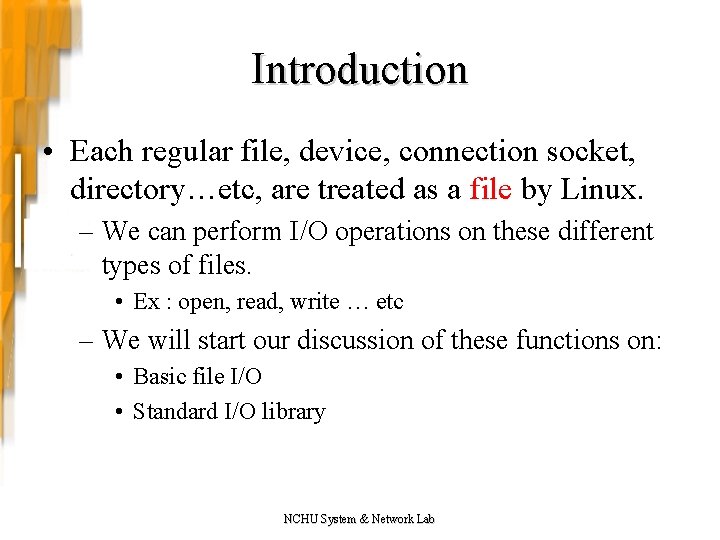
Introduction • Each regular file, device, connection socket, directory…etc, are treated as a file by Linux. – We can perform I/O operations on these different types of files. • Ex : open, read, write … etc – We will start our discussion of these functions on: • Basic file I/O • Standard I/O library NCHU System & Network Lab
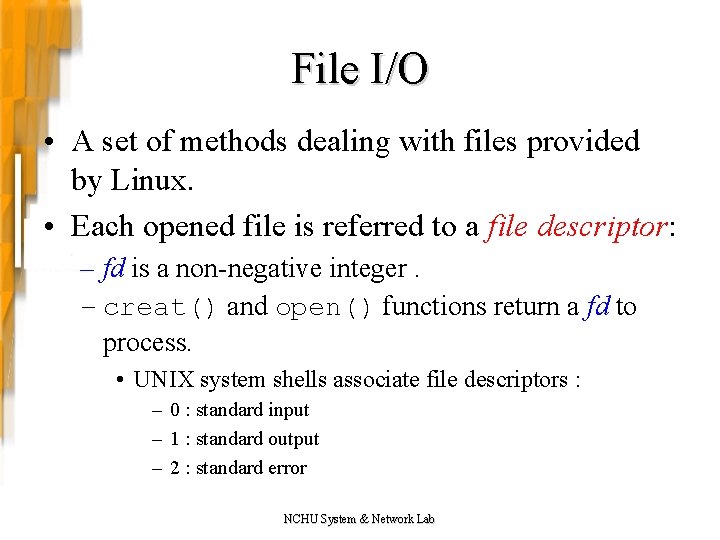
File I/O • A set of methods dealing with files provided by Linux. • Each opened file is referred to a file descriptor: – fd is a non-negative integer. – creat() and open() functions return a fd to process. • UNIX system shells associate file descriptors : – 0 : standard input – 1 : standard output – 2 : standard error NCHU System & Network Lab
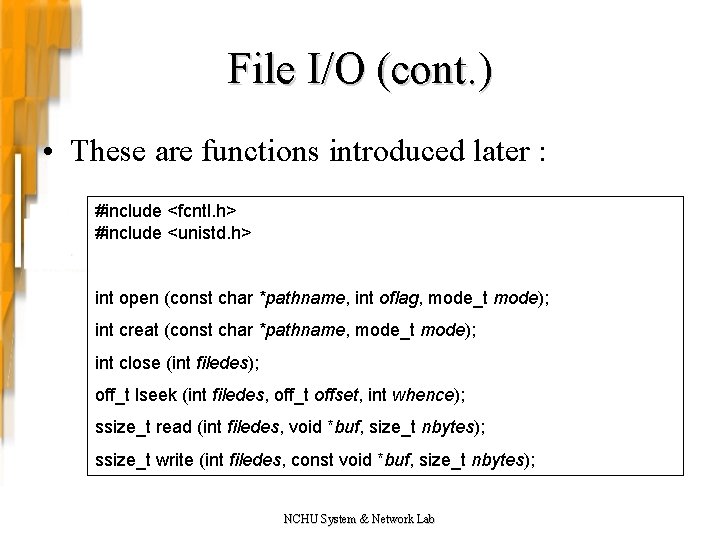
File I/O (cont. ) • These are functions introduced later : #include <fcntl. h> #include <unistd. h> int open (const char *pathname, int oflag, mode_t mode); int creat (const char *pathname, mode_t mode); int close (int filedes); off_t lseek (int filedes, off_t offset, int whence); ssize_t read (int filedes, void *buf, size_t nbytes); ssize_t write (int filedes, const void *buf, size_t nbytes); NCHU System & Network Lab
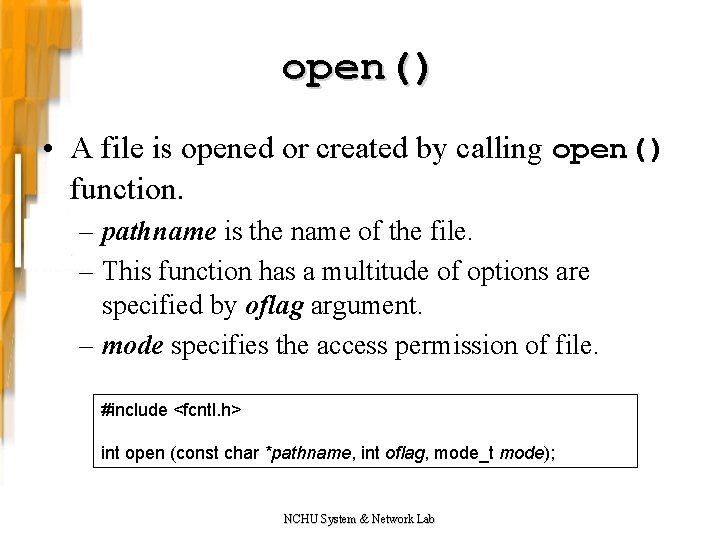
open() • A file is opened or created by calling open() function. – pathname is the name of the file. – This function has a multitude of options are specified by oflag argument. – mode specifies the access permission of file. #include <fcntl. h> int open (const char *pathname, int oflag, mode_t mode); NCHU System & Network Lab
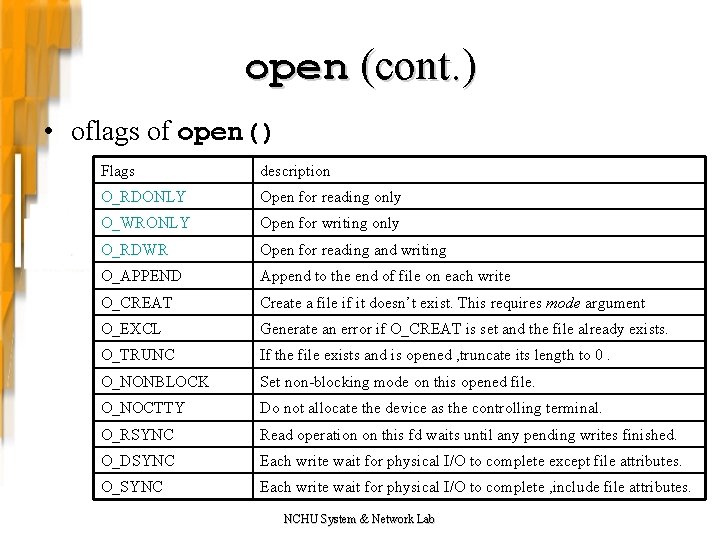
open (cont. ) • oflags of open() Flags description O_RDONLY Open for reading only O_WRONLY Open for writing only O_RDWR Open for reading and writing O_APPEND Append to the end of file on each write O_CREAT Create a file if it doesn’t exist. This requires mode argument O_EXCL Generate an error if O_CREAT is set and the file already exists. O_TRUNC If the file exists and is opened , truncate its length to 0. O_NONBLOCK Set non-blocking mode on this opened file. O_NOCTTY Do not allocate the device as the controlling terminal. O_RSYNC Read operation on this fd waits until any pending writes finished. O_DSYNC Each write wait for physical I/O to complete except file attributes. O_SYNC Each write wait for physical I/O to complete , include file attributes. NCHU System & Network Lab
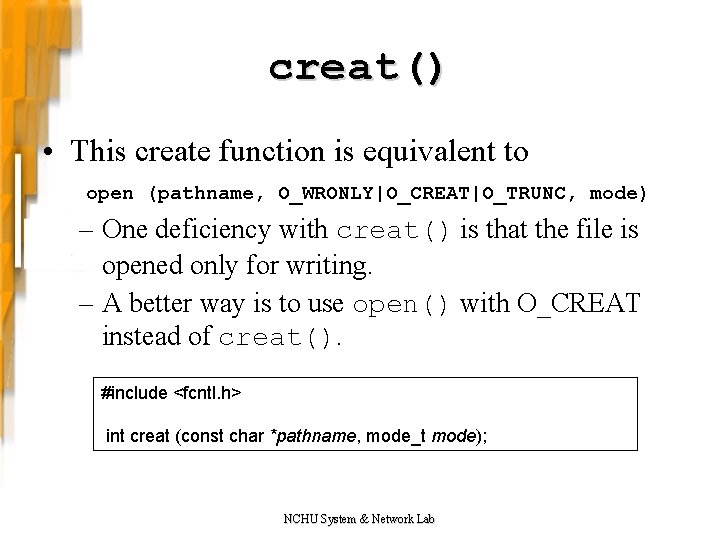
creat() • This create function is equivalent to open (pathname, O_WRONLY|O_CREAT|O_TRUNC, mode) – One deficiency with creat() is that the file is opened only for writing. – A better way is to use open() with O_CREAT instead of creat(). #include <fcntl. h> int creat (const char *pathname, mode_t mode); NCHU System & Network Lab
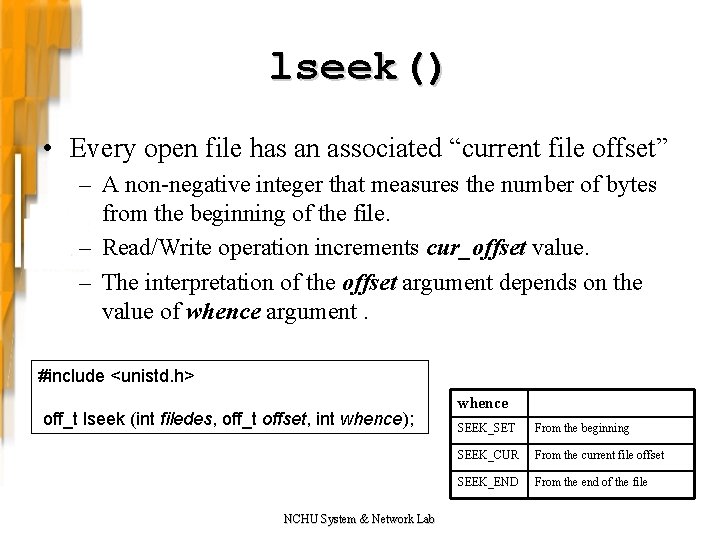
lseek() • Every open file has an associated “current file offset” – A non-negative integer that measures the number of bytes from the beginning of the file. – Read/Write operation increments cur_offset value. – The interpretation of the offset argument depends on the value of whence argument. #include <unistd. h> off_t lseek (int filedes, off_t offset, int whence); NCHU System & Network Lab whence SEEK_SET From the beginning SEEK_CUR From the current file offset SEEK_END From the end of the file
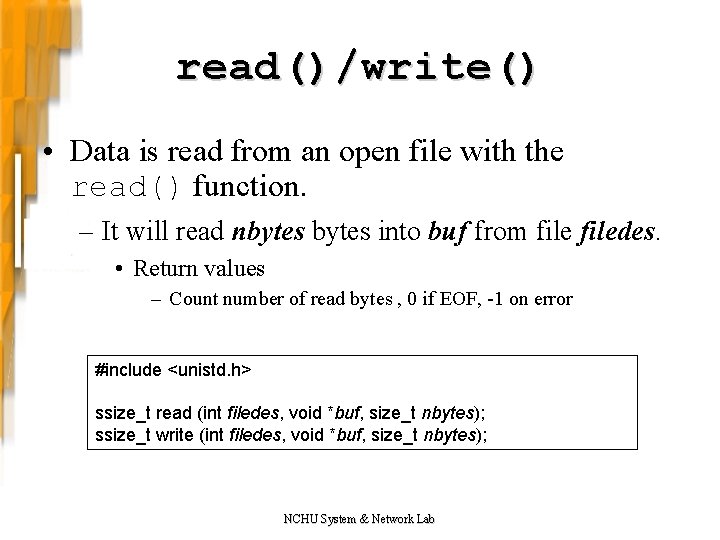
read()/write() • Data is read from an open file with the read() function. – It will read nbytes into buf from filedes. • Return values – Count number of read bytes , 0 if EOF, -1 on error #include <unistd. h> ssize_t read (int filedes, void *buf, size_t nbytes); ssize_t write (int filedes, void *buf, size_t nbytes); NCHU System & Network Lab
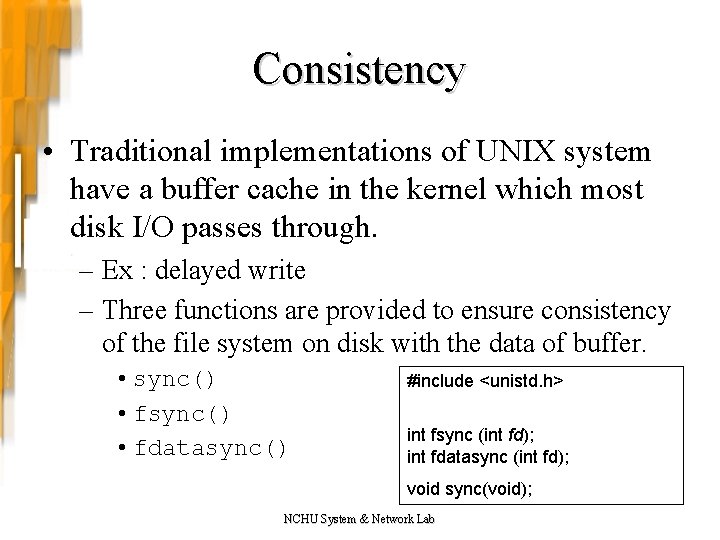
Consistency • Traditional implementations of UNIX system have a buffer cache in the kernel which most disk I/O passes through. – Ex : delayed write – Three functions are provided to ensure consistency of the file system on disk with the data of buffer. • sync() • fdatasync() #include <unistd. h> int fsync (int fd); int fdatasync (int fd); void sync(void); NCHU System & Network Lab
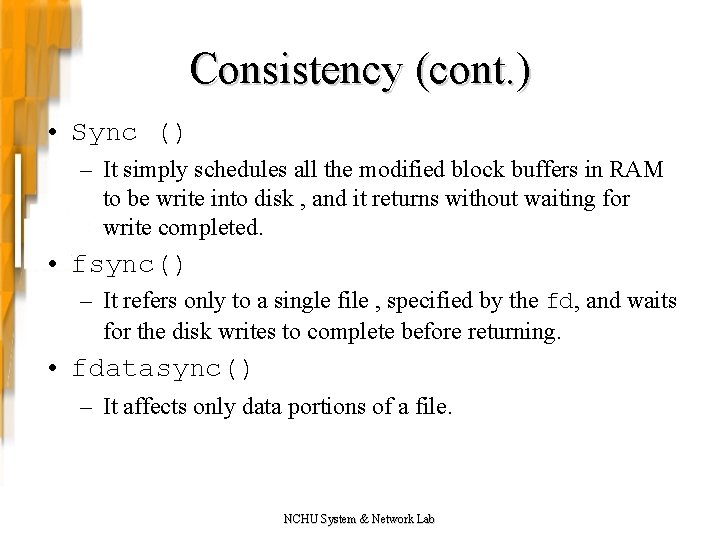
Consistency (cont. ) • Sync () – It simply schedules all the modified block buffers in RAM to be write into disk , and it returns without waiting for write completed. • fsync() – It refers only to a single file , specified by the fd, and waits for the disk writes to complete before returning. • fdatasync() – It affects only data portions of a file. NCHU System & Network Lab
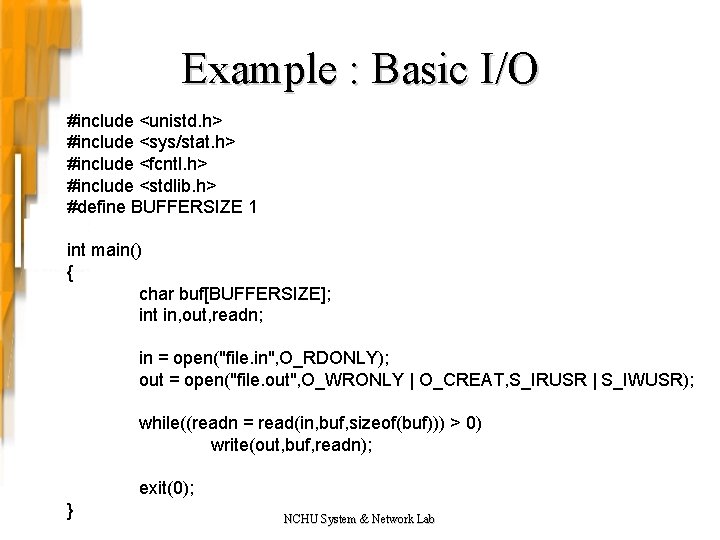
Example : Basic I/O #include <unistd. h> #include <sys/stat. h> #include <fcntl. h> #include <stdlib. h> #define BUFFERSIZE 1 int main() { char buf[BUFFERSIZE]; int in, out, readn; in = open("file. in", O_RDONLY); out = open("file. out", O_WRONLY | O_CREAT, S_IRUSR | S_IWUSR); while((readn = read(in, buf, sizeof(buf))) > 0) write(out, buf, readn); exit(0); } NCHU System & Network Lab
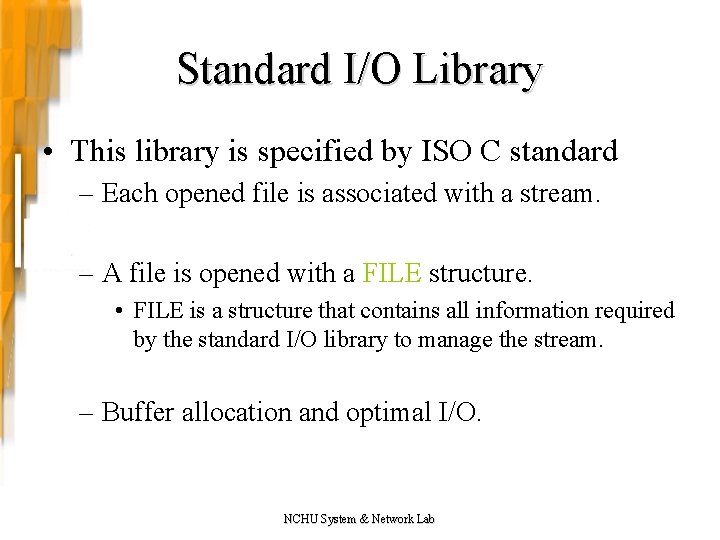
Standard I/O Library • This library is specified by ISO C standard – Each opened file is associated with a stream. – A file is opened with a FILE structure. • FILE is a structure that contains all information required by the standard I/O library to manage the stream. – Buffer allocation and optimal I/O. NCHU System & Network Lab
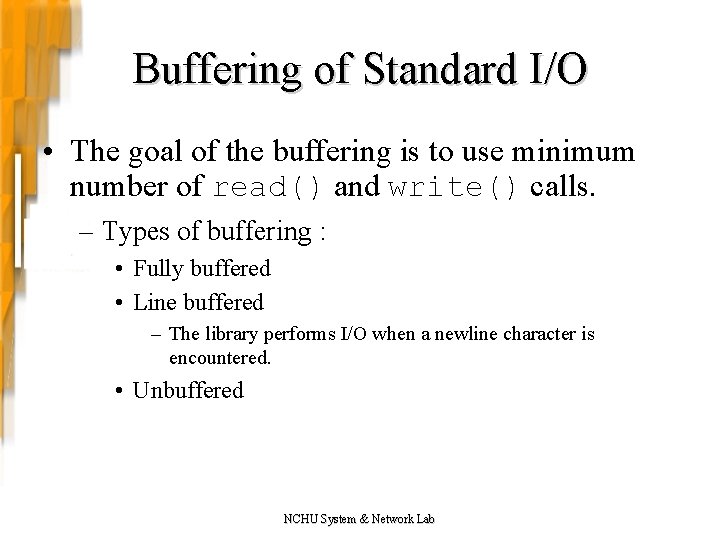
Buffering of Standard I/O • The goal of the buffering is to use minimum number of read() and write() calls. – Types of buffering : • Fully buffered • Line buffered – The library performs I/O when a newline character is encountered. • Unbuffered NCHU System & Network Lab
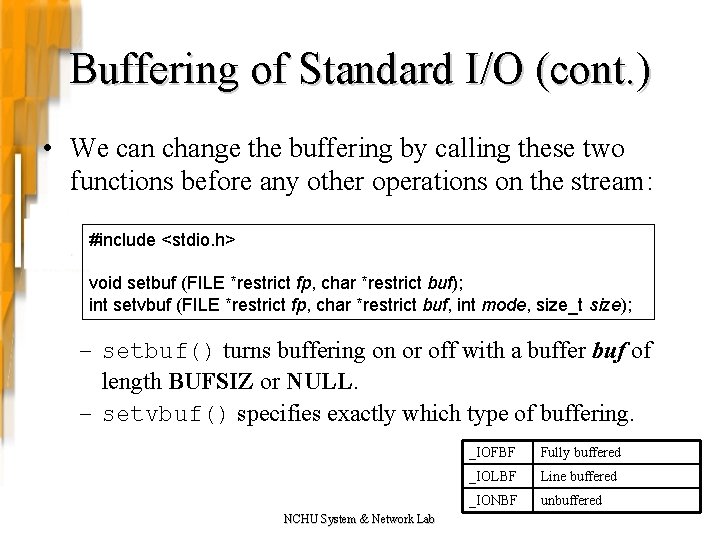
Buffering of Standard I/O (cont. ) • We can change the buffering by calling these two functions before any other operations on the stream: #include <stdio. h> void setbuf (FILE *restrict fp, char *restrict buf); int setvbuf (FILE *restrict fp, char *restrict buf, int mode, size_t size); – setbuf() turns buffering on or off with a buffer buf of length BUFSIZ or NULL. – setvbuf() specifies exactly which type of buffering. NCHU System & Network Lab _IOFBF Fully buffered _IOLBF Line buffered _IONBF unbuffered
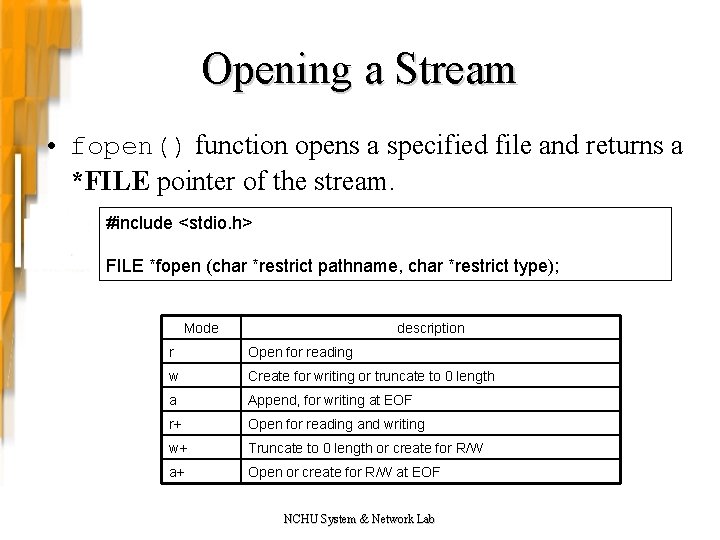
Opening a Stream • fopen() function opens a specified file and returns a *FILE pointer of the stream. #include <stdio. h> FILE *fopen (char *restrict pathname, char *restrict type); Mode description r Open for reading w Create for writing or truncate to 0 length a Append, for writing at EOF r+ Open for reading and writing w+ Truncate to 0 length or create for R/W a+ Open or create for R/W at EOF NCHU System & Network Lab
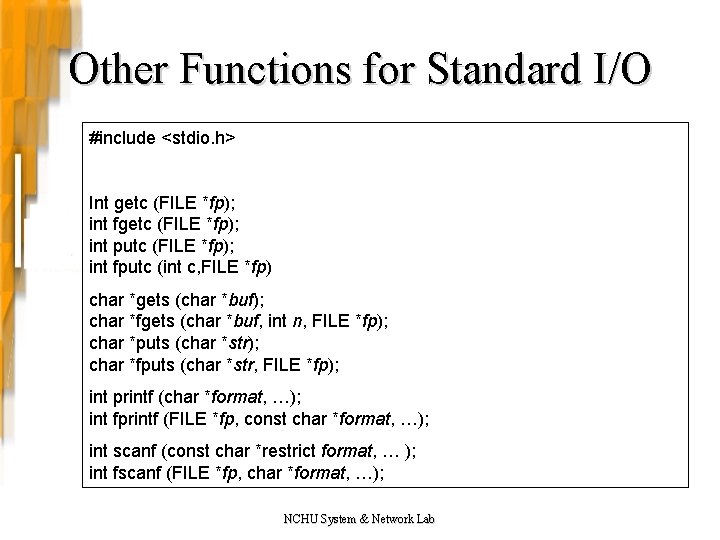
Other Functions for Standard I/O #include <stdio. h> Int getc (FILE *fp); int fgetc (FILE *fp); int putc (FILE *fp); int fputc (int c, FILE *fp) char *gets (char *buf); char *fgets (char *buf, int n, FILE *fp); char *puts (char *str); char *fputs (char *str, FILE *fp); int printf (char *format, …); int fprintf (FILE *fp, const char *format, …); int scanf (const char *restrict format, … ); int fscanf (FILE *fp, char *format, …); NCHU System & Network Lab
File I/O vs. Standard I/O • Standard I/O library ends up calling basic I/O routines. • Standard I/O is specified by ISO C standard, and another one is specified by POSIX. 1 (Portable Operating System Interface). – POSIX. 1 includes ISO C standard library. • fopen() deals with FILE structure whereas open() uses a file descriptor integer. NCHU System & Network Lab
File I/O vs. Standard I/O (cont. ) • More flexible buffering than basic I/O that take place with standard library. • Device files only can be opened by open(). NCHU System & Network Lab
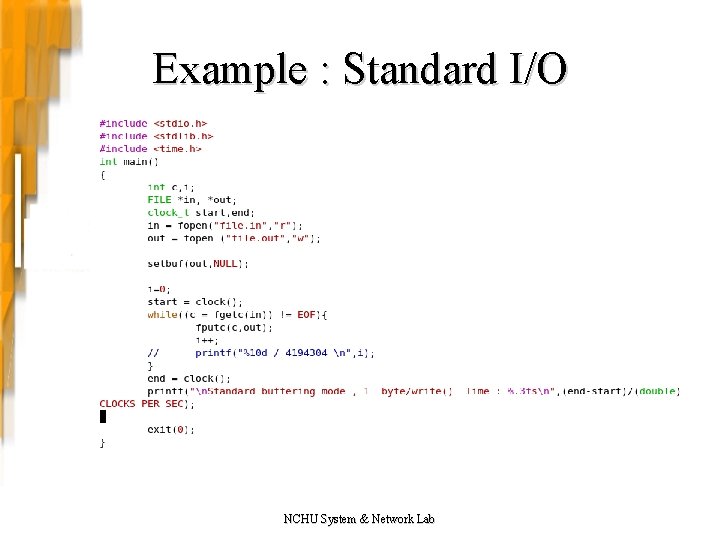
Example : Standard I/O NCHU System & Network Lab
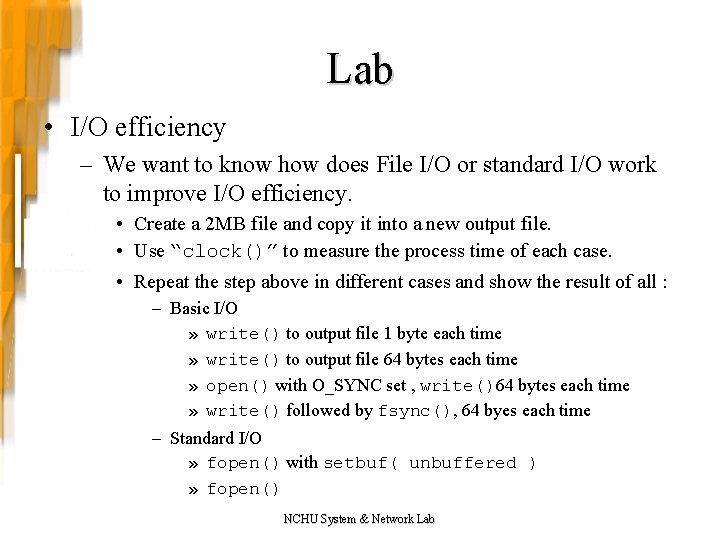
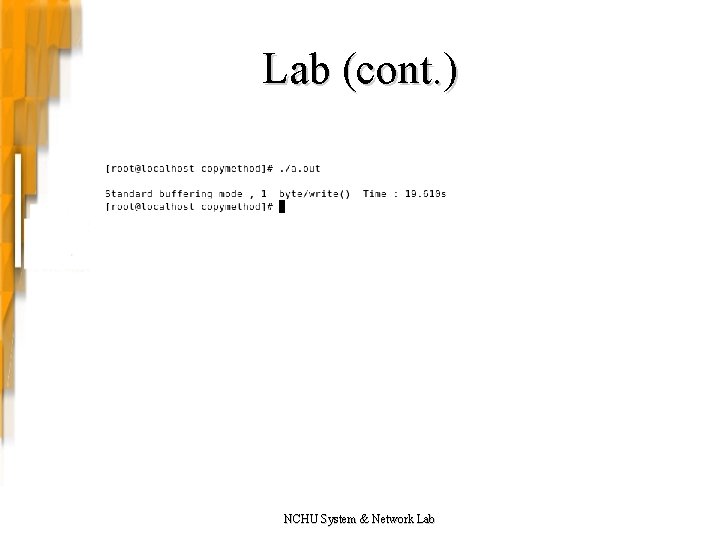
Lab • I/O efficiency – We want to know how does File I/O or standard I/O work to improve I/O efficiency. • Create a 2 MB file and copy it into a new output file. • Use “clock()” to measure the process time of each case. • Repeat the step above in different cases and show the result of all : – Basic I/O » write() to output file 1 byte each time » write() to output file 64 bytes each time » open() with O_SYNC set , write()64 bytes each time » write() followed by fsync(), 64 byes each time – Standard I/O » fopen() with setbuf( unbuffered ) » fopen() NCHU System & Network Lab
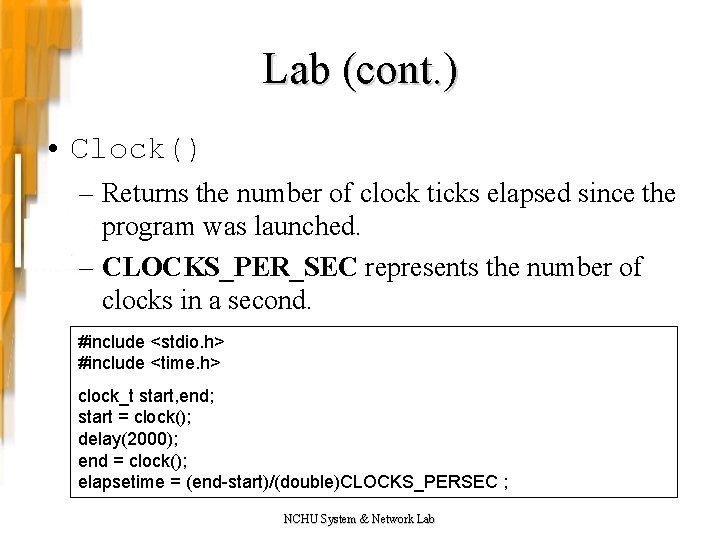
Lab (cont. ) • Clock() – Returns the number of clock ticks elapsed since the program was launched. – CLOCKS_PER_SEC represents the number of clocks in a second. #include <stdio. h> #include <time. h> clock_t start, end; start = clock(); delay(2000); end = clock(); elapsetime = (end-start)/(double)CLOCKS_PERSEC ; NCHU System & Network Lab
Lab (cont. ) NCHU System & Network Lab
Reference • Advanced Programming in the UNIX Environment 2 nd Author : Richard Stevens, Stephen A. Rago, Publisher : Addison-Wesley • Beginning Linux Programming Author : Richard Stones, Neil Matthew Publisher : Wrox • http: //linux. vbird. org/ • http: //www. jollen. org/blog/ jollen’s Blog • http: //www. cplus. com/ C++ Resource Network NCHU System & Network Lab
- Slides: 24