
Kritik Webinar Series Vol 1 Excel Gradebook Data
Kritik Webinar Series Vol. 1 Excel, Gradebook & Data Manipulation for Professors April 14, 2020
AGENDA Introduction of Kritik Access class roster from LMS - Canvas, Blackboard, Moodle Separating first name and last name (=Text to Columns) Create student emails (=concatenate) For external tool, find students who haven’t registered (=vlookup) Drop students lowest quiz/assignment mark Conclusion / Next Steps 2
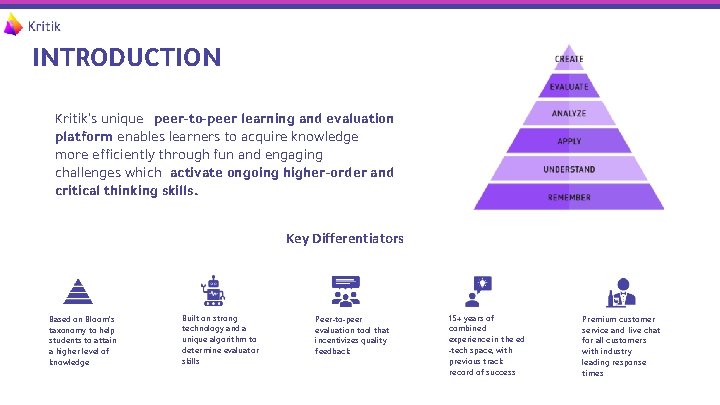
INTRODUCTION Kritik’s unique peer-to-peer learning and evaluation platform enables learners to acquire knowledge more efficiently through fun and engaging challenges which activate ongoing higher-order and critical thinking skills. Key Differentiators Based on Bloom’s taxonomy to help students to attain a higher level of knowledge Built on strong technology and a unique algorithm to determine evaluator skills Peer-to-peer evaluation tool that incentivizes quality feedback 15+ years of combined experience in the ed -tech space, with previous track record of success Premium customer service and live chat for all customers with industry leading response times

ACCESS CLASS ROSTER THROUGH YOUR LMS 4
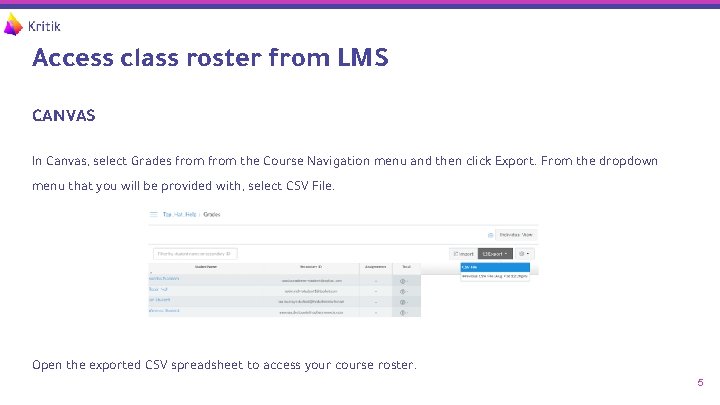
Access class roster from LMS CANVAS In Canvas, select Grades from the Course Navigation menu and then click Export. From the dropdown menu that you will be provided with, select CSV File. Open the exported CSV spreadsheet to access your course roster. 5

Access class roster from LMS BLACKBOARD In Blackboard, access the Full Grade Center from the Course Panel. Click where it says Work Offline and then select Download. 6
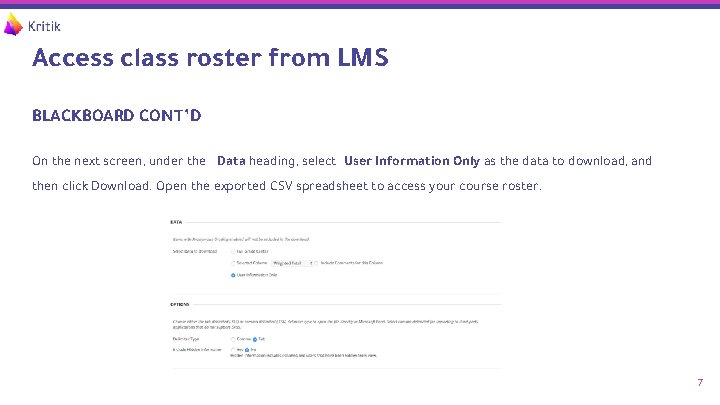
Access class roster from LMS BLACKBOARD CONT’D On the next screen, under the Data heading, select User Information Only as the data to download, and then click Download. Open the exported CSV spreadsheet to access your course roster. 7

Access class roster from LMS MOODLE Navigate to Grades Open Export menu, and select Excel Spreadsheet Select criteria and Download 8
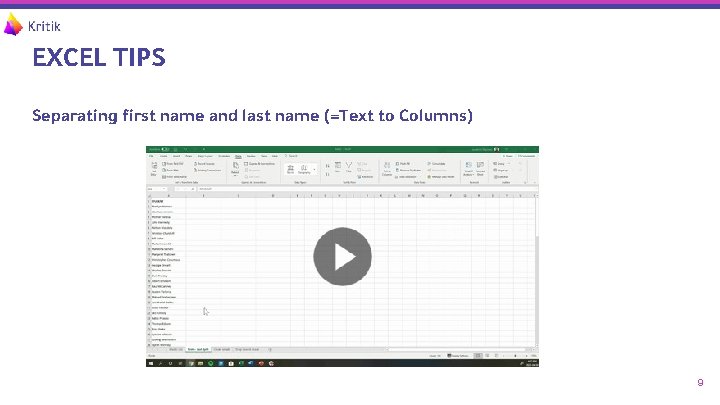
EXCEL TIPS Separating first name and last name (=Text to Columns) 9
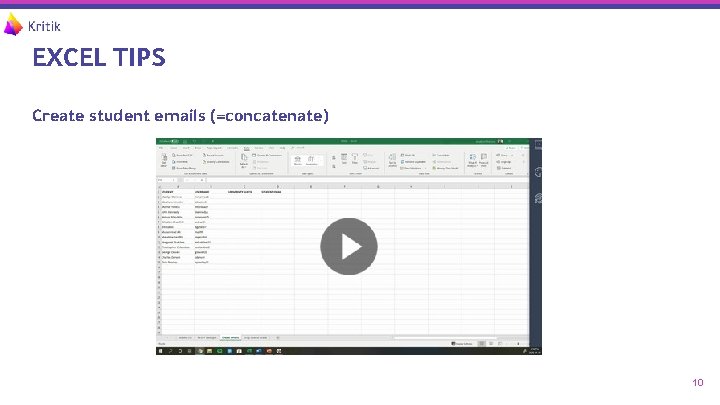
EXCEL TIPS Create student emails (=concatenate) 10
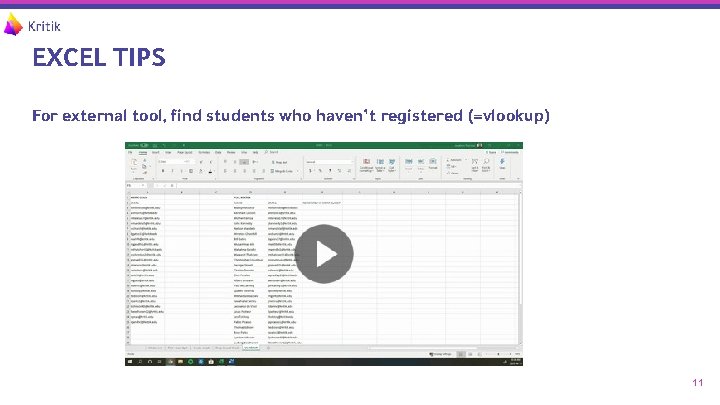
EXCEL TIPS For external tool, find students who haven’t registered (=vlookup) 11
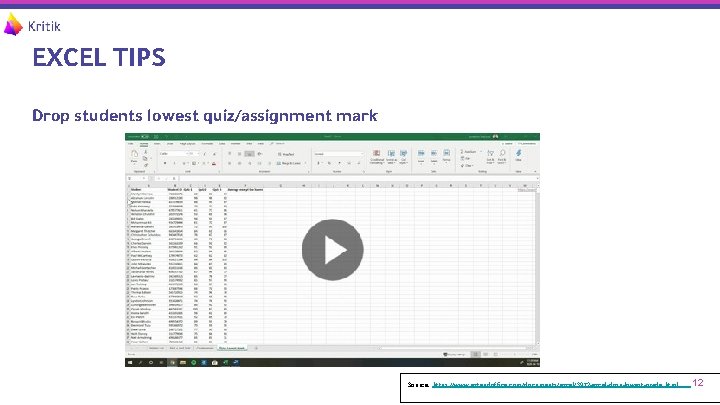
EXCEL TIPS Drop students lowest quiz/assignment mark Source: https: //www. extendoffice. com/documents/excel/3972 -excel-drop-lowest-grade. html 12
Conclusion / Next Steps - You will receive a Follow -up email which will contain: - A PDF version of this presentation deck - Short survey to determine effectiveness of session and to help us improve for future sessions - Further information about Kritik’s peer evaluation platform (more details at - Next steps to try Kritik out at no cost for the rest of the current term, including details on a kritik. io ) complimentary 1: 1 instructional design session 13
- Slides: 13