
Kofax Express and Capture Bites What is Kofax
Kofax Express and Capture. Bites
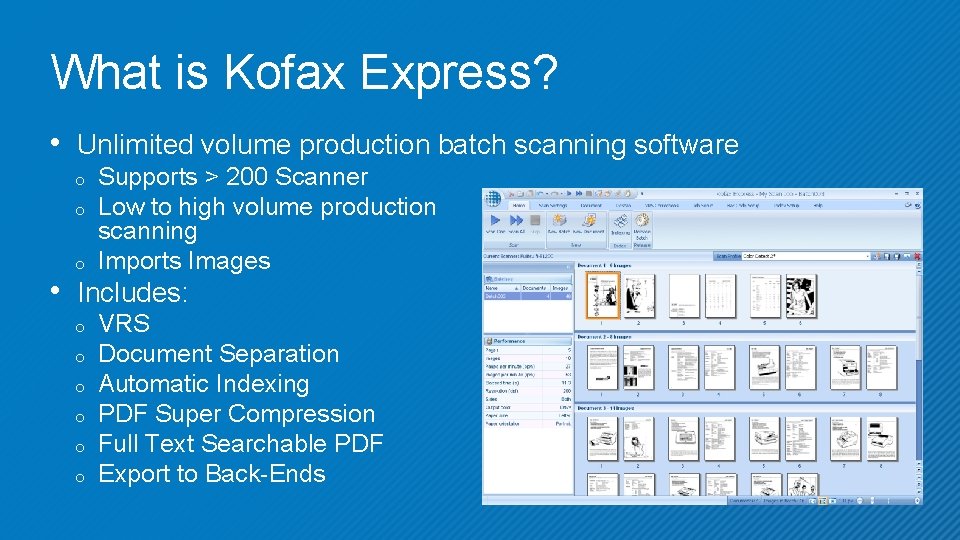
What is Kofax Express? • Unlimited volume production batch scanning software o o o Supports > 200 Scanner Low to high volume production scanning Imports Images • Includes: o o o VRS Document Separation Automatic Indexing PDF Super Compression Full Text Searchable PDF Export to Back-Ends
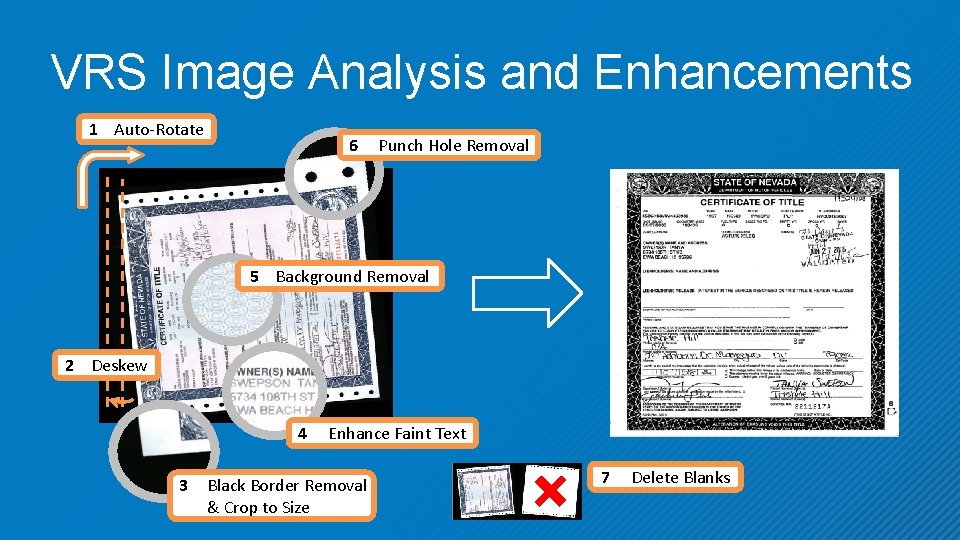
VRS Image Analysis and Enhancements 1 Auto-Rotate 6 Punch Hole Removal 5 Background Removal 2 Deskew 4 3 Enhance Faint Text Black Border Removal & Crop to Size 7 Delete Blanks
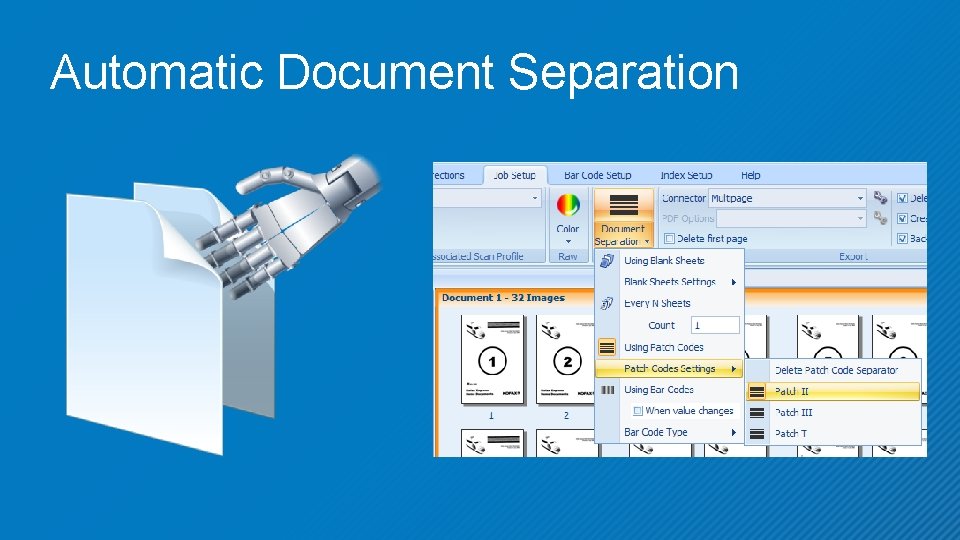
Automatic Document Separation
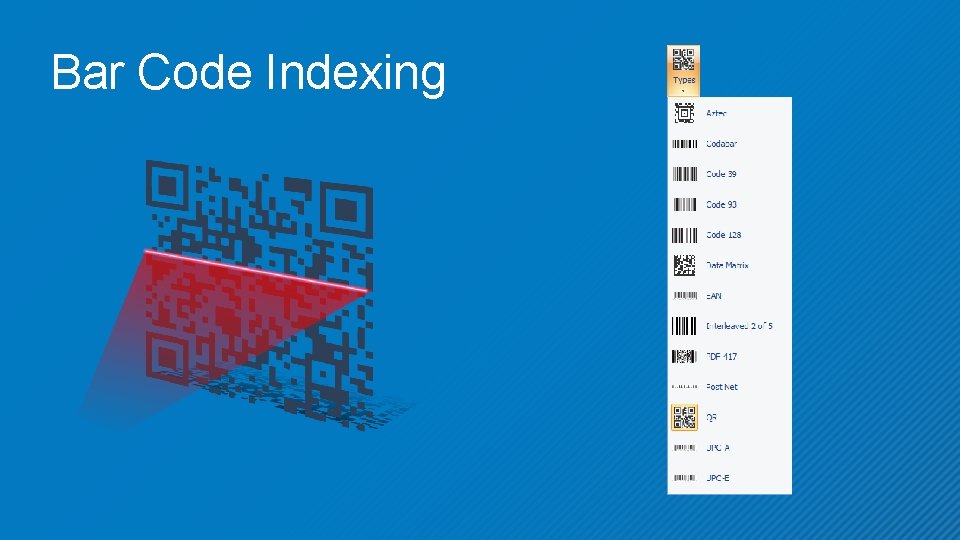
Bar Code Indexing
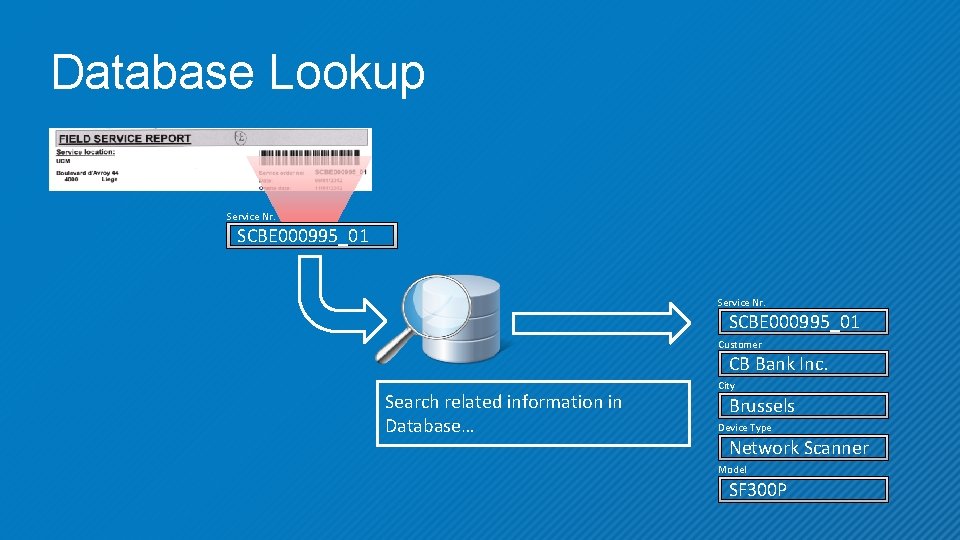
Database Lookup Service Nr. SCBE 000995_01 Customer CB Bank Inc. Search related information in Database… City Brussels Device Type Network Scanner Model SF 300 P
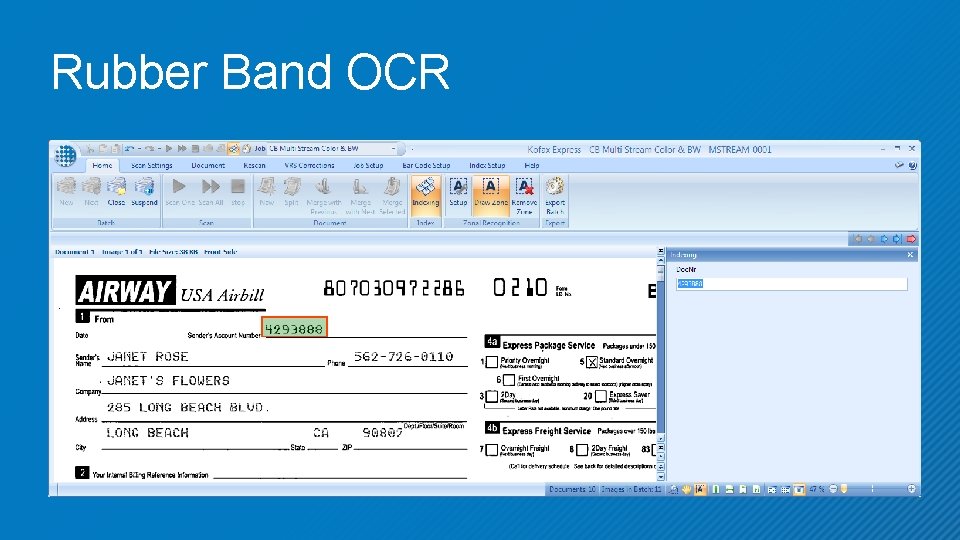
Rubber Band OCR
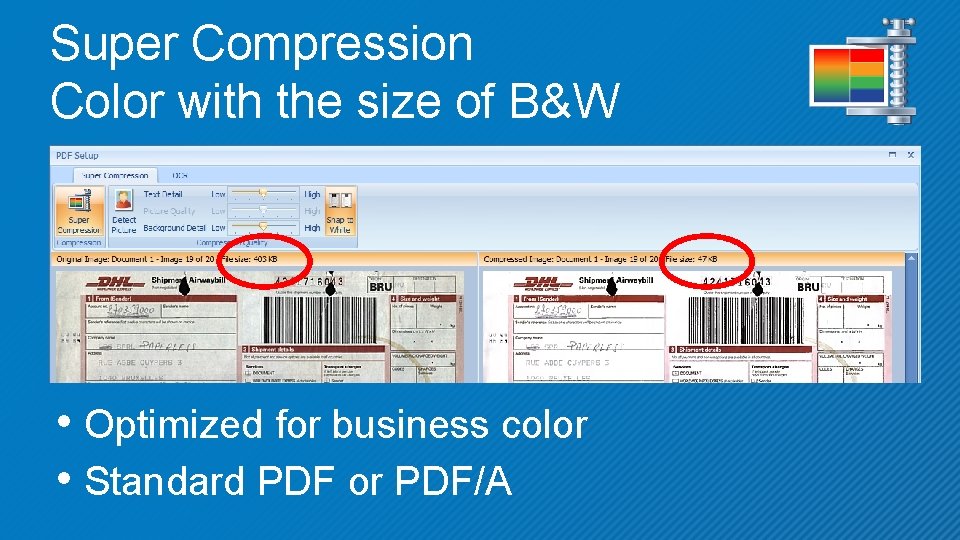
Super Compression Color with the size of B&W • Optimized for business color • Standard PDF or PDF/A
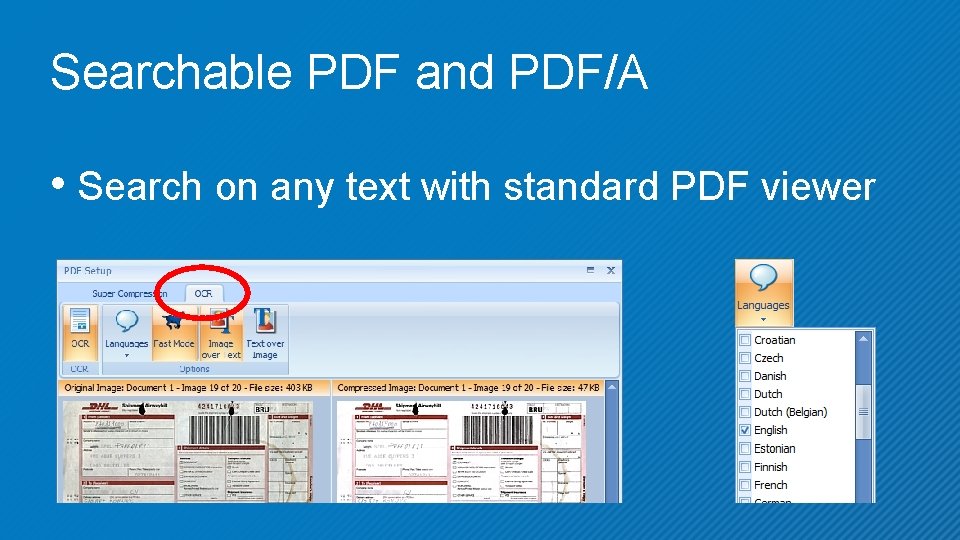
Searchable PDF and PDF/A • Search on any text with standard PDF viewer
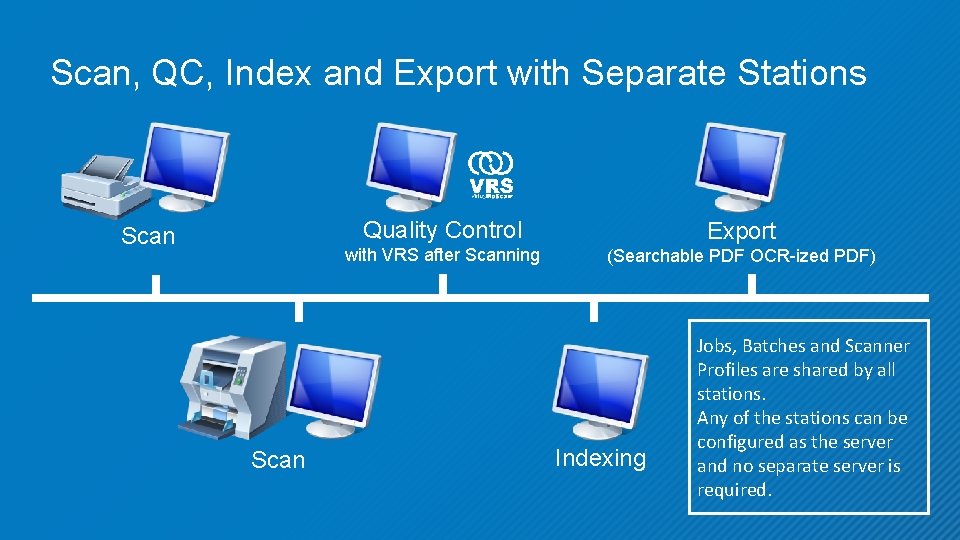
Scan, QC, Index and Export with Separate Stations Scan Quality Control Export with VRS after Scanning (Searchable PDF OCR-ized PDF) Indexing Jobs, Batches and Scanner Profiles are shared by all stations. Any of the stations can be configured as the server and no separate server is required.

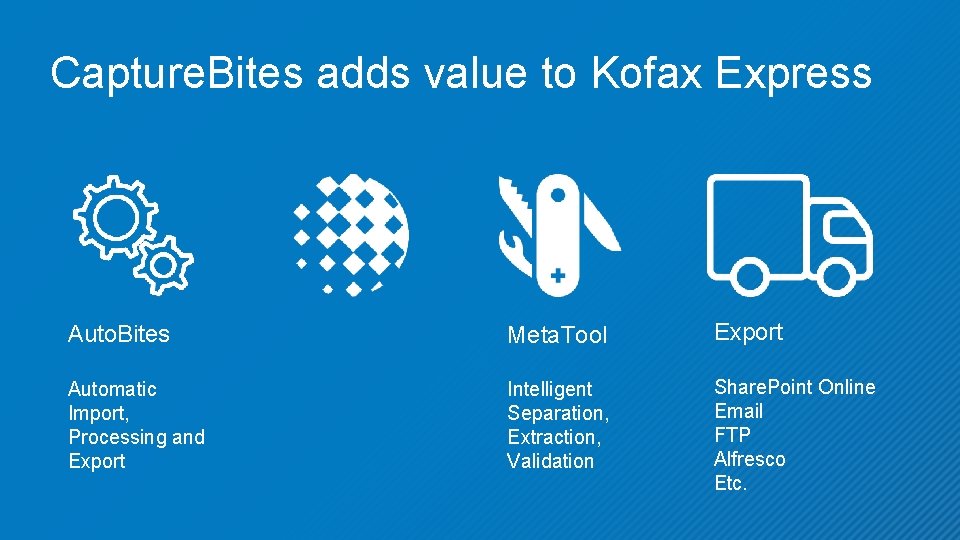
Capture. Bites adds value to Kofax Express Auto. Bites Meta. Tool Export Automatic Import, Processing and Export Intelligent Separation, Extraction, Validation Share. Point Online Email FTP Alfresco Etc.
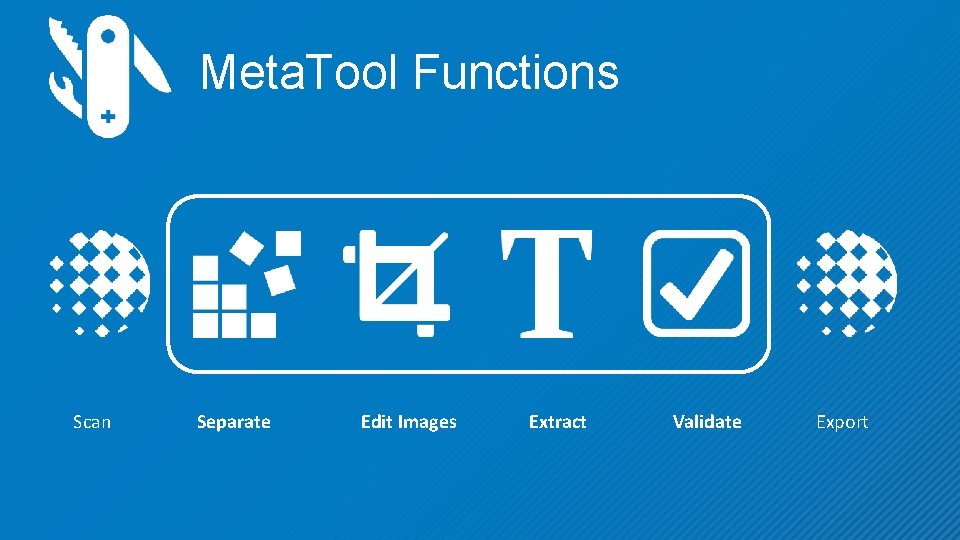
Meta. Tool Functions Scan Separate Edit Images Extract Validate Export
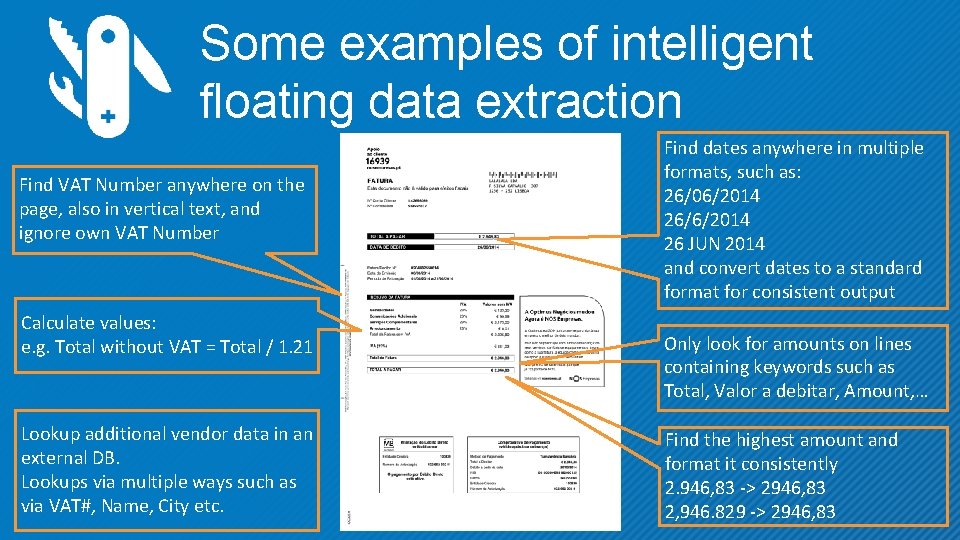
Some examples of intelligent floating data extraction Find VAT Number anywhere on the page, also in vertical text, and ignore own VAT Number Calculate values: e. g. Total without VAT = Total / 1. 21 Lookup additional vendor data in an external DB. Lookups via multiple ways such as via VAT#, Name, City etc. Find dates anywhere in multiple formats, such as: 26/06/2014 26/6/2014 26 JUN 2014 and convert dates to a standard format for consistent output Only look for amounts on lines containing keywords such as Total, Valor a debitar, Amount, … Find the highest amount and format it consistently 2. 946, 83 -> 2946, 83 2, 946. 829 -> 2946, 83
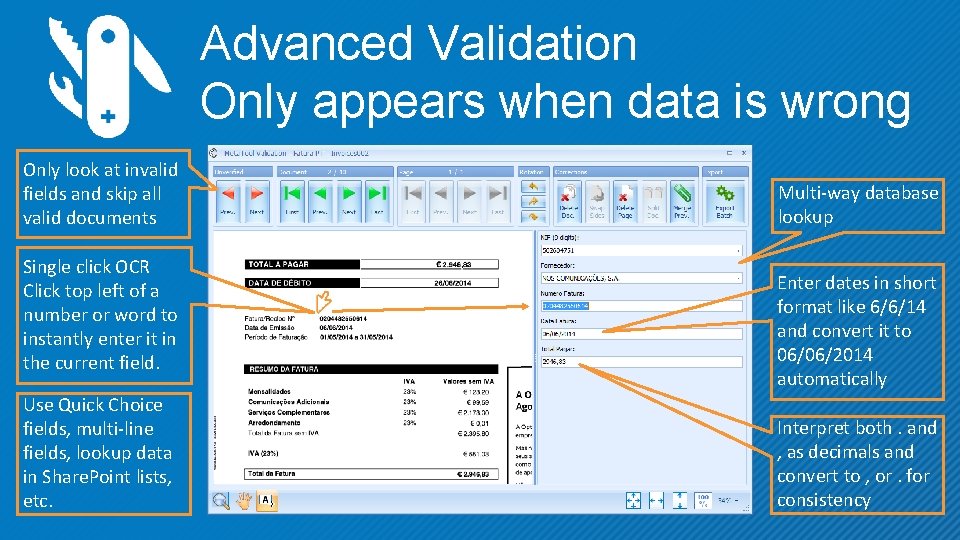
Advanced Validation Only appears when data is wrong Only look at invalid fields and skip all valid documents Single click OCR Click top left of a number or word to instantly enter it in the current field. Use Quick Choice fields, multi-line fields, lookup data in Share. Point lists, etc. Multi-way database lookup Enter dates in short format like 6/6/14 and convert it to 06/06/2014 automatically Interpret both. and , as decimals and convert to , or. for consistency
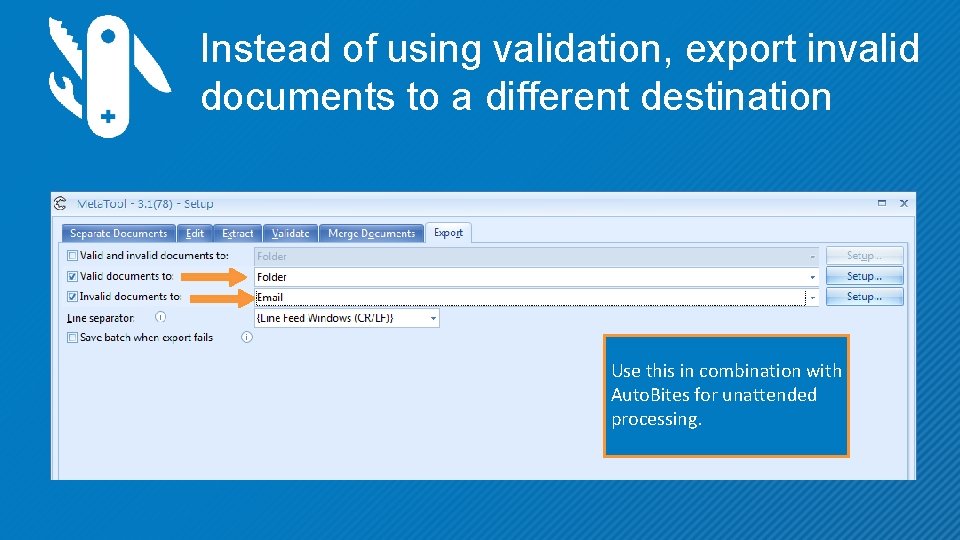
Instead of using validation, export invalid documents to a different destination Use this in combination with Auto. Bites for unattended processing.
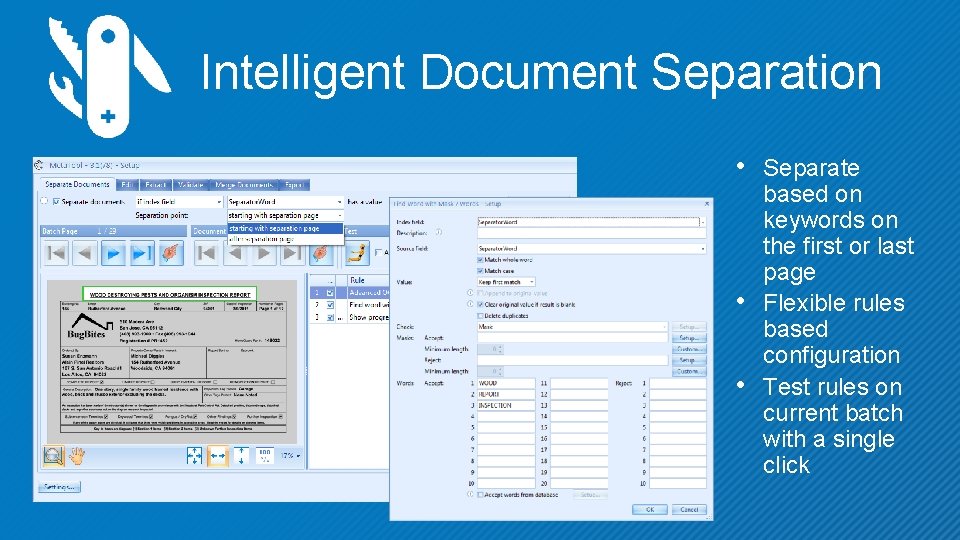
Intelligent Document Separation • Separate • • based on keywords on the first or last page Flexible rules based configuration Test rules on current batch with a single click
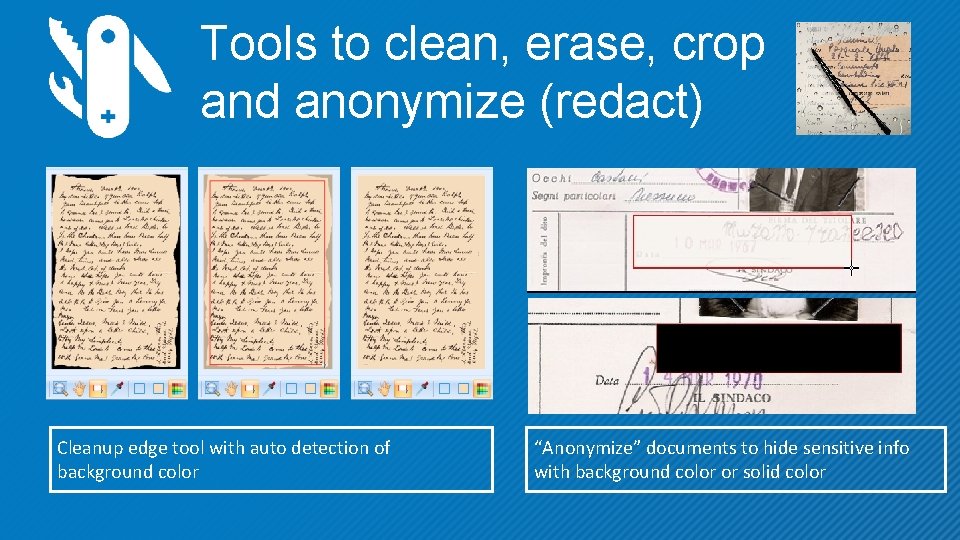
Tools to clean, erase, crop and anonymize (redact) Cleanup edge tool with auto detection of background color “Anonymize” documents to hide sensitive info with background color or solid color
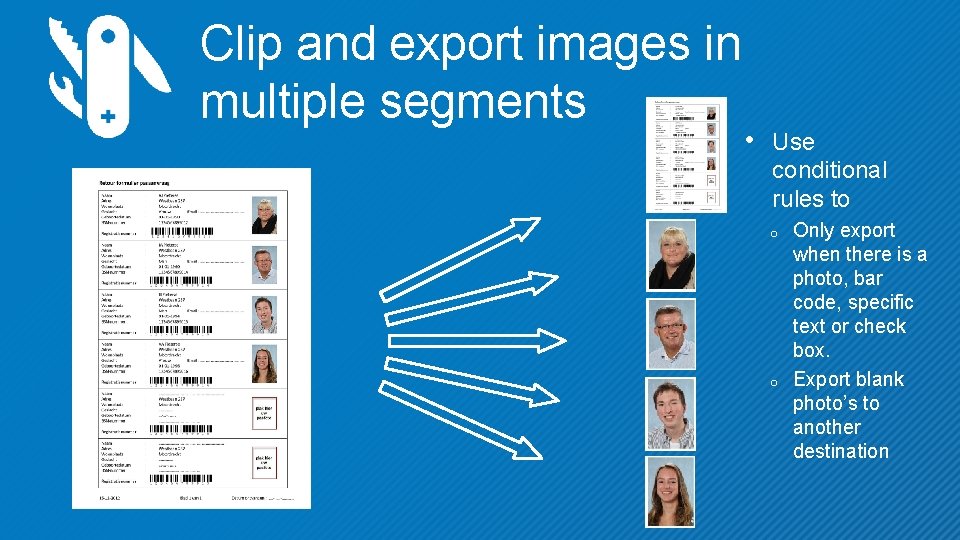
Clip and export images in multiple segments • Use conditional rules to o o Only export when there is a photo, bar code, specific text or check box. Export blank photo’s to another destination
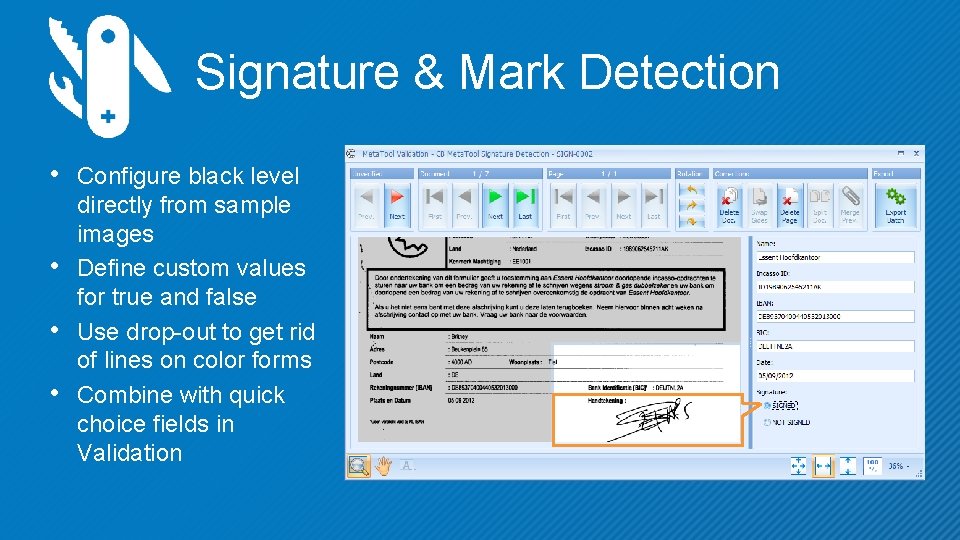
Signature & Mark Detection • Configure black level • • • directly from sample images Define custom values for true and false Use drop-out to get rid of lines on color forms Combine with quick choice fields in Validation
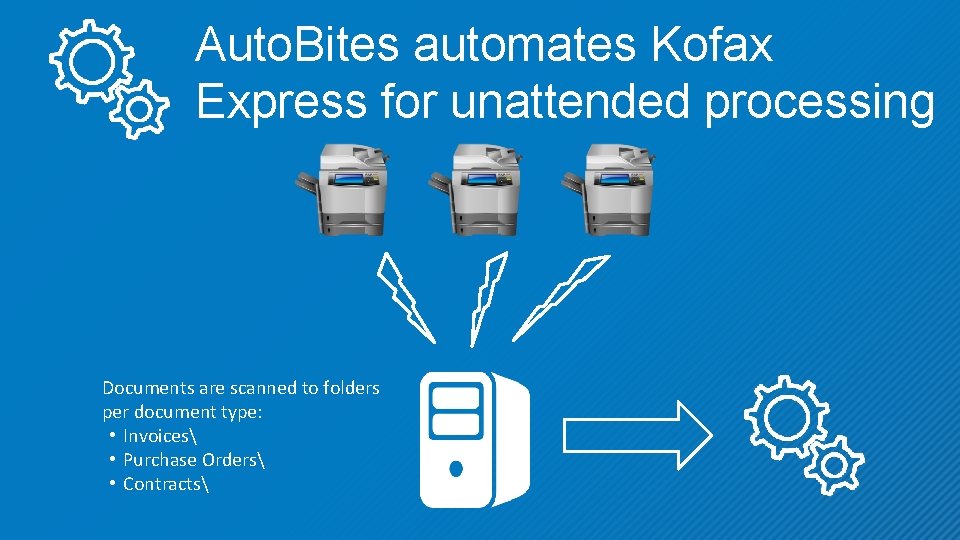
Auto. Bites automates Kofax Express for unattended processing Documents are scanned to folders per document type: • Invoices • Purchase Orders • Contracts
Unattended Kofax Express with Auto. Bites • Fully automates import, processing and export of images and automatically : • enhances images with VRS • reads bar codes • separates documents • super compresses and OCRs images • combine with Meta. Tool for unattended intelligent data extraction
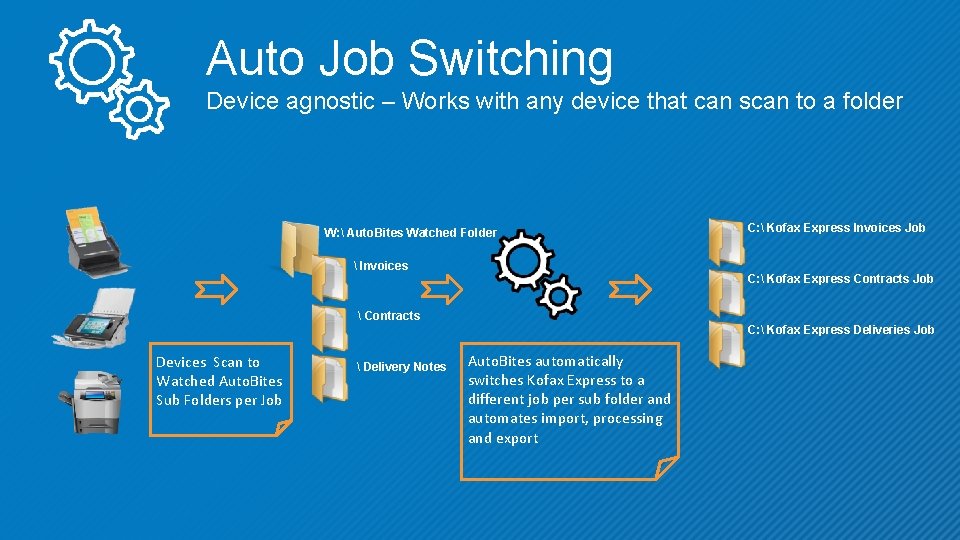
Auto Job Switching Device agnostic – Works with any device that can scan to a folder W: Auto. Bites Watched Folder Invoices C: Kofax Express Invoices Job C: Kofax Express Contracts Job Contracts C: Kofax Express Deliveries Job Devices Scan to Watched Auto. Bites Sub Folders per Job Delivery Notes Auto. Bites automatically switches Kofax Express to a different job per sub folder and automates import, processing and export
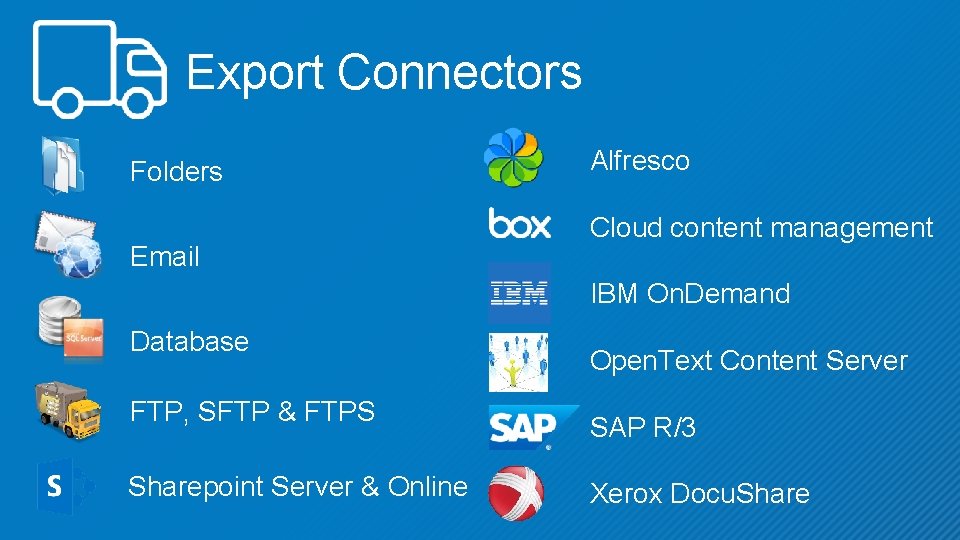
Export Connectors Folders Email Alfresco Cloud content management IBM On. Demand Database FTP, SFTP & FTPS Sharepoint Server & Online Open. Text Content Server SAP R/3 Xerox Docu. Share
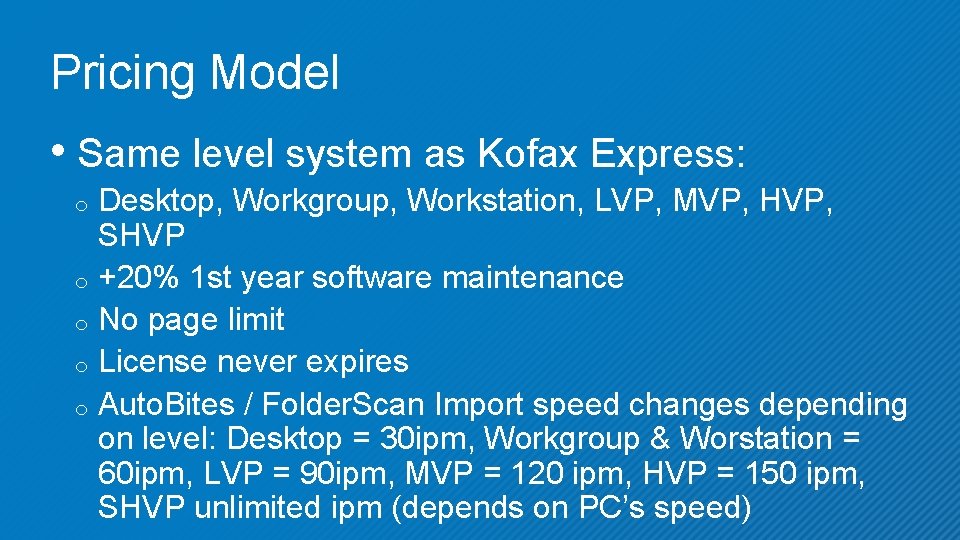
Pricing Model • Same level system as Kofax Express: Desktop, Workgroup, Workstation, LVP, MVP, HVP, SHVP o +20% 1 st year software maintenance o No page limit o License never expires o Auto. Bites / Folder. Scan Import speed changes depending on level: Desktop = 30 ipm, Workgroup & Worstation = 60 ipm, LVP = 90 ipm, MVP = 120 ipm, HVP = 150 ipm, SHVP unlimited ipm (depends on PC’s speed) o
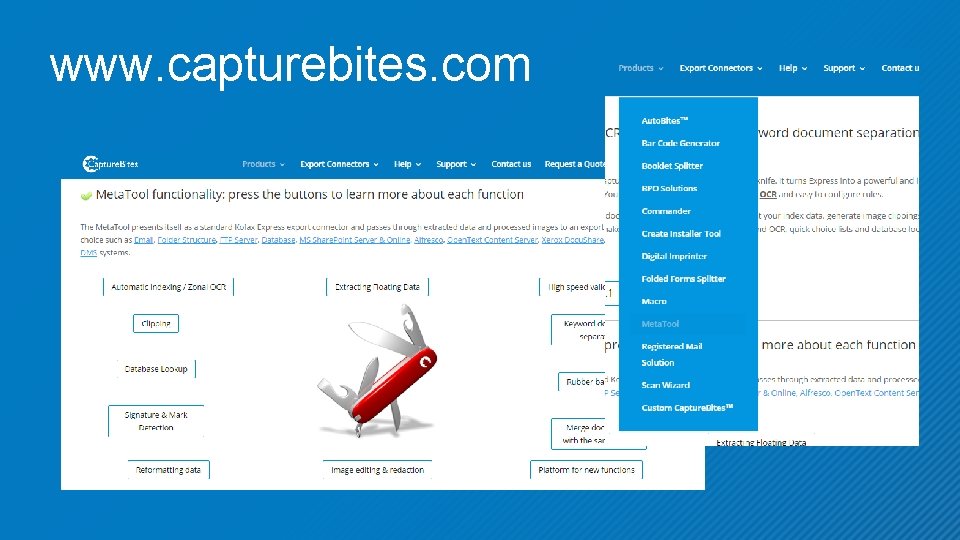
www. capturebites. com

Special Products
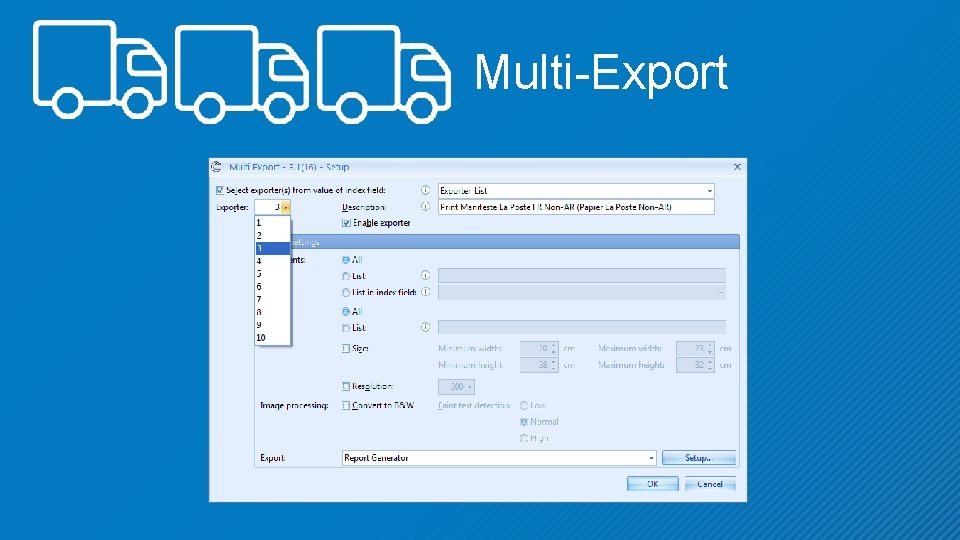
Multi-Export
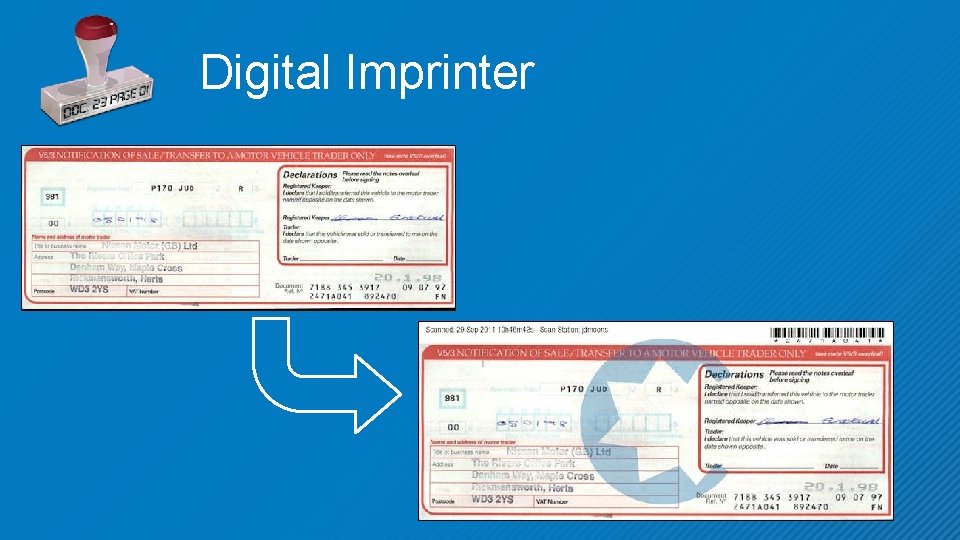
Digital Imprinter
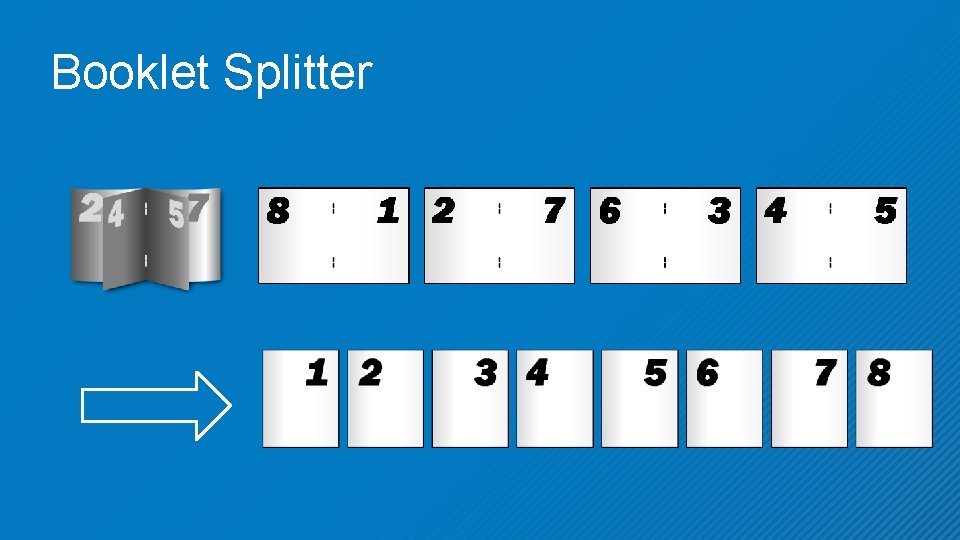
Booklet Splitter
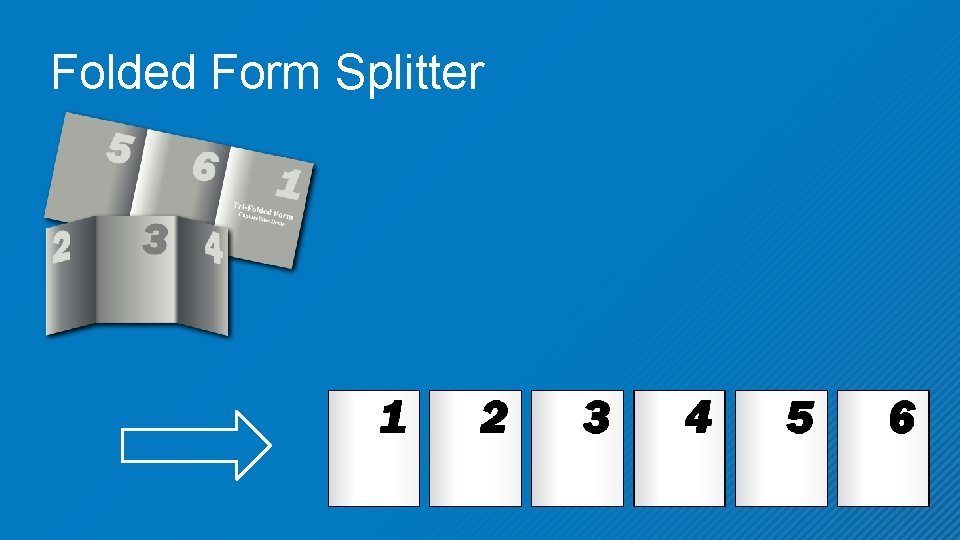
Folded Form Splitter
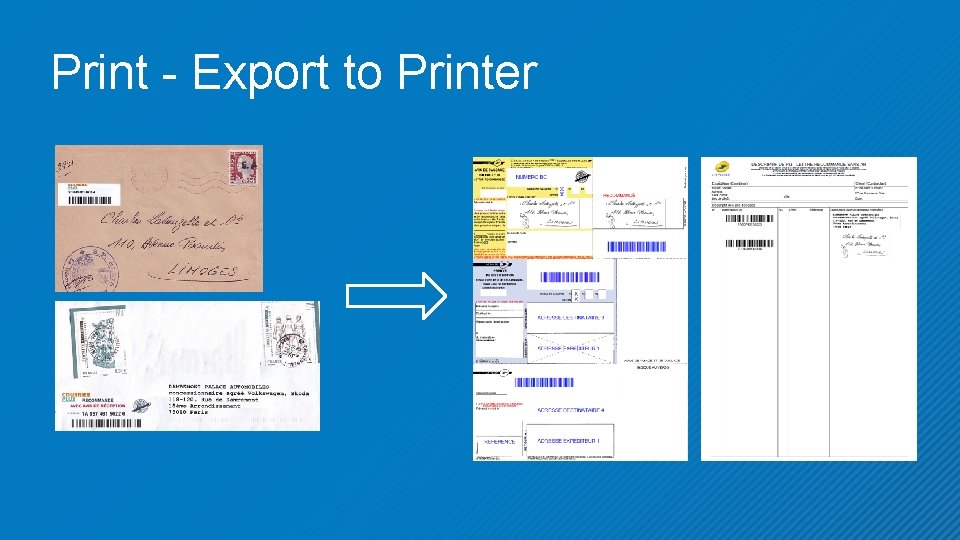
Print - Export to Printer
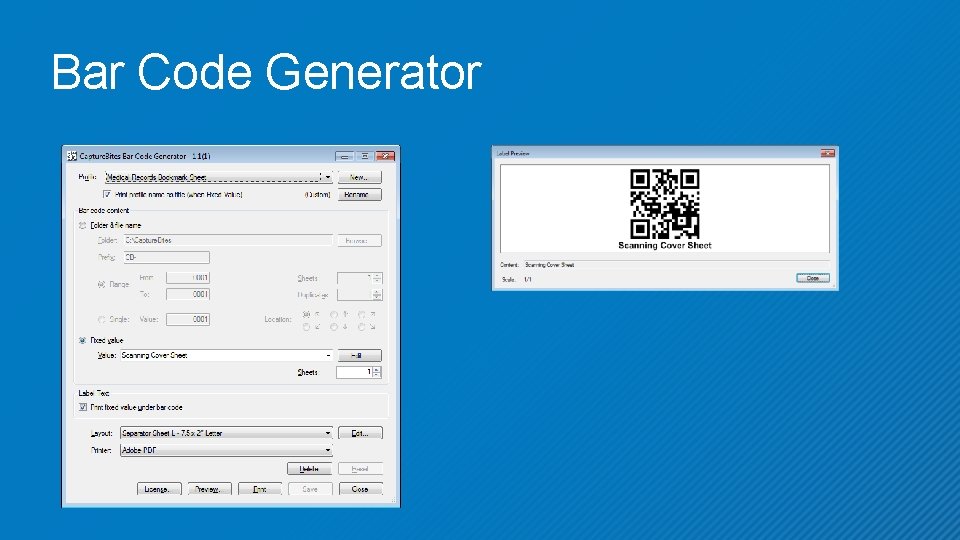
Bar Code Generator
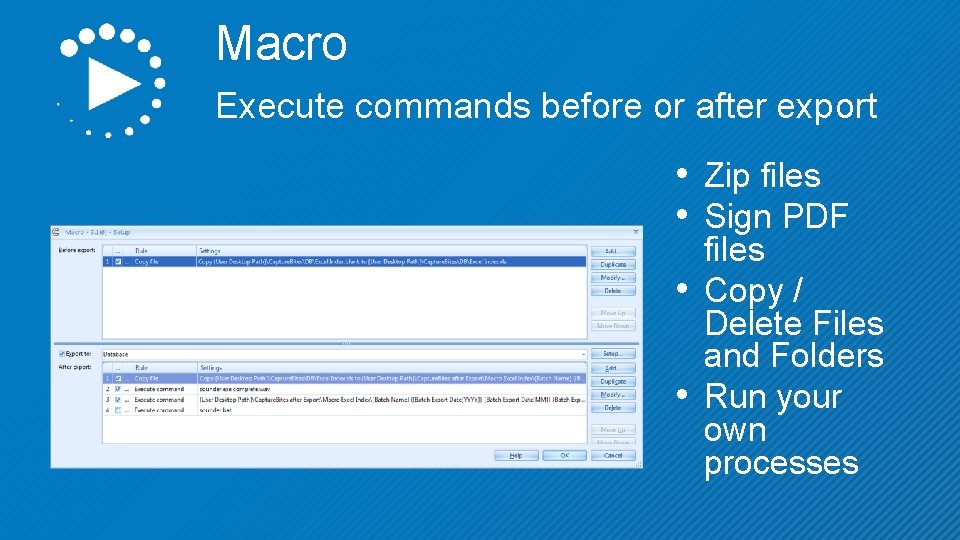
Macro Execute commands before or after export • Zip files • Sign PDF • • files Copy / Delete Files and Folders Run your own processes
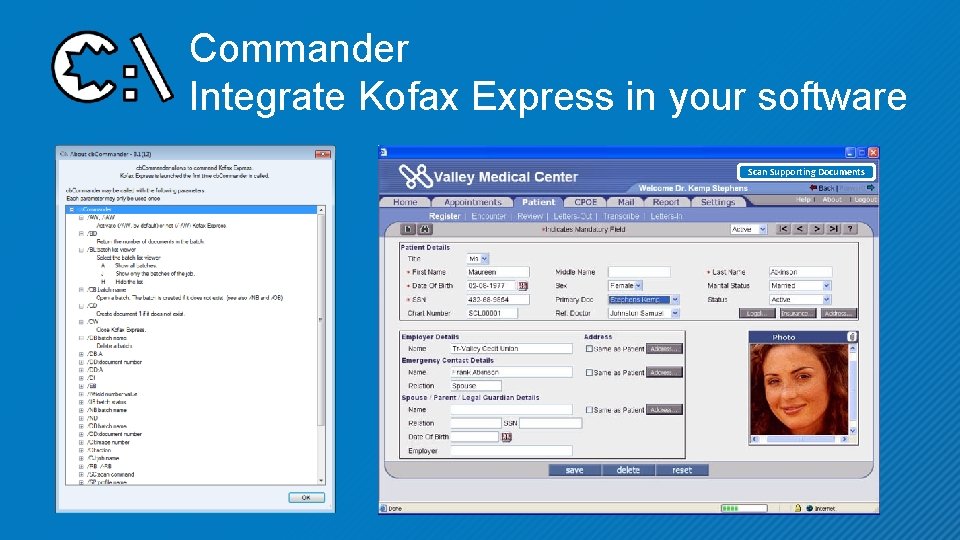
Commander Integrate Kofax Express in your software Scan Supporting Documents
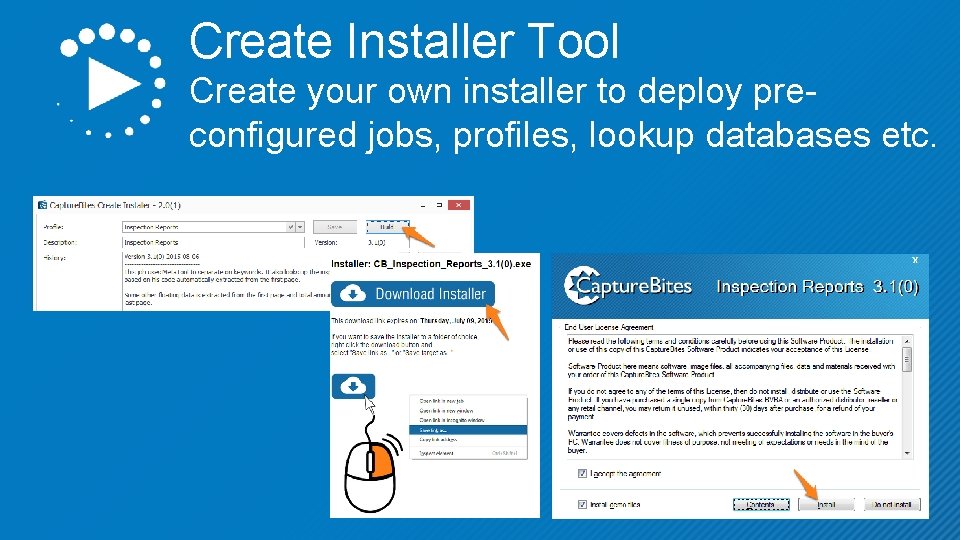
Create Installer Tool Create your own installer to deploy preconfigured jobs, profiles, lookup databases etc.

- Slides: 37