
Kodak Alaris Capture Pro Info Input Solution Software

- Slides: 14
Kodak Alaris Capture Pro & Info Input Solution Software Overview Kelly Garvey Software Business Development & Mike Paternoster Professional Services / Info Input Guru 1
Alaris (Kodak Alaris) Software Program 2018 Alaris Capture Software Fit & Positioning (Simple Capture) Software Offerings (1) What’s in the Box? Capture Pro LE / Smart. Touch (2) Capture Pro (KCP) – Thick Client (3) Info Input Solution – Thin Client Alaris Support on Demos, Po. C, Installation and Training 30% Margin for Partners Professional Services packages to help you succeed *Product Configuration provided by New. Wave Sales Team 2
Alaris (Kodak Alaris) Capture Offerings Thick & Thin Client Options – Alaris Capture Pro / Alaris Info Input Solution Simple Capture (No Form Recognition or AI) Database lookups, Barcode, Flexible Indexing, Image Controls Export Flexibility Simplified Scan Capture for Advanced Capture Apps – Kofax, Ephesoft Integration into Lo. B Systems or EDMs – Box Client, AX Client, Others 3
Kodak Capture Pro Differentiation Installation • Simple to install, Thick client • Single or multiple scanners Single Purchase license • No image cost • Initial Cost based on speed of scanner i 5650 / i 5850 Sorter Quick Trial – 30 Days • Capture Pro fully integrated with the Sorter • Prospect can download software and start scanning models in minutes Support for other Scanner • Can be used on other Scanner models – Group license needed available on web 4 BPO / Service Bureaus • Loved by Scan operators for ease of QC/Indexing • Image Controls for poor docs
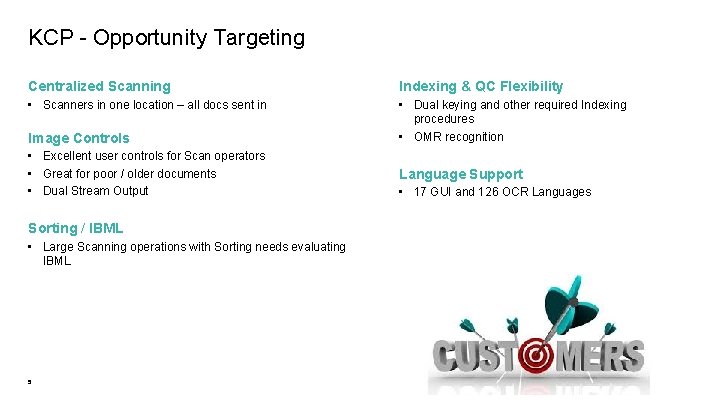
KCP - Opportunity Targeting Centralized Scanning Indexing & QC Flexibility • Scanners in one location – all docs sent in • Dual keying and other required Indexing procedures • OMR recognition Image Controls • Excellent user controls for Scan operators • Great for poor / older documents • Dual Stream Output Sorting / IBML • Large Scanning operations with Sorting needs evaluating IBML 5 Language Support • 17 GUI and 126 OCR Languages
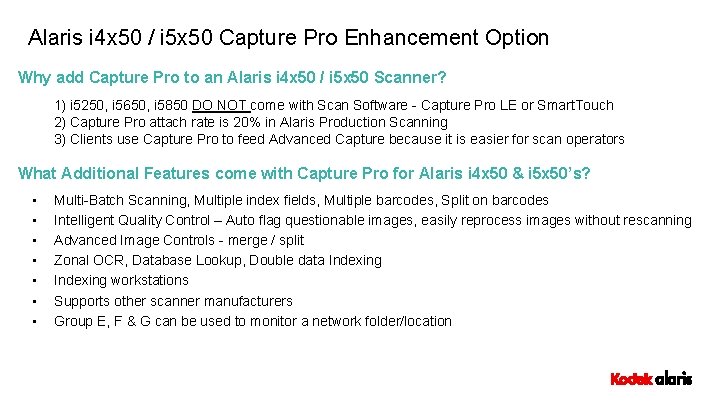
Alaris i 4 x 50 / i 5 x 50 Capture Pro Enhancement Option Why add Capture Pro to an Alaris i 4 x 50 / i 5 x 50 Scanner? 1) i 5250, i 5650, i 5850 DO NOT come with Scan Software - Capture Pro LE or Smart. Touch 2) Capture Pro attach rate is 20% in Alaris Production Scanning 3) Clients use Capture Pro to feed Advanced Capture because it is easier for scan operators What Additional Features come with Capture Pro for Alaris i 4 x 50 & i 5 x 50’s? • • Multi-Batch Scanning, Multiple index fields, Multiple barcodes, Split on barcodes Intelligent Quality Control – Auto flag questionable images, easily reprocess images without rescanning Advanced Image Controls - merge / split Zonal OCR, Database Lookup, Double data Indexing workstations Supports other scanner manufacturers Group E, F & G can be used to monitor a network folder/location
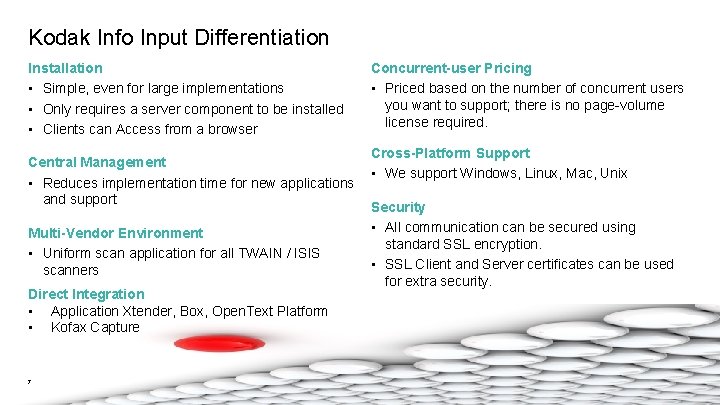
Kodak Info Input Differentiation Installation • Simple, even for large implementations • Only requires a server component to be installed • Clients can Access from a browser Central Management • Reduces implementation time for new applications and support Multi-Vendor Environment • Uniform scan application for all TWAIN / ISIS scanners Direct Integration • Application Xtender, Box, Open. Text Platform • Kofax Capture 7 Concurrent-user Pricing • Priced based on the number of concurrent users you want to support; there is no page-volume license required. Cross-Platform Support • We support Windows, Linux, Mac, Unix Security • All communication can be secured using standard SSL encryption. • SSL Client and Server certificates can be used for extra security.
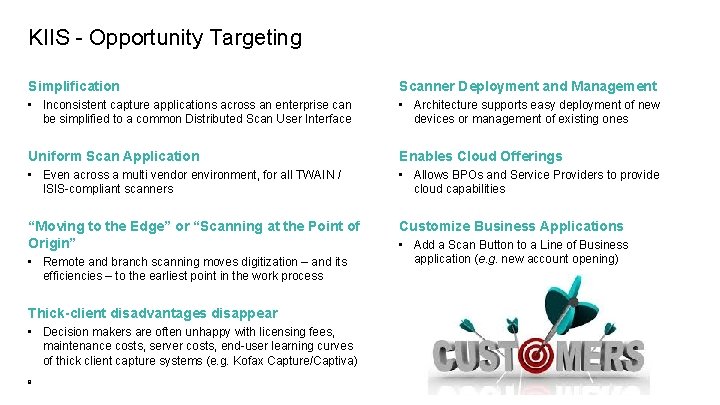
KIIS - Opportunity Targeting Simplification Scanner Deployment and Management • Inconsistent capture applications across an enterprise can be simplified to a common Distributed Scan User Interface • Architecture supports easy deployment of new devices or management of existing ones Uniform Scan Application Enables Cloud Offerings • Even across a multi vendor environment, for all TWAIN / ISIS-compliant scanners • Allows BPOs and Service Providers to provide cloud capabilities “Moving to the Edge” or “Scanning at the Point of Origin” Customize Business Applications • Remote and branch scanning moves digitization – and its efficiencies – to the earliest point in the work process Thick-client disadvantages disappear • Decision makers are often unhappy with licensing fees, maintenance costs, server costs, end-user learning curves of thick client capture systems (e. g. Kofax Capture/Captiva) 8 • Add a Scan Button to a Line of Business application (e. g. new account opening)
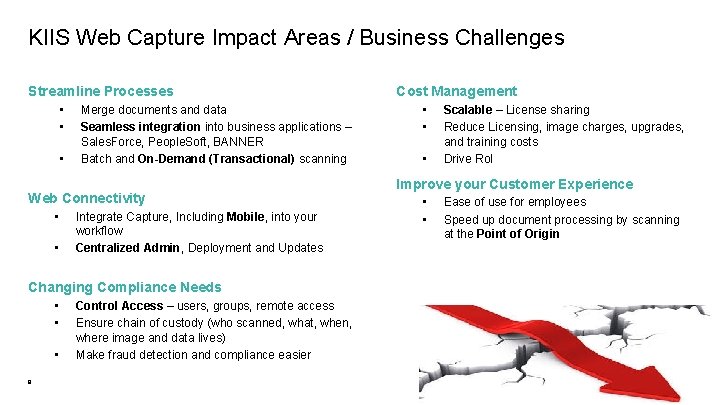
KIIS Web Capture Impact Areas / Business Challenges Streamline Processes • • • Merge documents and data Seamless integration into business applications – Sales. Force, People. Soft, BANNER Batch and On-Demand (Transactional) scanning Web Connectivity • • Integrate Capture, Including Mobile, into your workflow Centralized Admin, Deployment and Updates Changing Compliance Needs • • • 9 Control Access – users, groups, remote access Ensure chain of custody (who scanned, what, when, where image and data lives) Make fraud detection and compliance easier Cost Management • • • Scalable – License sharing Reduce Licensing, image charges, upgrades, and training costs Drive Ro. I Improve your Customer Experience • • Ease of use for employees Speed up document processing by scanning at the Point of Origin
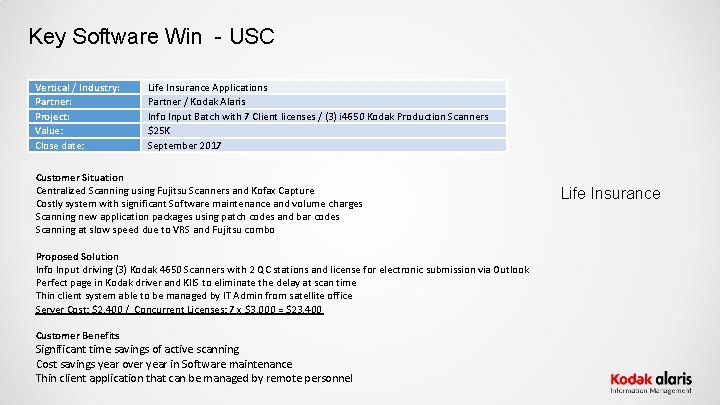
Key Software Win - USC Vertical / Industry: Partner: Project: Value: Close date: Life Insurance Applications Partner / Kodak Alaris Info Input Batch with 7 Client licenses / (3) i 4650 Kodak Production Scanners $25 K September 2017 Customer Situation Centralized Scanning using Fujitsu Scanners and Kofax Capture Costly system with significant Software maintenance and volume charges Scanning new application packages using patch codes and bar codes Scanning at slow speed due to VRS and Fujitsu combo Proposed Solution Info Input driving (3) Kodak 4650 Scanners with 2 QC stations and license for electronic submission via Outlook Perfect page in Kodak driver and KIIS to eliminate the delay at scan time Thin client system able to be managed by IT Admin from satellite office Server Cost: $2, 400 / Concurrent Licenses: 7 x $3, 000 = $23, 400 Customer Benefits Significant time savings of active scanning Cost savings year over year in Software maintenance Thin client application that can be managed by remote personnel Life Insurance
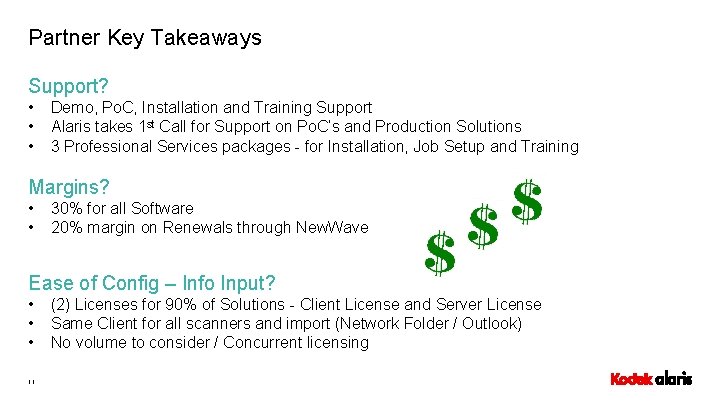
Partner Key Takeaways Support? • • • Demo, Po. C, Installation and Training Support Alaris takes 1 st Call for Support on Po. C’s and Production Solutions 3 Professional Services packages - for Installation, Job Setup and Training Margins? • • 30% for all Software 20% margin on Renewals through New. Wave Ease of Config – Info Input? • • • 11 (2) Licenses for 90% of Solutions - Client License and Server License Same Client for all scanners and import (Network Folder / Outlook) No volume to consider / Concurrent licensing
Kodak Alaris Professional Services • Capture Pro is Bundled with Startup Assistance (remote provided by KA Support team) • Info Input Support Packages – 3 Key Packages – Discounted to New. Wave 1) Info Input Installation – est. 2 hours - $550. 00 CAT#: 1026608 2) Info Input Admin Training – est. 3 hours - $825. 00 CAT#: 1026590 3) Info Input Job Configuration / Batch Creation – 4 hours - $1100. 00 CAT#: 1026624 12
Technical Support: Contact Info, Positioning, Tech Questions Mike Paternoster, KIIS Wizard John Farruggio, Strategic Engineer (East) Matt Jacobs, TM West Domonic Palozzi, TM Canada Fred Perel, TM Central Kelly Garvey | Software Solutions US & C Information Management | Kodak Alaris USA kelly. garvey@kodakalaris. com | Mobile: 704. 840. 4149 13 Michael J. Paternoster | Solution Architect | CDIA+ Information Management | Kodak Alaris USA Mike. paternoster@kodakalaris. com | cell: 201. 615. 1608 http: //alarisoneclick. com
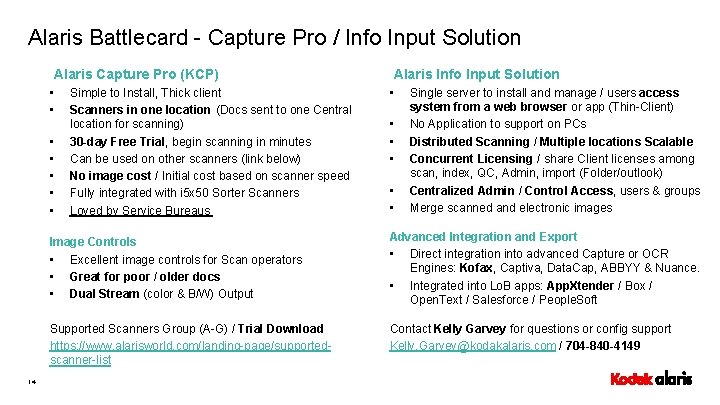
Alaris Battlecard - Capture Pro / Info Input Solution Alaris Capture Pro (KCP) • • 14 Simple to Install, Thick client Scanners in one location (Docs sent to one Central location for scanning) 30 -day Free Trial, begin scanning in minutes Can be used on other scanners (link below) No image cost / Initial cost based on scanner speed Fully integrated with i 5 x 50 Sorter Scanners Loved by Service Bureaus Alaris Info Input Solution • • • Single server to install and manage / users access system from a web browser or app (Thin-Client) No Application to support on PCs Distributed Scanning / Multiple locations Scalable Concurrent Licensing / share Client licenses among scan, index, QC, Admin, import (Folder/outlook) Centralized Admin / Control Access, users & groups Merge scanned and electronic images Image Controls • Excellent image controls for Scan operators • Great for poor / older docs • Dual Stream (color & B/W) Output Advanced Integration and Export • Direct integration into advanced Capture or OCR Engines: Kofax, Captiva, Data. Cap, ABBYY & Nuance. • Integrated into Lo. B apps: App. Xtender / Box / Open. Text / Salesforce / People. Soft Supported Scanners Group (A-G) / Trial Download https: //www. alarisworld. com/landing-page/supportedscanner-list Contact Kelly Garvey for questions or config support Kelly. Garvey@kodakalaris. com / 704 -840 -4149