
Know The user What we need to know
- Slides: 50
Know The user What we need to know about the user: ● ● ● User Analysis: what do you need to know about the users? Task Analysis: What are the user’s goals? What tasks do they perform? Environment analysis: What are the user’s surroundings and what effect do they have on performing a task? Recruiting users: where you can find them What usability specifications you will choose for rating your site/software
Why to do user analysis ● Reduce development and maintenance costs ● ● Keep customers ● ● The need to better serve the customers If the site is friendly to use they may be back Increase sales ● User friendly sites have a higher conversion rate.
Examples ● ● Redesign of an IBM site increased sales 400% within the first month IBM site: 84% reduction in use of Help button, meaning users were not lost as often Frugal Fun: 1400% increase in sales after website redesign Dell: reduced calls to (very expensive) telephone support
Generic User Characterizations ● ● Learning Style Tool preference Physical Differences Cultural Differences
Learning Style ● Do-then-read (an active user believes that only wimps read manuals) ● Read-then-do (what manual writers seem to assume)
Tool preference ● ● ● Do your users know drop-down menus? Do they prefer mouse or keyboard? (Some advanced users hate the mouse: it slows them down. ) Do they know frames? Popup windows? Search? You won’t believe how different new users are, compared to you, until you watch them
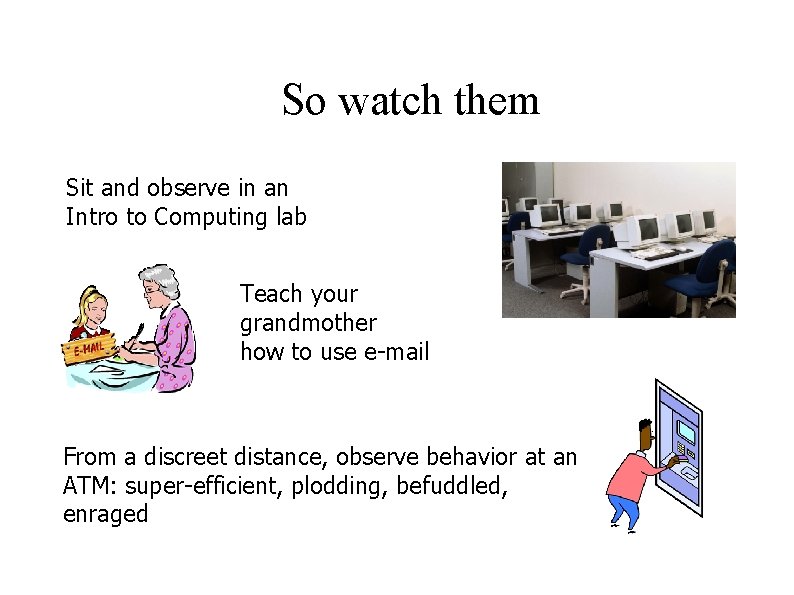
So watch them Sit and observe in an Intro to Computing lab Teach your grandmother how to use e-mail From a discreet distance, observe behavior at an ATM: super-efficient, plodding, befuddled, enraged
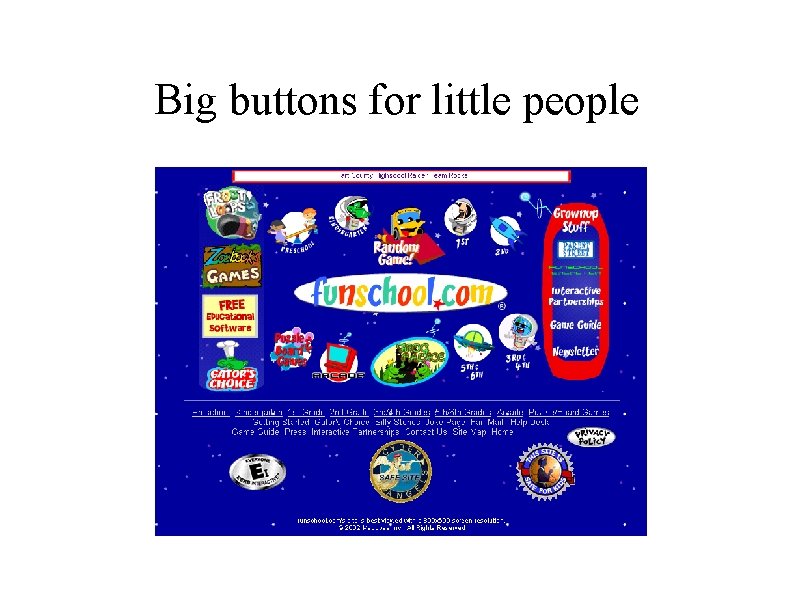
Physical Differences ● ● ● Age (use larger fonts for older people) Sex (consider your target group: e. g. , more women than men buy lipstick) Vision limitations, such as color blindness Other physical limitations that might restrict movement Small children don’t have good fine-muscle control
Big buttons for little people
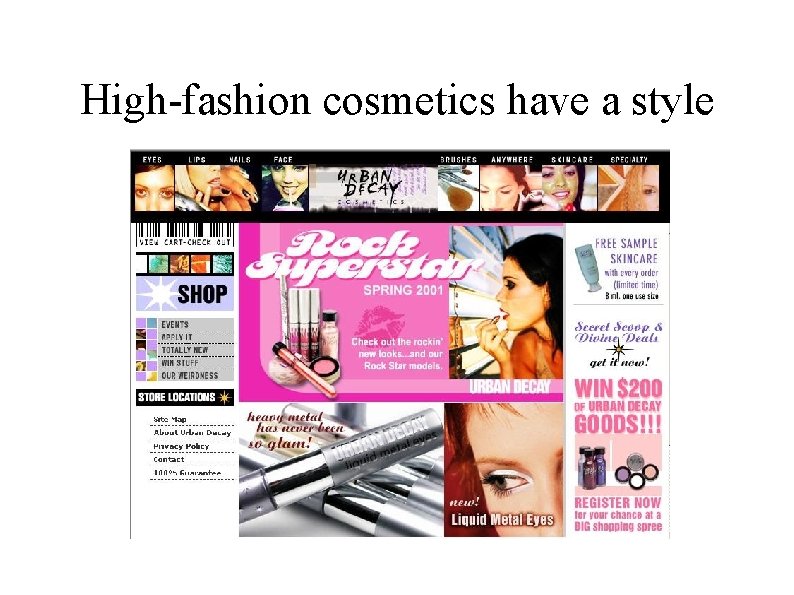
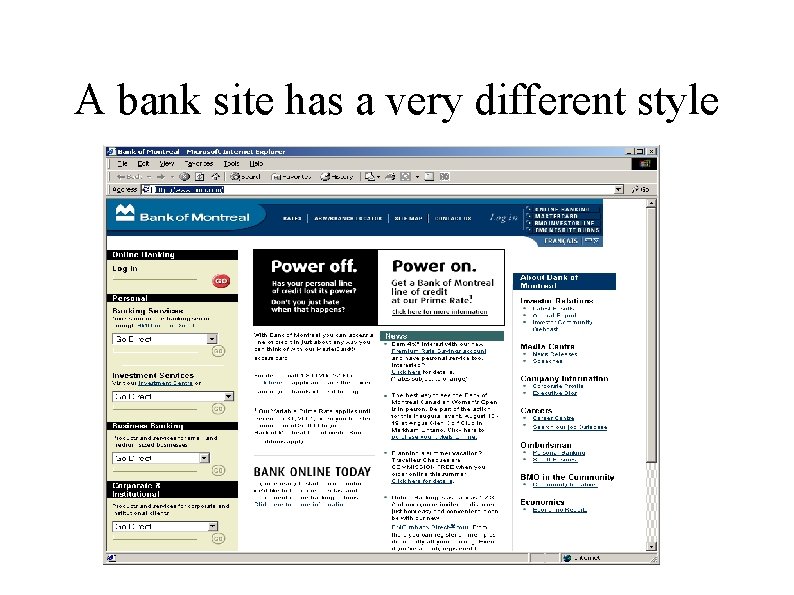
Cultural Differences ● Education (eigth-grade reading level) ● ● Profession (specialized vocabularies) ● ● Soc. Sec. Adm. Uses sixth to eigth reading level “default” does not mean the same to a banker than to a programmer Corporate style: what are you trying to convey to whom? ● Organizations would like to communicate value system to audience
High-fashion cosmetics have a style
A bank site has a very different style
Specific User Characteristics Look at users in context: Why will they use your website? What will they do there? How will they do it? Explore familiarity with Website or sites like it
Specific User Characteristics Knowledge of job � Application familiarity � Primary and Secondary users �
Knowledge of job ● ● ● Is your site used daily on the job, or it is used at home for recreation or a hobby? Is there a specialized vocabulary? If in an office, how does work on your site fit in with other activities? Could your user answer that question? Does your user do the same job all day? Bored? If for personal use, what is the purpose? – – – To inform To entertain To sell
Application familiarity ● Novice – ● Advanced Beginner – ● Less fear: knows basics; still impatient at having to learn how to do tasks. Competent Performer – ● Faces a frightening unknown; timid, nervous, in no mood to explore your goodies Can diagnose simple problems and can perform a complex series of tasks Expert – Small group. Can diagnose complex problems. Has a mental model of the application. Not typical users.
Primary and Secondary users ● Primary user: the person who actively uses the site: – – ● Airline reservation clerk Help desk staff Secondary user: the person being served by a primary user: – – Airline passenger Customer who called the support line
Getting information How can you learn the characteristics of your users? ● ● Not managers. Managers are not users. They may think they know users, but they aren’t users. Not developers. The worst. Of course they can see that button the users can’t see: they put it there.
Getting information Good sources: ● Users themselves, preferably in their workplace. ● ● The Gold Standard. Customer service and technical support. ● They deal with users as their job.
Task Analysis Goals, tasks, and actions Methods for identifying types and grain of Tasks ● – Workflow Analysis – Job analysis – Task list – Task sequence – Task hierarchies – Procedural analysis Techniques for observing and listening to users
Task Analysis Goals What users want to accomplish Forms motivation for visiting the site Tasks and subtasks How users accomplish these goals Actions Subcomponent or step of a task (lowest grain)
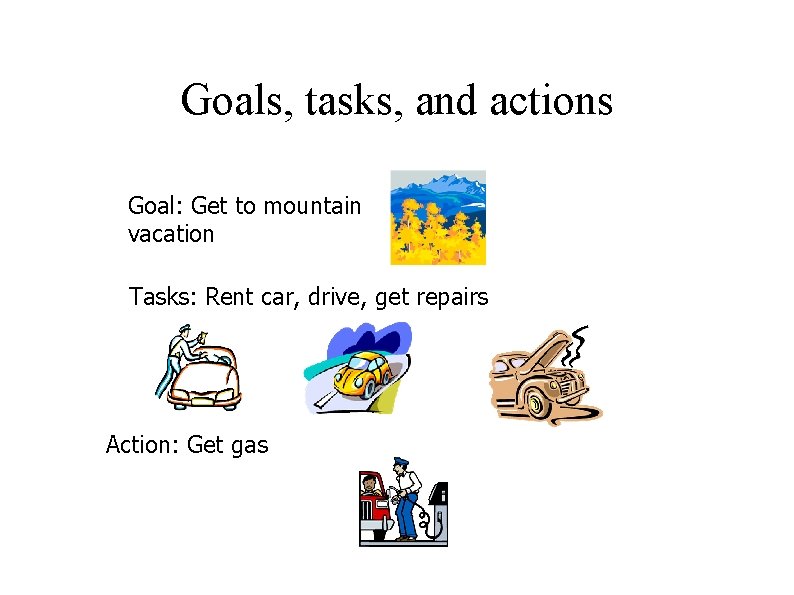
Goals, tasks, and actions Goal: Get to mountain vacation Tasks: Rent car, drive, get repairs Action: Get gas
Tasks and actions ● ● Why is getting repairs a task, but getting gas an action? Because at this level of granularity, getting gas cannot be broken down into smaller components – But if you are getting gas at a self-service station, and you’ve never done it before, and the instructions are hopeless. . . well, sure, for you that’s a task The goal/task/action distinction is useful, but should not be applied rigidly
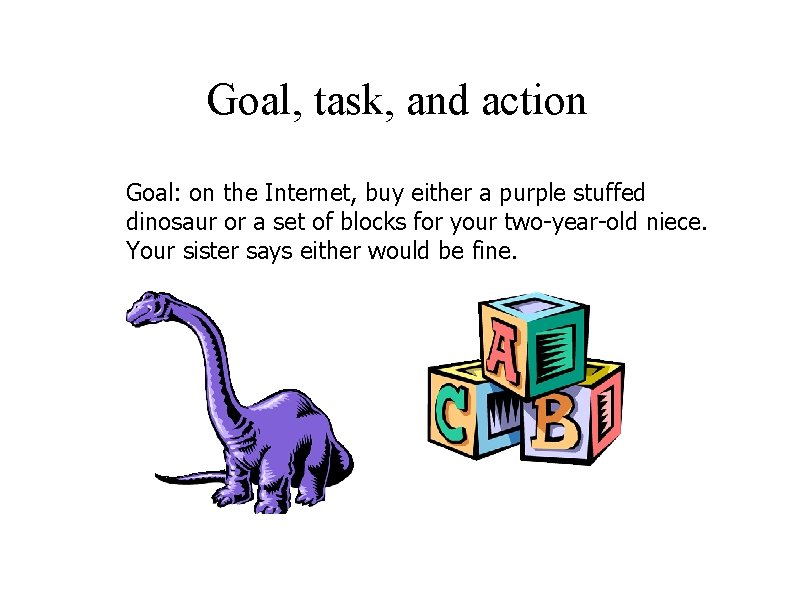
Goal, task, and action Goal: on the Internet, buy either a purple stuffed dinosaur or a set of blocks for your two-year-old niece. Your sister says either would be fine.
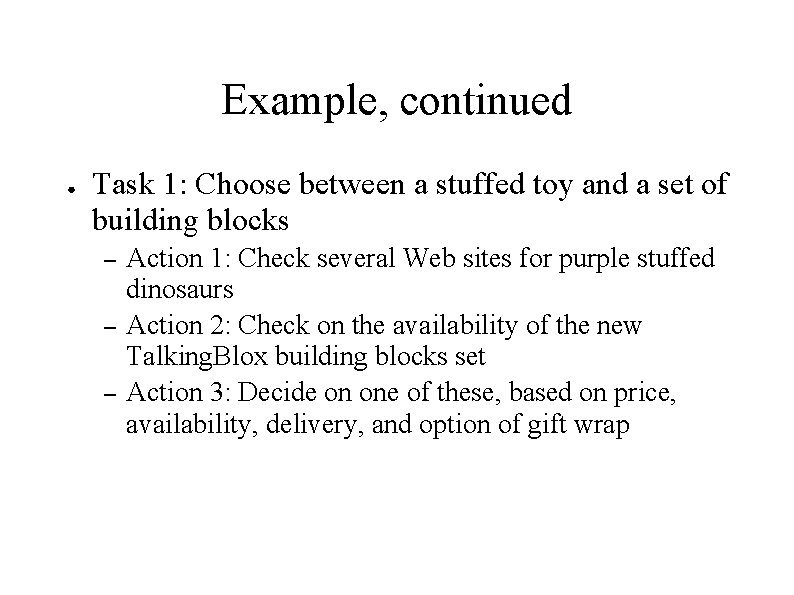
Example, continued ● Task 1: Choose between a stuffed toy and a set of building blocks – – – Action 1: Check several Web sites for purple stuffed dinosaurs Action 2: Check on the availability of the new Talking. Blox building blocks set Action 3: Decide on one of these, based on price, availability, delivery, and option of gift wrap
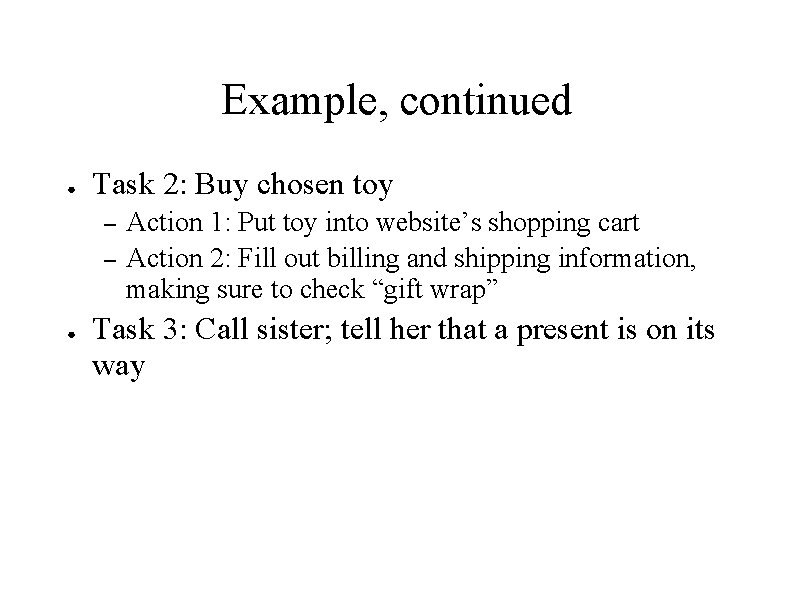
Example, continued ● Task 2: Buy chosen toy – – ● Action 1: Put toy into website’s shopping cart Action 2: Fill out billing and shipping information, making sure to check “gift wrap” Task 3: Call sister; tell her that a present is on its way
Methods for identifying types and grain of Tasks ● Workflow Analysis ● Job analysis ● Task list ● Task sequence ● Task hierarchies ● Procedural analysis
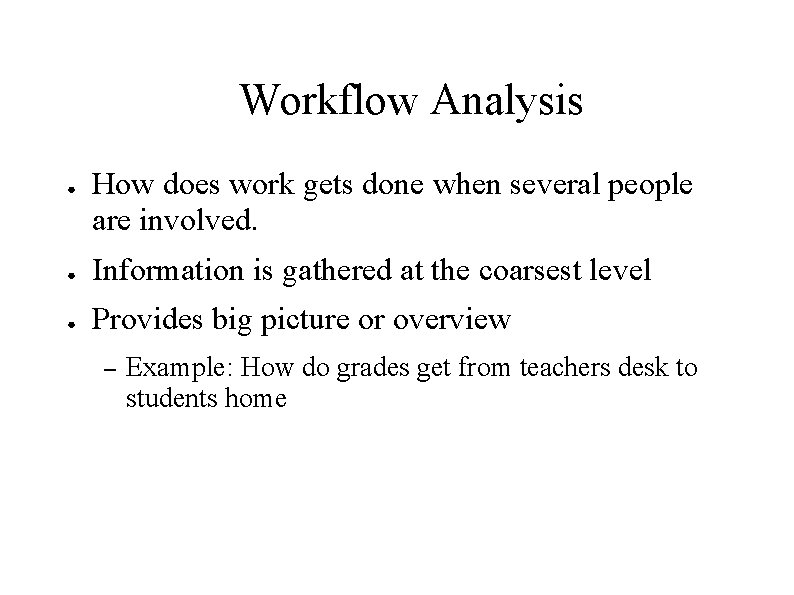
Workflow Analysis ● How does work gets done when several people are involved. ● Information is gathered at the coarsest level ● Provides big picture or overview – Example: How do grades get from teachers desk to students home
Job analysis ● What a single person does in a day, a week, a month – Workflow follows the work from one station to the next – Job analysis concentrates on single person carries out. – Example: A secretary ● Interview the secretary or sit and watch
Task list ● Takes the grain of a job to a more detailed level ● Tasks as components of a Job
Task sequence ● The order in which the tasks take place ● May be a simple as arranging them – ● Watch users carry out their work. Reasons for picking a tasks sequence: – Physical reality – “Because we've always done it that way. ” ● A new system should disrupt users as little as possible
Task hierarchies ● Need to document the components of a tasks ● How subtasks are comprised of actions. ● The level of detail of the hierarchies will depend on the type of website being designed
Procedural analysis ● ● Most detail Shows individual steps and decisions that a user goes through in carrying out a task
Techniques for observing and listening to users ● ● ● Think aloud: talk while doing the job Talk right after Role playing Cueing recall with videotape Focus groups Mailed surveys
Techniques for observing and listening to users Users should be doing their jobs not explaining how they are done ● Think aloud: talk while doing the job ● Talk right after ● Role playing ● Cueing recall with videotape ● Focus groups ● Mailed surveys
Think aloud: Gold Standard ● ● ● Ask user for running commentary while doing their work Encourage users to explain everything they are doing while they are at it Seeking to learn what they are doing and why they are doing it
Think aloud: Gold Standard ● Samples of facilitating remarks: – – – “Could you tell me what options you are considering? ” “Is anything in particular puzzling you? ” “What might you do next? ”
Think aloud: Gold Standard ● ● BUT: No feedback, positive or negative No answers or hints If users get stuck, have them go on Neutral demeanor at all times
Talk right after Sometimes talking while doing the work is not feasible
Talk right after ● Talking right after may be best alternative to thinking aloud
Role playing ● ● Some things happen so infrequently that there is no way to observe the user Some one may be able to play the role of a user in that situation
Cueing recall with videotape ● ● ● After getting written permissions, tape the user at work This records the user interacting with others in a normal work setting Later, play the tape and have the user explain what was going on
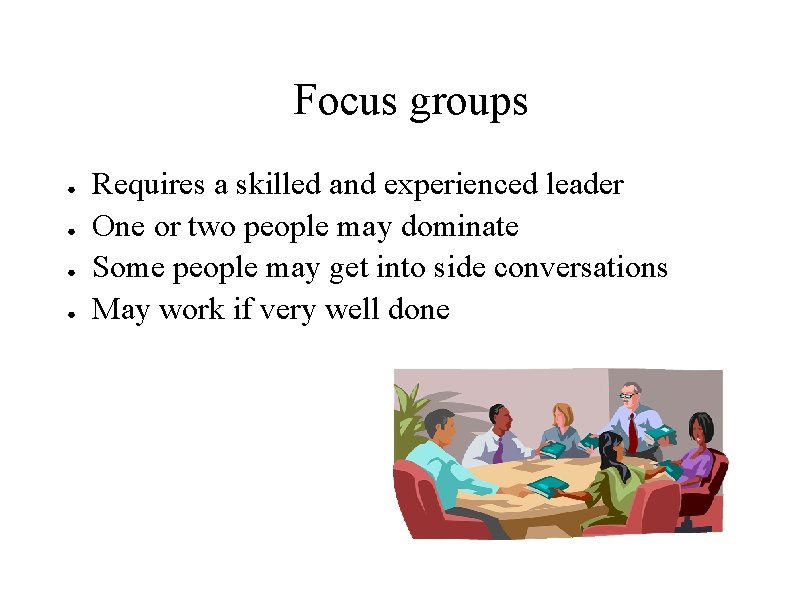
Focus groups ● ● Requires a skilled and experienced leader One or two people may dominate Some people may get into side conversations May work if very well done
Mailed surveys ● ● ● Very difficult to write good questions Choice of mail list can bias results A return rate of 10% is extremely good; 1 -2% is typical May report on what people think they do, not what they actually do And inexpensive
Environment Analysis ● Where do people use your interface? Many variations: – – ● An outdoor ATM in a cold location where people wear gloves while using it (need huge buttons) On a combination cell phone/wireless browser, with a tiny display (need tiny fingers!) In a location where direct sun can hit your display, making it hard to read In an extremely noisy factory, where any sound you add would be impossible to understand Observe your users in their own setting
Recruiting Users ● If product is in use, test with real current users: – – ● ● ● Temp agencies In college, post notice or ask a professor to announce Provide incentives: – – ● Employees Customers Coffee mugs, T-shirts $$$ Not family or friends: they won’t be critical enough
Usability Specifications ● ● Set of: – Performance measures – Preference measures And specifying a numeric target for each measure
Performance measures ● ● ● ● Time to locate a book at the Barnes & Noble website Time to fill in customer information and place order Number of times the Back Button is used, indicating that user cannot find desired information Number of clicks to find the time of a TV show Percentage of tasks completed correctly Number of calls to support line Number of complaints, negative facial expressions, or regressive behaviors (screaming at monitor, etc. )
Preference measures ● Often obtained using a Likert Scale
Summary ● It is hard to over-emphasize the importance of a user-centric approach to website development – – – Usability can be quantified and measured (key idea) There is no good substitute for watching, interviewing, or videotaping real users, in their place of work Usability specifications should be set at the beginning of the project There is a fundamental difference between performance measures and preference measures It is crucial to observe users in their own environment