
Kit Strategy New options for end user equipment
- Slides: 20
Kit Strategy New options for end user equipment. Supporting new ways for staff and students to engage with our services. Peter Mitchell, IT Services.
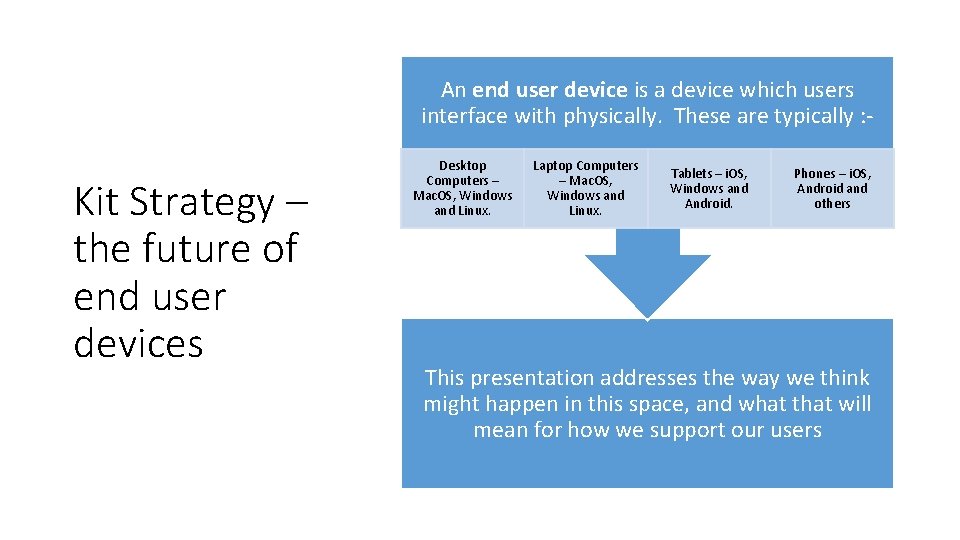
An end user device is a device which users interface with physically. These are typically : - Kit Strategy – the future of end user devices Desktop Computers – Mac. OS, Windows and Linux. Laptop Computers – Mac. OS, Windows and Linux. Tablets – i. OS, Windows and Android. Phones – i. OS, Android and others This presentation addresses the way we think might happen in this space, and what that will mean for how we support our users
Agenda • Where are we now. • What has changed and what can we do about it. • What are we doing about it now. • Time to review our approach, and consider if another way is better. • Thinking about users interaction with our services, and space. • What are we going to be doing about all of this. • Sky’s the limit.
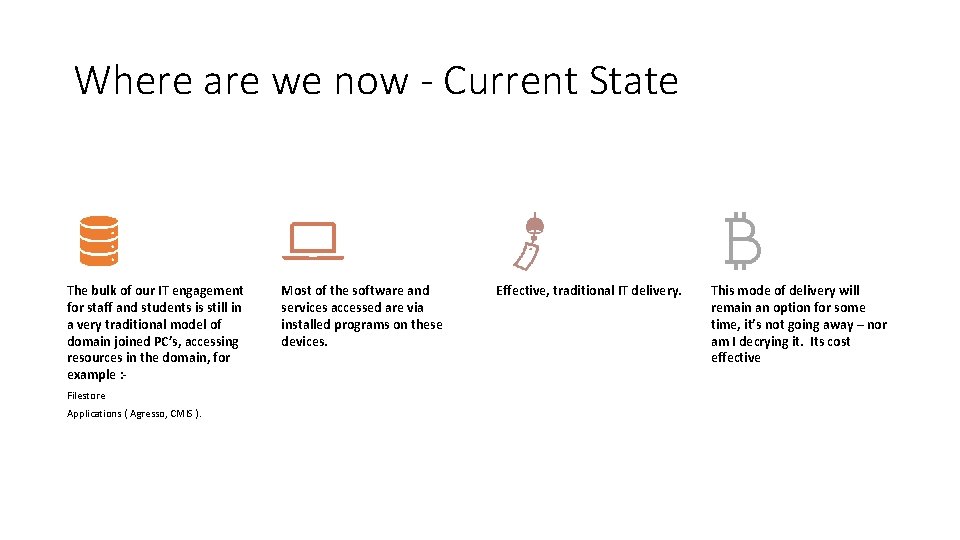
Where are we now - Current State The bulk of our IT engagement for staff and students is still in a very traditional model of domain joined PC’s, accessing resources in the domain, for example : Filestore Applications ( Agresso, CMIS ). Most of the software and services accessed are via installed programs on these devices. Effective, traditional IT delivery. This mode of delivery will remain an option for some time, it’s not going away – nor am I decrying it. Its cost effective
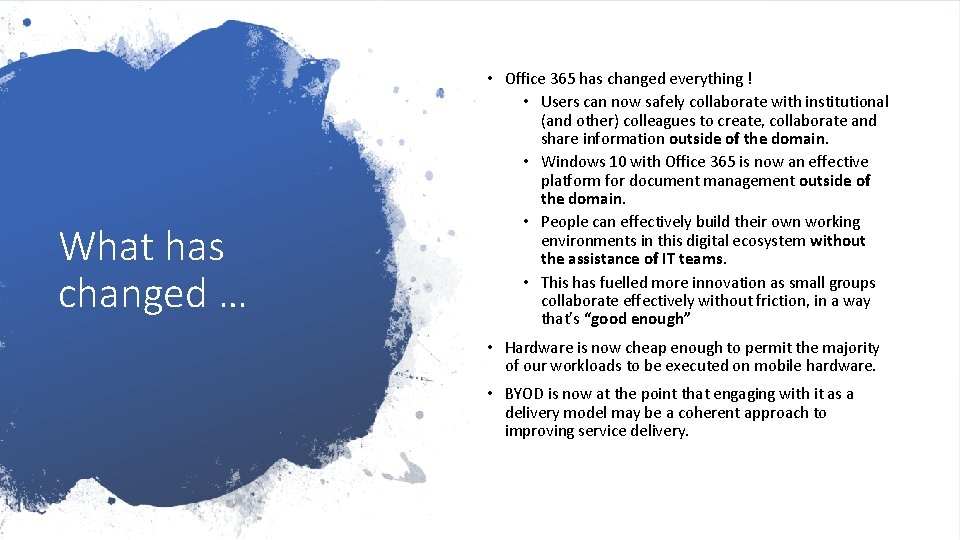
What has changed … • Office 365 has changed everything ! • Users can now safely collaborate with institutional (and other) colleagues to create, collaborate and share information outside of the domain. • Windows 10 with Office 365 is now an effective platform for document management outside of the domain. • People can effectively build their own working environments in this digital ecosystem without the assistance of IT teams. • This has fuelled more innovation as small groups collaborate effectively without friction, in a way that’s “good enough” • Hardware is now cheap enough to permit the majority of our workloads to be executed on mobile hardware. • BYOD is now at the point that engaging with it as a delivery model may be a coherent approach to improving service delivery.
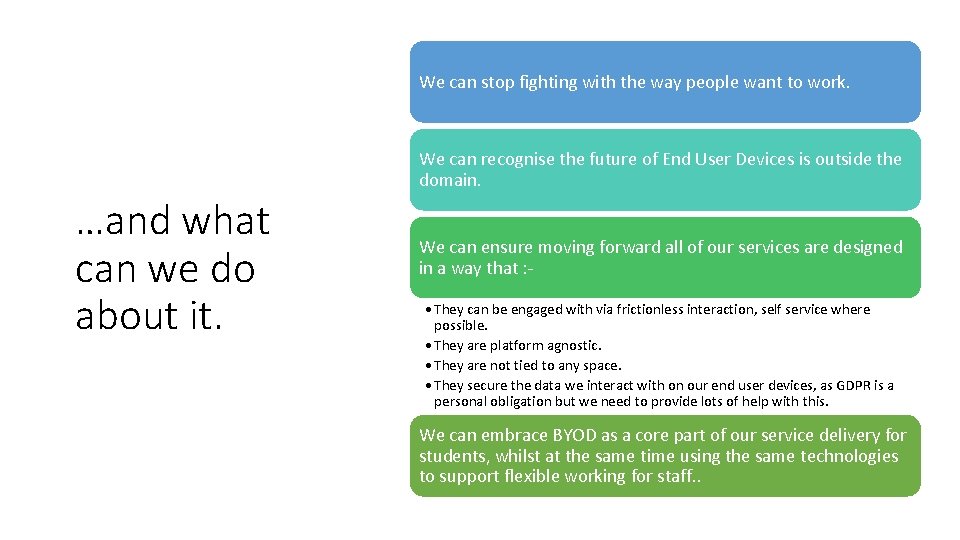
We can stop fighting with the way people want to work. We can recognise the future of End User Devices is outside the domain. …and what can we do about it. We can ensure moving forward all of our services are designed in a way that : • They can be engaged with via frictionless interaction, self service where possible. • They are platform agnostic. • They are not tied to any space. • They secure the data we interact with on our end user devices, as GDPR is a personal obligation but we need to provide lots of help with this. We can embrace BYOD as a core part of our service delivery for students, whilst at the same time using the same technologies to support flexible working for staff. .
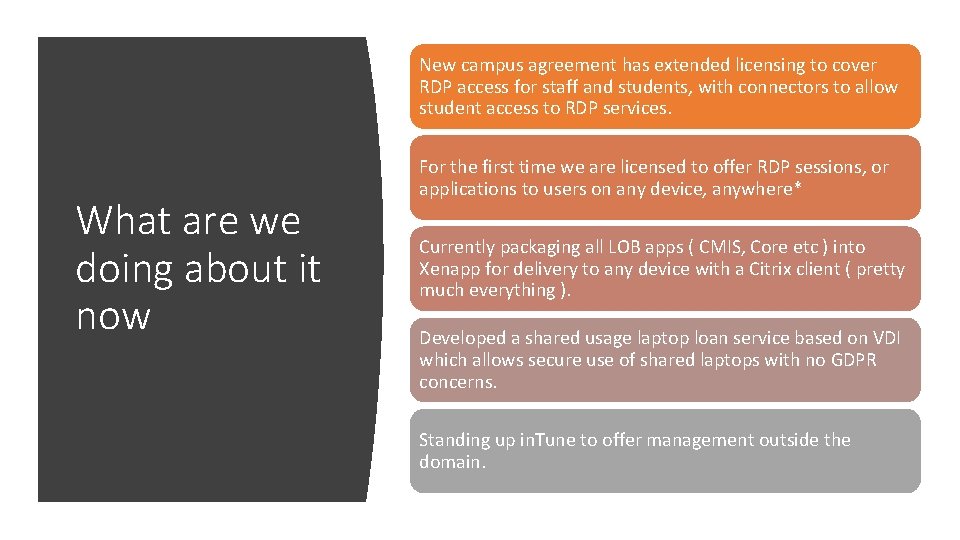
New campus agreement has extended licensing to cover RDP access for staff and students, with connectors to allow student access to RDP services. What are we doing about it now For the first time we are licensed to offer RDP sessions, or applications to users on any device, anywhere* Currently packaging all LOB apps ( CMIS, Core etc ) into Xenapp for delivery to any device with a Citrix client ( pretty much everything ). Developed a shared usage laptop loan service based on VDI which allows secure use of shared laptops with no GDPR concerns. Standing up in. Tune to offer management outside the domain.
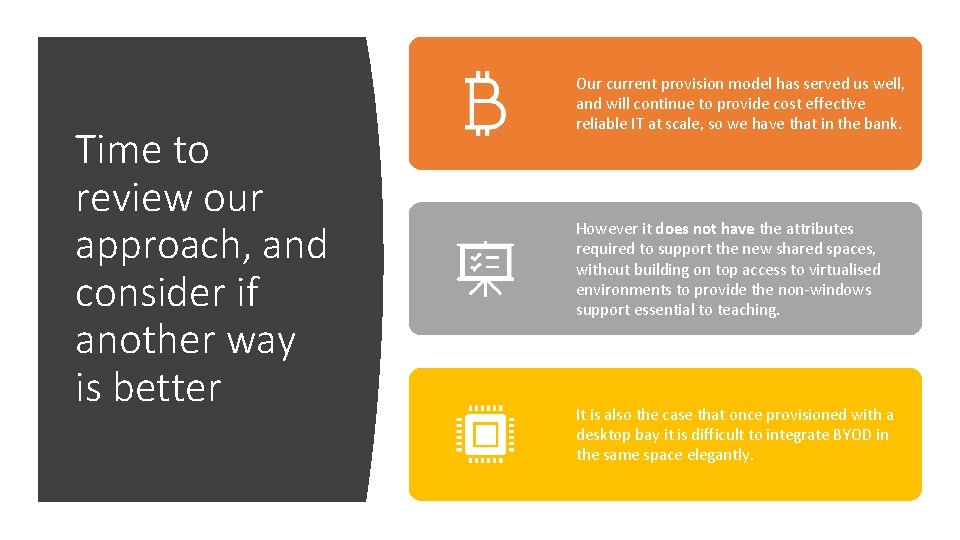
Time to review our approach, and consider if another way is better Our current provision model has served us well, and will continue to provide cost effective reliable IT at scale, so we have that in the bank. However it does not have the attributes required to support the new shared spaces, without building on top access to virtualised environments to provide the non-windows support essential to teaching. It is also the case that once provisioned with a desktop bay it is difficult to integrate BYOD in the same space elegantly.
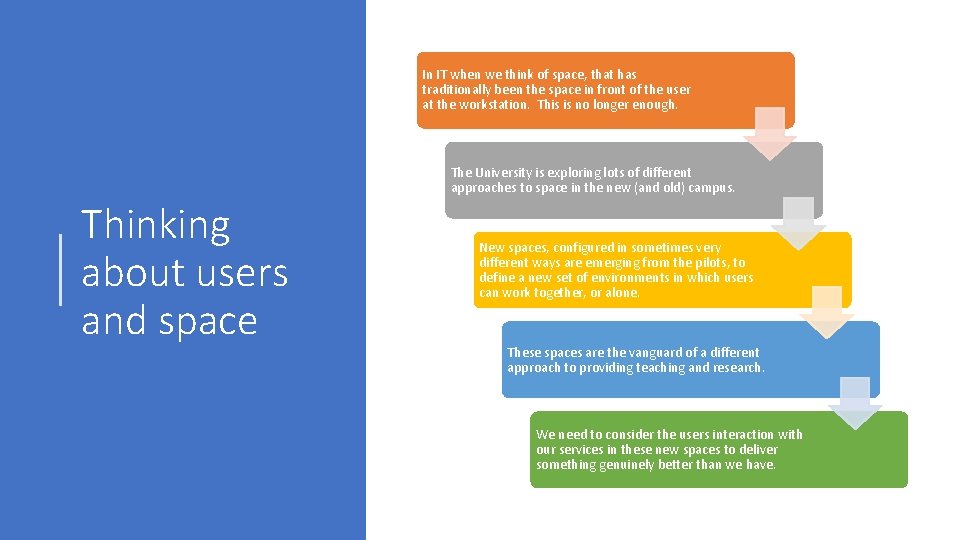
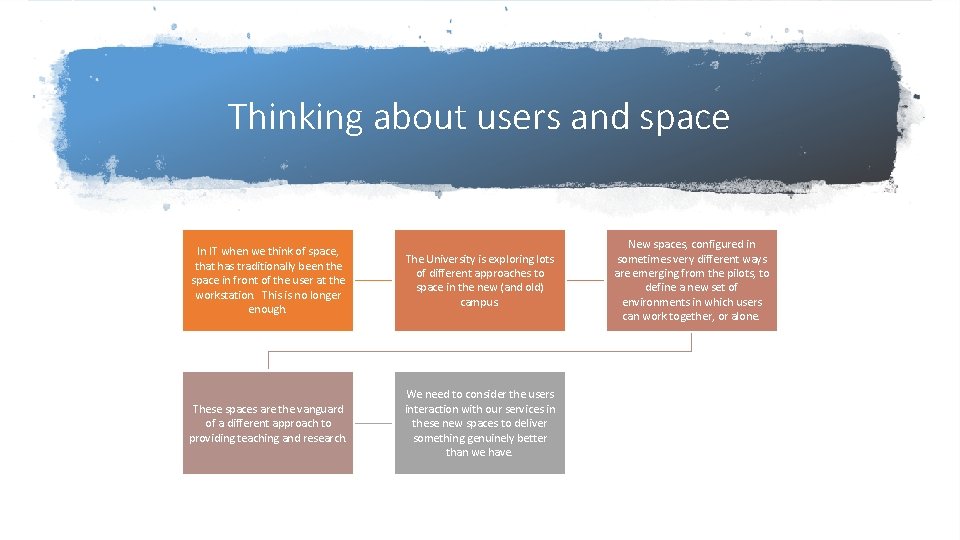
In IT when we think of space, that has traditionally been the space in front of the user at the workstation. This is no longer enough. The University is exploring lots of different approaches to space in the new (and old) campus. Thinking about users and space New spaces, configured in sometimes very different ways are emerging from the pilots, to define a new set of environments in which users can work together, or alone. These spaces are the vanguard of a different approach to providing teaching and research. We need to consider the users interaction with our services in these new spaces to deliver something genuinely better than we have.
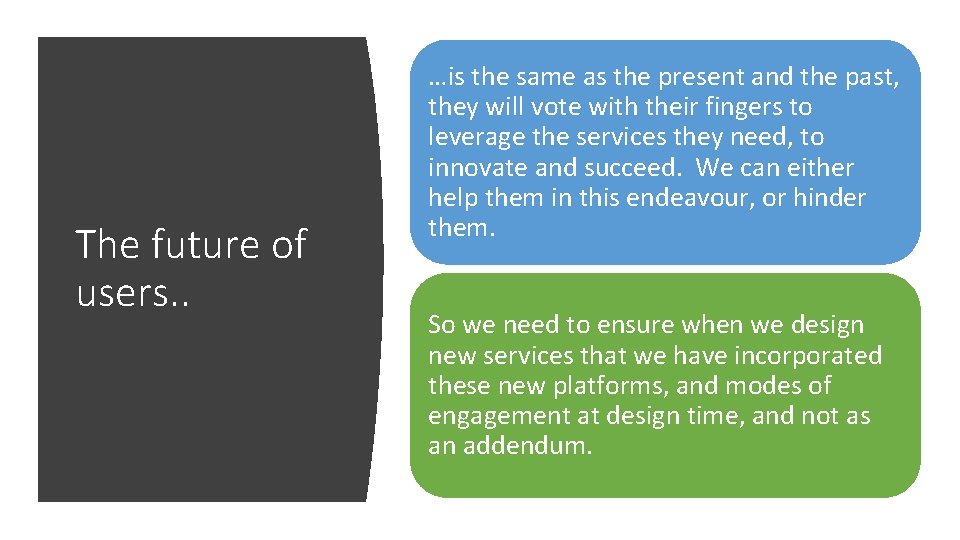
The future of users. . …is the same as the present and the past, they will vote with their fingers to leverage the services they need, to innovate and succeed. We can either help them in this endeavour, or hinder them. So we need to ensure when we design new services that we have incorporated these new platforms, and modes of engagement at design time, and not as an addendum.
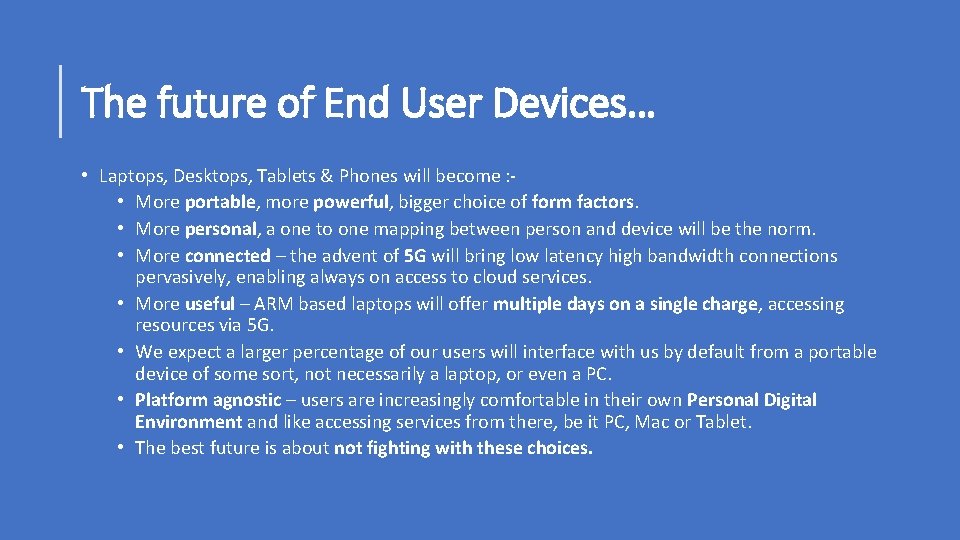
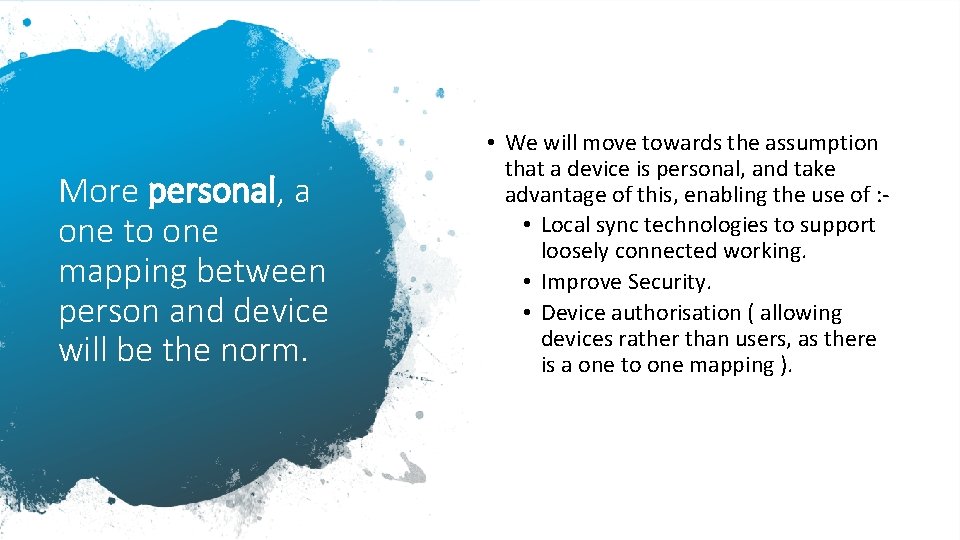
The future of End User Devices… • Laptops, Desktops, Tablets & Phones will become : • More portable, more powerful, bigger choice of form factors. • More personal, a one to one mapping between person and device will be the norm. • More connected – the advent of 5 G will bring low latency high bandwidth connections pervasively, enabling always on access to cloud services. • More useful – ARM based laptops will offer multiple days on a single charge, accessing resources via 5 G. • We expect a larger percentage of our users will interface with us by default from a portable device of some sort, not necessarily a laptop, or even a PC. • Platform agnostic – users are increasingly comfortable in their own Personal Digital Environment and like accessing services from there, be it PC, Mac or Tablet. • The best future is about not fighting with these choices.
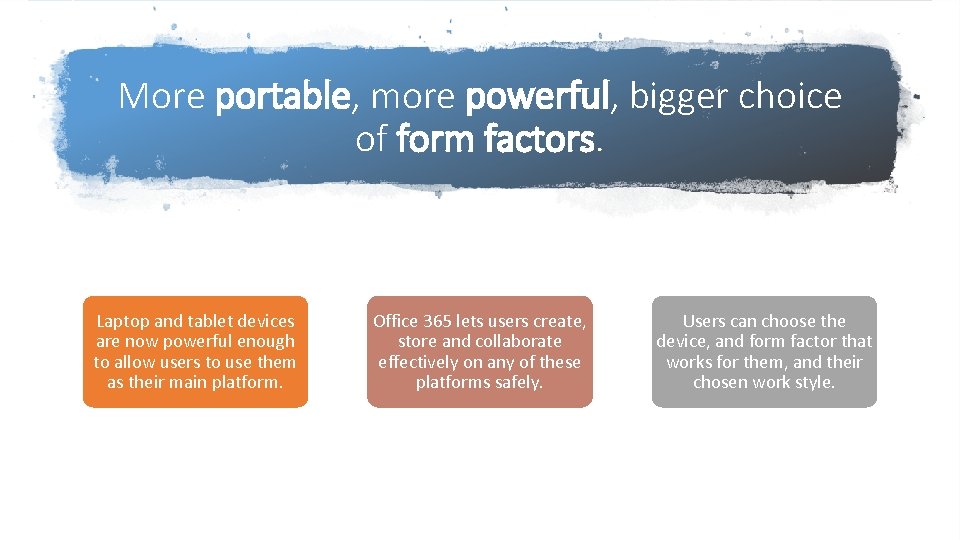
More portable, more powerful, bigger choice of form factors. Laptop and tablet devices are now powerful enough to allow users to use them as their main platform. Office 365 lets users create, store and collaborate effectively on any of these platforms safely. Users can choose the device, and form factor that works for them, and their chosen work style.
More personal, a one to one mapping between person and device will be the norm. • We will move towards the assumption that a device is personal, and take advantage of this, enabling the use of : • Local sync technologies to support loosely connected working. • Improve Security. • Device authorisation ( allowing devices rather than users, as there is a one to one mapping ).
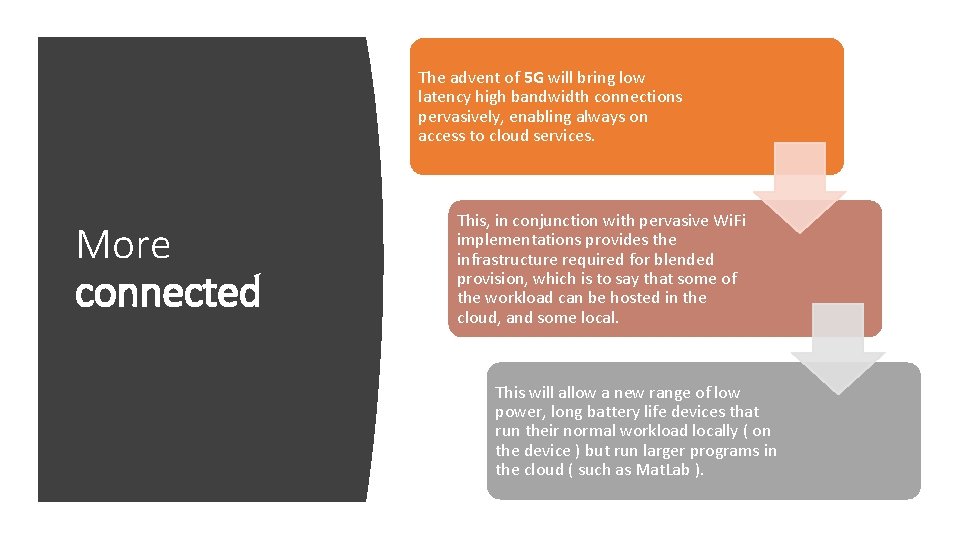
The advent of 5 G will bring low latency high bandwidth connections pervasively, enabling always on access to cloud services. More connected This, in conjunction with pervasive Wi. Fi implementations provides the infrastructure required for blended provision, which is to say that some of the workload can be hosted in the cloud, and some local. This will allow a new range of low power, long battery life devices that run their normal workload locally ( on the device ) but run larger programs in the cloud ( such as Mat. Lab ).
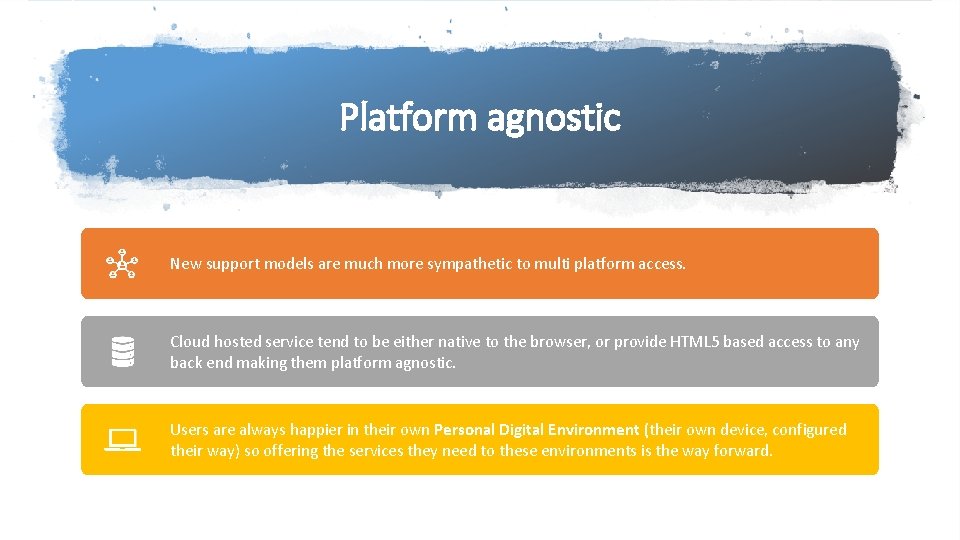
Platform agnostic New support models are much more sympathetic to multi platform access. Cloud hosted service tend to be either native to the browser, or provide HTML 5 based access to any back end making them platform agnostic. Users are always happier in their own Personal Digital Environment (their own device, configured their way) so offering the services they need to these environments is the way forward.
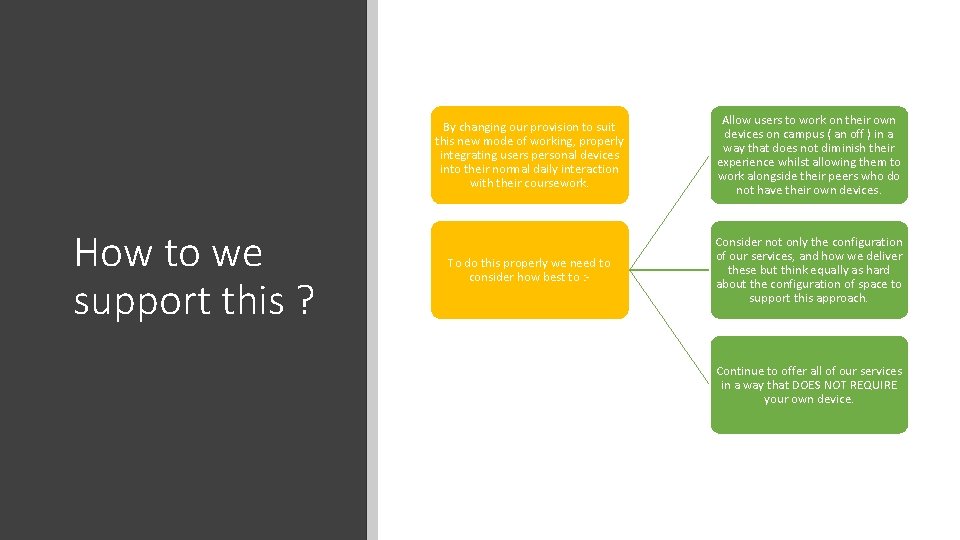
How to we support this ? By changing our provision to suit this new mode of working, properly integrating users personal devices into their normal daily interaction with their coursework. Allow users to work on their own devices on campus ( an off ) in a way that does not diminish their experience whilst allowing them to work alongside their peers who do not have their own devices. To do this properly we need to consider how best to : - Consider not only the configuration of our services, and how we deliver these but think equally as hard about the configuration of space to support this approach. Continue to offer all of our services in a way that DOES NOT REQUIRE your own device.
Thinking about users and space In IT when we think of space, that has traditionally been the space in front of the user at the workstation. This is no longer enough. The University is exploring lots of different approaches to space in the new (and old) campus. These spaces are the vanguard of a different approach to providing teaching and research. We need to consider the users interaction with our services in these new spaces to deliver something genuinely better than we have. New spaces, configured in sometimes very different ways are emerging from the pilots, to define a new set of environments in which users can work together, or alone.
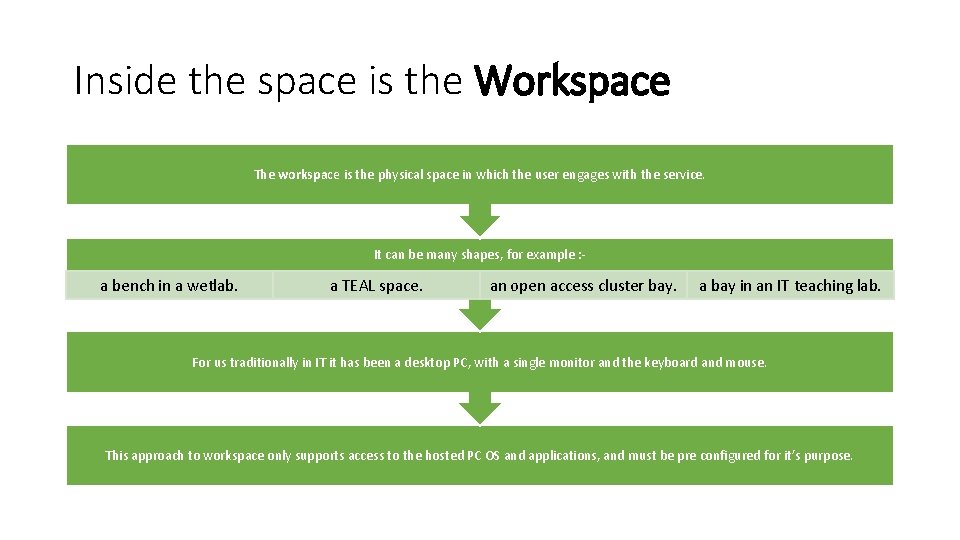
Inside the space is the Workspace The workspace is the physical space in which the user engages with the service. It can be many shapes, for example : - a bench in a wetlab. a TEAL space. an open access cluster bay. a bay in an IT teaching lab. For us traditionally in IT it has been a desktop PC, with a single monitor and the keyboard and mouse. This approach to workspace only supports access to the hosted PC OS and applications, and must be pre configured for it’s purpose.
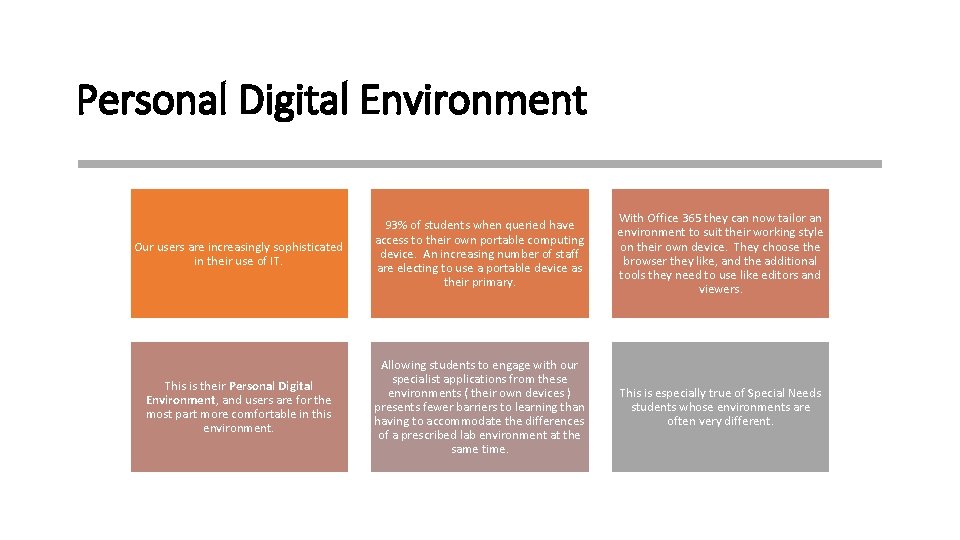
Personal Digital Environment Our users are increasingly sophisticated in their use of IT. 93% of students when queried have access to their own portable computing device. An increasing number of staff are electing to use a portable device as their primary. With Office 365 they can now tailor an environment to suit their working style on their own device. They choose the browser they like, and the additional tools they need to use like editors and viewers. This is their Personal Digital Environment, and users are for the most part more comfortable in this environment. Allowing students to engage with our specialist applications from these environments ( their own devices ) presents fewer barriers to learning than having to accommodate the differences of a prescribed lab environment at the same time. This is especially true of Special Needs students whose environments are often very different.
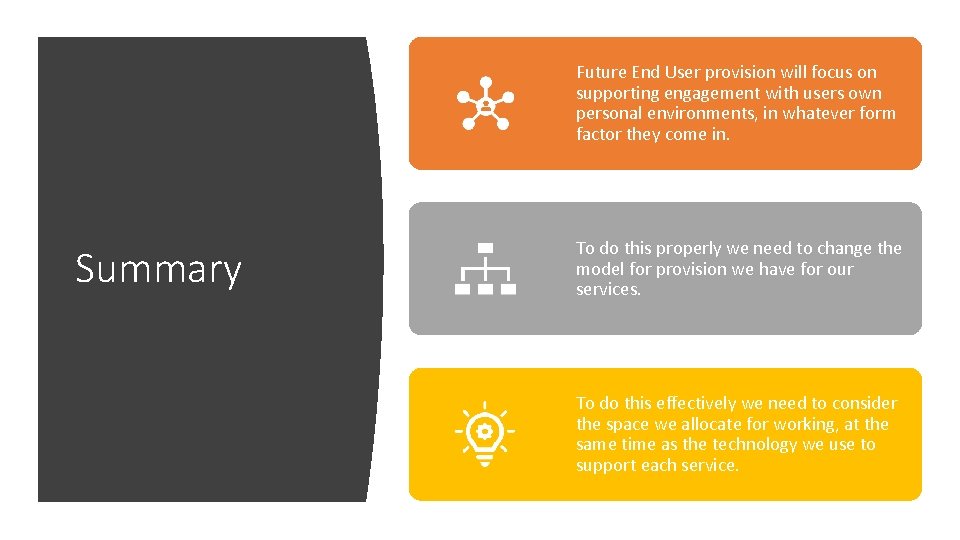
Future End User provision will focus on supporting engagement with users own personal environments, in whatever form factor they come in. Summary To do this properly we need to change the model for provision we have for our services. To do this effectively we need to consider the space we allocate for working, at the same time as the technology we use to support each service.