
Kid Pix 4 th Edition Created By Kelli

Kid Pix 4 th Edition Created By: Kelli Cox Emily Bolliger Malori Wriston
What is Kid Pix? Kid Pix is a drawing software program designed for children. It can be used for students in Kindergarten through 8 th grade. Teachers can simplify the program for younger students or make the program more complex for older students. This software program helps to develop children’s visual creativity and basic computer based graphic arts skills. This program is mostly used in schools because it can fit into many different subject areas. Kid Pix Tutorial: http: //www. youtube. com/watch? v=_SFnk. Fb. Y_bo
Program Features Idea Machine -This contains ideas for activities and starters for students. Paint a Picture - Children use traditional tools such as a paint can, paintbrush, eraser, text, stamps, and pencil to create their own slide. Moopies - Children can animate anything that is drawn or stamped on the screen. Stampimator - This animates only the stamp on the screen, not the drawings. Wacky TV - Children can view movie files, imported or otherwise, to use in their presentations. Digital Puppets - Children can include puppets in their presentations.

The Paint Zone
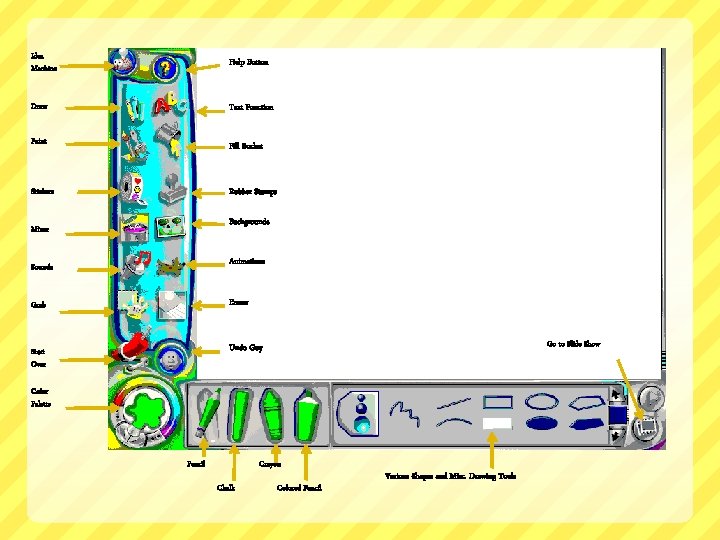
Idea Machine Help Button Draw Text Function Paint Fill Bucket Stickers Rubber Stamps Backgrounds Mixer Animations Sounds Grab Eraser Start Over Undo Guy Go to Slide Show Color Palette Pencil Crayon Chalk Colored Pencil Various Shapes and Misc. Drawing Tools
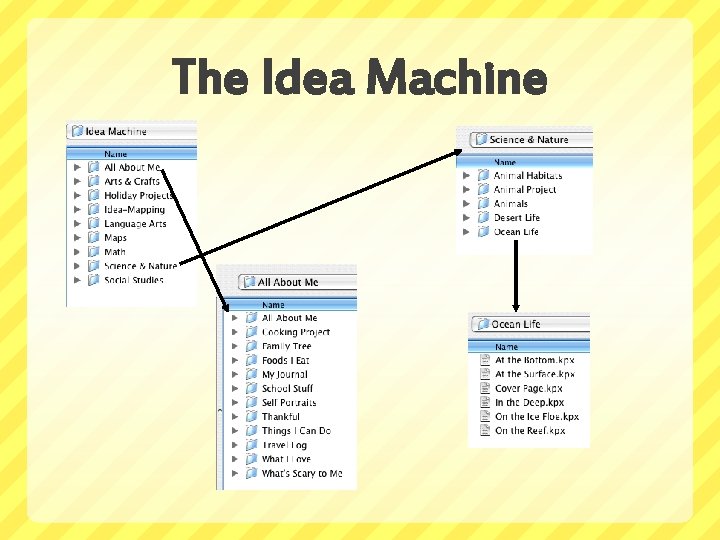
The Idea Machine
Program Options Small Kids Mode Complex features are hidden so young children can create freely, without confusion Use of all the art tools Add text to a picture using rubber stamps, instead of the keyboard. When a child clicks a letter in the tray, Kid Pix says the letter’s name out loud. Bilingual Mode Menu, tool tips, and “Help” screen can be translated into Spanish Bilingual text-to-speech function
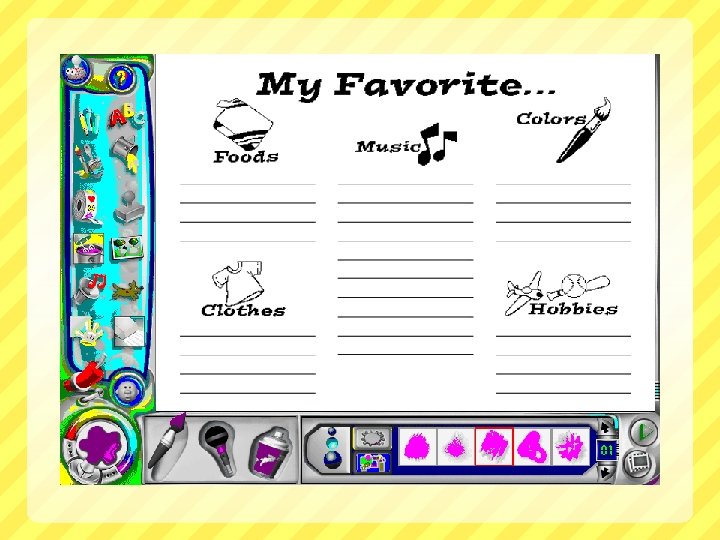
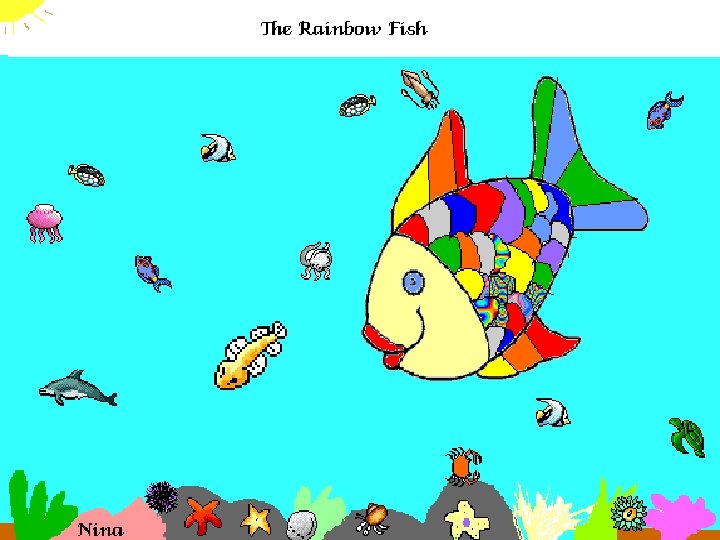
Ideas for Teachers Templates for all kinds of activities! Kindergarten- Create a name book or “About Me” book Grade 1 - Create a book of spelling words Grade 2 - Use a Venn Diagram for class project Grade 3 - Have students illustrate a favorite part of a story, i. e. Rainbow Fish
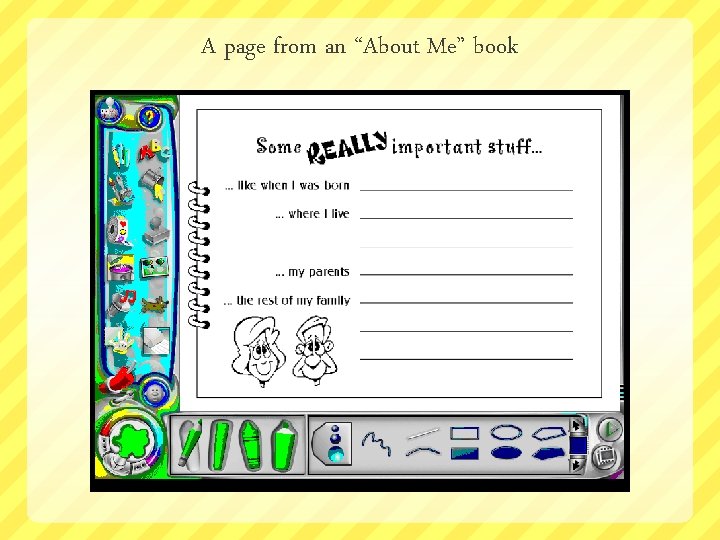
A page from an “About Me” book
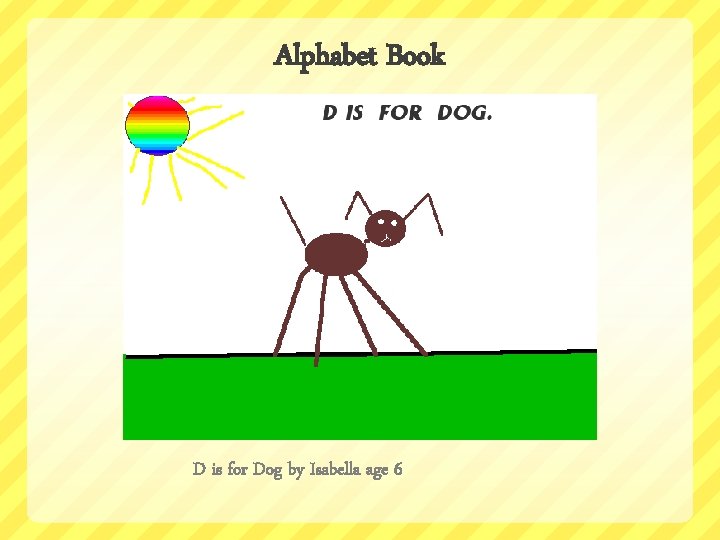
Alphabet Book D is for Dog by Isabella age 6
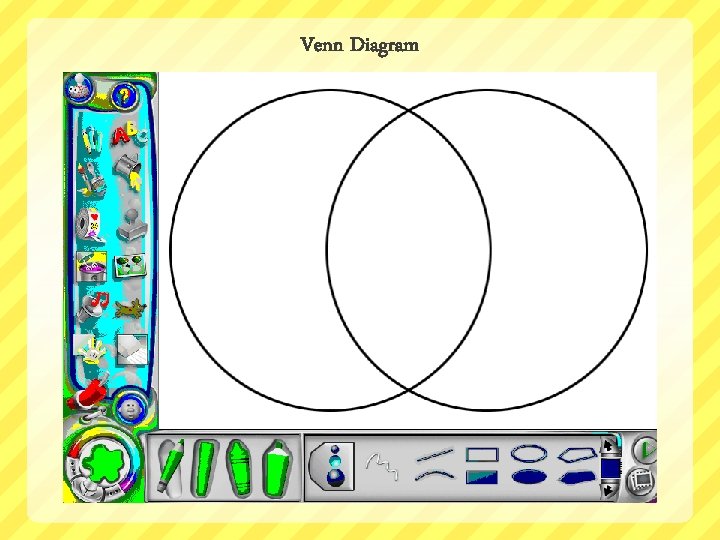
Venn Diagram
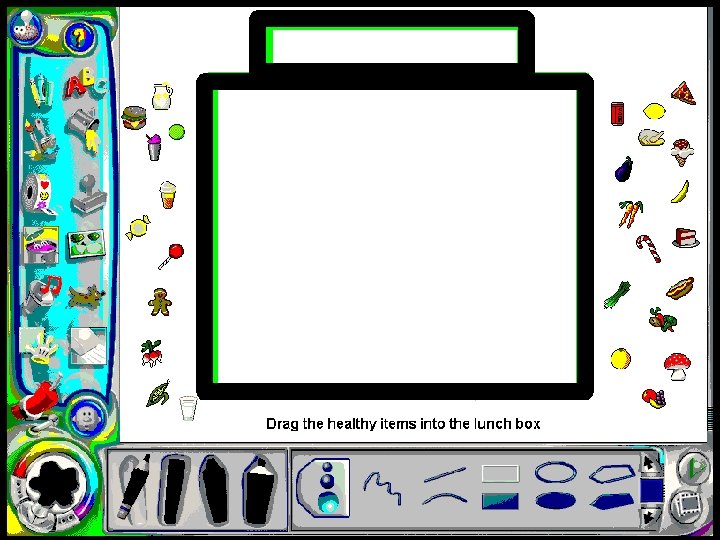
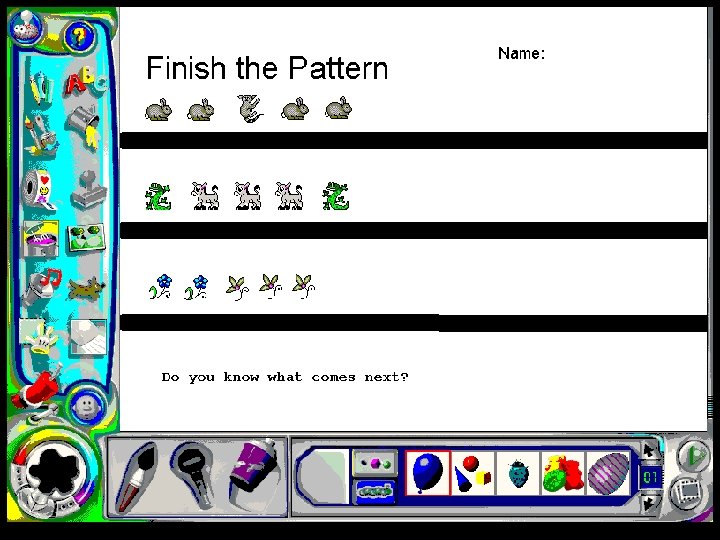
Student Uses Fun, exciting, interactive system for students to represent their own view of a subject using higher level cognitive skills. Students can free-draw, make a slide shows, and animate. Text can be added to anything they design to enhance their illustrations. They are able to make a slide show and record their voice to tell a story. The animation feature can be used to have the students add or subtract their images. They can use their imaginations and be creative!
Student Uses Tools to Use: ART 1. 2. 3. 4. 5. 6. 7. 8. 9. Drawing Painting Fill Buckets Mixers Rubber Stamps Paper Texture Color Picker and Eye Dropper Erasers Undo Guy
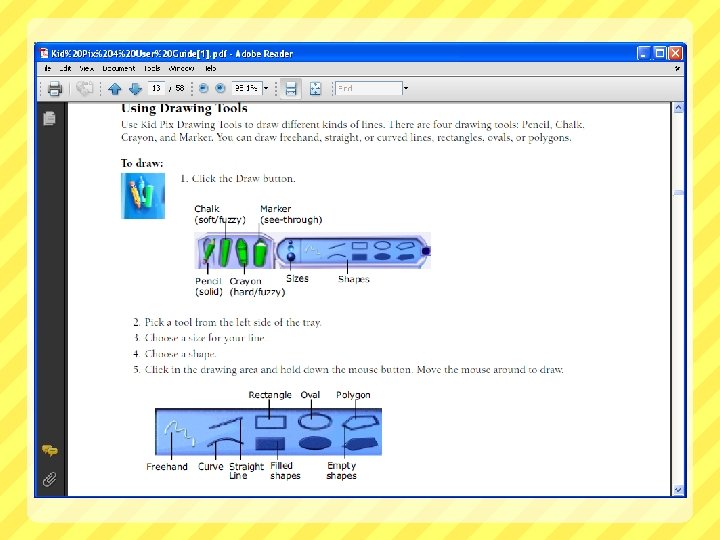
Student Uses: Tools Cont.
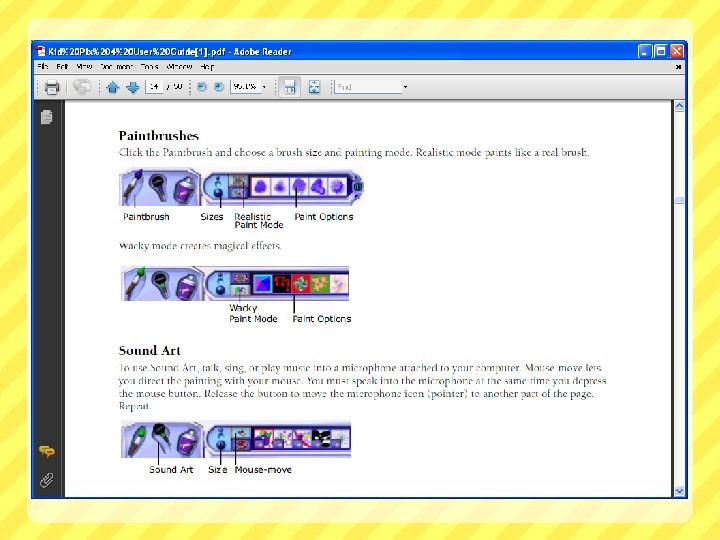
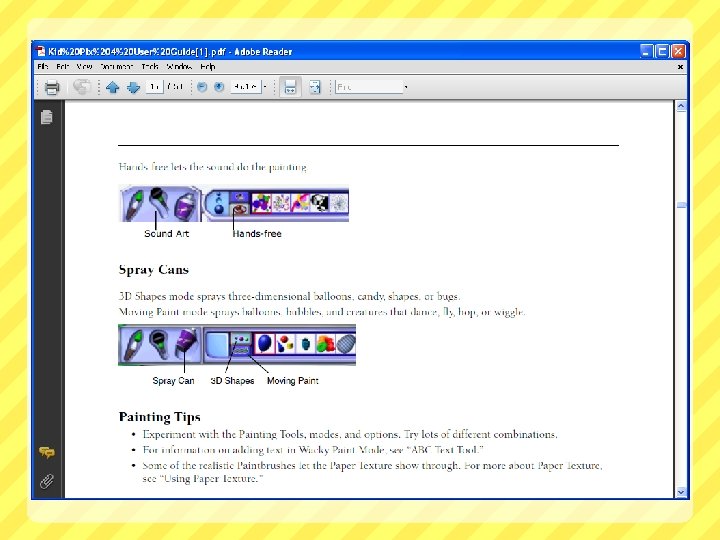
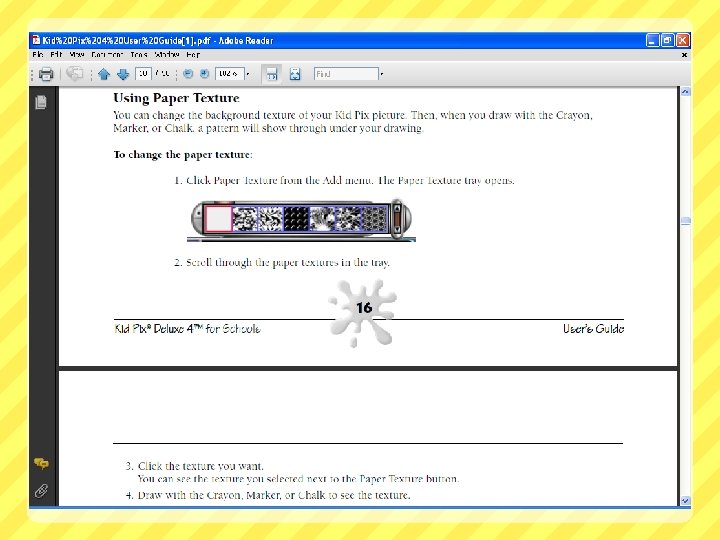
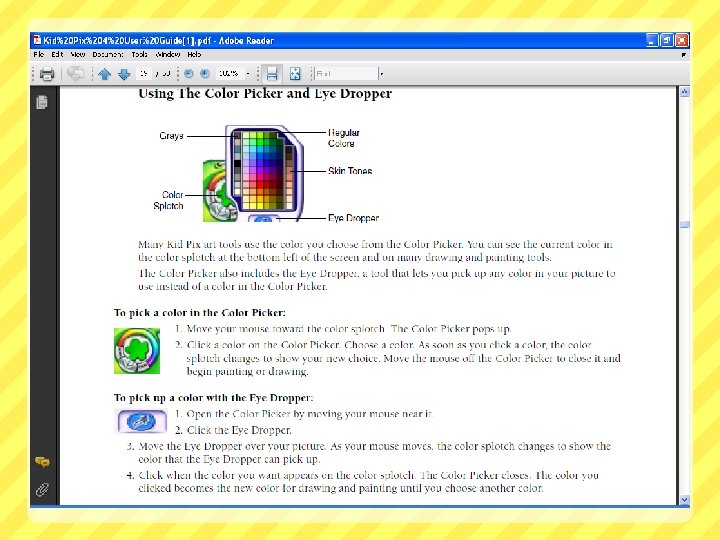
Activity Time!! Think about your TIPP Assignment that you would like to do… Example: Math - Patterns, Writing – CVC Words, Science – Plant Growth, Social Studies - Government, etc.
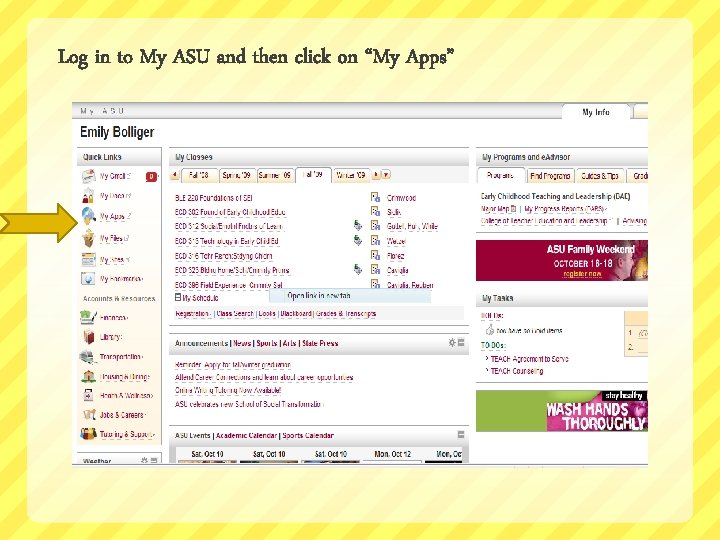
Log in to My ASU and then click on “My Apps”
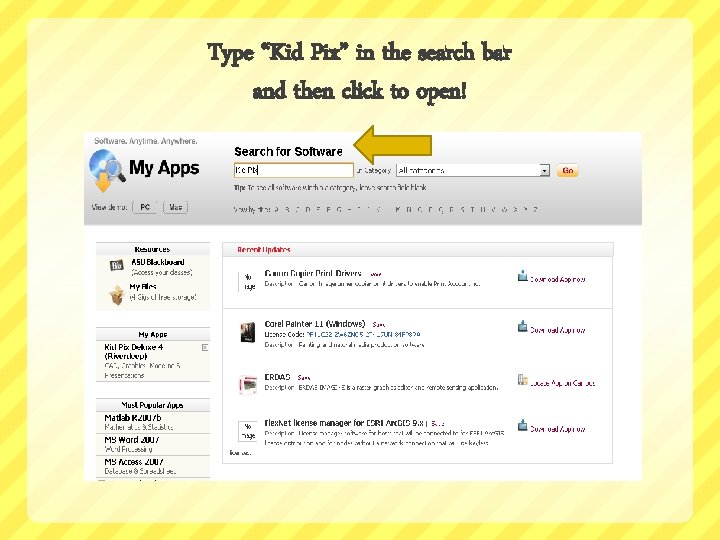
Type “Kid Pix” in the search bar and then click to open!

Click on Kid Pix Deluxe 4
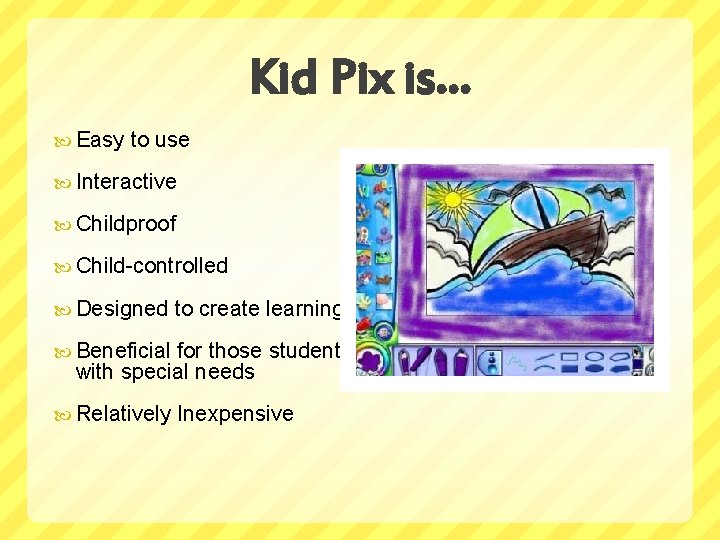
Kid Pix is… Easy to use Interactive Childproof Child-controlled Designed to create learning Beneficial for those students with special needs Relatively Inexpensive

Where Can I Get Kid Pix? Download from multiple websites such as: www. Broderbund. com www. Teachware. com www. Amazon. com www. Newegg. com www. ccvsoftware. com www. logisoft. com www. smartkidssoftware. com www. frys. com And Various Retail Stores Across the Country!
![References D is for dog [Photo]. (n. d. ). Retrieved October 19, 2009, from](http://slidetodoc.com/presentation_image/2cd81d46e9b5a348841716c9f4b315b0/image-29.jpg "References D is for dog [Photo]. (n. d. ). Retrieved October 19, 2009, from")
References D is for dog [Photo]. (n. d. ). Retrieved October 19, 2009, from http: //www. jsd. k 12. ak. us/hbv/classrooms/Fontanella/Alphabet. Book/alph 2004/dd. html#d 1 Educational Broadcasting Corporation Thirteen Ed Online. (2009). “Why Pick Kid Pix? ” Retrieved from http: //www. thirteen. org/edonline/software/resources/kidpix. html Encore Software Inc. (2009). Kid Pix Deluxe 4 Home Edition. Retrieved from http: //www. broderbund. com/store/broder/en_US/pd/Kid_Pixreg_Deluxe_4_Home_Edition/product. ID. 126904700 Kid Pix [Photo]. (n. d. ) Retrieved October 11, 2009 from http: //ppsblogs. net/nutt/ Kid Pix Screen Shot [Photo]. (n. d. ) Retrieved October 26, 2009 from http: //ppsblogs. net/nutt/files/2009/03/product_image-kidpix-4. jpg
References Cont. Learning Village. Kid Pix Software Review. Retrieved from http: //www. learningvillage. com/html/rkidpix. html Miers, J. (2002). The rainbow fish. In Integrating kid pix into the curriculum. Retrieved October 19, 2009, from http: //www. teachers. ash. org. au/jmresources/kidpix/rainbow. html nutt. (2009, March 4). Kid Pix and MS Paint. Message posted to http: //ppsblogs. net/nutt/ Riverdeep Interactive Learning Limited. (2004). Kid Pix User Guide. Retrieved from http: //downloads. hmlt. hmco. com/Ed. School/KPD 4/Kid_Pix_4_User_Guide. pdf Sunburst 1550. (2009, June 5). Kid Pix Deluxe 4 for Schools [Video file]. Retrieved from http: //www. youtube. com/watch? v=_SFnk. Fb. Y_bo
- Slides: 30