
Keyboarding Terms Unit 1 2 and 3 terms
Keyboarding Terms Unit 1, 2, and 3 terms for Keyboarding
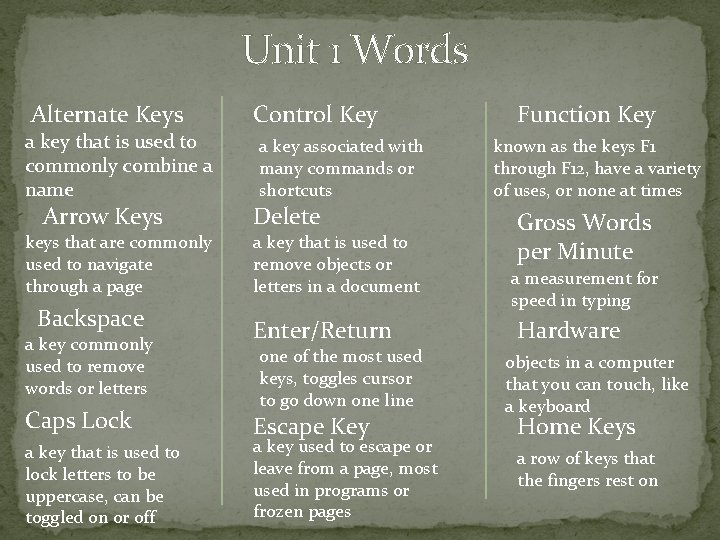
Unit 1 Words Alternate Keys a key that is used to commonly combine a name Arrow Keys keys that are commonly used to navigate through a page Backspace a key commonly used to remove words or letters Caps Lock a key that is used to lock letters to be uppercase, can be toggled on or off Control Key a key associated with many commands or shortcuts Delete a key that is used to remove objects or letters in a document Enter/Return one of the most used keys, toggles cursor to go down one line Escape Key a key used to escape or leave from a page, most used in programs or frozen pages Function Key known as the keys F 1 through F 12, have a variety of uses, or none at times Gross Words per Minute a measurement for speed in typing Hardware objects in a computer that you can touch, like a keyboard Home Keys a row of keys that the fingers rest on
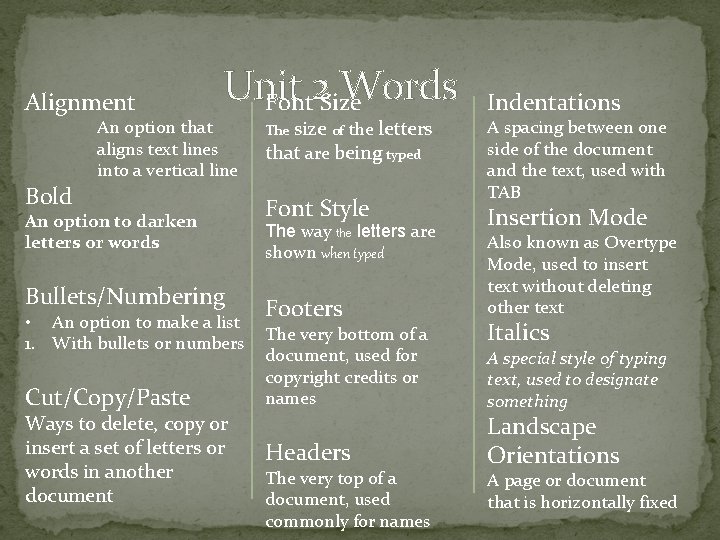
Alignment Bold Unit Words Font 2 Size An option that aligns text lines into a vertical line An option to darken letters or words Bullets/Numbering • An option to make a list 1. With bullets or numbers Cut/Copy/Paste Ways to delete, copy or insert a set of letters or words in another document size of the letters that are being typed The Font Style The way the letters are shown when typed Footers The very bottom of a document, used for copyright credits or names Headers The very top of a document, used commonly for names Indentations A spacing between one side of the document and the text, used with TAB Insertion Mode Also known as Overtype Mode, used to insert text without deleting other text Italics A special style of typing text, used to designate something Landscape Orientations A page or document that is horizontally fixed
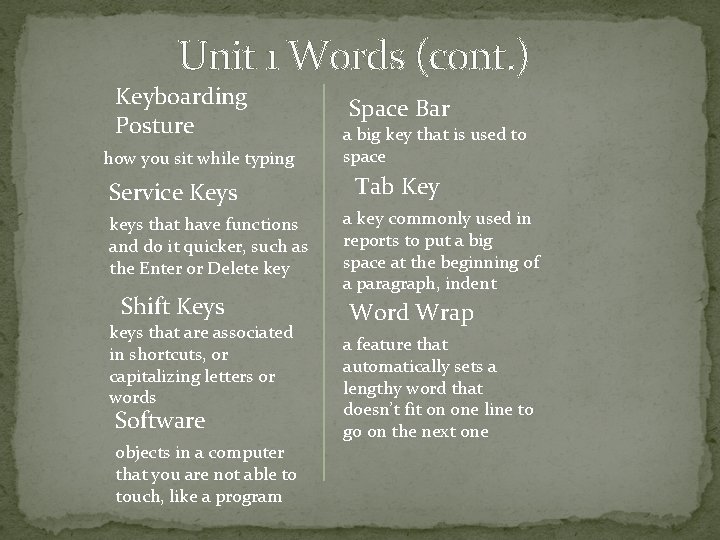
Unit 1 Words (cont. ) Keyboarding Posture how you sit while typing Service Keys keys that have functions and do it quicker, such as the Enter or Delete key Shift Keys keys that are associated in shortcuts, or capitalizing letters or words Software objects in a computer that you are not able to touch, like a program Space Bar a big key that is used to space Tab Key a key commonly used in reports to put a big space at the beginning of a paragraph, indent Word Wrap a feature that automatically sets a lengthy word that doesn’t fit on one line to go on the next one
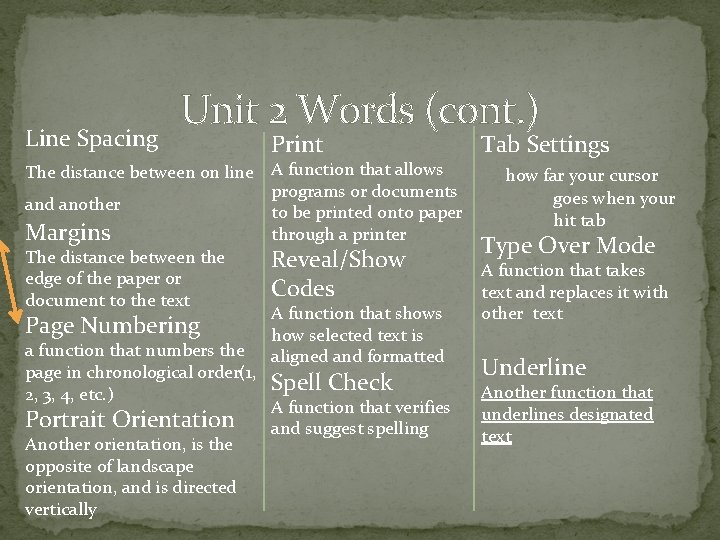
Line Spacing Unit 2 Words (cont. ) Print The distance between on line A function that allows programs or documents and another to be printed onto paper Margins through a printer The distance between the Reveal/Show edge of the paper or Codes document to the text A function that shows Page Numbering how selected text is a function that numbers the aligned and formatted page in chronological order(1, Spell Check 2, 3, 4, etc. ) A function that verifies Portrait Orientation and suggest spelling Another orientation, is the opposite of landscape orientation, and is directed vertically Tab Settings how far your cursor goes when your hit tab Type Over Mode A function that takes text and replaces it with other text Underline Another function that underlines designated text
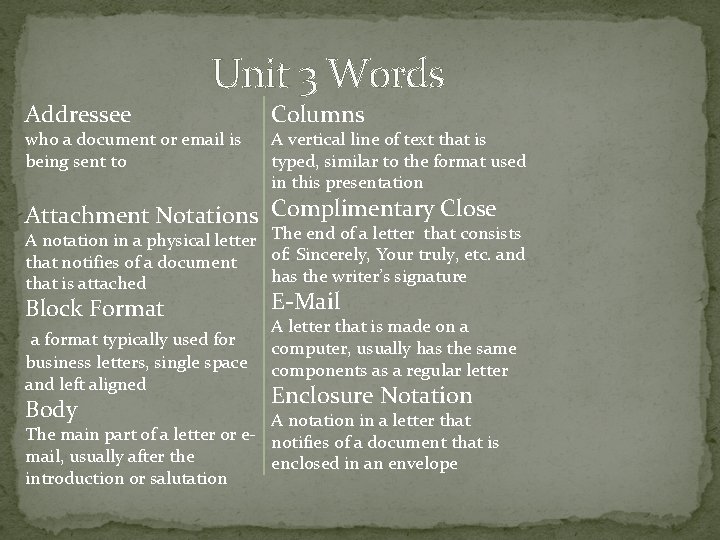
Unit 3 Words Addressee who a document or email is being sent to Columns A vertical line of text that is typed, similar to the format used in this presentation Attachment Notations Complimentary Close A notation in a physical letter The end of a letter that consists of: Sincerely, Your truly, etc. and that notifies of a document has the writer’s signature that is attached Block Format a format typically used for business letters, single space and left aligned Body E-Mail A letter that is made on a computer, usually has the same components as a regular letter Enclosure Notation A notation in a letter that The main part of a letter or e- notifies of a document that is mail, usually after the enclosed in an envelope introduction or salutation
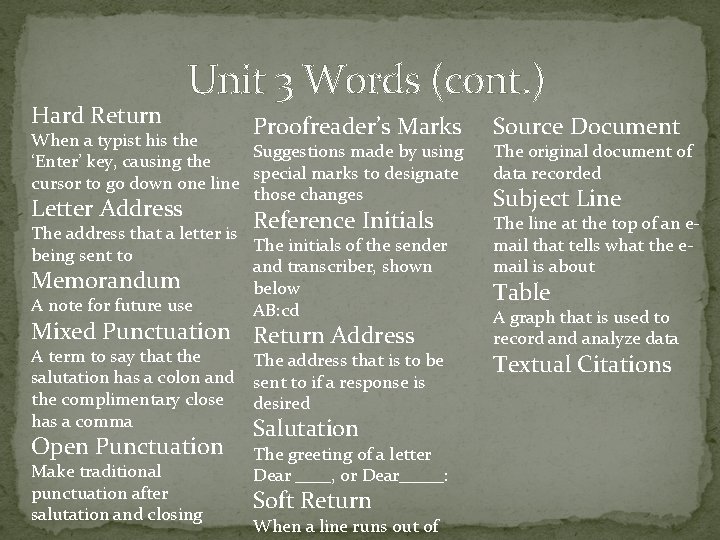
Hard Return Unit 3 Words (cont. ) Proofreader’s Marks When a typist his the Suggestions made by using ‘Enter’ key, causing the special marks to designate cursor to go down one line those changes Letter Address Reference Initials The address that a letter is The initials of the sender being sent to and transcriber, shown Memorandum below A note for future use AB: cd Mixed Punctuation Return Address A term to say that the salutation has a colon and the complimentary close has a comma Open Punctuation Make traditional punctuation after salutation and closing The address that is to be sent to if a response is desired Salutation The greeting of a letter Dear ____, or Dear_____: Soft Return When a line runs out of Source Document The original d 0 cument of data recorded Subject Line The line at the top of an email that tells what the email is about Table A graph that is used to record analyze data Textual Citations
Unit 3 Words (cont. ) Unbound Reports Papers that are prepared without a binder or cover, attached with a staple or paper clip Writer The author of a document, ex. The writer of the Harry Potter series is J. K. Rowling.
- Slides: 8