
Keyboard and Mouse Interaction Simple interactions with mouse

Keyboard and Mouse Interaction
Simple interactions with mouse and keyboard • Interactive graphics applications let the user control flow of a program by natural human motions • Pointing and clicking mouse • Pressing various key on the keyboard
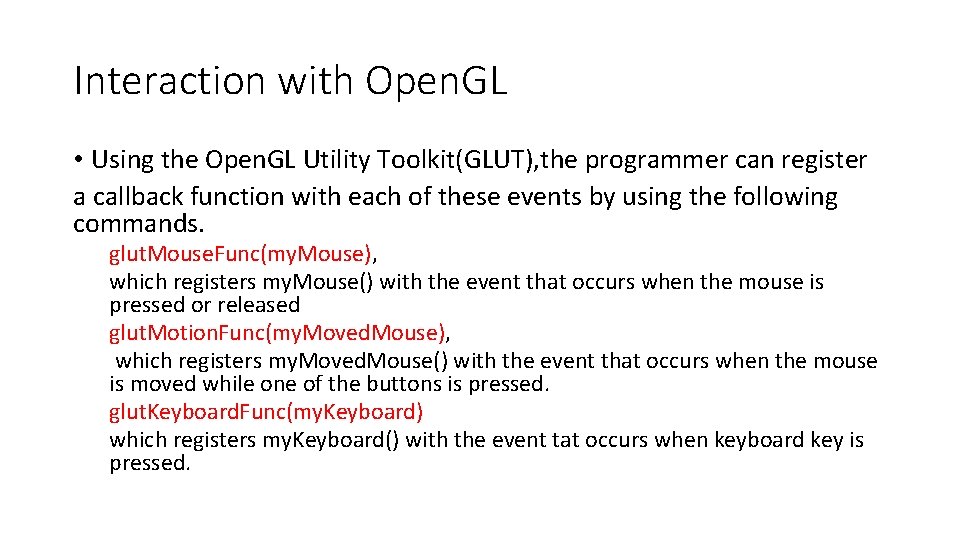
Interaction with Open. GL • Using the Open. GL Utility Toolkit(GLUT), the programmer can register a callback function with each of these events by using the following commands. glut. Mouse. Func(my. Mouse), which registers my. Mouse() with the event that occurs when the mouse is pressed or released glut. Motion. Func(my. Moved. Mouse), which registers my. Moved. Mouse() with the event that occurs when the mouse is moved while one of the buttons is pressed. glut. Keyboard. Func(my. Keyboard) which registers my. Keyboard() with the event tat occurs when keyboard key is pressed.
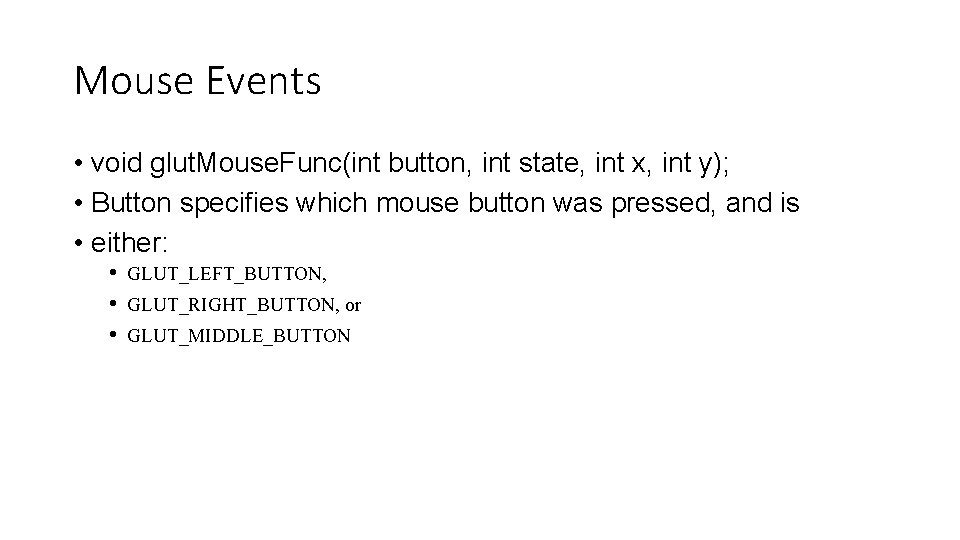
Mouse Events • void glut. Mouse. Func(int button, int state, int x, int y); • Button specifies which mouse button was pressed, and is • either: • GLUT_LEFT_BUTTON, • GLUT_RIGHT_BUTTON, or • GLUT_MIDDLE_BUTTON
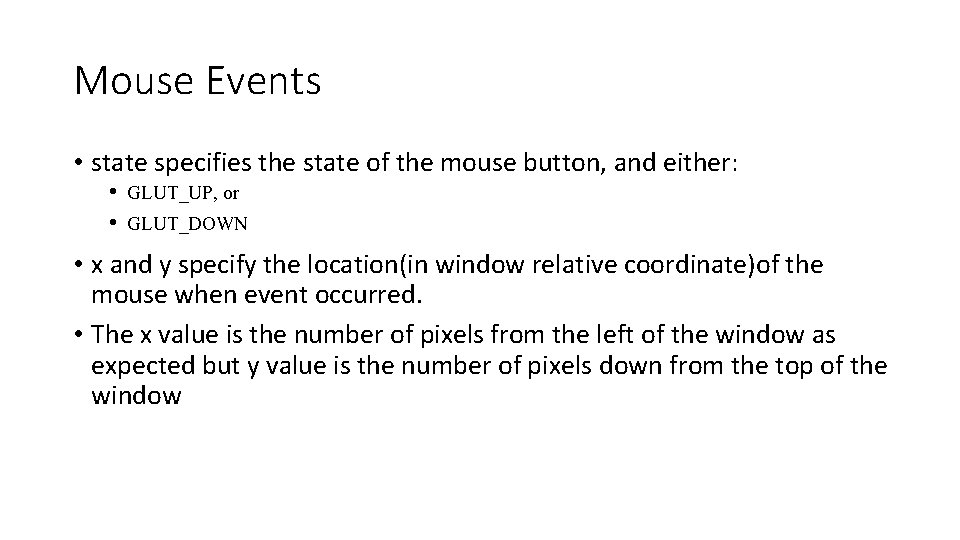
Mouse Events • state specifies the state of the mouse button, and either: • GLUT_UP, or • GLUT_DOWN • x and y specify the location(in window relative coordinate)of the mouse when event occurred. • The x value is the number of pixels from the left of the window as expected but y value is the number of pixels down from the top of the window
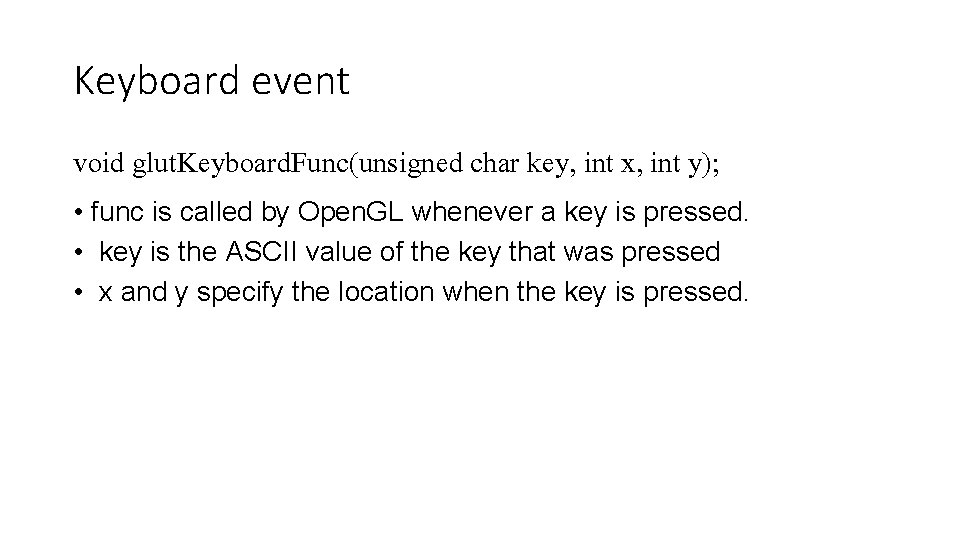
Keyboard event void glut. Keyboard. Func(unsigned char key, int x, int y); • func is called by Open. GL whenever a key is pressed. • key is the ASCII value of the key that was pressed • x and y specify the location when the key is pressed.
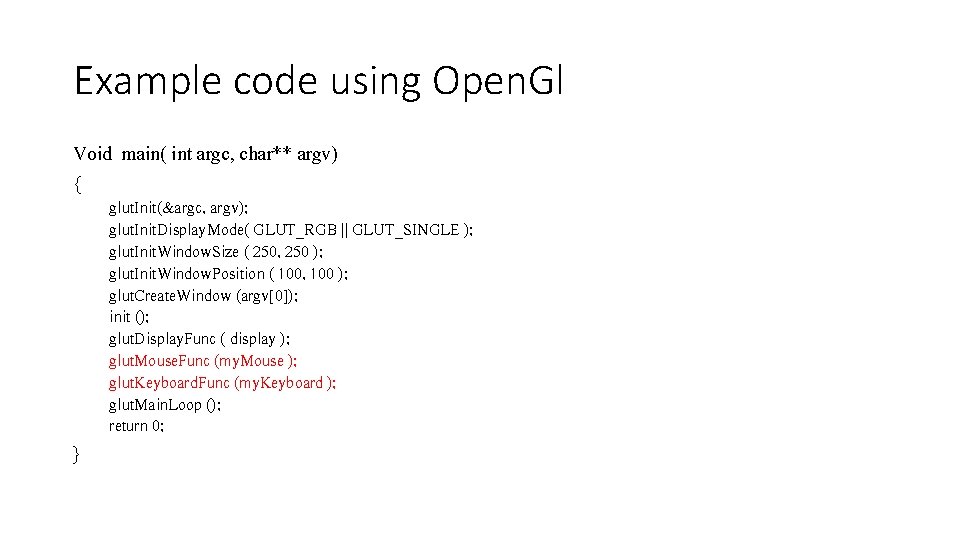
Example code using Open. Gl Void main( int argc, char** argv) { glut. Init(&argc, argv); glut. Init. Display. Mode( GLUT_RGB || GLUT_SINGLE ); glut. Init. Window. Size ( 250, 250 ); glut. Init. Window. Position ( 100, 100 ); glut. Create. Window (argv[0]); init (); glut. Display. Func ( display ); glut. Mouse. Func (my. Mouse ); glut. Keyboard. Func (my. Keyboard ); glut. Main. Loop (); return 0; }
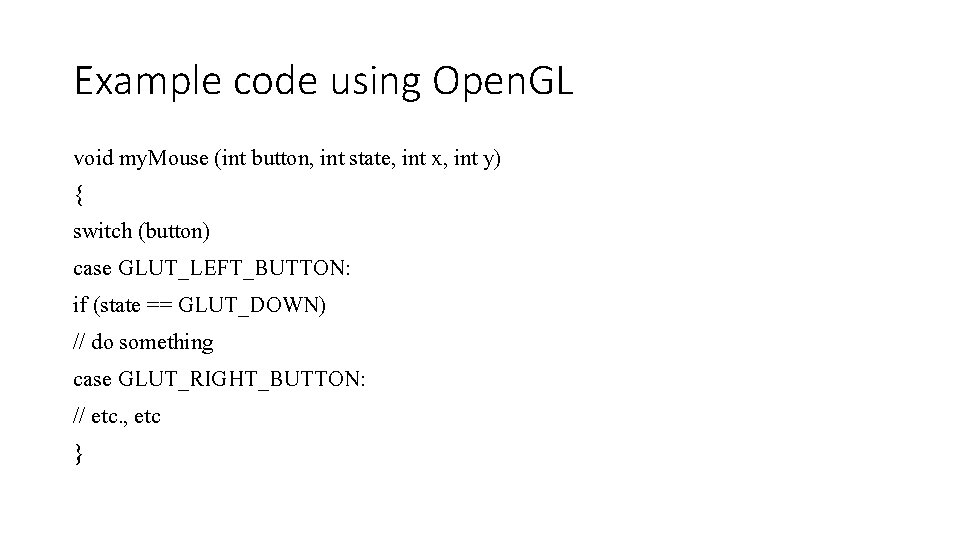
Example code using Open. GL void my. Mouse (int button, int state, int x, int y) { switch (button) case GLUT_LEFT_BUTTON: if (state == GLUT_DOWN) // do something case GLUT_RIGHT_BUTTON: // etc. , etc }
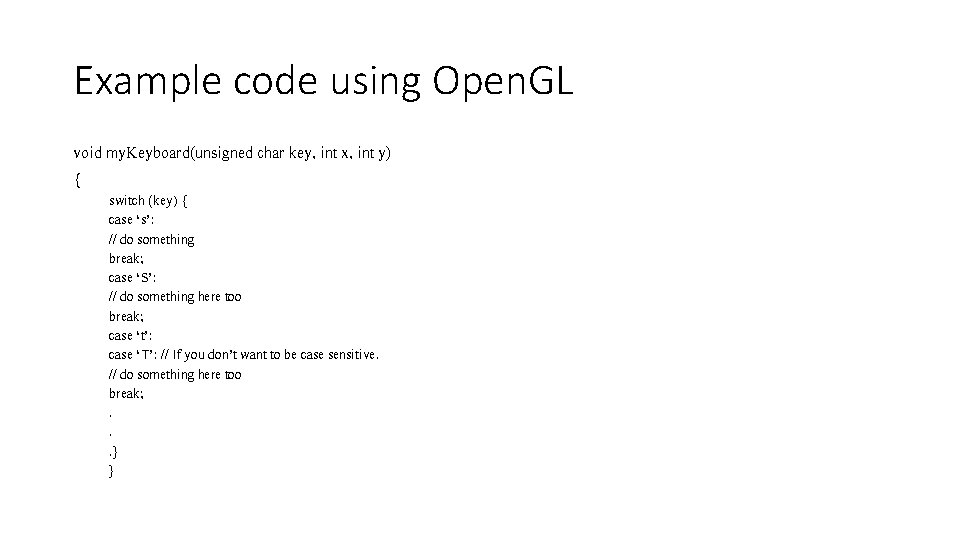
Example code using Open. GL void my. Keyboard(unsigned char key, int x, int y) { switch (key) { case ‘s’: // do something break; case ‘S’: // do something here too break; case ‘t’: case ‘T’: // If you don’t want to be case sensitive. // do something here too break; . . . } }
- Slides: 9