
Key Management Infrastructures Security 07 Basic problem Cryptographic
Key Management/ Infrastructures Security 07
Basic problem • Cryptographic security: must be some keys that are not cryptographically protected. • Must find other ways to protect these keys. 2
How can the system identify you? • Passwords – Something you know • Hardware – Something you have • Biometrics – Something you are 3
Password • A sequence of characters known to only user and system, fx – QWERTY – 8676 – Cis#1 is. T$ 4
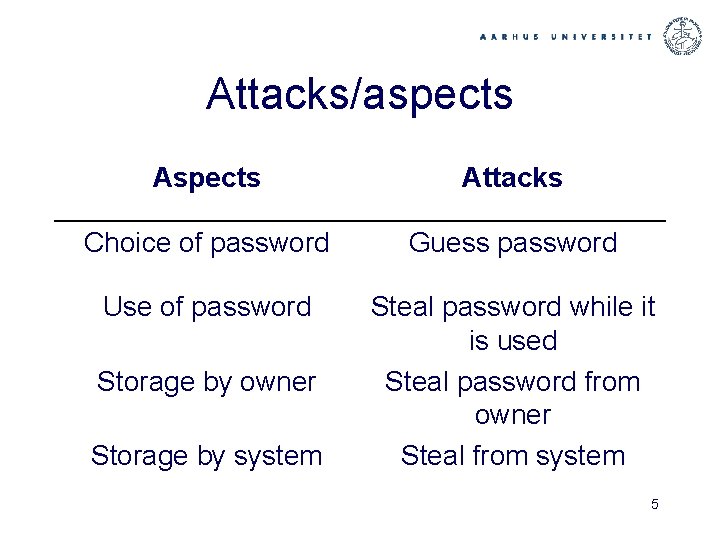
Attacks/aspects Attacks Choice of password Guess password Use of password Steal password while it is used Steal password from owner Steal from system Storage by owner Storage by system 5
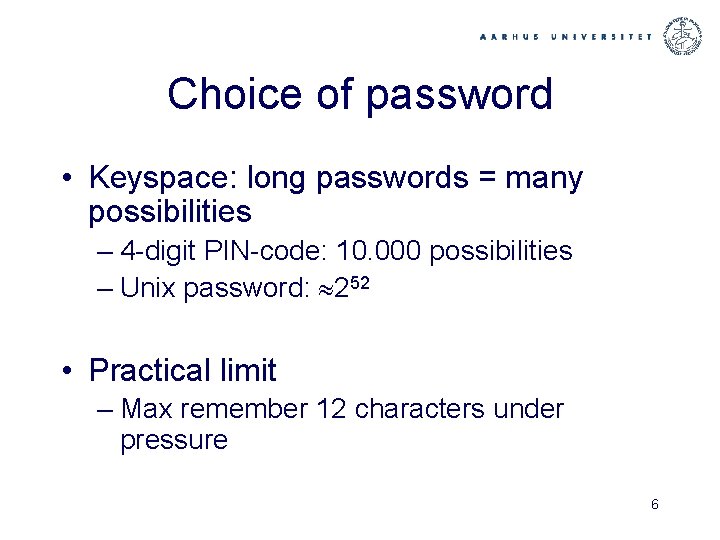
Choice of password • Keyspace: long passwords = many possibilities – 4 -digit PIN-code: 10. 000 possibilities – Unix password: 252 • Practical limit – Max remember 12 characters under pressure 6
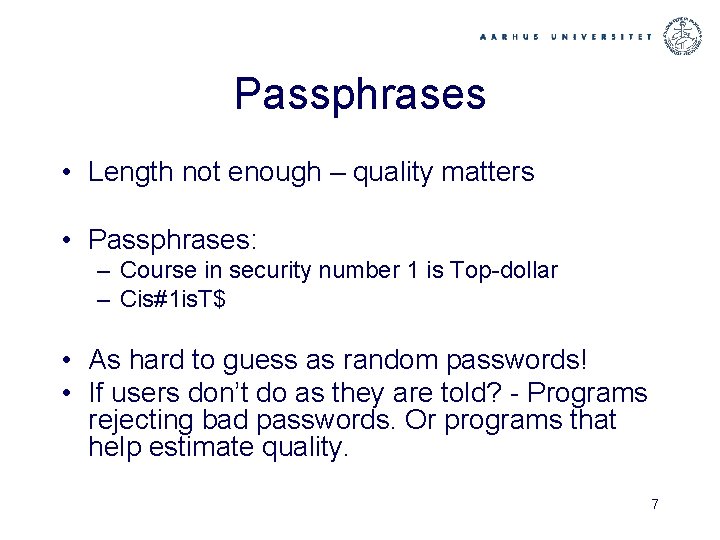
Passphrases • Length not enough – quality matters • Passphrases: – Course in security number 1 is Top-dollar – Cis#1 is. T$ • As hard to guess as random passwords! • If users don’t do as they are told? - Programs rejecting bad passwords. Or programs that help estimate quality. 7
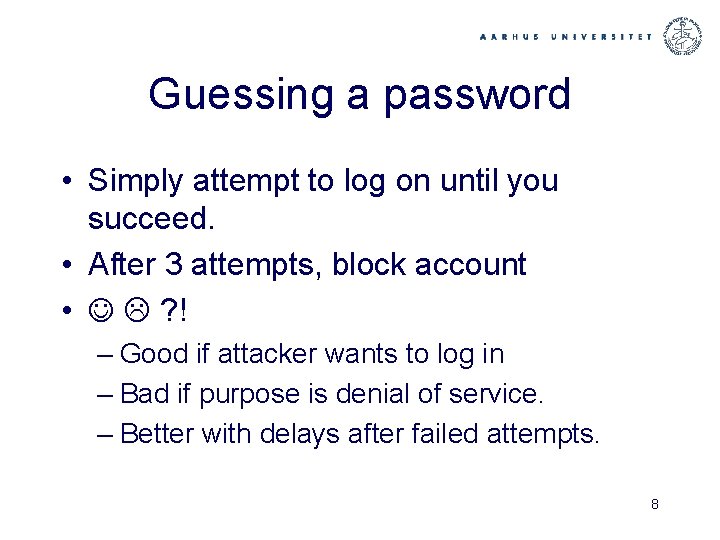
Guessing a password • Simply attempt to log on until you succeed. • After 3 attempts, block account • ? ! – Good if attacker wants to log in – Bad if purpose is denial of service. – Better with delays after failed attempts. 8
Steal password under transmission • Look over the shoulder – Physically – or electronically: Spyware • Fake hardware • Network eavesdropping • Solutions involve – Cryptography – Hardware – Biometrics 9
Steal password from user • If it’s written down? – Piece of paper in dust bin • Devices for remembering PIN-codes can help • BUT: Social engineering… 10
Social engineering • 336 students were asked by mail to send back their passwords to validate the password database • 138 returned their passwords!! • A few changed their passwords, but no one reported to the system administrator • Passwords for chocolate ? ! 11
More (less? ) sophisticated methods: • Call the company Naive software solutions: ”I’m security administrator at IBM, the software you delivered has a problem, I need your password…” • Phising: send mails leading people to fake web pages: we need to validate your account, click here – and enter your password. . 12
Social engineering – defenses? • One of the most effective ways to break into systems • Information and education • Technology: make sure it takes more than you can steal by phising. . – Hardware – Biometrics 13
Stealing passwords from systemet • Password-database in cleartext • Better method: store a complicated function of password and not the password itself. • No guarantee: with badly chosen passwords, this may also fail. 14
Password-DB by one-way functions • Table with entries: – U, user – f(password of U) • Where f is a function that is easy to compute but hard to invert. • No immediate information on passwords in table. Nevertheless, an entered password can be checked. 15
Dictionary attack • One-way function is known • Take a table of likely passwords. • For each pw in table, compute f(pw) until match is found • Up to 25% succes-rate in practice – Better choice of passwords - passphrases 16
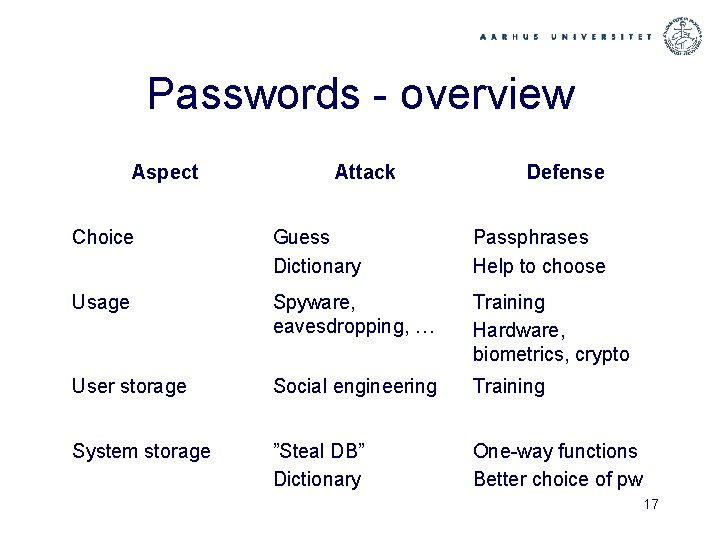
Passwords - overview Aspect Attack Defense Choice Guess Dictionary Passphrases Help to choose Usage Spyware, eavesdropping, … Training Hardware, biometrics, crypto User storage Social engineering Training System storage ”Steal DB” Dictionary One-way functions Better choice of pw 17
Hardware • Not just: prevent exposure of keys. • But also: Make sure your key exists in only one copy – easy to copy files, or magnetic stripe cards – If copying hard, or takes time, better chance that theft is detected • Means hardware can be useful even if breakin possible 18
Chip-card • Cards with computer on board – CPU, RAM, I/O, even RSA co-processor • Fx the new Dan. Kort, SIM-cards for mobile phones … • Physical intrusion not impossible, but hard. . 19
Always necessary to break in? – Analysis of current usage • Naiv implementation pf RSA-encryption – Scan bits in key one by one: • If 0, one set of instructions • If 1, another – Very big difference in current usage of the two – Measure current usage, plot => private-key in cleartext! 20
Tamper resistance • American standard: FIPS • Must detect – Cooling – Shaking – Explosion – Magnetic fields –… 21
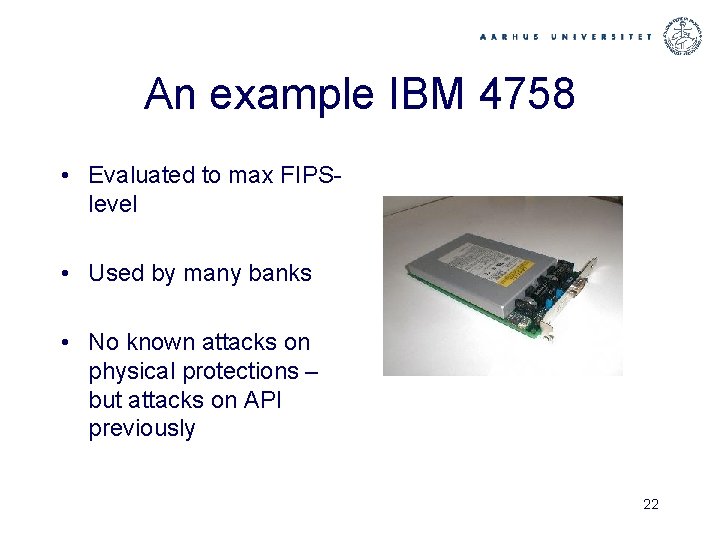
An example IBM 4758 • Evaluated to max FIPSlevel • Used by many banks • No known attacks on physical protections – but attacks on API previously 22
Authenticity – again(!) • Scenario: – RSA private-key in IBM 4758, can only be accessed with smart card and PIN code. • Via software you download (applet) you instruct system to sign document. • But what is actually signed? ! 23
Hardware - overview • Protection – tamper-proof – or: – tamper -evident. • Attacks – Bad API’s – Unforseen sideeffect – Control over both hard- and software? 24
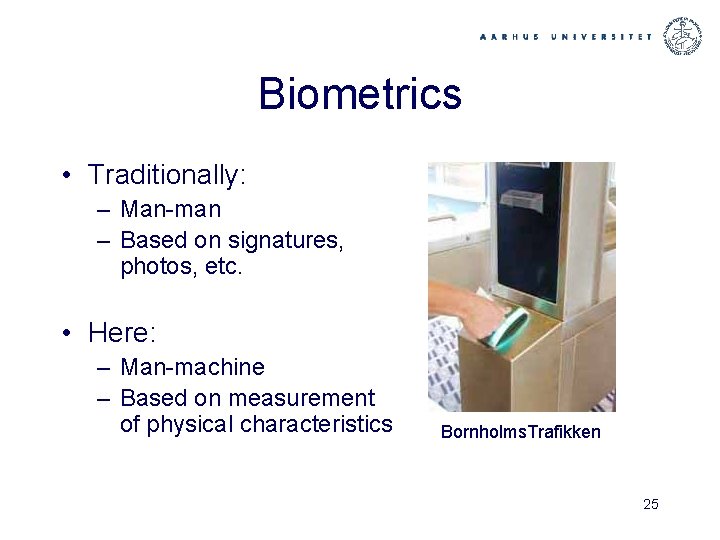
Biometrics • Traditionally: – Man-man – Based on signatures, photos, etc. • Here: – Man-machine – Based on measurement of physical characteristics Bornholms. Trafikken 25
General Solution • Function from individual to data – Based on particular biological characteristics – Database on these • Identifikation: – Measure – (Re-)calculate function – Compare to database 26
False negatives and positives • False negative: rejected, even though you are a legal user • False positive: approved, although you shouldn’t be. • Cannot be completely avoided. What is acceptable is decided by application. 27
Technology • • • Iris-scanning Fingerprint Face shape Handgeometry Speach … • Often the first two are best 28
Pro’s and Con’s • You always bring yourself • But: Anonymity, privacy • May be other ways to get in than by imitating the physical characteristics • Natural physical change of user. • Note: Your fingerprint is not a signature! Biometrics good for access control to your signature key, but cannot replace it 29
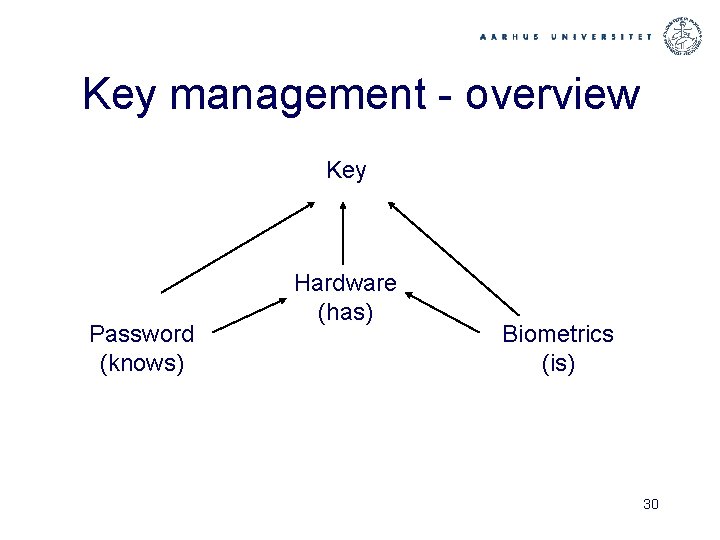
Key management - overview Key Password (knows) Hardware (has) Biometrics (is) 30
A remaining question Have seen ways for system to identify who wants access to something (here a key) Must prevent access without being approved by system Need ways to ”lock up” the ressource. . 31
Two ways to ”lock it up” • If secure hardware around, easy • If not, must go back to crypto • Ex: key to be protected by password without hardware security – must encrypt key under password • Problem: can test all passwords. Solution: slow the process down. 32
- Slides: 32