
Kernel Memory Allocator Exploring memory allocation in Linux

- Slides: 18
Kernel Memory Allocator Exploring memory allocation in Linux kernel 2. 4. 20
KMA Subsystem Goals • • Must be fast (this is crucial) Should minimize memory waste Try to avoid memory fragmentation Cooperate with other kernel subsystems
‘Layered’ software structure At the lowest level, the kernel allocates and frees ‘blocks’ of contiguous pages of phyical memory: struct page * __alloc_pages( zonelist_t *zonelist, unsigned long order ); (The number of pages in a ‘block’ is a power of 2. )
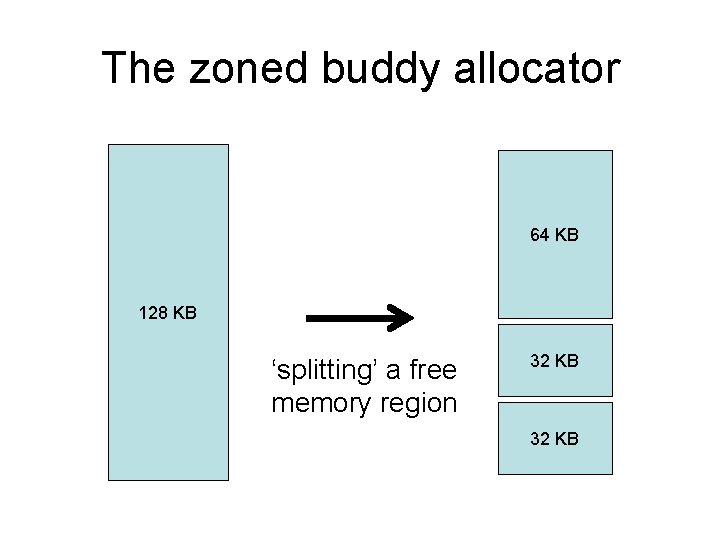
The zoned buddy allocator 64 KB 128 KB ‘splitting’ a free memory region 32 KB
block allocation sizes • Smallest block is 4 KB (i. e. , one page) order = 0 • Largest block is 128 KB (i. e. , 32 pages) order = 5
Inefficiency of small requests • Many requests are for less than a full page • Wasteful to allocate an entire page! • So Linux uses a ‘slab allocator’ subsystem
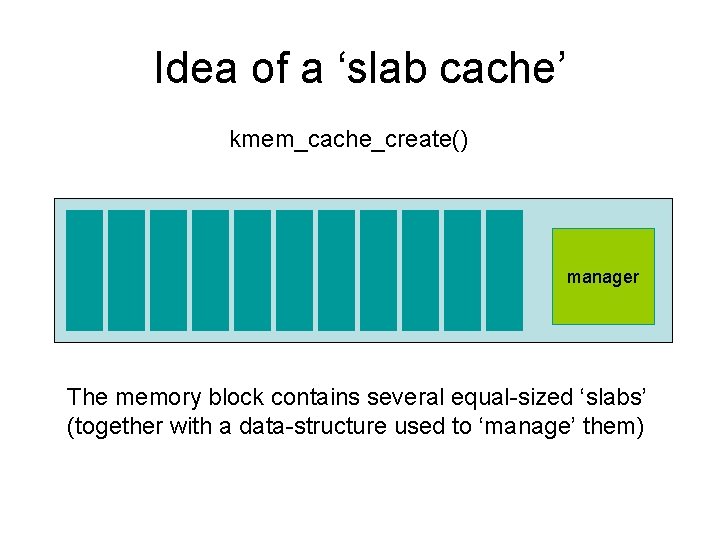
Idea of a ‘slab cache’ kmem_cache_create() manager The memory block contains several equal-sized ‘slabs’ (together with a data-structure used to ‘manage’ them)
Allocation Flags __get_free_pages( flags, order ); • • • GFP_KERNEL (might sleep) GFP_ATOMIC (will not sleep) GFP_USER (low priority) __GFP_DMA (below 16 MB) __GFP_HIGHMEM (from high_memory)
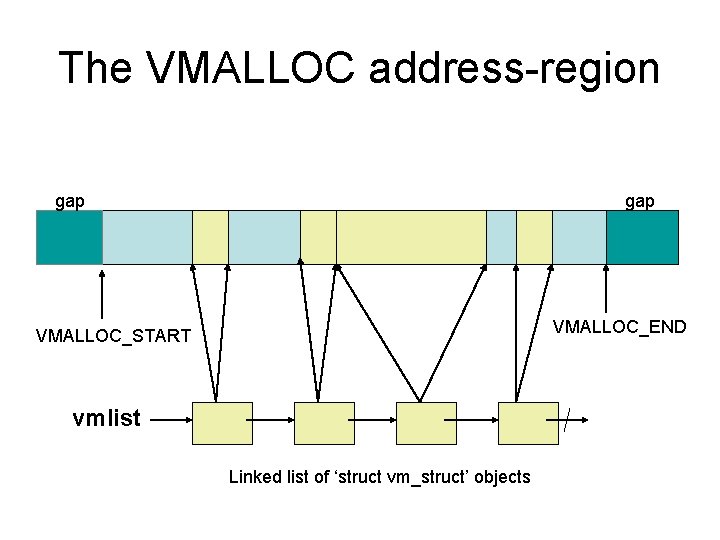
Virtual memory allocations • Want to allocate a larger-sized block? • Don’t need physically contiguous pages? • You can use the ‘vmalloc()’ function
The VMALLOC address-region gap VMALLOC_END VMALLOC_START vmlist Linked list of ‘struct vm_struct’ objects
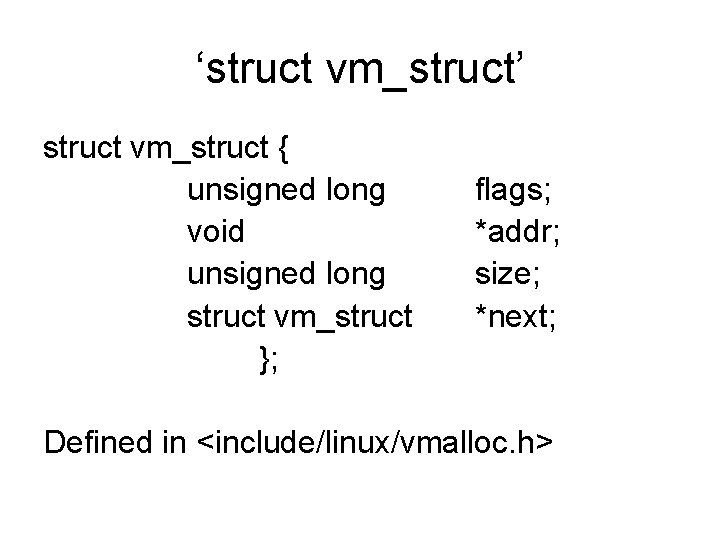
‘struct vm_struct’ struct vm_struct { unsigned long void unsigned long struct vm_struct }; flags; *addr; size; *next; Defined in <include/linux/vmalloc. h>
The ‘vmlist’ variable • Not a public kernel symbol: $ grep vmlist /proc/ksyms • So our modules cannot link to ‘vmlist’ • Yet maybe we can find its address anyway
The ‘System. map’ file When the kernel is compiled, a textfile gets created in the ‘source’ directory: /usr/src/linux/System. map Each line shows the name and address for a kernel symbol (function-name or data-object)
Sometimes file gets moved • Some Linux distributions copy (or move) the ‘System. map’ file to ‘/boot’ directory • Some Linux distributions rename the file (e. g. , ‘/boot/System. map-2. 4. 20’) • This file will show where ‘vmlist’ is located (Can we find our ‘System. map’ file? )
Another ‘solution’ • We can ‘decompile’ our Linux kernel! • The compiled kernel is written to the file: ‘vmlinux’ • gcc puts file in the ‘/usr/src/linux’ directory • Some distributions may move (or delete) it • It is NOT the same as the file ‘vmlinuz’ ! • Can use ‘objdump’ to get a list of symbols
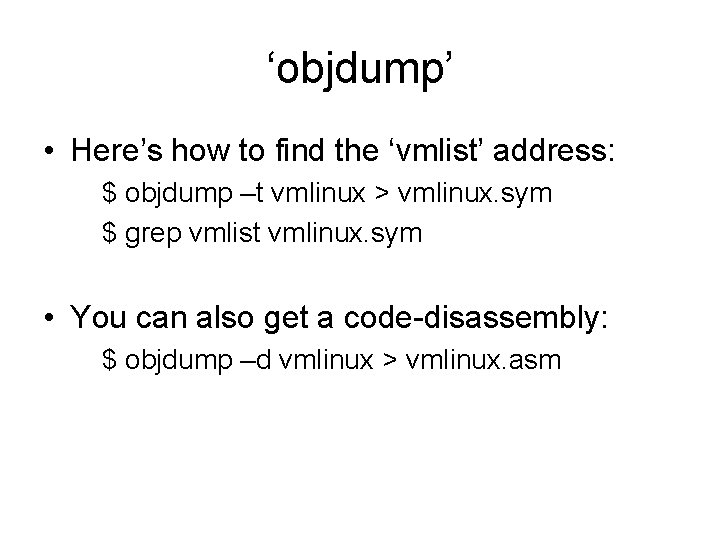
‘objdump’ • Here’s how to find the ‘vmlist’ address: $ objdump –t vmlinux > vmlinux. sym $ grep vmlist vmlinux. sym • You can also get a code-disassembly: $ objdump –d vmlinux > vmlinux. asm
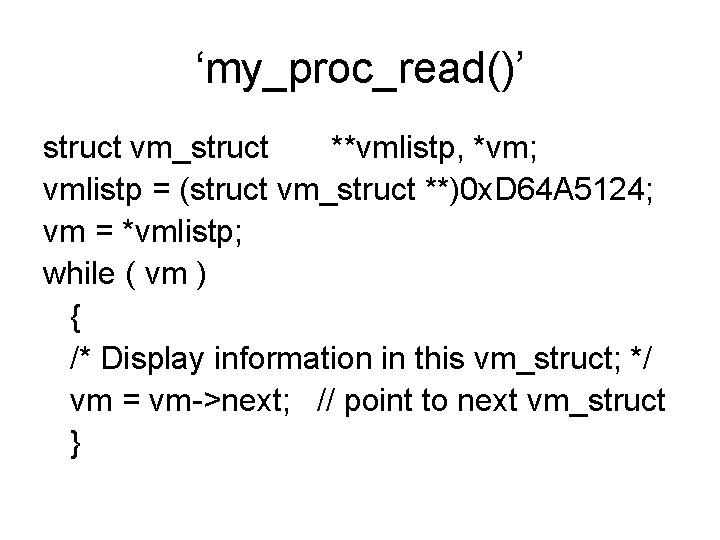
Looking at ‘vm_struct’ list • Let’s write a module (named ‘vmlist. c’) • It will create a pseudo-file: ‘/proc/vmlist’ • We can look at the current ‘vmlist’ objects: $ cat /proc/vmlist • Similar to seeing list of process descriptors
‘my_proc_read()’ struct vm_struct **vmlistp, *vm; vmlistp = (struct vm_struct **)0 x. D 64 A 5124; vm = *vmlistp; while ( vm ) { /* Display information in this vm_struct; */ vm = vm->next; // point to next vm_struct }