
Kernel Enhancements For Windows Server Longhorn Mike Tricker

- Slides: 34
Kernel Enhancements For Windows Server Longhorn Mike Tricker Program Manager Windows Core Platform Architecture Microsoft Corporation
Agenda Kernel enhancements for Windows Server Codename “Longhorn” Pointers to other relevant sessions and material Future ideas we’re considering Call to action
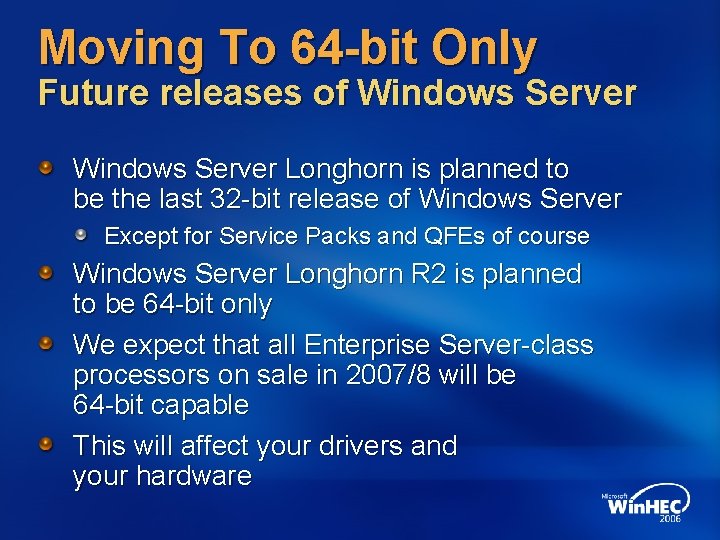
Moving To 64 -bit Only Future releases of Windows Server Longhorn is planned to be the last 32 -bit release of Windows Server Except for Service Packs and QFEs of course Windows Server Longhorn R 2 is planned to be 64 -bit only We expect that all Enterprise Server-class processors on sale in 2007/8 will be 64 -bit capable This will affect your drivers and your hardware
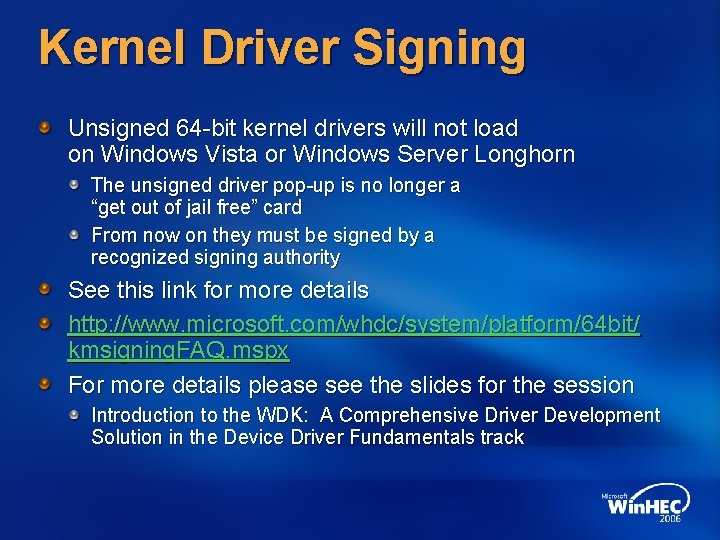
Kernel Driver Signing Unsigned 64 -bit kernel drivers will not load on Windows Vista or Windows Server Longhorn The unsigned driver pop-up is no longer a “get out of jail free” card From now on they must be signed by a recognized signing authority See this link for more details http: //www. microsoft. com/whdc/system/platform/64 bit/ kmsigning. FAQ. mspx For more details please see the slides for the session Introduction to the WDK: A Comprehensive Driver Development Solution in the Device Driver Fundamentals track
Patch. Guard 64 -bit on x 64 Targeting root kits and other malware If critical system structures get changed the system will bugcheck, for example System service tables IDT GDT Kernel stacks not allocated by the kernel Patching any part of the kernel So if you have drivers that modify (or create) such kernel structures they will cause the system to bugcheck Together with Windows Defender it’s increasing Windows robustness
The HAL No more uni-processor (UP) HALs And thus no UP kernel either Single threaded (versus single processor) server systems are becoming increasingly rare No support for non-ACPI HALs ACPI has been required for logo since 1998 Now Windows Vista and Windows Server Longhorn will fail to install on a non-ACPI BIOS No HAL kit Relatively low impact
The New Boot Environment Including UEFI support Say goodbye to boot. ini, ARC paths and using Notepad to make boot option changes! 64 -bit x 64 Windows Server Longhorn will support booting via UEFI 2. 0 IA-64 supports both EFI 1. 1 and UEFI 2. 0 For more details please see the slides for the session: Inside the Windows Pre-Boot and Boot Environment in the System Fundamentals – Core Platform Architecture and Security track
Native PCI Express Support Windows Vista and Windows Server Longhorn have native support for MSI and MSI-X Extended configuration space Segments Custom properties Advanced error reporting Native hot plug Active state power management Native power management events For more details please see the slides for the session PCI Express in Depth for Windows Vista and Beyond in the System Fundamentals – Core Platform Architecture and Security track
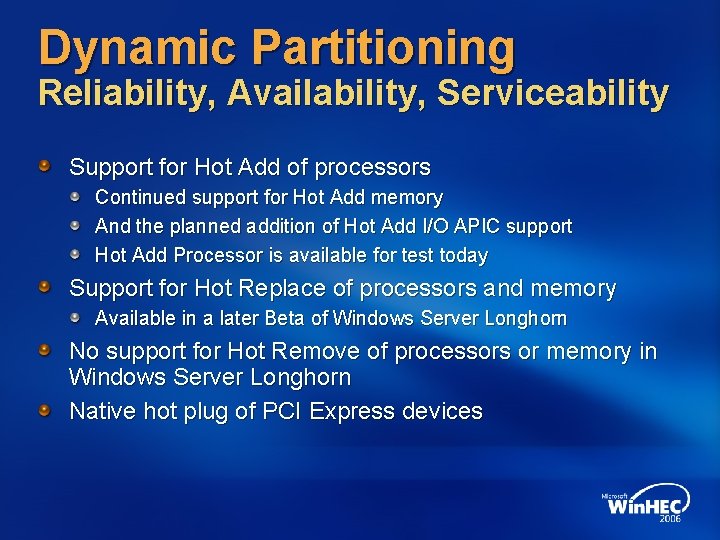
Dynamic Partitioning Reliability, Availability, Serviceability Support for Hot Add of processors Continued support for Hot Add memory And the planned addition of Hot Add I/O APIC support Hot Add Processor is available for test today Support for Hot Replace of processors and memory Available in a later Beta of Windows Server Longhorn No support for Hot Remove of processors or memory in Windows Server Longhorn Native hot plug of PCI Express devices
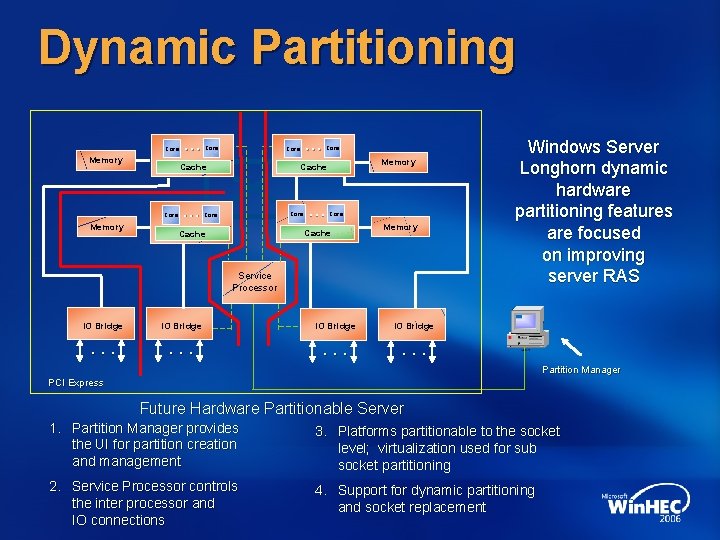
Dynamic Partitioning Core Memory Core … … Core Cache Core Memory … Core Memory Cache Core … Core Cache Memory Service Processor IO Bridge . . . Windows Server Longhorn dynamic hardware partitioning features are focused on improving server RAS Partition Manager PCI Express Future Hardware Partitionable Server 1. Partition Manager provides the UI for partition creation and management 3. Platforms partitionable to the socket level; virtualization used for sub socket partitioning 2. Service Processor controls the inter processor and IO connections 4. Support for dynamic partitioning and socket replacement
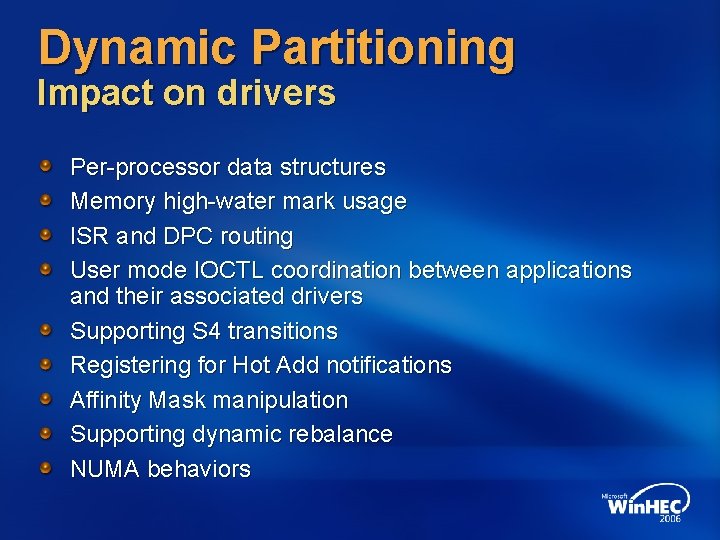
Dynamic Partitioning Impact on drivers Per-processor data structures Memory high-water mark usage ISR and DPC routing User mode IOCTL coordination between applications and their associated drivers Supporting S 4 transitions Registering for Hot Add notifications Affinity Mask manipulation Supporting dynamic rebalance NUMA behaviors
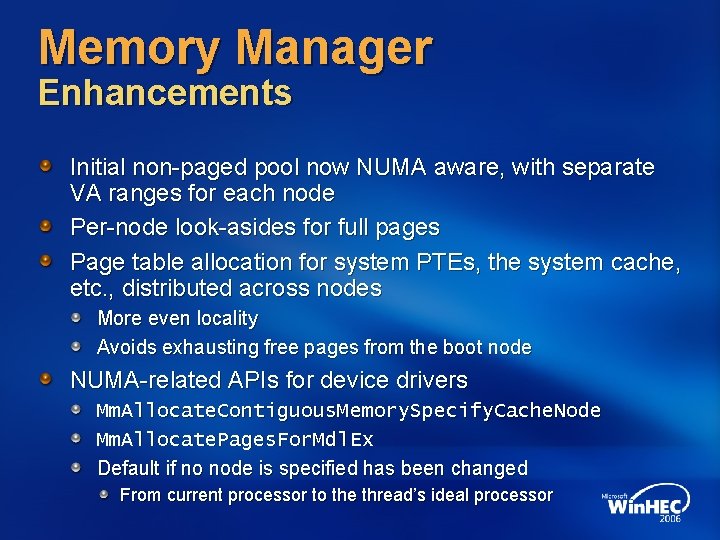
Memory Manager Enhancements Initial non-paged pool now NUMA aware, with separate VA ranges for each node Per-node look-asides for full pages Page table allocation for system PTEs, the system cache, etc. , distributed across nodes More even locality Avoids exhausting free pages from the boot node NUMA-related APIs for device drivers Mm. Allocate. Contiguous. Memory. Specify. Cache. Node Mm. Allocate. Pages. For. Mdl. Ex Default if no node is specified has been changed From current processor to the thread’s ideal processor
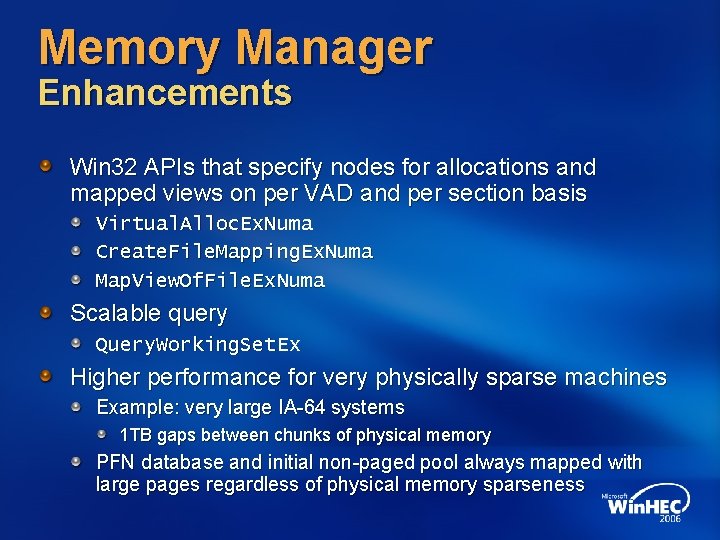
Memory Manager Enhancements Win 32 APIs that specify nodes for allocations and mapped views on per VAD and per section basis Virtual. Alloc. Ex. Numa Create. File. Mapping. Ex. Numa Map. View. Of. File. Ex. Numa Scalable query Query. Working. Set. Ex Higher performance for very physically sparse machines Example: very large IA-64 systems 1 TB gaps between chunks of physical memory PFN database and initial non-paged pool always mapped with large pages regardless of physical memory sparseness
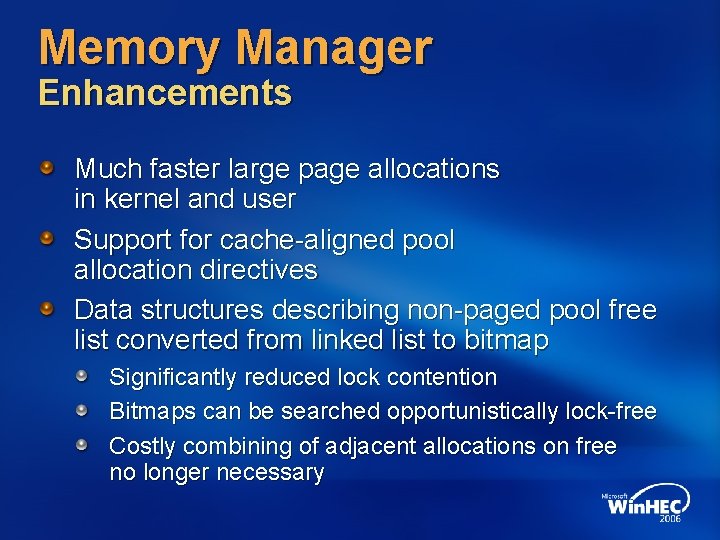
Memory Manager Enhancements Much faster large page allocations in kernel and user Support for cache-aligned pool allocation directives Data structures describing non-paged pool free list converted from linked list to bitmap Significantly reduced lock contention Bitmaps can be searched opportunistically lock-free Costly combining of adjacent allocations on free no longer necessary
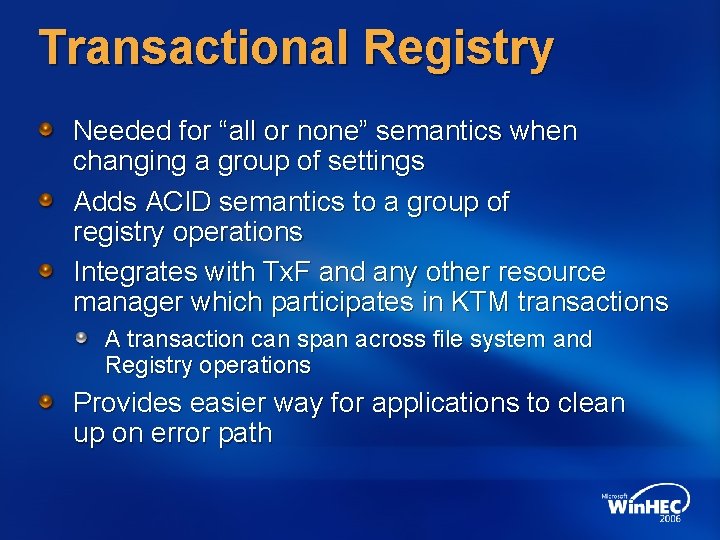
Transactional Registry Needed for “all or none” semantics when changing a group of settings Adds ACID semantics to a group of registry operations Integrates with Tx. F and any other resource manager which participates in KTM transactions A transaction can span across file system and Registry operations Provides easier way for applications to clean up on error path
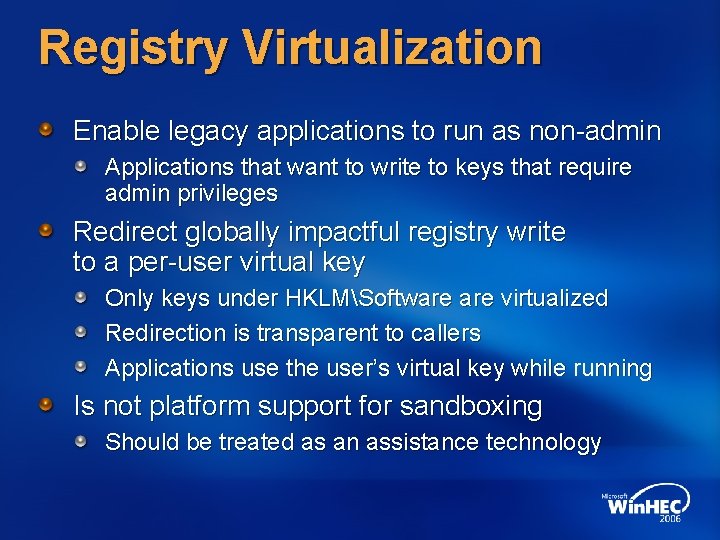
Registry Virtualization Enable legacy applications to run as non-admin Applications that want to write to keys that require admin privileges Redirect globally impactful registry write to a per-user virtual key Only keys under HKLMSoftware virtualized Redirection is transparent to callers Applications use the user’s virtual key while running Is not platform support for sandboxing Should be treated as an assistance technology
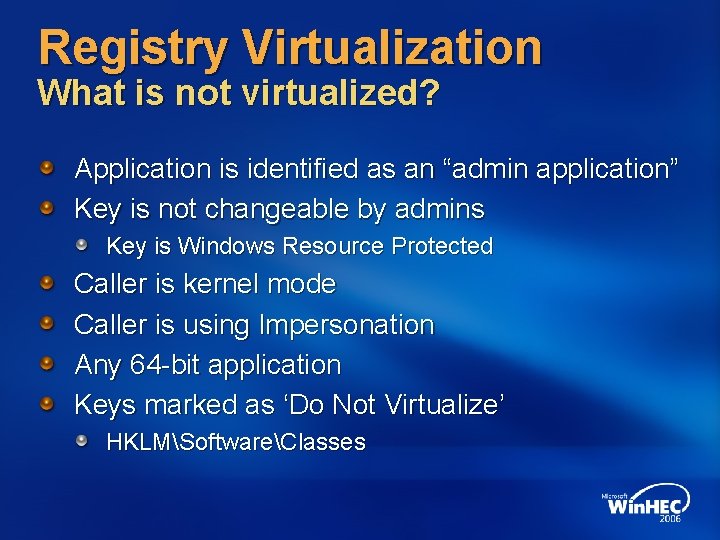
Registry Virtualization What is not virtualized? Application is identified as an “admin application” Key is not changeable by admins Key is Windows Resource Protected Caller is kernel mode Caller is using Impersonation Any 64 -bit application Keys marked as ‘Do Not Virtualize’ HKLMSoftwareClasses
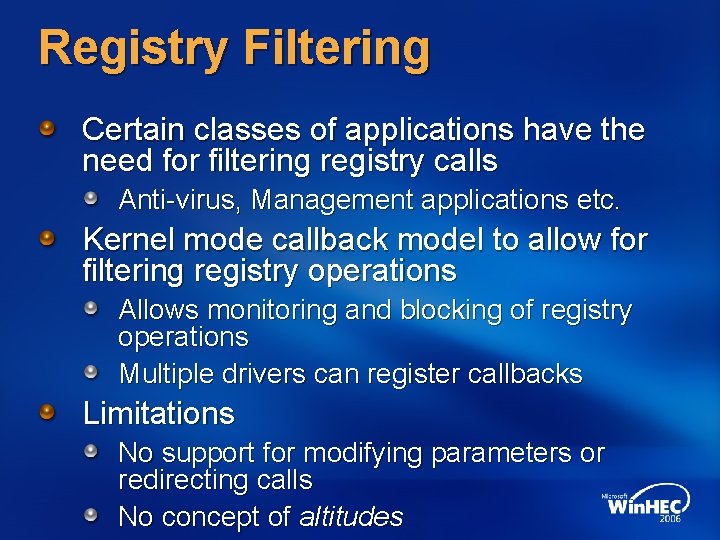
Registry Filtering Certain classes of applications have the need for filtering registry calls Anti-virus, Management applications etc. Kernel mode callback model to allow for filtering registry operations Allows monitoring and blocking of registry operations Multiple drivers can register callbacks Limitations No support for modifying parameters or redirecting calls No concept of altitudes
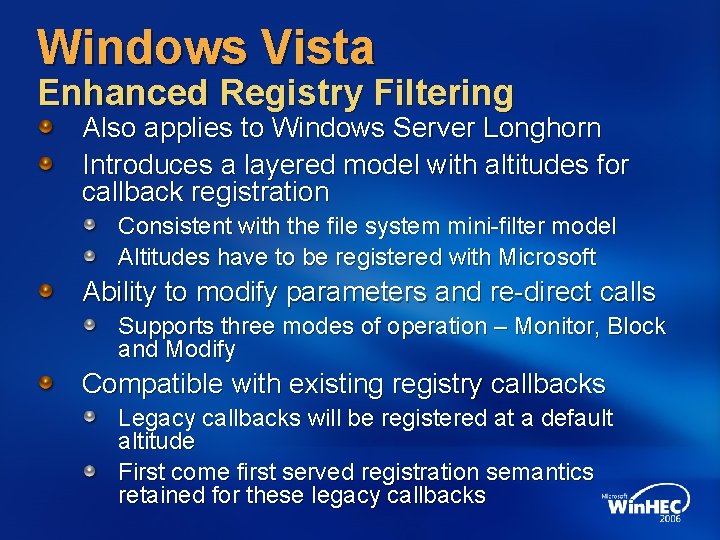
Windows Vista Enhanced Registry Filtering Also applies to Windows Server Longhorn Introduces a layered model with altitudes for callback registration Consistent with the file system mini-filter model Altitudes have to be registered with Microsoft Ability to modify parameters and re-direct calls Supports three modes of operation – Monitor, Block and Modify Compatible with existing registry callbacks Legacy callbacks will be registered at a default altitude First come first served registration semantics retained for these legacy callbacks
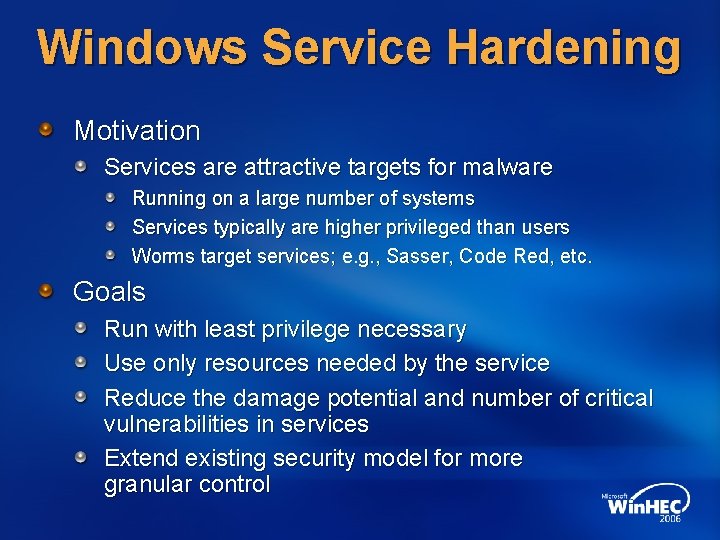
Windows Service Hardening Motivation Services are attractive targets for malware Running on a large number of systems Services typically are higher privileged than users Worms target services; e. g. , Sasser, Code Red, etc. Goals Run with least privilege necessary Use only resources needed by the service Reduce the damage potential and number of critical vulnerabilities in services Extend existing security model for more granular control
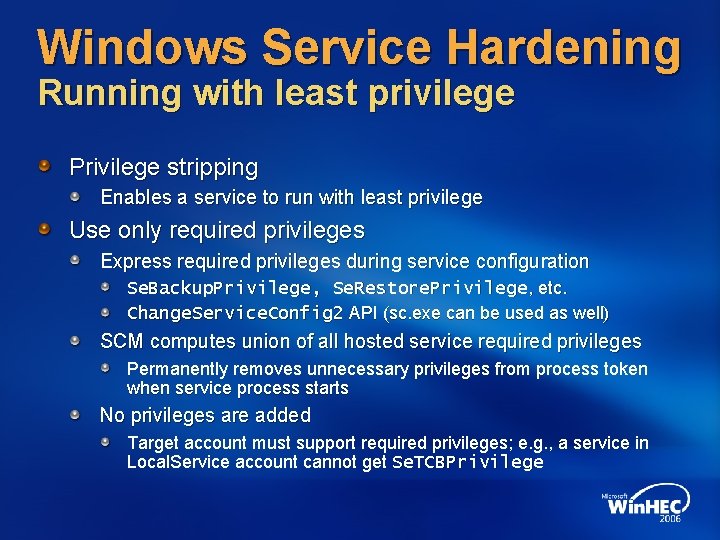
Windows Service Hardening Running with least privilege Privilege stripping Enables a service to run with least privilege Use only required privileges Express required privileges during service configuration Se. Backup. Privilege, Se. Restore. Privilege, etc. Change. Service. Config 2 API (sc. exe can be used as well) SCM computes union of all hosted service required privileges Permanently removes unnecessary privileges from process token when service process starts No privileges are added Target account must support required privileges; e. g. , a service in Local. Service account cannot get Se. TCBPrivilege
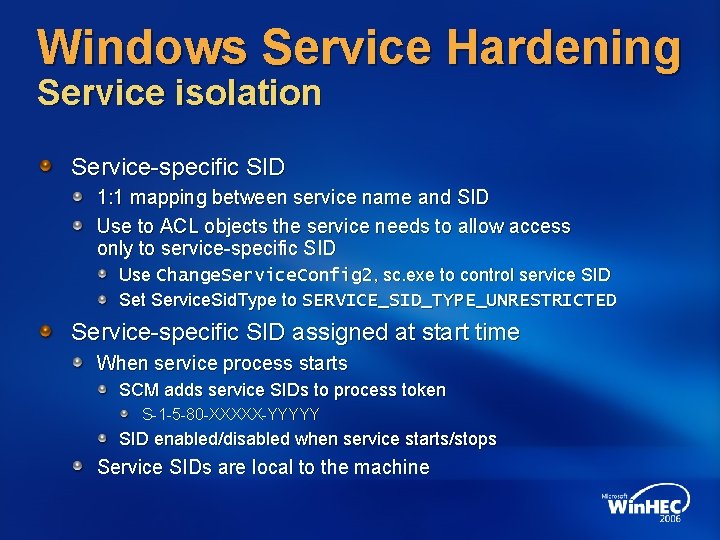
Windows Service Hardening Service isolation Service-specific SID 1: 1 mapping between service name and SID Use to ACL objects the service needs to allow access only to service-specific SID Use Change. Service. Config 2, sc. exe to control service SID Set Service. Sid. Type to SERVICE_SID_TYPE_UNRESTRICTED Service-specific SID assigned at start time When service process starts SCM adds service SIDs to process token S-1 -5 -80 -XXXXX-YYYYY SID enabled/disabled when service starts/stops Service SIDs are local to the machine
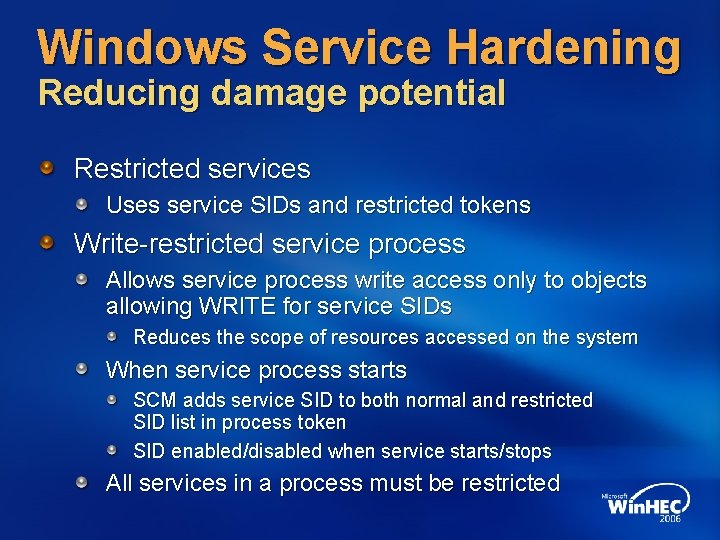
Windows Service Hardening Reducing damage potential Restricted services Uses service SIDs and restricted tokens Write-restricted service process Allows service process write access only to objects allowing WRITE for service SIDs Reduces the scope of resources accessed on the system When service process starts SCM adds service SID to both normal and restricted SID list in process token SID enabled/disabled when service starts/stops All services in a process must be restricted
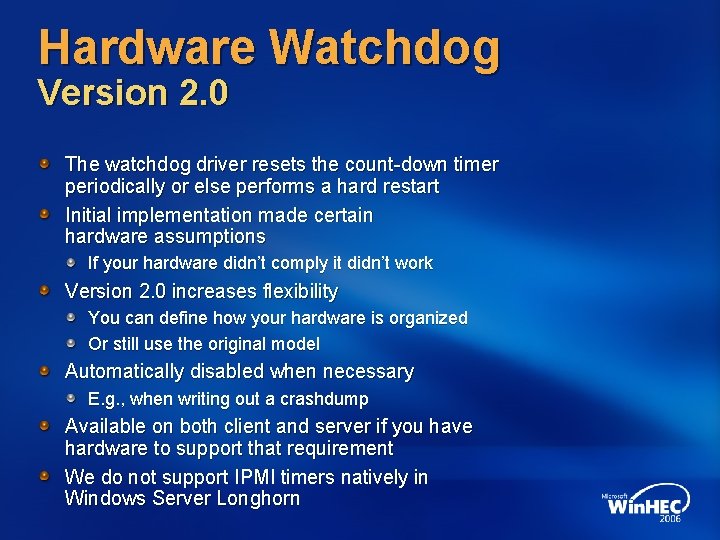
Hardware Watchdog Version 2. 0 The watchdog driver resets the count-down timer periodically or else performs a hard restart Initial implementation made certain hardware assumptions If your hardware didn’t comply it didn’t work Version 2. 0 increases flexibility You can define how your hardware is organized Or still use the original model Automatically disabled when necessary E. g. , when writing out a crashdump Available on both client and server if you have hardware to support that requirement We do not support IPMI timers natively in Windows Server Longhorn
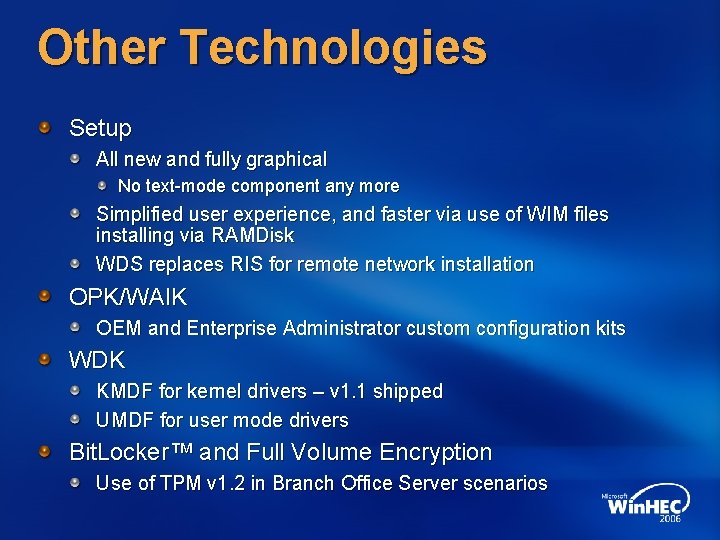
Other Technologies Setup All new and fully graphical No text-mode component any more Simplified user experience, and faster via use of WIM files installing via RAMDisk WDS replaces RIS for remote network installation OPK/WAIK OEM and Enterprise Administrator custom configuration kits WDK KMDF for kernel drivers – v 1. 1 shipped UMDF for user mode drivers Bit. Locker™ and Full Volume Encryption Use of TPM v 1. 2 in Branch Office Server scenarios
Future Technologies
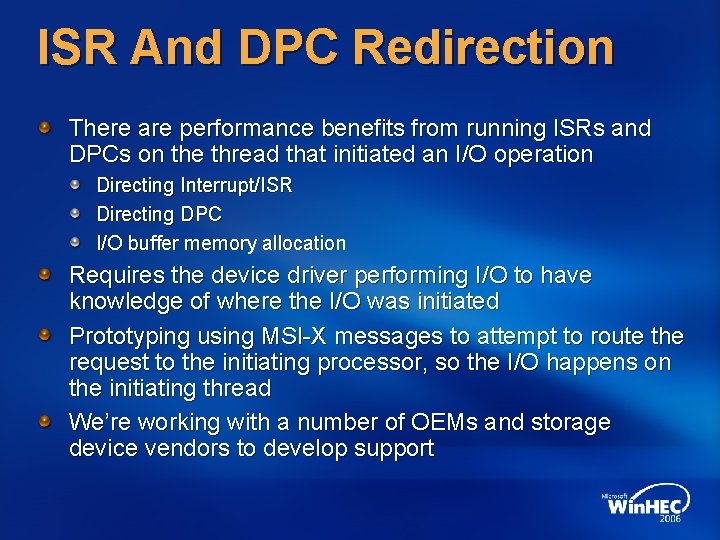
ISR And DPC Redirection There are performance benefits from running ISRs and DPCs on the thread that initiated an I/O operation Directing Interrupt/ISR Directing DPC I/O buffer memory allocation Requires the device driver performing I/O to have knowledge of where the I/O was initiated Prototyping using MSI-X messages to attempt to route the request to the initiating processor, so the I/O happens on the initiating thread We’re working with a number of OEMs and storage device vendors to develop support
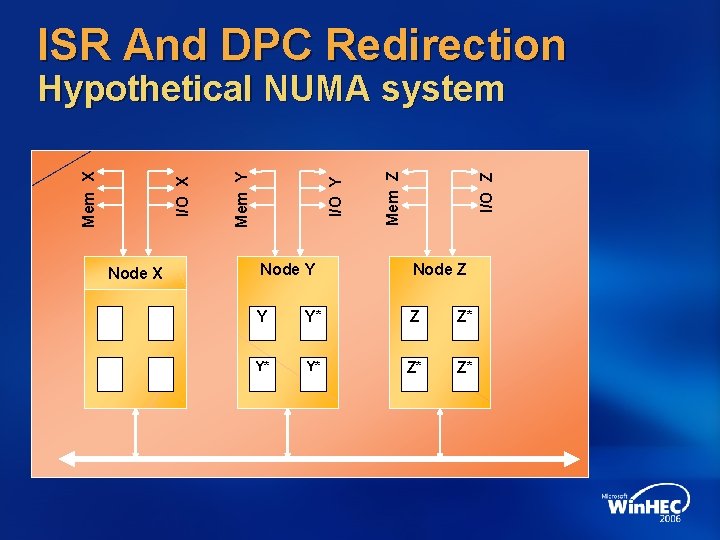
ISR And DPC Redirection Node X I/O Z Mem Z I/O Y Mem Y I/O X Mem X Hypothetical NUMA system Node Y Node Z Y Y* Z Z* Y* Y* Z* Z*
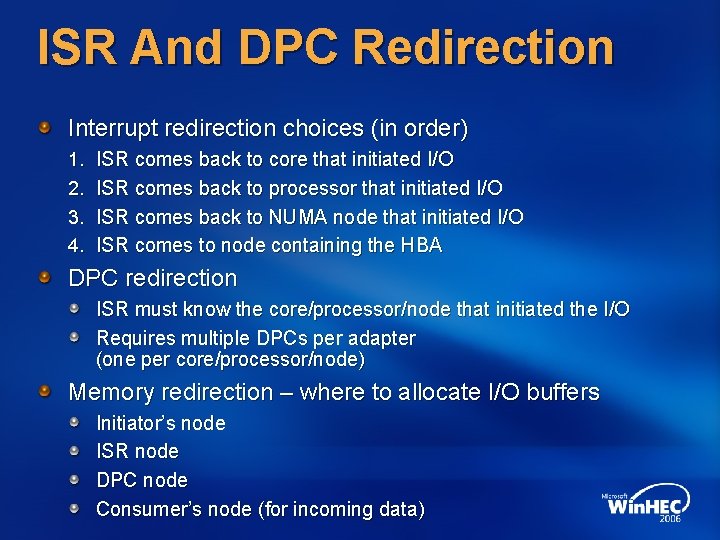
ISR And DPC Redirection Interrupt redirection choices (in order) 1. 2. 3. 4. ISR comes back to core that initiated I/O ISR comes back to processor that initiated I/O ISR comes back to NUMA node that initiated I/O ISR comes to node containing the HBA DPC redirection ISR must know the core/processor/node that initiated the I/O Requires multiple DPCs per adapter (one per core/processor/node) Memory redirection – where to allocate I/O buffers Initiator’s node ISR node DPC node Consumer’s node (for incoming data)
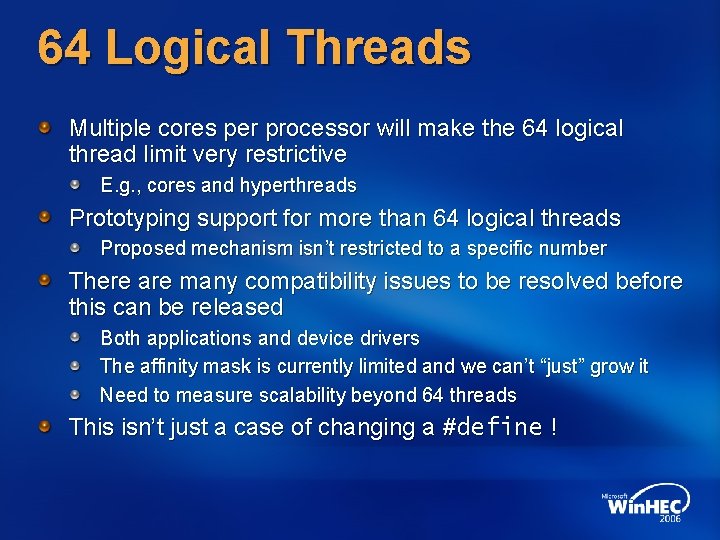
64 Logical Threads Multiple cores per processor will make the 64 logical thread limit very restrictive E. g. , cores and hyperthreads Prototyping support for more than 64 logical threads Proposed mechanism isn’t restricted to a specific number There are many compatibility issues to be resolved before this can be released Both applications and device drivers The affinity mask is currently limited and we can’t “just” grow it Need to measure scalability beyond 64 threads This isn’t just a case of changing a #define !
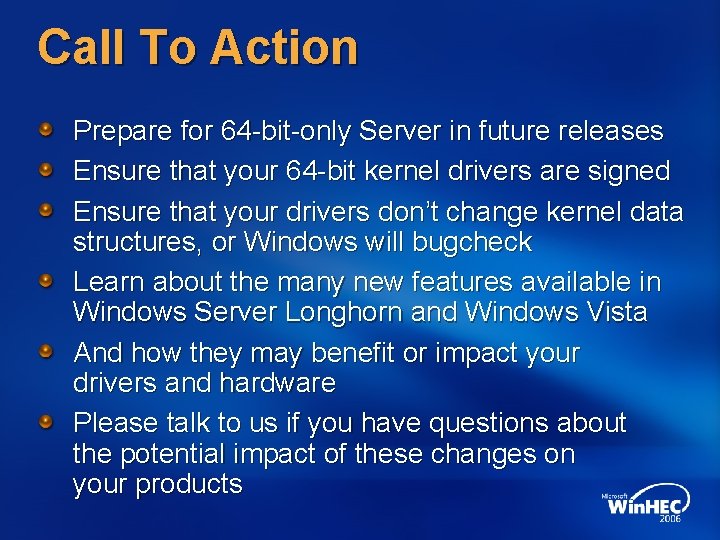
Call To Action Prepare for 64 -bit-only Server in future releases Ensure that your 64 -bit kernel drivers are signed Ensure that your drivers don’t change kernel data structures, or Windows will bugcheck Learn about the many new features available in Windows Server Longhorn and Windows Vista And how they may benefit or impact your drivers and hardware Please talk to us if you have questions about the potential impact of these changes on your products
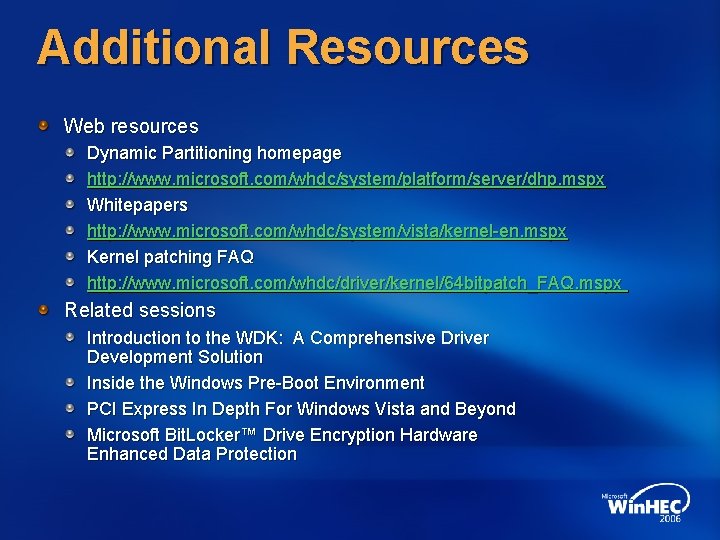
Additional Resources Web resources Dynamic Partitioning homepage http: //www. microsoft. com/whdc/system/platform/server/dhp. mspx Whitepapers http: //www. microsoft. com/whdc/system/vista/kernel-en. mspx Kernel patching FAQ http: //www. microsoft. com/whdc/driver/kernel/64 bitpatch_FAQ. mspx Related sessions Introduction to the WDK: A Comprehensive Driver Development Solution Inside the Windows Pre-Boot Environment PCI Express In Depth For Windows Vista and Beyond Microsoft Bit. Locker™ Drive Encryption Hardware Enhanced Data Protection
© 2006 Microsoft Corporation. All rights reserved. Microsoft, Windows Vista and other product names are or may be registered trademarks and/or trademarks in the U. S. and/or other countries. The information herein is for informational purposes only and represents the current view of Microsoft Corporation as of the date of this presentation. Because Microsoft must respond to changing market conditions, it should not be interpreted to be a commitment on the part of Microsoft, and Microsoft cannot guarantee the accuracy of any information provided after the date of this presentation. MICROSOFT MAKES NO WARRANTIES, EXPRESS, IMPLIED OR STATUTORY, AS TO THE INFORMATION IN THIS PRESENTATION.